11 Best Insightful Alternatives in 2026 (Compared)



Insightful is a workforce analytics and employee monitoring platform that tracks app usage, website activity, screenshots, and work trends. It supports remote, hybrid, and office teams.
We compared 11 Insightful alternatives based on pricing, mobile access, AI features, user ratings, and ease of setup. Flowace ranked highest based on overall value and features. The comparison table below shows how each tool compares.
What Is Insightful?
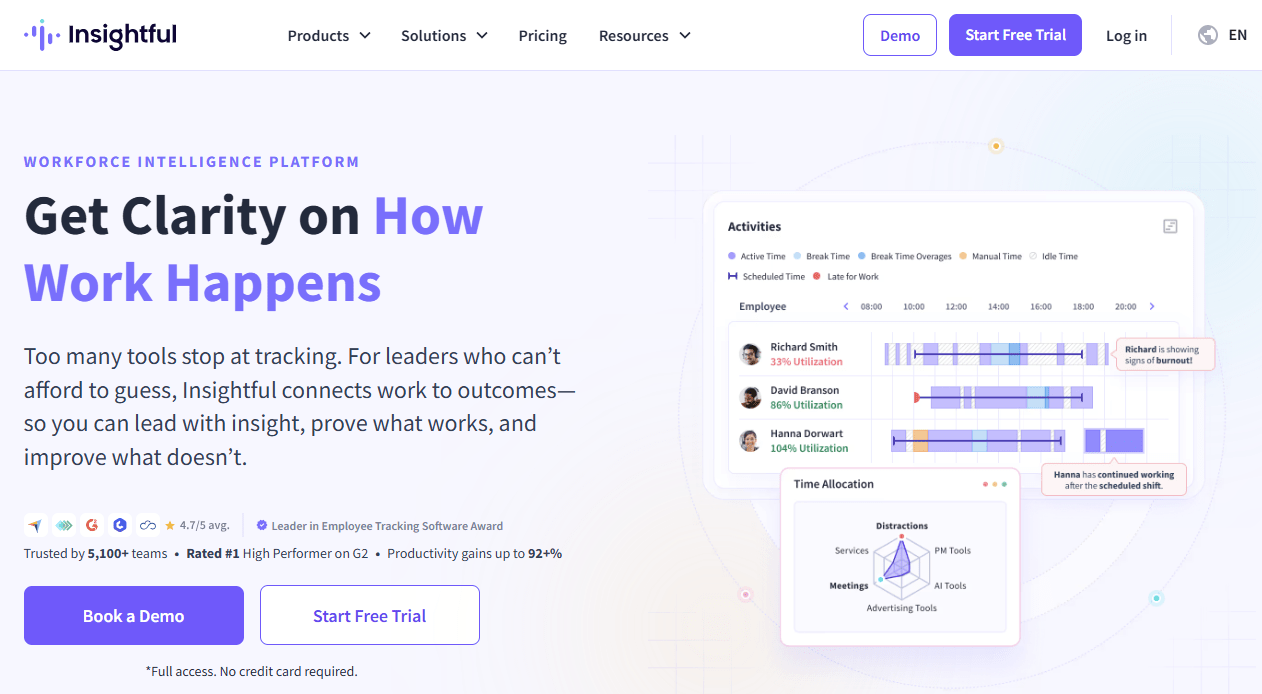
Source: Insightful
Insightful is a workforce analytics platform. It shows managers how work gets done. It tracks time, app use, and screenshots. It also tracks how teams use AI tools at work. Insightful serves finance, healthcare, IT, and retail teams. It works best for office, remote, and hybrid teams that use a computer for most of the day. Many teams still look for Insightful alternatives once they hit its limits.
Why Teams Look for Insightful Alternatives in 2026?
Insightful works well for many teams. Demand for tools like this keeps rising.
Still, a few real gaps push buyers to search for Insightful alternatives each year.
- No mobile app. Insightful runs on desktop only. Field staff cannot use it on a phone. Reviews on G2 confirm this gap is still true in 2026.
- Add-ons raise the real price. Screenshots and screen recording cost extra. This is per Insightful’s own pricing page.
- No free plan. Small teams cannot try Insightful for free.
- Annual billing gives the lowest price. Monthly billing costs more per seat.
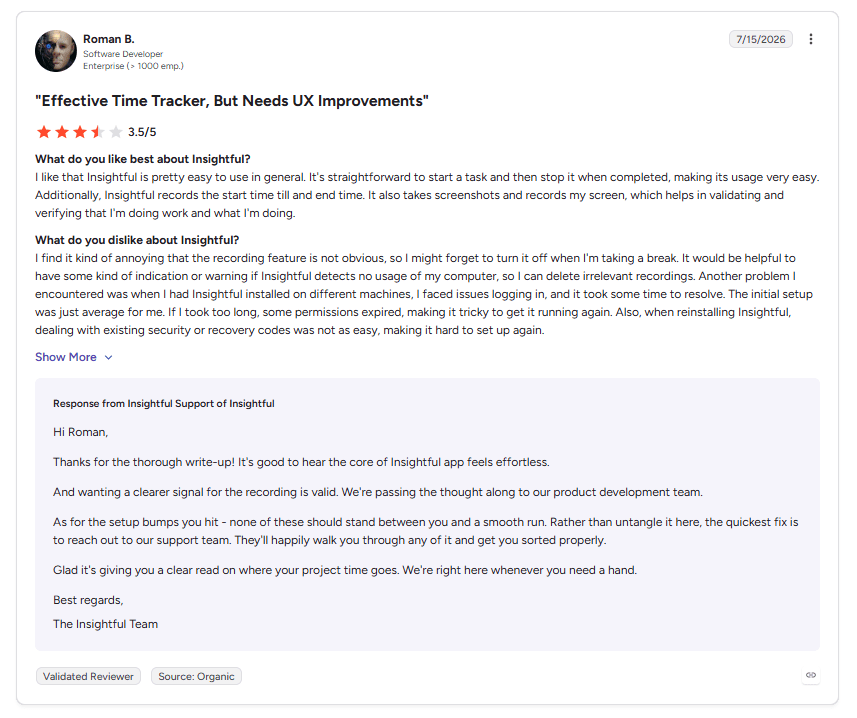
These four gaps are why teams search for Insightful alternatives today.
Quick Comparison of the Best Insightful Alternatives
The table below lines up every Insightful alternatives on this list side by side.
|
Tool |
Best For | Mobile App | Starting Price | Free Plan | Free Trial | G2 Rating |
|
Flowace |
BPO, and IT teams that want AI insights and mobile access | Yes | $1.99
/user/mo |
No | 7 days, no credit card required |
4.6/5 (137 reviews) |
| ActivTrak | Deep behavior data | Yes | $10
/worker/mo |
Yes, up to 3 users | 14 days, no credit card required |
4.3/5 (333 reviews) |
|
Hubstaff |
Field teams that need GPS | Yes | $4.99/seat/mo | No | 14 days, no credit card required | 4.4/5 (2288 reviews) |
| Teramind | Security, and compliance teams | No | $13.74
/seat/mo |
No | 7 days cloud / 14 days on-premise |
4.6/5 (155 reviews) |
|
DeskTime |
Simple auto tracking | Yes | $6.42
/user/mo |
No | 14 days | 4.5/5 (401 reviews) |
| TimeCamp | Freelancer and small teams | Yes | $2.49
/user |
Yes, basic features | 14 days |
4.7/5 (379 reviews) |
|
Kickidler |
Screen recording, at a low cost | No | $33
/mo |
Yes | 14 days, no credit card required | 4.8/5 (147 reviews) |
| We360.ai | India-based SMB teams | Yes | $4.17/user/mo | No | 7 days |
4.8/5 (497 reviews) |
|
ProHance |
Large global ops centers | Yes | Custom Quote | – | Upon Request | 4.6/5 (229 reviews) |
| Apploye | Budget remote teams | Yes | $4.50
/user/mo |
Yes | 10 days, no credit card required |
4.7/5 (44 reviews) |
|
CleverControl |
Small outsourcing teams | No | $12.40/pc/mo | No | Yes |
4.6/5 (23 reviews) |
How We Evaluated These Insightful Alternatives?
We built this list with five checks based on live vendor data, so every Insightful alternatives get a fair, and even look.
- Pricing. We used the price on each vendor’s own site.
- Mobile access. We checked for a real mobile app.
- AI insights. We checked if the tool turns raw data into clear signals, like burnout risk.
- G2 rating and review volume. We checked the current score and how many verified reviews back it.
- Monitoring depth. We checked what each tool watches. Some track apps. Some add screenshots, keystrokes, or video.
11 Best Insightful Alternatives in 2026
Here are the 11 tools that come up most when teams search for Insightful alternatives. Each Insightful alternative below gets the same fair check on price, features, and G2 rating.
1. Flowace
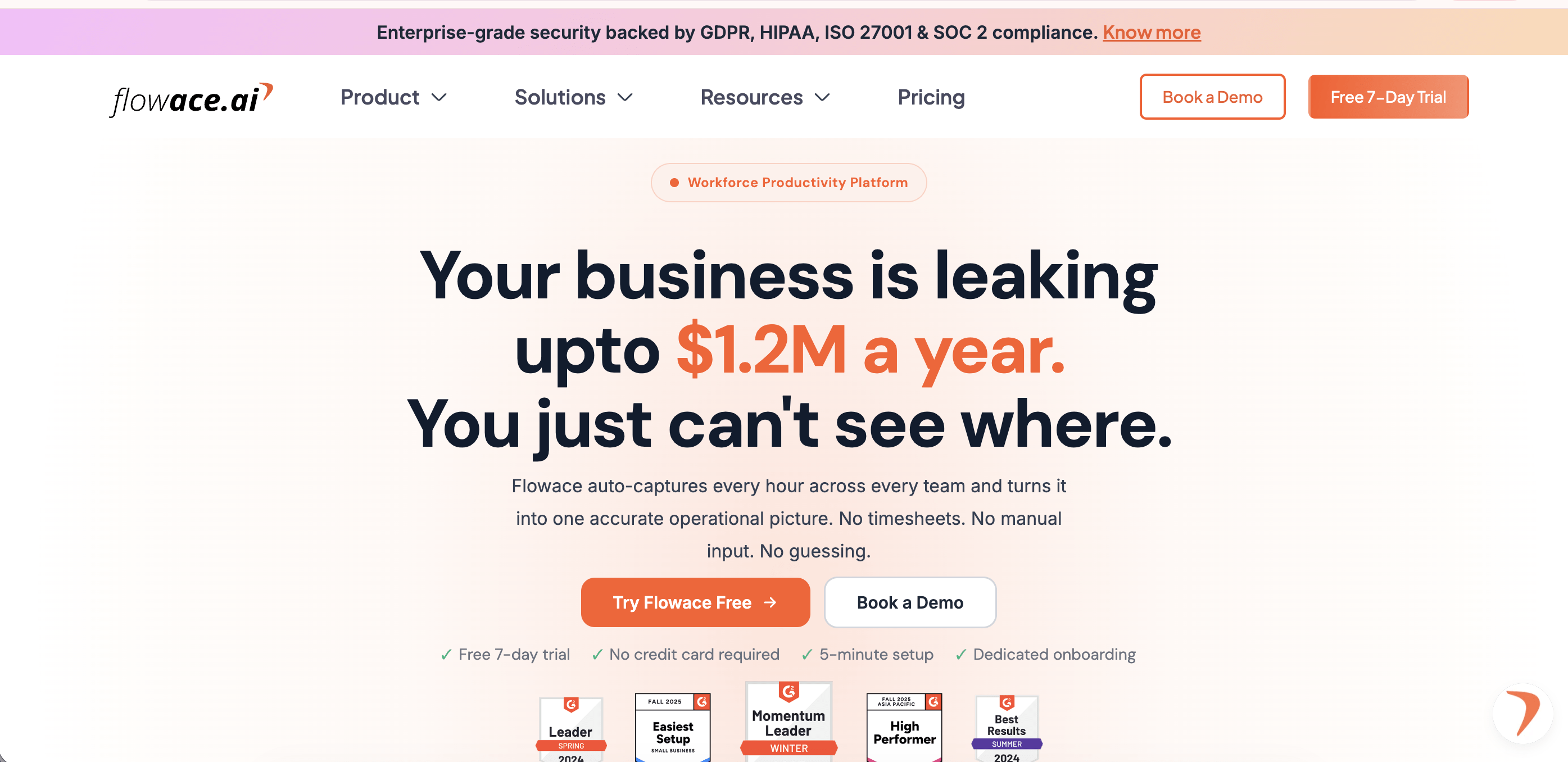
Source: Flowace
Flowace is an AI-powered workforce analytics and employee monitoring platform. It is built for BPO, IT, and operations teams that want mobile access and clear AI insights.
It tracks time and apps the same way Insightful does. It adds an AI layer on top. This layer turns raw activity into signals, like employee burnout risk and focus trends.
Key features:
- Automatic time and activity tracking, with no manual timers.
- AI-powered productivity insights that flag burnout risk.
- A real mobile app for in-office, remote, and hybrid staff.
- Employee monitoring with screenshots, and idle time, included on every plan.
- Links to 70+ integrations including Jira, Asana, and Slack.
Pros:
- Lower starting price than Insightful, ActivTrak, and Hubstaff.
- Real mobile app for field and hybrid staff.
- AI insights included on every plan, not sold as an add-on.
- No forced paywalled add-ons for core monitoring features.
Cons:
- Newer brand outside India and BPO markets than older US tools.
- Fewer third-party integrations than legacy players like Hubstaff.
- Limited public track record outside its core BPO and IT customer base.
Pricing:
Flowace pricing starts at $1.99 per user/month for the Basic plan, $3.99 for Standard, and $6.98 for Premium when billed yearly. Enterprise pricing is custom. A 7-day free trial is available without a credit card.
G2 rating:
4.6/5 based on 137 reviews
2. ActivTrak
Source: ActivTrak
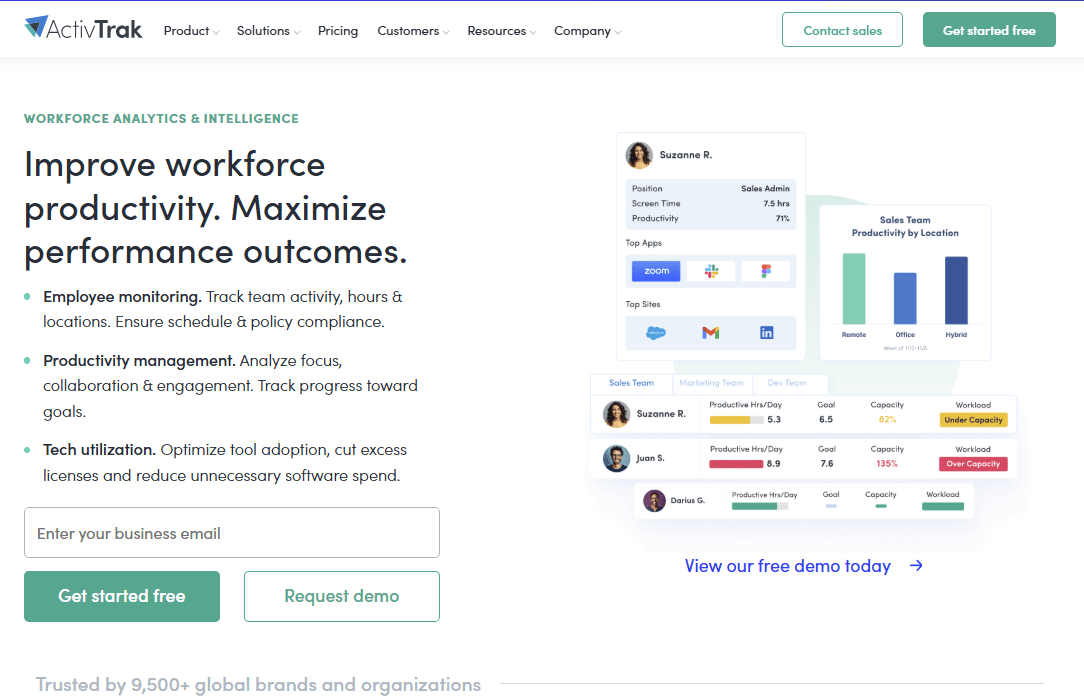
ActivTrak is a workforce analytics platform. It is built for teams that want deep behavior data, digital wellness signals, and burnout detection.
It reads focus time and burnout risk across a team. It turns this into dashboards managers can act on.
Key features:
- Behavior data that flags burnout risk and workload imbalance.
- Coaching tools, and website blocking.
- Trend data that compares team performance over time.
- Dashboards built for managers.
Pros:
- Free plan for up to three users.
- Strong, detailed analytics dashboards.
- Good fit for HR leaders focused on employee wellbeing.
- Wide adoption in mid-market and enterprise teams.
Cons:
- No live timer for manual time tracking.
- No mobile app.
- Advanced coaching, and risk features cost extra on higher tiers.
Check our ActivTrak alternatives for 2026.
Pricing:
ActivTrak offers a Free plan for up to 3 users. Paid plans start at $10 per user/month for Essentials, $15 per user/month for Essentials Plus, and $19 per user/month for Professional. All paid plans include a 14-day free trial.
G2 rating:
4.3/5 based on 333 reviews
3. Hubstaff
Source: Hubstaff
Hubstaff is a time tracking and workforce management platform. It is built for field, and remote teams that need GPS tracking alongside time tracking.
It combines time tracking with GPS, payroll, and scheduling in one place.
Key features:
- GPS tracking for field teams.
- Built-in payroll, and invoicing tools.
- Screenshots, and activity percentages.
- An add-on called Insights for deeper reports.
See the full Hubstaff vs Flowace comparison for more detail.
Pros:
- Strong GPS and geofencing for field and mobile teams.
- Built-in payroll, and client invoicing.
- Large, established integration library.
- High review volume, so ratings are well tested.
Cons:
- Deep productivity analytics sit behind a paid add-on called Insights.
- Base plan feels light on monitoring depth compared to Flowace or ActivTrak.
- Pricing climbs fast once add-ons are included.
Pricing:
Hubstaff pricing (checked in 2026) includes four main plans. The Starter plan starts at $4.99/seat/month (minimum 2 seats), followed by Grow at $7.50/seat/month, Team at $10/seat/month, and Enterprise at $25/seat/month.
Hubstaff also offers a 14-day free trial with no credit card required.
G2 rating:
4.4/5 based on 2288 reviews
4. Teramind
Source: Teramind
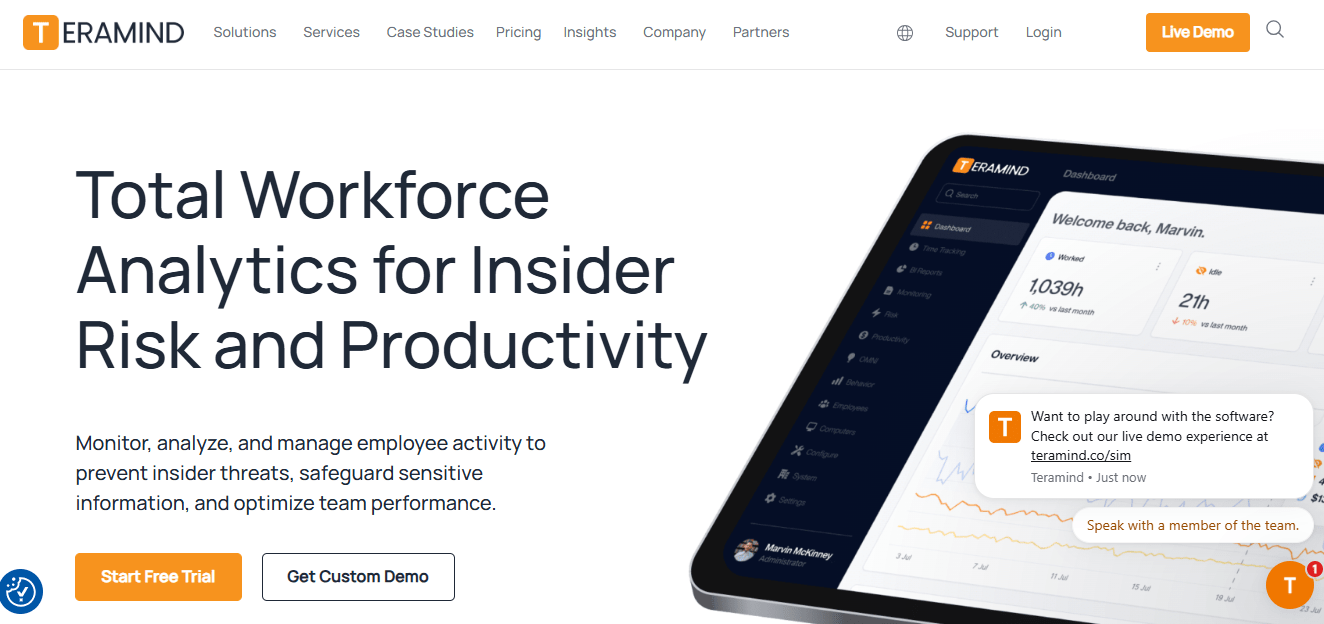
Teramind is a security-focused employee monitoring platform. It is built for strict, regulated industries that need insider risk checks and data loss prevention.
It goes past basic tracking. It adds keystroke logs, screen recording, and insider risk checks.
Key features:
- Keystroke logs, and screen text capture.
- Data loss checks, and insider risk alerts.
- Custom rules for odd behavior.
- An on-premise setup option for strict fields.
Pros:
- Deepest security, and compliance toolset on this list.
- Strong fit for finance, healthcare, and government teams.
- Custom scripting, and rule-based alerts.
- Trusted by over 10,000 organizations.
Cons:
- Highest starting price on this list.
- Steep learning curve for new admins.
- No mobile app.
Pricing:
Pricing starts at $13.74 per seat/month for the Starter plan, $27.48 per seat/month for UAM, and $32.06 per seat/month for DLP, billed annually. Enterprise pricing is available on request. A product demo is also available.
G2 rating:
4.6/5 based on 155 reviews
5. DeskTime
Source: DeskTime
DeskTime is an automatic time tracking tool. It is built for teams that want simple, hands-off tracking without a heavy analytics layer.
It starts and stops on its own. It turns on when a computer turns on.
Key features:
- Fully automatic start and stop tracking.
- App and site sorting into productive, unproductive, or neutral time.
- Shift scheduling, and an absence calendar.
- A private time mode for breaks.
Pros:
- Very easy setup, with almost no admin work.
- Private time mode builds employee trust.
- Mobile app for on-the-go checks.
Cons:
- Lighter reporting depth than Flowace or ActivTrak.
- Few AI-driven insights.
- Screenshot features can still feel invasive to some staff.
Pricing:
DeskTime’s Pro plan starts at $6.42/user/month (billed annually). Premium adds advanced features. A 14-day free trial and 1 month free with annual billing are available.
G2 rating:
4.5/5 based on 401 reviews
See if Flowace fits your team's tracking and productivity needs.
Book a Demo6. TimeCamp

Source: TimeCamp
TimeCamp is a time tracking and billing platform. It is built for freelancers, and agencies that need invoicing built into their workflow.
It leans toward time tracking and billing. It skips deep behavior checks.
Key features:
- Automatic time tracking on desktop, web, and mobile.
- Built-in invoicing, and billing rates.
- Attendance, and payroll export tools.
- Over 20 report types.
Pros:
- Generous free plan for individuals.
- Built-in invoicing saves a separate tool.
- High G2 rating with a large review base.
- Simple, and fast onboarding.
Cons:
- Light on activity monitoring, and screenshots compared to Insightful or Flowace.
- Mobile reporting feels thinner than the desktop app.
- Fewer AI-driven productivity signals than Flowace.
Pricing:
TimeCamp offers a Free plan with basic time tracking features. Paid plans start at $2.49 per user/month (billed annually) for the Starter plan, with higher plans adding productivity tracking, invoicing, and advanced reporting. A 14-day free trial is available.
G2 rating:
4.7/5 based on 379 reviews
7. We360.ai
Source: We360.ai
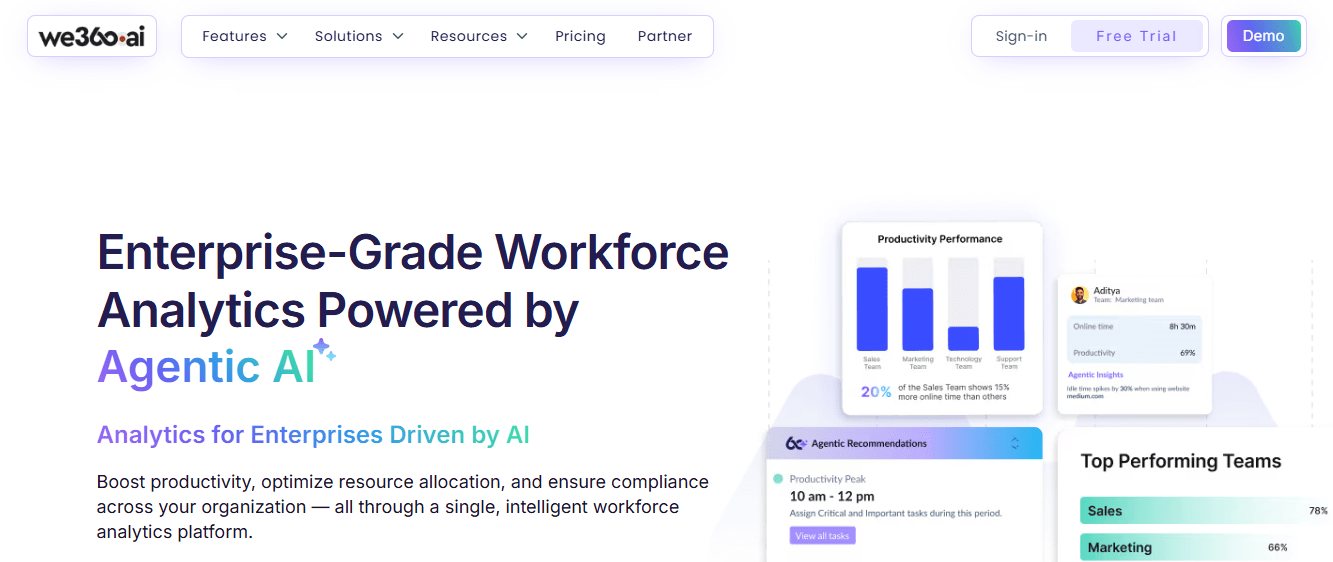
We360.ai is a workforce analytics and employee monitoring platform. It is built for India-based SMB, and mid-market teams that want strong local support.
It covers attendance, activity, and work reports for growing teams.
Key features:
- Attendance, and activity tracking with hourly reports.
- App use scoring.
- Screenshots, and location tracking.
- Goal setting, and team benchmarks.
See the We360 vs Flowace comparison for a full check.
Pros:
- Strong regional pricing, and support for India-based teams.
- High G2 rating with a solid review base.
- Good fit for BPO, and staffing teams.
- Broad OS support, including older Mac and Linux versions.
Cons:
- Fewer global app integrations than Flowace or Hubstaff.
- Published pricing figures vary by source, so confirm the current rate directly.
- Smaller presence outside South Asian markets.
Pricing:
Paid plans start at $4.17/user/month for the Pro plan, $6.25/user/month for the Pro + AI plan, and custom pricing is available for Enterprise plans.
G2 rating:
4.8/5 based on 497 reviews
8. ProHance
Source: ProHance
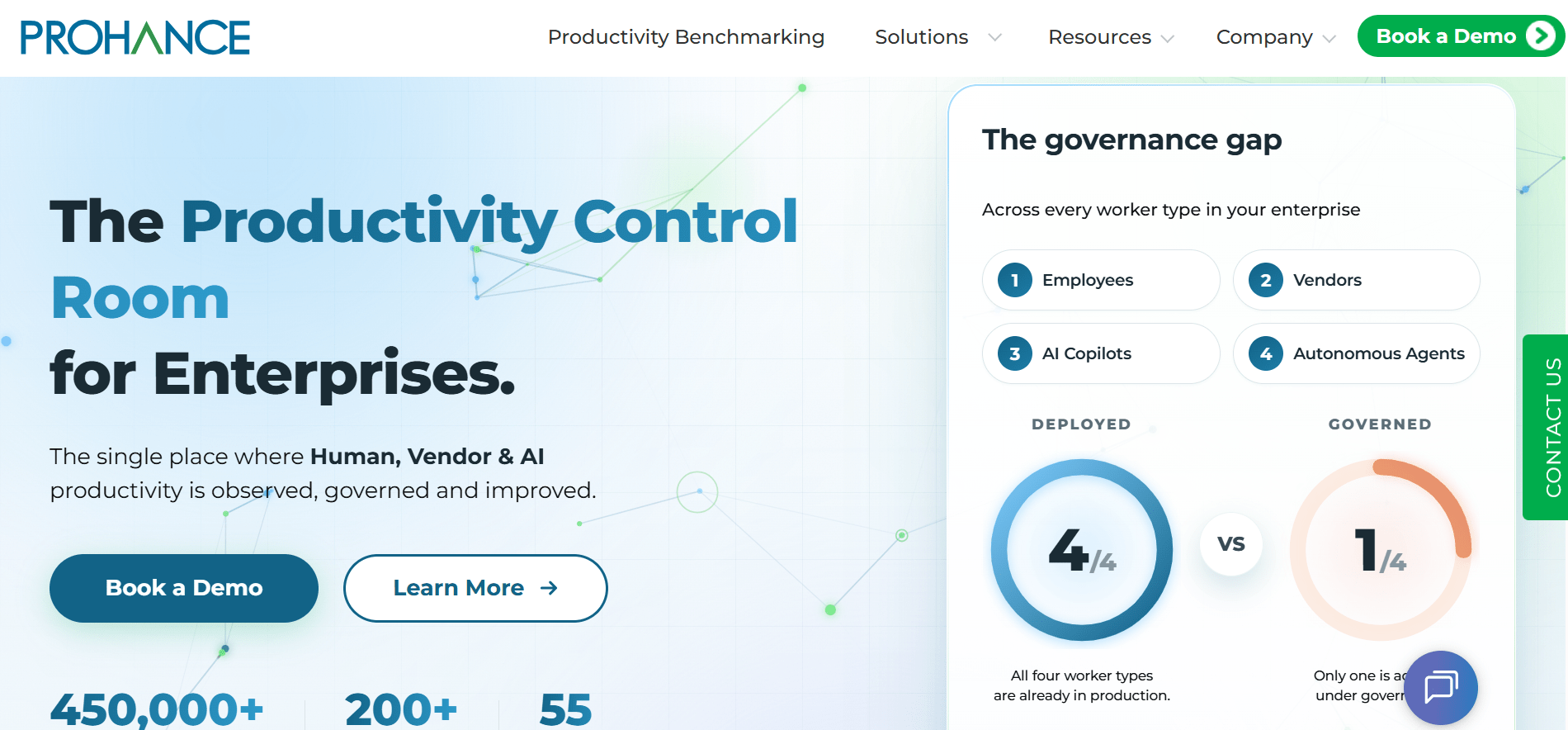
ProHance is a global operations management platform. It is built for large enterprises that run distributed operations centers and need deep, custom reports.
It offers over 100 custom reports for teams that manage large, spread-out groups.
Key features:
- Over 100 custom reports for ops leaders.
- Work pattern checks, and team benchmarks.
- Use rate, and performance dashboards.
- A modular setup built for large firms.
See the ProHance vs Flowace comparison for details.
Pros:
- Deepest reporting depth for large, distributed teams.
- Strong fit for global operations, and BPO centers.
- High G2 rating from enterprise reviewers.
- Modular setup scales with large organizations.
Cons:
- No public pricing, so budgeting takes an extra step.
- Built more for large teams than small ones.
- Longer setup time than lighter tools on this list.
Pricing:
Quote-based. Ask for a custom quote rather than expect a listed price.
G2 rating:
4.6/5 based on 229 reviews
9. Kickidler
Source: Kickidler
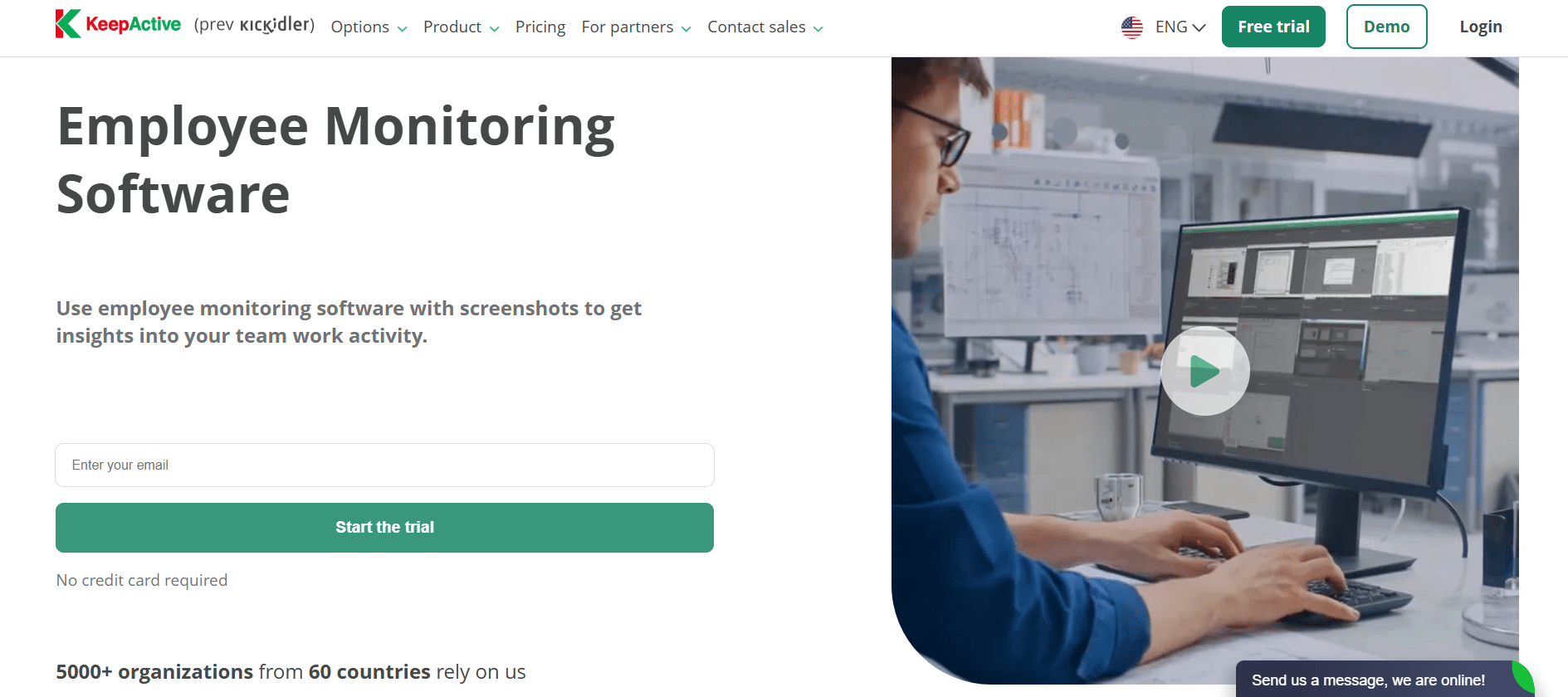
Kickidler is a screen recording and employee monitoring platform. It is built for teams that want keystroke-level detail at a lower price than Teramind.
It records full screens and keystrokes. This helps with security and work review.
Key features:
- Live, and recorded screen playback.
- Keystroke logs, and rule break alerts.
- Reports on efficiency, and work patterns.
- A free plan for one worker.
Pros:
- Low entry price for screen recording depth.
- Strong security, and insider risk detection.
- High satisfaction scores across review platforms.
- Fast, stable agent deployment.
Cons:
- No mobile app.
- More watching than most teams need for daily productivity tracking.
- Interface feels dated to some reviewers.
Pricing:
A 1-year annual plan starts at $33/month for Time Tracking, $66/month for Employee Monitoring, and $99/month for DLP on the annual plan. No credit card is required to start the trial.
G2 rating:
4.8/5 based on 147 reviews
10. CleverControl
Source: CleverControl
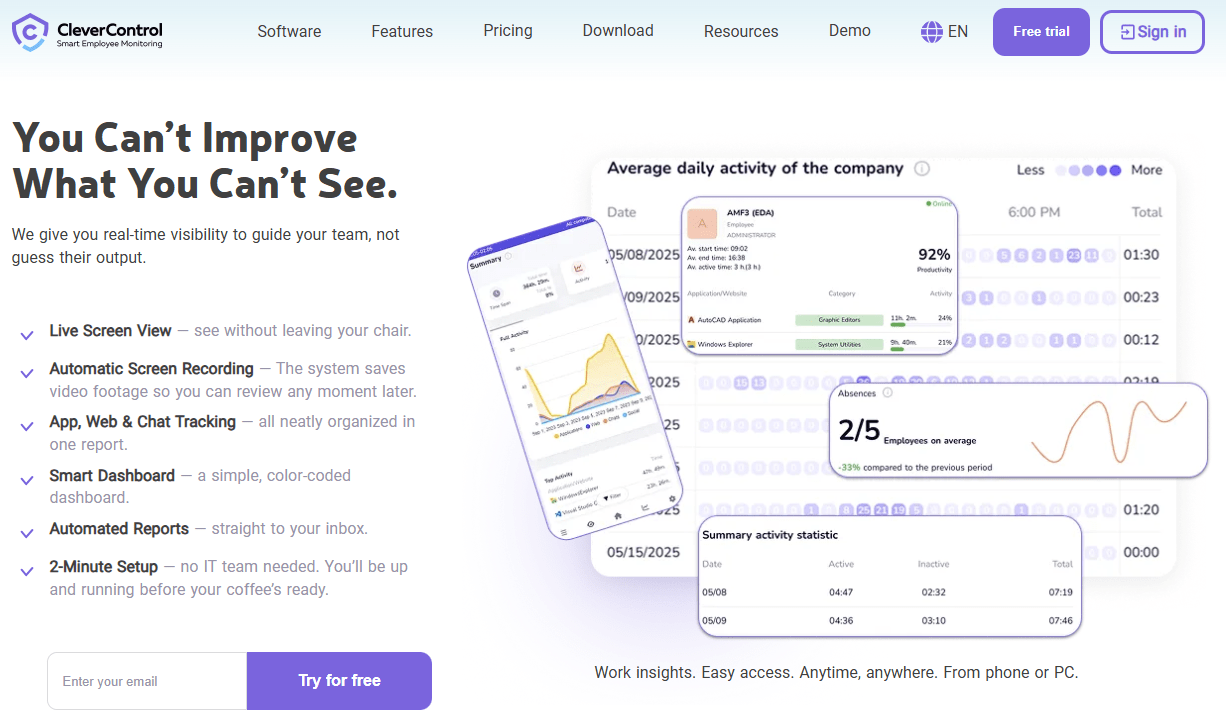
CleverControl is a lightweight employee monitoring platform. It is built for small, and mid-sized outsourcing teams that want low-cost, easy visibility into computer use.
It offers a simple setup. Teams mainly use it to see how work time is spent.
Key features:
- Activity, and screenshot checks.
- Cloud, on-premise, or local setup options.
- A simple, fast setup for small teams.
- Basic reports on daily computer use.
Pros:
- Fast, and simple setup.
- Low overhead for small teams.
- Flexible deployment options, including on-premise.
- Strong satisfaction scores from its existing user base.
Cons:
- No public pricing.
- No mobile app.
- Smaller review base than most tools on this list, so ratings carry less weight.
Pricing:
Pricing starts at $12.40/month for the Standard plan, $14.90/month for the Pro plan, and $19.10/month for the Ultimate plan (1 PC, 12-month plan).
G2 rating:
4.6/5 based on 23 reviews
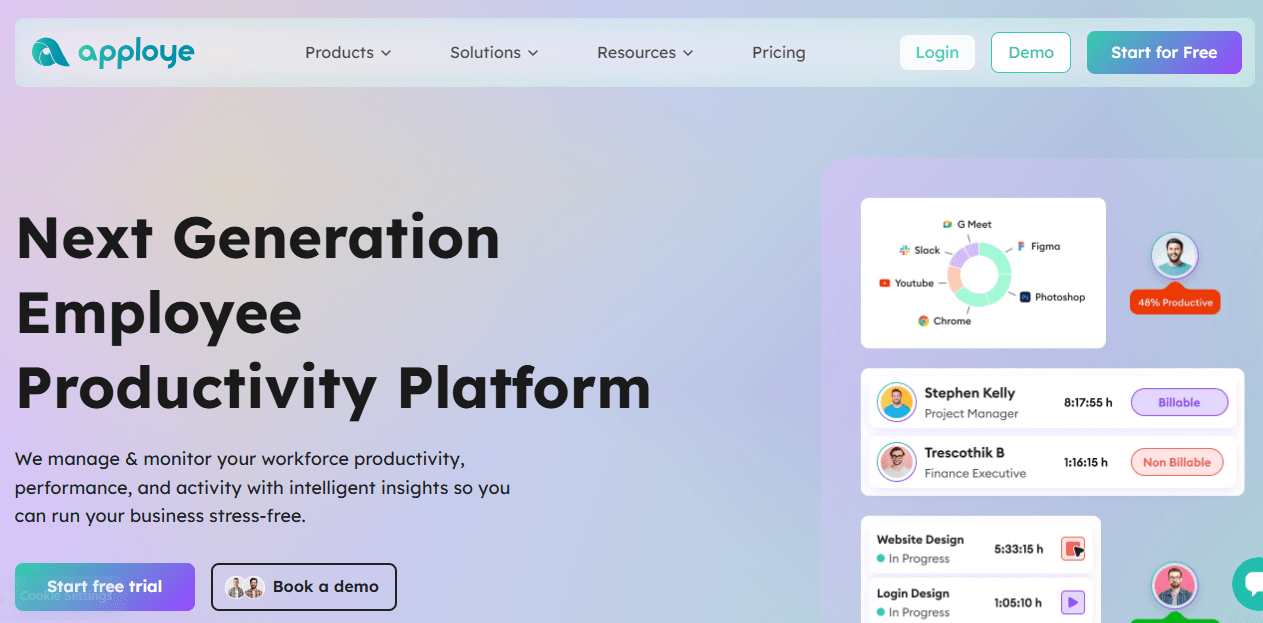
11. Apploye
Source: Apploye
Apploye is a budget employee monitoring and payroll platform. It is built for remote teams that still want screenshots, and client billing at a low price.
It bundles time tracking, screenshots, payroll, and billing. All of this comes at a low price.
Key features:
- Screenshot, and activity checks.
- Built-in payroll, and client billing.
- Time tracking on desktop, web, and mobile.
- Task, and project timelines.
Pros:
- Low price for a full feature set.
- Payroll, and billing built in.
- Mobile app included.
- Simple, modern interface.
Cons:
- GPS tracking needs a separate paid add-on, per user reviews.
- Smaller review base than larger competitors.
- Fewer AI-driven insights than Flowace.
Pricing:
Apploye offers four pricing options. The Starter plan is free. The Elite plan costs $4.50 per user/month, the Power plan costs $8 per user/month, and the Enterprise plan offers custom pricing with features such as SSO and on-premise deployment. A 10-day free trial is available without a credit card.
G2 Rating
4.7/5 based on 44 reviews
Flowace vs Insightful
Flowace, and Insightful both track time, apps, and activity. The real gap shows up in price, mobile access, and how each tool turns raw data into a clear next step.
|
Feature |
Flowace | Insightful | Why It Matters |
| Starting price | $1.99/user/month | $8 per user/month |
Flowace costs less from the first seat |
|
Mobile app |
Yes | No | Field, and hybrid teams need mobile coverage |
| AI insights | Included on every plan | Sold as a separate add-on |
Flowace skips the upsell |
|
Screenshots |
Included | Included, with paid add-ons for more frequency | Flowace avoids stacking extra fees on a core feature |
| Free plan | No, 7-day free trial | No, 7-day free trial |
Both ask for a trial first |
|
G2 rating |
4.6/5 (137 reviews) | 4.6/5 (377 reviews) | Both are well reviewed, at different scale |
| Setup time | Fast, self-serve | Fast, self-serve |
Neither needs a long rollout |
|
Best for |
Teams that want AI insights on mobile, and desktop | Teams that only need desktop tracking |
Match the tool to where your team works |
If your team works from a desk, either tool can work. If any part of your team moves, or works in the field, Flowace covers that and Insightful does not. This is the clearest gap between these two Insightful alternatives on this list.
Why Flowace Is the Best Insightful Alternative?
- Lower cost from seat one. Flowace starts near $1.99 per user per month. Insightful starts at $8.
- Real mobile app. Field and hybrid staff can check in from a phone from anywhere.
- AI insights included on every plan. Burnout risk, and focus trends come standard. Most workers already want this.
sc name=”fw_stat” link_url=”https://www.gartner.com/en/newsroom/press-releases/2025-12-16-gartner-hr-survey-finds-65-percent-of-employees-are-excited-to-use-ai-at-work” stat_desc=”A late-2025 Gartner survey found that 65% of employees feel excited to use AI at work.” link_text=”late-2025 Gartner survey” ][/sc]
- No forced paid add-ons. Core tracking does not sit behind extra fees.
- Built for BPO, and IT services teams. Flowace serves 674 customers, and 80,000 users in 20 countries.
How to Choose the Right Insightful Alternatives for Your Team?
Use these five steps to pick the right Insightful alternatives for your team.
- Start with team type. Field or hybrid teams need a real mobile app. Desk-only teams do not.
- Set a real budget. Add the base plan, plus any add-ons you will use. Do not stop at the sticker price.
- Check compliance needs. Strict fields may need Teramind-level security. Most teams do not.
- Weigh AI insights. Flowace, and ActivTrak turn raw data into clear signals. Basic trackers just show numbers.
- Check the G2 rating, and review count together. A 4.8 rating from 20 reviews carries less weight than a 4.6 rating from 2,000 reviews.
- Run a free trial first. Most tools here, including Flowace, offer a free trial with no card needed.
Test Flowace with your team before making the switch.
Start Your 7-Day Free TrialFrequently Asked Questions About Insightful Alternatives
1. What is the best alternative to Insightful?
Flowace is the best overall Insightful alternative. It costs less per seat, adds AI insights on every plan, and works on mobile, which Insightful does not.
2. Is there free alternatives to Insightful?
ActivTrak, DeskTime, TimeCamp, and Kickidler all offer free plans for small teams. Flowace, and Insightful both offer a 7-day free trial instead of a free plan.
3. Why do teams look for Insightful alternatives?
The main reasons are no mobile app, extra costs for add-ons, no free plan, and a higher price than tools like Flowace or Apploye.
4. Does Insightful have a mobile app?
No. Insightful runs on desktop only in 2026. This is one of the most common complaints in independent reviews.
5. What are the cheapest Insightful alternatives?
Flowace starts at $1.99/user/month and combines affordable pricing with AI-powered features. Other low-cost Insightful alternatives include Kickidler and TimeCamp, with starting prices below $4/user/month.
6. How is Flowace different from Insightful?
Flowace costs less per seat. It also includes AI insights on every plan instead of as an add-on, and it has a real mobile app. Insightful has no mobile app as of 2026.
7. Can I move my data from Insightful to another tool?
Most tools here, including Flowace, can import past time and activity data during setup. Check with each vendor’s support team first, since export formats vary.
8. Is ActivTrak a better choice than Insightful?
ActivTrak suits teams that want deep behavior data, and a free plan. Insightful suits teams that already use its screenshot tools. Neither has a mobile app, so mobile-first teams should look at Flowace or Hubstaff instead.