
Key Takeaways:
- Flowace offers plans starting at $2.99/user/month, providing a more budget-friendly option compared to Hubstaff’s base plan at $7/user/month.
- Flowace offers scalable solutions with dedicated support, making it suitable for businesses of all sizes, while Hubstaff’s advanced features are more tailored towards larger enterprises.
- Flowace emphasizes non-invasive monitoring with optional screenshots and transparent tracking, whereas Hubstaff’s approach includes frequent screenshots, which may be more intrusive.
If you’re on this page, you’re likely evaluating Hubstaff pricing to determine whether it’s the right time-tracking solution for your business. With a crowded market full of employee productivity tools, choosing the right time tracking software pricing is a critical decision.
But here’s the truth: while Hubstaff is a known name in time tracking, it’s not always the smartest investment. Before you lock yourself into a pricing plan that might fall short of your needs, it’s worth exploring a more flexible, feature-rich, and cost-effective Hubstaff alternative, Flowace.
What is Hubstaff?
Hubstaff is a cloud-based time tracking and employee monitoring platform designed to help businesses track work hours, monitor productivity, and manage payroll efficiently. Founded over a decade ago, Hubstaff has built a reputation as a comprehensive workforce management tool that combines time tracking with activity monitoring, GPS tracking, and project management capabilities.
The platform serves remote teams, field service businesses, and distributed workforces by offering features such as automated time tracking, screenshot capture, app and URL monitoring, and detailed productivity reports.
Quick Recap of Hubstaff Pricing
Hubstaff publishes tiered plans (free tier + paid tiers). Paid plans commonly start around the low-single-digit dollars per user when billed annually, with higher per-user costs on monthly billing; top tiers (Enterprise) add concierge onboarding and advanced controls.
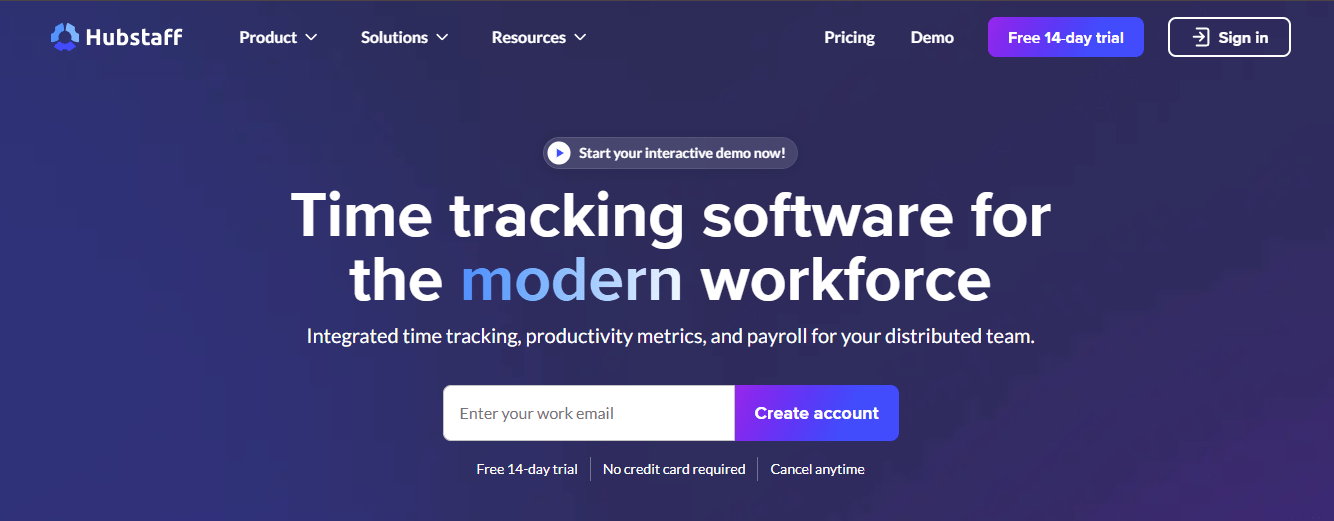
Hubstaff’s pricing operates on a per-seat subscription model with four main tiers. All paid plans require a minimum of two users, and the platform offers a 14-day free trial with no credit card required.
Here’s the baseline pricing structure:
-
Free Plan: $0 (limited to 1 user)
-
Starter Plan: $7/user/month ($5.83/user/month annually)
-
Grow Plan: $9/user/month ($7.50/user/month annually)
-
Team Plan: $12/user/month ($10/user/month annually)
-
Enterprise Plan: $25/user/month (annual billing only)
Starter Plan ($7/seat/month)
The Starter plan requires a minimum of two users and introduces limited screenshots (500 per month), restricted app and URL tracking (500 each per month), and basic payment features. Email support comes with a 2+ day response time, which can be problematic for urgent issues.
Pro Plan ($9/seat/month)
The Grow plan adds more robust reporting capabilities and supports one integration with external tools. It includes project budgets, idle timeout detection, work break tracking, and expense management.
Team Plan ($12/seat/month)
Hubstaff’s most popular plan unlocks unlimited screenshots, unlimited app and URL tracking, automatic idle time discarding, and full payments and payroll processing. It also includes time-off management, scheduling, attendance tracking, and unlimited integrations.
Enterprise Plan ($25/seat/month)
The Enterprise plan is Hubstaff’s premium offering, available only with annual billing. It includes everything from lower tiers plus advanced security and compliance features required by large organizations.
While Hubstaff’s pricing appears affordable at first glance, several powerful features, like invoicing, advanced reports, and time-off management, are locked behind the Pro or Enterprise tiers. This means your monthly costs can quickly add up as your team or feature needs grow.
Flowace Pricing & How We Compare
If you’re exploring Hubstaff’s pricing plans and wondering whether you’re getting the best value for your money, it’s worth taking a closer look at Flowace — a next-generation productivity and time-tracking platform designed to deliver the same depth of insights without the heavy costs or invasive monitoring.
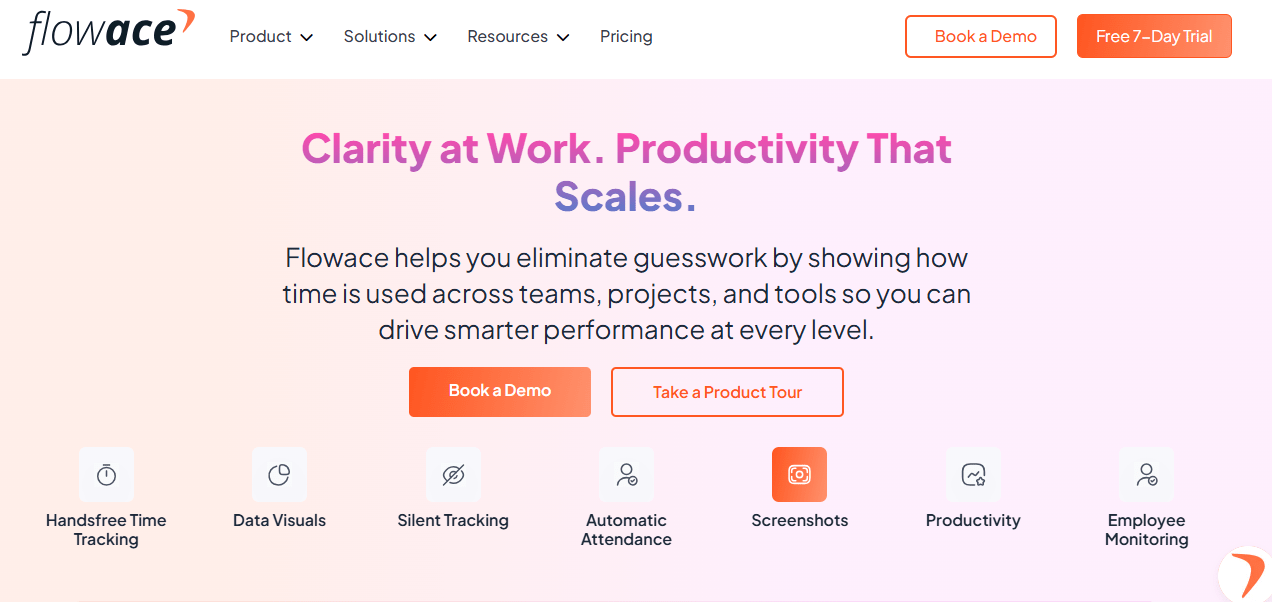
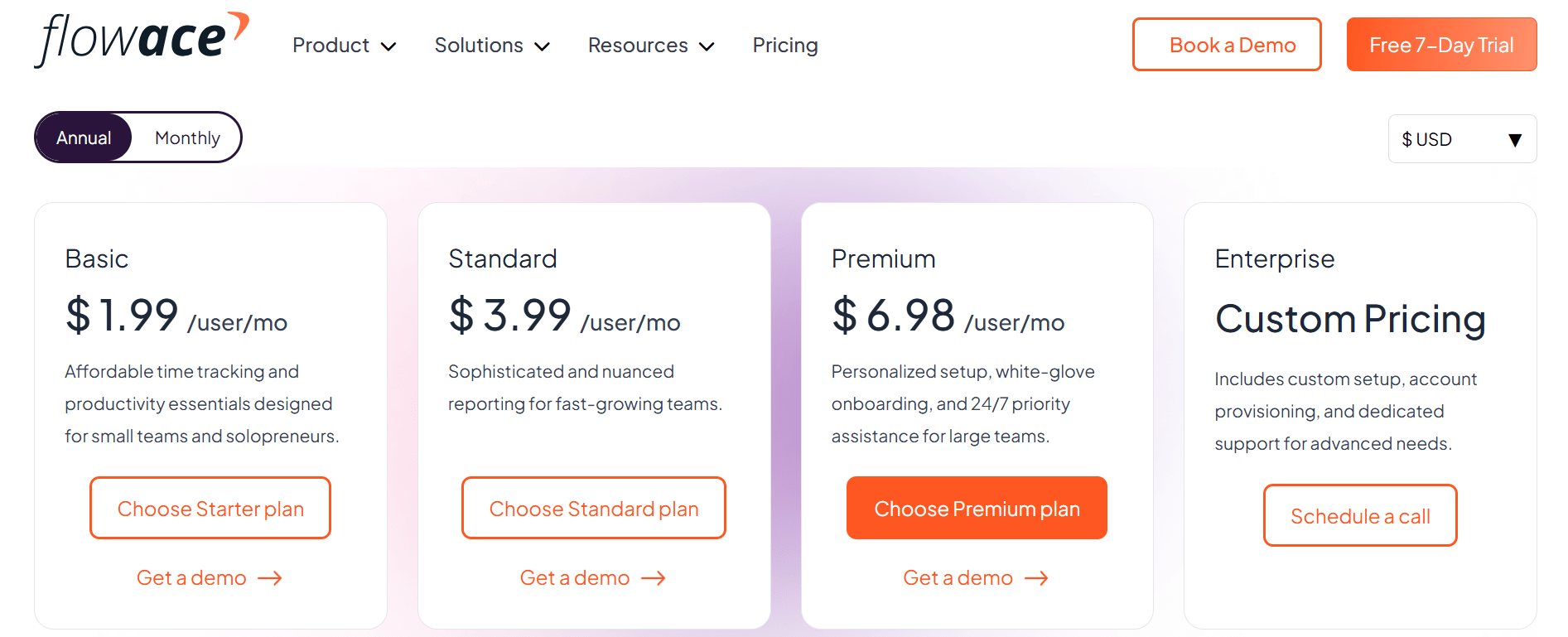
Unlike Hubstaff, which charges higher per-user rates for advanced features, Flowace keeps its pricing simple and accessible, starting at just $1.99 per user per month. Yet, it still offers automatic time tracking, AI-powered productivity analytics, team performance dashboards, and smart scheduling tools that streamline how your team works every day.
Flowace takes a fundamentally different approach to time tracking—one that prioritizes transparency, affordability, and genuine value over tiered feature gates. Instead of forcing you to upgrade just to access basic functionality, Flowace delivers comprehensive features right from the start.
Flowace Pricing Plans and What You Get
Free / Trial
Flowace offers a free trial with all features unlocked, allowing you to test the full platform with unlimited users and groups before committing. This includes:
- Full access during trial period
- Unlimited users & groups
- Project & task tracking
- Activity tracking and screenshots
- Basic reports and dashboards
- Onboarding and support
Basic ~$1.99 / user/year
The Basic plan offers core functionality for teams that primarily need accurate time tracking and attendance management. It includes silent automatic tracking, real-time attendance and live status monitoring, projects and tasks with timesheets, timesheet reports and dashboards, custom fields, and meeting time capture
Standard ~$3.99
This mid-tier plan adds productivity analytics and advanced monitoring features that Hubstaff reserves for its $12/month Team plan. You get everything in Basic plus app and website usage tracking, productivity ratings and dashboards, raw activity logs with high precision, AI alerts and inactivity notifications, shift scheduling, and leave tracking.
Premium ~$6.99 / user/month
Flowace’s Premium plan delivers enterprise-level features at a price point lower than Hubstaff’s Team plan. It includes everything in Standard plus higher-frequency screenshots, keyboard and mouse activity monitoring, connectivity and hybrid/remote analytics, and client login access.
Enterprise / Custom
For large organizations requiring custom integrations, dedicated account management, tailored features for hybrid teams, and advanced compliance, Flowace offers fully customized solutions.
Flowace vs. Hubstaff: Side-by-Side Comparison
| Concern | Hubstaff | Flowace |
|---|---|---|
| Starting pricing (public page) | Tiered (see official page). Paid plans start at the lower single-dollar to mid-single-dollar range depending on billing cycle and promotions. | Tiered, typically lower entry price and more features included at lower tiers — check official page for the latest. |
| Automatic / AI time suggestions | Basic time capture; many workflows still require manual timers or explicit tracking. | Emphasizes automatic capture and AI categorization to reduce manual work. |
| Screenshots & monitoring | Built-in screenshot monitoring with configurable frequency; blurring/deletion options available. More monitoring-focused by default. | Screenshots available but positioned as privacy-aware (randomized/blur options, user privacy modes). Less surveillance-first tone. |
| Integrations & payroll | Integrations available; some advanced integrations may be plan-locked. | Integrations with common stack; many appear included across plans. |
| Best fit | Teams that need strict proof-of-work, frequent screenshots, and payroll add-ons. | Teams that want automatic capture, AI insights, and a privacy-first, lower-cost footprint. |
5 Big Reasons Flowace Beats Hubstaff
Where Hubstaff charges $7/month for limited screenshots and basic tracking, Flowace gives you AI-powered automation and productivity insights for just $2.99/month. Features that Hubstaff locks behind its $12/month Team plan—like unlimited integrations and advanced analytics—come standard in Flowace’s $3.99 Standard plan
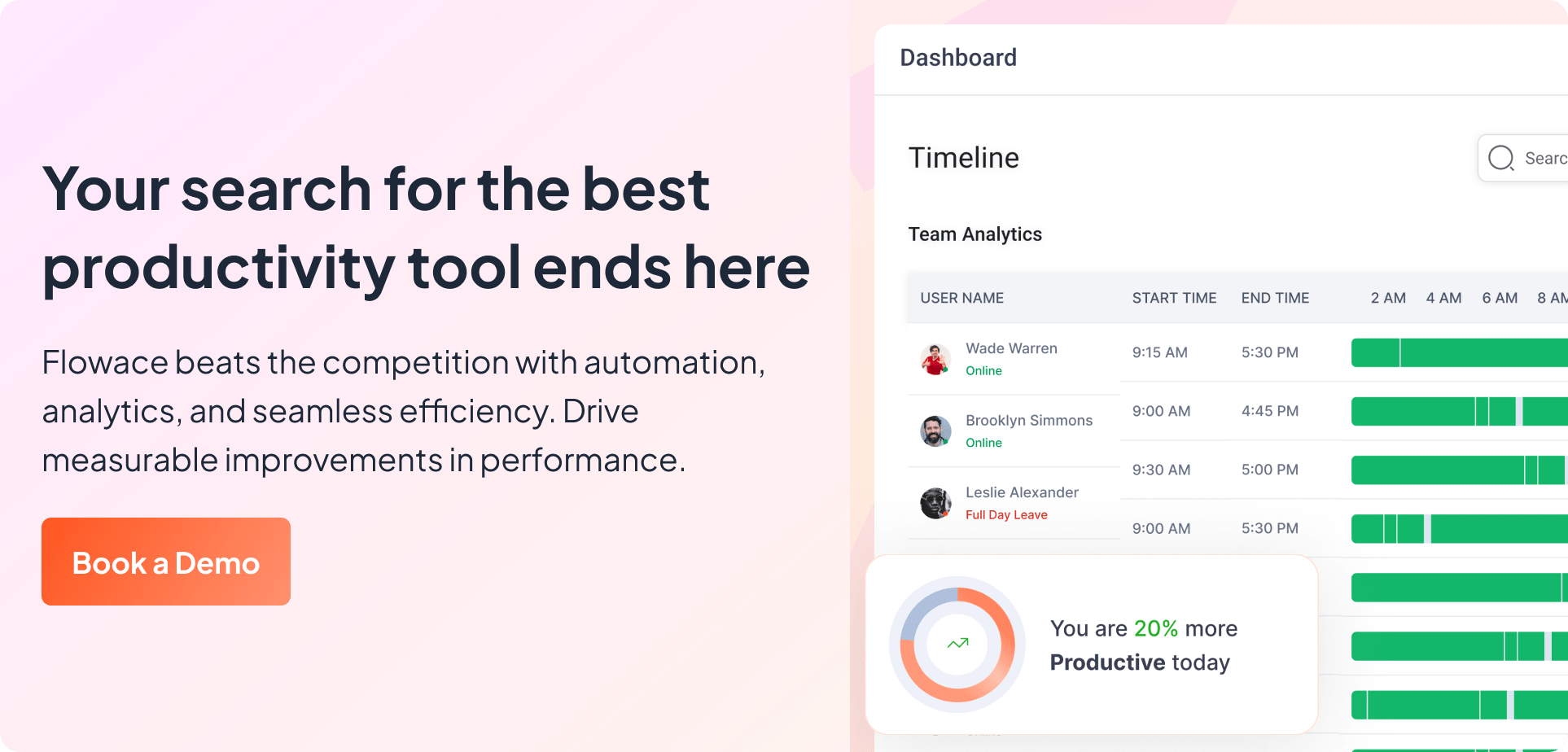
Before you settle, here’s something you should know: Flowace, the best Hubstaff alternative, doesn’t just track time; it transforms the way you understand and improve productivity. Let’s break down why it outperforms Hubstaff across the board.
Automatic Time Tracking
Manually tracking every minute of every task is not only tedious, it’s outdated. Flowace gets that. That’s why it uses AI-powered automated time tracking to handle time and user activity monitoring on its own. No need to constantly check in, run manual reports, or micromanage workflows.
While Hubstaff gives you activity percentages and logs, Flowace interprets patterns, categorizes work automatically, and presents actionable insights. That’s real intelligence, not just data dumping. Flowace tells you. Hubstaff just shows you numbers. This is a key reason many brands like you are looking up Flowace vs Hubstaff extensively before making the final decision.
Respect Over Surveillance
Ever heard your team complain about screenshots or mouse tracking? Nobody likes to feel like they’re being watched. Hubstaff’s approach leans toward surveillance: screenshot capture, keystroke tracking, and activity rates. That might work short-term, but it creates a culture of distrust.
Flowace? It takes a better route.
It gives you the transparency and visibility you need to manage performance without being invasive. No secret snapshots. No creepy keylogging. Just smart, respectful tracking that keeps everyone aligned without micromanagement.
It’s monitoring that empowers, not policing that alienates.
All the Features You Need Without Paying a Premium
One of the biggest frustrations with Hubstaff? You have to pay more just to unlock basic features. Want advanced reports? Pay more. Need integrations? Pay more. Want time-off tracking? Yep, you guessed it, upgrade your plan.
Flowace flips that model. Even its standard plans come packed with employee productivity analytics, app usage tracking, visual dashboards, and more. No locked doors. No upgrade traps.
You’ll often find Flowace offering more than Hubstaff, at a lower monthly cost. So if you’re a growing team watching your budget, why shell out more for less?
It Works With Everything You Already Use
Your team already has a rhythm with respect to employee productivity tools. You use tools like Trello, Slack, Zoho, Microsoft Teams, and Google Workspace. So, the last thing you need is a time-tracking tool that will force you to rebuild your workflow. That’s why Flowace is built for seamless integration and is the best time tracking software.
Unlike Hubstaff, which limits integrations based on your plan, Flowace connects with all the tools you already use, without added costs or limitations. Whether you’re managing projects, chatting with your team, or logging billable hours, Flowace fits right in and amplifies what you’re already doing.
Reports Make You Smarter
Hubstaff gives you reports. But only the basics are included in lower plans, and if you want advanced analytics or custom dashboards? That’ll cost you extra.
Flowace thinks differently.
Flowace – A Smart Alternative to Hubstaff
If you’ve been exploring Hubstaff for time tracking and productivity management, you’ve likely noticed its strengths, but also its complexities. That’s where Flowace steps in as a smart, modern alternative built for teams who want deep productivity insights without the heavy costs or intrusive monitoring.
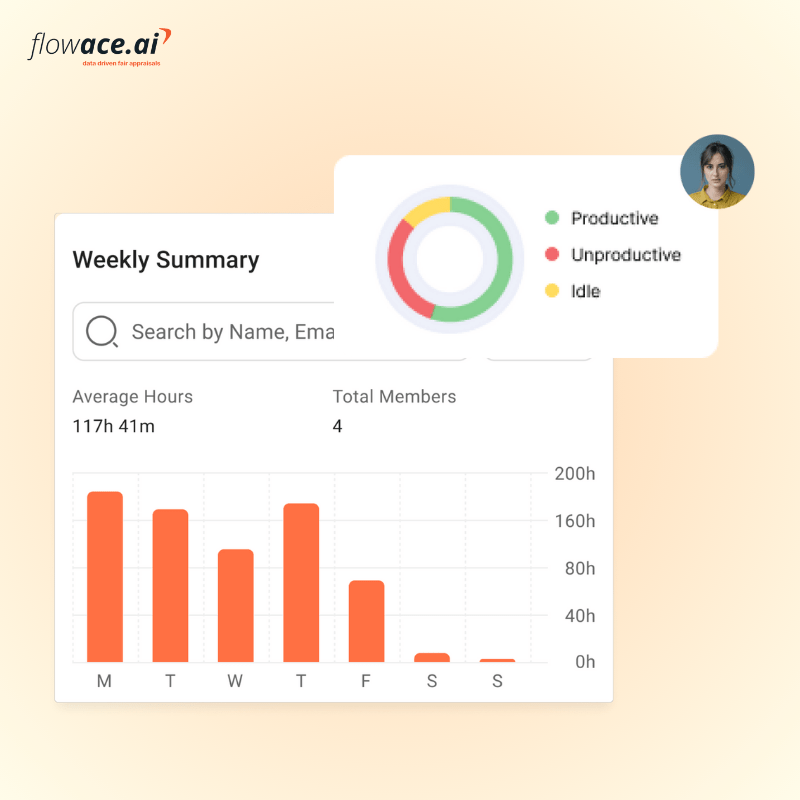
Flowace automates time tracking, analyzes productivity patterns using AI, and helps leaders understand how their teams truly work, all while preserving employee trust and autonomy. Instead of relying on screenshots or strict monitoring, Flowace focuses on non-intrusive data collection that highlights focus, efficiency, and balance.
The result? Teams that work smarter, not under pressure.
Unlike Hubstaff’s multi-tier pricing structure, Flowace keeps things refreshingly simple. Its plans start as low as $1.99 per user per month, yet include automatic time tracking, advanced productivity analytics, attendance, project tracking, and shift scheduling, tools that often sit behind Hubstaff’s higher paywalls. This makes Flowace an ideal choice for growing teams and modern leaders who value both performance and well-being.
Every Flowace user gets access to visually rich, customizable employee performance dashboards that make it easy to spot trends, identify bottlenecks, and make better decisions. You don’t need to be a data expert. Flowace helps you understand what’s working and what’s not at a glance.
So instead of spending time decoding spreadsheets or exporting CSVs, you’ll have clear, intuitive insights to fuel smarter team and employee performance.
Switch to Flowace Today!
Frequently Asked Questions
1. How much does Hubstaff cost per user?
Hubstaff’s pricing starts at around $5.83 per user per month (billed annually) for the Starter plan, with advanced tiers like Grow, Team, and Enterprise offering more features such as in-depth productivity insights, advanced reports, and integrations. The exact cost varies depending on the number of users and the billing cycle.
2. Does Hubstaff offer a free plan?
Yes, Hubstaff provides a Free plan for one user with limited features — ideal for freelancers or individuals testing the platform. However, to unlock automation, reporting, and team management features, you’ll need to upgrade to a paid plan.
3. What’s the difference between Hubstaff’s Starter and Grow plans?
The Starter plan focuses on core time tracking, timesheets, and simple reports. The Grow plan, on the other hand, includes more robust features like app and URL tracking, productivity benchmarks, and insights that help managers track performance trends across teams.
4. Is Hubstaff’s pricing suitable for small businesses?
Hubstaff can be effective for small businesses, but its cost can scale quickly as your team grows. Each user adds to the monthly total, so teams seeking similar functionality at a lower price often explore alternatives like Flowace, which starts at $1.99/user/month with built-in AI analytics and privacy-first tracking.
5. Does Hubstaff charge extra for screenshots or monitoring features?
No, these features are included in the paid tiers. However, the frequency and level of monitoring control depend on your plan. For example, higher tiers allow more detailed tracking and customization of what’s captured.