
Generate downloadable project timesheets for clients, reviews, and billing.
Flowace automatically detects work activity and assigns it to the correct project or task, based on user configurations.
Enterprise-grade security backed by GDPR, HIPAA, ISO 27001 & SOC 2 compliance. Know more

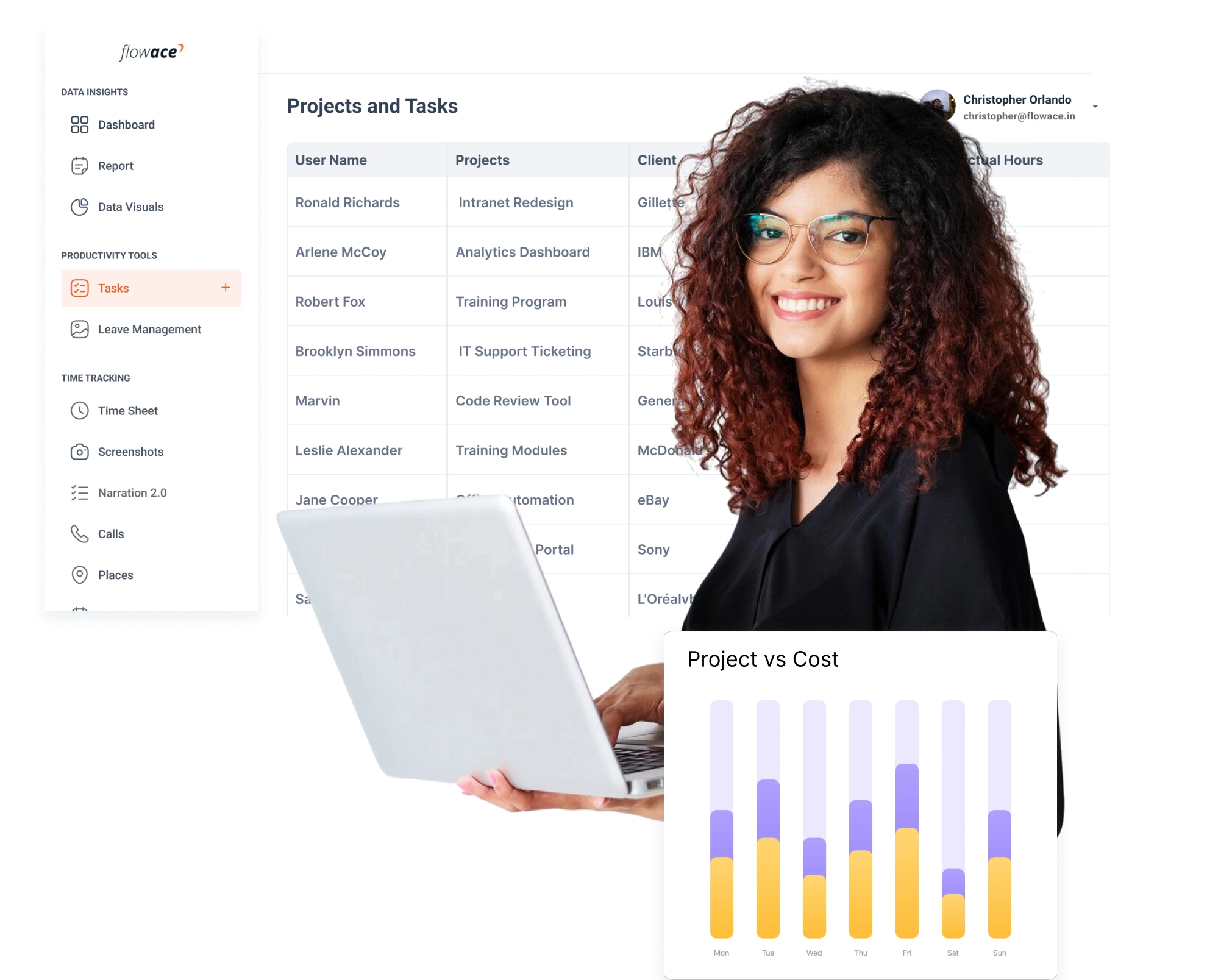







Track time across tasks, projects, and teams without manual effort or complicated workflows.
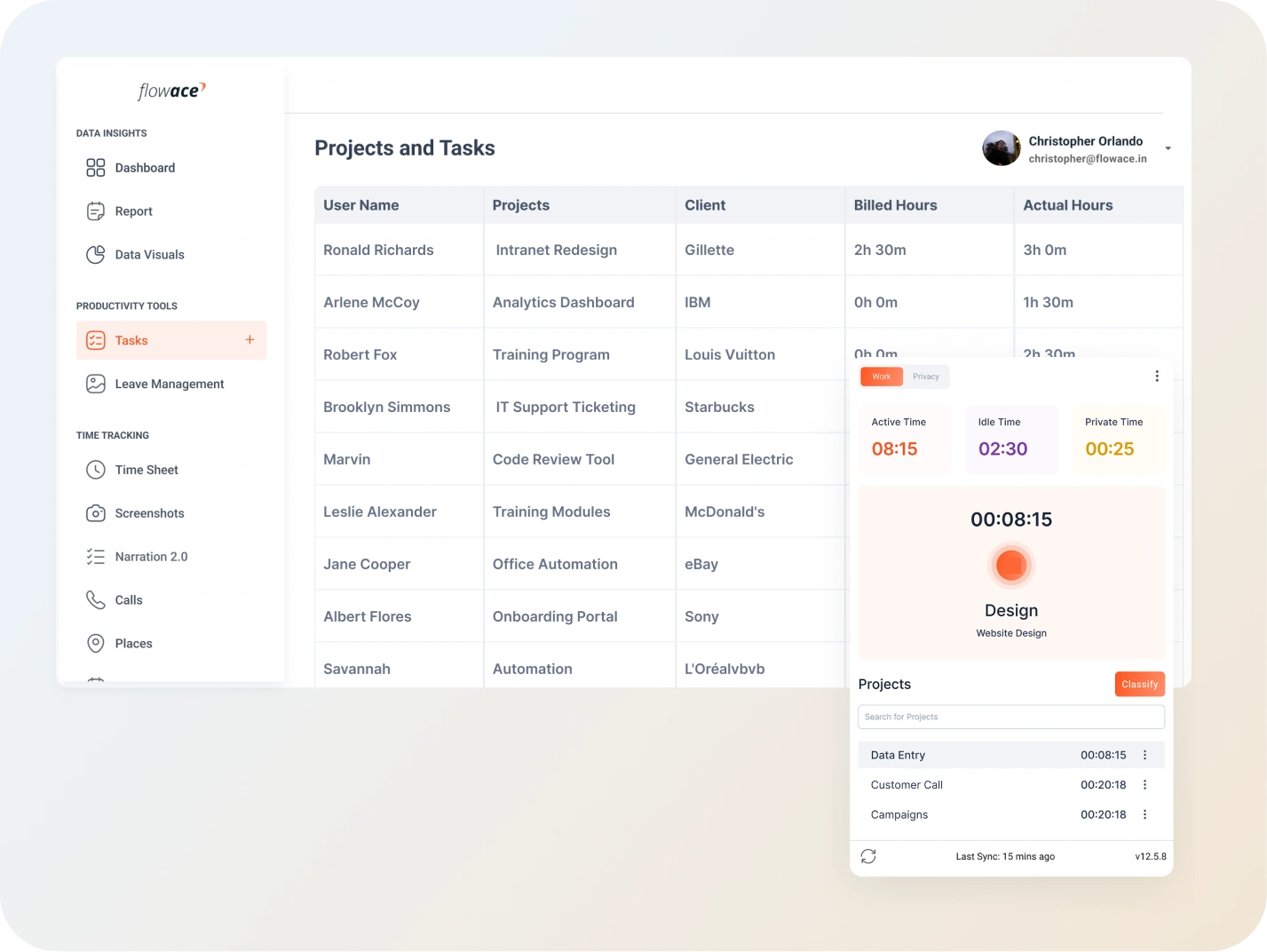
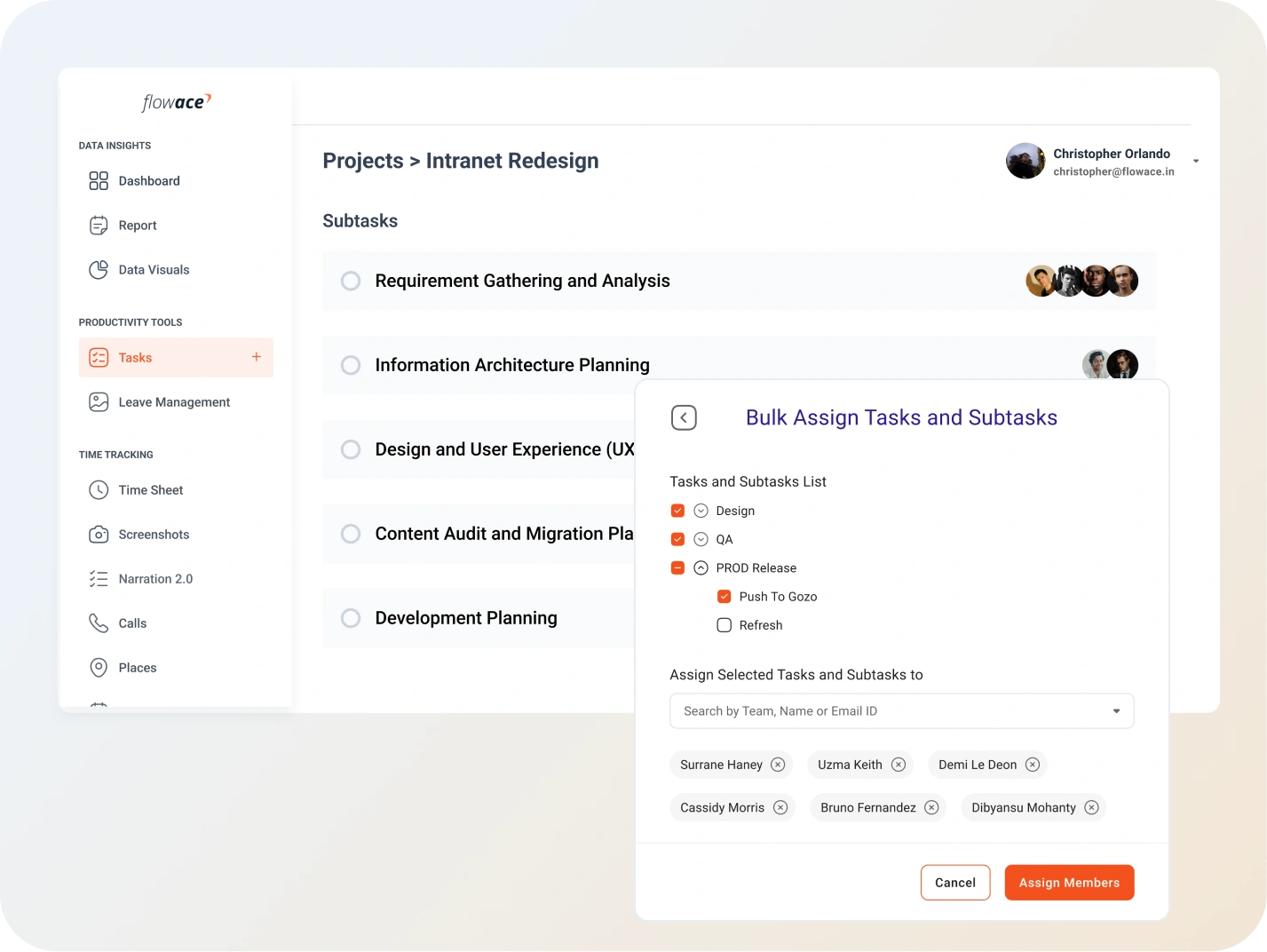
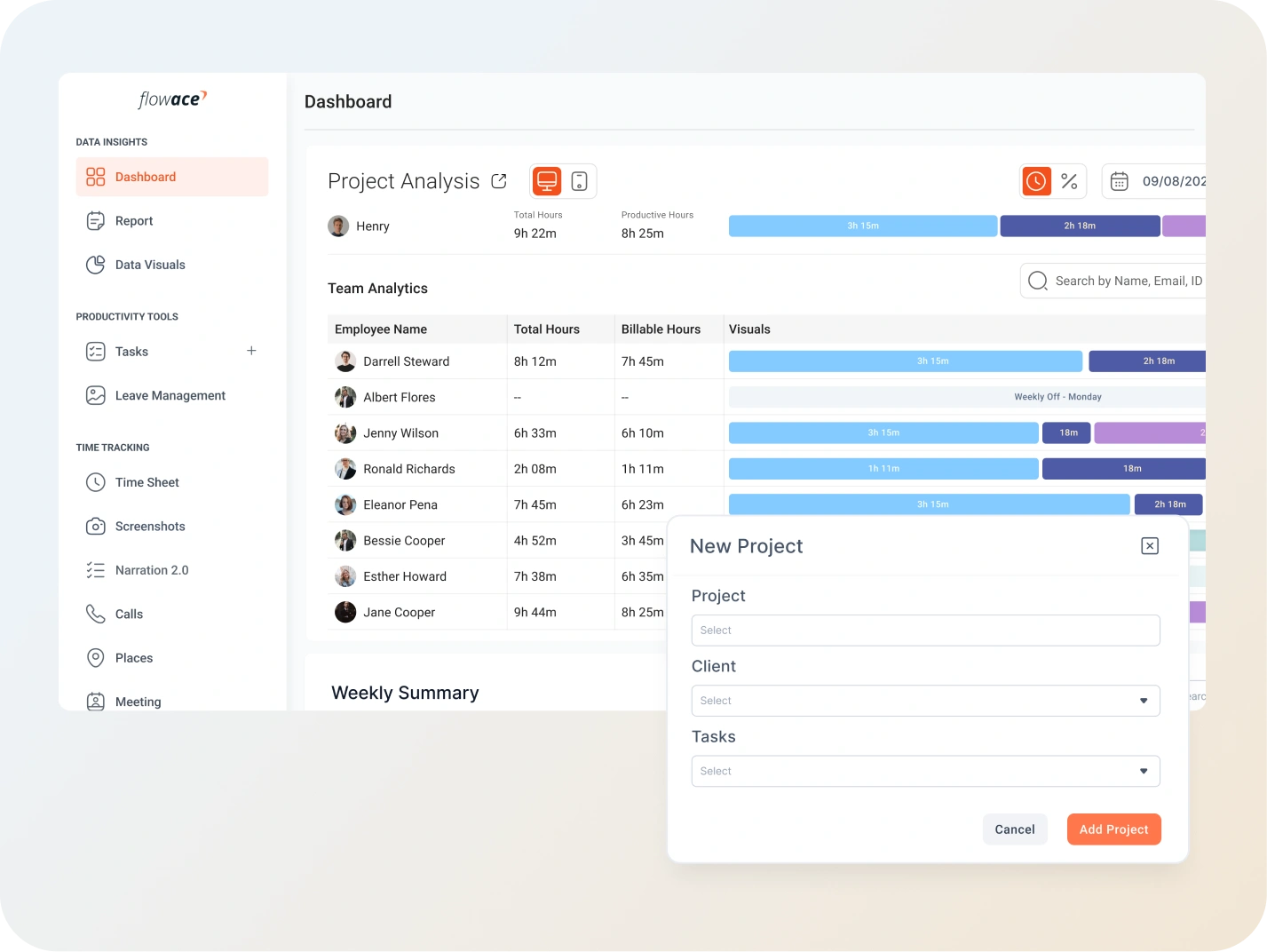

Flowace tracks active work in the background and assigns time to tasks and projects automatically.
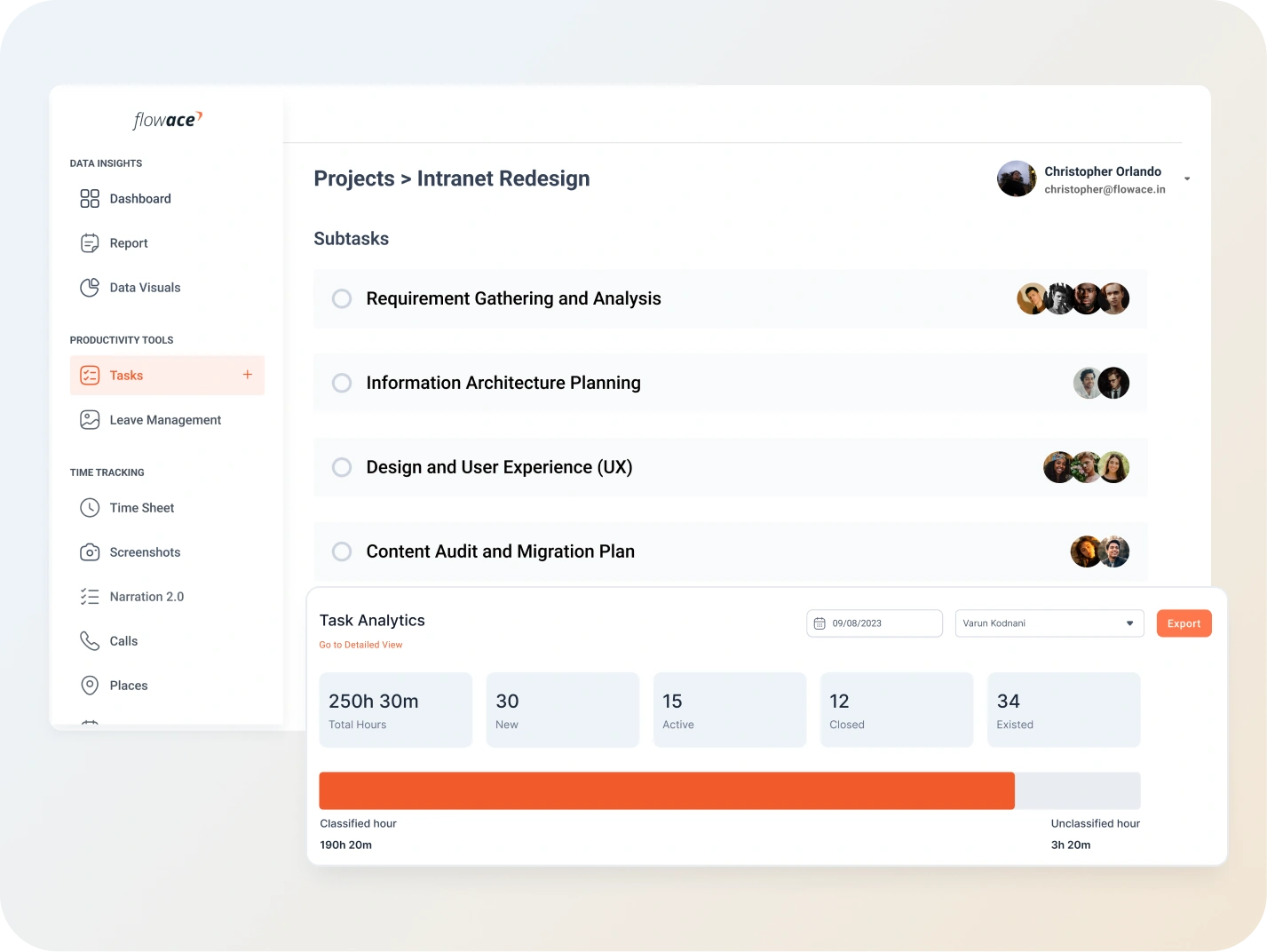
Record exact time spent on each task. Understand effort distribution and identify bottlenecks more easily.
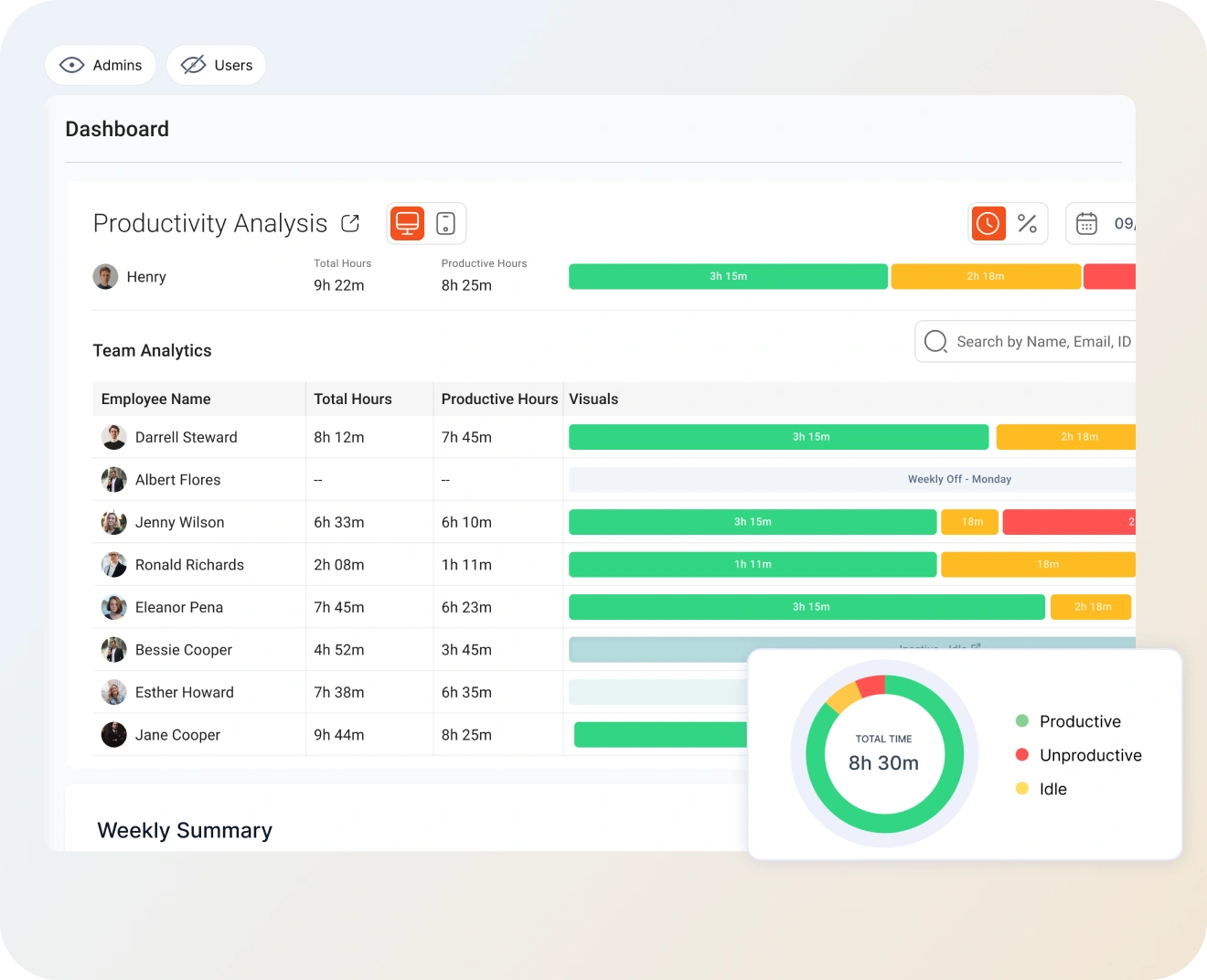
Visual dashboards show project progress, hours logged, team performance, and upcoming deadlines in real time.
Small inefficiencies often compound into big setbacks for teams and businesses.


 4.6/5 avg
Manage your workforce. Supercharge productivity. Try Flowace free for 7 days.
No credit card required

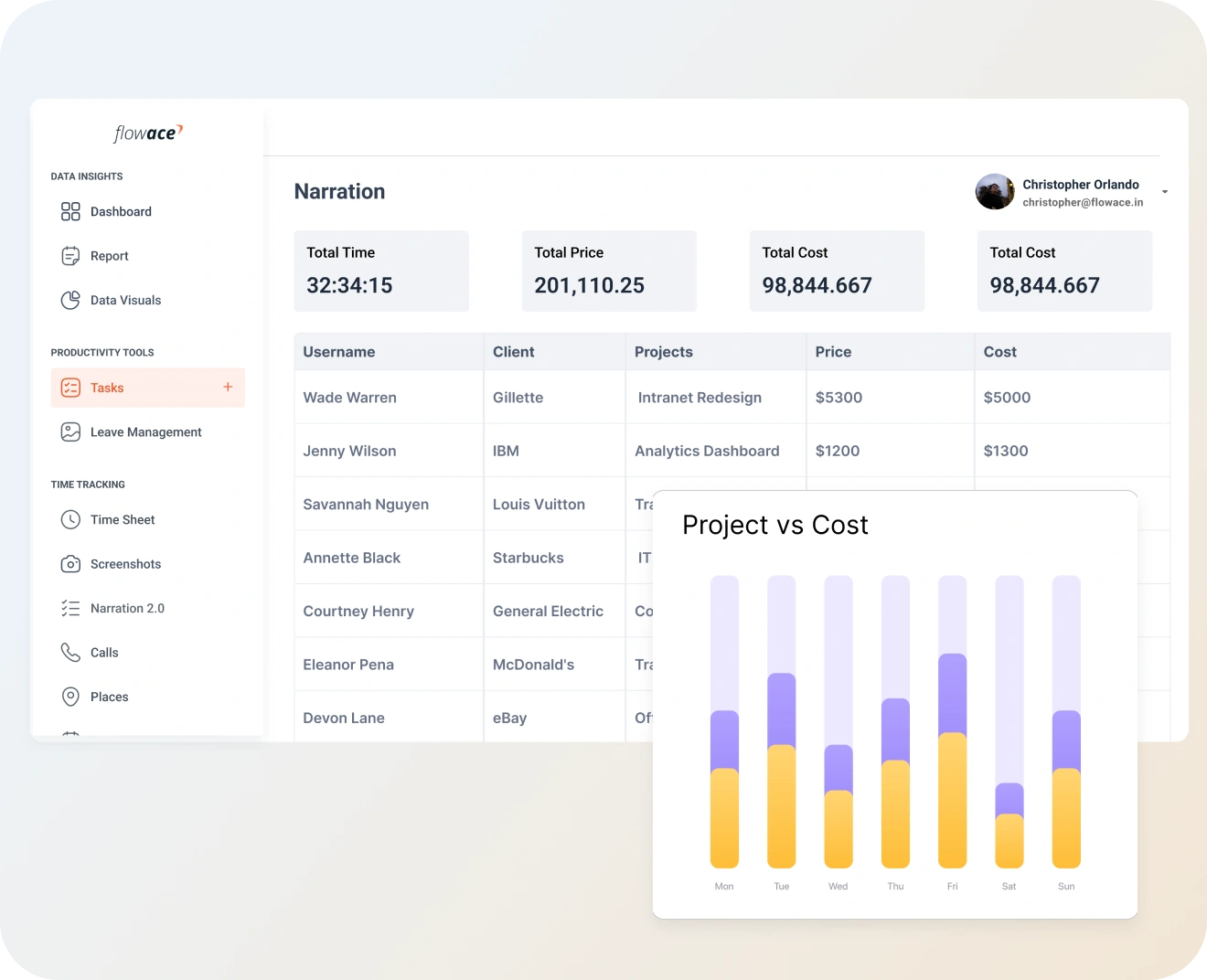
Track every minute spent on projects and make informed decisions to improve productivity and delivery.
Eliminate billing disputes with precise billable hour tracking and client-ready timesheets.
Use historical data to estimate future timelines, allocate resources, and avoid delays.
Understand how much time each task consumes. Identify inefficiencies and optimize workflows.
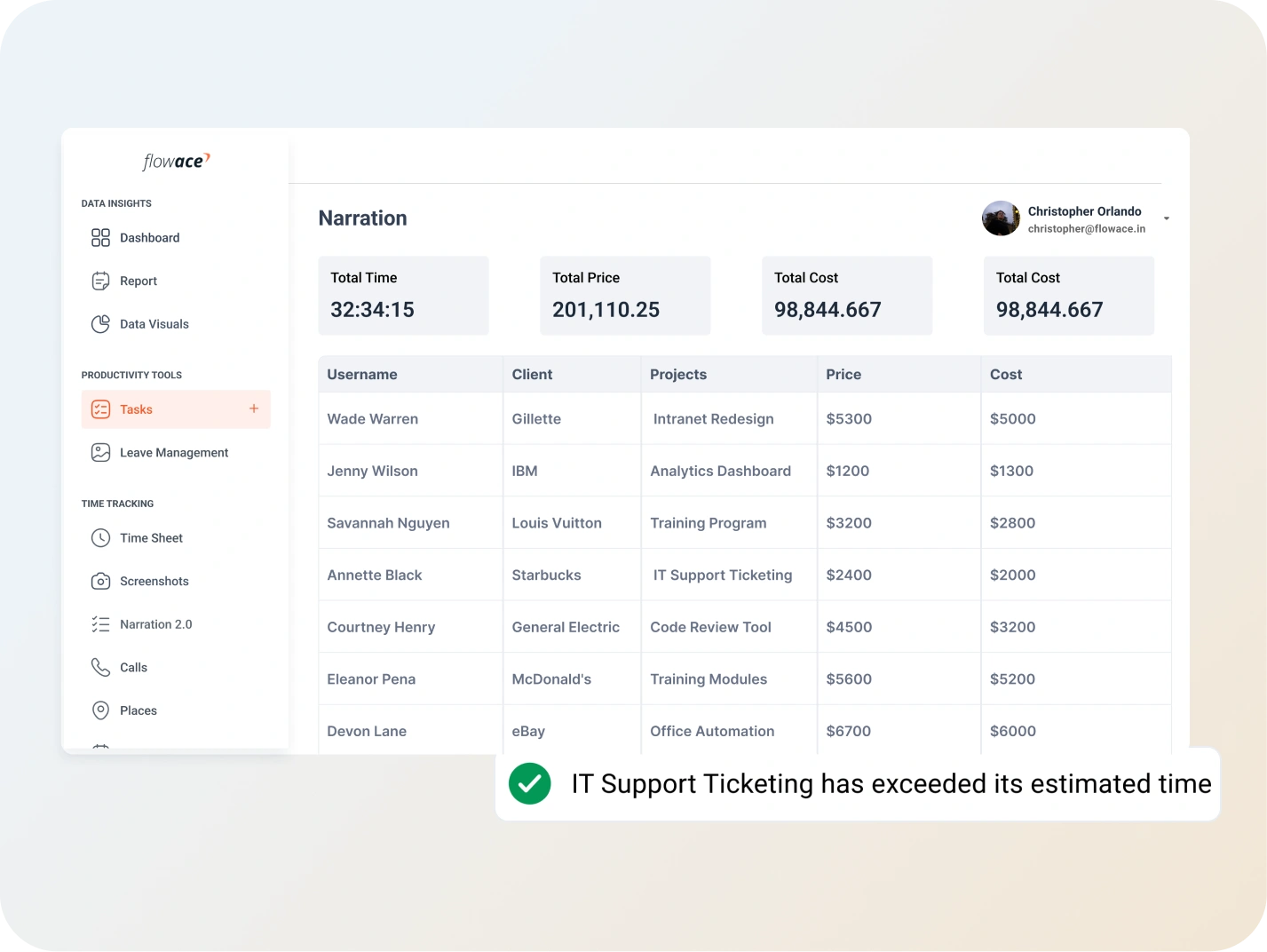
Identify overruns early by comparing planned hours with actual effort.



We used to depend on manual timesheets and they were never accurate. Flowace captures hours across tasks automatically and saves us hours of administrative work.
– Project Manager, IT Services Company
Our invoicing became much more reliable. Billable hours are captured precisely and clients appreciate the transparency.
– Founder & CEO, Digital Marketing Agency
With real-time project dashboards, we know exactly where time is going. It helps us manage deadlines and balance workloads across teams.
– Head of Operations, Consulting FirmFlowace automatically detects work activity and assigns it to the correct project or task, based on user configurations.
Yes. You can tag hours as billable or non-billable and export detailed timesheets for clients.
Yes. Flowace provides real-time dashboards and downloadable reports for hours, productivity, and project progress.
Absolutely. It captures work hours automatically for remote, hybrid, and distributed teams.
Yes. You can compare estimated versus actual hours to detect overruns early and optimize resources.
Don't let efficiency slip away. Discover game-changing tips and tools to keep your team productive and thriving!
Book a Demo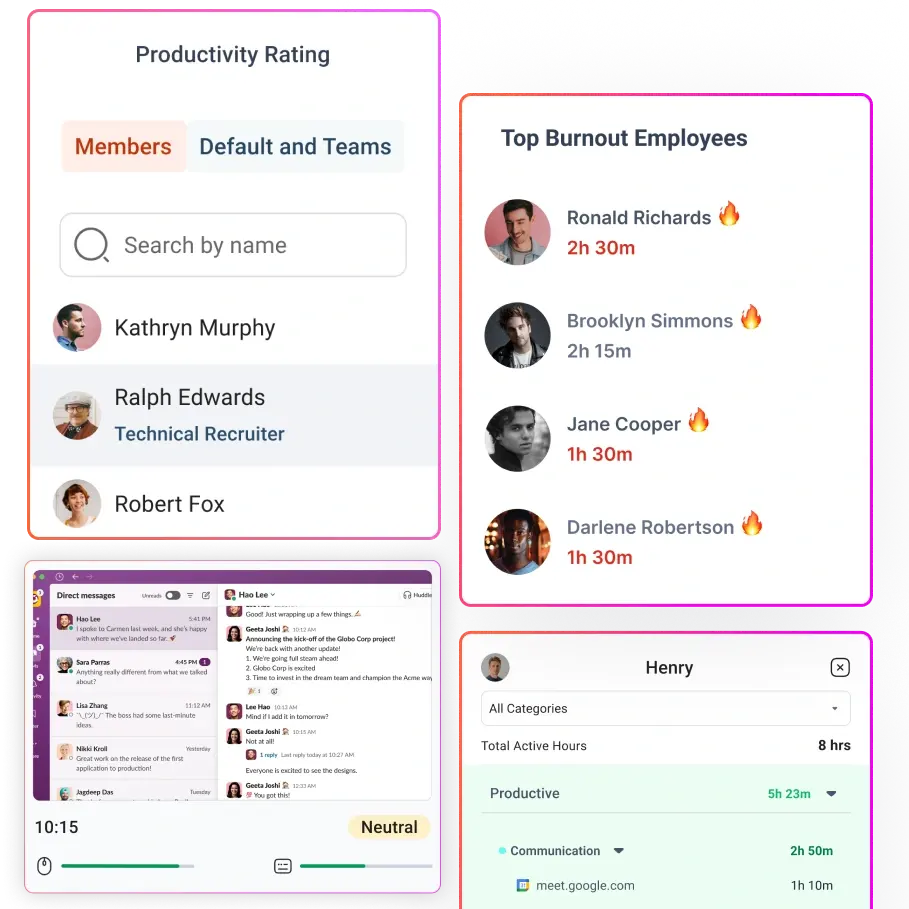
Discover employee monitoring that's smart, ethical, and productivity-focused. Build trust while boosting team performance!
Book a Demo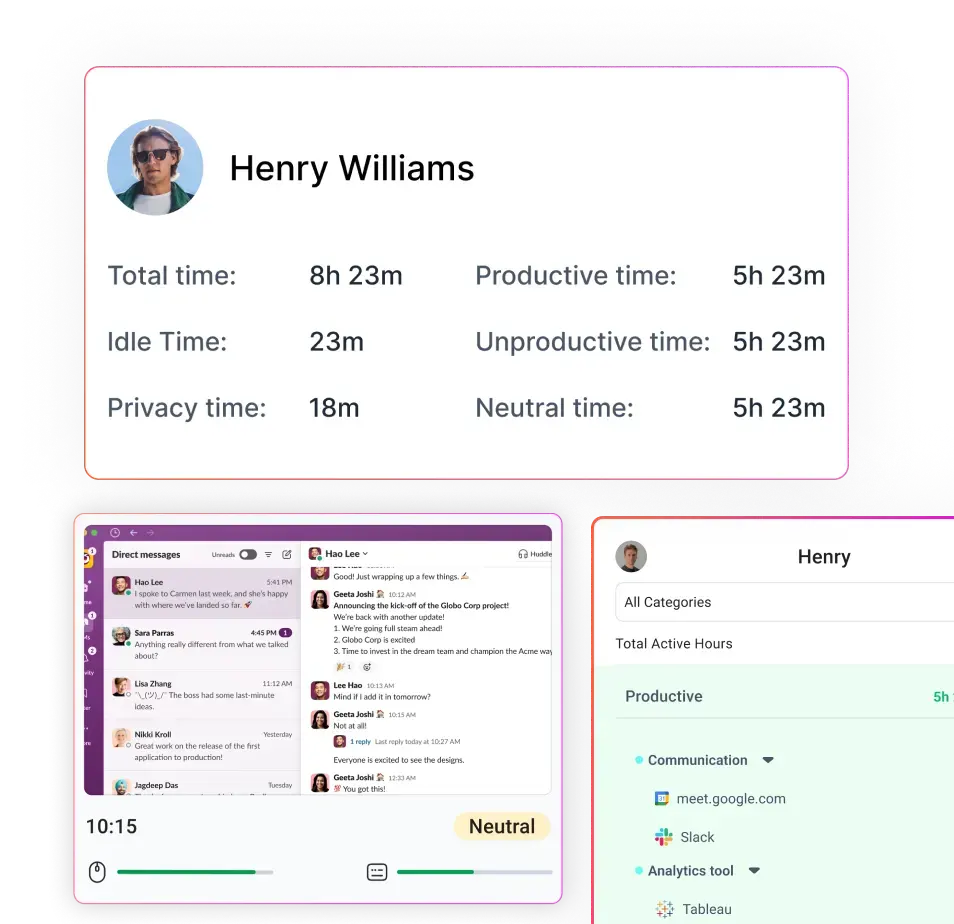
Take control of every second. Discover seamless time-tracking solutions to boost efficiency and get more done!
Book a Demo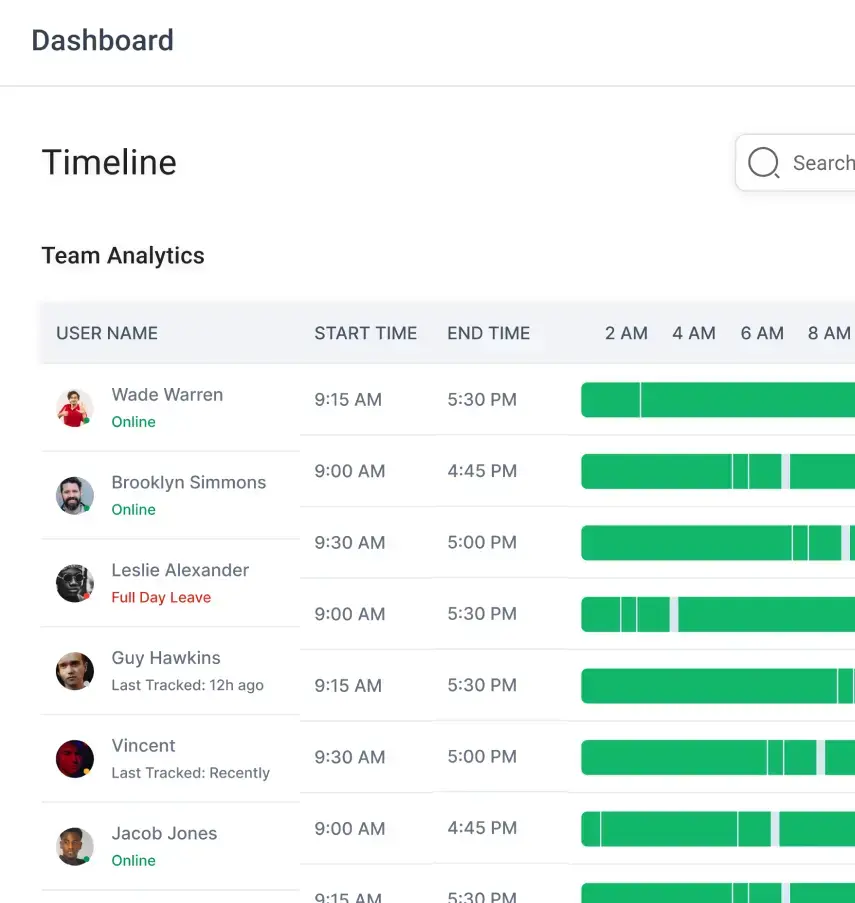
Say goodbye to manual tracking. Simplify attendance management with smart, automated solutions your team will love!
Book a Demo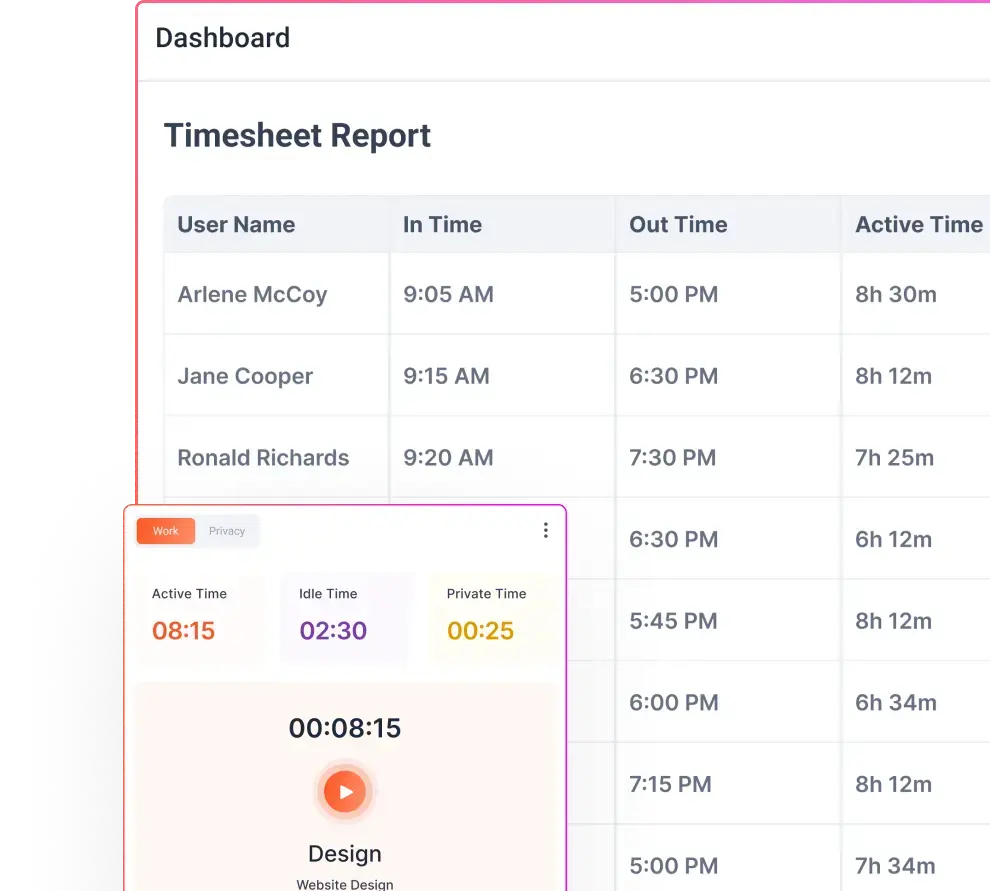
Master app and website insights effortlessly. Unleash smarter tracking and watch productivity skyrocket!
Book a Demo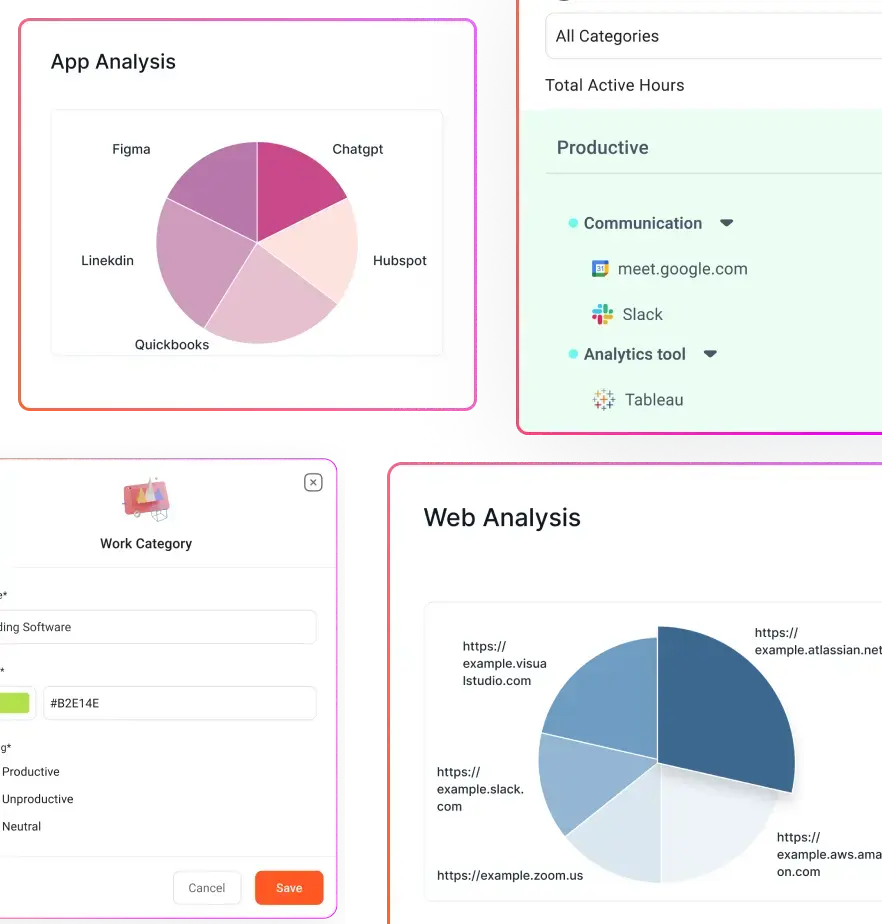
Monitor workflows discreetly and ethically. Get the data you need to enhance productivity—no disruptions, just results!
Book a Demo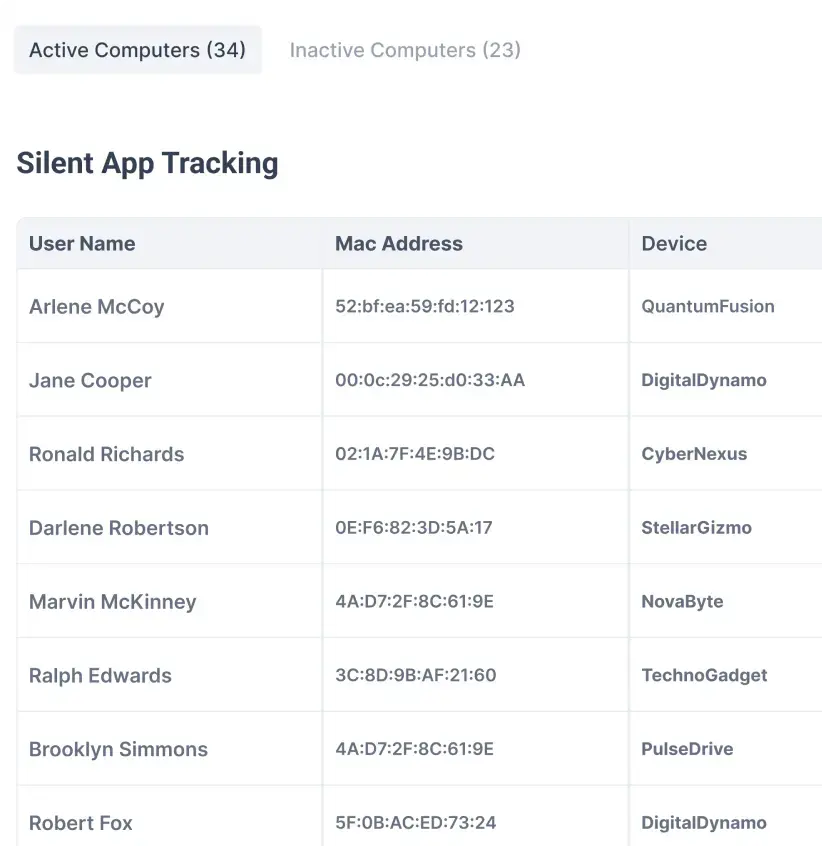
Tame the hustle with smart tracking and seamless workflow solutions. Boost productivity without the headaches!
Book a Demo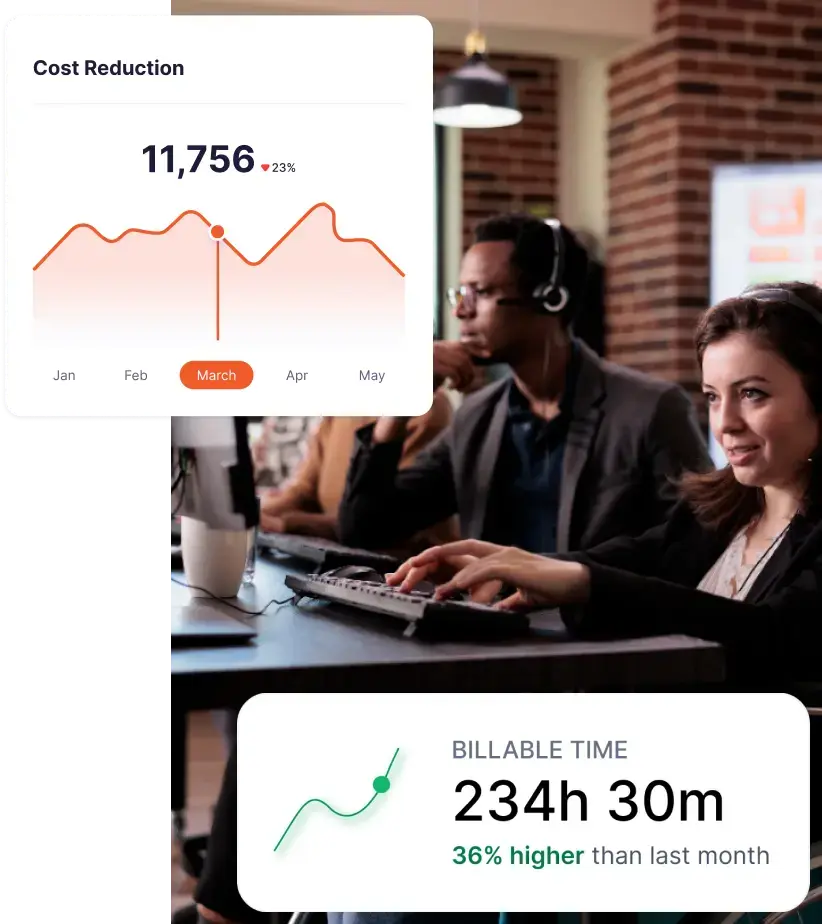
Supercharge your IT team with powerful tracking tools. Boost efficiency and keep projects on track with ease!
Book a Demo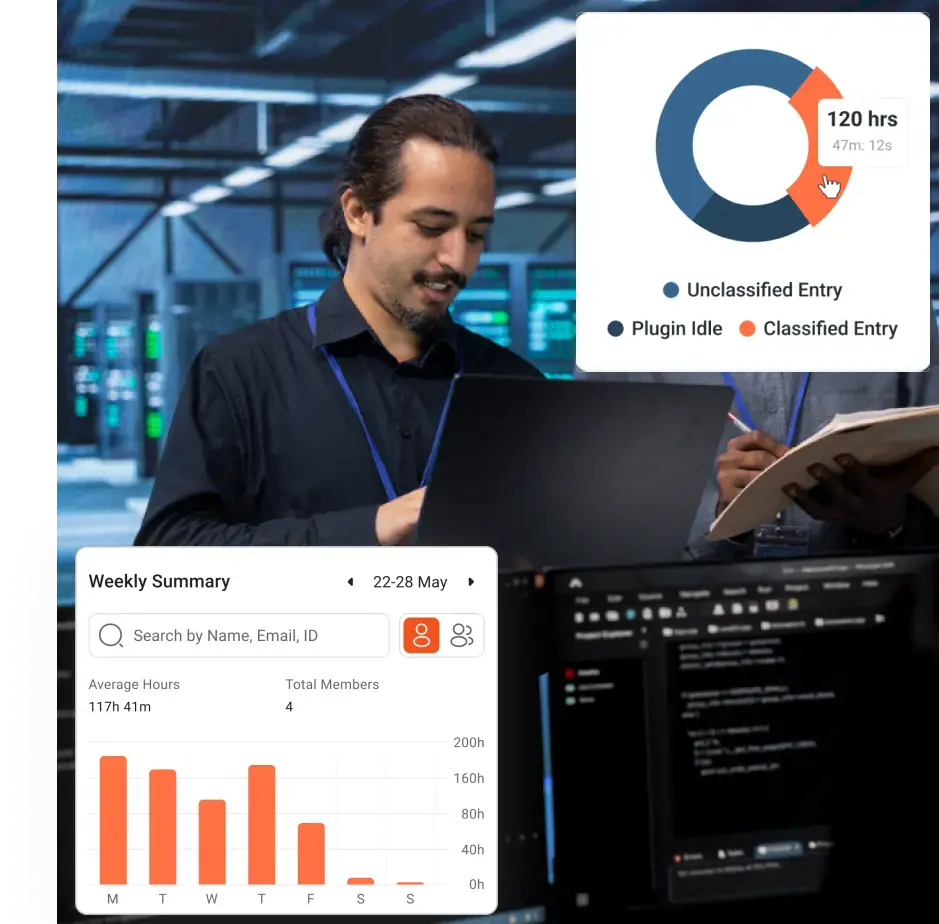
Optimize your accounting processes with smart tools. Boost accuracy, streamline workflows, and save time—effortlessly!
Book a Demo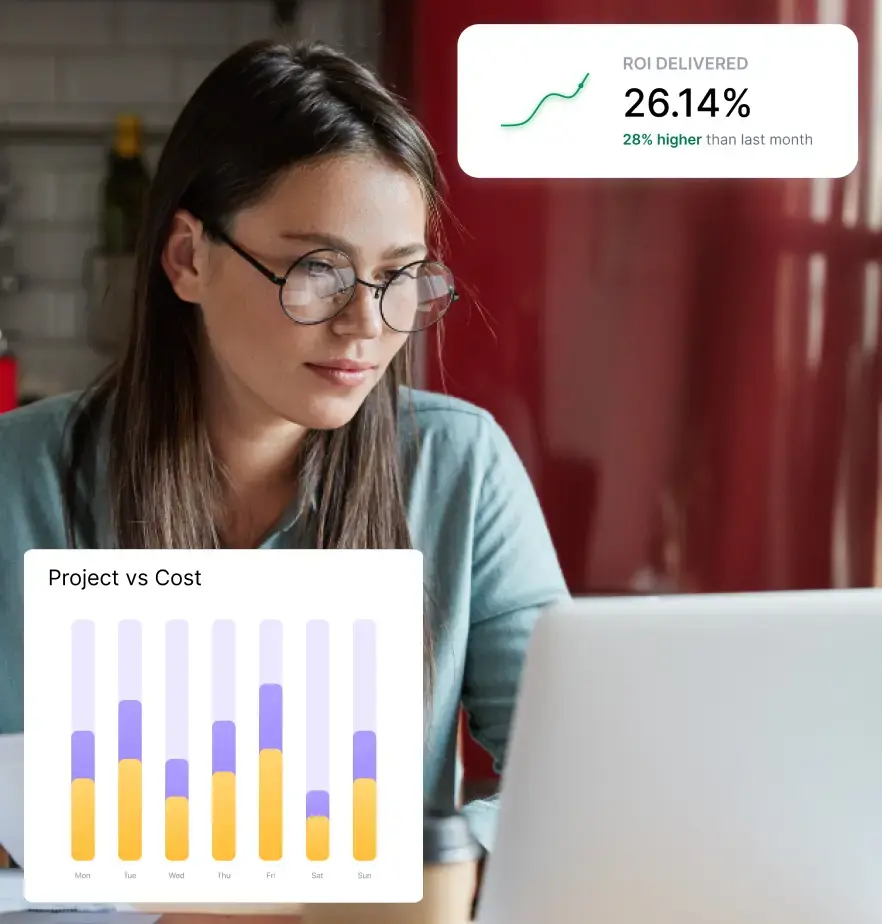
Streamline recruitment and boost team efficiency with smart tracking tools. Hire better, faster, and smarter!
Book a Demo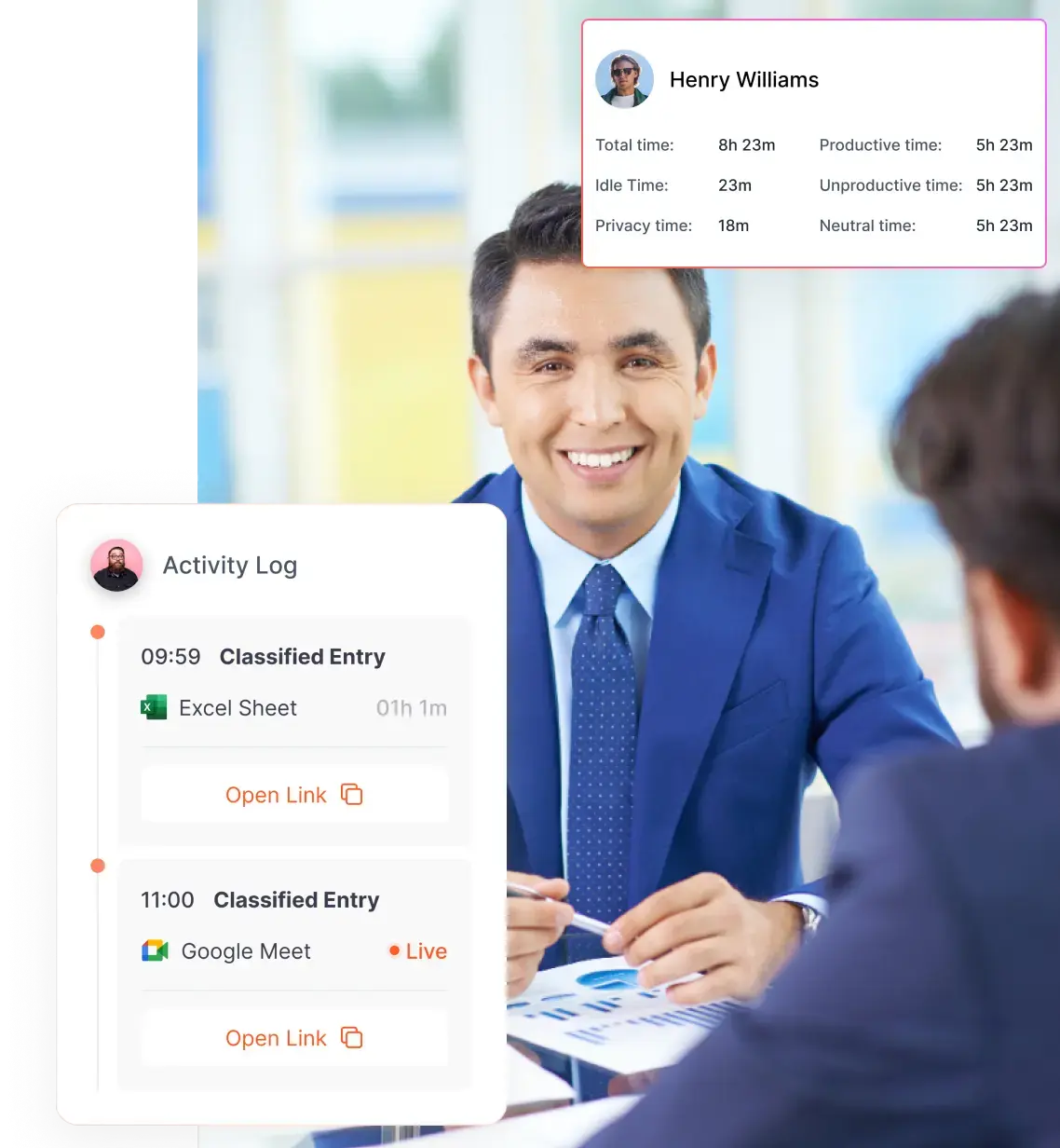
Streamline your legal processes with smart tracking tools. Improve efficiency and keep cases moving forward—smoothly!
Book a Demo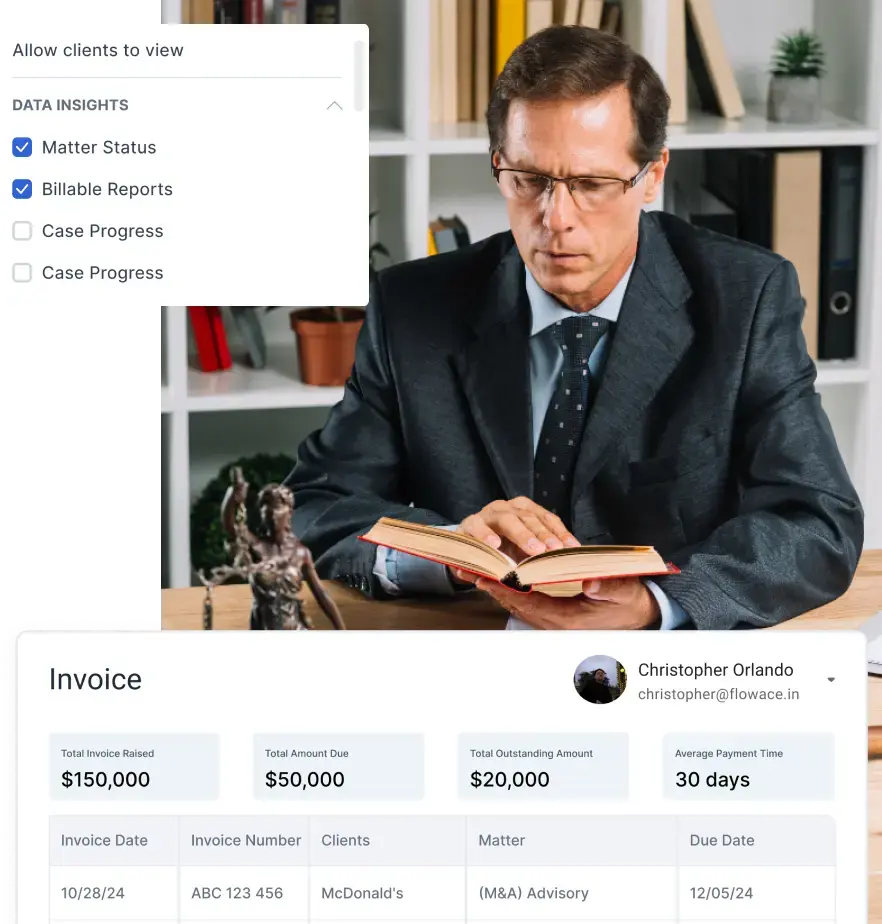
Before you go, check out how Flowace boosts productivity like no other tool. Discover how we can help your team succeed.
Book a Demo


Experience seamless time tracking and productivity enhancement like never before. Join the Flowace revolution and unlock your full potential. Start your journey to success today!”
