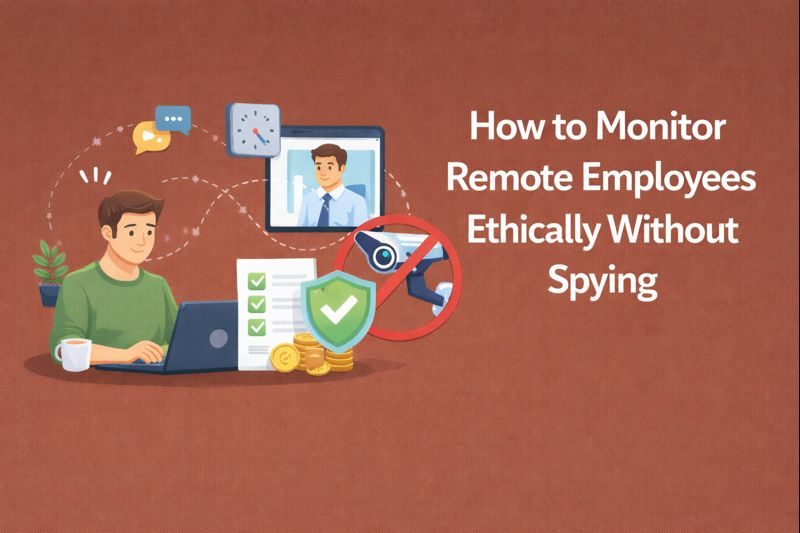
How to Monitor Remote Employees Ethically Without Spying



Key Takeaways:
- Managing remote employees requires a balance between visibility and privacy: Heavy-handed “bossware” may enforce compliance short-term but undermines trust, morale, and job satisfaction.
- Ethical monitoring focuses on outcomes, not surveillance: Track project milestones, workflow efficiency, and workload balance rather than keystrokes or personal activity.
- Transparency is critical: Clearly communicate what data is collected, why, who can access it, and retention policies, and provide employees access to their own data.
- Purpose drives trust: Collect only metrics that tie directly to business outcomes and process improvement, avoiding metrics that feel punitive or arbitrary.
- Boundaries protect privacy: Avoid monitoring outside work hours, keylogging, webcam captures, or personal behavior to reduce legal risk and maintain credibility.
- Non-intrusive monitoring works best: Tools should aggregate high-level signals like app usage, idle/active time, and task progress without capturing sensitive content.
- Privacy-first analytics platforms, like Flowace, replace multiple tools: One platform can handle time tracking, productivity dashboards, and monitoring without invasive surveillance.
- Shared access builds trust: Employees seeing their own data and aggregate insights reinforces transparency and collaboration.
- Monitoring supports coaching, not punishment: Insights should trigger workflow adjustments, resourcing decisions, and coaching rather than automatic penalties.
- Ethical monitoring improves team performance: When implemented with transparency, purpose, and boundaries, monitoring boosts predictability, delivery, and reduces burnout.
- Flowace enables privacy-conscious monitoring: Its work/privacy toggle, outcome-focused dashboards, and AI-powered tracking help managers improve delivery while respecting employee autonomy.
Managing a remote workforce means finding the right balance of visibility and respect for your employees’ privacy. Heavy-handed “bossware” that secretly records every keystroke or webcam feed may boost short-term compliance, but it often backfires. Studies show that invasive employee monitoring can increase stress and reduce job satisfaction.
For example, an MIT study found 80% of companies now monitor remote workers, and a recent survey reports nearly half of employees would consider quitting if surveillance increased.
In short, spying on people weakens their trust and morale. Instead, you need to focus on ethical productivity insights and operational intelligence.
How Can You Monitor Remote Employees Ethically?

You can monitor remote employees ethically if you anchor everything to outcomes. The goal is to make work visible, not to turn monitoring into surveillance theatre. That means designing systems that surface progress and patterns without invading personal space.
et clear goals, delivery standards, and performance metrics, then track what actually moves the business forward: project milestones, time allocation across workstreams, workflow efficiency, and high-level app usage trends. All of this can happen
This is where the distinction between “bossware” and productivity analytics matters. Bossware is built for control. It includes live screen viewing, webcam monitoring, or aggressive alerts for every idle minute. It treats people like machines to be watched and corrected.
Bossware is often justified as a way to prevent time theft, but constant surveillance undermines trust. Productivity analytics, by contrast, focuses on outcomes and patterns rather than policing employees. It looks at aggregated patterns and outcomes to help teams work better, not to catch individuals slipping up. This approach assumes people want to do good work. Instead of forcing them to prove they’re busy, you give them the clarity and support they need to perform better. That’s how monitoring earns trust instead of destroying it.
The 3 Rules of Ethical Monitoring
Ethical monitoring is about collecting just enough data to answer the questions:
Where is work getting stuck? Why do deadlines slip? Who is overloaded and at risk of burnout?
Ethical employee monitoring gives you this operational visibility while avoiding the invasive tactics that damage trust and performance.
There are 3 rules to ethical employee monitoring: be transparent about what you track, be clear about why you track it, and draw firm boundaries around personal time. Miss any one of these, and monitoring can quickly turn invasive.
Rule 1: Transparency
The fastest way to break trust is to monitor people without clearly explaining what you’re doing. When tracking feels secretive or vaguely defined, your employees feel anxious, and engagement drops.
You avoid that by being upfront from day one. Before anything goes live, you spell out exactly what data is collected, why it exists, who can see it, and how long it’s kept. No fine print, no ambiguity.
You also give people access to their own data. They should be able to review it, understand how it’s interpreted, and flag issues if something looks wrong. That alone changes monitoring from something done to employees into something they can engage with.
Then you close the loop. You share aggregate dashboards and periodic summaries that show what insights came out of the data and what actually changed as a result. When people see concrete actions taken, monitoring stops feeling abstract or threatening and starts to feel purposeful.
Rule 2: Purpose
Monitoring without a clear goal quickly starts to look like control for its own sake. If you can’t explain how a metric helps the business or the team, it will feel punitive no matter how neutral the tool claims to be. People don’t resist data, they resist data that seems pointless or weaponized.
You avoid that by starting with outcomes. You’re explicit about what you’re trying to improve: smoother delivery, fewer bottlenecks, more balanced workloads, lower burnout risk. Every signal you collect should clearly tie back to one of those outcomes. If a metric doesn’t map to a real use case, you don’t collect it. That discipline is what keeps monitoring from creeping into overreach.
Rule 3: Boundaries
Once monitoring spills into personal behavior, everything starts to break. Keystroke logging, webcam snapshots, or tracking people outside work hours don’t just feel invasive; they create real privacy risk, legal exposure, and long-term damage to trust. At that point, even legitimate insights lose credibility because people no longer believe the system is acting in good faith.
Across most jurisdictions, there are employee monitoring laws that are governed by a mix of data protection, labor, and employment laws. All of these hinge on the same principles of necessity, proportionality, transparency, and consent.
Regulations like GDPR in Europe, data protection frameworks in the UK, and emerging privacy laws in the US and APAC regions make it clear that employers can only collect data that is directly relevant to work.
So, you need to draw a hard line between work and personal time. Non-work hours are excluded from analytics by default, unless an employee explicitly opts in, typically for compensated overtime or specific, well-defined situations.
What Is Non-Intrusive Employee Monitoring Software?
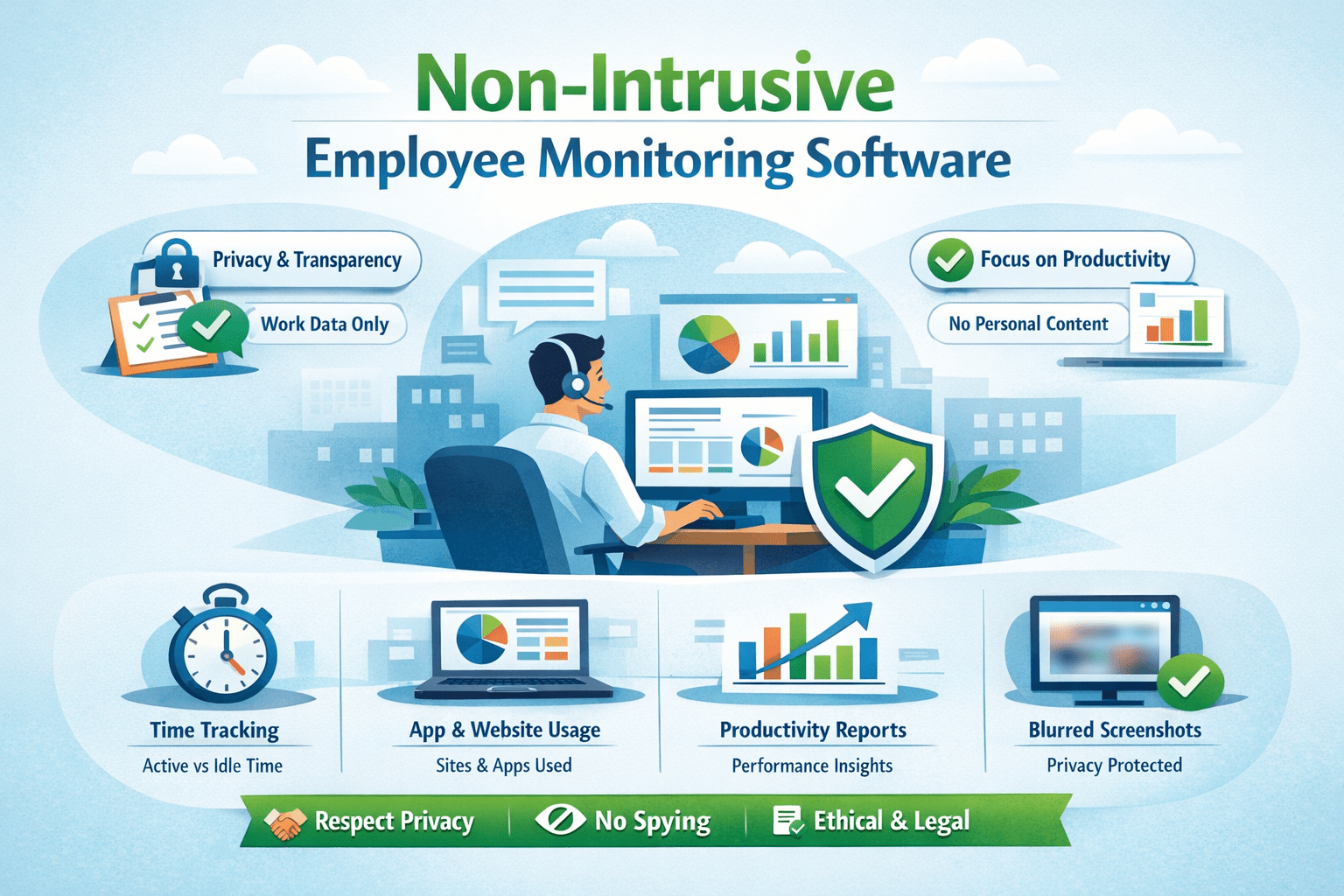
Non-intrusive monitoring software focuses on useful work signals without prying into private content. Instead of scrutinizing every keystroke or recording detailed browsing histories, it quietly captures high-level activity data in the background.
The best privacy-respecting tools will typically:
- Record which work applications or documents are used, but without capturing personal information or unrelated content.
- Take periodic screenshots only when necessary for compliance (and optionally blur personal areas) – or even avoid screenshots altogether if possible, relying on summaries instead.
- Aggregate idle/active time rather than exact mouse/keyboard movement, giving an overall productivity gauge.
- Provide dashboards that highlight project progress, billable hours, and productivity trends, so you get the insight you need for management decisions.
Flowace is an example of this approach: it uses silent app tracking and AI to guess what tasks employees are doing, without using invasive methods. Use Flowace to uncover where work stalls and how it affects your bottom line, tracking profitability and productivity in the same platform.
Employee Monitoring Tools That Respect worker’s Privacy
Spyware tries to recreate every moment of an employee’s day: live screen sharing, keystroke logging, webcam snapshots, and intrusive location tracking. Analytics, by contrast, aims to answer specific work questions without turning monitoring into surveillance. Your job is to favour tools and policies that protect autonomy and collect only what’s necessary.
You do not need multiple tools to monitor your employees. One privacy-first platform can replace time trackers, screenshots, and attendance tools all at once.
Here is a list of tools that focus on employee privacy while still giving you meaningful visibility into work outcomes, team capacity, and process health.
Flowace
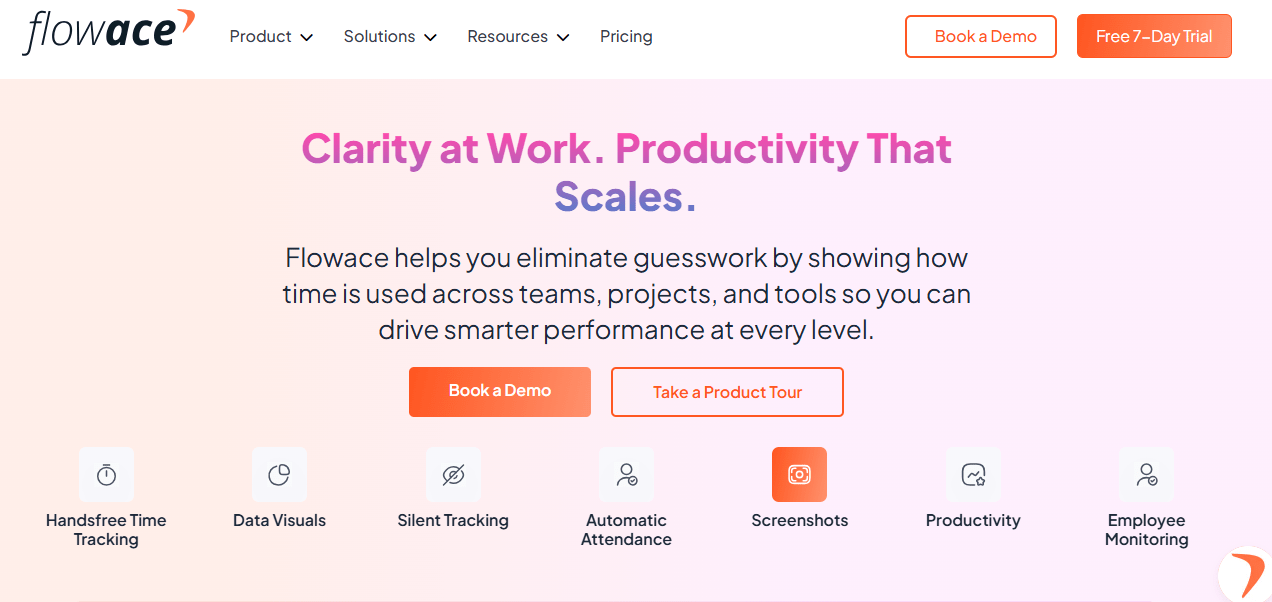
Flowace.ai is a strong example of a privacy-first analytics tool. It’s designed around the idea that employees should control when tracking happens. With a clear Work Mode and Privacy Mode, employees can pause monitoring during lunch or personal breaks, ensuring no data is captured outside work time.
Flowace also deliberately avoids keylogging and content capture. You can see that someone spent two hours in Microsoft Word, but not what they typed. This distinction matters because it keeps the focus on outcomes like time allocation and task flow, not on policing individual actions.
Pair Flowace with a clear ethical employee monitoring policy so your team knows exactly how data is collected, used, and protected.
Key Features:
- AI-powered automatic time tracking that logs work hours, application usage, and idle time without manual input.
- Privacy mode allows employees to pause tracking during breaks or personal time.
- Detailed productivity dashboards and outcome-oriented insights (tasks, projects, focus intervals).
- Custom alerts and workload imbalance flags so you can intervene early.
- Offline tracking with automatic sync once online.
- Integrations with major tools like Jira, Asana, Teams, Workday, etc.
Best For:
Teams and organizations that want automated insights into work outcomes and patterns while respecting employee privacy, especially remote/hybrid teams and managers who care about productivity trends without invasive surveillance.
Toggl Track
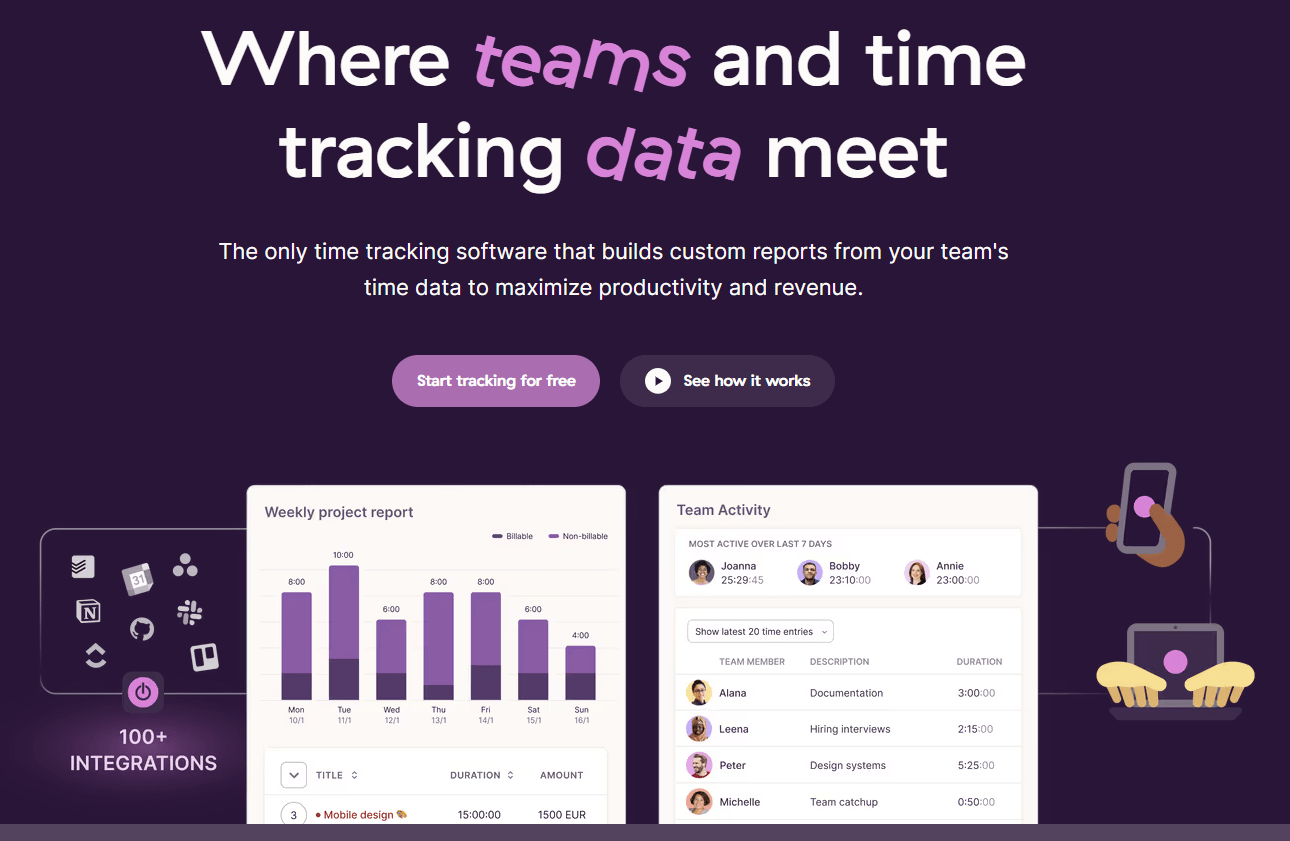
Toggl Track represents the high-trust end of the spectrum. It relies primarily on manual time tracking, which makes it one of the least intrusive options available. Employees decide what gets recorded and when. The trade-off is that you lose automated verification and deeper workflow insights, but in return, you get maximum autonomy and minimal privacy risk. This works best in cultures where trust and accountability are already strong.
Key Features:
- One-click timers and manual time entries to record when work starts and stops.
- Calendar, timeline, and list views for reviewing time data and breaking it down by project, task, or tag.
- Custom reports and robust integrations with 100+ tools (Slack, Jira, QuickBooks etc.).
- Offline support and cross-device sync for desktop, mobile, and web.
- Project dashboards that link time to clients, tasks, and budgets.
Best For:
High-trust cultures where time tracking is voluntary or self-reported are useful for freelancers, agencies, consultants, and teams that value employee control and transparency over automated tracking.
ActivTrak
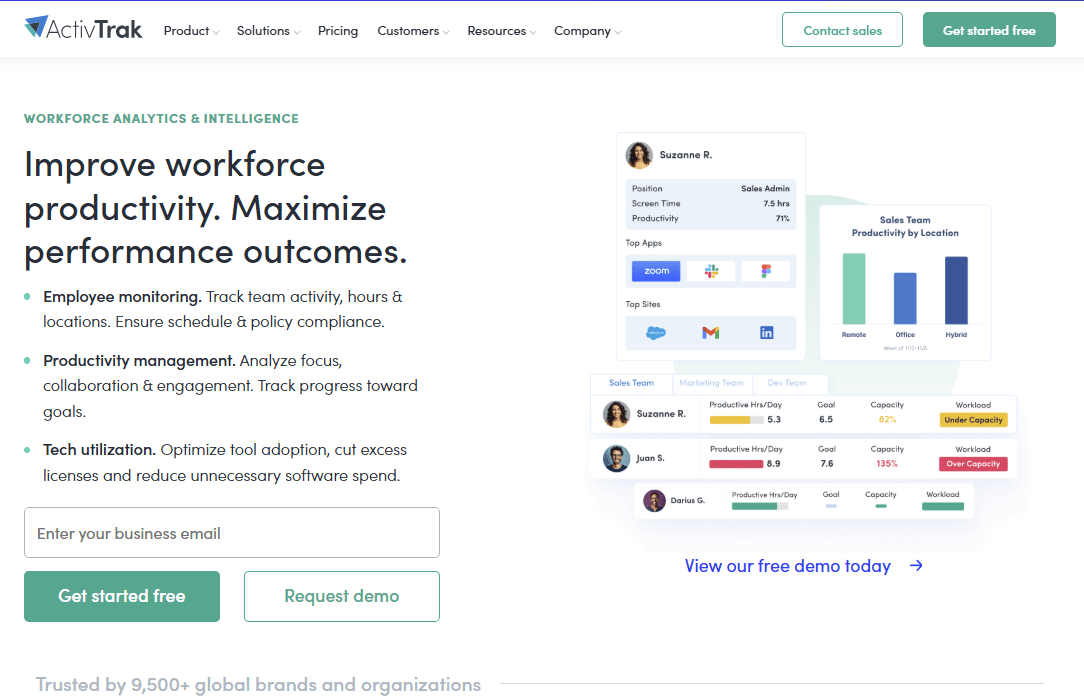
ActivTrak takes an aggregated approach to monitoring. Instead of constantly zooming in on individual screens, it’s designed to surface broad trends across teams. For example, it can highlight that a department is consistently overworked or that meetings are consuming a disproportionate share of time. Used correctly, this helps leaders address systemic issues without singling people out or resorting to invasive tactics.
Key Features:
- Real-time productivity trends, app and website usage insights, and workload balance analytics.
- Dashboards that highlight productivity patterns without invasive data like keystrokes or webcams.
- Productivity optimization tools and benchmarks across teams, roles, and time periods.
- Workforce planning insights (utilization, capacity, headcount needs, tech spend).
- Compliance and adherence reports (attendance, policy signals).
- Customizable reporting and BI-ready templates.
Best For:
Mid-sized to larger teams or organizations that want high-level productivity insights and trend analysis without an emphasis on individual surveillance, and where workforce planning or optimization is a priority.
Lattice
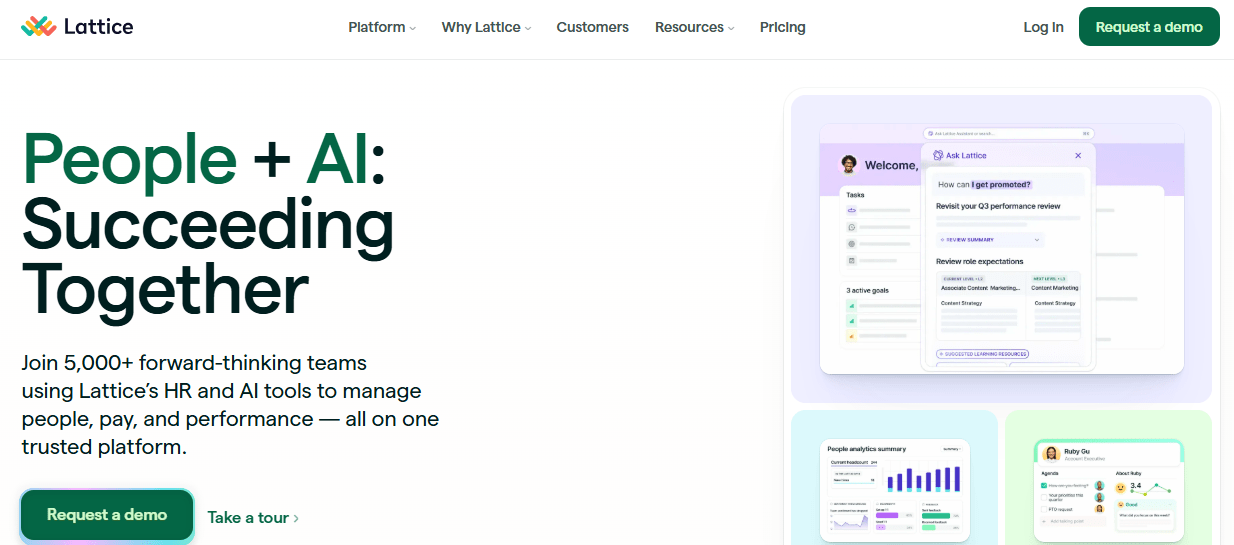
Lattice rounds out the list by showing that monitoring doesn’t always mean tracking activity at all. Lattice focuses on goals, feedback, and OKRs rather than time or screen data. It enables regular check-ins and outcome-based conversations, reinforcing the idea that performance can be measured through progress and alignment, not surveillance.
Key Features:
- Goal setting and OKR (Objectives and Key Results) tracking with visual progress dashboards.
- Performance review cycles, continuous feedback, 1:1 coaching facilitation, and recognition tools.
- Engagement surveys, pulse checks, and eNPS tracking to measure sentiment and alignment.
- Integrations with HR and workplace tools (Slack, Teams, project systems) for cohesion.
- People analytics for long-term talent development and performance insights.
Best For:
Organizations that don’t need traditional monitoring at all but want to track outcomes, alignment, and performance through goals and feedback. Lattice is best where performance conversations are part of regular workflow, and you want a human-centered, trust-focused approach rather than activity monitoring.
How To Introduce This To Your Team
When you roll out monitoring, lead with intent and boundaries, not features.
- Be clear that you’re not reading private messages, logging keystrokes, or watching screens. Say that explicitly. Ambiguity is what creates fear.
- Explain the purpose in human terms: this is about preventing overwork, fixing delivery bottlenecks, and making sure client work is scoped and billed fairly, not about catching people out.
- Make visibility mutual. Employees should be able to see their own data, understand what it shows, and challenge it if something looks wrong. Nothing builds trust faster than letting people see exactly what managers see.
If you frame monitoring as a shared tool for better work, with clear limits and full transparency, it lands as support rather than surveillance.
Final Thoughts
In a remote-first world, visibility is essential, but how you get it matters. You can track work without eroding trust by being transparent about what you monitor, disciplined about why you monitor it, and strict about respecting personal boundaries.
Ethical employee monitoring focuses on outcomes and patterns. That shift changes how employees perceive the tool, how managers use the data, and how teams perform over time.
The tools you choose matter, but your intent and governance matter more. Privacy-first analytics, clear communication, and shared access to insights turn monitoring into operational intelligence rather than control.
Flowace delivers ethical employee monitoring with privacy-first analytics. Its work/privacy toggle and outcome-focused dashboards help to track progress without invading personal space. Start a free trial with Flowace today or book a demo now to see how Flowace helps improve delivery and reduce burnout.
FAQs:
How does ethical monitoring differ from “bossware”?
Bossware aims to control by recording moment-by-moment behavior; ethical monitoring answers operational questions with minimal, aggregated signals. The latter preserves autonomy, reduces legal risk, and supports coaching rather than punishment.
Is employee monitoring legal?
It can be, but legality depends on jurisdiction and whether monitoring follows necessity, proportionality, transparency, and consent. Always align your policy with local data protection and labor laws (for example, GDPR in Europe) and document your legal basis.
What specific data should I collect?
Collect task timestamps, app/document titles at a high level, aggregated active/idle blocks, and project status metrics. If a metric doesn’t map to a clear use case, don’t collect it.
Can monitoring detect time theft without invading privacy?
Yes — by comparing expected vs actual task durations and looking for recurring anomalies at an aggregate level, you can spot probable time theft without capturing private content. Use such signals as a prompt for conversation, not immediate punishment.
How should I announce a monitoring rollout?
Lead with intent: explain what you’ll collect, why, who can see it, retention rules, and opt-out options — then run a volunteer pilot. Offer demos, FAQs, and a clear appeals path to build trust.
What is a good retention policy for monitoring data?
Keep raw session logs short (e.g., 30–90 days) and retain aggregated, anonymized trends longer for analysis. Publish these windows publicly so employees know how long their data lives.
Who should be allowed access to monitoring data?
Restrict access by role (RBAC): individuals see their own data; managers access aggregated or coach-level views; HR/legal access only when justified — and log every access. Auditability is essential.