RCM Operations Efficiency Toolkit: Key Metrics



Key Takeaways
- RCM efficiency depends on more than billing systems alone. Strong platforms can process claims and payments, but they do not show how team time and capacity are actually being used.
- Many revenue cycle delays come from invisible execution gaps. Manual rework, inconsistent follow-ups, uneven workload distribution, and low-value admin work often create delays that do not appear clearly in billing reports.
- An RCM operations efficiency toolkit is a layered system, not a single tool. It combines billing platforms, claims follow-up tools, and workforce visibility tools to improve operational performance.
- The systems layer handles transactions, but the workforce visibility layer shows execution. Attendance tracking, time allocation, productivity monitoring, and shift adherence reveal how work is really getting done day to day.
- Operational leakage is one of the biggest hidden threats to RCM performance. Small daily inefficiencies like portal switching, manual status checks, idle gaps, and poor schedule adherence can quietly reduce productivity and delay reimbursements.
- Billing and claims tools solve part of the problem, but not all of it. Tools like Epic, Athenahealth, Waystar, and Availity support financial workflows, while workforce analytics tools help leaders understand team behavior and execution quality.
- The most useful RCM monitoring metrics are action-oriented, not vanity metrics. Leaders rely on attendance consistency, time spent on core work, shift adherence, focused work time, idle trends, app usage, productivity consistency, and exception alerts.
- Better manager visibility leads to faster intervention. When leaders can see capacity gaps, workflow drift, or overloaded queues early, they can reassign work before SLAs, collections, or cash flow are affected.
- Workforce visibility is especially important for hybrid and distributed RCM teams. It helps maintain accountability, improve staffing decisions, and support more consistent performance across locations.
- Flowace fits into the RCM stack as the workforce visibility layer. It does not replace billing or claims software, but helps leaders track attendance, time usage, productivity patterns, and operational drift to improve execution before revenue suffers.
Most RCM leaders already have the core systems in place. Billing platforms process claims, clearinghouses route submissions, and payer portals manage status updates. Yet even with all that infrastructure, one critical question often goes unanswered: Where is team capacity actually going?
Broken systems do not always cause revenue cycle delays. More often, they come from invisible execution gaps. Manual rework, inconsistent follow-ups, uneven workload distribution, and low-value administrative effort that never shows up clearly in billing reports cause operational delays.
That is why improving RCM efficiency requires more than transaction data. Leaders need visibility into attendance, time allocation, and day-to-day work patterns to understand how operations really run. In this article, we will break down the RCM operations efficiency toolkit leaders actually use, including attendance tracking, time tracking, and monitoring metrics that reveal where performance is improving—and where it is quietly slipping.
What is an RCM Operations Efficiency Toolkit?
An RCM operations efficiency toolkit is not a single platform. It is a collection of technologies that sit around your existing practice‑management and billing systems. Each tool plays a role in improving:
- Attendance visibility – understanding when team members start, stop and take breaks.
- Time allocation – seeing how much time goes to high‑value claims, follow‑up, coding, denials and low‑value administrative tasks.
- Productivity consistency – comparing performance across teams and locations to detect drift.
- Adherence to schedules and workflows – ensuring staff follow expected shift patterns and queue guidelines.
- Manager oversight – giving leaders dashboards and alerts so they can intervene early.
- Detection of operational leakage – identifying the small daily losses in focus and follow‑up discipline that quietly erode revenue.
The Three Layers of RCM Efficiency
To understand how these tools fit together, think of RCM efficiency as having three layers:
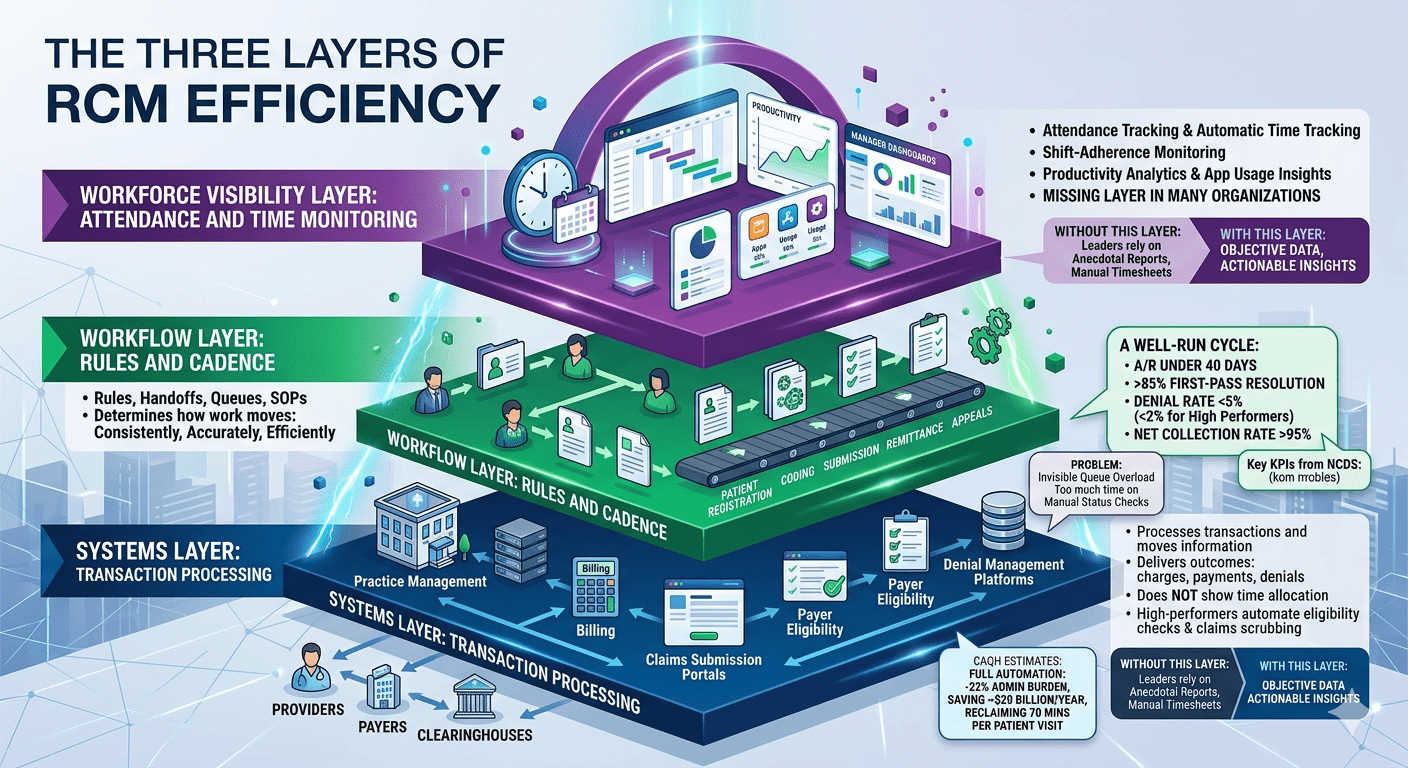
Systems Layer: Transaction Processing
This is the foundation layer. It includes practice‑management software, billing systems, claims submission portals, payer eligibility tools and denial management platforms.
These systems process transactions and move information between providers, payers and clearinghouses. They deliver financial outcomes—charges, payments, denials—but they do not show how teams allocate time to produce those outcomes. Many high‑performing systems also automate eligibility checks and claims scrubbing.
The CAQH estimates that full automation of routine transactions could remove 22 % of administrative burden, saving the U.S. healthcare system roughly $20 billion annually and reclaiming 70 minutes per patient visit.
Workflow Layer: Rules and Cadence
Every RCM team has rules, handoffs, queues and standard operating procedures. These define how claims move from patient registration to coding, submission, remittance and appeals. This workflow design determines how consistently, accurately, and efficiently work moves across the revenue cycle.
NCDS notes that a well‑run revenue cycle should keep days in accounts receivable (A/R) under 40 days, a first‑pass resolution rate above 85 %, a denial rate below 5 % (with high performers achieving <2 %) and a net collection rate above 95 %.
Yet even with good workflow design, managers often cannot see when a queue becomes overloaded or when staff spend too much time on manual status checks.
Workforce Visibility Layer: Attendance and Time Monitoring
This is the missing layer in many organisations. It includes attendance tracking, automatic time tracking, shift‑adherence monitoring, productivity analytics, application usage insights and manager dashboards. Without this layer, leaders rely on anecdotal reports or manual time sheets.
Why RCM Efficiency Breaks Down Despite Strong Systems
Even after investing in leading RCM platforms, healthcare organizations still struggle to translate system performance into consistent operational efficiency.
Here are some common reasons:
- Outcome visibility without execution visibility: Financial systems show charges, payments and denials, but do not reveal execution patterns. Managers see a high denial rate but not the underlying cause—perhaps claims sit idle or staff spend too much time switching between payer portals.
- Attendance data without productive capacity: Clock‑in/clock‑out systems record hours worked, but not how much of that time goes to high‑value tasks versus administrative overhead. Remote workers may log fewer hours but maintain or exceed productivity.
- Manual reporting lag: Teams often rely on spreadsheets and manual timesheets. Updating these takes time and introduces errors. Flowace automates time tracking, reducing manual efforts and improving accuracy.
- Hidden follow‑up drift: Claims follow‑up tasks can drift when no one monitors queue coverage or adherence to follow‑up cadence. Managers may not notice until service-level agreements (SLAs) are breached.
- Inconsistent scheduling adherence: Without shift‑adherence monitoring, some team members may start late, take extended breaks or exceed overtime budgets—especially in hybrid or outsourced RCM operations.
The Hidden Cost of Operational Leakage
Operational leakage refers to the small, often invisible, daily losses in time and focus that collectively reduce RCM performance. Examples include:
- Excessive portal switching: Repeatedly logging into payer portals and clearinghouses wastes minutes that compound over a day. Switching across systems can also cause cognitive fatigue.
- Manual status checks: Without automated claim monitoring, staff may spend hours checking claim status rather than addressing denials or resubmitting claims.
- Avoidable idle gaps: Waiting for approvals or manual handoffs can leave staff idle if managers cannot reassign tasks quickly.
- Low‑value administrative tasks: Data entry, manual coding and scanning eat into productive capacity and can be automated or streamlined.
- Inconsistent shift adherence: In remote or hybrid teams, inconsistent start times and unplanned breaks create unpredictability in queue coverage.
These issues may seem minor in isolation, but together they create a steady drain on revenue cycle performance.
The Ultimate RCM Operations Efficiency Toolkit: 10 Essential Tools
An effective RCM operations efficiency toolkit combines three categories of tools: billing management, claims follow‑up and workforce analytics and efficiency. Each tool plays a unique role in improving visibility, productivity and compliance.
Billing Management Tools
1. Epic Systems
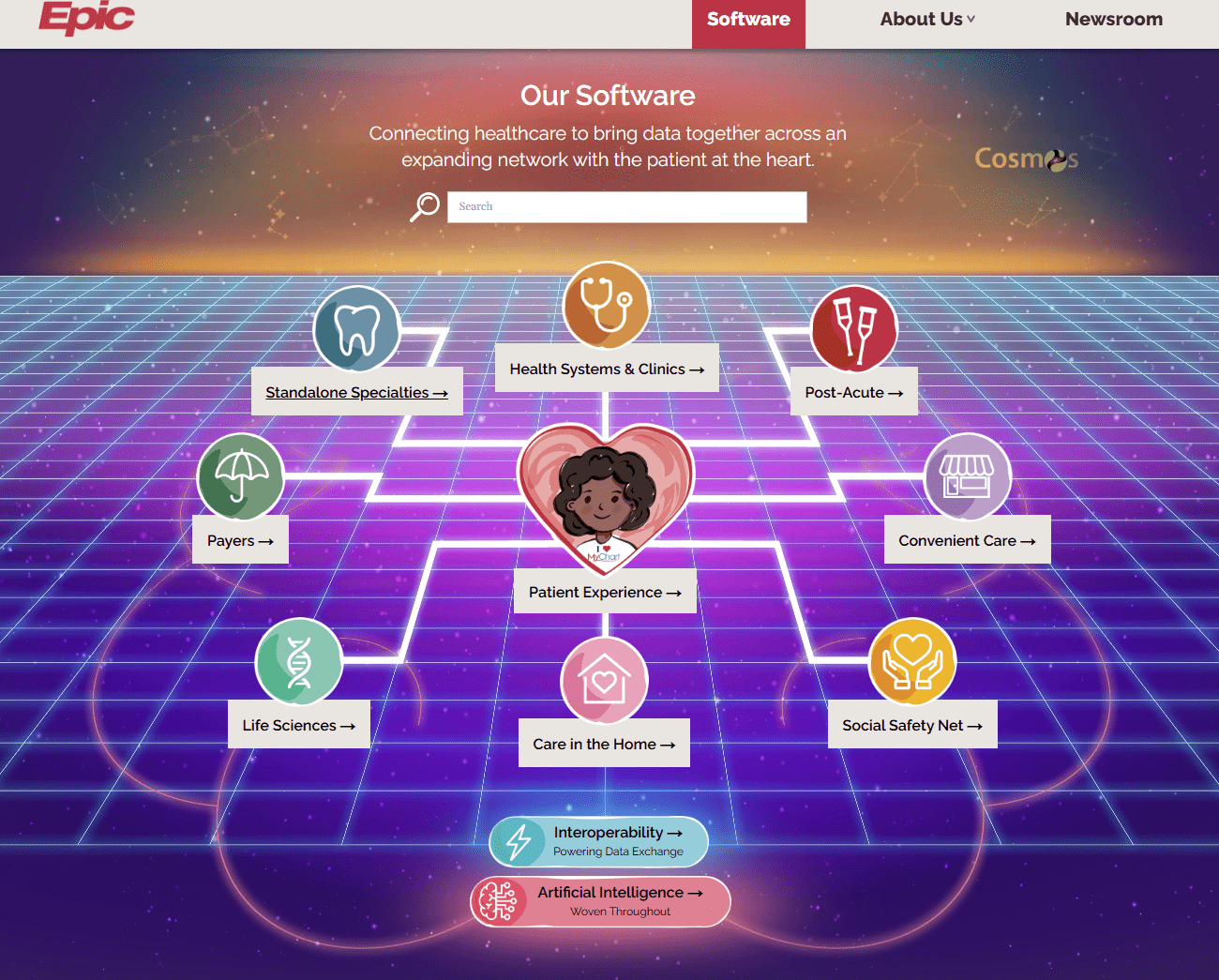
Epic is a strong fit for large health systems that need billing and revenue cycle operations closely connected to clinical and administrative workflows. Its Resolute billing suite supports the core financial processes that healthcare organizations rely on, while also fitting into a broader operational ecosystem.
Key Features:
- Registration and eligibility verification
- Claims management
- Payment processing
- Patient statements
- Tight integration with clinical and administrative workflows
Best Fit for:
Large health systems that need an enterprise-grade billing and revenue cycle platform with deep operational integration.
2. Athenahealth
Athenahealth is well-suited for practices that want a unified environment for billing, practice management, and revenue cycle management services. It uses AI to help accelerate collections, reduce denial-related work, and improve visibility into RCM performance.
Key Features:
- Unified billing, practice management, and RCM platform
- AI-supported revenue collection workflows
- Denial management support
- Visibility into RCM outcomes
- Reduced manual work and improved remote collaboration
Best Fit for:
Practices that want an all-in-one platform for billing and revenue cycle management with built-in automation and visibility.
3. NextGen Healthcare
NextGen is designed for ambulatory groups that want to improve billing efficiency and strengthen revenue cycle performance. It combines practice management with RCM capabilities to help organizations reduce denials, improve collections, and shorten A/R cycles.
Key Features:
- Practice management and RCM support
- Denial reduction tools
- Faster collections workflows
- Days in A/R improvement support
- Workflow support for ambulatory care operations
Best Fit for:
Ambulatory groups looking to strengthen practice management and revenue cycle performance in one system.
4. eClinicalWorks
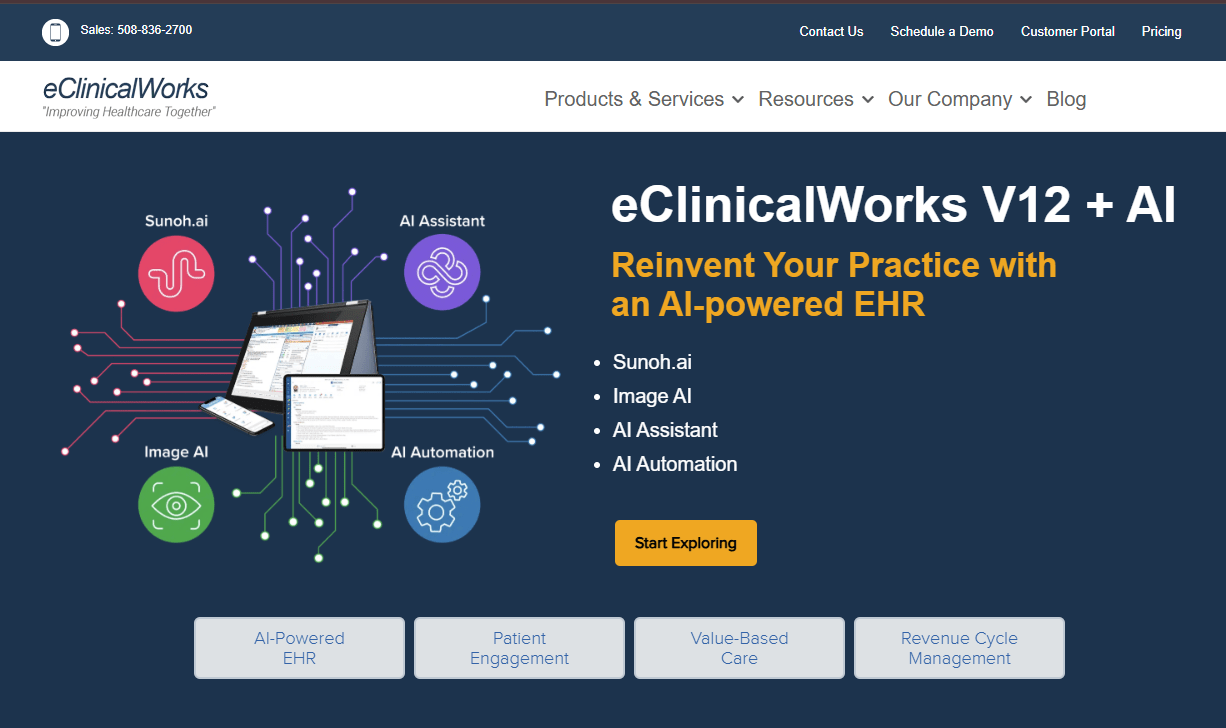
eClinicalWorks is a flexible option for organizations that want either self-service RCM technology or managed billing services. It supports the full billing lifecycle, from eligibility checks to appeals, while also giving teams real-time reporting to monitor performance.
Key Features:
- Eligibility verification
- Claim scrubbing and claim submission
- Remittance processing
- Denial and appeals management
- Real-time reporting
Best Fit for:
Organizations that want flexibility between self-managed RCM workflows and managed service support.
5. 
CareCloud offers end-to-end billing and revenue cycle management with a strong focus on financial visibility. It is built for practices that want better control over cash flow, prior authorization workflows, and revenue cycle KPIs.
Key Features:
- End-to-end billing and RCM support
- Integrated financial visibility
- Cash flow improvement tools
- Prior authorization support
- KPI tracking across the revenue cycle
Best Fit for:
Practices that want complete billing and RCM support with strong financial reporting and cash-flow visibility.
Claims Follow‑Up Tools
6. Waystar
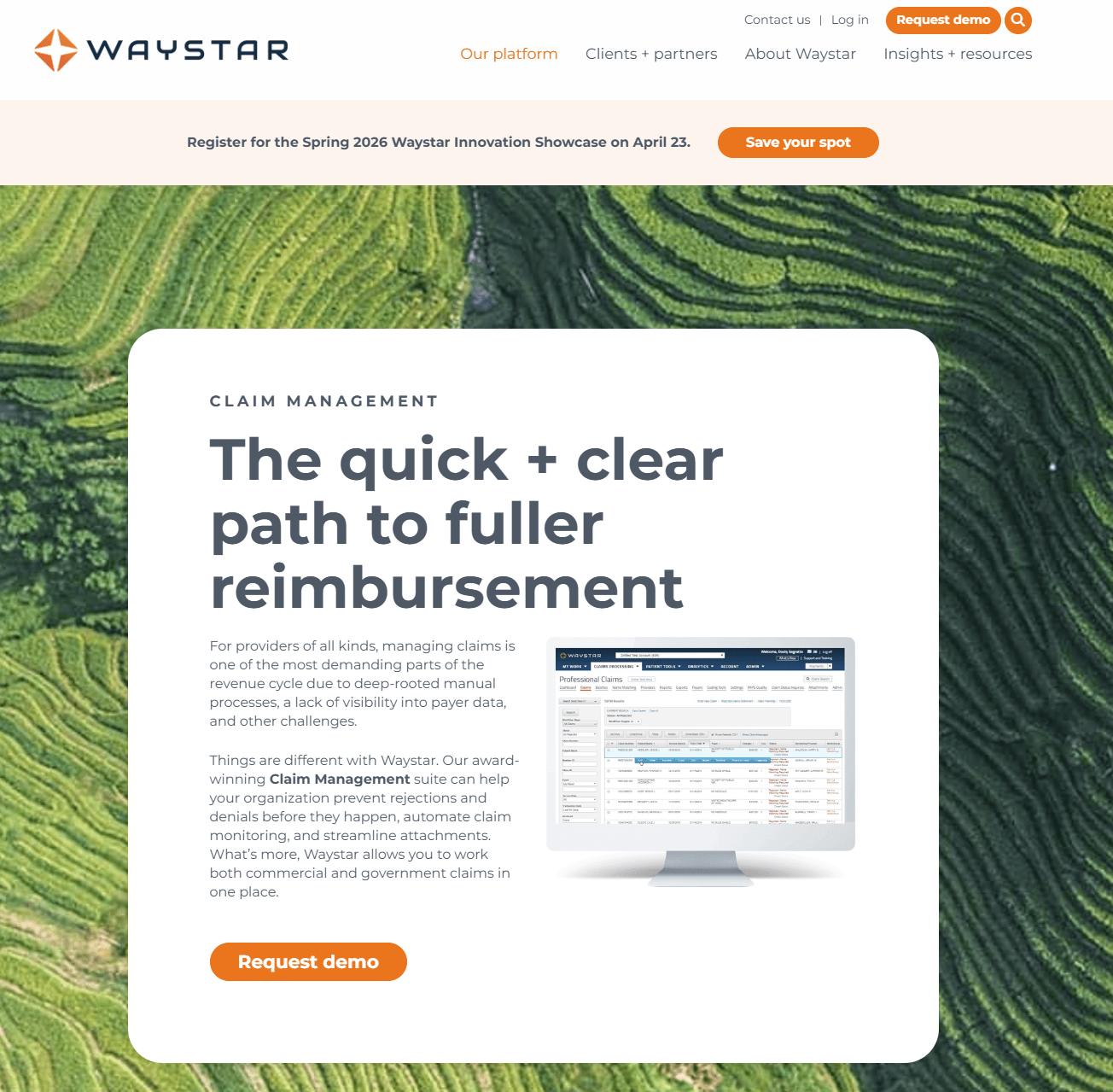
Waystar is a claims management platform focused on helping organizations prevent rejections, reduce denials, and monitor claims more effectively. It gives teams better visibility into claim status so they can prioritize follow-up before issues become larger delays.
Key Features:
- Rejection prevention
- Denial reduction support
- Claim monitoring across commercial and government payers
- Automated claim tracking
- Early visibility into claim status
Best Fit for:
Healthcare organizations want stronger control over claims workflows and better visibility into follow-up priorities.
7. Availity
Availity helps simplify payer interactions by giving teams centralized access to claim submissions, status checks, remittances, and appeals workflows. It is designed to reduce friction in the claims follow-up cycle and improve speed across payer communication.
Key Features:
- Claim submission support
- Claim status visibility
- Remittance access
- Appeals workflow support
- Centralized payer interaction management
Best Fit for:
Claims teams need a centralized platform for managing payer communication and speeding up follow-up work.
8. Experian Health
Experian Health is focused on denial management and targeted claims follow-up. It helps teams identify denied or at-risk claims, prioritize the most important follow-up tasks, and use analytics to improve claims performance.
Key Features:
- Real-time claims monitoring
- Denial identification
- Workflow management
- Claims analytics
- Prioritization of high-impact follow-up work
Best Fit for:
Organizations that need stronger denial management and more targeted follow-up workflows.
9. FinThrive
FinThrive is built around revenue optimization and denials intelligence. It helps organizations prevent denials earlier, streamline claims processes, and understand the financial impact of billing inefficiencies.

Key Features:
- Revenue optimization support
- Denials intelligence
- Early denial prevention
- Streamlined claims workflows
- Financial impact visibility
Best Fit for:
Healthcare teams that want to connect denial trends to broader revenue performance and operational improvement.
Workforce Analytics and Efficiency Tools
10. Flowace
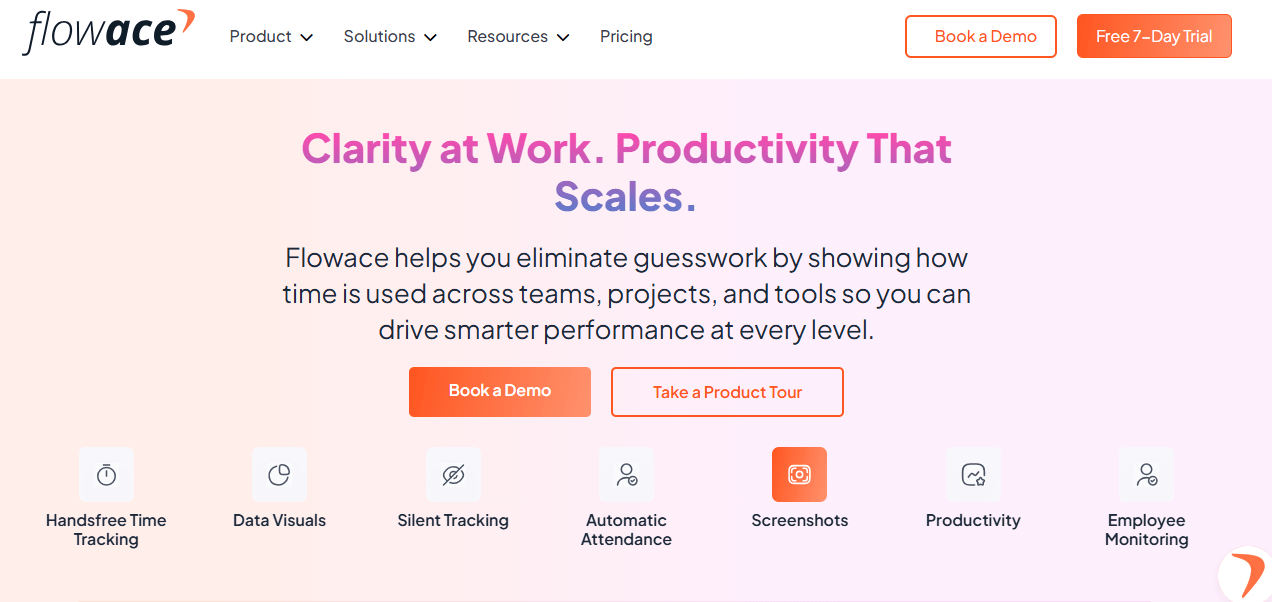
Flowace is the workforce visibility layer in the stack. It does not replace billing or claims platforms. Instead, it helps managers understand how work is being executed by tracking attendance, time allocation, app usage, and productivity patterns. This makes it easier to identify capacity gaps, workflow drift, and execution inefficiencies.
Key Features:
- Attendance and time allocation tracking
- App and productivity usage insights
- Workforce analytics dashboards
- AI-enabled time tracking
- Cross-platform compatibility
- Privacy-conscious features such as offline mode and data minimization
- Advanced capabilities including keyboard and mouse activity, remote work detection, billing and invoicing, and custom integrations
- Enterprise options for screenshot monitoring and advanced workforce analytics
Best Fit for:
Healthcare operations leaders who want better visibility into how teams spend time, where work slows down, and how to improve execution across billing and claims workflows.
How These Tools Fit Together
The purpose of listing these tools is not to recommend replacing your current systems; rather, it is to illustrate how an integrated stack supports operational efficiency:
- Billing management tools run the financial backbone, ensuring claims are generated correctly and denials are minimized.
- Claims follow‑up tools help teams reduce denials, manage payer interactions, track claim status and accelerate reimbursements.
- Workforce analytics and efficiency tools provide the missing visibility into how teams are executing the processes defined by the first two layers. They reveal where time is spent, which tasks are lagging, and how to reallocate resources.
When combined, these tools help leaders spot operational leakage before it becomes a financial problem and ensure that efficiency gains are sustainable rather than one‑off improvements.
Monitoring Metrics RCM Leaders Actually Use
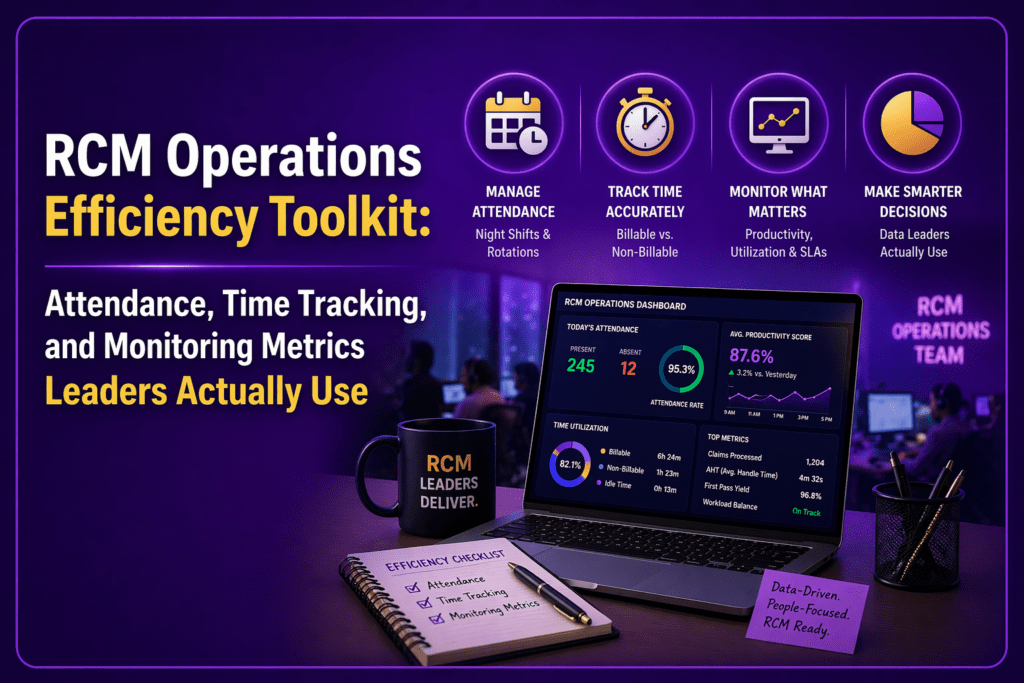
Monitoring metrics are not vanity numbers. They support decision‑making, resource planning and compliance. Here are key metrics that a workforce monitoring platform should provide:
Attendance Consistency
Are team members starting on time and adhering to schedules? Attendance consistency helps identify unplanned absences or late starts that could leave queues understaffed. RemoteDesk emphasises that HIPAA compliance requires secure remote working conditions, perimeter enforcement and centralised audit trails; monitoring attendance helps demonstrate adherence to these controls.
Time Spent in Core Work vs. Support Work
This metric compares the amount of time spent on claims processing, coding and denials work to time spent on administrative or support tasks. It helps leaders identify where to automate or reassign tasks. Studies show remote workers can be more productive but may log fewer hours; knowing where time goes allows managers to plan staffing accordingly.
Shift Adherence by Team
Managers need to see whether staff follow expected shift patterns, especially in outsourced or hybrid settings. Inconsistent shift adherence can lead to uneven queue coverage and missed SLAs. Tracking adherence ensures fairness and compliance.
Focused Work Time
This measures uninterrupted, productive time spent on core tasks. Focused work drives throughput and quality. Remote employees often report that concentrated work is easier from home; capturing this data proves or challenges that perception.
Idle Trend Analysis
Idle time can indicate breaks, waiting periods or inefficiencies. Tracking idle patterns helps managers identify when there is insufficient work, process bottlenecks or low engagement. Alerts can signal when idle time spikes beyond acceptable thresholds.
Application Usage Concentration
Which applications and systems consume the most time? Monitoring app usage helps detect friction points (for example, if staff spend hours in payer portals due to inefficient workflows). It also supports HIPAA compliance by detecting access to unauthorized systems or websites.
Productivity Consistency Across Teams
Comparing productivity across teams reveals high performers, struggling teams and patterns that warrant coaching or process changes. Managers can measure first‑pass claim resolution, denial rework rates and claim throughput alongside time spent.
Manager Visibility into Capacity
Managers need dashboards that aggregate attendance, time usage, adherence and productivity so they can allocate resources effectively. Better visibility means earlier interventions when a queue is overloaded or a team member is struggling.
Operational Drift Over Time
Monitoring trends over days and weeks helps leaders see if productivity, adherence or capacity is drifting. Early detection allows managers to correct issues before they affect revenue or compliance.
Exception Trends That Need Intervention
Exception alerts surface anomalies such as extended idle periods, frequent application switching or unusual access patterns. These could indicate training needs, workflow problems or potential security risks.
Why These Metrics Matter
These metrics help managers rebalance workloads, spot delays earlier, improve accountability, reduce blind spots and support coaching decisions. In the context of HIPAA compliance, they also support security and privacy. The AccountableHQ compliance checklist emphasises the importance of role‑based access, encryption at rest and in transit, audit logging and workforce training. A workforce monitoring platform with strong metrics helps demonstrate compliance by recording who accessed what, when and for how long.
Where Flowace Fits in the RCM Operations Efficiency Toolkit
Flowace is not a billing engine or claims platform. It complements those systems by giving leaders clearer visibility into attendance, time usage, productivity patterns and manager‑level trends. Here is how it functions as the missing layer between systems and execution:
Flowace as the Missing Layer Between Systems and Execution
Your existing RCM tools manage transactions, but Flowace helps managers understand how work is actually executed. It automatically records time spent on applications and websites, logs attendance and shift adherence, and provides analytics dashboards. Its AI‑enabled time tracking eliminates manual timesheets and reduces friction. It supports privacy controls: users can pause tracking, and data collection respects minimum‑necessary principles. Flowace also integrates with project management and ticketing tools like Jira and Asana, linking time logs to tasks and claims.
What This Means for RCM Leaders
- Fewer blind spots: Leaders gain insight into how capacity is used across billing, coding, follow‑up and appeals.
- Better visibility into team capacity: Data reveals whether teams are over‑ or under‑utilised, supporting staffing and scheduling decisions.
- Stronger follow‑up discipline: Alerts signal when follow‑up tasks drift or when claim queues build up. Managers can reassign tasks before SLAs are breached.
- More informed staffing and performance decisions: By tying time usage to outcomes like first‑pass resolution rate and days in A/R, leaders can coach high‑performing teams and support underperformers.
- Improved oversight for hybrid and distributed teams: Flowace helps maintain accountability and trust when team members work remotely or across multiple locations.
Final Takeaway
In revenue cycle management, faster claims processing and automation only solve part of the problem. Real performance depends on how consistently teams execute each step. That is why RCM leaders need more than billing and claims systems alone. They also need visibility into where time, effort, and capacity are being lost.
A toolkit that includes billing and claims systems plus a workforce monitoring layer helps managers see where capacity is lost and take corrective actions early. Flowace fills that gap by adding the workforce visibility layer that helps teams spot operational leakage early and improve execution before it affects revenue.
See how Flowace helps RCM teams improve visibility without relying on invasive monitoring. Book a free demo today and discover how attendance tracking, automatic time allocation and monitoring metrics support HIPAA‑compliant operations.
FAQs
What is an RCM operations efficiency toolkit?
A stack of tools that sit alongside your practice management, billing and claims systems to provide operational visibility—covering attendance tracking, time allocation, shift adherence, productivity analytics and manager dashboards.
Why are attendance and time tracking important in RCM operations?
They help leaders see whether staff are present, following schedules and allocating time effectively. Attendance tracking also supports HIPAA compliance by documenting who accessed which systems when.
Which monitoring metrics matter most for RCM leaders?
Attendance consistency, time spent in core work versus support work, shift adherence, focused work time, idle trends, application usage concentration, productivity consistency across teams, capacity visibility, operational drift and exception trends.
How is operational visibility different from employee activity tracking?
Activity tracking shows whether employees are active or idle. Operational visibility connects time and activity data to process outcomes, highlighting whether the right tasks are receiving adequate attention and whether workflows are efficient.
Does Flowace replace billing or claims software?
No. Flowace complements your existing RCM stack by adding workforce visibility. It integrates with billing and claims systems but does not process transactions.
How can manager visibility improve RCM performance?
By giving leaders real‑time insight into capacity and workflow adherence, manager visibility enables early interventions, better resource allocation, reduced denials and improved cash flow.