Automated Timesheets for Chartered Accountants



Key Takeaways:
- Manual, memory-based timesheets are inherently inaccurate and force accountants to estimate work, leading to underbilling and distorted performance data.
- Tax and audit seasons amplify time-tracking failures due to fragmented tasks, high client volume, and constant context switching.
- Short, high-value activities often go unrecorded, including client calls, quick advisory emails, and document revisions.
- Poor time tracking can cost CA firms 10–30% of billable revenue, especially when entries are recreated hours or days later.
- Manual timesheets inflate non-billable hours through admin work, corrections, and repeated managerial review.
- Automated timesheets capture work in real time, removing reliance on end-of-day recall and eliminating start–stop timers.
- Pre-filled, review-ready timesheets reduce partner oversight effort while preserving human approval and control.
- Billing becomes predictable and defensible with task-level records and verifiable audit trails.
- Modern tools like Flowace are privacy-safe and compliant, capturing metadata only, not content.
- ROI is fast and measurable: recovering just 30 minutes per day per accountant can outweigh Flowace pricing within a single tax season.
As a Chartered Accountant, you’re expected to operate as a strategic financial advisor. But this advisory role depends heavily on operational visibility. In practice, many firms rely on manual, memory-based time tracking to record their work. By design, it forces people to estimate their work. The resulting data routinely over- or understates the true work involved.
These systems break down completely during tax and audit seasons. Your work is fragmented across client calls, emails, document reviews, and short advisory interactions. These are small pieces of value that are rarely captured accurately in timesheets. Using automated timesheets for Chartered Accountants addresses this structural problem.
How to Use Automated Timesheets for Chartered Accountants?
Automated timesheets for Chartered Accountants are systems that automatically record work time across audits, tax filings, and advisory tasks without manual input. They generate accurate, review-ready timesheets that improve billing accuracy and reduce administrative effort.
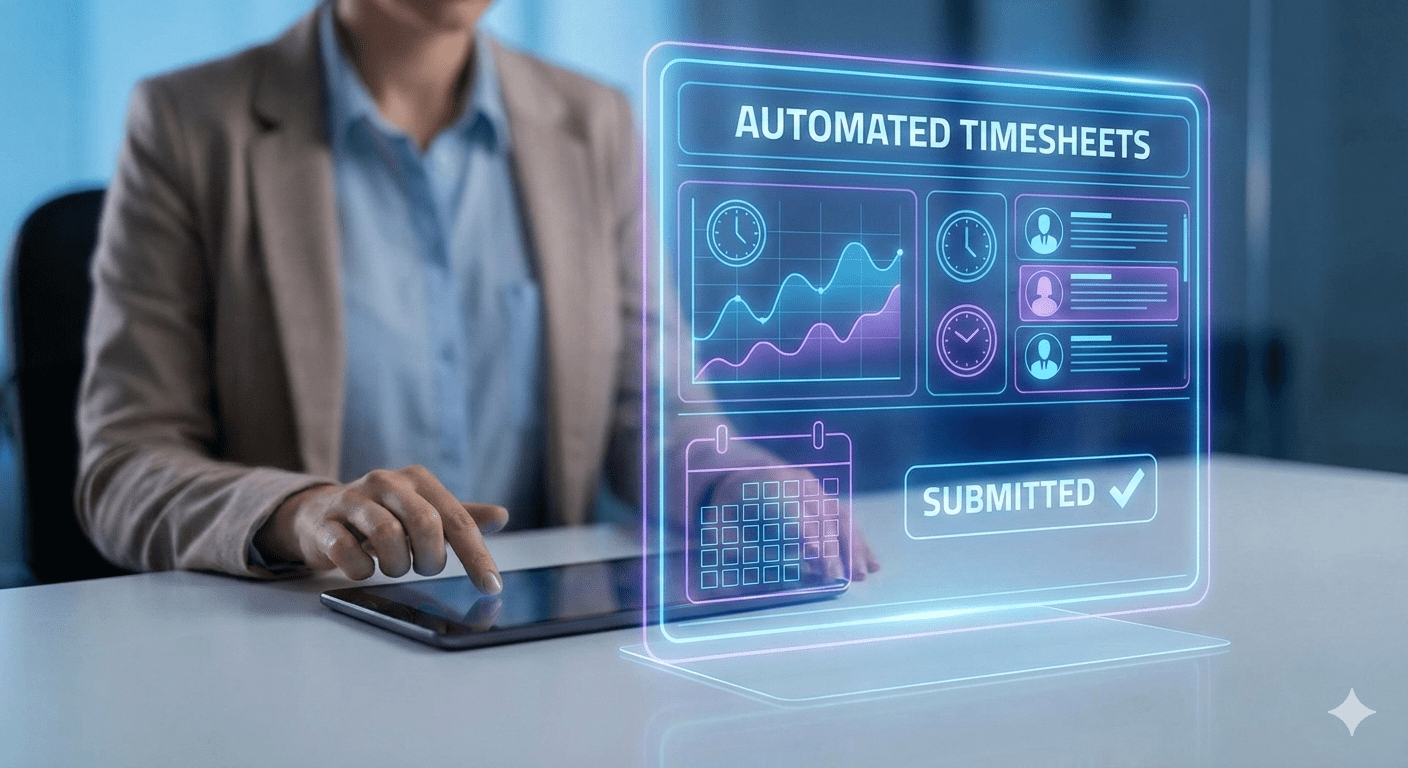
These tools run in the background so you capture every billable minute as you work. Using automated timesheets can transform how you track, analyze, and manage work across engagements:
- Set up engagement templates: Predefine clients, projects, and common tasks to streamline time entry.
- Capture time in real time: Log work as it happens across calls, emails, document reviews, and advisory interactions.
- Integrate with existing tools: Connect with your accounting, billing, and project management systems for seamless data flow.
- Review and validate: Use dashboards to monitor recorded time, identify gaps, and ensure accuracy.
- Analyze for insights: Track utilization, profitability, and workload distribution to make informed staffing and pricing decisions.
Why Do Chartered Accountants Struggle with Time Tracking During Tax Season?
Accounting is high-pressure by nature, and tax season magnifies the challenge. During this period, the volume and complexity of work surge, deadlines compress, and every decision carries financial and regulatory consequences.
Two key issues that stand out during this time are:
High Client Volume and Constant Context Switching
High client volume and relentless context switching strain both efficiency and accuracy:
- Multiple clients per day: CAs often switch from one client’s books to another’s without pause. Each client has different tasks (audits, tax prep, consultations), making it hard to note time immediately.
- Short, frequent tasks: A day can include dozens of brief activities: a quick phone call, an email reply about a return, or a last-minute form update. These fragment your day and slip through manual tracking.
- Nonstop context switching: Rapidly shifting between tasks and applications drains focus. Nearly half of knowledge workers say they waste too much time toggling between tools and tasks. For an accountant, switching from spreadsheets to tax software to client calls can lead to hours of lost tracking.
Manual Time Tracking Breaks Under Peak Workload
- End-of-day memory errors: Relying on memory or scrap paper at day’s end means you’ll inevitably forget some entries. Any call or task that wasn’t captured in the moment is lost.
- Missed ad-hoc work: Unplanned tasks – like an impromptu client call or a late-night data review – often go unbilled with manual systems. Paper timesheets or spreadsheets frequently omit these short, unglamorous chores.
- Admin overload: When workloads spike, manual entry becomes a chore. Chasing down missing timesheets or deciphering handwriting adds hours of non-billable work. By nightfall, exhaustive timesheet filling is unreliable at best.
These pressures explain why traditional methods fail. As your workload spikes, relying on manual tracking becomes unsustainable.
Why Manual Timesheets Fail in CA Firms

Relying on manual timesheets creates hidden problems for accounting firms:
Manual Timesheets Lead to Underbilling in CA Firms
Manual timesheets often lead to significant underbilling in CA firms. Every unlogged task, from a quick tax consultation to an overnight audit fix, represents unpaid work. Without detailed, verifiable activity logs, brief tasks and client interactions are frequently skipped on invoices. Errors, lost entries, or incomplete records mean firms relying on manual tracking can lose billable revenue over time.
Manual Time Tracking Increases Non-Billable Hours
Manual time tracking drives up non-billable hours across CA firms. You spend valuable billable time on admin work like filling out timesheets, correcting errors, and chasing missing entries. Each mistake triggers review loops, requiring partners or managers to audit and adjust records.
This oversight consumes valuable time that could be spent advising clients or reviewing compliance, reducing overall capacity and efficiency.
How Much Revenue Do CA Firms Lose Due to Poor Time Tracking?
Poor time tracking quietly erodes revenue in CA firms, often costing 10–30% of billable income. The primary cause is delayed, memory-based time entry, where fragmented work simply isn’t captured.
As John Remsen Jr., President of The Remsen Group, puts it: “If you wait until the end of the day to recreate your time, you shortchange yourself by around 15% to 20%. If you wait until the end of the week, you’re further shortchanging yourself by as much as 25% to 30%. If you wait much longer than that, you’re starting to write fiction.”
- Typical culprits: Every client call, file review, advisory chat, or audit detail not logged costs money. For example, a five-minute tax advice email not recorded means five unpaid minutes.
- Compounding effect: Losses multiply during audits and filing deadlines. When staff scramble to meet deadlines, short tasks and follow-ups get skipped on timesheets – driving underbilling and write-offs higher.
How Automated Timesheets Work in CA Firms?
Automated timesheet solutions are built to fit the accountant’s workflow. Here’s how they function:
Silent Time Capture Across Audit, Tax, and Advisory Work
An automated time tracking tool runs quietly in the background across your devices. For example, Flowace runs in the background and records all your activities as soon as you log into the system, removing the need for start–stop timers or manual time entry. As you move between audit software, spreadsheets, email, and other applications, time is captured automatically without interrupting your work.
This works equally well for office, remote, and on-site client work. More importantly, Flowace captures only metadata, not keystrokes or content. So accuracy improves without compromising professional privacy. So you gain accurate time data without intruding into your client’s or team’s privacy.
Context-Based Tracking to Automatically Track Audit Time
Advanced systems add context to tracking, so each minute is linked to the right client or project. Tools like Flowace allow time to be organised by client, project, or task, and can recognise known client applications or documents. This makes it easy to separate billable audit work from internal admin, so time is allocated accurately without relying on estimates.
Auto-Generated Timesheets for Review and Approval
At the end of the day or week, the system generates a pre-filled timesheet from the work already captured. Instead of starting from a blank log, you review and approve a complete draft where every billable minute is accounted for. Managers can verify entries quickly and make adjustments only where necessary.
Flowace helps you maintain a full audit trail, with each entry timestamped and source-verified, and can integrate directly with billing systems.
How Automated Timesheets Improve Billing Accuracy for Chartered Accountants
Automated systems transform billing in two main ways:
Automated Timesheets for Chartered Accountants Eliminate Guesswork
When time is logged precisely, billing becomes far more predictable. Instead of rounding or estimating hours, invoices are based on exact task-level records. Each tax return, audit review, or advisory task is tied to the time actually spent, allowing fees to be calculated accurately.
Fewer Billing Disputes with Verifiable Work Logs
Billing disputes usually occur due to unclear records. Today, clients increasingly expect transparency. When time logs are vague, it raises questions that turn routine billing into a negotiation.
With automated timesheets, every billed hour is backed by a verifiable activity trail. This makes it easy to show exactly what work was performed and why it was billed. Firms that present clear, auditable records with invoices spend far less time defending charges, resolve queries faster, and get paid sooner.
Can Automated Timesheets Reduce Non-Billable Hours in CA Firms?
Automated tracking slashes non-billable work by eliminating the manual timesheet grind. When your team no longer needs to fill out spreadsheets or remember every minute, the administrative load drops.
You won’t need late-night logging sessions or corrections to timesheets. This means partners and managers spend far less time on approvals and chasing entries.
Where CA Firms Recover Billable Time Immediately
- Emails and Calls: Quick client emails or phone consultations that usually go untracked are automatically logged, turning interruptions into billable minutes.
- Short Consultations: Spontaneous tax advice or clarifications get captured even if brief. Every five-minute chat is recorded.
- Document Revisions: Time spent tweaking financial reports or audits (even on your lunch break) is noted. These small increments quickly add up.
How Automated Timesheets Enable Client Profitability Analysis?
When you know exactly how much time each client consumes, you can spot which relationships truly profit the firm. Automated timesheets provide the data needed for client profitability analysis.
Why Client Profitability Analysis Matters for CA Partners
Many compliance tasks (bookkeeping, tax prep) are flat-fee or retainer based. Without detailed time data, some clients end up underpriced. You might spend 30 hours a year on a small business’s taxes but only bill for 20, unknowingly losing margin.
Further, scope creep becomes invisible. Extra audit work beyond the fixed fee quietly erodes profits.
Using Automated Timesheets to Identify Low-Margin Clients
Automated logs tie every minute to a client. This yields clear effort vs. revenue comparisons. For example, you might discover Client A took 50 hours for a tax return priced at $5,000 (yielding $100/hr), but Client B took 80 hours for the same $5,000 fee ($62.50/hr). Data-driven insight lets you reprice or renegotiate Client B’s fees accordingly.
Flowace’s tagging and reporting make this easier by tagging each project and task per client. Firms use these insights to drop or adjust uneconomical work and focus on the most profitable engagements.
Are Automated Timesheets Safe and Compliant for CA Firms?
High-trust industries like accounting need assurances. Automated timesheet tools are designed with privacy and compliance in mind.
Accuracy and Compliance Without Surveillance
Modern systems like Flowace collect only the metadata, like which app or file you used and for how long, and not the content of the document. Flowace explicitly avoids constant pop-ups. Therefore, your teams can focus completely on the actual work without worrying about how much time they are spending on each task.
Audit-Ready Records for Billing and Client Queries
Because entries are recorded in real time and locked with the task, timesheets are audit-ready by default. Managers can generate reports showing exactly who worked on what, when, and how long. This full visibility means defensible billing and easier answers to client questions.
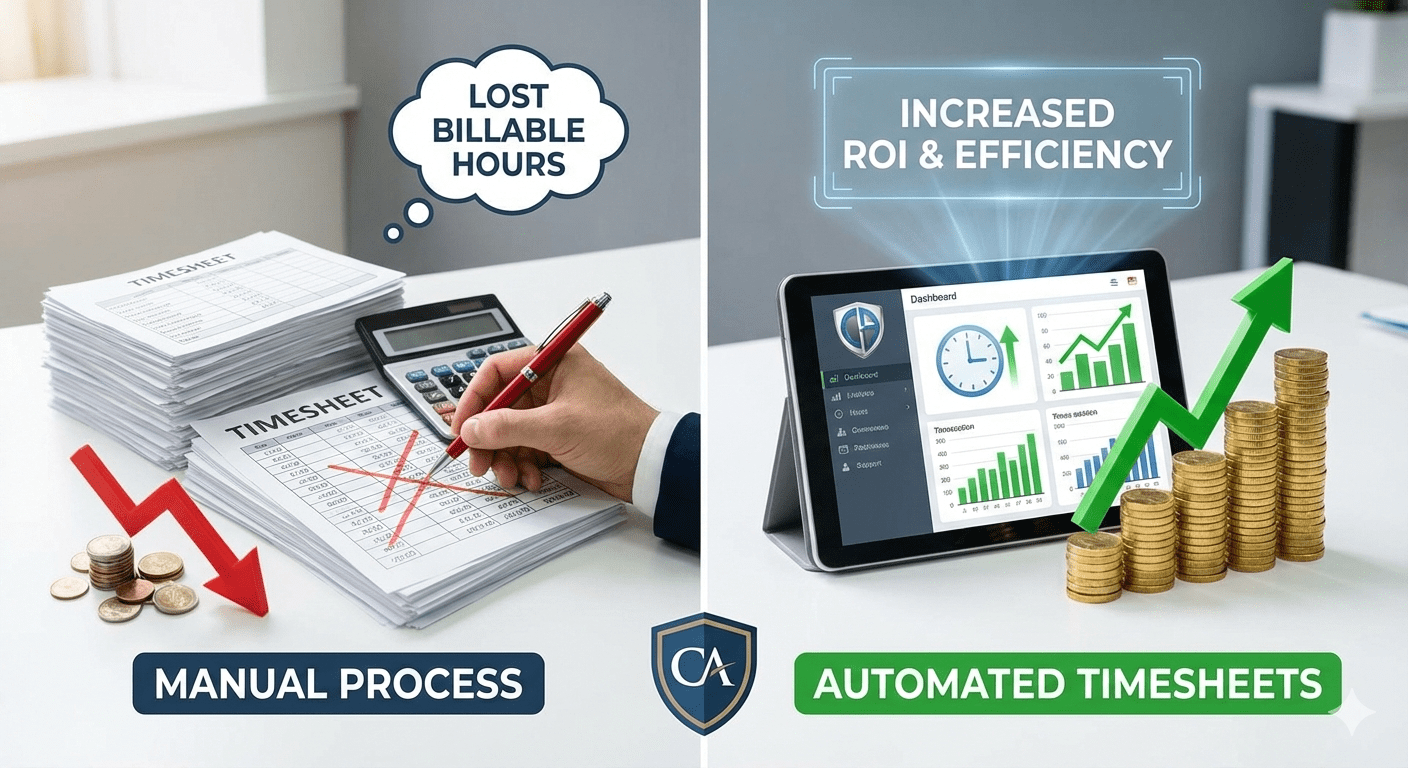
Automated timesheets tend to pay for themselves quickly in accounting firms. Even a modest gain, say, an accountant recovers just 30 minutes per workday using Flowace. Over a 60-day tax season, that’s 30 hours of extra billable time per accountant.
If your billing rate is $100/hr, that’s $3,000 reclaimed. That return easily outweighs Flowace’s pricing, even before factoring in reduced admin time and fewer billing disputes.
Final Thoughts
Manual time tracking no longer fits the way Chartered Accountants work today. During audits, tax seasons, and advisory engagements, fragmented tasks and constant switching make memory-based timesheets unreliable. This leads to underbilling, higher non-billable hours, and unclear client profitability.
Automated timesheets for Chartered Accountants solve this problem by capturing work as it happens. They improve billing accuracy, reduce disputes, and give partners clear visibility into effort, margins, and capacity. Tools like Flowace make this possible without disrupting workflows or compromising privacy.
Stop losing billable hours to memory-based tracking. Automate your timesheets with Flowace with our free trial or book a free demo with Flowace today to see how much more revenue you can earn.
FAQs:
- Are automated timesheets compliant with Indian tax/accounting practice?
Yes. Automated timesheets create timestamped, auditable logs that support billed hours and compliance, but you should map them to your firm’s billing policies and retain records per Indian regulatory timelines. - Will this slow down my accountants’ machines?
No. Reputable automated trackers run as lightweight background services with minimal CPU and memory use; run a short pilot to confirm performance on your actual endpoints. - How does Flowace separate billable from non-billable work?
Flowace auto-classifies time using contextual rules, project and client tags, and past behavior, and it gives users an easy review step to reassign or correct entries so the billable versus non-billable split stays accurate. - Can timesheets sync with my practice management software?
Yes. Modern automated timesheet tools, including Flowace, support integrations or export options (CSV/JSON) so time entries flow into practice management, billing, and accounting systems. - How does automation protect employee privacy?
Automation records metadata only (app names, file names, and time spent), not file contents or keystrokes; data is stored with access controls and human review, so tracking is limited to billing accuracy and audit needs.