Key Takeaways:
- Time theft is often small and repeated and can be intentional or unintentional.
- Fake timesheets include inflated hours, logged time with no corresponding work, and generic or misclassified entries that look legitimate on the surface.
- Most inaccuracies come from broken systems (memory-based logging, poor task structure, unclear policies), not from malicious employees.
- Remote and flexible work make visibility harder and normalize small abuses like buddy punching or casual rounding.
- Watch for red flags: end-of-week bulk entries, repeated manual edits, identical descriptions across days, hours with no app/task activity, tasks with time but no deliverables, and consistently late submissions.
- “Good” timesheets line up with measurable output: time captured close to when work happens, clear task descriptions, rare edits, and similar patterns across peers.
- Automation scales detection and prevention: automatic capture, activity/task linking, contextual idle checks, outlier alerts, outcome-focused dashboards, and exportable audit trails.
- Ethical monitoring matters: avoid invasive techniques, be transparent about what’s collected, and focus on privacy-safe summaries tied to outcomes to preserve trust.
Time theft isn’t always dramatic. Often it shows up as small, repeated behaviors: a few minutes rounded up each day, timesheets filled in from memory at the end of the week, or hours logged without clear proof of work. On their own, these issues seem harmless. Over time, they create a steady leak in your budget.
This guide walks you through a practical, fair, and scalable approach to reducing time theft and identifying fake or inaccurate timesheets without micromanaging your team. You’ll learn how to spot the warning signs early and put systems in place that protect your budget while still respecting how people work.
Understanding Time Theft and Fake Timesheets
Time theft happens when reported work hours don’t match actual productive work. It’s not always obvious.
What Is Time Theft?
Time theft occurs when the hours reported by an employee or contractor do not accurately reflect the time actually spent doing productive, work-related tasks. This gap can be intentional or unintentional, and understanding the difference is critical before taking any action.
- Intentional time theft: involves knowingly logging time that wasn’t worked — for example, claiming hours while being inactive or deliberately inflating billable time.
- Unintentional time theft: which is far more common, happens when people log time inaccurately without malicious intent. This usually stems from habits, system limitations, or unclear expectations rather than dishonesty.
Common examples include:
- Rounding hours to clean numbers.
- Idle time logged as work.
- End-of-week backfills.
While these behaviors may seem minor in isolation, they can add up across teams and pay periods, creating significant cost and visibility issues.
What Are Fake Timesheets?
Fake timesheets are records that misrepresent actual work performed. They don’t always involve outright fabrication. Often, they reflect inflated or poorly substantiated entries that don’t align with real output.
Common forms of fake timesheets include:
- Inflated hours.
- Logged time without corresponding work.
- Generic or misclassified entries.
The challenge is that fake timesheets often look legitimate on the surface. Without objective data or regular review, they often go undetected.
Why Most Time Theft Is Unintentional?
It’s important to recognize that most time theft is not driven by bad intent. In many organizations, the systems and expectations themselves make accurate reporting difficult.
Common reasons include:
- Memory-based logging.
- Poor task structure.
- Weak or unclear policies.
- Tool limitations.
These problems are usually caused by the system, not by people. When you fix the process and tools, you will see timesheet accuracy improving on its own without hurting your employees’ morale.
Why Time Theft Is Hard to Spot?
Time theft is hard to spot because most knowledge work leaves fuzzy traces. Developers, strategists, and writers produce outcomes (commits, docs, designs) that don’t map minute-for-minute to app usage. A 2-hour block of “thinking” won’t show many keystrokes but may be legitimate.
Time Padding
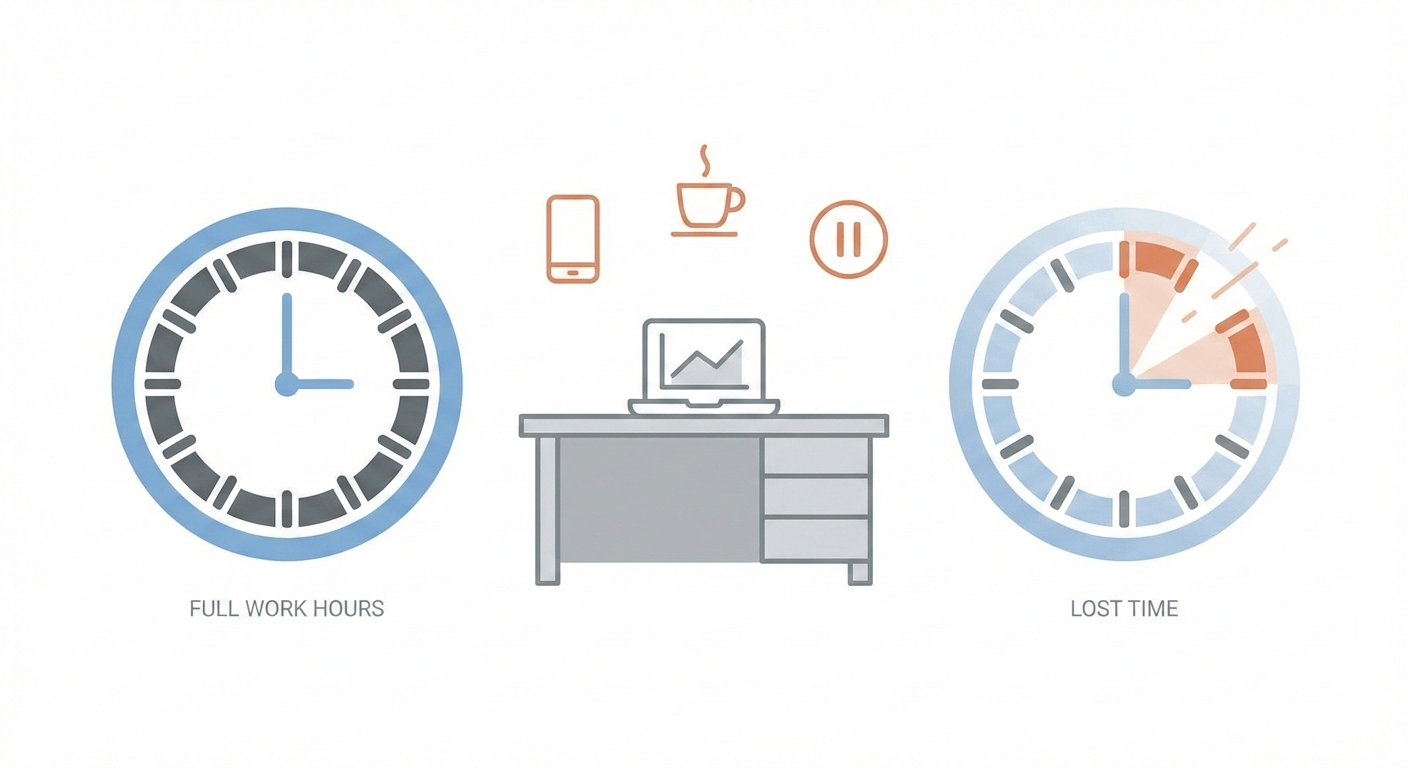
Sometimes people round to nice numbers (8.0, 7.5) or add a bulk entry at week’s end. That may look negligible — until auto-tracked activity reveals how much time was never actually worked.
Errors in Idle Detection
Even when using time trackers, it’s also important to understand the limits of idle detection. Keyboard and mouse activity aren’t perfect proxies for productivity. Meetings, phone calls, and in-person collaboration can all appear as “idle” time.
Buddy Punching
The systems that many organizations use make this even harder to detect. Manual or trust-based setups (paper timesheets, shared punch clocks, self-reported hours) create plenty of room for buddy punching.
No Routine Time Audits
At the same time, managers often lack objective data to compare logged time against actual output. If no one regularly cross-checks time records with calls handled, tickets closed, or tasks completed, it’s difficult to see that reported hours and real productivity don’t line up.
Remote Work’s Visibility Problem
Remote and hybrid work adds another layer of complexity. When people work from home or on flexible schedules, you can’t see who is at their desk. The boundary between personal and work time gets blurry, making it easier for casual time theft.
The Social Side of Time Theft
Social dynamics also play a role. Practices like buddy punching often feel like doing a favor for a coworker rather than stealing from the company, and when employees believe “everyone does it,” the behavior becomes normalized instead of challenged.
Trust Without Proof Is Not a System
Many organizations sit at one of two ineffective extremes: either they rely on blind trust with no analytics, or they implement heavy-handed surveillance that erodes trust yet still doesn’t tie hours to meaningful outcomes. In both cases, there is no consistent, audit-ready way to compare what people say they worked on with what they actually produced.
What are the Red Flags That Signal Time Theft or Fake Timesheets?
You’re looking for patterns where what’s logged and what actually happened don’t line up. The strongest signals usually fall into three buckets: what the timesheet looks like, how it compares to real activity, and how the person behaves over time.
We’ve mentioned some of the clues you can spot just by looking at the timesheet itself:
End‑of‑week Bulk Entries
A classic red flag is when a person spends most of their time on Friday for the whole week. Instead of logging hours each day, you see a single entry like “Mon–Thu: 32 hours — client work” added all at once.
That usually means they’re reconstructing the week from memory (or padding hours to meet expectations), which makes both honest mistakes and deliberate inflation far more likely.
Repeated Manual Edits
Occasional manual edits are normal. Sometimes people forget to start a timer or need to fix a mistake. But when someone is constantly revising their timesheets, that’s a different story.
Frequent changes to start times, adding hours after the fact, or adjusting entries right before payroll often point to a pattern. Over time, repeated manual edits can quietly turn late starts or long breaks into what looks like a full workday.
Identical Descriptions Across Days
If five days in a row all say “admin,” “client work,” or “project tasks” with no variation, that’s another subtle signal. Real work tends to move across different tasks, tickets, calls, or features. Identical, generic descriptions across days can mean the person is filling boxes rather than recording what they actually did.
Logged Hours With No App Or Task Activity
If someone logs 6 hours of “development” or “ticket handling,” but your code repo, helpdesk, or project tool shows almost no activity, something is off. Real work leaves a digital trail—commits, comments, ticket updates, document edits. When the hours are there, but the trail is missing, you’re either looking at misclassified time or time that wasn’t actually spent working.
Tasks With Hours But No Deliverables
If a task shows 10+ hours logged but nothing tangible to show for it, that’s a mismatch. It can mean the hours belong on a different task, the work was blocked and never updated, or the time was simply logged to “hide” empty days. In all three cases, you have a quality and accuracy problem, not just a tracking issue.
Late Submissions
Consistently submitting timesheets late after payroll deadlines or at the end of every week is another behavioral red flag. When people don’t log time the same day, they’re more likely to “round” or guess. If late submissions are also bulk entries or rounded hours, it becomes an even stronger signal that the data isn’t reliable.
How to Reduce Time Theft in Workplace?
Imagine a Friday afternoon, where you’re reviewing the week for your 12-person dev and support team.

Instead of sifting through messy spreadsheets or chasing people for “updated” timesheets, you open a single dashboard. For each person, you see something very simple and very reassuring: the hours they logged, the apps and tools they actually used, and the tickets, tasks, or calls they closed, all lining up cleanly.
One developer has 7.6 hours logged on a feature branch, with matching activity in the repo and a story moved to “Done.” A support rep shows 7.9 hours handling customer tickets, and the helpdesk system confirms resolved cases that match those hours. There are no mysterious 8.0 / 8.0 / 8.0 blocks with no detail, no last‑minute Friday backfills.
That’s what “good work” looks like when time theft is under control.
And when this becomes the norm, you’ll consistently see these signals across your team:
- Time and output align: Logged hours make sense when compared with completed tasks, tickets, calls, or deliverables.
- Time is recorded close to when work happens: Entries are logged daily or captured automatically, not reconstructed at the end of the week.
- Work descriptions are clear and specific: Timesheets reflect real activities instead of generic, repeated labels.
- Healthy work patterns are visible: There’s a natural mix of focused work, meetings, collaboration, and breaks.
- Idle time has context: Periods of low activity are explainable through meetings, calls, or planning, not assumed to be non-work.
- Edits are rare and reasonable: Occasional corrections happen, but there’s no pattern of constant after-the-fact changes.
- Managers focus on outcomes, not minutes: Performance discussions center on results, quality, and delivery.
- Consistency across similar roles: People doing similar work show comparable time and output patterns, with no unexplained outliers.
How to Use Automation Tools to Reduce Time Theft at Scale
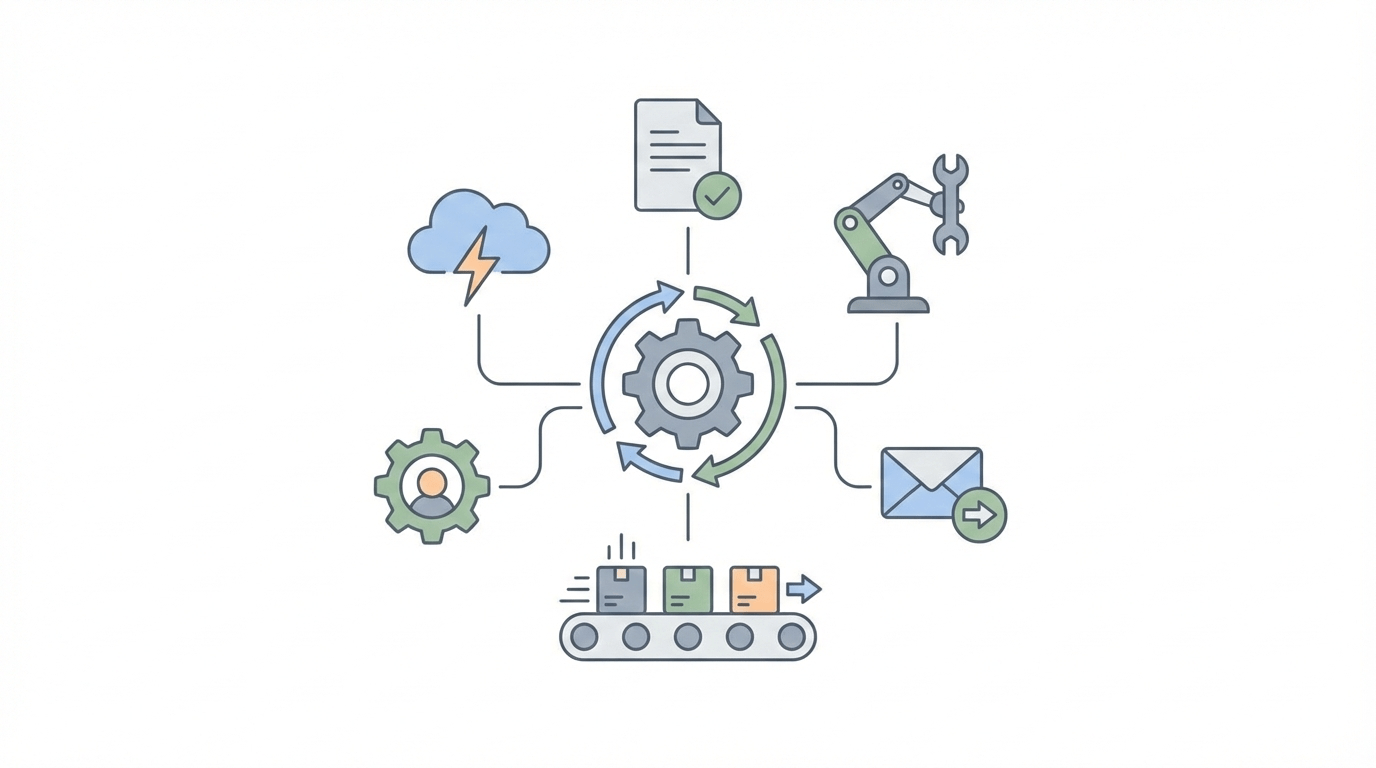
Reducing time theft manually doesn’t scale. As your teams grow, especially remote, hybrid, or outsourced teams, spreadsheets don’t work. Automation removes memory-based logging, one of the biggest causes of inaccurate timesheets.
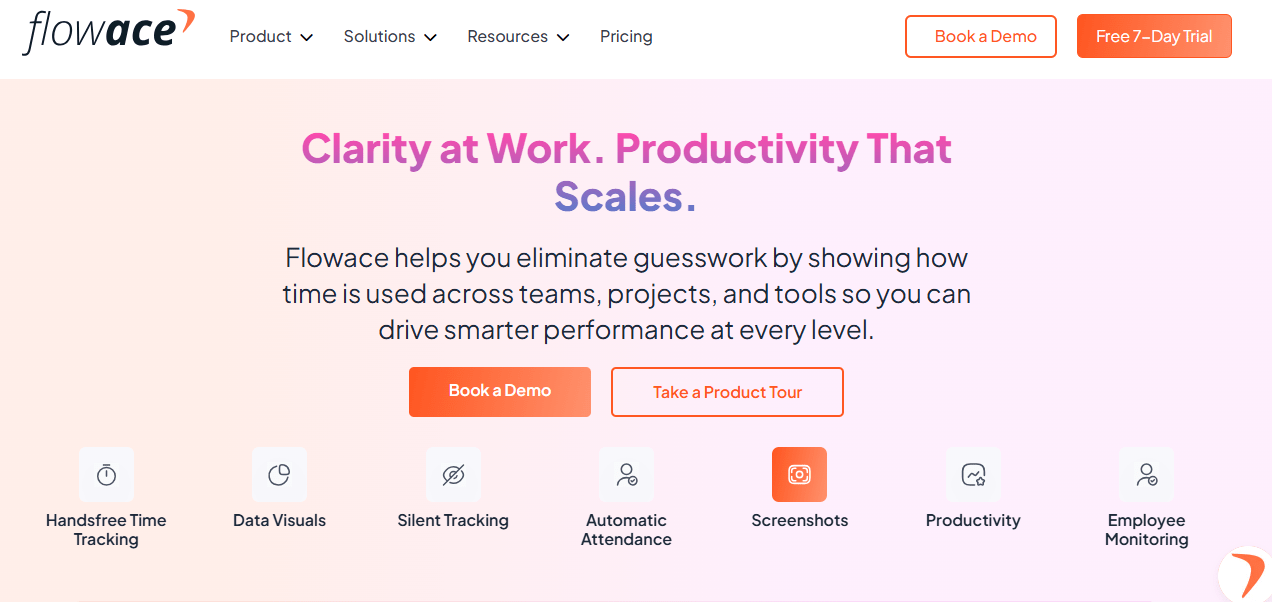
Flowace brings that automation into everyday work. Flowace is an AI-powered time tracking and workforce analytics platform that helps organizations understand how work is actually getting done without relying on manual timesheets or intrusive surveillance. It gives managers clear, data-driven insight into activity, productivity, and team health across remote, hybrid, and outsourced teams.
1) Automatic, Hands-Off Time Capture
Traditional time tracking methods rely on memory, end-of-week backfilling, and rounded estimates, which inevitably lead to inaccuracies. Flowace eliminates this problem by automating timesheets, without requiring users to start or stop timers. By removing the need to reconstruct time after the fact, errors decrease and the temptation to inflate hours is significantly reduced, resulting in more accurate and trustworthy time data.
2. Contextualized Time Through Activity and Task Linking
Logged hours are meaningless if they cannot be tied to actual work output. Flowace tracks time in real time, monitoring each app and website you visit without violating privacy. The actual content of the app/website is not captured unless specifically configured to do so through timed screenshots.
3. Smart Idle Detection With Contextual Awareness
Idle detection on its own often misrepresents real work, flagging legitimate meetings or calls as inactivity while overlooking other forms of misuse. Flowace treats idle signals as one data point among many, cross-checking them with calendar events, task updates, and work context. This approach reduces false positives and ensures that quiet but legitimate work, such as customer calls or planning sessions, gets visibility.
4. Automated outlier alerts and risk flags
Manually reviewing every timesheet is impractical and inefficient. Flowace can be configured to send alerts and notifications in the event of risky behaviours such as frequent late logins or frequent last-minute edits.
5. Outcome-Focused Dashboards
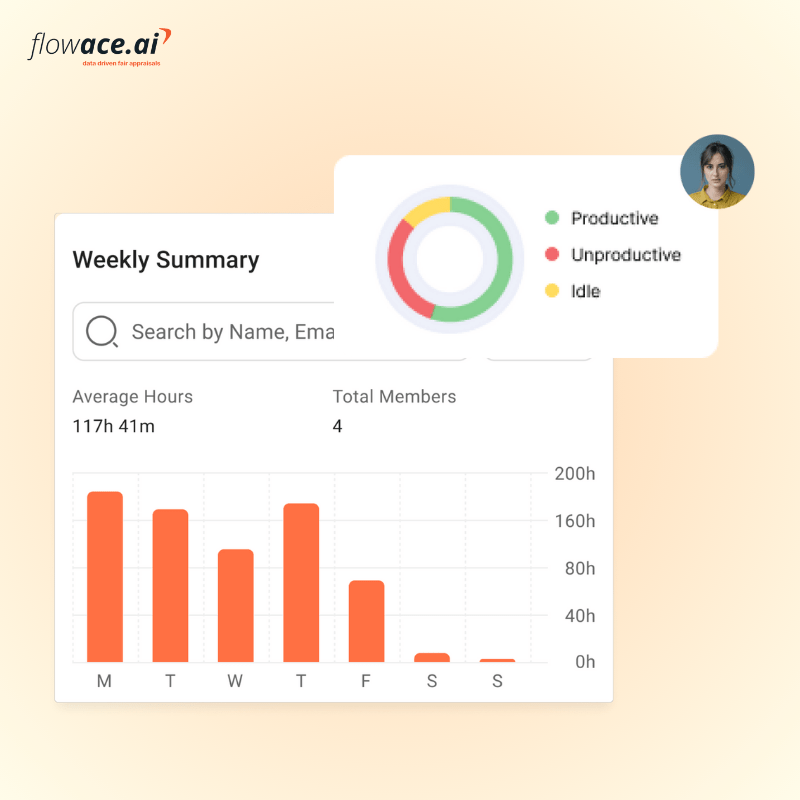
Raw time data offers little insight on its own. Flowace transforms time tracking into actionable intelligence dashboards with hours works, productive hours, idle time and other productivity metrics. This helps you analyze productivity patterns over time, shifting performance discussions away from “how long it took” toward “what was accomplished,” which leads to better decisions, accountability, and ROI.
6. Early Detection Of Workload Imbalance And Burnout
Excessive workloads and burnout often go unnoticed until productivity drops or employees leave. Flowace monitors long-term patterns such as sustained overtime, skipped breaks, and overtime work hours. These insights allow managers to intervene early by redistributing work or adjusting expectations. It helps teams stay productive without sacrificing employee well-being or retention.
Conclusion
Time theft and fake timesheets don’t have to be a persistent drain on your budget. You don’t need to resort to spying or micromanagement to stop them. By combining clear expectations, routine spot-checks, and modern time tracking practices, you can make honest reporting a lot easier.
When you adopt these practical steps and tools like Flowace, you’ll see significant improvement in timesheet accuracy and overall employee productivity.
Ready to reduce time theft? Begin with our 7-day free trial to explore our premium features or book a free demo with our experts today for a personalized walkthrough of how Flowace fits seamlessly into your existing tools.
FAQs:
How do you reduce time theft without micromanaging?
Focus on clear expectations, automatic time capture, and outcome-based reviews so accurate reporting happens naturally without constant oversight.
What are the most common signs of fake timesheets?
Red flags include end-of-week bulk entries, repeated rounding to identical hours, generic descriptions, frequent edits, and logged time with no matching work output.
Can software really detect time theft?
Software can’t judge intent, but it can reliably surface patterns and discrepancies between time logged and actual activity that signal potential issues.
How do you investigate time theft fairly?
Start with data, not assumptions—review patterns over time, ask for context, and treat the conversation as a clarification exercise rather than an accusation.
Are screenshots ethical for time tracking?
Screenshots can be ethical if they are limited, transparent, privacy-aware, and used only to provide context—not constant surveillance.
How often should timesheets be audited?
Light, routine audits should happen weekly or biweekly, with deeper reviews triggered only when consistent anomalies appear.