Employee Monitoring Policy Template 2026



Key Takeaways:
- Employee monitoring is now widespread, but trust depends on transparency
- Most rollouts fail because companies implement tools before defining policy
- Clear policies are now legally required in some regions and must reflect actual practices
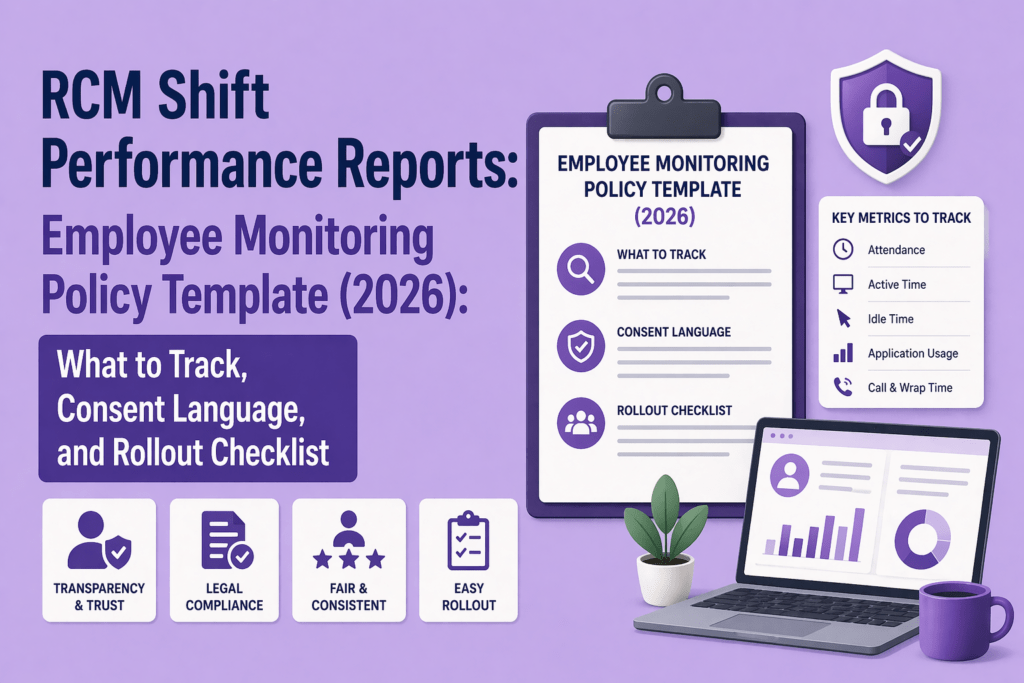
- A strong policy should define:
- Purpose
- Scope
- Methods
- Data access & retention
- Employee rights
- Focus on work-related tracking (hours, apps, tasks, idle time)
- Avoid intrusive tracking (personal messages, keystrokes, webcams, off-hours activity)
- Use notice + acknowledgment, not blanket consent
- Poorly designed policies lead to mistrust, disengagement, and legal risk
- Set clear boundaries for remote and hybrid work
- Align HR, Legal, IT, and Managers before rollout
- Use monitoring data for coaching, not punishment
- Ensure tools are configurable and privacy-aware
Employee monitoring has moved from a niche compliance tool to a mainstream operational necessity. Hybrid work, remote teams, global outsourcing, and tighter margins have pushed employers to track attendance, application usage, and productivity more closely. At the same time, workers are more aware of their privacy rights, and regulators are tightening controls.
Studies show that nearly 80% businesses monitor their employees in some way. More than half of the workers in the UK say they would consider quitting if they are monitored. Data from another study show that 72 % of employees accept monitoring when it is transparent. Those conflicting attitudes illustrate why a robust employee monitoring policy template — one that explains what is tracked, what is not tracked, how data is used, and how employees can raise concerns — has become a crucial part of a well‑run organization.
This article will help you create an employee monitoring policy that meets modern privacy expectations, legal requirements and operational goals. You’ll learn what to track and what not to track, how to handle notice, acknowledgment and consent, and how to roll out the policy without causing a backlash.
Why most employee monitoring rollouts fail before the software even launches?
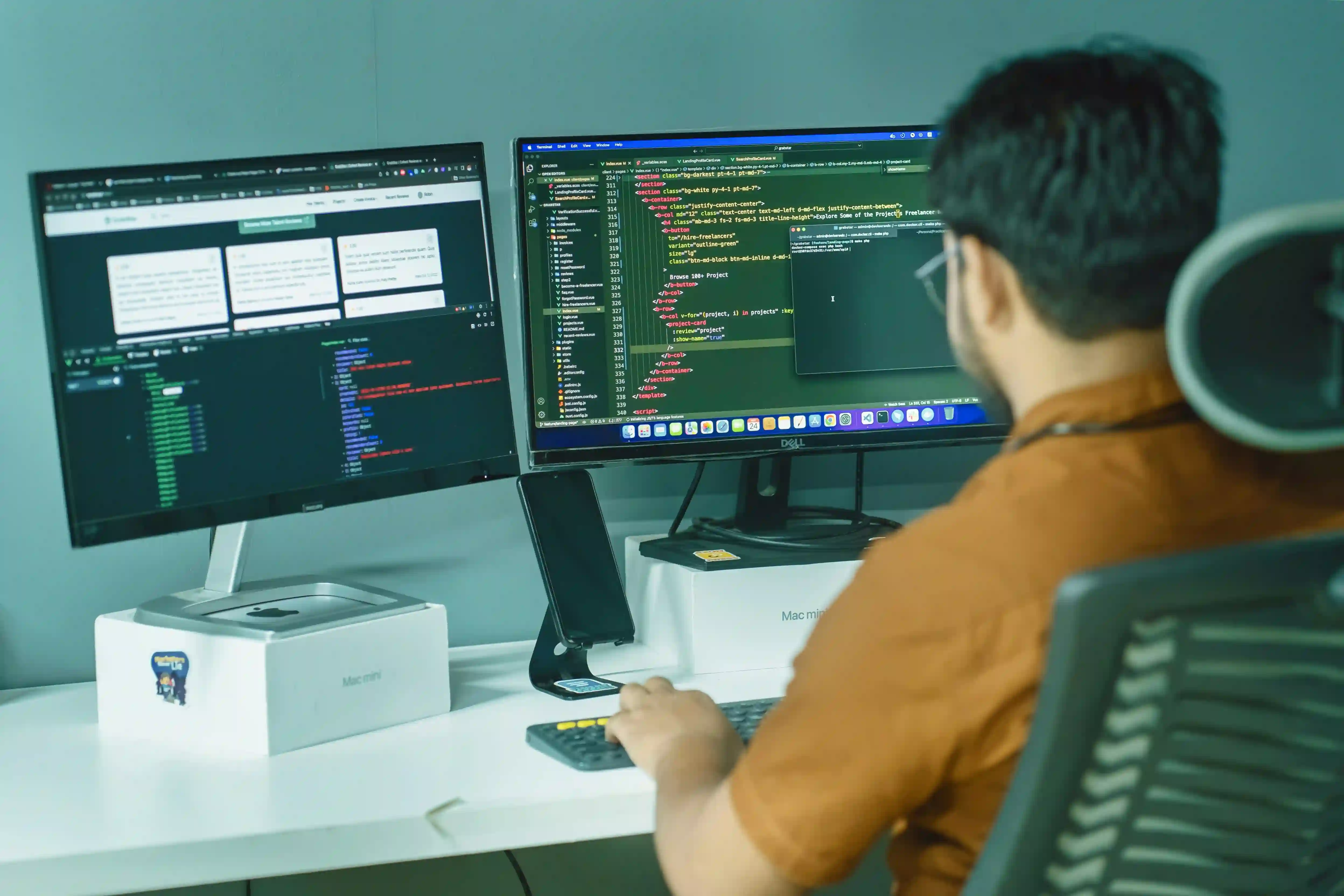
Many companies implement monitoring software first and write the policy later. That sequencing is the cause of friction. When the purpose of monitoring is unclear, employees assume the worst and may sabotage the rollout. Without a clear policy, managers might misuse data as a blunt instrument rather than a coaching tool. This breeds mistrust.
A Gallup report notes that team engagement depends heavily on the manager, and engagement rates dropped from 23 % to 21 % in 2024, while 70 % of team engagement is attributable to the manager. If monitoring becomes punitive, it can further erode engagement.
Poorly documented monitoring also exposes employers to legal risk. Ontario’s labour law requires employers with 25 or more employees on January 1 to have a written electronic monitoring policy by March 1, describing whether the employer monitors employees, how and under what circumstances, and the purposes of monitoring. The policy must be provided to all employees and indicate the date prepared and any changes. Across the Atlantic, the EU AI Act bans AI systems that infer emotions in the workplace starting February 2025, recognising the power imbalance and privacy concerns.
These examples show that having no policy — or a generic one — is no longer an option. Your policy must match your actual monitoring practices and comply with jurisdiction‑specific rules.
What must a modern employee monitoring policy cover in 2026?
The purpose of a monitoring policy is to provide transparency, set boundaries and ensure fairness. It should answer five big questions:
- Purpose – Why are you monitoring? Is it to improve productivity, ensure security, manage attendance or meet regulatory requirements? Without a clear purpose, monitoring appears arbitrary.
- Scope – Which roles, teams or locations are covered? Does monitoring apply equally to full‑time, part‑time, contract and outsourced staff? Ontario’s guidelines clarify that part‑time and casual employees count toward the 25‑employee threshold.
- Methods – What types of monitoring are used? For example, attendance tracking, application and website usage, task tracking, idle time detection, call monitoring, GPS or location tracking, and meeting recordings. Each method must be justified by the purpose.
- Data access and retention – Who can see the data? For how long will it be stored? Data should be accessible only to authorized managers and compliance teams. Specify retention periods that are proportionate to the purpose and comply with local law.
- Employee rights and contact channel – Explain how employees can access their data, challenge inaccuracies and raise concerns. Provide a point of contact for questions. Ensure employees know that a policy exists for their protection as well as the company’s.
What to track and what not to track in an On-site or Hybrid Team?
A balanced policy distinguishes between operationally necessary data and intrusive surveillance. Most employees accept monitoring when it is proportionate and transparent. Here is a practical approach to determining what to track.
What to track by default
- Attendance and work hours – Record when employees start and finish work, including late logins or early logouts. This helps with payroll, coverage and compliance.
- Application and website usage – Capture which apps and websites are used during work hours. This helps identify productivity bottlenecks and security risks.
- Project and task time – Track the time spent on different projects, tasks or clients to allocate resources and bill accurately.
- Shift adherence and idle time – Monitor whether employees stick to scheduled shifts and identify periods of inactivity. . Idle tracking helps differentiate between legitimate delays (e.g., waiting for feedback) and disengagement.
- Security logs and access attempts – Log access to sensitive systems or data to detect suspicious behavior and support compliance audits.
What not to track by default
- Private messages or personal email – Reading the content of private messages is invasive and seldom necessary. Monitoring systems should avoid capturing personal communications or social media unless there is a legitimate security incident.
- Keystroke content and always‑on webcam feeds – Continuous keystroke logging or 24/7 webcam feeds are intrusive and difficult to justify.
- Sensitive biometric or emotion‑analysis data – The EU AI Act explicitly bans AI systems that infer emotions in workplaces. Avoid using camera‑based emotion detection or biometric profiling for productivity evaluation. Instead focus on metrics like task completion and idle time.
- Personal devices or off‑hours activity – Unless you have a clear BYOD (bring your own device) policy with proper consent, do not monitor employee personal devices or off‑hours browsing. Monitoring should end when work ends.
Notice, acknowledgment or consent? How to use the right language
One of the biggest mistakes while executing an employee monitoring policy is treating “consent” as the solution to all privacy concerns. In many employment contexts, employees cannot freely consent because refusing could jeopardize their jobs. Regulators like the UK Information Commissioner’s Office caution against relying on consent when there is an imbalance of power. Here’s how to handle communications in this situation:
Notice language
Provide clear notice about what is being monitored, when and why. Describe the systems, apps or devices subject to monitoring, the purposes (e.g., productivity, security, compliance) and when the policy was last updated.
Acknowledgment language
Have employees acknowledge that they have received and understood the policy. This is not the same as consent. It is a record that the employee has been informed and can ask questions. For example, include a statement like, “I have read and understood the company’s Employee Monitoring Policy and agree to comply with it.”
Consent language
Use consent sparingly and only when legally required or when monitoring extends beyond work activities (e.g., BYOD or personal device monitoring). Ensure consent is specific, informed and freely given. For instance, a separate consent form might be needed if you plan to install monitoring software on personal laptops.
Employee monitoring policy template (copy‑ready structure)
Below is a sample structure you can adapt to your organization. Each section should be tailored to your business goals and local legal requirements.
1. Policy Purpose
This Employee Monitoring Policy outlines how and why the company monitors work-related activity.
The purpose of monitoring is to:
- Improve productivity and operational efficiency
- Ensure accurate time tracking and attendance
- Protect company systems, data, and client information
- Support fair workload distribution and performance coaching
- Maintain compliance with legal, contractual, and security requirements
Monitoring is not intended for intrusive surveillance, but for maintaining transparency and accountability in a professional work environment.
2. Scope
This policy applies to:
- All full-time, part-time, contract, and temporary employees
- Remote, hybrid, and on-site workers
- All company-issued devices (laptops, desktops, mobile devices)
- Work performed on approved systems, applications, and networks
For personal devices (BYOD), monitoring applies only to work-related environments or applications, where explicitly agreed.
3. Types of Monitoring Used
The company may use the following monitoring methods:
- Attendance tracking (login/logout times)
- Application and website usage tracking
- Project and task time tracking
- Idle time detection (periods of inactivity)
- Screenshots (if enabled, taken at defined intervals)
- System and access logs for security purposes
- Call or meeting tracking (for work-related communication tools)
Monitoring is limited to work-related activity during working hours.
4. Data Collected
The following types of data may be collected:
- Work start and end times
- Time spent on applications, websites, and tasks
- Activity levels (active vs idle time)
- Screenshots (if applicable)
- Project or task-related time logs
- System usage and login records
The company does not collect personal content such as private messages or personal emails.
5. What Is Not Monitored
To protect employee privacy, the company does not monitor:
- Personal emails or private messages
- Keystroke content or typing data
- Always-on webcam or audio recording
- Personal browsing outside work scope
- Activity outside defined working hours
- Personal devices, unless explicitly agreed under BYOD terms
Employee monitoring is designed to be proportionate and limited to business needs.
6. Acceptable Use and Work Boundaries
Employees are expected to:
- Use company systems primarily for work-related purposes
- Avoid accessing inappropriate or unauthorized content
- Follow company IT and data security policies
Limited personal use may be allowed during breaks, provided it does not interfere with work responsibilities.
7. Data Access and Retention
- Monitoring data is accessible only to authorized personnel, including direct managers, HR, and compliance teams
- Data is used strictly for productivity, operational, and security purposes
- Data will be stored securely and retained for a defined period (e.g., 30–180 days), after which it will be deleted or anonymized
- Access to data is role-based and monitored to prevent misuse
8. Employee Rights
Employees have the right to:
- Be informed about monitoring practices
- Request access to their monitoring data
- Report inaccuracies or discrepancies
- Raise concerns or complaints about monitoring practices
For any questions, employees may contact:
[Insert HR/Compliance Contact Email]
9. BYOD (Bring Your Own Device) Policy
If employees use personal devices for work:
- Monitoring applies only to work-related applications or environments
- Personal files, apps, and data remain private
- Employees may be required to install secure work tools or virtual environments
- Separate consent may be required for such monitoring
10. Policy Review and Updates
This policy will be reviewed:
- Annually, or
- When there are changes in laws, tools, or work practices
Employees will be notified of any updates.
11. Acknowledgment Statement
I acknowledge that I have read and understood the Employee Monitoring Policy.
I understand:
- What data is collected
- How it is used
- My rights and responsibilities
Employee Name:
Signature:
Date:
12. Optional: Employee Monitoring Consent Form (Use Only If Required)
I consent to the employee monitoring practices outlined in this policy, specifically in cases where monitoring applies to:
- Personal devices (BYOD), or
- Extended monitoring scenarios as required by business operations
I understand that:
- Monitoring will be limited to work-related activities
- My personal data will not be accessed without valid reason
Employee Name:
Signature:
Date:
The most common mistakes in employee monitoring policies
Even well‑intentioned policies fail because of common pitfalls:
- Copying a template without customizing the settings – Templates are starting points. Failing to match monitoring practices to what the policy says can undermine trust. If you claim you only track work apps but your software collects keystroke data, employees will notice.
- Calling everything consent – Overuse of consent forms undermines their legitimacy. Reserve consent for circumstances where employees truly have a choice (e.g., BYOD) and rely on notice and acknowledgment elsewhere.
- Vague retention rules – Not specifying how long data is kept leads to indefinite data hoarding. Set clear retention periods based on legal obligations and operational needs.
- Unclear access rights – When everyone can see everything, misuse is almost inevitable. Define who can access data and for what purposes.
- Skipping manager training – Managers must learn how to interpret data. Data should prompt coaching, not punitive micromanagement. High employee engagement is tied to managers; poor interpretation can erode this.
- Launching company‑wide without a pilot – Roll out monitoring to a small group first. Identify false positives, ease concerns and refine settings before scaling.
BYOD, remote work and hybrid: where to Set work boundaries?
The boom in remote and hybrid work complicates monitoring. Employees use personal devices, work from multiple locations and may blend personal and work tasks. Here are guidelines to balance visibility with privacy:
- Company‑owned vs personal devices – Monitoring should focus on company‑issued devices. If you extend monitoring to BYOD, separate work accounts or virtual desktops from personal apps. Get explicit consent and provide a way to disable monitoring outside work hours.
- Work apps vs personal activity – Configure your monitoring tool to track only approved applications. Exclude messaging apps, personal email and social media unless there is a security incident.
- Off‑hours boundaries – Stop monitoring when the workday ends. For flexible schedules, set tracking windows that mirror agreed working hours. This helps maintain trust and avoids capturing personal life details.
- Hybrid team edge cases – When employees work in co‑working spaces or from client sites, ensure that monitoring still complies with local regulations and does not inadvertently capture bystanders. Provide guidelines on using public Wi‑Fi and secure VPNs.
Rollout checklist for HR, IT and operations
A successful employee monitoring policy rollout aligns multiple stakeholders. Use this checklist as a guide:
HR / People Ops
- Define the policy purpose and scope.
- Draft notice and acknowledgment language; prepare separate consent forms if needed.
- Develop an employee FAQ to answer common concerns.
- Design training for managers on how to use monitoring data ethically and constructively.
Legal / compliance
- Review jurisdiction‑specific laws (e.g., Ontario’s written policy requirement, EU AI Act ban on emotion recognition).
- Assess whether a data protection impact assessment (DPIA) is required for high‑risk monitoring.
- Set retention periods and privacy safeguards.
IT / security
- Configure monitoring software to match policy language (e.g., exclude personal apps, limit screenshot frequency, set idle thresholds).
- Establish role‑based access controls and audit logs.
- Implement secure data storage and encryption.
- Test privacy mode or off‑hours shutdown features.
Managers and team leads
- Explain the purpose of monitoring to their teams and emphasise its benefits (productivity insights, fair workload distribution, security).
- Use data for coaching rather than punishment. When remote workers log 29 more productive minutes per day and hybrid workers are 33 % less likely to quit, focusing on engagement and support yields better results than surveillance.
- Monitor for patterns (e.g., repeated idle spikes) rather than isolated incidents.
Employees
- Review the policy and ask questions.
- Use approved devices and accounts for work.
- Report technical issues or inaccuracies in data promptly.
What kind of software setup supports a policy‑led rollout?
Tools alone do not solve monitoring challenges; configuration does. When evaluating software, look for solutions that support your policy rather than force you to compromise. Key features to consider:
- Configurable monitoring – Ability to enable or disable specific data types (e.g., disable keystroke logging, enable application tracking) and set different rules for different roles or teams.
- Role‑based access control – Limit who can see what. HR should see aggregated trends; managers should see their team’s data; no one should see personal content.
- App and URL exclusions – Exclude personal apps, banking sites, messaging services and specific URLs from tracking.
- Retention and deletion rules – Set automatic purge schedules to delete data after the retention period.
- Privacy mode and off‑hours settings – Allow employees to toggle a privacy mode for breaks or off‑hours on company devices.
- Alerting and reporting – Provide dashboards and automated alerts for exceptions (e.g., excessive idle time, unauthorized app usage). Reports should be actionable, not just raw logs.
How Flowace fits a privacy‑aware monitoring policy
Flowace positions itself as a productivity and time‑tracking platform that supports privacy‑aware monitoring. It offers automatic time tracking, silent background monitoring, attendance with in/out timelines, periodic screenshots, app and website usage reports, project and task tracking, call and meeting monitoring, and idle time analysis. The software emphasises configurability: managers can classify websites and apps as productive or unproductive, set idle thresholds and exclude specific programs. A privacy mode allows employees to pause tracking for personal tasks. Flowace integrates with HRMS, calendars and payroll systems, helping automate timesheets and reduce manual interventions. Users can generate ROI reports that highlight time spent on projects and potential billable hours.
Flowace’s pricing is affordable, particularly for distributed teams. As the tool can be configured to align with your written policy — for example, disabling screenshots or setting role‑based access — it supports a privacy‑first rollout rather than forcing a one‑size‑fits‑all surveillance model.
Sample employee FAQ to include in your rollout
Anticipating employee questions fosters trust. Consider including the following Q&A in your onboarding materials:
- Can the company see my personal messages? – No. The monitoring system excludes personal communication channels and does not collect message content. Monitoring focuses on work‑related applications.
- Are screenshots taken all day? – Screenshots, if enabled, are periodic and used to verify work activity during work hours only. They do not capture sensitive personal information.
- What happens if I use my own device? – BYOD is optional. If you choose to use a personal device for work, you will need to install a virtual desktop or separate work account. Only work apps within that environment are monitored.
- Who can see my data? – Only authorized managers and HR personnel can view individual data for work management and compliance. Aggregated reports may be shared with leadership. Auditors may access data during investigations.
- Will monitoring data affect my performance review? – Monitoring data is one input among many (e.g., quality of work, client feedback). It is used to support coaching and workload balancing, not to micromanage.
- What if I believe the data is wrong? – You may request access to your records and ask for corrections. Contact HR or the designated privacy officer with questions.
- How is my monitoring data protected and stored? – Your employee monitoring data is protected and securely stored using encryption and access controls.
Final takeaway
A well‑crafted employee monitoring policy template is not just a legal document. It is a trust framework that clarifies what is monitored, why it is monitored, and how the data will be used. It should define operational boundaries, restrict intrusive surveillance and align with current laws. By distinguishing notice, acknowledgment and consent, the policy ensures clarity without forcing employees to “agree” under duress. A stakeholder‑based rollout, starting with a pilot and including manager training and employee FAQs, makes adoption smoother and more ethical. Data should be used for coaching and resource planning, not punishment.
Finally, remember that software settings must match policy language. Flowace can help you implement a privacy‑aware monitoring program by combining attendance, application usage, task tracking and idle time analysis with configurable controls, role‑based access and privacy modes. If your team is drafting a policy, the next step is making sure your tools enforce it in practice. Book a demo to see how Flowace supports a transparent, policy‑led rollout, or start a free trial to test it with your own teams.
FAQs
1. What should an employee monitoring policy include?
An employee monitoring policy should clearly define:
- The purpose of monitoring (productivity, security, compliance)
- The scope (who, which devices, and work environments)
- The types of monitoring used (attendance, app usage, idle time, etc.)
- What data is collected and what is not collected
- Who can access the data and for what purpose
- Data retention rules
- Employee rights and support channels
- Acknowledgment or consent requirements
A strong employee monitoring policy template is not just a document. It is a framework for transparency, fairness, and compliance.
2. What is the difference between employee notice, acknowledgment, and consent?
- Notice: Tells employees what is being monitored, when, and why
- Acknowledgment: Confirms that the employee has read and understood the policy
- Consent: Explicit permission given by the employee (used only in specific cases)
Most companies rely on notice + acknowledgment, not blanket consent.
3. What should companies track in employee monitoring?
Companies should focus on work-related, purpose-driven data, such as:
- Attendance and work hours
- App and website usage
- Project and task time
- Idle time and activity patterns
- Shift adherence
- System access logs
The goal is to improve productivity and visibility, not to monitor personal behavior.
4. What should companies track in employee monitoring?
Companies should focus on work-related, purpose-driven data, such as:
- Attendance and work hours
- App and website usage
- Project and task time
- Idle time and activity patterns
- Shift adherence
- System access logs
The goal is to improve productivity and visibility, not to monitor personal behavior.
5. Can employers monitor employees on personal devices?
Only with clear boundaries.
If employees use personal devices:
- Monitoring should be limited to work-related applications or environments
- Employers should obtain explicit consent
- There should be clear separation between work and personal activity
A BYOD policy is essential in this case.
6. How do you create a workplace monitoring policy for remote employees?
For remote teams, your policy should include:
- Monitoring limited to work hours and work tools
- Clear off-hours boundaries
- Defined app and website tracking rules
- Transparent communication about data usage
- Employee access to their own data
Remote monitoring should prioritize visibility without intrusion.