Key Takeaways:
- ClickUp’s native time tracking is useful for basic logging, but it is manual-first and not built for billing accuracy, audits, or financial workflows at scale.
- Manual timers lead to missed entries, inconsistent data, and underreported work as teams grow and projects overlap.
- ClickUp lacks automatic background tracking, idle detection, and deep activity context, which limits visibility into how time is actually spent.
- Reporting and exports in ClickUp are sufficient for simple timesheets, but fall short for billing, payroll, utilization analysis, and audit-ready use cases.
- Features like approvals, advanced controls, and detailed time governance are gated behind higher ClickUp plans and still remain limited compared to dedicated tools.
- Most teams do not need to replace ClickUp entirely. The more sustainable approach is to keep ClickUp for task and project management and integrate a dedicated time tracking layer.
- Flowace directly addresses ClickUp’s biggest gaps by capturing work automatically, adding context and idle handling, and producing defensible reports for billing and payroll.
- If time data affects revenue, margins, or client trust, relying solely on ClickUp’s native tracker is risky.
ClickUp does a solid job as a task and project management system, and for many teams, its native time tracking feels like a convenient bonus. But the problem with ClickUp’s native time tracker is that it relies heavily on manual input, which makes accuracy and consistency hard to maintain at scale. There’s no automatic background tracking, limited context around how time is spent, and reporting or exports often fall short when you need audit-ready data or stronger admin controls.
For teams that need automatic time capture, richer metadata, and cleaner billable reporting, integrating a dedicated time tracker makes more sense. Flowace is one such option that fits quietly into this setup.
In this article, we’ll look at several tools that extend ClickUp’s time tracking in different ways, and see how they compare depending on your time, billing, and reporting needs.
Who Should Keep Clickup’s Native Tracker (And Who Should Switch)
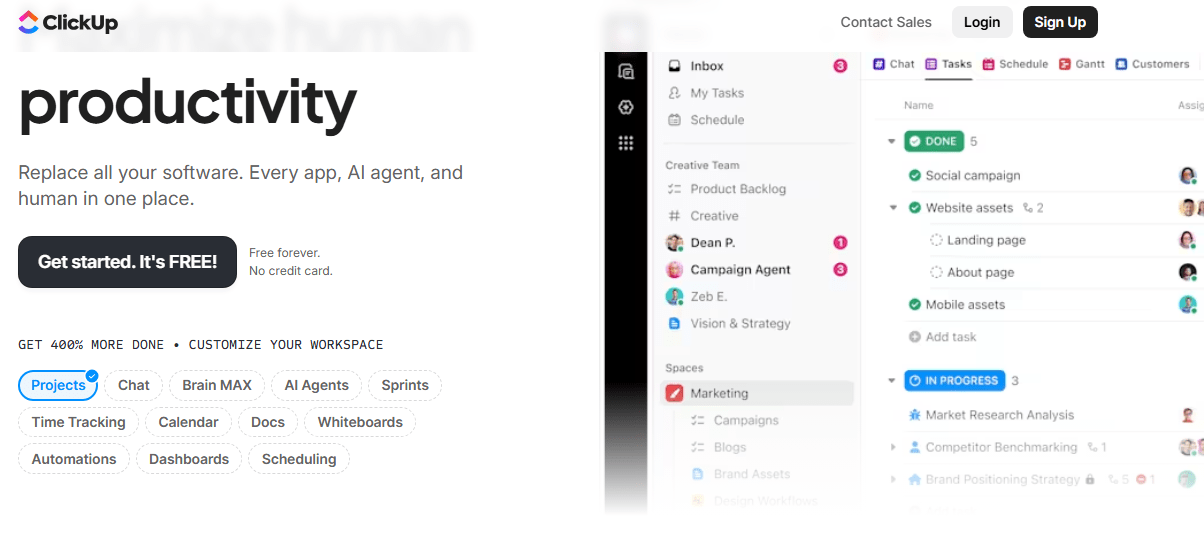
ClickUp works well as a central system for tasks and projects. You can log hours, review timesheets, and keep everything in one place. For many teams, that’s enough, at least initially.
The decision gets more nuanced once time data starts influencing billing, payroll, or margins. This is where teams need to decide whether to stay with ClickUp as-is or bring in a dedicated tracking layer
Keep ClickUp Time Tracking If:
You’re running a small team (roughly under 10 people), your projects are straightforward, and billing is based more on trust than on detailed validation. In this setup, manual timers aren’t a deal-breaker. People remember to start and stop them, time is reviewed casually, and minor inaccuracies don’t materially affect revenue or client relationships.
Replace Or Integrate If:
Once your team grows, projects overlap, and billing becomes structured, manual timers start to fail quietly. Missed entries, retroactive logging, and inconsistent categorization creep in, and the cost shows up as underbilling, margin erosion, or uncomfortable client conversations.
If you require automatic or background time capture, ClickUp alone won’t get you there. The same applies if you need proof-of-work, such as screenshots, activity levels, or app and website usage, to validate how time was spent.
If you require automatic or background time capture, ClickUp alone won’t get you there. The same applies if you need proof-of-work, such as screenshots, activity levels, or app and website usage, to validate how time was spent.
At this stage, the more sustainable approach is to keep ClickUp for task and project management, but integrate a dedicated time tracking tool that’s built for accuracy, automation, and reporting.
What Clickup Time Tracking Does Well?
ClickUp’s built-in time tracking does well for straightforward use cases:
1. Built-in time logging tied directly to work items
You can start a timer or manually log hours right on tasks, subtasks, or even from views and toolbars in ClickUp, so time is captured where the work lives without switching apps. This works across web, desktop, and mobile devices and syncs instantly.
2. Flexible entry options and visibility
ClickUp lets you track time either by running a timer or by manually entering hours after the fact. You can tag entries with descriptions or labels, mark them as billable, adjust entries, and add them to timesheets.
3. Consolidated timesheets and simple reporting
Once time is logged, you can view it in timesheet views that show time by day, week, month, task, or team member. That provides basic visibility into where effort is going and lets you approve entries (on higher plans).
4. Integration with task planning and capacity
Because time tracking lives inside the same system you use for task planning, your estimates, actual tracked time, and task status are all in one place. You can view tracked time alongside estimates and use filters to see time by date, status, priority, and more.
5. Dashboards and filtering tools
ClickUp’s dashboards can include time tracking widgets that update in real time. These let you filter or group time entries and visualize where hours are being spent without exporting data manually.
What Are ClickUp’s Time Tracking Limitations?
ClickUp’s time tracking works well for basic time logging in context, but once you need automatic capture, deep reporting, robust workflows, financial outputs, or enterprise-ready controls, you’ll quickly bump into limitations that only a dedicated time tracking tool can solve.
1. Manual-First Tracking Only
ClickUp doesn’t automatically capture your work in the background. You must start/stop the timer or enter hours manually. That means missed timers, forgotten sessions, and inconsistent data become a real issue as teams scale or when you’re switching tasks frequently.
2. Basic Reporting And Analytics
The built-in reporting is functional for simple timesheet summaries, but it lacks the depth most billing teams or agencies need. It has no advanced analytics, no customizable exportable reports, and limited insights into patterns or profitability.
3. Advanced Features Behind Higher Tiers
Features like timesheet approvals, granular tags, billable vs non-billable controls, and advanced timesheet management are restricted to higher-tier plans. If you’re on a lower plan, you may hit usage caps or miss these controls entirely.
4. No Built-In Invoicing Or Financial Workflows
ClickUp tracks hours, but it doesn’t generate invoices, calculate billable amounts, track revenue or margins, or integrate directly with payroll systems. All these features are important for accurate client billing and payroll automation.
5. Limited Integration Depth (Sometimes One-Way)
Even though ClickUp supports time tracking integrations (Toggl, Harvest, Clockify, etc.), these aren’t always true two-way embeds. In many cases, time tracked externally syncs into ClickUp post-fact, but changes in ClickUp won’t reflect.
The Best Dedicated ClickUp Alternatives in the Market
Once ClickUp’s native time tracking starts to feel limiting, the next question is what problem you’re actually trying to solve. Not every team needs the same thing from time tracking. Some need better billing accuracy. Others want simpler timers, stronger compliance, or just a free way to get started.
That’s why there’s no single “best” ClickUp time tracking alternative. The right choice depends on how your team works, how you bill clients, and how much structure or automation you want around time data. Replacing ClickUp entirely usually isn’t necessary either. In most cases, teams keep ClickUp for task and project management and layer a dedicated time tracking tool alongside it.
Below are five ClickUp-compatible time tracking tools, each optimized for a different use case.
1) Flowace
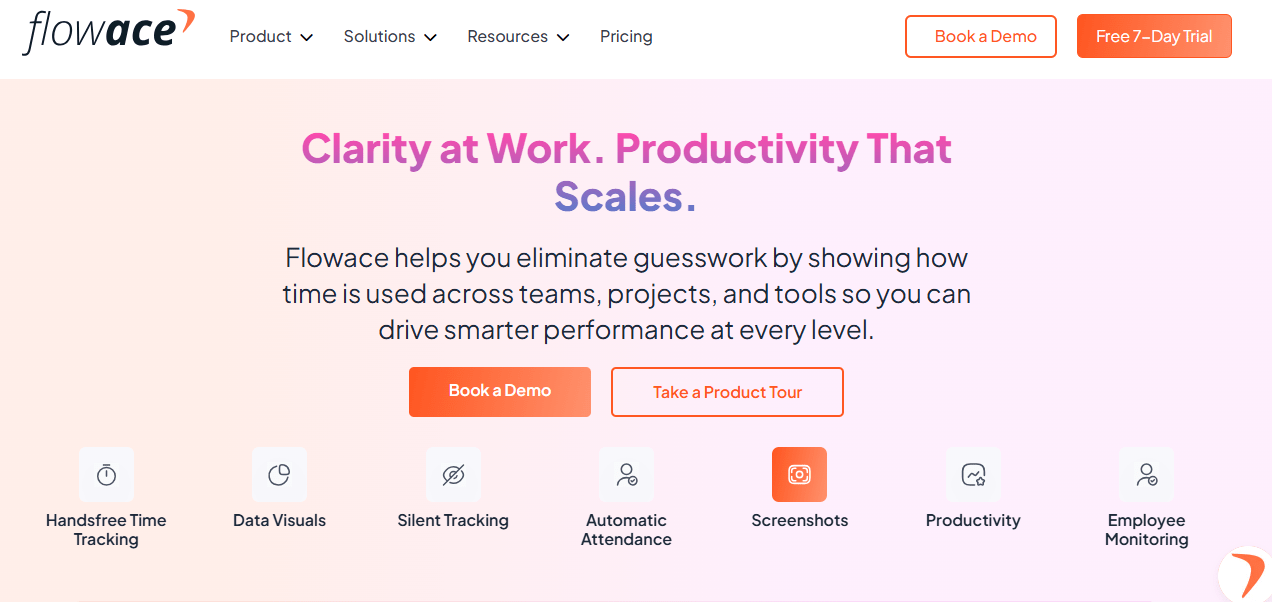
Flowace makes sense when your priority is accuracy and defensibility rather than manual control. It helps you surface missed billable time, spot utilization gaps, and generate audit-friendly reports without adding admin work for your team.
Instead of relying on people to remember timers, Flowace captures app and website activity quietly in the background and turns that data into a complete, end-of-day timesheet. You get visibility into where time actually goes, including the small but frequent work that usually never gets logged.
Key features
- Fully automated background capture (apps, URLs, files, idle detection).
- Auto-assembled timesheets that employees can review and approve.
- Billing and client/project mapping so invisible work is attributed correctly.
- Reports focused on billable recovery, utilization, and payroll exports.
Pros
- Recovers billable time that manual timers miss.
- Removes time-entry friction for teams who forget or resist manual logging.
- Produces cleaner exports for invoicing and payroll.
Cons
- Accuracy depends on good project mapping and occasional human review.
Best for
You run an agency or services team that bills by time and wants audit-ready capture without adding heavy admin.
2) Toggl Track
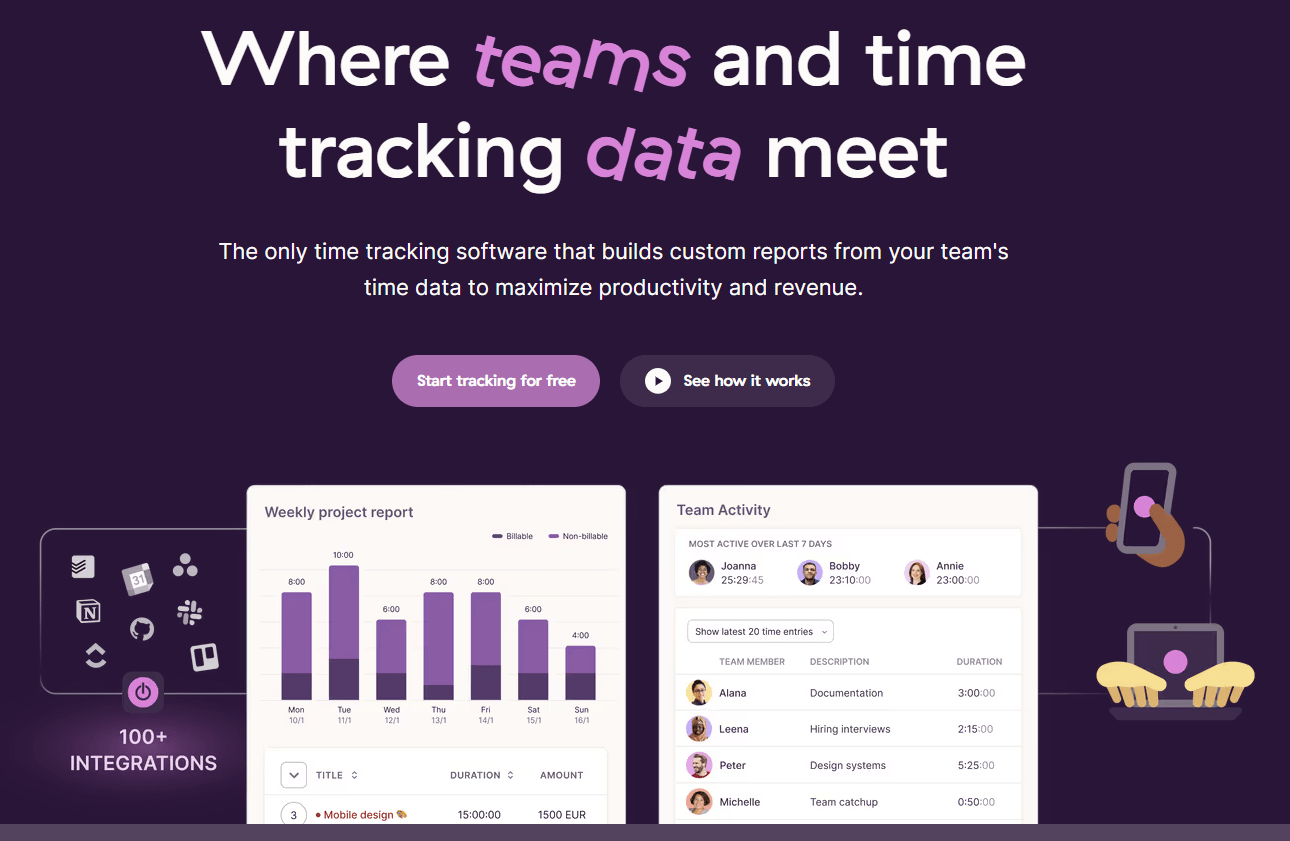
If your people prefer explicit intent behind every entry, Toggl nails the manual timer experience and pairs that with sensible reporting and integrations. You get a very low-friction UI for starting/stopping timers, quick tags and project assignment, and clean timesheets that are easy to pull into invoices or profitability checks. It’s the right pick when you want human-driven accuracy (each entry is explicit) rather than background surveillance.
Key features
- One-click timers and manual entry modes.
- Strong tagging, project assignment, and simple profitability reports.
- Cross-device apps and offline sync.
- Integrations with billing and project tools.
Pros
- Extremely easy to adopt for individuals and small teams.
- High clarity: each time entry reflects deliberate user intent.
- Clean reports for client billing and basic profitability.
Cons
- If people forget to start timers, that time is lost.
- Less automatic recovery of “invisible” work compared with Flowace.
Best for
You’re a freelancer or small team that prizes a clean manual workflow and high user buy-in.
3) Harvest

If your main goal is to turn tracked hours into invoices with as little friction as possible, Harvest fits that use case well. You track time, log expenses, and generate client-ready invoices in the same system, which means you’re not stitching together separate tools just to get paid.
Harvest works best when billing is the center of your workflow. Budget alerts help you stay ahead of overruns, expense tracking keeps costs attached to the right projects, and invoices are clean enough to send straight to clients.
Key features
- Time + expense tracking that integrates directly into invoicing.
- Project budget monitoring and alerts.
- Mobile apps for on-the-road time entry and receipt capture.
- Simple reporting for project health and client billing.
Pros
- Smooth flow from time entry to invoice generation.
- Useful budget and burn-rate alerts for project managers.
- Good UX for client-facing invoices and payment tracking.
Cons
- Less depth on automated capture or activity-level analytics.
- May feel light if you need enterprise reporting or complex project accounting.
Best for
You need a dependable, polished way to convert hours and expenses into client invoices without lots of tool glue.
4) Clockify
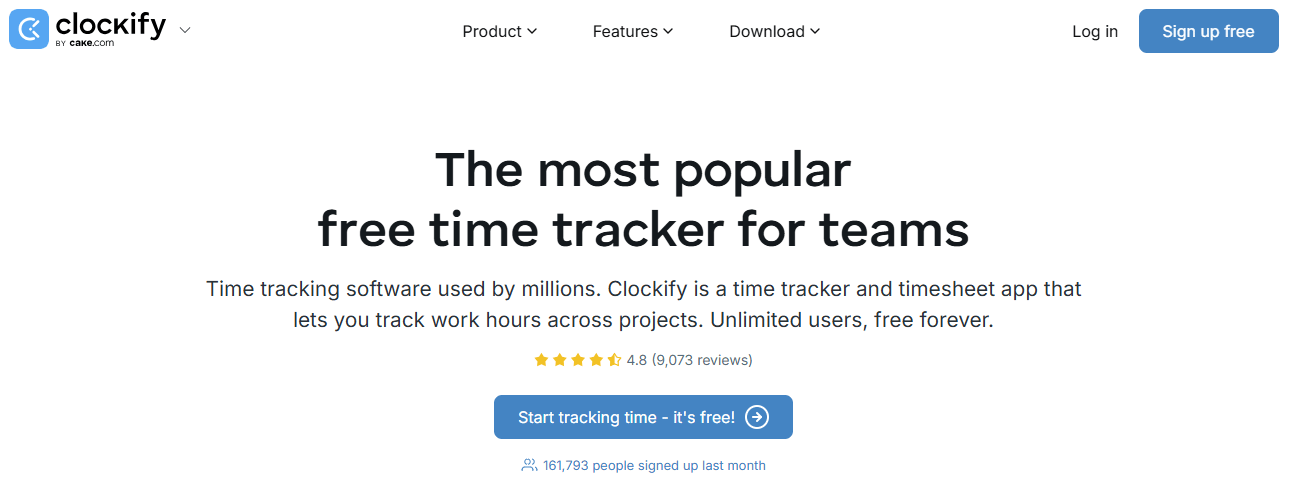
Clockify’s free tier supports unlimited users and covers the essential features like manual timers, timesheets, and straightforward exports, which is often more than enough for startups or lean teams.
Advanced admin controls, audit trails, and deeper analytics aren’t part of the free experience and require an upgrade. If you’re comfortable starting simple and adding structure later, Clockify gives you a low-risk way to put time tracking in place.
Key features
- Free forever plan for unlimited users, with timers, timesheets, and basic reports.
- Manual timers plus optional auto tracking and idle detection.
- Exportable reports for billing and payroll.
Pros
- Extremely cost-effective for growing teams.
- Fast to deploy and easy to understand.
- Useful baseline reporting for invoicing and basic utilization tracking.
Cons
- Advanced reporting, audit trails, and granular admin controls require paid tiers.
- Not designed to recover invisible work automatically.
Best for
You’re an early-stage team or startup that needs quick adoption and minimal spend.
5) Time Doctor
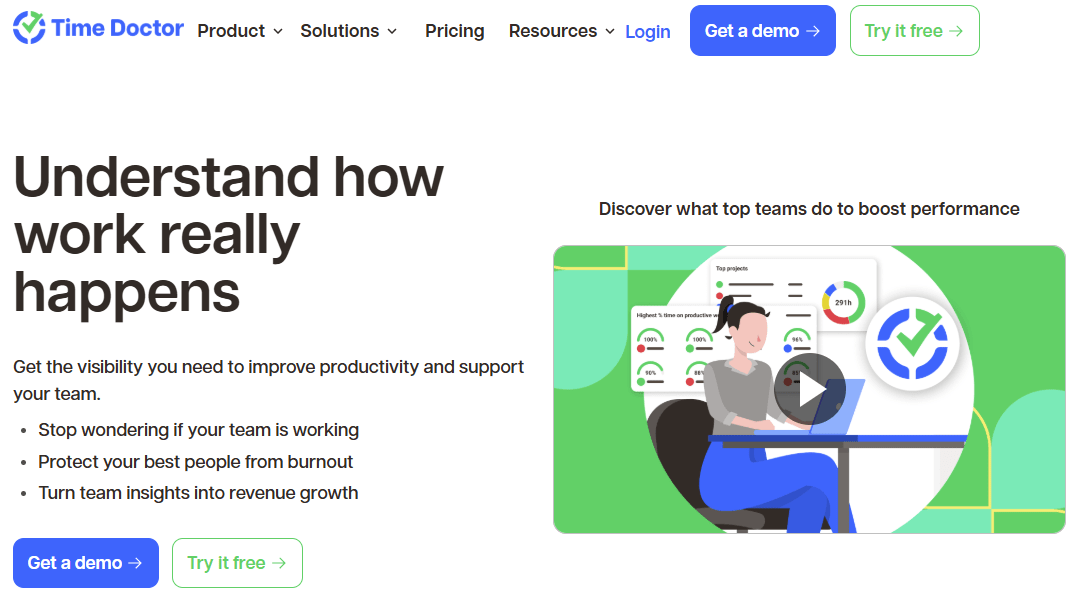
If you need strong employee monitoring and compliance controls, Time Doctor is built for that kind of environment. It tracks screenshots, app and website usage, idle time, and activity levels, giving you detailed visibility into how work is happening across the day.
Time Doctor is less about lightweight time capture and more about accountability and governance. You get granular reports and strict admin controls, which makes it a better fit for distributed teams or organizations where compliance requirements are high and time data needs to be tightly managed.
Key features
- Screenshots, app and website usage reports, and activity/idle detection.
- Detailed productivity reports and timeline views.
- Payroll integrations and automated timesheet validation.
Pros
- Very detailed visibility for managers and compliance teams.
- Useful when you need defensible logs and activity evidence.
- Built-in payroll export and automation features.
Cons
- Can feel intrusive; needs a clear policy and change management.
- Overkill for teams that simply want to track billable hours without monitoring.
Best for
You manage distributed teams where compliance, audit trails, or strict productivity governance are non-negotiable.
How Flowace Closes ClickUp’s Time Tracking Gaps?
If ClickUp’s built-in tracker is leaving gaps in your billing, audits, or utilization reports, switching to Flowace is a practical way to close them without abandoning ClickUp for task work.
You’ll see the difference in two places. First, Flowace recovers the small, frequent work that slips through manual timers so your timesheets actually reflect the work you did. Second, it gives you cleaner, more defensible data for invoicing and payroll. Flowace also tackles many other gaps head-on in ways that help you get more accurate, defensible, and useful time data.
| Feature | ClickUp | Flowace | What this means for you |
| 1. Automatic background capture | Time is tracked only when someone starts or stops a timer or manually enters hours, which leads to missed time and inconsistency as teams scale. | Activity is captured automatically in the background across apps, URLs, and idle time, then assembled into a complete daily timesheet. | You see actual work patterns instead of fragmented logs that depend on memory and discipline. |
| 2. Context and productivity insight | Logged hours are tied to tasks, but deeper context like app usage, document activity, or productive vs unproductive time is not native. | App and website usage is recorded and grouped into dashboards that show where time goes and where focus drifts. | You move from raw hour totals to insight into how time was actually spent. |
| 3. Idle time handling | No native idle detection, so inactive time can still be counted if a timer is left running. | Configurable idle detection and exclusion ensure inactive periods are not mistakenly treated as work. | You avoid inflated time data and get a clearer view of active vs idle work. |
| 4. Reporting and exports | Basic timesheet views are available, but advanced filtering, multi-dimensional reports, and exports often require higher tiers or external tools. | Billing, utilization, and productivity reports are export-ready with deeper filters by project, team, and activity type. | You spend less time cleaning data and more time using it for billing and payroll. |
| 5. Audit readiness and controls | Time entries are simple logs, with approvals, audit trails, and role-based controls dependent on plan level. | Admin controls like timesheet locking, role permissions, and activity validation support audit-ready workflows. | Your time data is defensible for finance, compliance, and client reviews. |
| 6. Monitoring and extensibility | Advanced tracking requires stitching together third-party integrations, which can fragment workflows. | Built-in tracking and monitoring features reduce reliance on multiple tools, with integrations available where needed. | You get a more cohesive time and activity system with fewer moving parts. |
Final Thoughts
ClickUp’s time tracking works when hours are just a reference. The moment time starts impacting revenue, billing accuracy, or payroll, manual logs and lightweight reports stop being enough. That’s when missing minutes quietly turn into lost money.
The smarter move is to keep ClickUp for what it does best and add a purpose-built tracking layer. Flowace fills the gaps by capturing work automatically, recovering billable time that manual timers miss, and turning raw activity into audit-ready reports you can actually trust.
If you suspect you’re underbilling or flying blind on utilization, don’t guess. Book a Flowace demo or start a free trial and see exactly how much billable time your current setup is leaving behind.
FAQs:
Q1: Can I keep using ClickUp and add Flowace?
A1: Yes. You can keep ClickUp as your task and project system and add Flowace to handle continuous, automatic time capture and richer reporting. Map projects and clients between the two tools, run a short pilot to validate mappings, and use Flowace reports for billing while keeping ClickUp for project work.
Q2: Is Flowace better than ClickUp for billing?
A2: When billing needs go beyond simple timesheets, Flowace usually provides stronger support. It captures background activity, tags work with richer metadata, handles idle time, and produces exportable, audit-ready reports you can use directly for invoicing and payroll. ClickUp is adequate for basic billing but lacks deeper billing and export workflows.
Q3: Will adding a tracker duplicate work for my team?
A3: Not if you set it up properly. Sync or map projects, clients, and task identifiers so time entries land in the right place automatically. Run a short pilot, review mismatches, and train users on the approval or correction flow. With those steps, you minimize duplicate entry and reduce reconciliation work.
Q4: How do I compare unbilled time between ClickUp and a dedicated tracker?
A4: Run parallel tracking for two weeks, then export CSVs from both systems. Normalize fields (user, project/client, date, duration), create a pivot table summing duration by project or client, and compute the delta between systems. Investigate the largest gaps to identify mapping errors or invisible work you can recover.
Q5: Which tool is best for remote teams that need audit trails?
A5: Pick a tracker that offers configurable proof-of-work, robust audit logs, idle detection, and role-based approvals. Those features let you validate entries, enforce controls, and produce defensible reports for finance or compliance. Flowace is best for automated capture with audit-ready exports, but compare privacy and policy settings to match your team’s standards.