10 Best Time and Billing Software for Law Firms in 2026




Legal work today happens everywhere: across hybrid teams, between matters, late at night, and in the margins between meetings, while clients demand tighter scrutiny, clearer narratives, and predictable pricing under alternative fee arrangements.
The problem is the quiet gap between work done and work billed, where revenue leaks and confidence erodes. Best time and billing software for law firms can no longer be treated as back-office admin; it’s a revenue infrastructure that determines what gets captured, how value is defended, and whether invoices tell a clear, credible story.
This guide helps you choose time and billing software built for how law firms actually operate today, so you can bill with clarity, protect margins, and trust that the work you do is fully and fairly reflected.
What is Time and Billing Software for Law Firms?
A System That Connects Work to Revenue
Time and billing software for law firms connects the full journey of legal work—from the moment work is performed, to when time is captured, valued, and turned into a compliant invoice. Instead of relying on memory or manual reconstruction, it creates a clear, continuous line between effort and earnings, ensuring the work lawyers actually do is accurately reflected in what gets billed and paid.
Why Legal Time & Billing Is Different
Legal work isn’t tracked in isolation. It’s tied to matters, clients, and rules that change from one engagement to the next. Different clients allow different activities, require specific billing formats or codes, and impose strict scrutiny on invoices. Add trust accounting, retainers, and regulatory compliance into the mix, and it becomes clear why generic time trackers fall short. Law firms need systems built to handle legal complexity—not just count hours.
Time Tracking vs. Billing vs. Full Legal Platforms
Not all tools serve the same purpose. Time-tracking-only tools capture hours but don’t turn them into defensible bills. Billing-only tools generate invoices but depend heavily on manual inputs and assumptions. Full legal practice and billing platforms bring time, matters, rates, approvals, compliance, and invoicing into one connected system, giving firms end-to-end control over how work becomes revenue.
What Really Matters: The Outcomes
The true value of time and billing software isn’t automation for its own sake—it’s results. Better accuracy so no billable work is lost, transparency that builds client trust, predictability for planning and pricing, and profitability that reflects real effort. When done right, time and billing stops feeling like administrative overhead and starts feeling like operational clarity.
Why Law Firms Need Dedicated Time and Billing Software
The Cost of Manual Time Tracking
Manual, memory-based time tracking sounds manageable in theory, but in practice, it quietly distorts reality. When lawyers log time at the end of the day (or worse, the end of the week), they’re not recording what actually happened; they’re reconstructing it. Small tasks blur together. Quick calls get forgotten.
A five-minute email turns into “not worth logging.” Even the most diligent attorneys miss time, not because they’re careless, but because legal work happens in fragments, often between meetings, messages, and interruptions.
Those small misses add up fast. Ten minutes here. Seven minutes there. Multiply that across a full day, then a week, then an entire team over several months. What feels like a negligible loss at the individual level becomes a meaningful revenue gap at the firm level, one that rarely shows up in reports, but is very real on the balance sheet.
Revenue Leakage from Unbilled Hours
In a legal context, revenue leakage is the gap between the work that was performed and the work that was actually billed. It’s about value that simply never makes it onto an invoice. Think quick client calls, back-and-forth emails, document reviews squeezed between meetings, or research done to unblock a matter but never formally logged. Each task is legitimate. Each one carries value. And yet, many never get captured.
The most dangerous part? Revenue leakage is invisible. Firms don’t see it because there’s nothing obviously “wrong.” Matters move forward. Clients are billed. Payments come in. Without automated capture or intelligent prompts, there’s no clear signal showing what was missed—only a quiet sense that the numbers don’t quite match the effort.
Client Billing Accuracy and Trust
Billing accuracy isn’t just about clean books—it’s about relationships. Clear, precise, well-supported invoices tell clients that your firm is in control, thoughtful, and respectful of their spend. When line items are detailed, consistent, and easy to understand, clients are less likely to question charges, push back, or demand write-offs.
Over time, this clarity becomes a trust signal. Clients feel confident that they’re paying for real work, not estimates or guesswork. Disputes decrease. Conversations shift from defending bills to discussing outcomes. In that sense, accurate billing isn’t administrative hygiene—it’s part of how modern law firms build long-term trust and protect revenue at the same time.
Essential Features to Look for in Legal Time and Billing Software
Choosing time and billing software for a law firm isn’t about ticking off a feature checklist—it’s about making sure the system fits the way legal work actually happens. Below are the capabilities that truly matter, explained in plain terms and grounded in real firm realities.
Automated and Assisted Time Tracking
Modern legal billing tools support automated or assisted time capture that records activity in the background and prompts lawyers to classify or confirm it later. This approach improves completeness by capturing small but billable tasks that are often forgotten, such as quick calls, email reviews, or short research sessions. Because the system works quietly and requires minimal interaction, attorneys can stay focused on their work while still maintaining accurate time records. This significantly improves adoption across teams.
Integration with Legal Practice Management Systems
Time and billing software works best when it is fully connected to your practice management system. Seamless syncing ensures that time entries are always tied to the correct matters, clients, and cases. This eliminates duplicate data entry and reduces errors across tools. When systems are integrated, updates remain consistent everywhere, protecting data accuracy and simplifying billing, reporting, and compliance.
Trust Accounting and IOLTA Compliance
Trust accounting requires absolute precision. Software must clearly separate operating funds from client trust funds, handle retainers correctly, and maintain clean audit trails. Built-in support for IOLTA compliance reduces risk and simplifies reporting for audits and regulatory reviews. Reliable trust accounting features protect the firm from serious financial and ethical consequences.
Mobile Time Entry Capabilities
Lawyers often work outside the office—at court, in client meetings, or while traveling. Mobile time entry allows work to be recorded as it happens or shortly afterward, improving accuracy and reducing reliance on memory. Easy mobile access ensures that valuable work performed away from a desk is consistently captured.
Customizable Billing Rates and Invoice Templates
Legal billing requires flexibility across clients, matters, and attorneys. Effective software supports multiple rate structures, including hourly, flat fee, blended, and contingency arrangements. Customizable invoice templates present billing information clearly and professionally, aligning with client expectations and reducing follow-up questions or disputes.
Reporting and Analytics for Profitability
Beyond tracking hours, reporting, and analytics reveal how matters perform financially. These insights help firms understand profitability by case type, identify underperforming work, and make informed decisions about pricing, staffing, and resource allocation. Clear data supports stronger financial planning and sustainable growth.
Client Privacy and Data Security Features
Legal billing systems must uphold strict confidentiality standards. Role-based access controls ensure that users see only what they are authorized to access, while data minimization limits exposure of sensitive information. Compliance with global privacy regulations strengthens security and reinforces client trust in how their data is handled.
Top 10 Time and Billing Software for Law Firms
What works for a solo attorney may fall apart in a 50-lawyer firm. What feels perfect for hourly litigation may struggle under alternative fee arrangements or strict corporate billing rules. That’s why this list looks at tools through three lenses: firm size, billing complexity, and operational maturity.
Our evaluation focuses on how well each platform captures real work, supports legal-specific billing requirements, integrates into existing workflows, and helps firms bill accurately without slowing lawyers down.
How Did We Evaluate These Tools?
Platforms rank high when they automate time entry, handle LEDES/UTBMS formats, support trust accounting, and integrate with tools like Microsoft 365 or QuickBooks. Firm size matters: solos favor lightweight options like Bill4Time, while larger firms need scalable analytics and multi-office support. Ratings from G2 and Capterra emphasize ease of use, ROI via recovered billables (often 15-30% more), and minimal disruption to attorney workflows.
1. Flowace
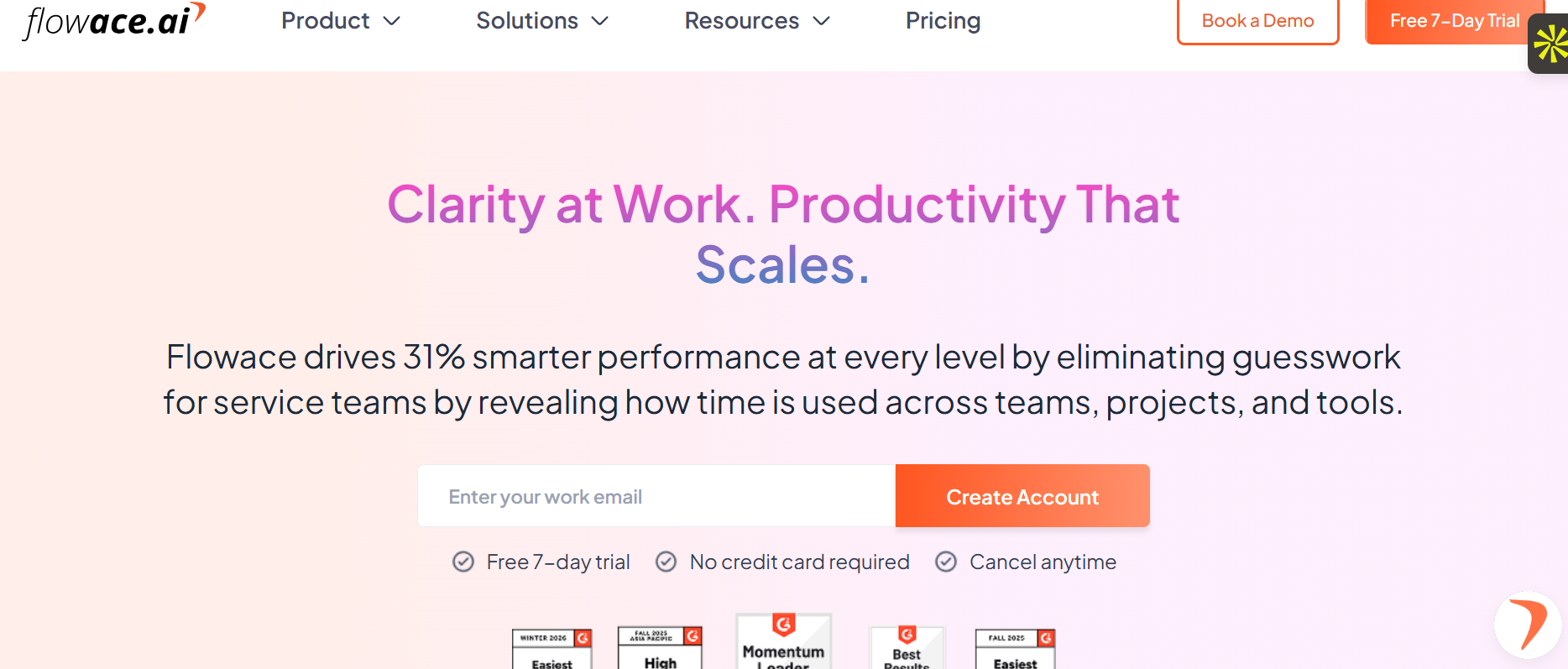
Flowace stands out for AI-driven, passive tracking tailored to legal workflows, emphasizing privacy and billable recovery without manual entry.
Key Features
- Automatic time capture across legal apps like Word, Outlook, Westlaw, and browsers for seamless logging.
- Billable vs. non-billable categorization with client-matter auto-matching to prevent revenue leakage.
- Real-time productivity analytics for workload balancing, burnout alerts, and utilization rates.
- Privacy-first monitoring focusing on patterns, not screenshots, compliant with ethical legal standards.
- GPS tracking for outdoor/field work like court visits or client meetings.
- Customizable timesheets with flexible approvals and offline support for hybrid teams.
- Integrations with practice management tools (e.g., Clio, QuickBooks) for unified billing workflows.
- Call activity tracking (incoming/outgoing/missed) to boost billable hours from phone work.
- Advanced reporting with KPI dashboards, profitability insights, and custom templates.
- Task management with deadlines, delegation, and progress monitoring for case handling.
Pros
- High adoption due to passive capture
- Privacy-first for trust
- Scales hybrid teams
Cons
- Not full practice management
- Needs invoicing integrations
- Analytics learning curve
- Lesser known in legal
Pricing
The basic plan starts at $1.99/user/month, and is scalable from there.
Ratings and Reviews
4.6/5 – G2
2. Clio

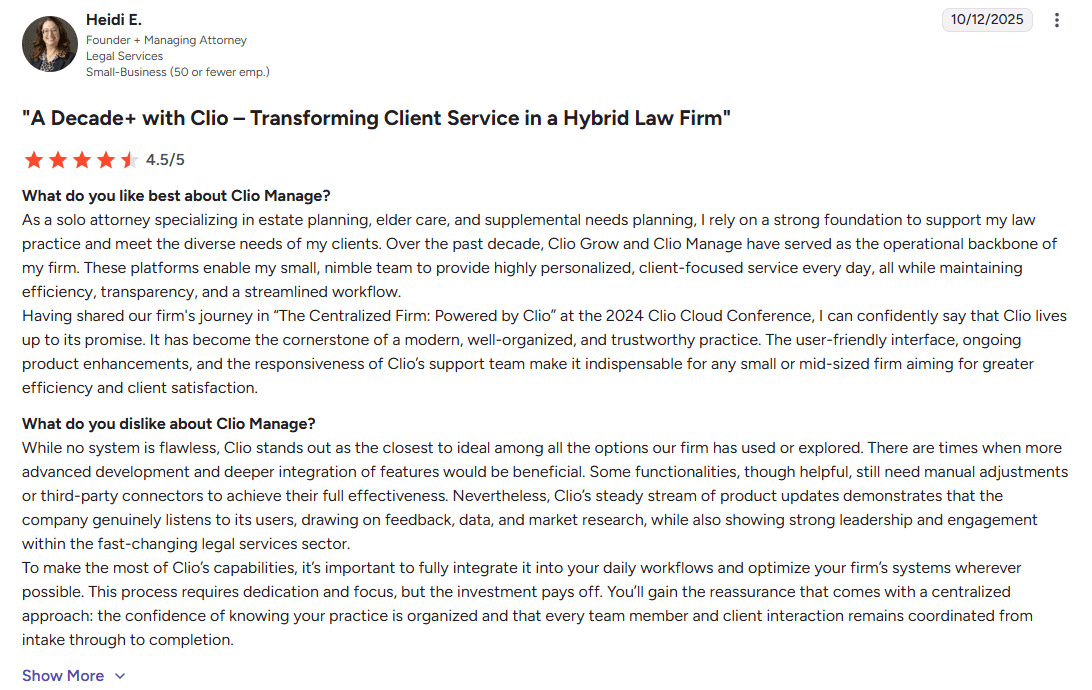
Clio provides cloud-native case management with calendar-synced entries, integrated invoicing, and client payments via debit/credit/eCheck. It streamlines professional invoices and client portals for secure communication.
Key Features
- Calendar-linked time entries syncing appointments directly to billable timers.
- Integrated invoicing with LEDES/UTBMS support and online payments (credit/debit/eCheck).
- Client portal for secure document sharing, status updates, and payment approvals.
- Mobile app for time entry, task management, and case access on iOS/Android.
- Trust accounting with IOLTA compliance and three-way reconciliations.
- Workflow automation for intake, task assignments, and deadline reminders.
- Reporting suite for AR aging, realization rates, and profitability by matter.
- eSignature integration for retainers and settlements within the platform.
- Third-party integrations (QuickBooks, Dropbox) for expanded functionality.
Pros
- All-in-one platform
- Fast deployment
- Strong mobile uptime
Cons
- Semi-manual time entry
- Costs rise at scale
- Basic reporting
Pricing
Starts with $59user/month
Reviews and Ratings
4.7/5 – G2
3. Smokeball
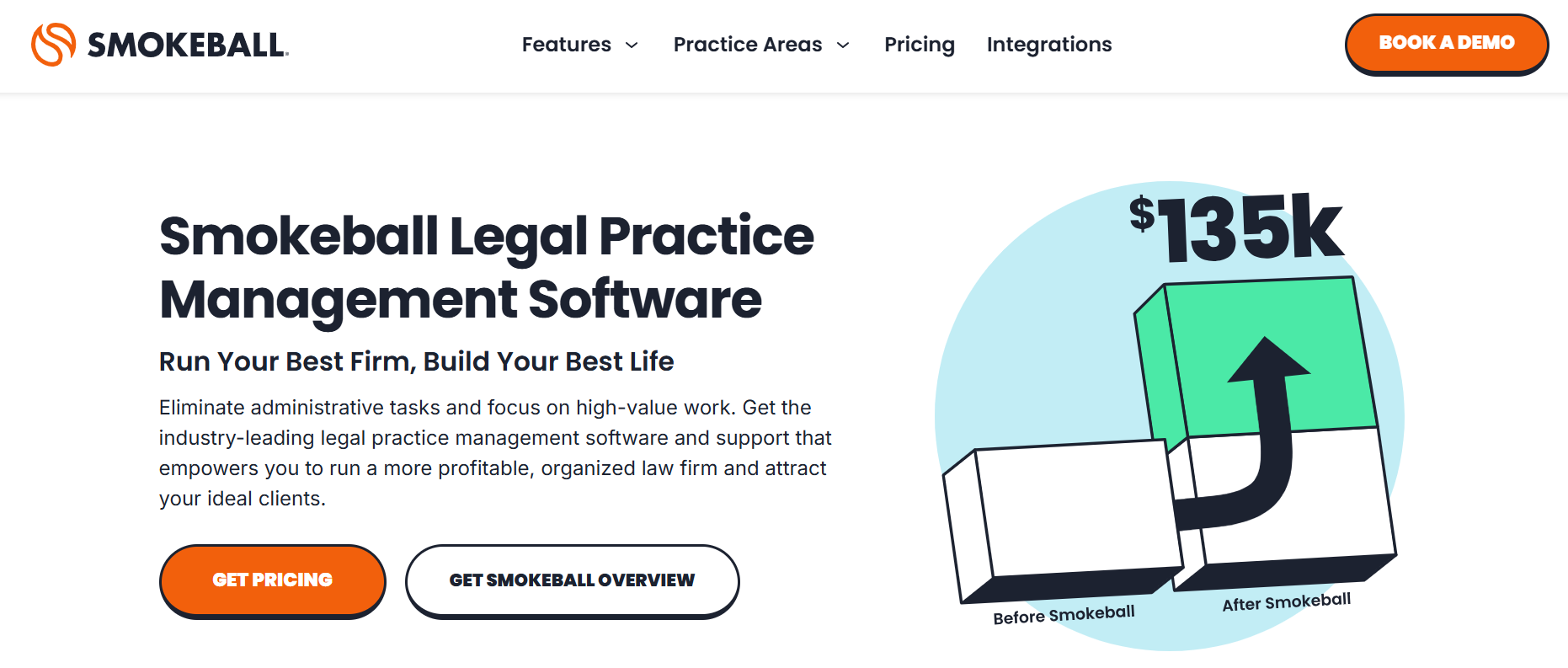
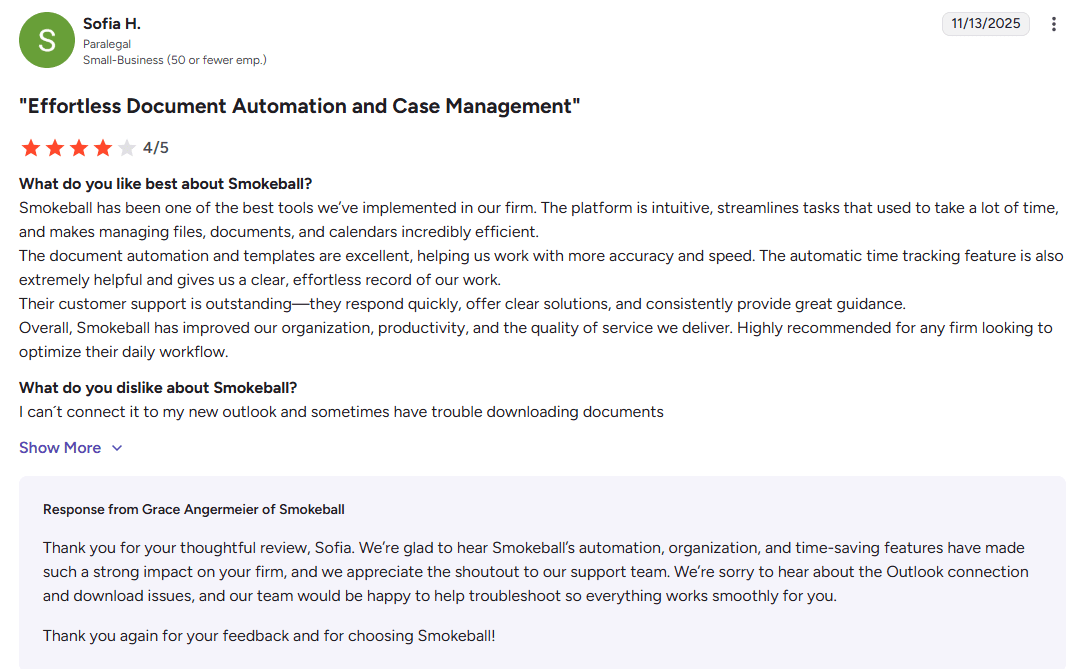
Smokeball ties auto-time capture to documents, offers matter-centric billing, and delivers profitability reports with compliance tools. It automates templates and reduces missed billables.
Key Features
- Auto-time logging tied to document opens, edits, and emails per matter.
- Matter-centric billing with profitability forecasting and WIP reports.
- Template library for pleadings, contracts, and forms with auto-population.
- Client portal for intake forms, secure messaging, and invoice payments.
- Compliance tools including conflict checks and audit trails.
- Custom dashboards for KPIs like billable hours and case velocity.
- Email integration tracking correspondence time automatically.
- Lead management with pipeline tracking and conversion analytics.
- Batch invoicing and payment processing with reminders.
- Windows desktop app with Outlook/Word plugins for deep integration
Pros
- Automation pays off
- Detailed matter reports
Cons
- Windows-heavy
- Steep setup curve
- Pricey at scale
Pricing
Starts from $49 per user/month
Reviews and Ratings
4.7/5 – G2
4. MyCase
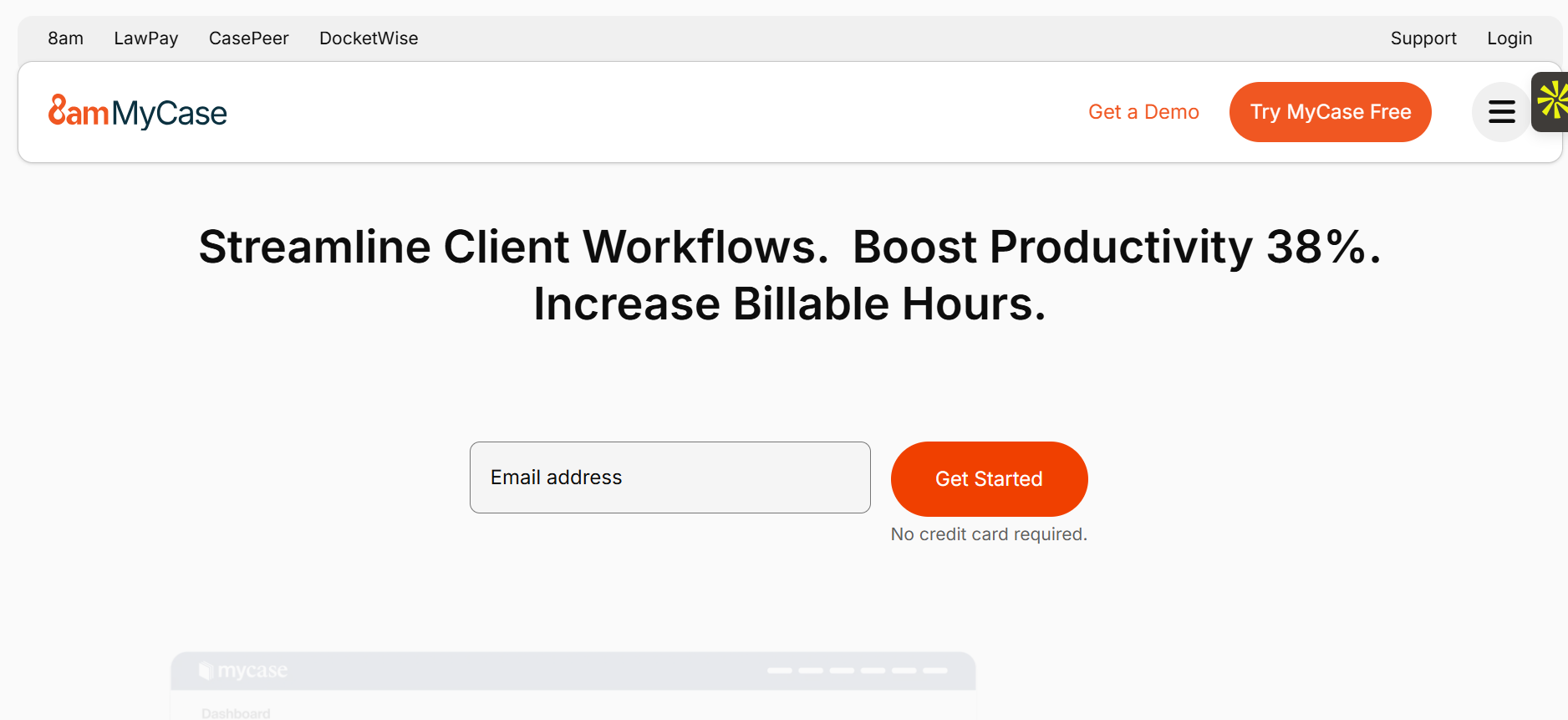
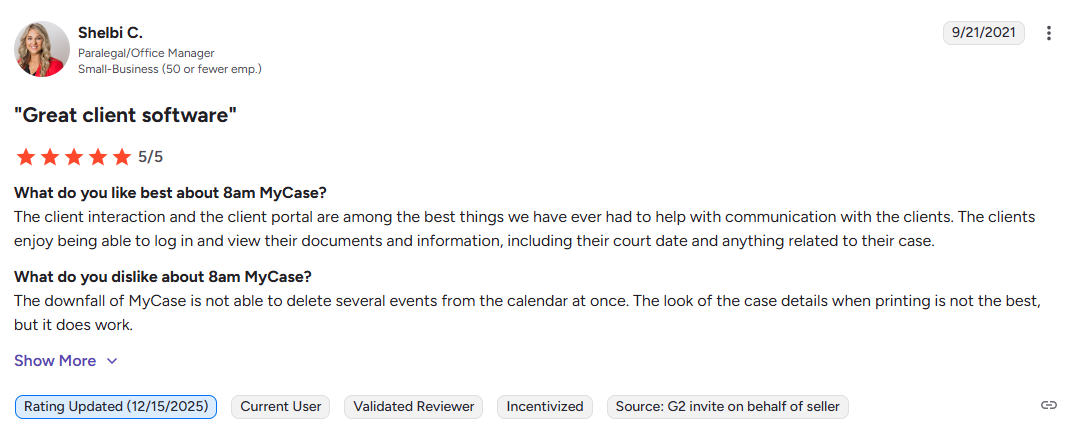
MyCase supports LEDES/UTBMS, secure invoicing, and mobile time entry with client portals for payments and notes. It includes intake forms and CRM basics.
Key Features
- LEDES/UTBMS invoicing with custom codes and split billing options.
- Secure client portal for payments, document access, and case updates.
- Mobile time/expense entry with photo receipts and GPS stamping.
- Trust accounting with IOLTA support and easy reconciliations.
- Intake forms and CRM for lead nurturing to active matters.
- eSignatures for agreements and approvals within workflows.
- Calendar syncing with conflict detection and shared availability.
- Document management with version control and sharing links.
- Task automation with recurring items and assignee notifications.
- Basic reporting on collections, productivity, and matter financials
Pros
- Corporate billing strong
- Clean mobile UI
- Fast onboarding
Cons
- Manual-heavy capture
- Add-on costs
- Limited large-firm scale
Pricing
Starts at $39/user/month
Reviews and Ratings
4.4 /5 – G2
5. TimeSolv
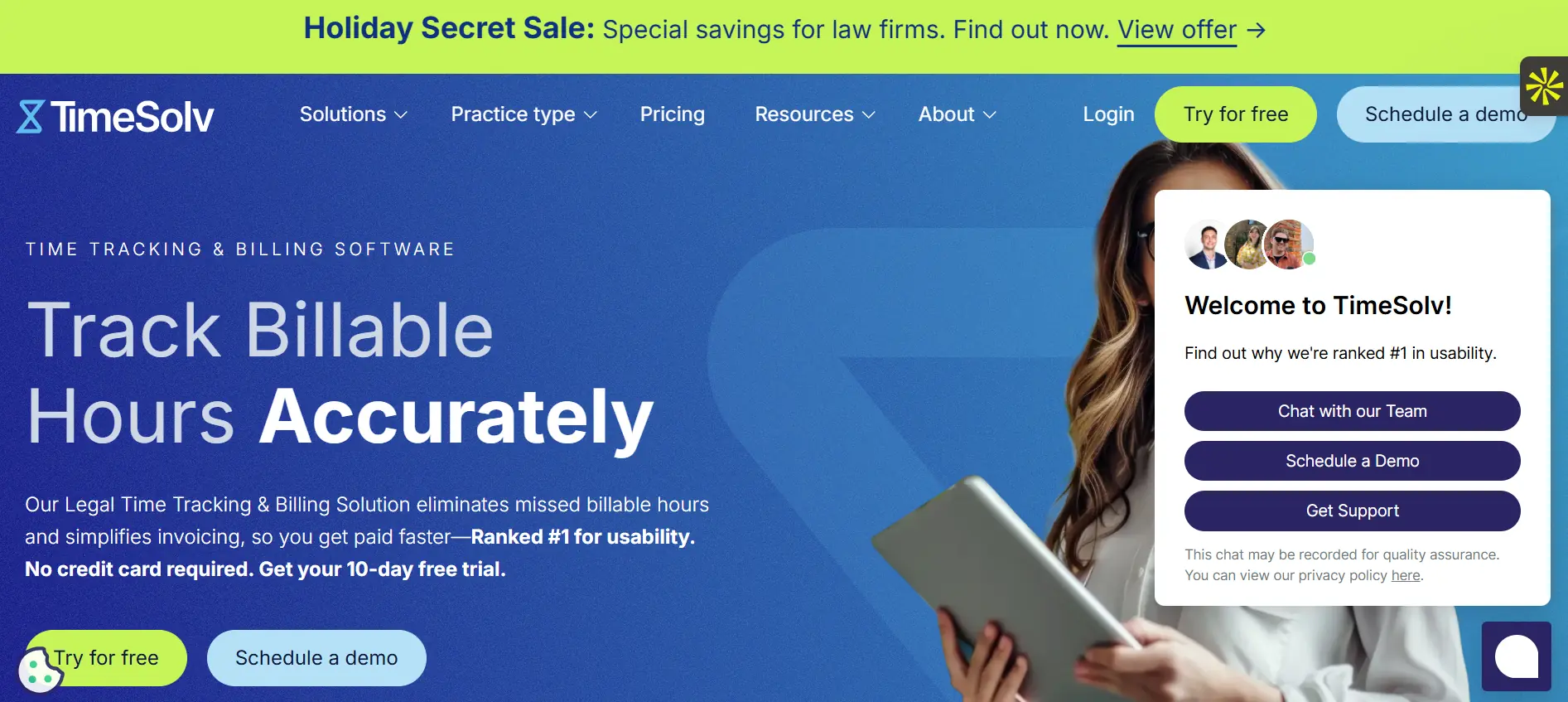
TimeSolv excels in flexible billing logic, trust accounting, and tagging for AFAs with detailed rate controls.
Key Features
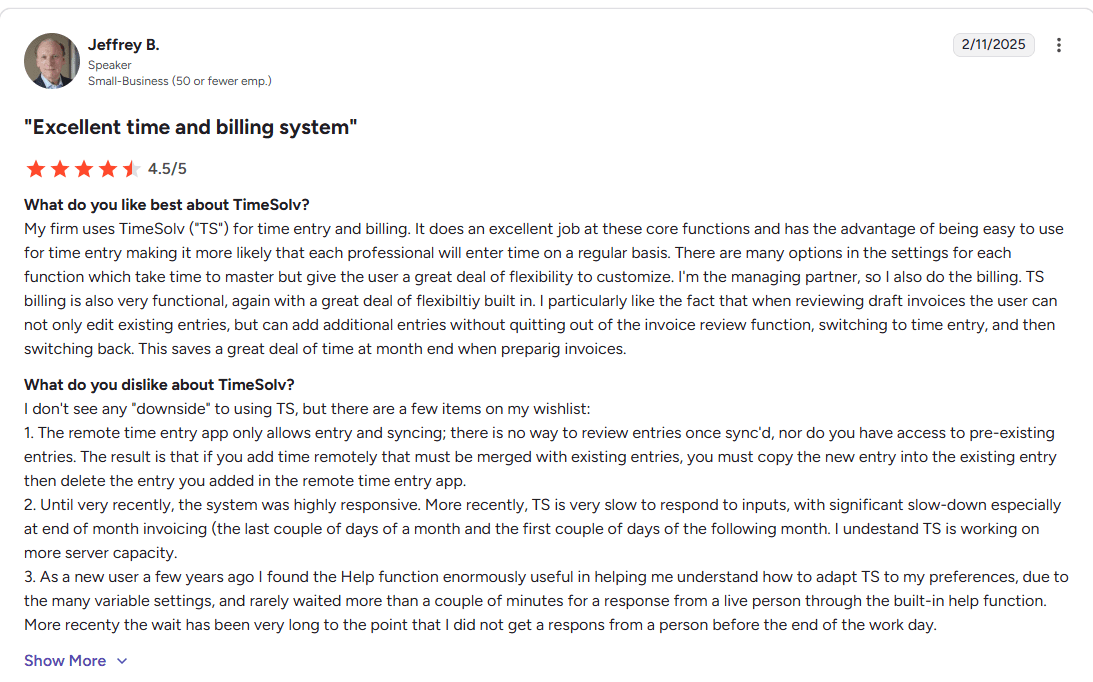
- Multi-rate billing with task codes, discounts, and write-downs.
- Trust/escrow accounting with detailed ledgers and compliance reports.
- Flexible invoicing previews, drafts, and bulk edits.
- Expense tracking with receipts, disbursements, and reimbursements.
- Online payments via portal with ACH/credit options.
- Custom tagging for projects, phases, and activities.
- Reporting for utilization, AR, and profitability breakdowns.
- Mobile app for timer starts and quick entries.
Pricing
Starts from $33/user/month
Pros
- Billing flexibility tops
- Easy edits/search
- Stable for complex needs
Cons
- Dated interface
- Manual entry focus
- Basic mobile
Reviews and Ratings
4.5/5 – G2
6. CosmoLex

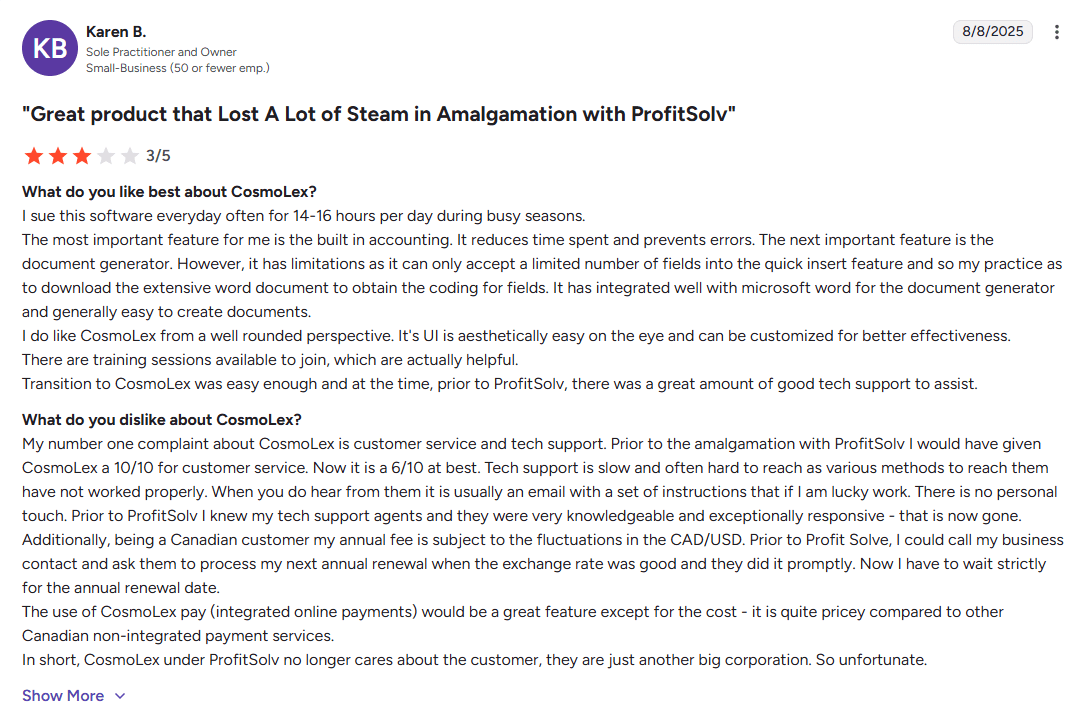
CosmoLex prioritizes accounting integration with billing for compliance-heavy practices.
Key Features
- Unbilled time alerts and one-click WIP-to-invoice conversion.
- Built-in accounting with GL, AP/AR, and bank reconciliations.
- Trust compliance with IOLTA separation and three-way matching.
- Batch invoicing for multiple matters/clients at once.
- Task-based time tracking with matter assignment.
- Client portal for payments, eSignatures, and secure chats.
- Custom reports for financials, productivity, and cash flow.
- Mobile access for time entry and approvals.
- Workflow calendars with court deadlines and reminders.
- LEDES support and customizable invoice templates
Pricing
Starts at $147/user/month
Pros
- Strong compliance value
- Low overhead
- Good for medium offices
Cons
- Pricey for small firms
- Dated UI
- Slower attorney intuition
Reviews and Ratings
4.2/5 – G2
7. Caret Legal
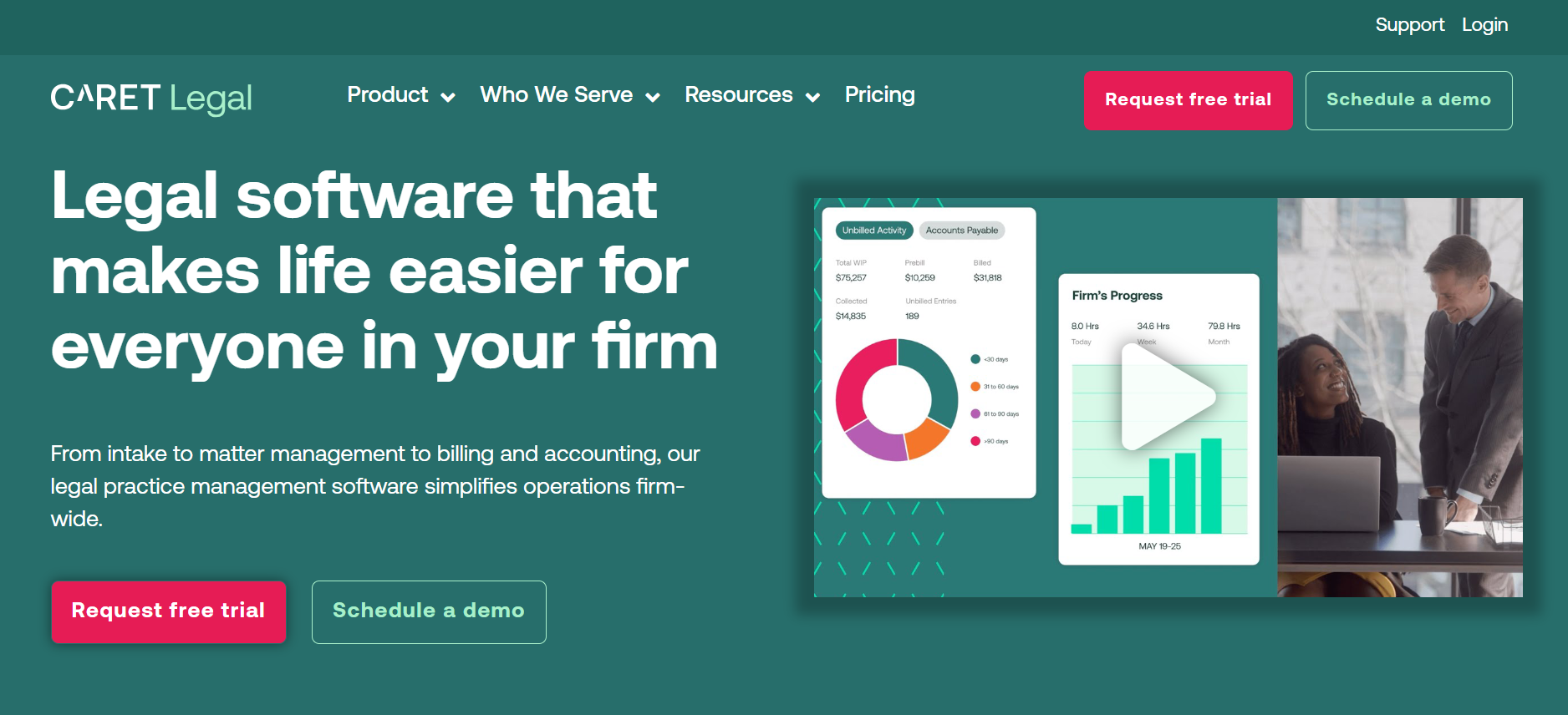
Caret Legal offers passive tracking, multi-office billing, and narratives with built-in accounting.
Key Features
- Passive time capture from desktop/mobile activities.
- Multi-office billing with centralized rates and reporting.
- Narrative templates for detailed bill descriptions.
- Built-in accounting with trust safeguards.
- KPI dashboards for utilization and profitability.
- Workflow automation for tasks and approvals.
- Client relationship tools, including portals.
- Custom reporting and data exports.
- 24/7 support with dedicated onboarding.
- Integrations for documents and calendars
Pros
- Captures extra billables
- Scales growth
- Compliance reliable
Cons
- Setup complexity
- Interface dense
- Overkill for solos
Pricing
Custom pricing available on requesting a call with the sales team
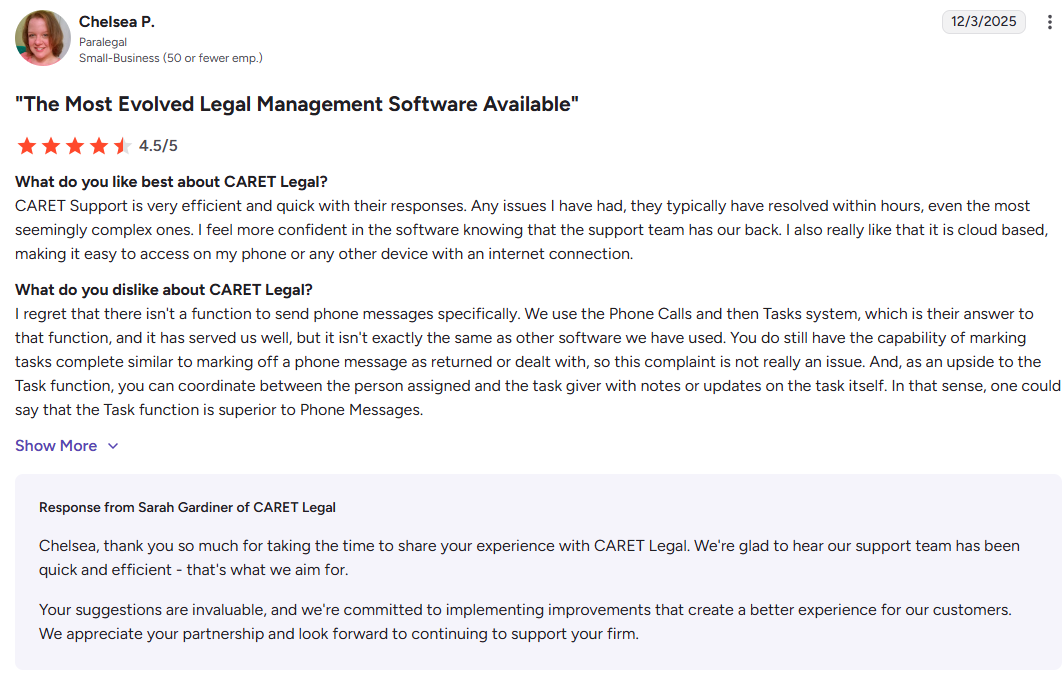
Reviews and Ratings
8. PracticePanther
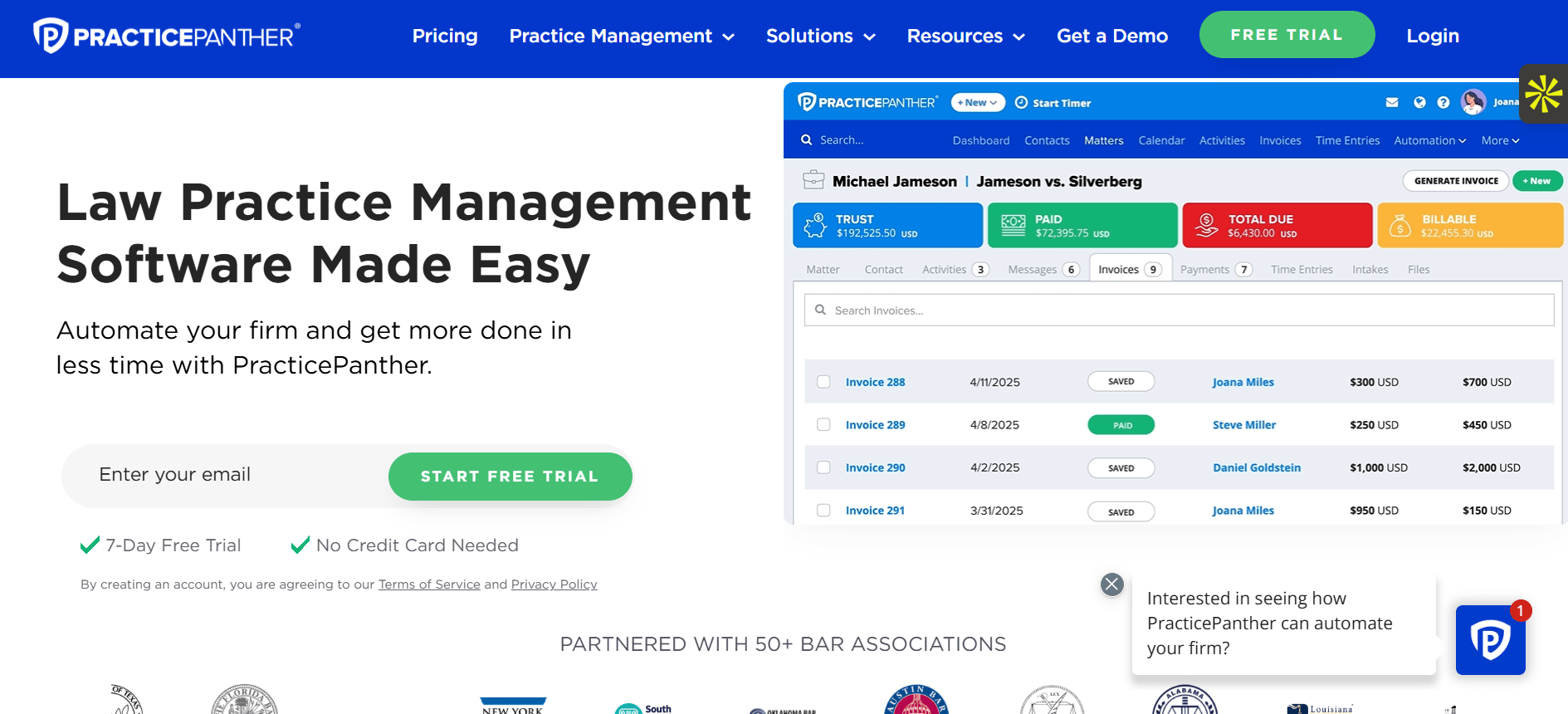
PracticePanther emphasizes intuitive setup with flexible billing across devices.
Key Features
- Cross-device time tracking with quick-start timers.
- Trust accounting with automated safeguards and reports.
- Custom rates per client, task, or user.
- LEDES invoicing in pro tiers with ePayments.
- Intake forms and SMS/email automation.
- Calendar integration with availability views.
- Task pipelines with Kanban boards.
- Document templates and eSignatures.
- Reporting on time, payments, and pipelines.
- Zapier integrations for 1,000+ apps
Pros
- Intuitive/fast setup
- Flexible mobile
- Good integrations
Cons
- Billing rate glitches
- Basic analytics
- Tier-locked features
Pricing
Starts from $49/user/month
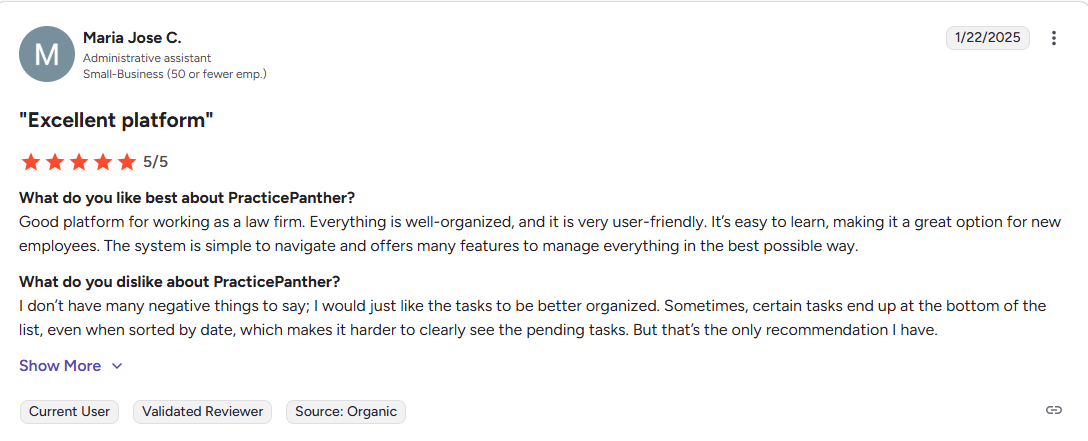
Reviews and Ratings
4.3/5 – G2
9. Bill4Time
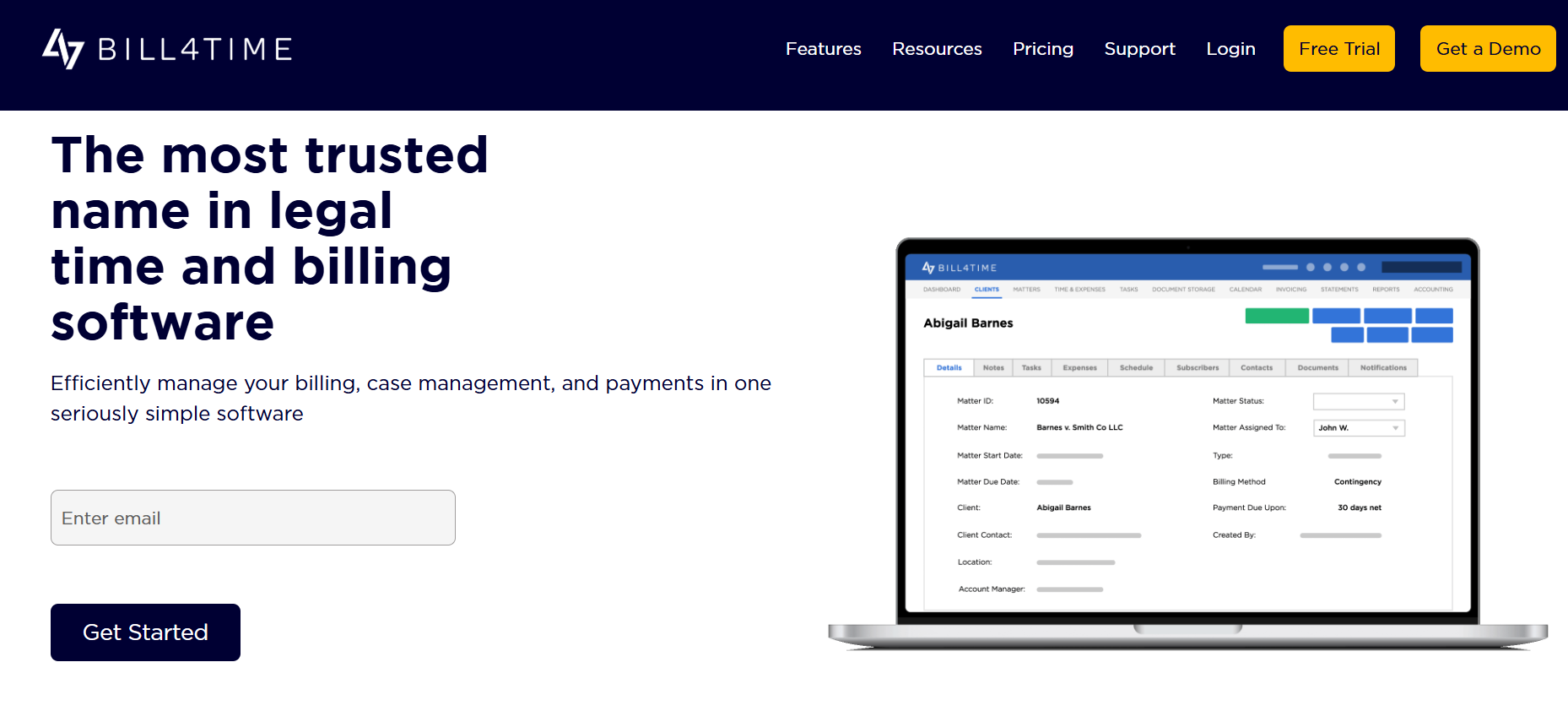
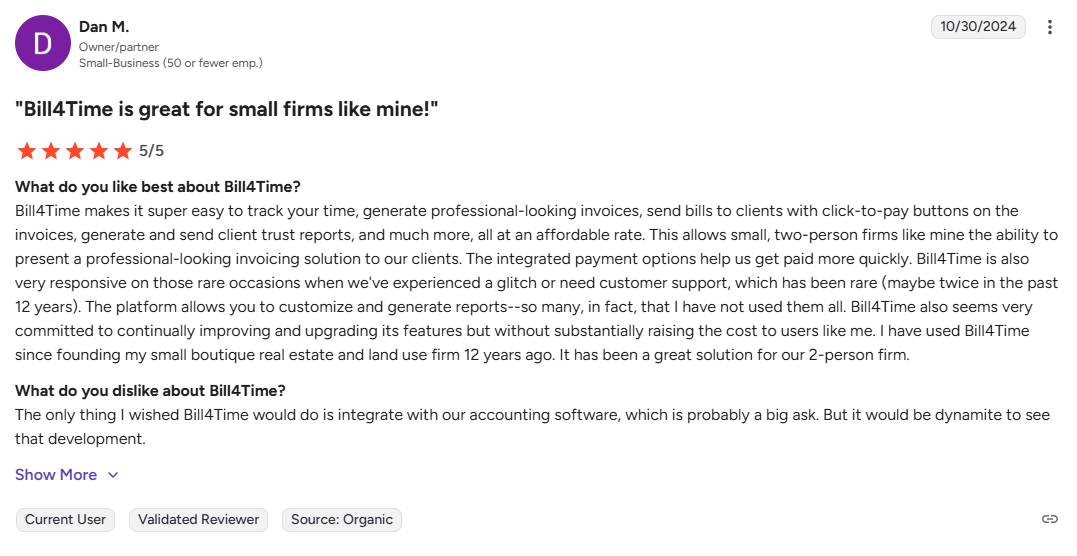
Bill4Time simplifies time/expense entry, custom invoices, and payments for lightweight billing.
Key Features
- Quick time/expense entry with timers and bulk import.
- Custom invoices with branding and LEDES export.
- Trust accounting basics with IOLTA compliance.
- Online payments and recurring billing.
- Mobile app for field entries and approvals.
- Project tracking with phases and budgets.
- Basic reports for billables and collections.
- Client portal for invoice access.
- QuickBooks sync for seamless accounting.
- Unlimited users in higher plans
Pros
- Budget-friendly
- Quick for solos
- Easy UI
Cons
- Minimal automation
- Scaling limits
- Dated elements
Pricing
Starts at $27/user/month
Ratings and Reviews
4.7 /5 – G2
10. LawBillity (LawBility)
LawBillity emphasizes mobile-first tracking, LEDES/LSS, and GPS expenses for on-the-go billing.
Key Features
- Mobile-first time entry with voice notes and GPS.
- LEDES/LSS format support for electronic billing.
- Expense tracking with mileage and receipts.
- Matter management with quick client switching.
- Customizable utilization targets and alerts.
- Invoice generation and payment links.
- Basic reporting on hours and rates.
- Offline mode for remote work.
- Cloud sync across devices.
- Simple integrations for calendars
Pros
- Mobile excellence
- Travel/expense easy
- Improves rates 30+ hours/month
Cons
- Desktop shallow
- Basic reports
- Narrow scope
Pricing
Starts at $30/user/month
Ratings and Reviews
4.2 /5 – G2
Why is Flowace the Best Time and Billing Software for Law Firms?
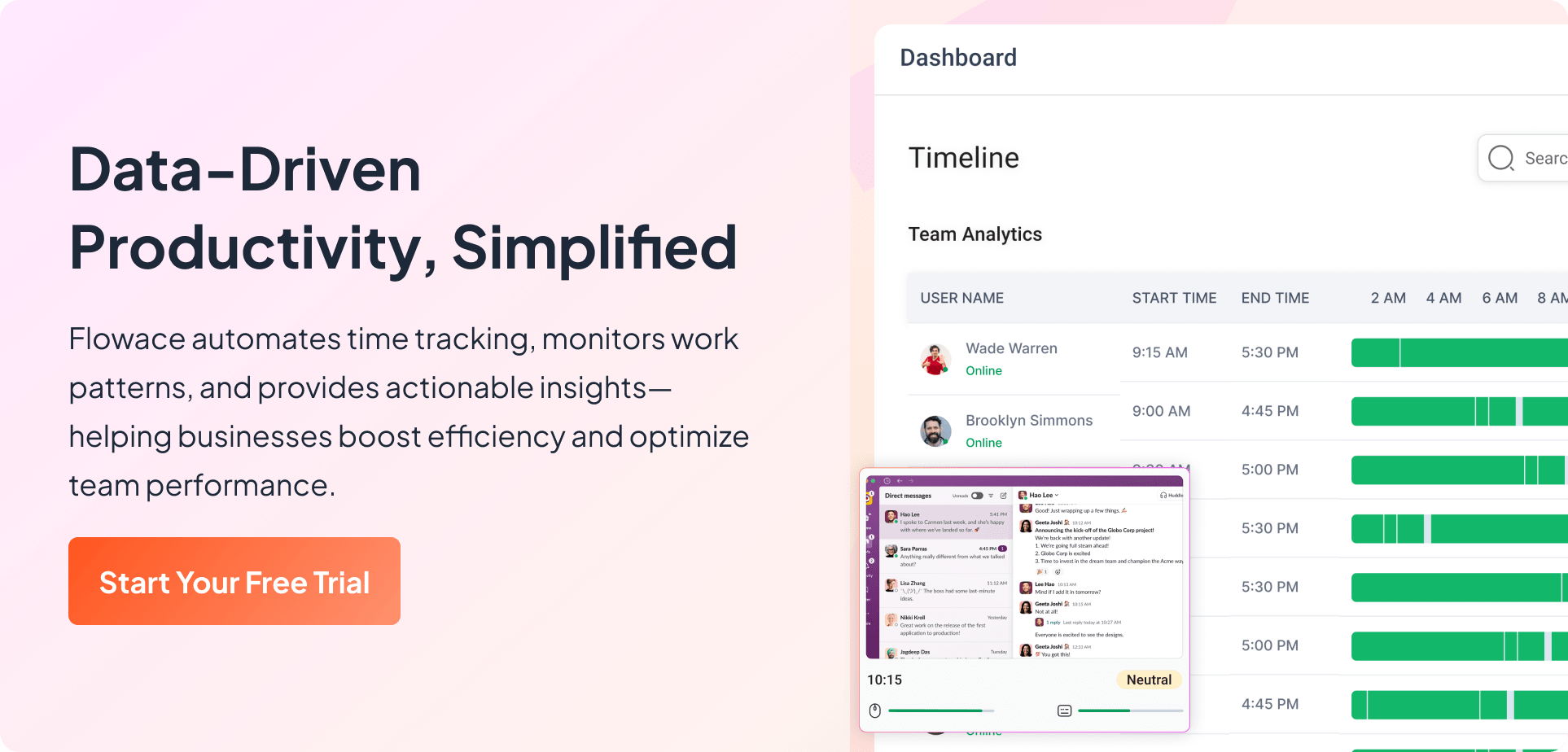
Flowace stands out as the best time and billing software for law firms because it solves the core problem lawyers face: accurately capturing real work without adding friction. Instead of relying on memory or manual timers, Flowace automatically records activity across the tools lawyers already use, documents, research platforms, and email, creating a complete, defensible record of effort.
This ensures small but billable tasks aren’t missed, improves realization rates, and results in clearer, more trustworthy invoices for clients.
Beyond capture, Flowace turns time data into operational clarity. Real-time analytics give firm leaders visibility into workloads, bottlenecks, and utilization across hybrid teams, helping them staff matters better and plan more confidently without micromanagement. Its privacy-first approach focuses on work patterns rather than surveillance, which builds attorney trust and drives adoption.
In an era of tighter billing scrutiny and alternative fee arrangements, Flowace acts as revenue infrastructure, helping firms bill accurately, protect margins, and confidently stand behind the value they deliver.
Sign up for Flowace’s 7-day free trial today and see the tool for yourself.