Best ActivTrak Alternatives for IT Services Teams



Key Takeaways
- IT services teams need balance, not surveillance: You are trying to manage billing accuracy, project delivery, and team productivity while maintaining trust. Tools that collect excessive data often create friction instead of clarity.
- ActivTrak is powerful, but not always the right fit: While it offers deep analytics, many IT teams find it too complex for everyday needs like time tracking, utilization, and client reporting.
- Data overload reduces usability: More data does not mean better decisions. You need focused insights around billable hours, project progress, and team output, not layers of activity logs.
- Privacy-first monitoring is becoming the standard: You should prioritize tools that track work without feeling intrusive. Features like optional screenshots, pause tracking, and role-based controls help maintain employee trust.
- Cost and operational simplicity matter: Predictable pricing, low maintenance, and ease of use are critical. Tools that require constant management or add-ons can quickly become inefficient.
- Different tools serve different priorities
-
- Insightful focuses on automation and analytics
- Hubstaff and Toggl Track emphasize simplicity
- Time Doctor balances insights with privacy controls
- Monitask offers basic monitoring at a lower cost
- DeskTime and Clockify focus on time tracking and reporting
- Flowace stands out for IT services workflows: It aligns closely with what you actually need: automatic time tracking, project-level visibility, client-ready reports, and privacy-friendly monitoring.
- Billing visibility is a key decision factor: If you cannot confidently use your tracking data to justify invoices, the tool is not serving your core business need.
- Trust directly impacts adoption: The more transparent and less intrusive your tool is, the easier it is to get team buy-in and long-term usage.
- The right tool is about relevance, not features: You should choose a solution that fits how your team works today, supports client transparency, and scales without adding unnecessary complexity.
In IT services, you are constantly balancing two priorities that do not always align. You need dependable visibility into project hours, task progress, and team productivity to support billing and delivery. At the same time, you need to maintain trust and avoid creating a work environment that feels overly monitored. That is usually the point where tools like ActivTrak start to feel like more than what you need.
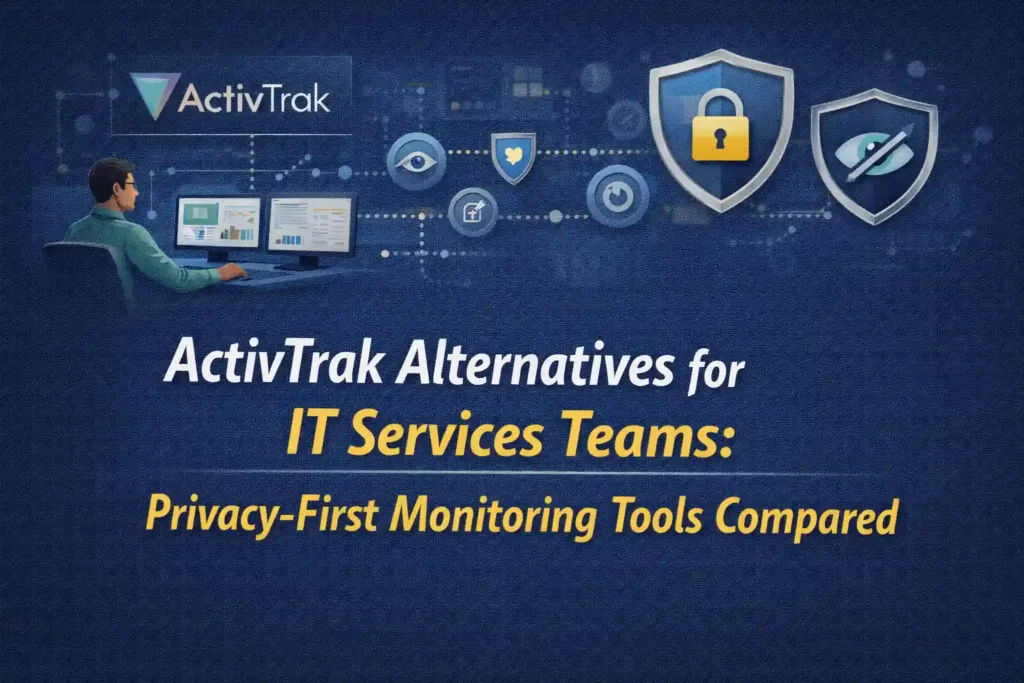
In a busy IT environment, the goal is not to collect more data. It is to collect the right data. A privacy-first monitoring approach means focusing on billable hours, project-level activity, and accountability without drifting into invasive monitoring. You want enough insight to defend invoices, optimize staffing, and answer client questions with confidence, while still maintaining trust within your team.
In this guide, you will explore the most relevant ActivTrak alternatives for IT services teams and see how they compare in terms of visibility, privacy, and practicality. The goal of this article is to help you choose a solution that aligns with how your team works while keeping both client expectations and employee trust intact.
Why IT Services Teams Look Beyond ActivTrak?
ActivTrak is a workforce analytics and productivity monitoring platform known for deep insights. It runs quietly in the background and collects app usage, website activity, hours, and computer metrics to generate detailed reports. This makes it great for organizations that need enterprise-grade oversight. But many IT service firms find ActivTrak’s approach “heavy” for basic needs.
Feedback from users on G2 highlights a few recurring concerns:
As an area for improvement, the website blocking feature could be more flexible. It would be helpful to allow administrators to manually add and block specific websites directly, rather than only being able to select sites that have been previously visited.
(Roberto D, IT Supervisor, Small-Business)
What I don’t like much about ActivTrak is that sometimes it can feel a bit too detailed or overwhelming with all the data it collects. It can take time to sift through the reports to find what really matters. Also, some team members might feel a little uneasy knowing they’re being monitored, so it takes effort to balance using it for productivity without hurting trust.
(Andres D, Ops manager, Small-Business)
The rising licensing costs, along with the introduction of new features that are only available as paid add-ons rather than being included in existing plans, are frustrating. There is also an excessive amount of unnecessary data collected, seemingly just to create KPIs for ‘performance’ metrics, which feels like an attempt to justify pushing customers toward the higher priced plans and upgrades. The service demands constant, high-touch maintenance, often requiring dedicated staff just to keep things running.
Additionally, the agent installations are generally unstable and frequently stop reporting. The cancellation process is particularly poor—clearly designed to be difficult, as you can’t simply opt out of renewal or cancel through the same dashboard used for payments or upgrading your plan. While it’s easy to increase your bill, reducing or canceling your service is made unnecessarily complicated.
(Scott S, Director of Technology, Mid-Market)
When you look at all of this together, it becomes clear why many IT services teams start exploring alternatives. You need a tool that gives you clear visibility with a predictable cost structure and is aligned with how your team actually works.
ActivTrak Alternatives: Key Tool Profiles
Below is a curated list of top ActivTrack alternatives, especially suited to IT service workflows:
Flowace
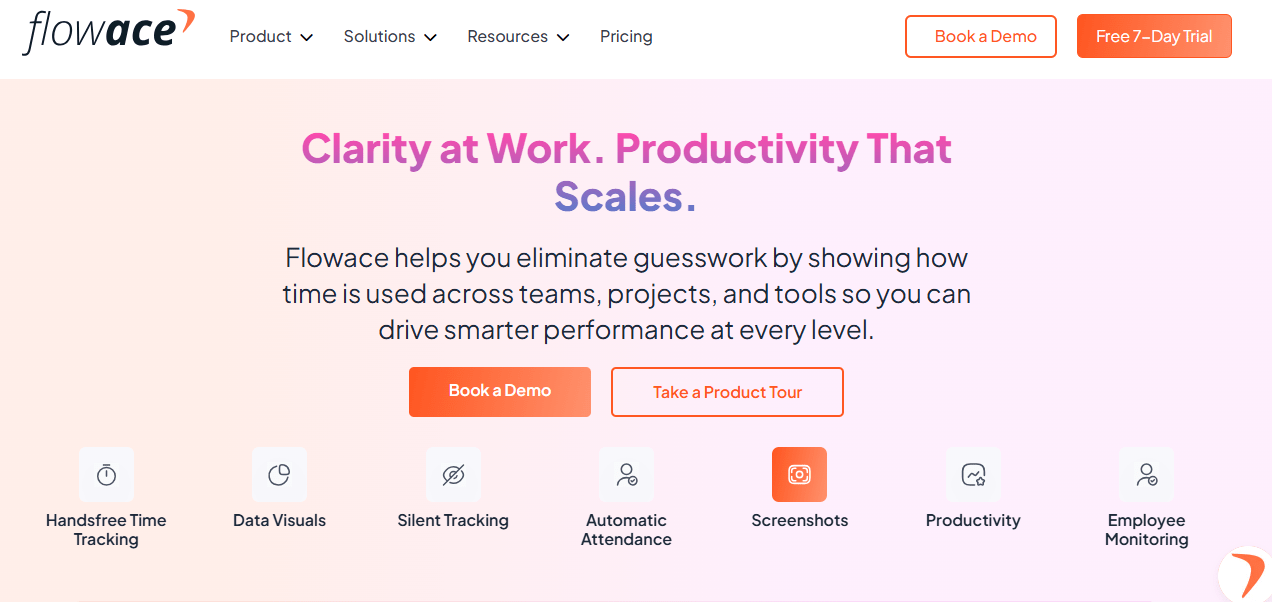
Best for: IT/consulting firms that need billable hours tracking with privacy-friendly monitoring. Built-in for software/service teams.
Privacy Posture: Balanced/Privacy-First. Offers “privacy modes” and permission-driven screenshots so employees aren’t continually monitored. Data stays compliant to trust.
Strengths for IT Services:
- Automatic time & attendance with project/tasks: Tracks apps & websites, but frames them into projects and tasks for easy client billing.
- Flexible reporting: Daily/weekly project reports for clients, and dashboards for managers. Emphasizes “work-in-progress” transparency to build client trust.
- Wellness alerts: Sends break/time alerts to prevent burnout, a plus for distributed Dev teams.
- Audit trail: Permission-based screenshots/timesheets ensure accountability without spying.
- Scalability: Works on desktop and mobile; designed for hybrid teams.
Trade-offs:
- Newer/smaller vendor vs. ActivTrak or Teramind, so fewer third-party integrations.
- More time-tracking than deep AI; if you need predictive analytics, look elsewhere.
- Doesn’t do on-premises or advanced insider-threat detection (like Teramind).
Pricing: Basic $2.99/user/mo; Standard $4.99; Premium $10. (All plans include screenshots, time tracking, and attendance monitoring.)
Why switch from Flowace: Teams often want a lighter, billable-oriented tool. Flowace provides the same background tracking but translates it into timesheets and client-ready reports rather than monitoring scorecards.
Insightful
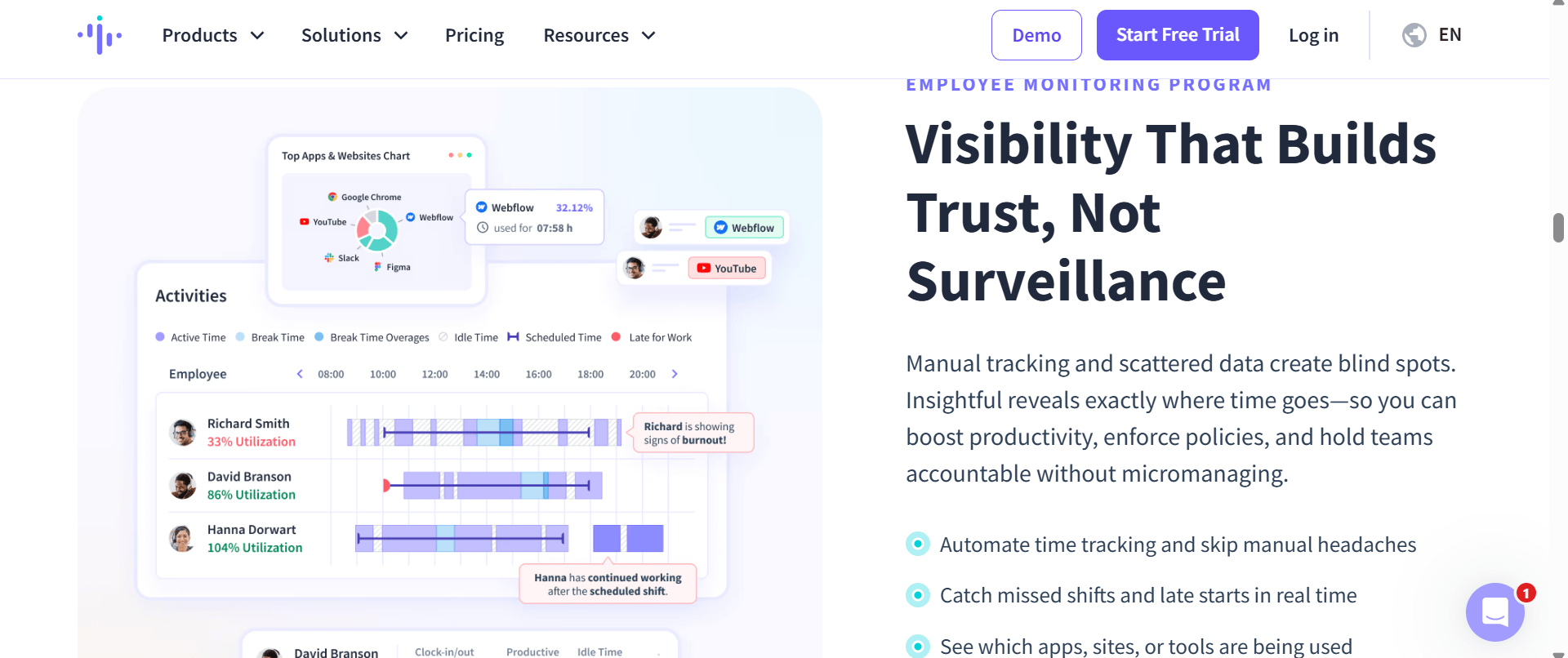
Best for: Companies needing fully automatic time tracking + productivity metrics. Good for remote/hybrid IT teams seeking compliance and idle detection.
Privacy Posture: Analytics-First. Insightful automatically logs activity (apps, websites) and generates timesheets. By default, it limits PII (non-keylogging mode) and supports GDPR controls, but it does take screenshots by default (no blur option).
Strengths for IT Services:
- Automatic time & project tracking: Uses machine learning to map work to projects/tasks. Helpful if billable hours matter.
- Idle-time & screenshots: Provides proof-of-work for each day (important for client audits).
- Workforce efficiency insights: Identifies process bottlenecks and utilization rates.
- Integrations & Payroll: Integrates with payroll systems and PM tools (e.g. Jira, Trello). Automates billing.
Trade-offs:
- No employee privacy modes by default – every app/URL is logged. This can feel invasive.
- Some reviews note occasional inaccuracies in idle detection or timeline mapping.
- On-premises option available if needed (ActivTrak is cloud-only).
Pricing: ~ $10/user/mo for basic productivity.
Why switch from Insightful: ActivTrak users who want less manual setup and more project/time automation often move to Insightful. It provides automatic capture into projects (no timers needed) and strong utilization analytics.
Hubstaff
Best for: Teams needing simple time tracking + optional monitoring, plus built-in scheduling. Popular with agencies and remote teams.
Privacy Posture: Balanced. By default it records screenshots (up to 3 every 10 min), but you can blur sensitive info or turn off images entirely. No keystrokes or video capture.
Strengths for IT Services:
- Lightweight tracking: Start/stop timers with task-to-project linking. Easy for service teams who bill by the hour.
- Mobility & GPS: Mobile apps for field work, location tracking if relevant.
- Payroll/Invoicing: Automatic payroll runs (PayPal, Wise, etc.) and time-based billing.
- Integrations: Connects with many PM/HR tools (Asana, Jira, QuickBooks, etc.).
- Time sheets & budgets: Managers can approve hours, enforce budgets on tasks.
Trade-offs:
- Still relies on manual timers; idle detection is optional.
- The free plan is limited (up to 1 user); paid plans start around $7/user/mo.
- No advanced analytics or idle smart-tracking beyond activity rate metric.
- For large enterprises, specialized features like advanced security are lacking.
Pricing: Starter plan $7/user/mo (annual).
Why switch from Hubstaff: Many teams switch because they don’t need granular productivity scores. Just a simple clock-in and proof-of-work is enough for some teams.
Note: Every team works differently. If this tool does not match your workflow, privacy expectations, or billing needs, it is worth exploring other Hubstaff alternatives that may be a better fit.
Time Doctor
Best for: Teams wanting deep productivity insights with privacy options. Known for AI alerts (e.g. employee burnout) and granular tracking.
Privacy Posture: Privacy-First by design. The site touts “privacy-first employee monitoring”. Screenshots, webcam, and URL tracking are optional per-user, with blurring and manual time-entry features to protect privacy.
Strengths for IT Services:
- AI Analytics: Flag inefficiencies, disengagement, or overwork early. Benchmark performance against industry peers.
- Flexible Data Control: Per-user settings (e.g. “allow screenshots?”). Optional Pomodoro, break tracking, and one-click timers.
- Payroll/Integration: Built-in payroll, payslips, and 60+ integrations (e.g. payroll systems, PM tools).
- Client logins: Premium plan allows giving clients view of their project’s hours.
- Support: 24/7 support and quick setup (claimed 10 min admin setup).
Trade-offs:
- Requires timers (manual start/stop) – though idle time can be deleted.
- The mobile app has fewer features than desktop.
- Entry plan ($7/mo) includes only basic screenshots and time tracking; advanced analytics require higher tiers.
Pricing: The basic plan starts at $6.67/user/month.
Why switch from Time Doctor: Teams that want “monitoring without micromanagement” may choose Time Doctor for its privacy options. Similar to Flowace, Time Doctor promises “protect privacy with role-based controls, optional screenshot blurring, and manual time entry”.
Note: If this solution feels too advanced, too limited, or misaligned with how your team operates, consider comparing it with other Time Doctor alternatives that better support your goals.
Monitask
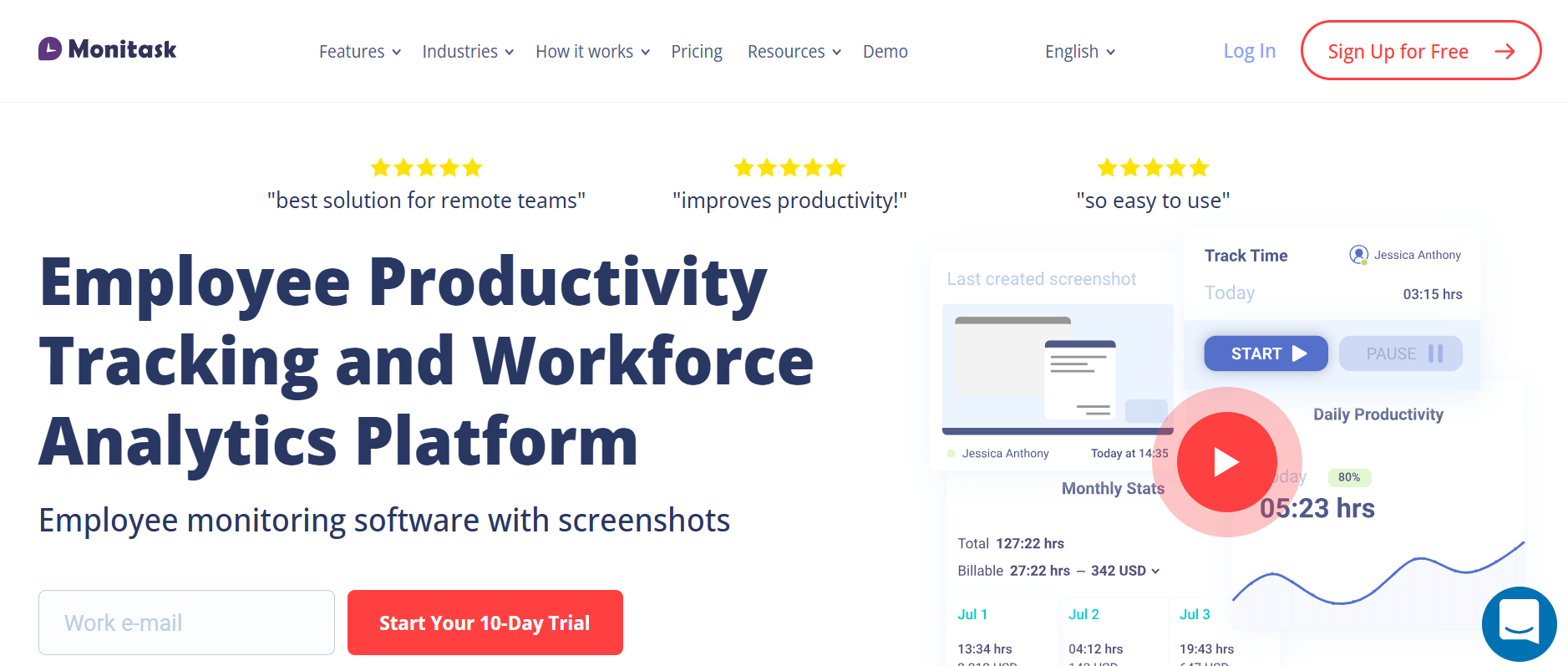
Best for: Remote/field teams needing simple monitoring with reliability. Popular for SMBs wanting basic proof-of-work.
Privacy Posture: Privacy-Friendly. Promises to “ensure monitoring is done in a way that respects privacy”. No keystroke logging or personal data capture – it tracks only activity counts and screenshots (to verify work).
Strengths for IT Services:
- Simple Clock In/Out: Web and desktop app to clock project time and tasks.
- Screenshots and Web Logs: Optional proof-of-work via periodic screenshots and website logging.
- Timesheets & Reports: Automatic timesheet generation (by project, task, employee).
- Stealth Mode: Can auto-start tracking on login (ensuring no time leaks).
- Cross-platform: Apps for Windows, Mac, Linux, and mobile.
Trade-offs:
- Interface is basic; no fancy dashboards or AI analytics.
- Screenshot and idle features are add-ons (extra cost).
- Some user feedback mentions loss of data if not maintained (e.g. “If a user ends the service, they lose all timesheet data”).
Pricing: Pro $6.49/user/month.
Why switch from Monitask: Teams often move to Monitask when they want just the basics: track time, some proofs, no frills. It covers clock-ins, web/app tracking, and proofing cheaply.
Note: If this solution doesn’t fit your IT demands, consider comparing it with other Monitask alternatives that better support your goals.
When Flowace Makes More Sense Than ActivTrak
While all the above tools have their niches, Flowace deserves special mention. It occupies the sweet spot for IT services by blending project billing, passive tracking, and privacy protections. Consider Flowace if:
- You bill by project/task and need an easy way to collect those hours. Flowace auto-tracks apps/websites in the background, but it immediately classifies time into projects and clients. Managers then approve timesheets, and clients can even log in to see progress (on Premium plan). This contrasts with ActivTrak’s focus on productivity categories and HR dashboards.
- Privacy and trust are priorities. Flowace explicitly allows employees to take “private time” (pauses tracking) and turns off screenshots unless approved. It emphasizes privacy in monitoring(“track productivity while respecting privacy”). If your team values autonomy, Flowace delivers data without constant surveillance.
- You want an integrated billing workflow. Flowace has built-in reports and automations tailored to service firms. You can export time entries to invoicing tools or use Flowace’s dashboards to show “time on task” to clients. ActivTrak, by contrast, provides time metrics but you’d need to manually reconcile them with client invoices.
- Simplicity with scalability. Flowace’s UI is geared to non-technical managers – reports and alerts are straightforward. Yet it can scale (teams, groups, multi-location) and integrates with common project tools via APIs. Many migrating teams find Flowace easier for non-data teams than ActivTrak’s enterprise interface.
To wrap up, if your service business cares about accurate project time, client transparency, and a culture of trust, Flowace often “makes more sense” than ActivTrak. It hits the functional needs (time, tasks, productivity) while keeping employee comfort in mind.
If you are looking to move toward a more balanced and practical approach, this is a good point to take the next step. Book a demo to see how Flowace works in a real IT services setup, or start your free trial and evaluate it with your own team.
FAQs:
What’s the main difference between “employee monitoring” and “workforce analytics”?
Employee monitoring tools (like ActivTrak or Hubstaff) collect raw activity data. Workforce analytics platforms (like Insightful or Flowace’s dashboards) then turn that data into visual reports and insights. Privacy-first tools aim to do this without capturing sensitive personal data.
Will my team feel spied on?
Not if you handle it right. Choose tools with employee controls (pause trackers, blur screenshots) and be transparent. Most vendors (Time Doctor, Hubstaff, Flowace) emphasize privacy options. Roll out slowly and explain it’s for fairness and efficiency.
Can I use these tools for client billing?
Absolutely. Tools like Flowace, Toggl, Clockify, Insightful, and DeskTime all support tracking time by client/project. They provide reports you can attach to invoices. In fact, one good rule is: “If you can’t present tracked time to a client for auditing, the monitoring tool isn’t serving your billing process.”
Does Flowace replace project management software?
No, but it complements it. Flowace integrates with many PM tools to fetch projects/tasks, and then sends back time entries. You still assign tasks in Asana, Jira, etc., but Flowace ensures the hours spent get logged and reported.
What if a client challenges an invoice?
Use the monitoring data as proof: export the timesheets, show work logs or screenshots (if used), and highlight any manual notes. That’s why permission-driven audit trails (Flowace) or screenshot evidence (Time Doctor) are valuable in client trust.
Can these tools track off-the-clock work?
By design, most trackers only record when their timer/app is active. If your team needs 24/7 tracking, look for tools with a 24/7 mode or manual entry options. For example, Time Doctor and Hubstaff let users manually edit time later, which can capture after-hours work legally.