Best ProHance Alternatives for BPOs in 2026



Key Takeaways:
- ProHance limitations show up in daily use, not just pricing: You may start with concerns around cost or deployment, but the real friction appears in fragmented dashboards, manual inputs, and the effort required to maintain adoption.
- Manual systems break at BPO scale: When you’re managing hundreds of agents, relying on manual updates or user discipline leads to inaccurate data, reporting gaps, and constant follow-ups.
- Modern BPOs need real-time workforce visibility: You need to see how work actually happens across shifts, tools, and teams without waiting for delayed or self-reported inputs.
- Deployment speed is now a critical factor: You should be able to test and roll out a solution within days, not weeks. Faster onboarding directly impacts adoption and time-to-value.
- Automatic tracking is more reliable than manual timers: Tools that capture activity in the background give you cleaner, more consistent data compared to start-stop timer-based systems.
- Not all tools are built for BPO workflows: Platforms like Harvest, Everhour, and My Hours work well for project-based teams, but they lack shift scheduling, SLA tracking, and real-time monitoring needed in BPO environments.
- Monitoring without context creates more problems: Over-reliance on screenshots or activity logs without meaningful analytics can increase friction without improving decision-making.
- Scalability and integrations matter as you grow: You need a system that works just as well at 50 users as it does at 500, and integrates with your HR, payroll, and project tools.
- Flowace is built specifically for BPO operations: You get automatic tracking, real-time dashboards, shift scheduling, and compliance-ready data without complex setup or heavy change management.
- The right choice reduces operational overhead, not adds to it: Your goal should be to eliminate manual effort, improve data reliability, and give leaders clear, actionable insights without extra layers of complexity.
BPO firms depend on workforce analytics to manage hundreds of agents, meet service‑level agreements (SLAs) and accurately bill clients. ProHance, once a pioneer in this space, was designed for large on‑premise deployments and still powers many back‑office operations. However, by 2026, many BPO founders, CXOs, and operations managers are re‑evaluating their tech stack. They need quicker implementation, simpler dashboards, and clearer visibility into workforce productivity. Modern tools now combine automatic time tracking, productivity analytics, attendance monitoring, and workforce reporting without long deployment cycles.
This article examines why BPOs are seeking alternatives to ProHance, outlines a framework for evaluating new tools, and compares leading options. Our goal is to help you find a solution that gives better workforce visibility, scales with distributed teams, and supports BPO workflows without the high cost and complexity of legacy platforms.
Why BPO companies look beyond ProHance?
Many BPO leaders who seek ProHance alternatives mention high pricing, complex deployment and limited flexibility as reasons. But, these symptoms reflect deeper issues.
When teams actually start using the platform day to day, several practical issues begin to show up.
One of the most common frustrations is navigation. ProHance provides multiple reports and dashboards, but that often means users have to jump across several screens just to understand what is happening across the organization.
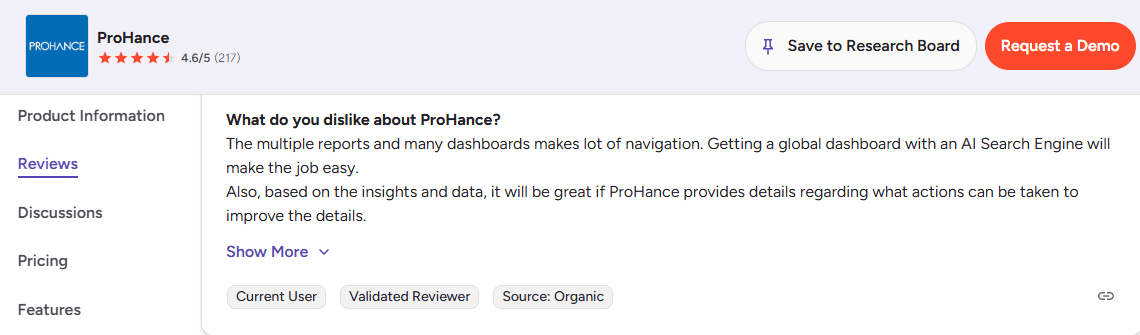
Instead of simplifying analysis, the reporting experience can feel fragmented. Many teams say that what they really need is a single global dashboard where they can quickly see key productivity signals and search across data using something like an AI-powered query layer.
Another missing piece is actionable guidance. The system surfaces plenty of metrics, but it rarely tells leaders what to do next. If productivity drops, idle time spikes, or utilization falls, managers still have to interpret the numbers themselves.
Although ProHance captures a lot of system activity automatically, it still relies on users to manually update “Away from System” activities such as meetings, training sessions, or internal discussions.
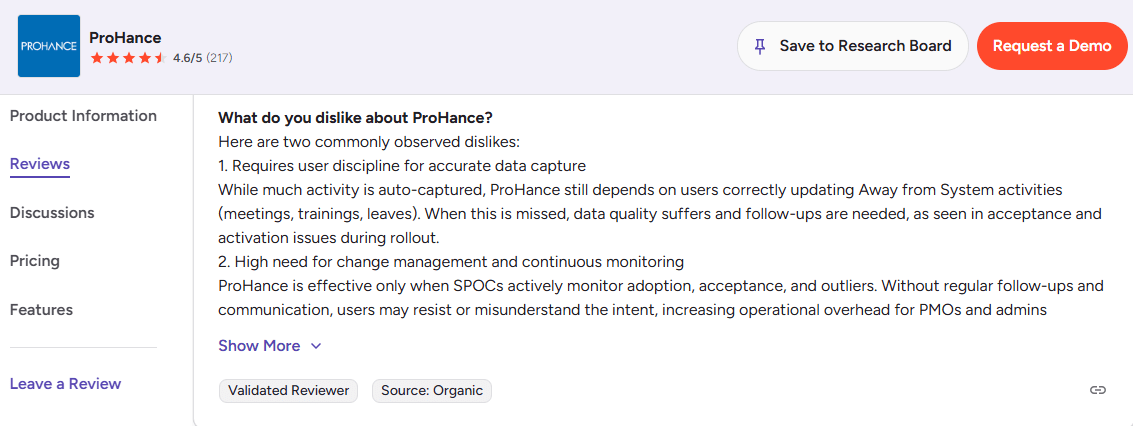
In theory this sounds simple. But it requires consistent user discipline. When employees forget to update these entries the reports start showing misleading idle time or missing activity. That then triggers follow-ups from managers and admins who have to verify what actually happened.
Over time, this creates friction during rollout and slows down adoption, because the system’s accuracy depends as much on user behavior as it does on automation.
Another challenge organizations frequently mention is the level of change management required to keep the system running smoothly.
ProHance works best when SPOCs and PMO teams are continuously monitoring acceptance rates, outliers, and usage behavior. Without regular communication and follow-ups, some employees may misunderstand the purpose of the system or feel resistant to it.
That means administrators often spend significant time tracking adoption rather than focusing purely on workforce insights. For large BPO environments, this ongoing operational overhead can become a real burden.
In some organizations, the built-in dashboards don’t fully meet reporting expectations. Instead of relying on them directly, teams export the raw data into their own BI platforms so they can build dashboards that match their operational needs.
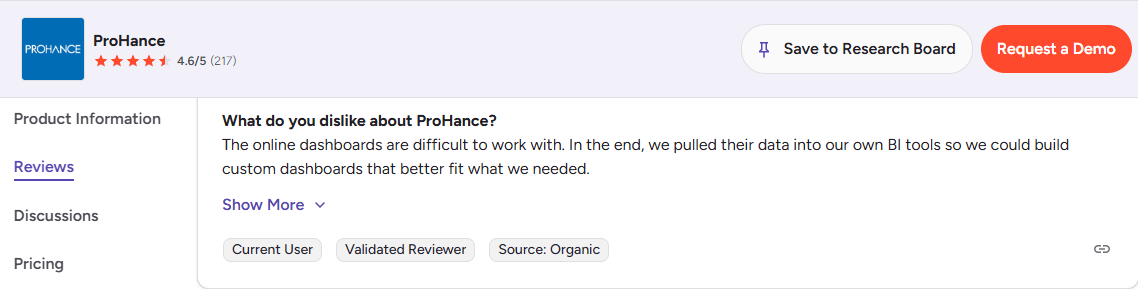
While that approach works, it also means organizations end up maintaining an additional reporting layer outside the platform. For leaders looking for fast, self-serve insights, this extra step adds complexity that they were hoping to avoid.
Another issue occasionally reported is incomplete or inconsistent timesheet data. For example, some users notice that sub-activities sometimes show zero values even when work has been performed.
Even when the root cause is small, these inconsistencies can affect how much managers trust the reports. And once confidence in the data drops, adoption tends to follow the same path.
How to choose a ProHance alternative for BPO workforce monitoring
Choosing a new platform is a strategic decision that impacts productivity, compliance, and employee morale. So when you start evaluating a ProHance alternative, it helps to think beyond feature lists and focus on how the system actually works in a real BPO setup.
Here are a few things worth paying attention to when comparing workforce productivity software:
Deployment speed
Modern SaaS tools shouldn’t take weeks of setup or heavy IT involvement. Ideally, you should be able to start a pilot within a few days and see real data quickly. Platforms like Flowace offer instant activation with a 7-day trial, and tools like Harvest or My Hours also let you explore the product through free trials. If a tool requires a long installation cycle before you can even test it, that’s usually a red flag.
Real-time visibility
Some time tracking tools depend heavily on users remembering to start and stop timers, which isn’t always reliable. In most BPO environments, automatic tracking works much better. Things like app and website usage tracking, automatic time capture, and productivity scoring give you a much clearer picture of how work is actually happening. Flowace and Apploye focus heavily on this kind of activity analytics, while project-centric tools such as Everhour rely more on manual timers.
Attendance and shift automation
As BPO teams often work in rotating shifts, attendance tracking needs to be smooth and automated. Look for tools that handle clock-ins, breaks, and shift schedules without requiring additional systems. For example, Flowace includes shift scheduling and attendance management directly within the platform.
Clarity of reporting
A lot of tools technically provide reports, but the real question is whether those reports are easy to understand. Managers shouldn’t have to export data into separate BI tools just to make sense of it. The best platforms present workforce insights in clean, straightforward dashboards. Harvest, for instance, is known for its simple built-in reports for time and budget tracking.
Scalability and integrations
It’s also worth thinking about how the tool will hold up as your team grows. Something that works for a 20-person team should still work when you scale to a few hundred agents. At the same time, the platform should integrate with the systems you already use, such as HR software, project management tools, payroll systems, and so on. Flowace simplifies this scaling along with supporting unlimited users even in their entry plans.
Support for BPO workflows
Finally, it helps to choose a platform that actually understands BPO operations. Features like shift scheduling, compliance logs, and client billing visibility are an everyday requirement in service businesses. Tools built with BPO workflows in mind, such as Flowace, usually include these capabilities out of the box, while more generic time tracking tools often require extra setup to make them fit.
Best ProHance alternatives for BPO workforce management
Several modern platforms now compete with ProHance. The following sections summarise the strengths, weaknesses, and pricing of the most popular ProHance competitors, so you can choose based on your priorities.
Flowace
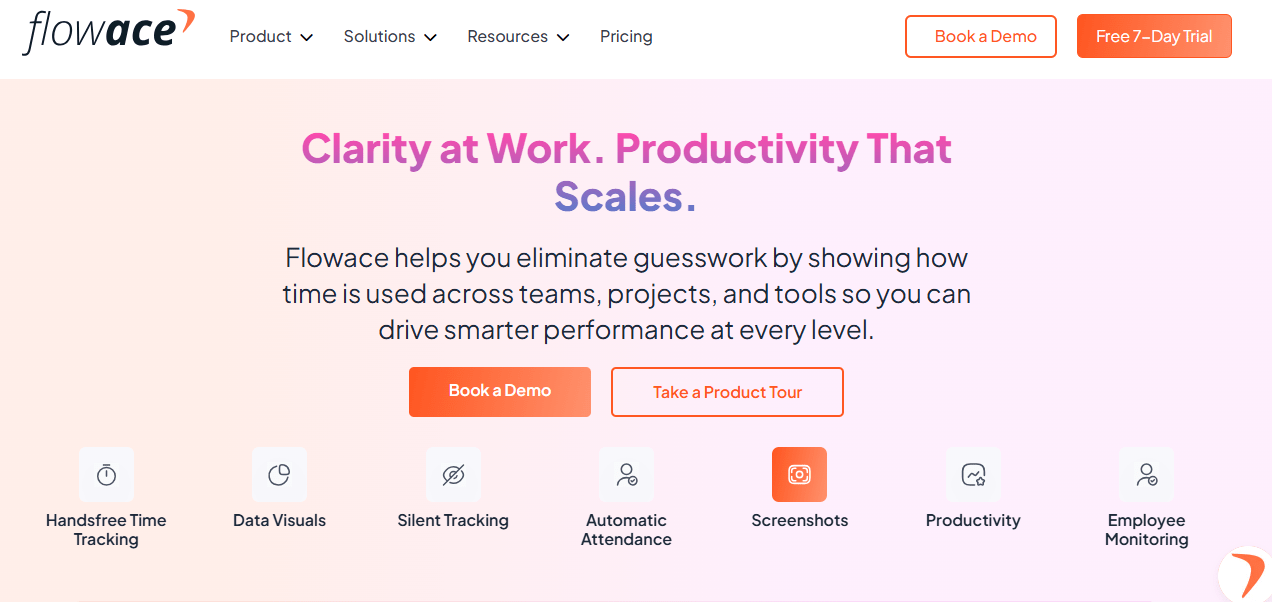
Flowace is designed as a modern workforce productivity platform built for companies that need clear, real-time visibility. Unlike traditional monitoring tools that focus only on time logs, Flowace combines automatic time tracking, AI-driven insights, and workforce analytics to help managers understand productivity patterns. Flowace helps you balance productivity and privacy in hybrid teams.
The platform is cloud-native, which means organizations can deploy it quickly without complex setup. Teams can import users and projects through CSV uploads or HR integrations and begin tracking activity within minutes. This makes it especially useful for BPO environments where teams often scale rapidly and need tools that can adapt quickly
Key Features:
- Rapid onboarding: Flowace is cloud‑native; a 7‑day trial lets you import users and projects via CSV or HR integrations in minutes. Even the Basic plan supports unlimited users.
- Real‑time dashboards and AI analytics: Managers see who’s working and how productive each agent is across locations. The AI engine auto‑generates timesheets, flags anomalies and assigns productivity ratings.
- BPO‑specific workflows & outcomes: Built‑in shift scheduling, attendance tracking and compliance logs support call‑center workflows.
- Pricing: Plans start at $2.99 per user per month for unlimited users with automatic tracking. The Standard plan ($4.99) adds productivity ratings and more integrations; the Premium tier ($10) adds executive dashboards and client access.
With its combination of rapid rollout, deep analytics and BPO‑specific workflows, Flowace sets a high benchmark for modern workforce visibility tools. If you need comprehensive insights without complex setup, Flowace deserves serious consideration.
Harvest
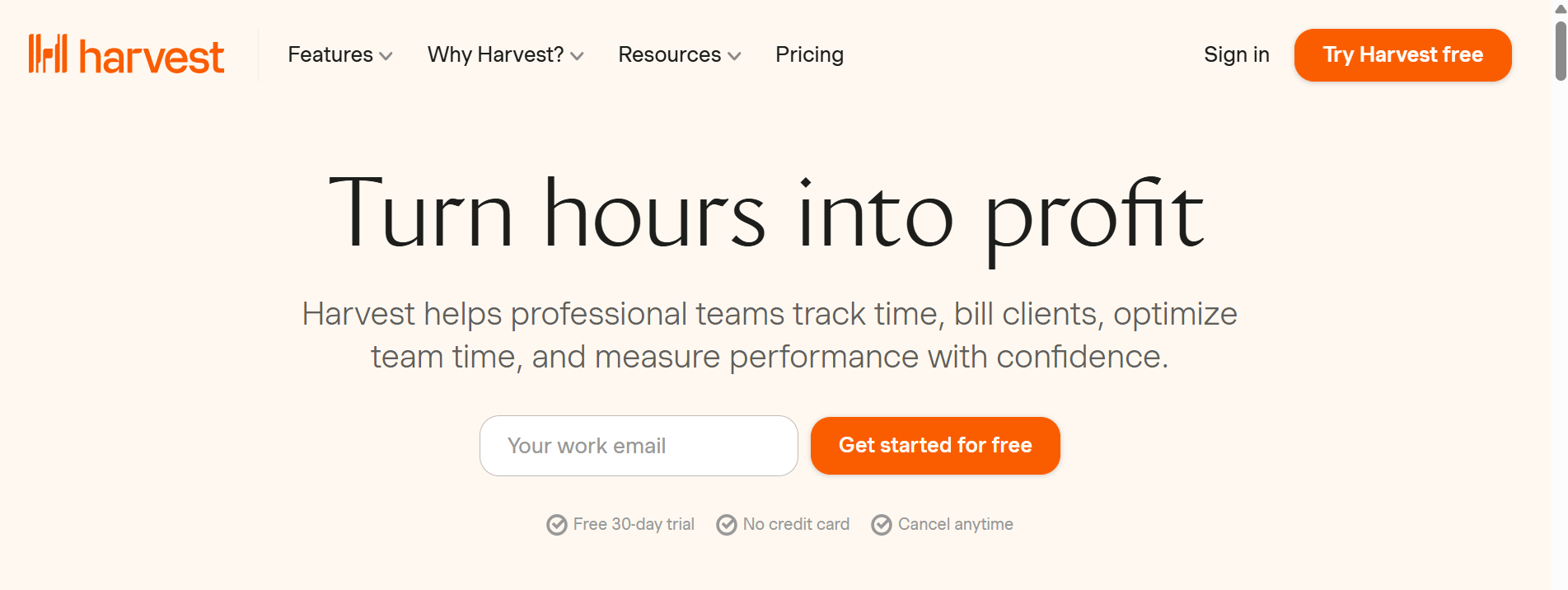
Harvest is one of those tools that keeps things simple. It’s built mainly for agencies and consulting teams that care about tracking billable hours and turning them into invoices without much hassle.
The way it works is pretty straightforward. Team members start and stop timers from their desktop, browser, or mobile app while working on tasks. Those hours get logged against projects, and later you can convert them into invoices through integrations with accounting tools. That’s a big reason why a lot of service teams like it. In fact, more than 70,000 teams use Harvest to manage billing and project budgets.
Key Features:
- Rapid onboarding: Timers on desktop, browser and mobile; quick to spin up and test (30-day trial available).
- Time & billing: Start/stop timers tied to projects and tasks, convert hours into invoices via accounting integrations.
- Budgeting & reports: Clear hours vs. budget views and project-level reporting for billing clarity.
- Ideal use case: Agencies and consultancies that bill by the hour.
- Limitations: Not built for real-time active vs. idle monitoring.
- Pricing signal: Mid-range per-user plans (~$5–$12/month).
Apploye
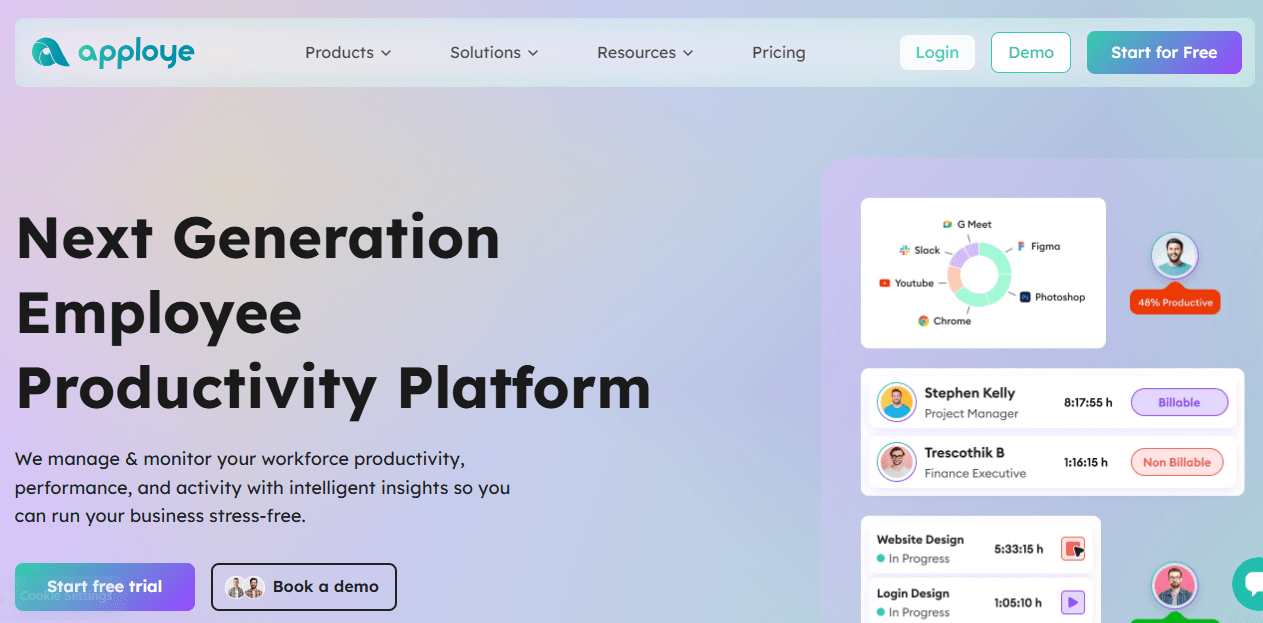
Apploye is built for teams that want a clearer picture of how work is actually happening during the day. It combines automatic time tracking with features like screenshots, app and website usage tracking, and built-in payroll and invoicing support.
Once the app is installed, it quietly tracks activity in the background. Managers can see what tools people are using, how long tasks take, and in some setups even view periodic screenshots for additional context.
That said, it’s not specifically built for BPO operations. You won’t find things like shift scheduling dashboards, SLA tracking, or call-center specific reporting out of the box. So while it works well for remote teams and agencies, large BPO environments might need something more specialized.
Key Features:
- Rapid onboarding: Lightweight desktop/mobile apps and a short free trial for quick pilots.
- Automatic activity capture: App/URL usage logs, idle detection and periodic screenshots for context.
- Proof-of-work & payroll: Built-in payroll/invoicing hooks and detailed activity logs for client reporting.
- Use case: Remote teams or client-facing work that needs verifiable activity records.
- Limitations: Lacks native BPO dashboards (shift scheduling, SLA tracking).
- Pricing signal: Affordable tiers (~$4–$7/user/month).
Everhour
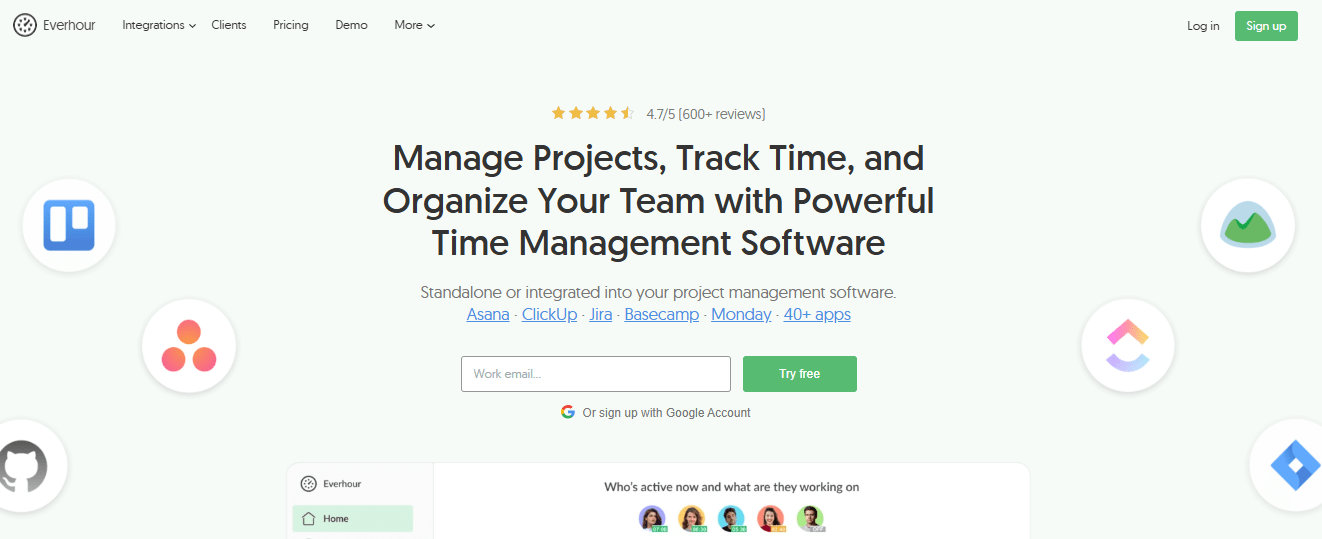
Everhour is built for teams that already live inside project management tools and just want time tracking to fit neatly into that workflow. Instead of asking people to switch between multiple apps, Everhour integrates directly with tools like Asana, ClickUp, Jira, and Trello.
Beyond basic timers, Everhour also includes features like budgeting, detailed reporting, PTO tracking, invoicing, and resource planning. The resource planning module is particularly helpful because managers can see who has capacity and who might be overloaded, which makes balancing workloads easier.
Key Features:
- Rapid onboarding: Native integrations with Asana, ClickUp, Jira and Trello—set up in minutes.
- In-task time tracking: Timers live where the work happens (inside tasks).
- Budgeting & resource planning: Project budgets, capacity views, PTO and invoicing support.
- Reporting: Detailed per-task time and budget reports for project managers.
- Use case: Teams that want task-level billing and capacity planning inside PM tools.
- Limitations: Limited visibility into idle/system activity; not aimed at continuous workforce monitoring.
- Pricing signal: Starts around ~$8/user/month.
Time Doctor
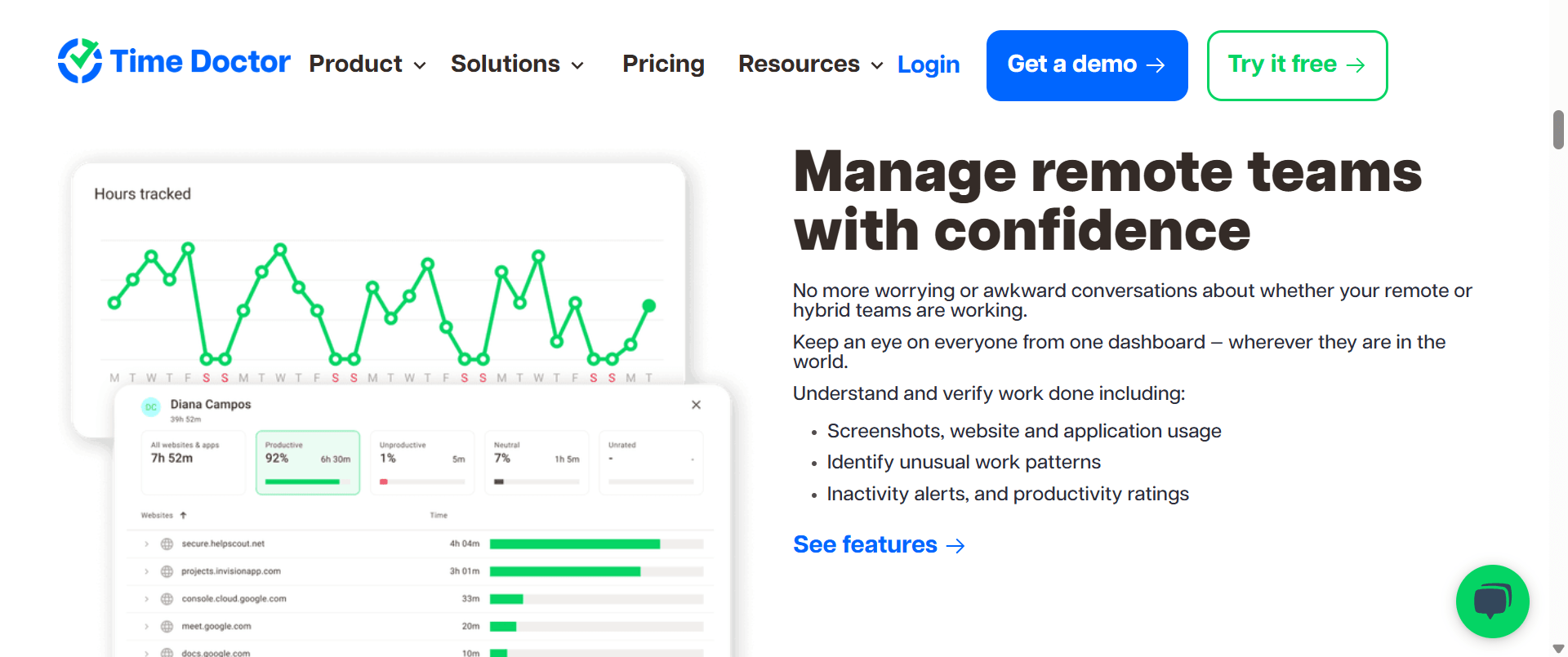
Time Doctor automatically logs work hours, tracks activity, and generates productivity reports without employees needing to manually start timers. It records things like website and application usage, calculates activity levels based on keyboard and mouse movement, and can even capture optional screenshots if the organization wants additional visibility. Because of this, it’s often used in industries where managers or clients expect strong proof that work hours are being used productively.
Key Features:
- Rapid onboarding: Desktop agent installs quickly to start capturing data.
- Automatic logging: Records web/app usage, measures activity levels and offers optional screenshots.
- Productivity reports: Detailed analytics to show where time is spent and activity trends.
- Use case: Environments that need strict proof of work and detailed activity logs.
- Considerations: Monitoring can feel intrusive; not tailored with BPO-specific templates.
- Pricing signal: Entry around ~$6.70/user/month.
My Hours
My Hours is a straightforward timer that lets teams create clients, projects and tasks, track hours via a stopwatch or weekly timesheets and approve submitted hours. Reports summarise time and costs across projects. Because it lacks employee monitoring features, My Hours functions as an advanced timesheet rather than a comprehensive analytics tool. It offers a free plan for basic use, with paid upgrades for more features.
The reporting side is also pretty easy to understand. My Hours generates reports that summarize how much time was spent on different projects and what those hours cost, which is helpful if you’re managing project budgets or billing clients.
Key Features:
- Rapid onboarding: Very low friction—free plan available and simple setup.
- Flexible time capture: Stopwatch timers and weekly timesheets with manager approval flows.
- Clear reporting: Time and cost reports per client/project for billing and budgeting.
- Non-intrusive: No screenshots or app usage tracking—pure timesheet focus.
- Use case: Small teams or projects that need easy time capture without monitoring.
- Pricing signal: Free tier for basics; paid upgrades add advanced reporting.
Comparison of ProHance alternatives for BPO teams
To quickly compare the platforms covered, the table below summarises rollout speed, visibility and focus for each tool.
| Tool | Rollout speed | Workforce visibility & analytics | Primary focus |
| Flowace | Fast cloud setup with 7‑day trial | Real‑time dashboards, AI‑powered timesheets and productivity ratings | BPO‑specific workforce analytics & automation |
| Harvest | Quick signup; free trial | Project‑ and person‑level reports; no idle tracking | Time tracking and invoicing for agencies & consultancies |
| Apploye | 10‑day trial; simple apps | Screenshots, app/URL usage; productivity scores | Remote team monitoring & productivity improvement |
| Everhour | Instant browser integrations | Task‑level tracking, budgets & capacity planning | Project‑centric time & budgeting |
| Time Doctor | Cloud signup; lightweight apps | Detailed activity monitoring; activity level scoring | Automated monitoring & compliance |
| My Hours | Immediate signup; web & mobile timer | Timesheet reports; no activity monitoring | Simple timesheets & billing |
Final Thoughts
Choosing a ProHance alternative ultimately comes down to what your BPO operation needs most: faster deployment, clearer workforce visibility, and tools that actually fit how agents work every day.
Many platforms in this list solve part of the problem. Tools like Harvest, Everhour, and My Hours focus primarily on project time tracking and billing, which works well for agencies but doesn’t always translate to large BPO environments where real-time workforce visibility matters. Others, such as Apploye and Time Doctor, provide detailed activity monitoring.
While many of these tools share common features, Flowace stands out with elements that competitors often overlook:
- Silent, automatic tracking: Flowace captures activity without requiring employees to start or stop timers, reducing manual errors. Most rivals depend on user‑initiated timers.
- BPO‑specific templates: Flowace includes shift scheduling, idle‑time thresholds and compliance logs tailor‑made for BPO workflows. Others are generic and may require custom setup.
- Privacy‑conscious design: Flowace avoids keylogging and offers privacy modes. Some alternatives rely on frequent screenshots or intensive tracking that may feel intrusive.
If your goal is real-time workforce visibility, automated tracking, and BPO-specific workflow support, Flowace provides a more purpose-built solution for modern outsourcing teams. Start your 7-day free trial today or book your free demo now and see how the platform works with your existing workflows.
FAQs:
Which ProHance alternative is easiest to implement?
Cloud platforms like Flowace and Apploye offer free trials and can be rolled out in days, requiring minimal IT support. Signing up, inviting your team and starting tracking is straightforward.
Which competitors offer automatic time tracking?
Flowace and Time Doctor automatically log time without manual timers. Apploye also provides automatic timesheets with screenshots.
Do any alternatives handle shift scheduling?
Yes. Flowace includes shift scheduling and attendance modules. These features help call centers manage multiple shifts and comply with labour regulations.
Which platform offers the most integrations?
Flowace connects with over 30 HR and project management tools. Everhour integrates directly into Asana, ClickUp, Jira and other popular project tools.
Is it legal and ethical to monitor employees?
Yes, provided you comply with local labour laws, inform employees about monitoring and use the data for legitimate purposes. Many tools, like Flowace, include privacy settings such as private mode. Always consult legal counsel for your region.
Can these tools support hybrid or remote teams?
Absolutely. Flowace and Time Doctor offer real‑time dashboards for hybrid teams. Apploye provides activity logs and screenshots for remote employees.