Best Harvest Alternatives for Billing & Time Tracking



Key Takeaways:
- Polished invoices are meaningless if the underlying time data is flawed; Harvest excels at presentation but depends heavily on manual input.
- Logging time days after the work is done replaces evidence with memory, leading to underbilling, client disputes, and gradual loss of trust.
- Project-level hour totals lack the context needed to manage costs; without visibility into tools, effort distribution, or work patterns, budgets become static summaries rather than diagnostic tools.
- Manual timers fail to scale with growing teams, turning timesheet follow-ups into an ongoing operational tax.
- Verified reviews on G2 and Capterra consistently highlight Harvest’s reliance on start/stop timers and its lack of automated time capture.
- This dependence on human discipline results in incomplete timesheets, missed billables, and recurring revenue leakage.
- Flowace is positioned as an automated upgrade, capturing work in the background and assembling timesheets automatically to recover lost billable time.
- Automated tracking shifts accuracy from individual behavior to system design, reducing errors and speeding up invoicing cycles.
- The right replacement depends on the problem you are solving—revenue recovery, simplicity, cost control, or regulatory complexity.
- Automation requires thoughtful rollout, including clear communication, employee review controls, and accurate project mapping.
- Success should be measured by tangible outcomes: recovered billable hours, improved estimate accuracy, reduced admin effort, and fewer client disputes.
- Tools that minimize manual reconciliation consistently deliver stronger ROI than those that rely on timesheet discipline.
- A pilot with an automated platform like Flowace can quickly reveal how much billable time is currently slipping through the cracks.
Harvest has become the default for clean, professional client invoicing. But invoices don’t pay the bills if the data is wrong. If you’re tired of chasing people to fill timesheets, it’s time to switch to an automated billing software for agencies that captures time without asking.
In this blog, we compare Harvest vs Flowace and explain why the best time-tracking for client invoicing is the one that eliminates human error.
Why Teams Are Leaving Harvest
There are three major reasons why people are looking for Harvest alternatives:
- After-the-fact time tracking distorts reality: When time is logged days later, memory replaces data. You end up invoicing and forecasting on estimates, which leads to underbilling, disputes, and eroding client trust.
- Project-level hours lack context: Knowing how many hours went into a project isn’t enough. Without visibility into tools used, effort distribution, or changing work patterns, budget tracking becomes a static summary instead of a way to spot scope creep or inefficiencies.
- Manual timers don’t scale with growth: As teams grow, chasing timesheets turns into busywork. Managers spend more time enforcing compliance than improving delivery, and time tracking itself becomes an operational burden.
These findings are further supported by verified user experiences shared on G2 and Capterra:
A common critique we found isHarvest’s reliance on users to start and stop timers manually. Multiple reviewers note that Harvest lacks any form of automatic tracking or AI-assisted time capture. That means when people forget to click “start,” those hours are simply lost.This leads to:
- incomplete timesheets,
- guesswork at the end of the week, and
- underreported billable hours (aka revenue leakage).
While users appreciate Harvest’s basic reporting and financial summaries, several reviewers say that the reporting doesn’t go deep enough.
They want:
- more detailed task-level insights,
- better visual breakdowns of where time is spent,
- reporting that surfaces non-billable work separately.
In contrast, deeper analytics are a major selling point among Harvest alternatives.
Several reviewers comment that Harvest can feel expensive for what it delivers. While pricing varies by plan, value for money comes up as a downside in comparison with alternatives that offer deeper tracking for equal or lower cost. This often pushes teams to consider lower-cost options with more depth.
Top 5 Alternatives to Harvest (Categorized by Need)
If you’re thinking about moving off Harvest, pick the alternative that matches the problem you’re actually trying to solve. Below we have listed five options:
1) Flowace — The “Revenue Recovery” Choice
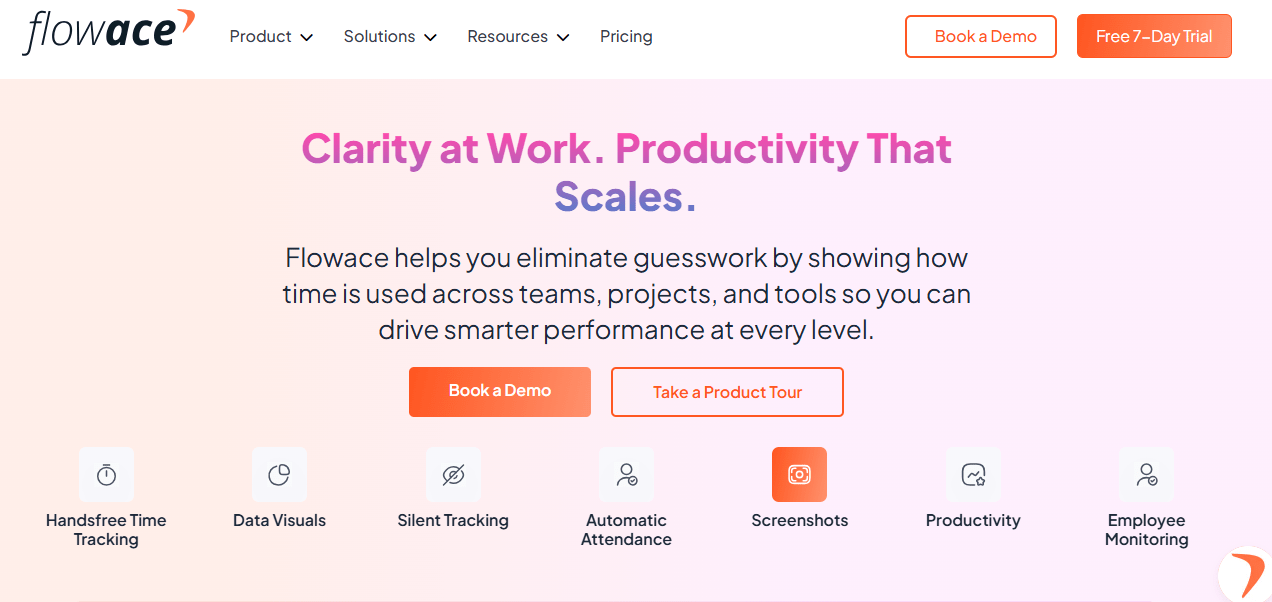
If you’re tired of chasing timesheets and losing billable hours to Slack messages, impromptu calls, or browser tabs that never make it into Harvest, Flowace is worth a look. Unlike traditional timers, Flowace automatically captures work activity in the background. It tracks apps and website usage, productive and unproductive time, and creates a timesheet for your entire day, with each task documented with precision.
This is ideal if your team bills by the hour or juggles multiple client accounts, and you’re worried about the invisible work slipping through the cracks. Flowace turns passive effort into billable insight without relying on memory or timers. It’s not just about tracking time; it’s about recovering revenue that your team is already earning, but probably not billing for.
Key features
- 100% automated capture of activity (files, URLs, app usage, calls).
- Automatic timesheet assembly for approval rather than manual tracking.
- Privacy controls and manual approval flows (employees review and adjust tracked time).
- Project and client mapping so invisible work is attributed correctly.
- Reports focused on billable recovery and utilization.
Pros
- Recover billable time that manual timers miss (emails, Slack coordination, research).
- Saves managers and teams hours of admin by auto-building timesheets.
- Improves billing accuracy for agencies and professional services.
- Reduces time-entry friction and missed entries.
- Often drives faster invoicing and fewer client disputes.
Cons
- Automated capture can feel foreign to teams used to manual control, so rollout needs strong communication.
- Higher accuracy depends on good project mapping and occasional employee corrections.
2) Toggl Track — The “Simpler Timer” Choice
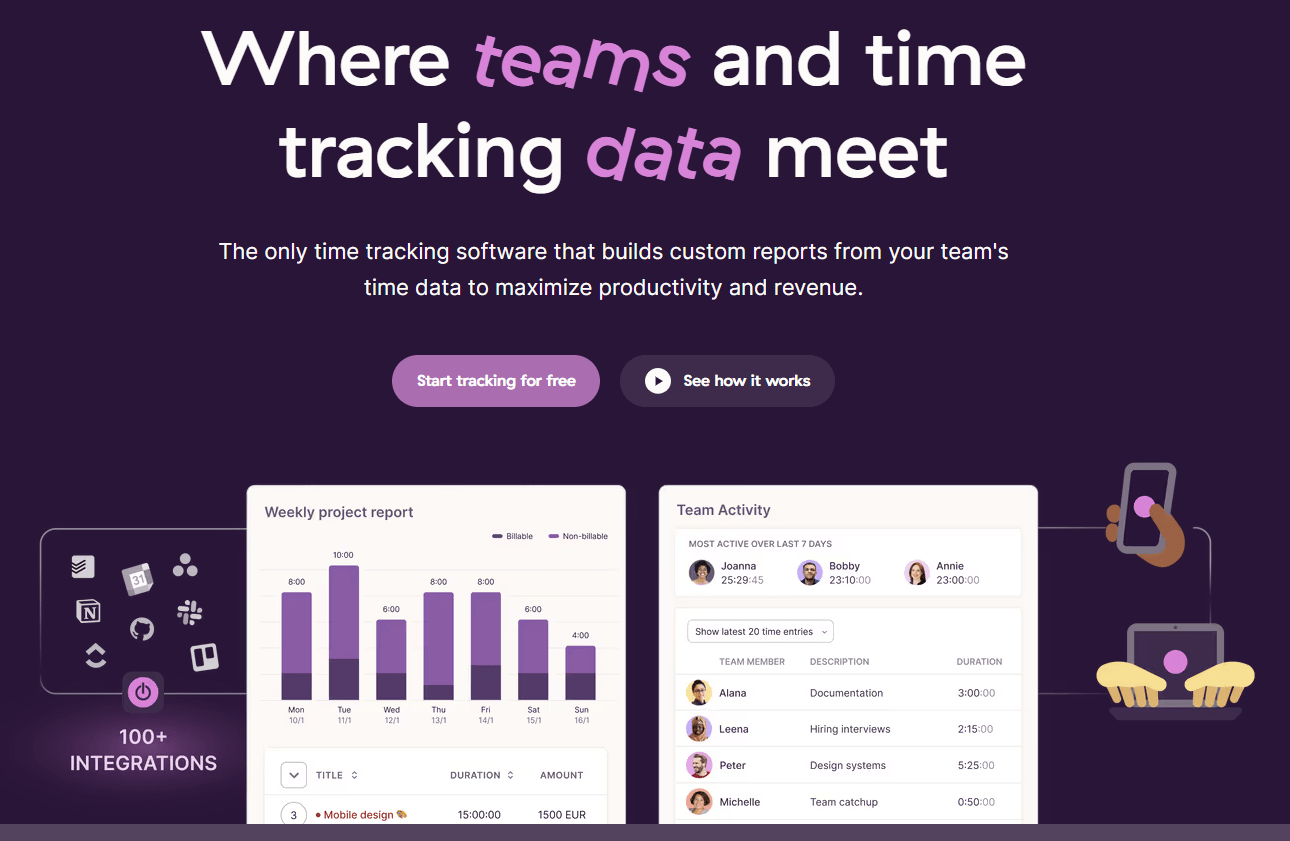
Sometimes you just want a clean, beautiful timer—and Toggl Track nails that. If your team prefers to manually start and stop time for each task, Toggl makes it frictionless. It’s built for people who like to work deliberately: click “start,” do the task, click “stop.” Everything is tagged, color-coded, and easy to report on.
Toggl Track is especially strong if you’re solo or in a small team where trust is high, and simplicity matters more than automation. Just be aware that if someone forgets to hit the timer, that time is gone.
Key features
- Fast, intuitive manual timer with one-click start/stop.
- Lightweight project and tag system, with simple reporting.
- Browser, desktop, and mobile apps for easy cross-device use.
- Manual time entry and basic approvals.
Pros
- Extremely easy to adopt for individuals and small teams.
- Clean interface reduces friction for manual tracking.
- Good for chargeable tasks when you want explicit user intent behind each entry.
- Low learning curve for freelancers and small agencies.
Cons
- Manual only by design; if people forget to start the timer, you lose data.
- Less automation for capturing invisible work compared with Flowace.
- Limited enterprise-grade billing rules and compliance features.
3) FreshBooks — The “Accounting” Choice
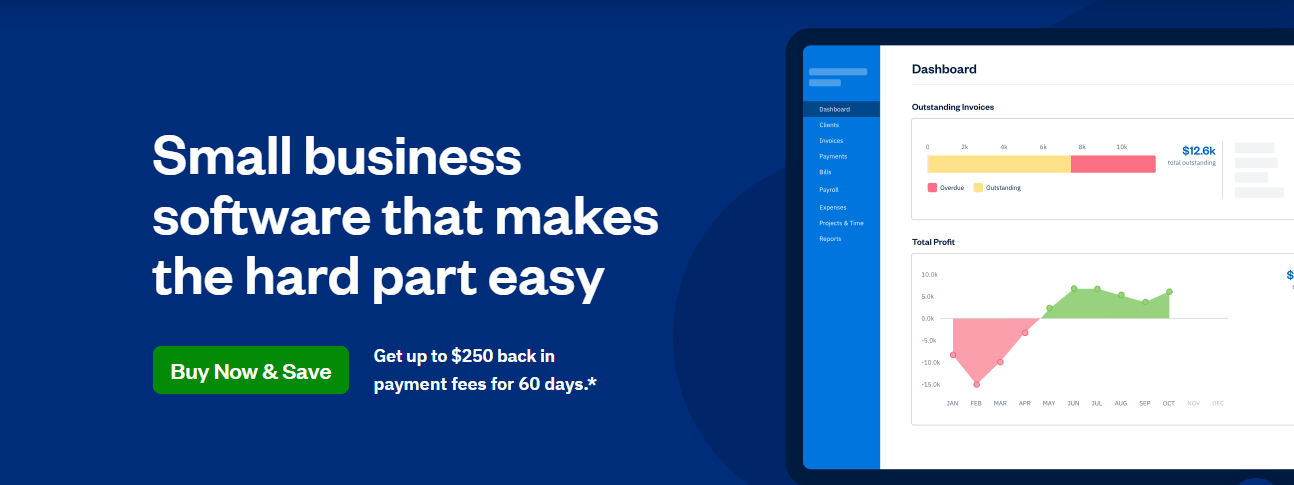
If you’re running a service-based business and want to streamline both your invoicing and time tracking, FreshBooks offers an all-in-one solution. It combines basic time tracking with invoicing, expense reporting, and client payments in a single interface.
You won’t get the same depth of productivity insights or project tracking you’d find in Harvest or Flowace, but if you’re mostly billing clients and managing your books yourself, FreshBooks can save you the hassle of syncing two or three different tools. It’s perfect for freelancers, small agencies, or anyone who wants to simplify their back office.
Key features
- Integrated invoicing and client billing.
- Basic time tracking linked to invoices and expenses.
- Client portals and payment processing.
- Simple reporting for revenues and billables.
Pros
- Combines accounting and time tracking in one product, reducing tool sprawl.
- Great if you want to replace separate time and invoicing tools.
- Client-friendly invoices and built-in payment collection.
Cons
- Time tracking is more basic than dedicated tools; fewer automation and analytics features.
- Not designed for complex project accounting or enterprise billing rules.
- Reporting depth and time allocation features are limited compared to Harvest alternatives.
4) Clockify — The “Budget” Choice
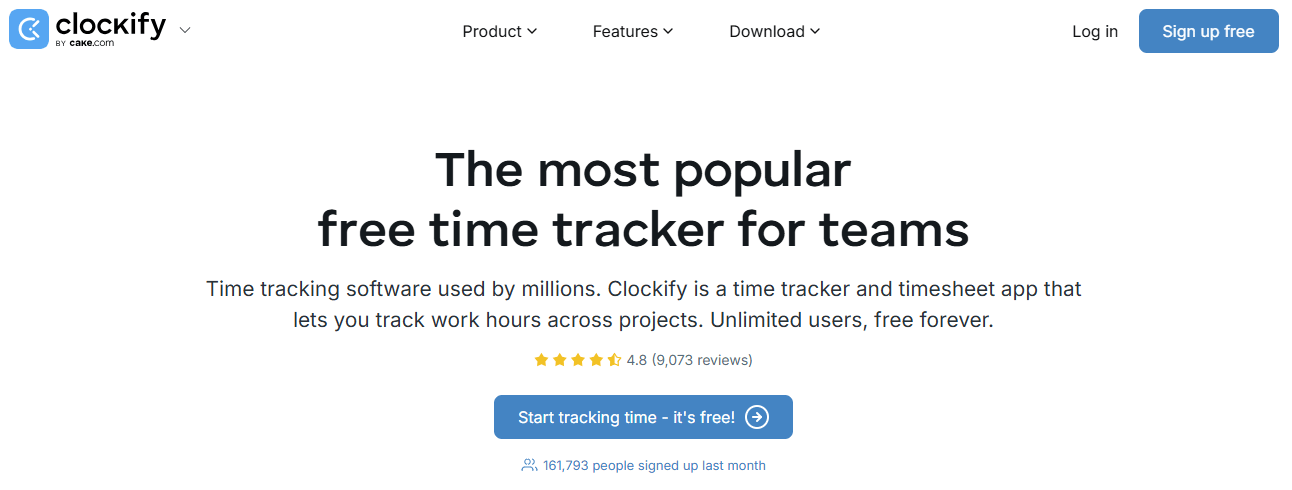
Clockify is a great fit if you’re trying to stretch your software budget without sacrificing basic functionality. The core time tracking features are free for unlimited users, and the paid plans are very affordable compared to most tools in this space.
Clockify offers a free plan for an unlimited number of users. But there are trade-offs. The free plan doesn’t include detailed audit logs or admin controls, and advanced reporting is a little thin. Still, if you’re a startup or a small team that just needs to get tracking up and running today, Clockify is a solid, no-risk starting point.
Key features
- Generous free tier for time tracking and basic reports.
- Manual timers plus optional automatic tracking add-ons.
- Basic project, client, and team reporting.
- Affordable paid tiers for added features.
Pros
- Extremely cost effective, especially for small teams or startups.
- Fast to deploy and easy to understand.
- Good basic reporting and export options for invoicing.
Cons
- Reporting and analytics are less advanced than paid competitors.
- Some advanced features are gated behind paid plans.
- The free plan has limitations around audit trails and enterprise controls.
5) Replicon — The “Enterprise” Choice
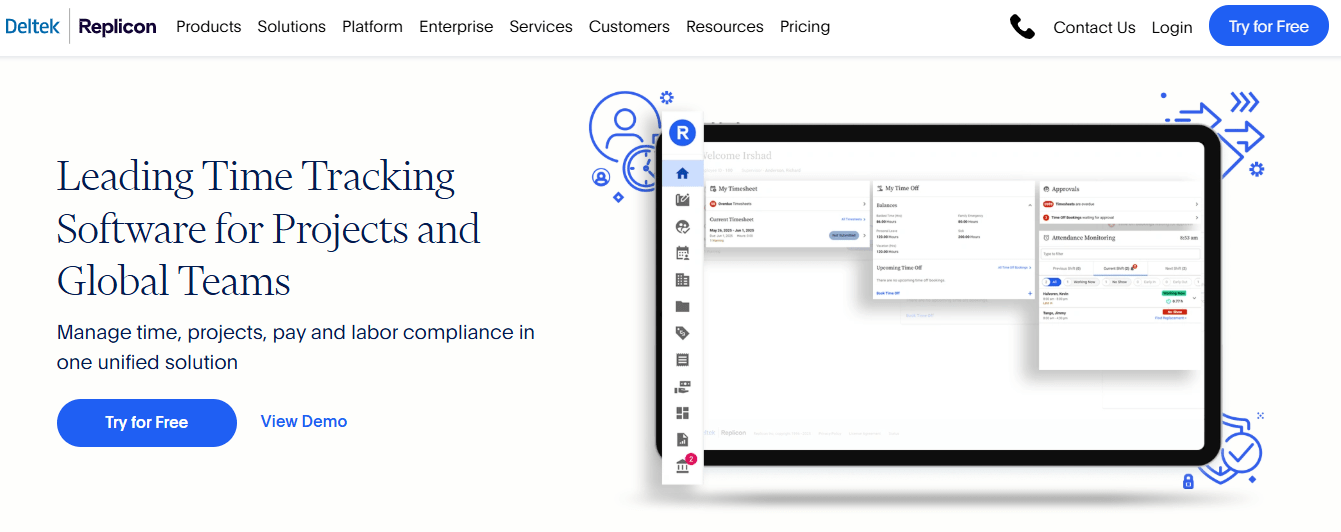
If you’re managing a large, distributed workforce with complex billing, compliance, or labor rules, Replicon is built for you.
You can set custom pay rules, manage union agreements, apply jurisdiction-specific overtime logic, and generate compliance-ready reports. Replicon is designed to support thousands of users and connects with payroll, ERP, and HRIS systems. But it takes time to implement, and you’ll likely need admin support to configure it properly.
Key features
- Enterprise-grade time capture with complex pay and billing rules.
- Support for global labor law compliance and country-specific overtime handling.
- Role-based access, audit trails, and advanced approvals.
- Highly configurable workflows and large-scale reporting.
Pros
- Handles complex enterprise use cases, including large-scale compliance and multi-jurisdiction payroll rules.
- Strong security, auditing, and governance capabilities.
- Scales to thousands of users with robust API integrations.
Cons
- Higher cost and longer implementation time than simple SaaS timers.
- Configuration complexity requires vendor support or internal resources.
- Overkill for small to medium teams that do not need enterprise compliance.
Comparison Table: Top Harvest Alternatives for Better Time Tracking
| Feature / Capability | Flowace | Toggl Track | FreshBooks | Clockify | Replicon |
| Automatic Time Capture (without start/stop) | Yes – automated background capture of work activity | No – manual timers only | No – manual or basic tracking tied to invoices | Partial – optional idle detection and add-ons | Partial – depends on configuration |
| Auto Timesheet Assembly | Yes – builds timesheets automatically from activities | No – manual entry required | No – time links to invoices but not auto-assembled | Partial – needs manual approval | Partial – can automate with workflows |
| Activity-Level Detail Logging | Yes – URLs, apps, files, calls, productive/unproductive time | Limited – tags/tasks only | Limited – basic time items tied to invoices | Limited – manual tags/tasks | Yes – detailed enterprise logs |
| Idle / Background Detection | Yes – detects actual work and idle time | Limited – only idle detection (paid plans) | No | Limited – idle detection add-on | Yes – for workforce tracking |
| Automated Reporting & Insights | Yes – utilization, recovery, productivity analytics | Basic – manual report generation | Basic financial reports | Moderate – report filters & views | Yes – enterprise-grade reporting |
| Billing Integration | Yes – export to invoicing tools | Yes – via time entries | Yes – native invoicing | Yes – invoices from time & expenses | Yes – integrates with billing/ERP |
| Project Budget Tracking | Yes – detailed budget vs actual | Basic – reports by project | Basic – revenue summaries | Basic – project time reports | Yes – advanced project cost tracking |
| Approval Workflows | Yes – manager approvals, edit controls | Manual approval only | Manual • tied to billed time | Manual approval | Yes – configurable workflows |
| Best For | Recovering missed hours and reducing revenue leakage | Simple manual time tracking | Accounting + billing together | Cost-effective manual tracking | Complex enterprise and compliance |
Final Thoughts
Tools like Harvest may make invoicing look polished, but if the time entries are based on guesswork or memory, you’re still leaving money behind. But automation changes the game. Instead of chasing timesheets or guessing what happened on Tuesday afternoon, you could use a system that captures work as it happens (Slack messages, Zoom calls, app usage) without relying on timers or memory. When time tracking runs quietly in the background, you get more accurate data, better client transparency, and less operational drag on your team.
If you’re serious about recovering lost billable hours and making your invoicing process airtight, Flowace is built for exactly that. It auto-captures your team’s work, organizes it into draft timesheets, and gives them control to approve or adjust before anything is billed.
Want to see what your team’s actually doing (and not logging)? Book a quick demo with Flowace or start a free trial. You might be surprised how much billable time you’ve been leaving on the table.
FAQs:
- Is Harvest still a good choice for client invoicing?
Harvest is strong at creating clean, professional invoices, but its accuracy depends entirely on manual time entry. If time is logged late or incompletely, the invoice quality doesn’t reflect the actual work done. - Why do agencies switch from Harvest to automated time tracking tools?
Most agencies leave Harvest because manual timers don’t capture background work like Slack conversations, research, or quick client calls. Over time, this leads to underbilling and recurring revenue leakage. - What is the biggest limitation of manual time tracking?
Manual tracking relies on memory and discipline. When people forget to start or stop timers, those hours are permanently lost, and reporting becomes estimation rather than evidence. - How is Flowace different from Harvest?
Flowace automatically captures work activity in the background and builds timesheets for review, while Harvest relies on users to manually track time. This shifts accuracy from human behavior to system design. - Does automated time tracking raise privacy concerns?
It can if implemented poorly. Tools like Flowace include employee review, edit controls, and privacy settings, so tracked data is transparent and adjustable before approval or billing.