Enterprise-grade security backed by GDPR, HIPAA, ISO 27001 & SOC 2 compliance. Know more

Hubstaff vs Flowace: Compare Features, Pricing & Total Cost (2026)
Hubstaff's low tiers only do the full job once you pay for add-ons. Flowace puts each feature in one price and gives each team a real person to call.
- 7-day free trial, no credit card
- All features included, no add-on surprises
TRUSTED BY GROWING TEAMS WORLDWIDE















The short version
Hubstaff sells the essentials as add-ons. Flowace includes them, and backs each plan with real support.
One price, everything in it.
The silent app, insights, tasks, and data retention are included, not extra.
Decide on raw data.
1-second logs you can drill into, not just a daily activity score.
Real support at any size.
A dedicated contact on each plan, not a 1-2 day ticket queue.
Side by side
From hubstaff.com/pricing and flowace.ai/pricing.
| What you're really buying | Flowace | Hubstaff |
|---|---|---|
| Activity data detail | 1-second raw logs | Activity % / daily view |
| Floating task classifier (Bubble) | Yes | No |
| Silent / background app | Included | Add-on, from $2.50/seat |
| Insights / analytics | Included | Add-on, from $2.50/seat |
| Tasks / to-dos | Included | Add-on below Team plan |
| Extended data retention | Included | Add-on, $1.67/seat |
| Dedicated support | Every tier | No assigned rep, 1-2 day SLA |
| Agent auto-restart if force-quit | Yes | Not on Mac |
| Pricing model | All-inclusive | Base plus add-ons |
| Feature | Flowace | Hubstaff |
|---|---|---|
| TIME TRACKING | ||
| Automatic time capture | Yes | Yes |
| Idle time handling | Yes | Yes (custom on higher tiers) |
| Auto timesheets | Yes | Yes |
| MONITORING & INSIGHTS | ||
| Raw activity logs | 1-second | Activity % |
| Screenshots | Included, configurable | Capped 500-1,500/seat |
| Silent / background app | Included | Add-on |
| Insights / analytics | Included | Add-on |
| PROJECT & WORK MANAGEMENT | ||
| Project time tracking | Included | Yes |
| Profitability (cost/hr, rate/hr) | Included | Project budgets only |
| Tasks / to-dos | Included | Add-on below Team |
| PLATFORM | ||
| Windows / macOS / Linux | All three | All three |
| SUPPORT & COMMERCIAL | ||
| Dedicated support contact | Every tier | No assigned rep |
| Chat support | All tiers | Team plan and above |
| Free trial, no card | 7 days | 14 days |
Strengths mapped
Where each platform is stronger
Our read across the dimensions buyers weigh most. We show where Hubstaff leads too.

Activity data precision

Cost predictability (included vs add-on)

Support at small team size

Profitability visibility

Global brand & maturity

Integrations marketplace
Value per seat
The sticker price is close. The all-in price is not.
Hubstaff's lower tiers unlock the full toolset only with add-ons. Add them up before you compare.
- Automatic time capture, no manual entries
- 1-second activity logs, audit-ready
- Project & task tracking with auto-timesheets
- Bubble: one-click project classifier
- Profitability reports by project and person
- Silent app, insights, and tasks, all included
- Extended data retention included
- Keyboard and mouse activity shown as a percentage
- Windows, macOS, and Linux agents
- Dedicated support at each team size
- Free, managed migration
- Base Starter plan, $4.99/seat/mo
- Silent / background app, +$2.50
- Insights / analytics, +$2.50
- Tasks / to-dos, +$2.50
- Extended data retention, +$1.67
- More screenshots, +$2.50
- Profitability (cost/hr, rate/hr)
- Floating task classifier
- Dedicated support contact
Why teams move
The four moments teams start evaluating alternatives
Drawn from the migrations we've run. If one sounds familiar, you know how it ends.
The base plan does not do the job alone
- You pick Starter for the price, then find the silent app is an add-on.
- So are insights, tasks, and longer data retention.
- The plan you compared is not the plan you end up paying for.
With Flowace:
each one of those is included in each plan. The price you see is the price you pay.
A billing question needs detail the report does not have
- Hubstaff shows an activity score and screenshots.
- When an invoice is queried, a daily percentage is hard to defend.
With Flowace:
replay the 1-second activity timeline. The hours prove themselves.
A small team needs help and waits in a queue
- There is no assigned rep across Hubstaff tiers.
- Chat support starts on the Team plan. Email SLA runs 1-2 days on lower tiers.
With Flowace:
a dedicated support contact on each plan, no matter your team size.
Project time is captured, but margin is not
- Hubstaff tracks project hours and budgets.
- It does not report cost per hour and rate per hour by person and project.
With Flowace:
profit reports show margin per project, before the invoice goes out.
The platform
Six things a Flowace seat does that a Hubstaff seat cannot
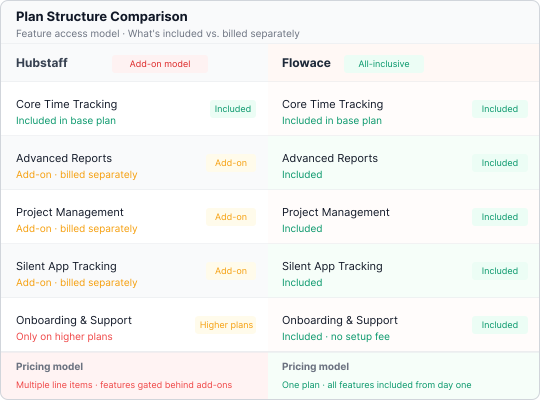
Includes each feature in one price
- Silent app, insights, tasks, and retention are in each plan.
- No add-on math, no surprise at renewal.
Hubstaff
Base plan plus stacked add-ons.
Flowace
One all-inclusive price.
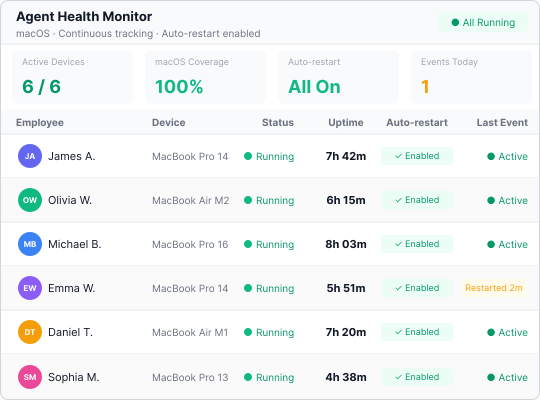
Stays running, even on Mac
- The agent restarts itself if someone force-quits it.
- Tracking does not stop silently without anyone noticing.
Hubstaff
Can be force-quit on Mac with no alert or restart.
Flowace
Restarts automatically.
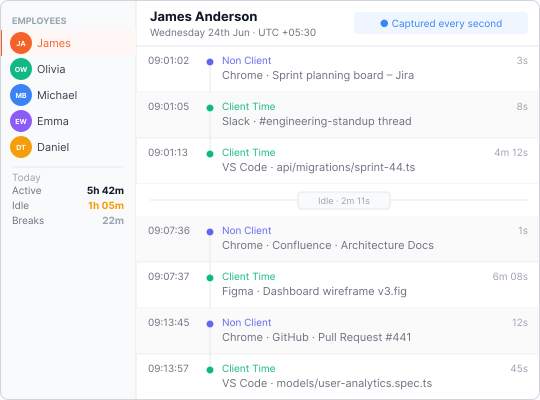
Records each second, not a daily score
- Drill into a 1-second timeline when a number is challenged.
- Stronger for billing, audits, and disputes than an activity percentage.
Hubstaff
Activity % and daily view.
Flowace
Raw 1-second logs you can replay.
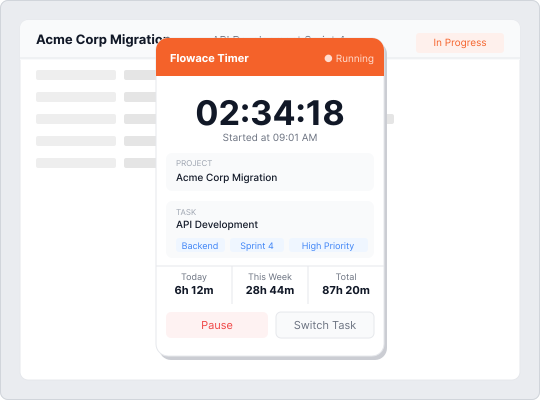
Classifies project time with the Bubble
- Tag the project you are on in one click, in the moment.
- Project data stays complete without manual entry after the fact.
Hubstaff
No floating classifier.
Flowace
One-click Bubble classifier.
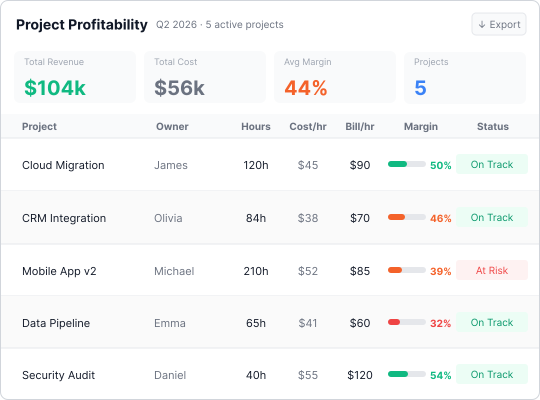
Reports project profit
- Every hour maps to cost and rate per project and person.
- See margin, not just hours and budgets.
Hubstaff
Project budgets only.
Flowace
Cost and rate per project, per person.
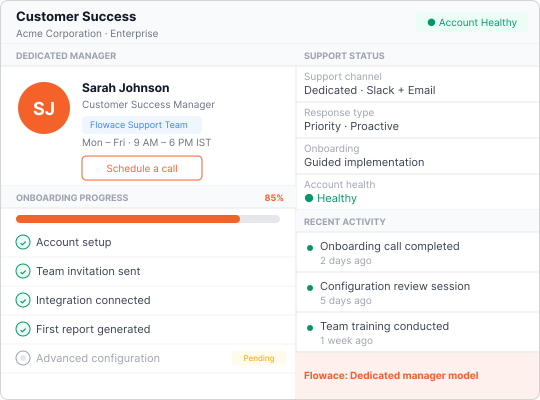
Gives each team dedicated support
- A real contact on each plan, not a ticket queue.
- The onboarding balance smaller teams rarely get elsewhere.
Hubstaff
No assigned rep, 1-2 day SLA.
Flowace
Dedicated support at each size.
Results
What happens after companies switch
Per month, no new hires
Activity rose from 75.1% to 84.9% and idle fell a third, recovering ₹9.95L monthly, no new hires.
Read the case studyBillable hours, zero new hires
Project classification surfaced ₹2.37Cr in billable capacity and grew billable hours 12.7% with no new hires.
Read the case studyRecovered without hiring
A third of billing hours never touched a claim; redirecting them lifted throughput 20-25%, one FTE recovered.
Read the case studyDeployment
Switching to Flowace takes a day, not a project.
We import your data.
Teams, settings, and history migrated free.
Deploy in 60 seconds.
One link installs the agent on Windows, macOS, and Linux.
First insight in 72 hours.
Dashboards go live in minutes. Most teams find their first inefficiency within three days.
Our candid take
Which should you pick?
Hubstaff may fit if:
- You want the largest integrations marketplace and a long-established global brand.
- Your needs stop at time tracking and an activity score, with no profit reporting.
Flowace is the stronger choice if:
- You want each feature in one price with no add-on stacking.
- Billing or operations need raw, second-level data.
- A small or mid team wants dedicated support, not a ticket queue.
- You need profit per project, not just hours and budgets.
Frequently Asked Questions
About Hubstaff vs Flowace
Everything Hubstaff sells as add-ons, included.
Start a free trial and get the silent app, insights, tasks, raw logs, and dedicated support in one plan.
- No credit card
- Free migration
- Cancel anytime
Lost Productivity? Let's Fix That!
Don't let efficiency slip away. Discover game-changing tips and tools to keep your team productive and thriving!
Book a Demo
Keep an Eye, Not a Spy!
Discover employee monitoring that's smart, ethical, and productivity-focused. Build trust while boosting team performance!
Book a Demo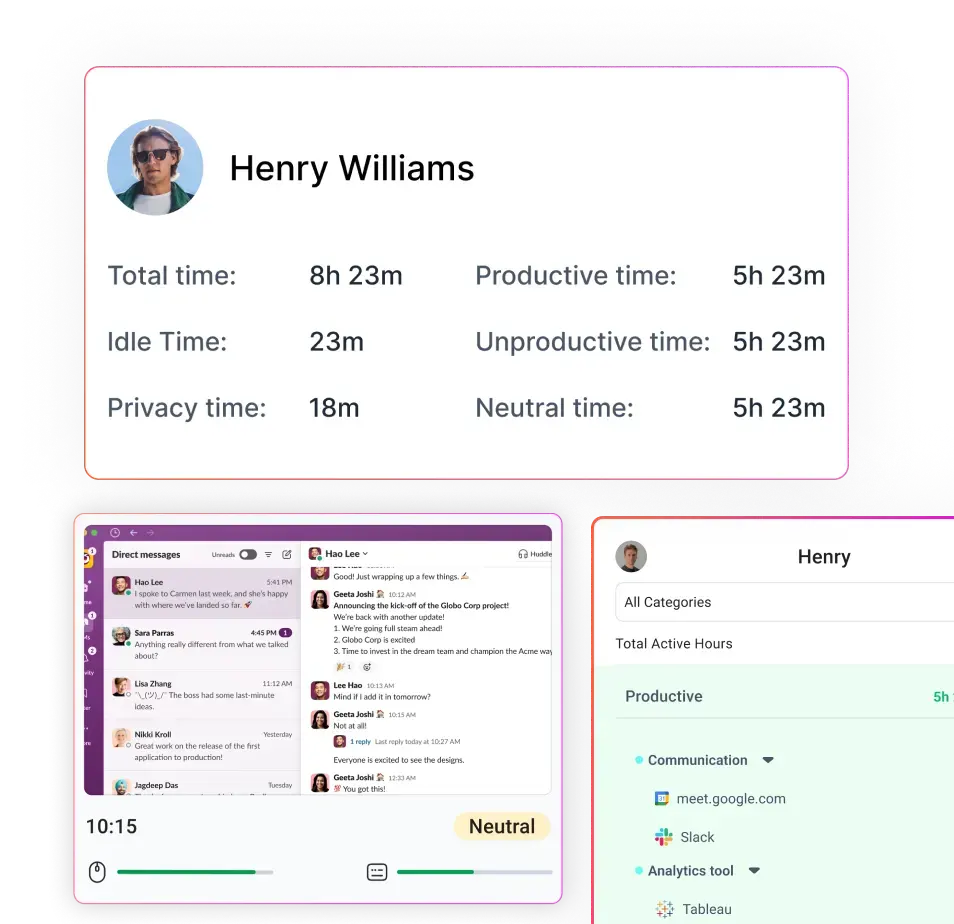
Lost Time? Let's Track It Down!
Take control of every second. Discover seamless time-tracking solutions to boost efficiency and get more done!
Book a Demo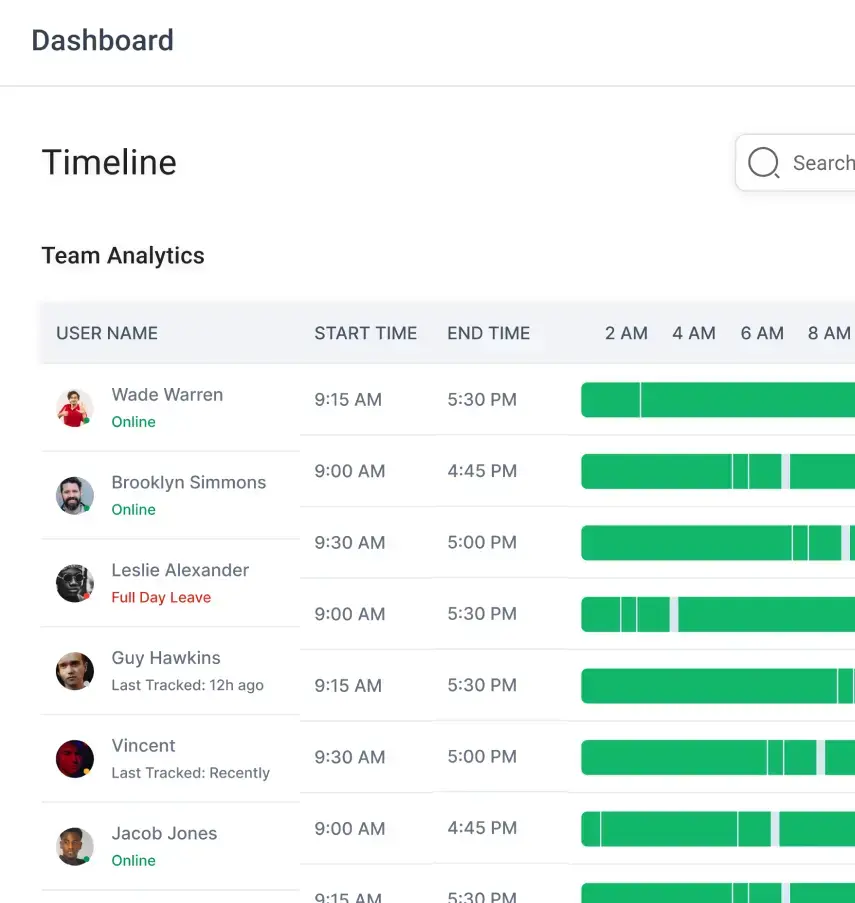
Attendance That's Always On Time!
Say goodbye to manual tracking. Simplify attendance management with smart, automated solutions your team will love!
Book a Demo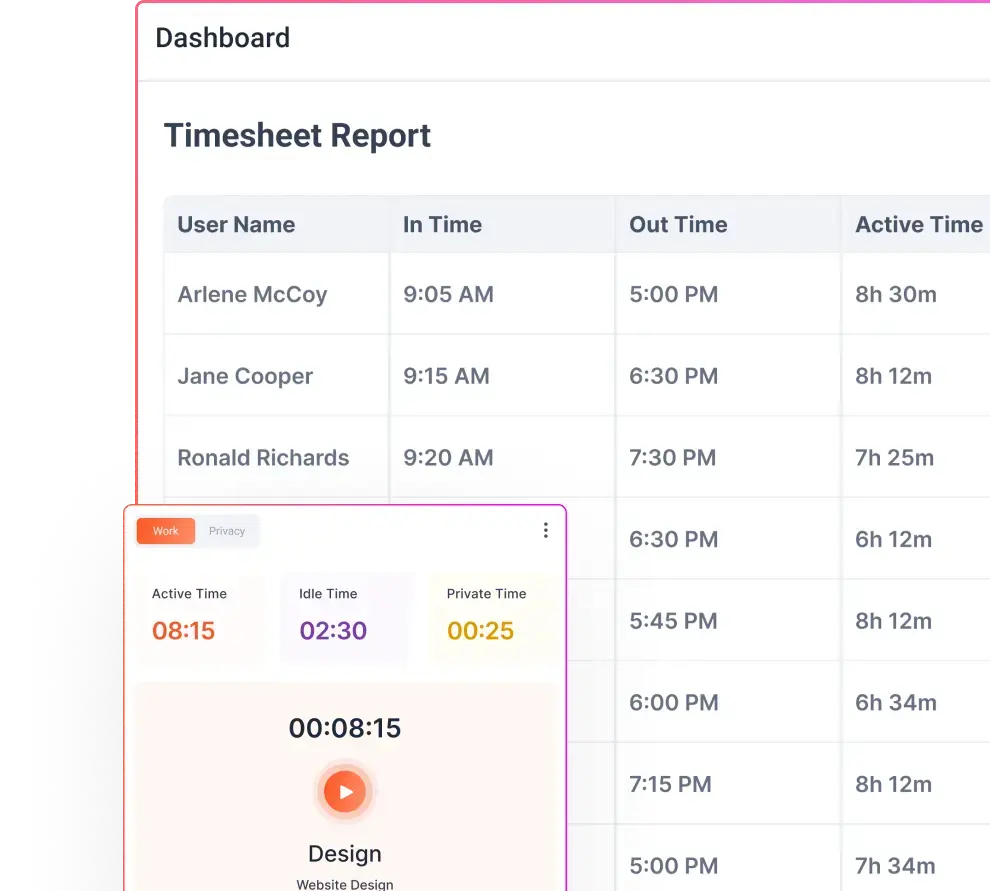
Clicked Here? We're Tracking That!
Master app and website insights effortlessly. Unleash smarter tracking and watch productivity skyrocket!
Book a Demo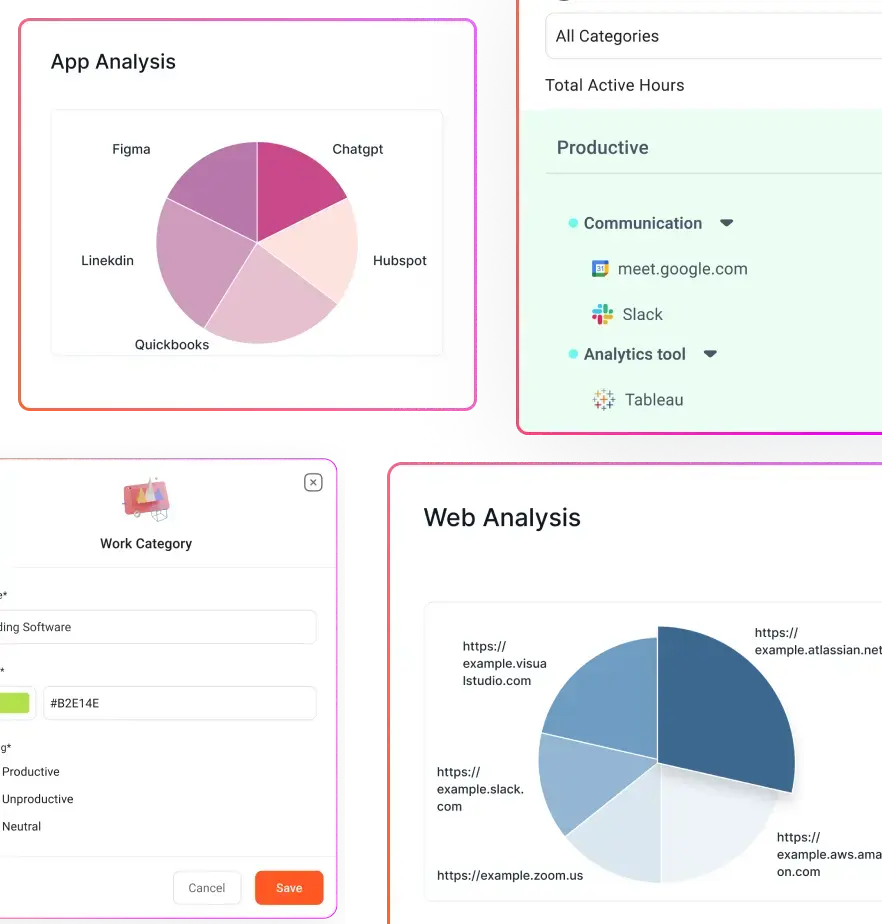
Stealth Mode, Maximum Insights!
Monitor workflows discreetly and ethically. Get the data you need to enhance productivity—no disruptions, just results!
Book a Demo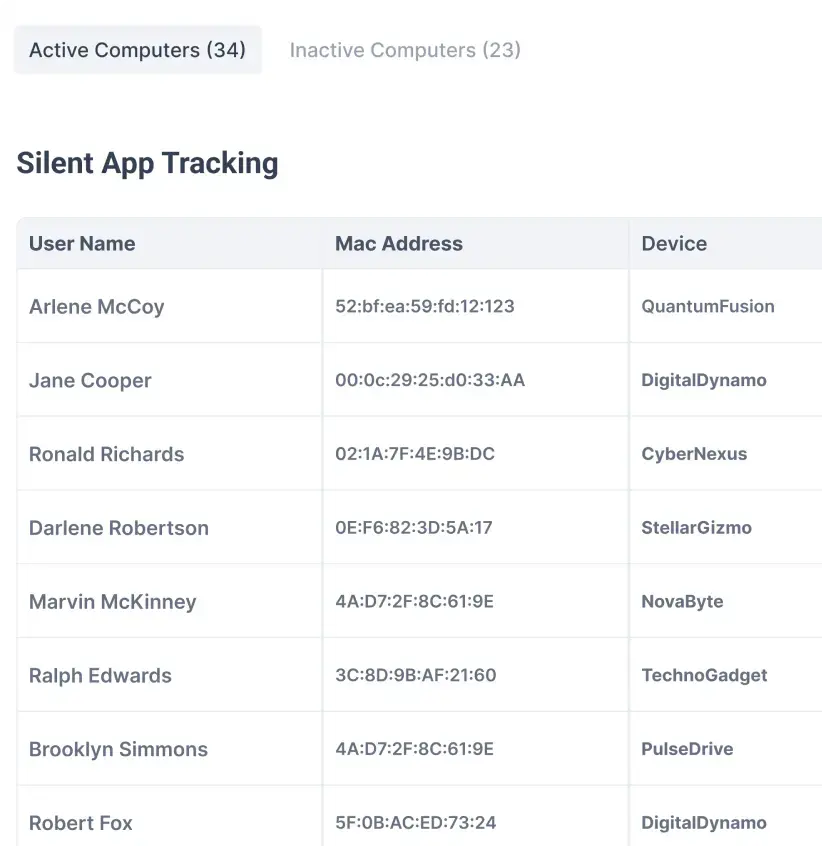
Streamline Your BPO/KPO Operations!
Tame the hustle with smart tracking and seamless workflow solutions. Boost productivity without the headaches!
Book a Demo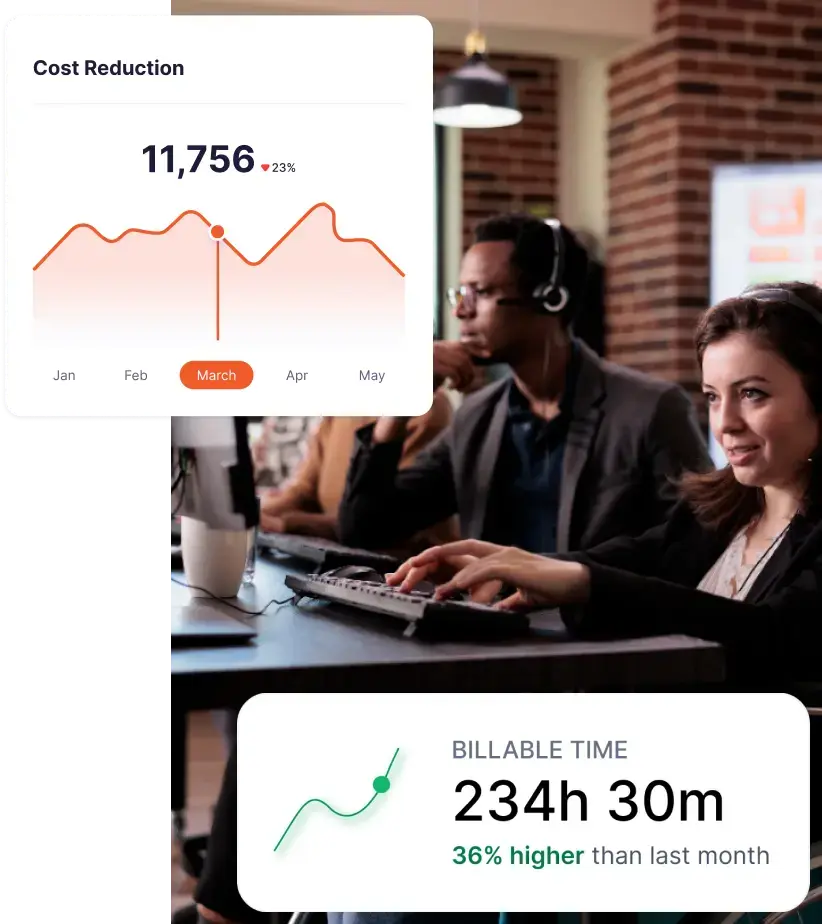
IT Services, Upgraded and Optimized!
Supercharge your IT team with powerful tracking tools. Boost efficiency and keep projects on track with ease!
Book a Demo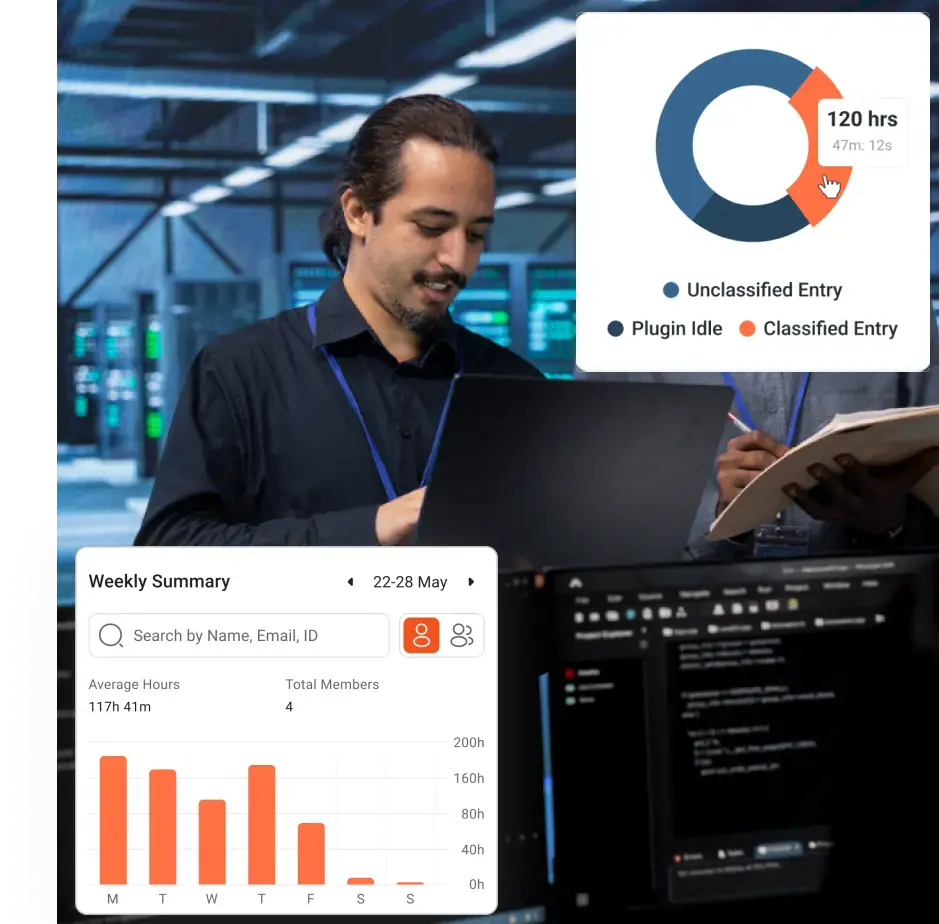
Crunching Numbers Just Got Easier!
Optimize your accounting processes with smart tools. Boost accuracy, streamline workflows, and save time—effortlessly!
Book a Demo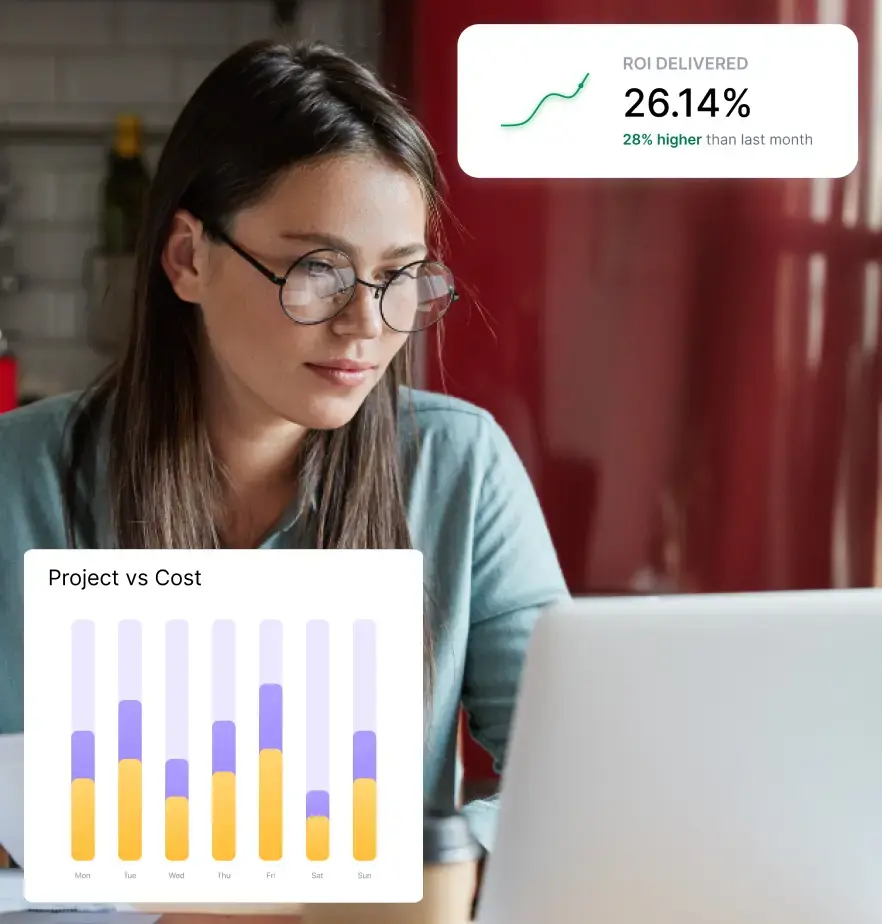
Leaving? Let's Make Hiring Easier!
Streamline recruitment and boost team efficiency with smart tracking tools. Hire better, faster, and smarter!
Book a Demo
Legal Workload? Let's Simplify It!
Streamline your legal processes with smart tracking tools. Improve efficiency and keep cases moving forward—smoothly!
Book a Demo
Still Comparing? See Why Flowace Stands Out!
Before you go, check out how Flowace boosts productivity like no other tool. Discover how we can help your team succeed.
Book a Demo


Maximize Your Potential with Flowace!
Experience seamless time tracking and productivity enhancement like never before. Join the Flowace revolution and unlock your full potential. Start your journey to success today!”
