







Monitor Without Disruption With Silent App Tracking

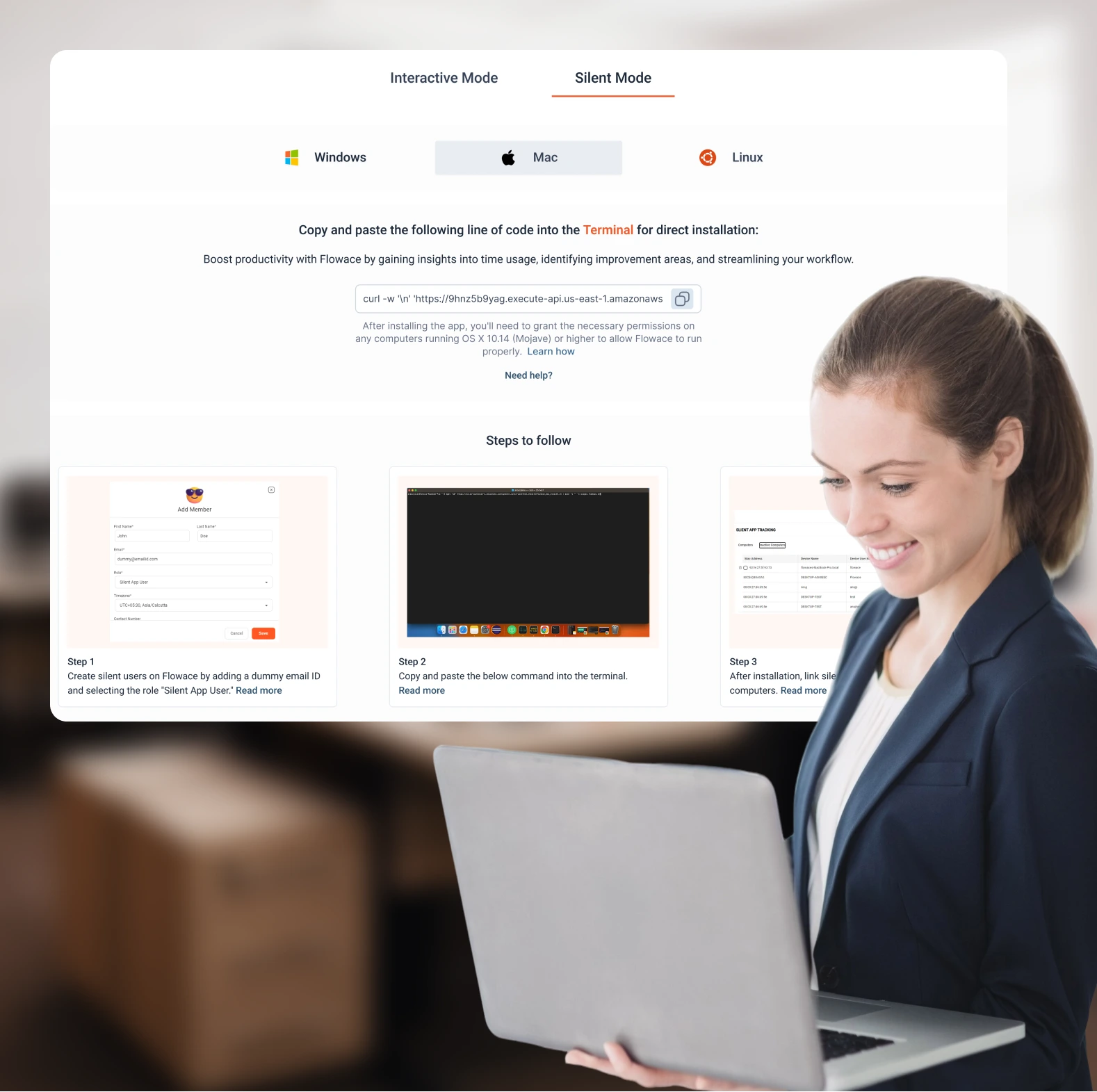
Flowace lets you monitor time, attendance, and productivity — discreetly. With Silent App Tracking, everything runs quietly in the background, ensuring accurate data collection without interfering with your team’s workflow. No pop-ups. No reminders. No user action required. It’s the invisible engine behind reliable productivity insights and automated attendance.

Flowace Badges

Our 61000+ Users from All Around the World Use Flowace

Flowace Feature

What Is Silent App Tracking?

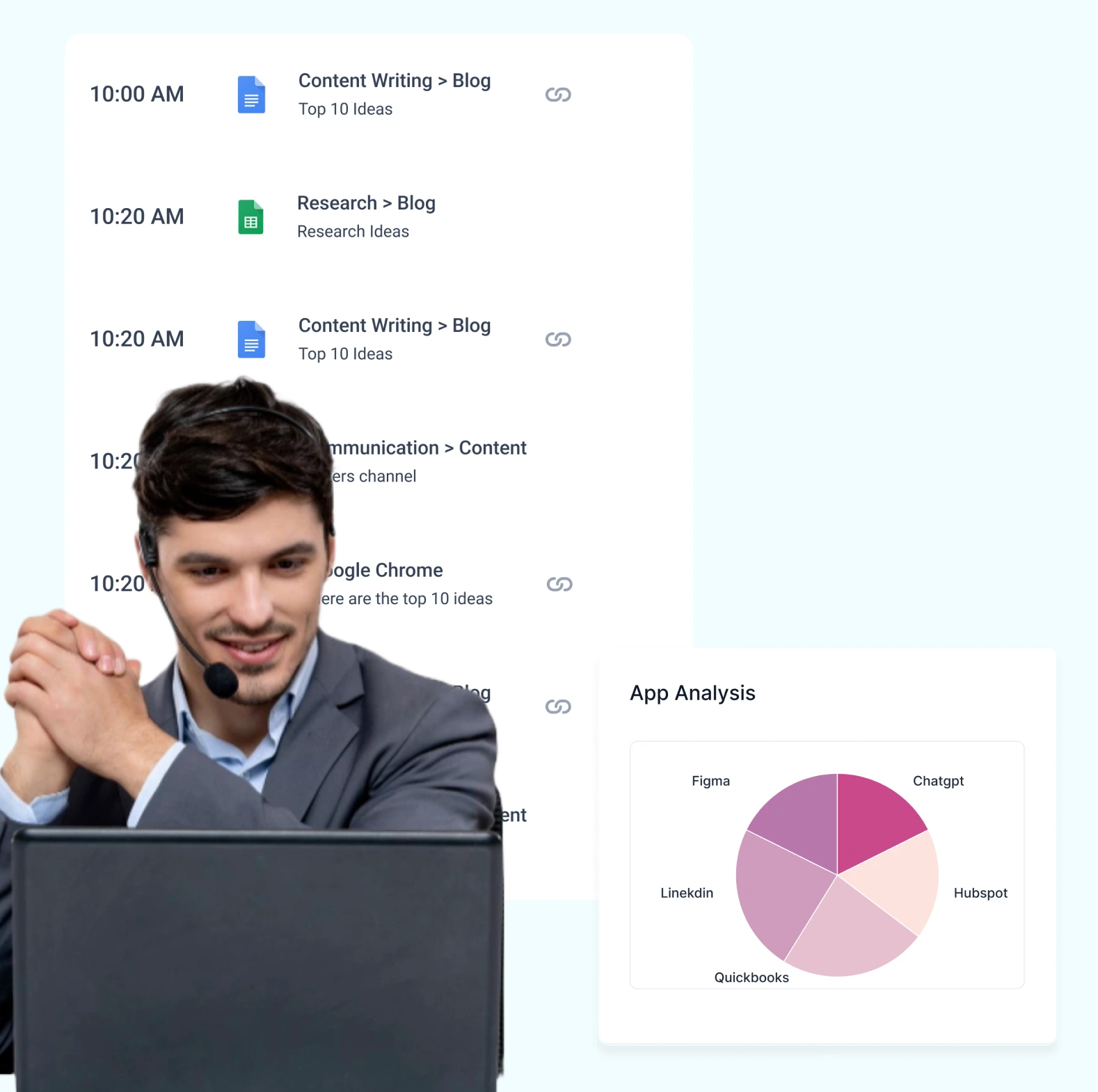
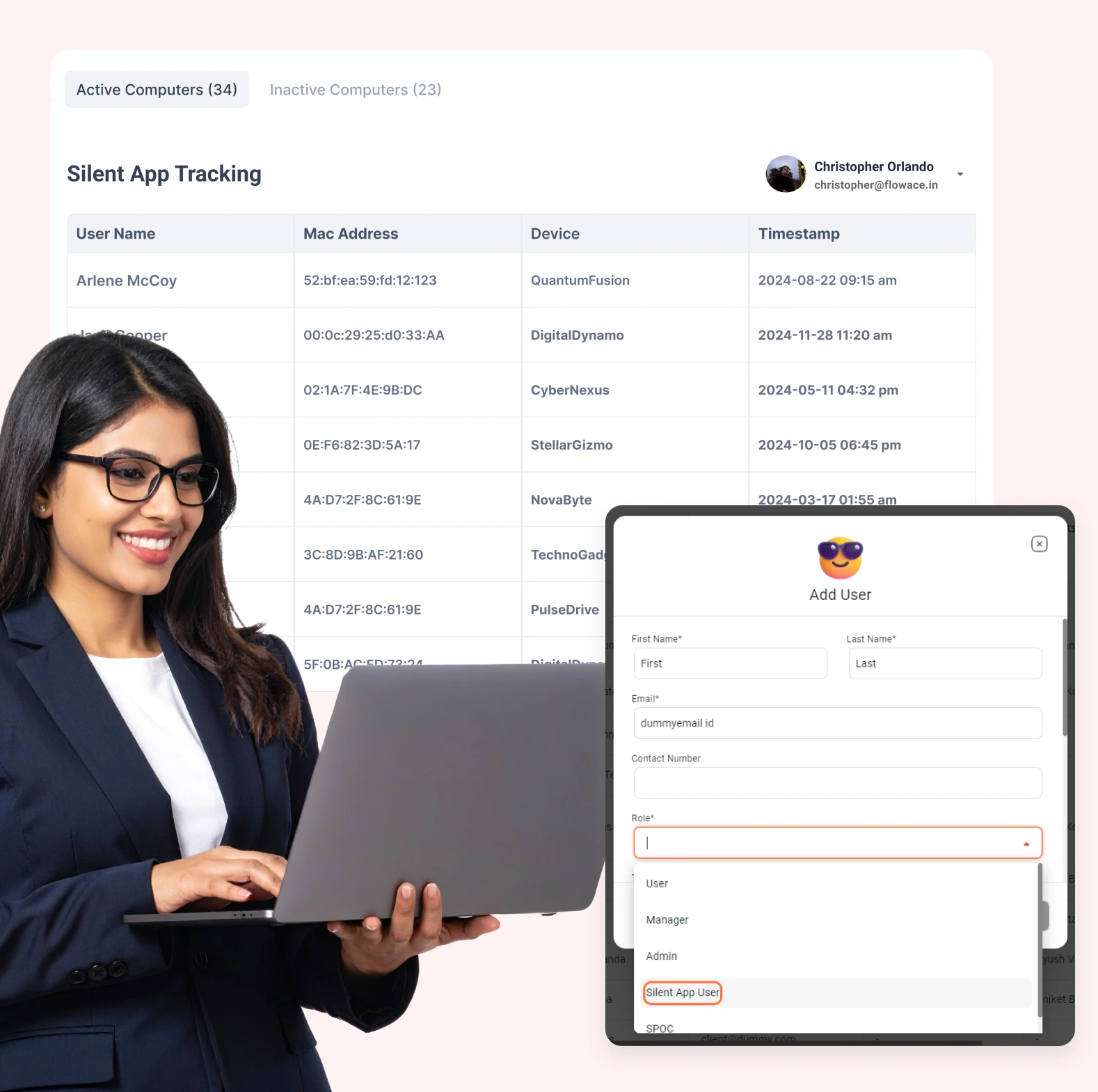
Silent Tracking is a lightweight desktop application that runs automatically when employees start their systems. It records activity, captures screenshots (if enabled), and logs productivity metrics — all without interrupting the user or requiring manual check-ins.

This ensures you get a complete picture of how time is spent without disrupting focus or creating friction.

Flowace Feature

What Does It Track?

Once enabled, Flowace silently captures:

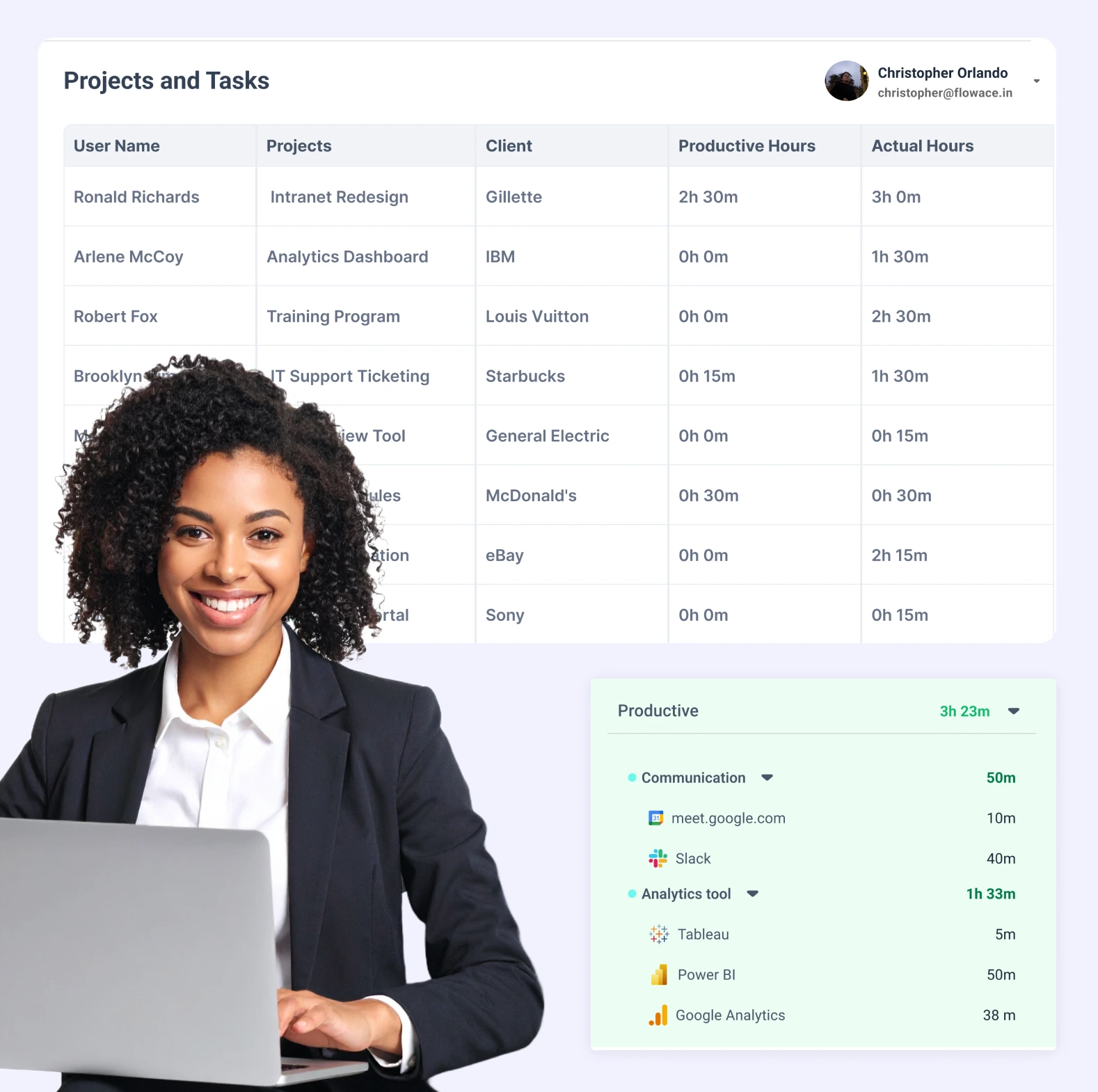
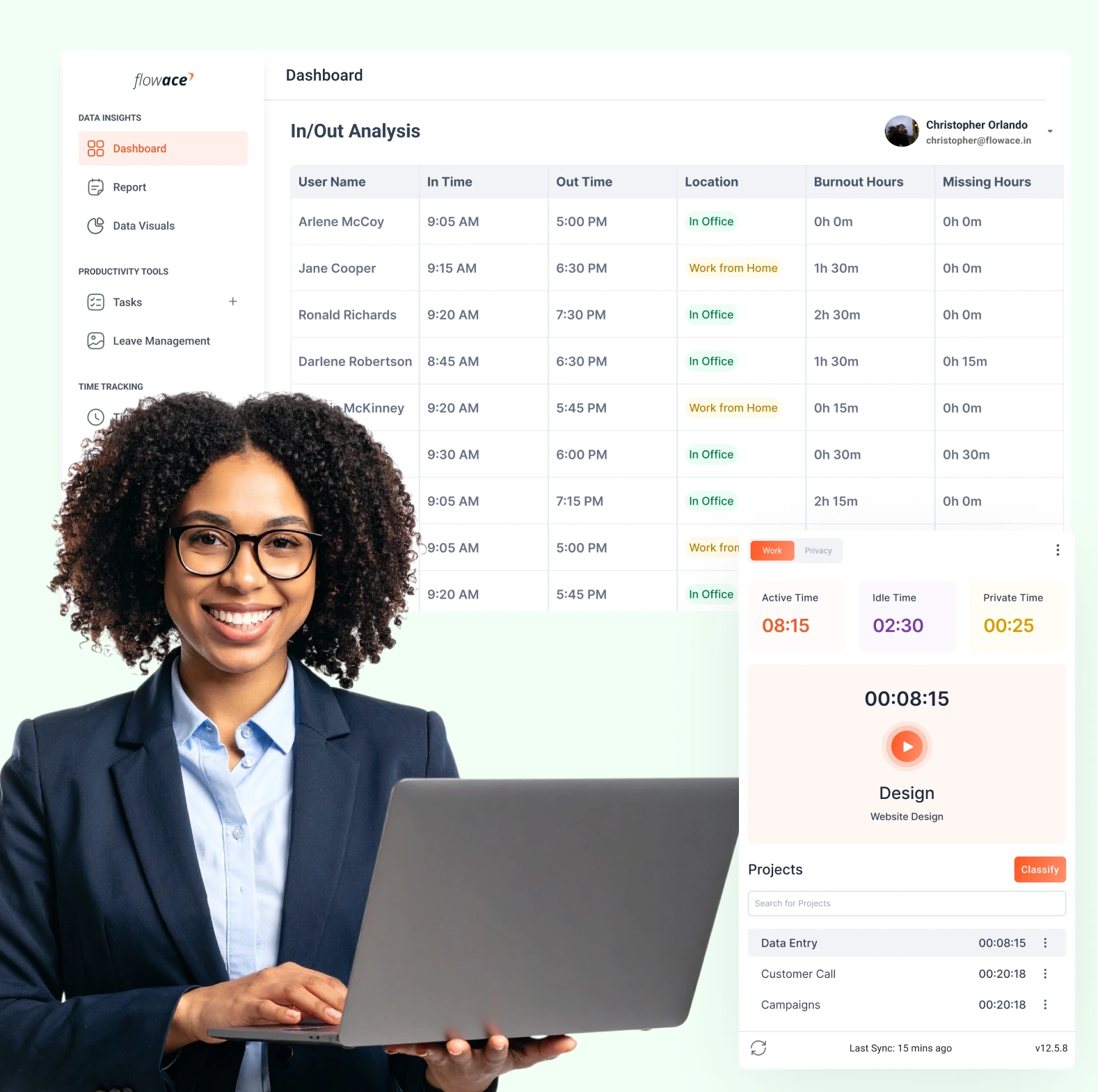
  • Active time spent on apps and websites
  • Idle time and keyboard/mouse activity
  • Screenshot intervals (if the feature is turned on)
  • In and Out timestamps for attendance
  • Time spent on specific projects or tasks

You can view all this data through the dashboard, but employees won’t need to start or stop timers manually.

Flowace Feature

Why Use Silent Tracking?

Teams don’t always remember to log time. Manual systems break down, especially in remote or hybrid setups. Flowace solves that with silent, automatic tracking that doesn’t depend on user input.

This helps you:

  • Ensure accurate attendance
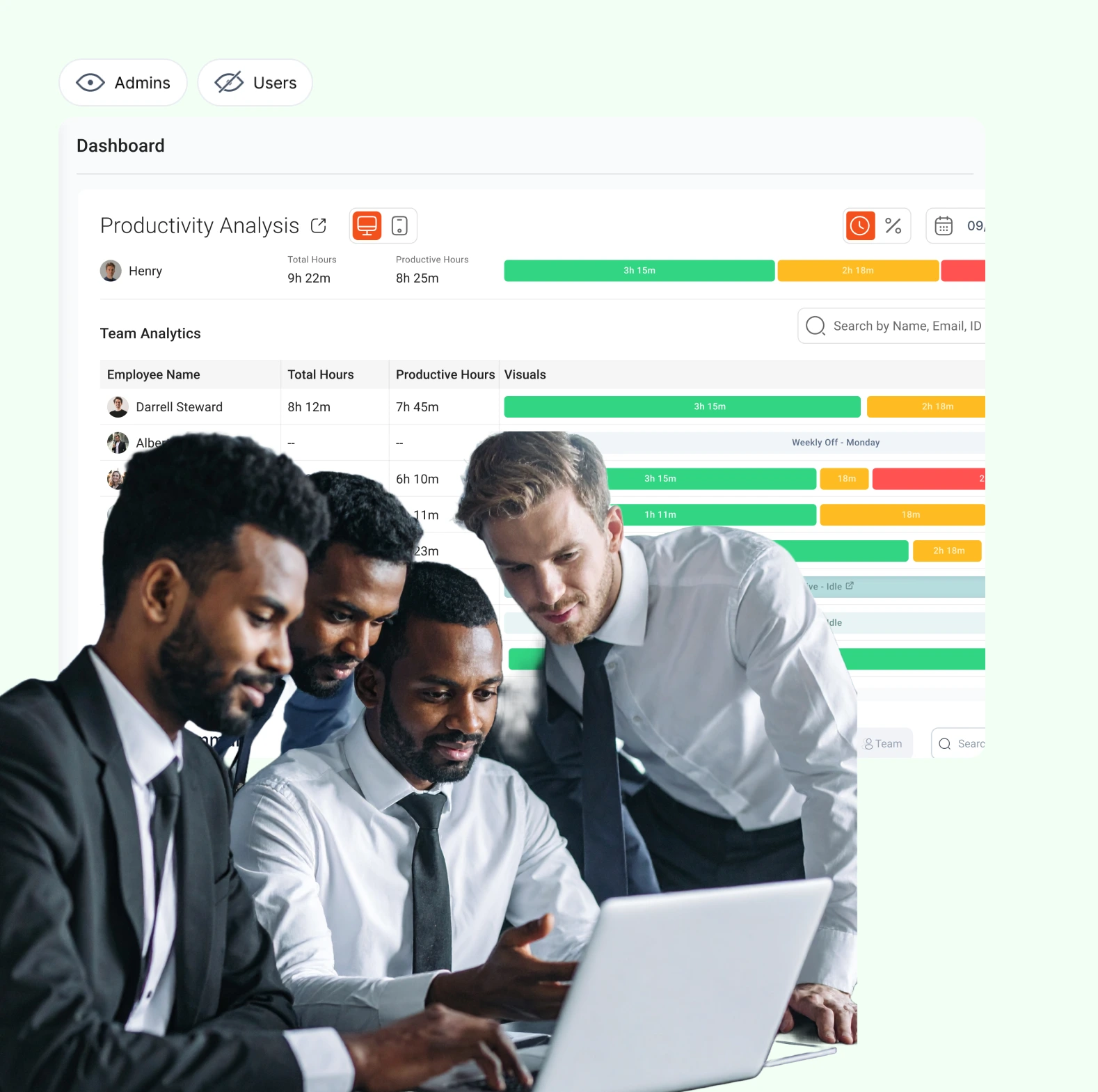
  • Collect unbiased productivity data
  • Avoid manual errors and time theft
  • Run audits with confidence

It’s a set-it-and-forget-it system that builds trust through transparency, not micromanagement.

Flowace Feature

Completely Configurable

Silent App Tracking isn’t one-size-fits-all. Flowace gives you full control:

  • Enable or disable screenshot capture
  • Choose whether the app is visible or hidden in the system tray
  • Assign tracking rules by team or department
  • Define working hours, shifts, and break settings

You can even choose to notify employees if you prefer a semi-transparent setup.

Flowace Feature

Built for Hybrid and Remote Teams

Whether your team is working from home, across offices, or on flexible schedules, Silent Tracking ensures consistent reporting.

For remote teams, it offers assurance and visibility. For managers, it means real-time updates — without needing check-ins or daily syncs.

Flowace Feature

Lightweight. Private. Secure.

Flowace’s tracking app is optimized for performance. It runs in the background without draining system resources or slowing down productivity tools.

Data is transmitted securely and stored in your Flowace dashboard — visible only to authorized managers and admins. Screenshot capture (if used) can be blurred or disabled based on company policy.

Badges & Reviews

Join the millions of satisfied customers who rely on Flowace for enhanced productivity.

Learn More
Flowace G2 Badge
Employee Monitoring Momentum Leader Leader
EmployeeMonitoring_Leader_Mid-Market_India_Leader
EmployeeMonitoring_Leader_Leader
EmployeeMonitoring_HighPerformer_Small-Business_India_HighPerformer
EmployeeMonitoring_HighPerformer_Small
EmployeeMonitoring
EmployeeMonitoring_HighPerformer_Mid-Market_AsiaPacific_HighPerformer
EmployeeMonitoring_HighPerformer_Mid-Market_Asia_HighPerformer
EmployeeMonitoring
EmployeeMonitoring_HighPerformer_AsiaPacific_HighPerformer
EmployeeMonitoring_HighPerformer_Asia_HighPerformer
EmployeeMonitoring_EasiestAdmin_Small-Business_EaseOfAdmin
TimeTracking_MomentumLeader_Leader
TimeTracking_HighPerformer_Small-Business_India_HighPerformer
TimeTracking_HighPerformer_Small-Business_HighPerformer
TimeTracking_HighPerformer_Small-Business_AsiaPacific_HighPerformer
TimeTracking_HighPerformer_Small-Business_Asia_HighPerformer
TimeTracking_HighPerformer_Mid-Market_HighPerformer
TimeTracking_HighPerformer_India_HighPerformer
TimeTracking_HighPerformer_HighPerformer
TimeTracking_HighPerformer_AsiaPacific_HighPerformer
TimeTracking_HighPerformer_Asia_HighPerformer
Flowace Badges

Time Sheet Software FAQ's

Everything you need to know about the Flowace.

01 How does Flowace track time automatically?

By analyzing app usage, website visits, and idle time — and mapping them into timesheets.

02 Can we customize the approval workflow?

Yes, you can set up multi-level workflows and assign approvers by department or role.

03 Does Flowace offer a free trial?

Yes! You can explore all premium features without a credit card.

04 Is the timesheet data editable?

Absolutely — employees can edit entries, and managers can review and approve them.

Start Free Trial No credit card required















