


Custom Work Categories
Define categories like communication, dev tools, or file management.
Enterprise-grade security backed by GDPR, HIPAA, ISO 27001 & SOC 2 compliance. Know more

Capture and see every app and website automatically. Classify them the way your team defines productive. Surface what matters in dashboards, alerts, and reports.

Trusted by teams at














Capture every signal. Classify it your way. Surface what matters.
Every app and website, automatically.
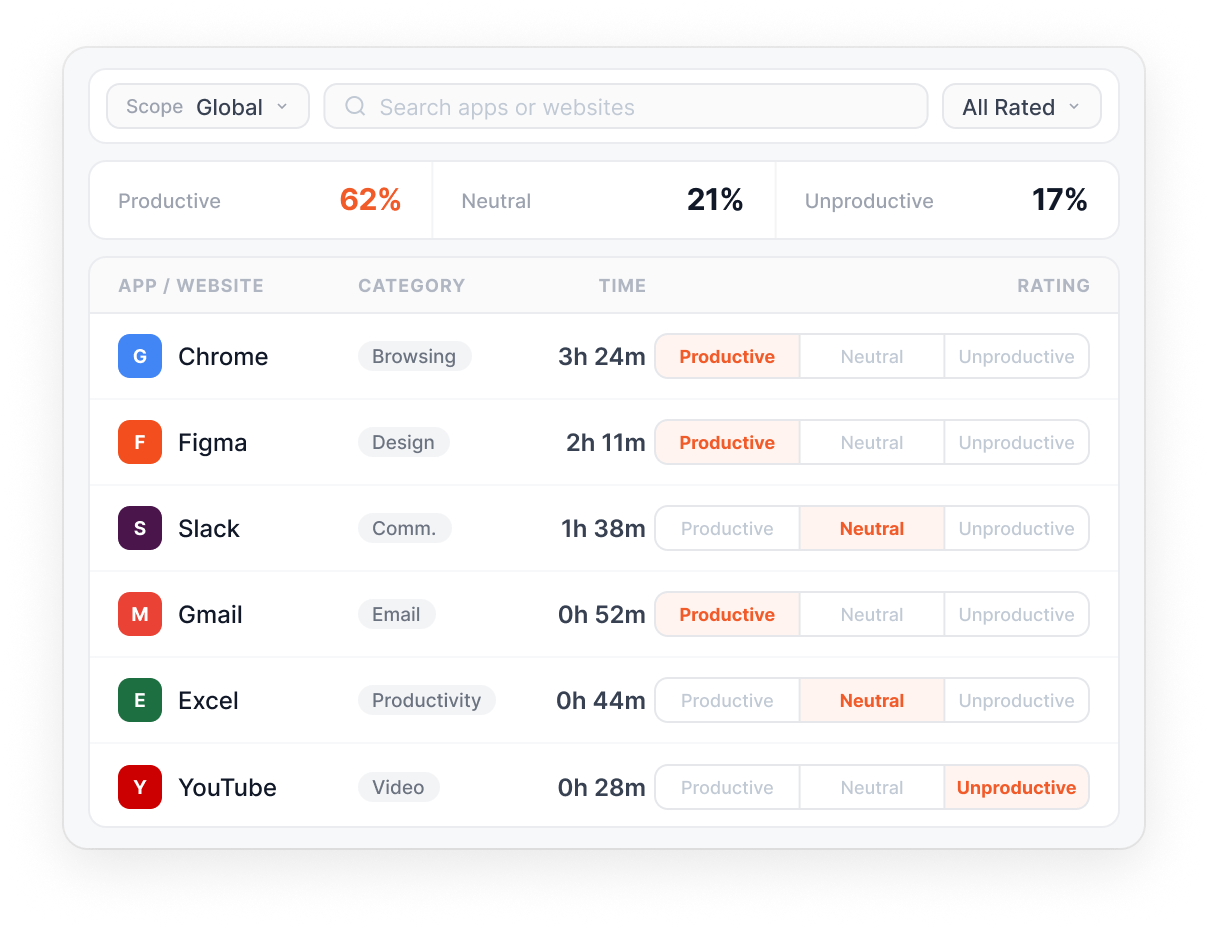
Your team defines productive vs. unproductive.
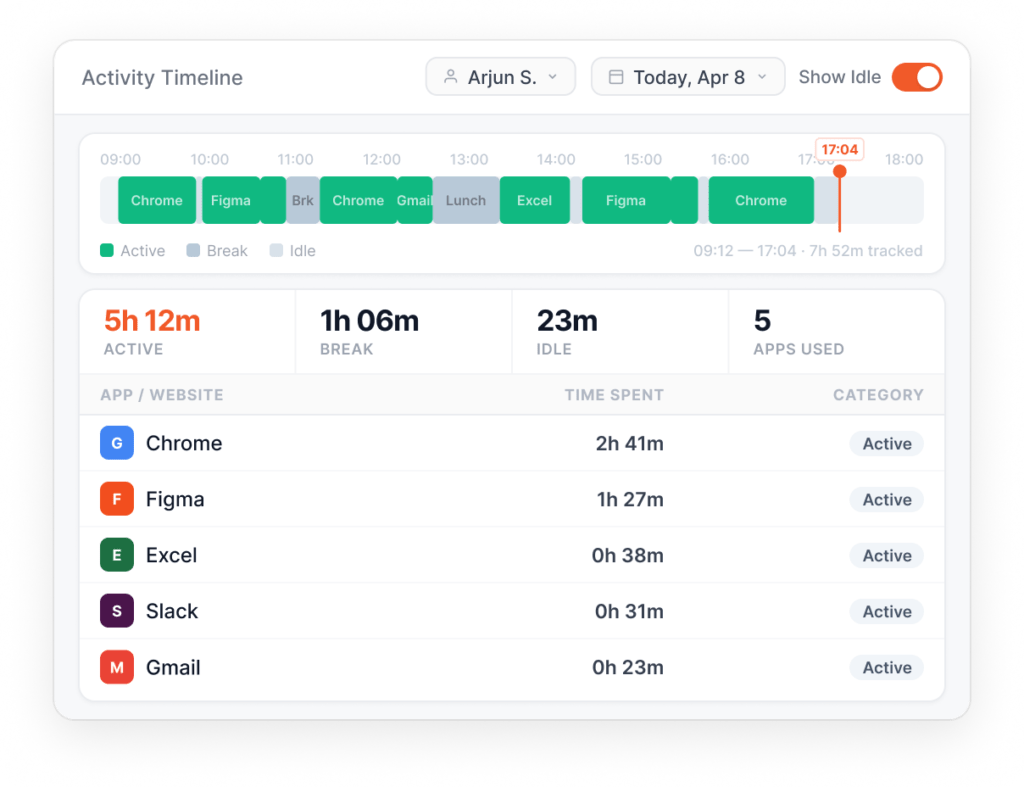
Idle, away, and disconnected, distinguished.
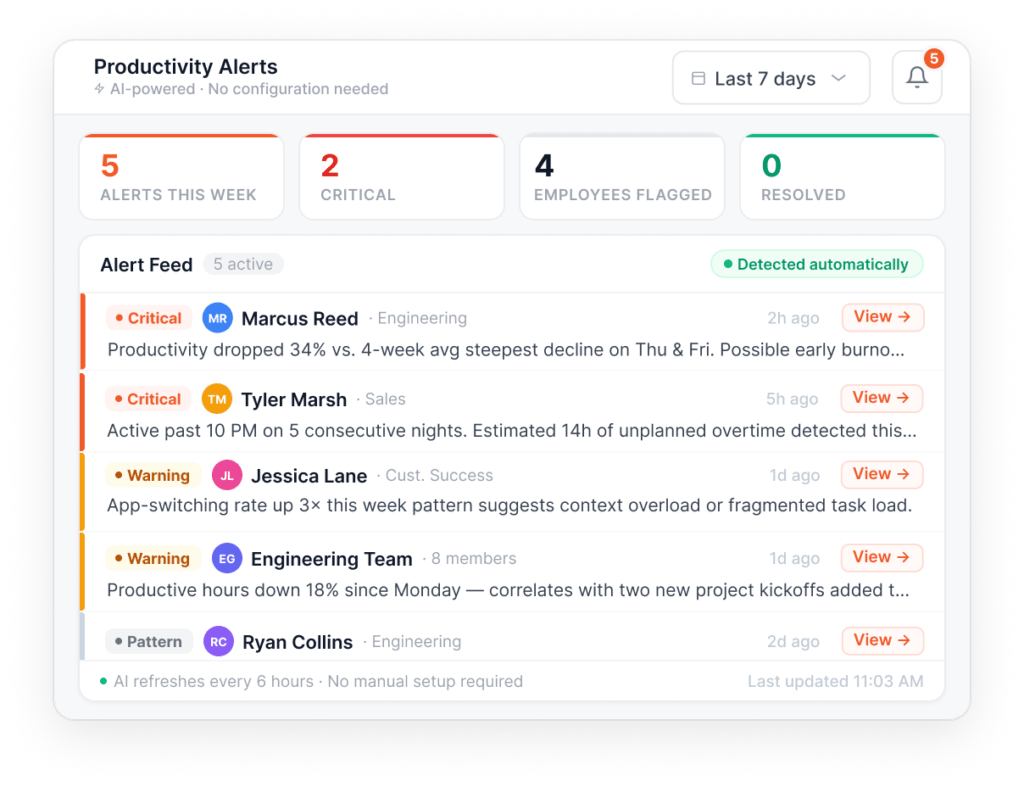
AI surfaces patterns before they escalate.
Dashboards built for decisions.
Everything you need to see, classify, and act on how your team's time gets used.
AI notifications for burnout, low productivity, and trending patterns.
Patterns surfaced automatically. No threshold-setting, no rule-writing.
Track time across all applications and websites automatically.
Rate apps and websites as productive, unproductive, or neutral at any level.
Other Features
Define categories like communication, dev tools, or file management.
Visual analytics for individuals, teams, and the organization.
Configurable idle thresholds per user; whitelist meeting apps.
Classify non-desk time (meetings, breaks, client visits) with productivity ratings.
Built for your industry
Productivity Insights adapts to what each industry actually watches for, because your team defines productive, not us.
What this industry watches for
Separate productive coding from admin overhead, and trace denial patterns back to the coder, shift, or encounter type behind them.
What this industry watches for
Close the gap between utilisation targets and what's actually billed, and see exactly what bench resources are doing between engagements.
What this industry watches for
Move beyond headcount and occupancy, linking adherence, wrap time, and FCR into a single shift-level view that's actionable the same day.
What this industry watches for
Attribute time accurately across client files, catching write-off risk at the preparer level before it reaches review or billing.
What this industry watches for
Tie utilisation to margin at the engagement level, and keep hybrid teams measured consistently whether they're on-site or remote.
Project hierarchy, billable hours, automatic timesheets. Keep projects on budget without manual logging.
Read moreSilent or interactive monitoring per team. Forensic-grade activity logs. Privacy mode for opt-out.
Read moreAttendance, shifts, leaves, expenses, and approvals. One platform, no separate HRMS.
Read moreReal numbers from companies running Flowace today. Each one a story worth a read.
Netscribes
9.6 hrs
recovered per team member per week, after Productivity Insights surfaced hidden time gaps.
Uplers
31%
team productivity increase across remote engineering teams in Q2.
Gravitas Legal
37 min
saved per attorney per day on time tracking and matter classification.
Imagine this: On a bright Monday morning, you begin your day with a cluttered list of projects. Knowing the precise positions of your team…
Read more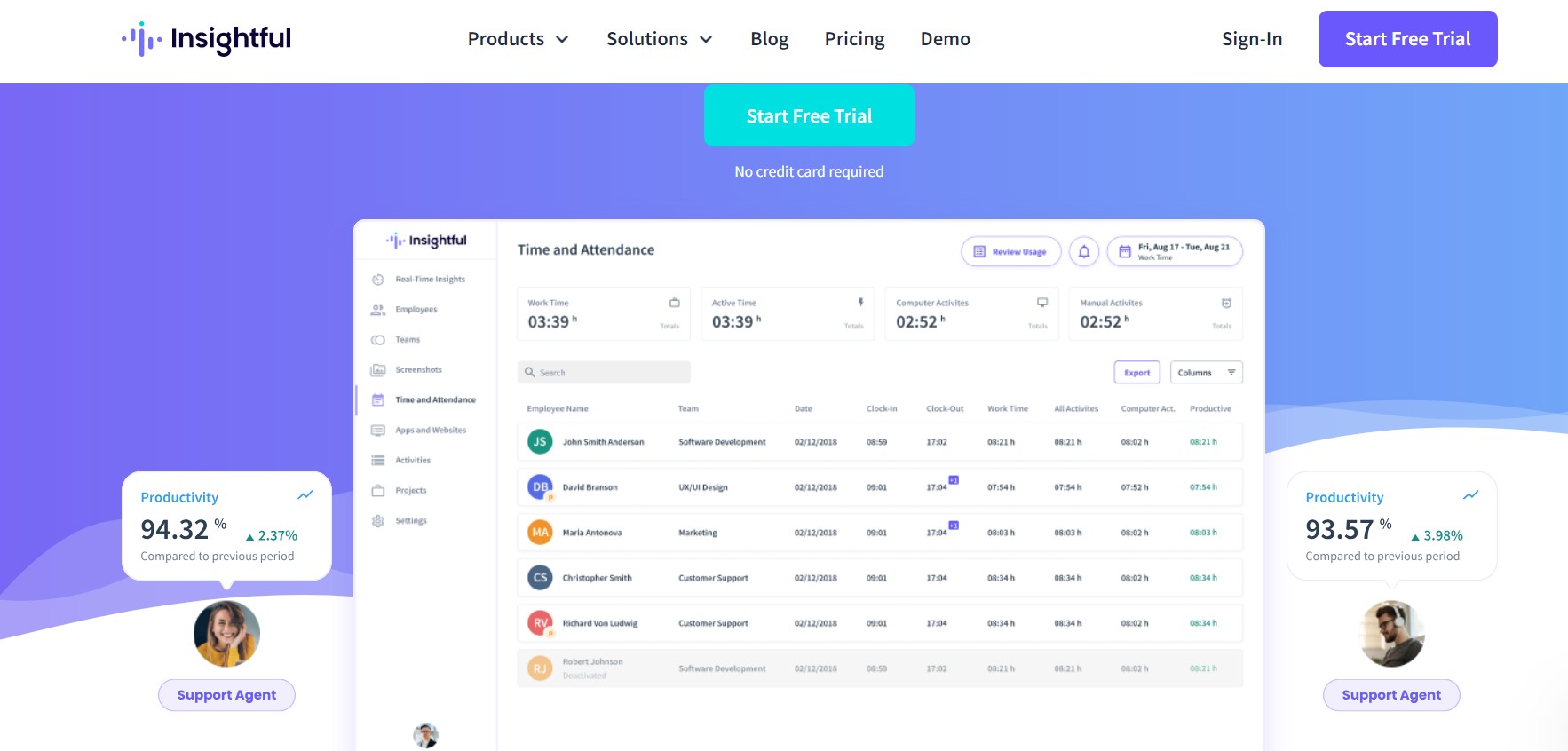
Take a look at Flowace and Insightful time tracking alternative, the top picks for 2026. Let's see what makes Flowace the preferred choice in workforce analytics solutions. We’ll compare what they offer, their benefits, what customers say about them, and their prices to decide which suits you best.
Read more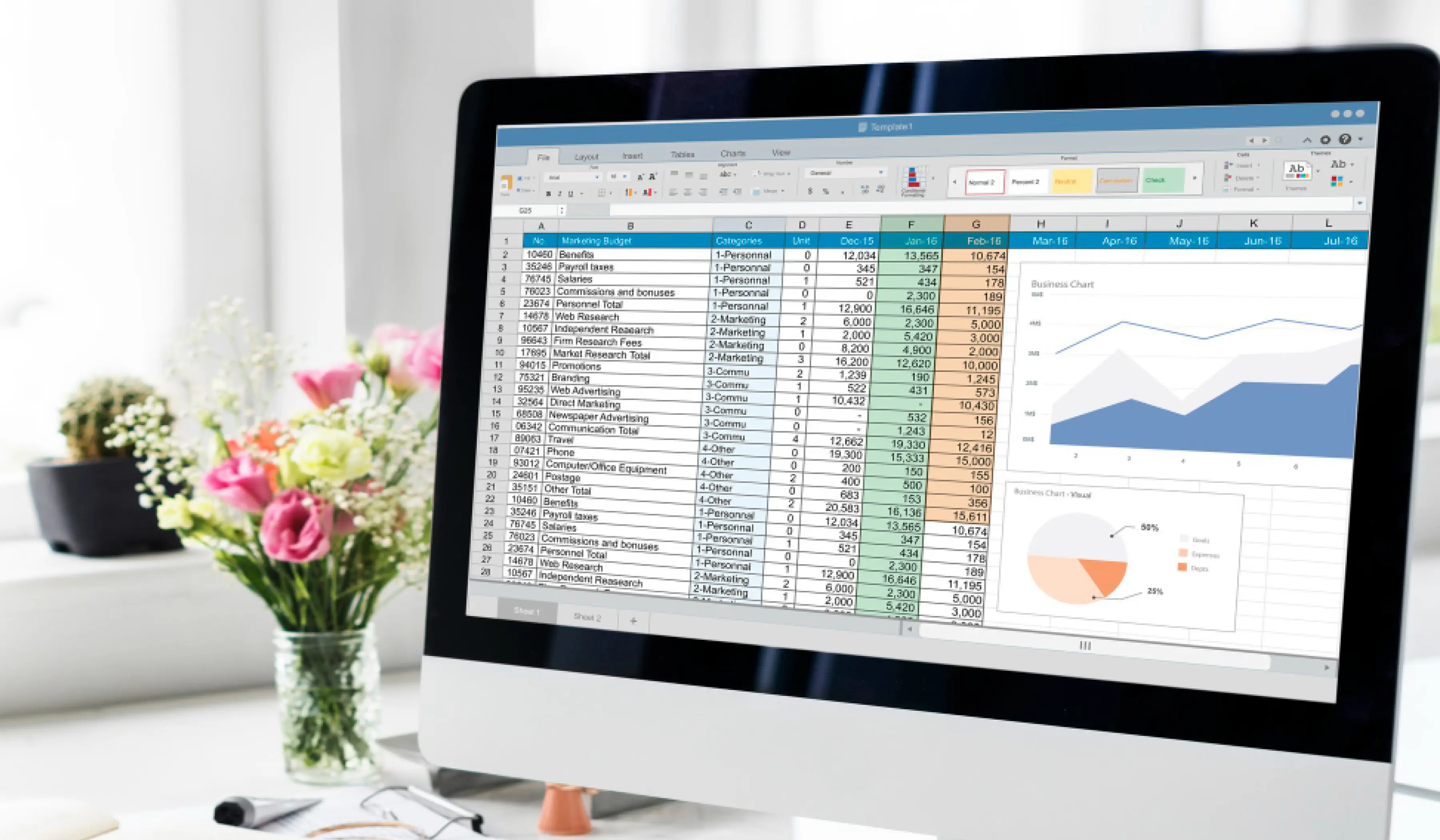
Searching for a reliable Employee Attendance Excel Sheet Template? To find an attendance Excel Sheet template is not that difficult, and for you, not…
Read more


Experience seamless time tracking and productivity enhancement like never before. Join the Flowace revolution and unlock your full potential. Start your journey to success today!”




