What Is Employee Productivity Monitoring? Benefits & Best Practices



Employee productivity monitoring tracks how employees spend their work time, complete tasks, and get work done. It helps businesses understand work patterns through data like attendance, app and website usage, and sometimes screen activity.
Unlike general employee monitoring, employee productivity monitoring focuses on improving workflows, measuring outcomes, and helping teams work better. It gives managers & HRs useful insights without needing to track every action.
This guide explains what employee productivity monitoring is, how it works, common methods, key metrics, and the legal requirements in India, the US, and the EU. You’ll also find a quick comparison table to understand the basics.
Also Read:
|
Manual Tracking Vs Automated Monitoring at a Glance
|
Aspect |
Manual Tracking |
Automated Monitoring |
|
Data Collection |
Timesheets and check-ins | Software logs activity on its own |
| Accuracy | Prone to gaps and errors |
Consistent, recorded in real time |
|
Real time visibility |
Reviewed after the fact | Live dashboards and reports |
| Effort required | High, needs manual entry |
Low once it is set up |
|
Bias risk |
Higher, relies on memory | Lower, based on real activity |
| Best fit | Small teams, simple projects |
Distributed or larger teams |
What Does Employee Productivity Monitoring Mean?
Employee productivity monitoring means using software or manual methods to see how employees spend work hours. It shows which tasks get finished. It shows how that time turns into results.
It covers attendance, app use and task completion. Some setups also track screen activity. The goal is to see how a team works, not to watch people for its own sake.
How Does Employee Monitoring Differ From Surveillance?
Employee monitoring looks at work patterns. It is shared with employees ahead of time, with a clear reason behind it.
Surveillance tracks people all the time, often without their knowledge. It can reach into personal activity that has nothing to do with the job.
Workforce analytics tools are built around the first idea. They track work in the open, tied to a stated purpose, so employees know what gets collected and why.
What Data Does Productivity Monitoring Actually Track?
Most productivity monitoring tools track five types of data.
- Login and logout times, which show total hours and attendance patterns
- App and website use, which separates real work from distractions
- Task and project completion, which shows workload and progress
- Idle time, which flags long stretches with no activity
- Screen captures or call logs, mainly for customer facing or regulated roles
Why Do Companies Monitor Employee Productivity?
Companies monitor productivity for four main reasons. They want to spot problems early. They want to balance workloads fairly. They want real data for performance reviews. And they want to catch burnout before it costs them a good employee.
None of this needs watching every click. It needs patterns over time.
Spotting Workflow Bottlenecks Early
Monitoring data shows which steps in a process eat up the most time. It also shows which tools slow a team down instead of helping it. Managers can fix a stuck step before it delays a whole project. They do not have to wait until a deadline is missed.
Balancing Workloads Fairly
Some employees carry more work than others. Some have room for more. Monitoring data makes this gap visible. Managers can then move tasks around based on real capacity. They do not have to guess, and they do not have to rely on who asks loudest for help.
Supporting Fair Performance Reviews
Reviews based on memory tend to favor whoever is most visible in meetings. Monitoring data gives managers a factual record of output and task completion. This record backs up reviews with real numbers. It also cuts down on bias and makes feedback easier to act on.
Reducing Burnout Risk
A sudden drop in output can be a warning sign. So can a spike in late logins, or long hours with little to show for them. Monitoring data lets managers step in early with support. They do not have to wait until someone has already checked out.
The early warning system that helped a 750-user team protect client delivery
Read Full Case StudyWhat Are The Common Methods of Employee Productivity Monitoring?
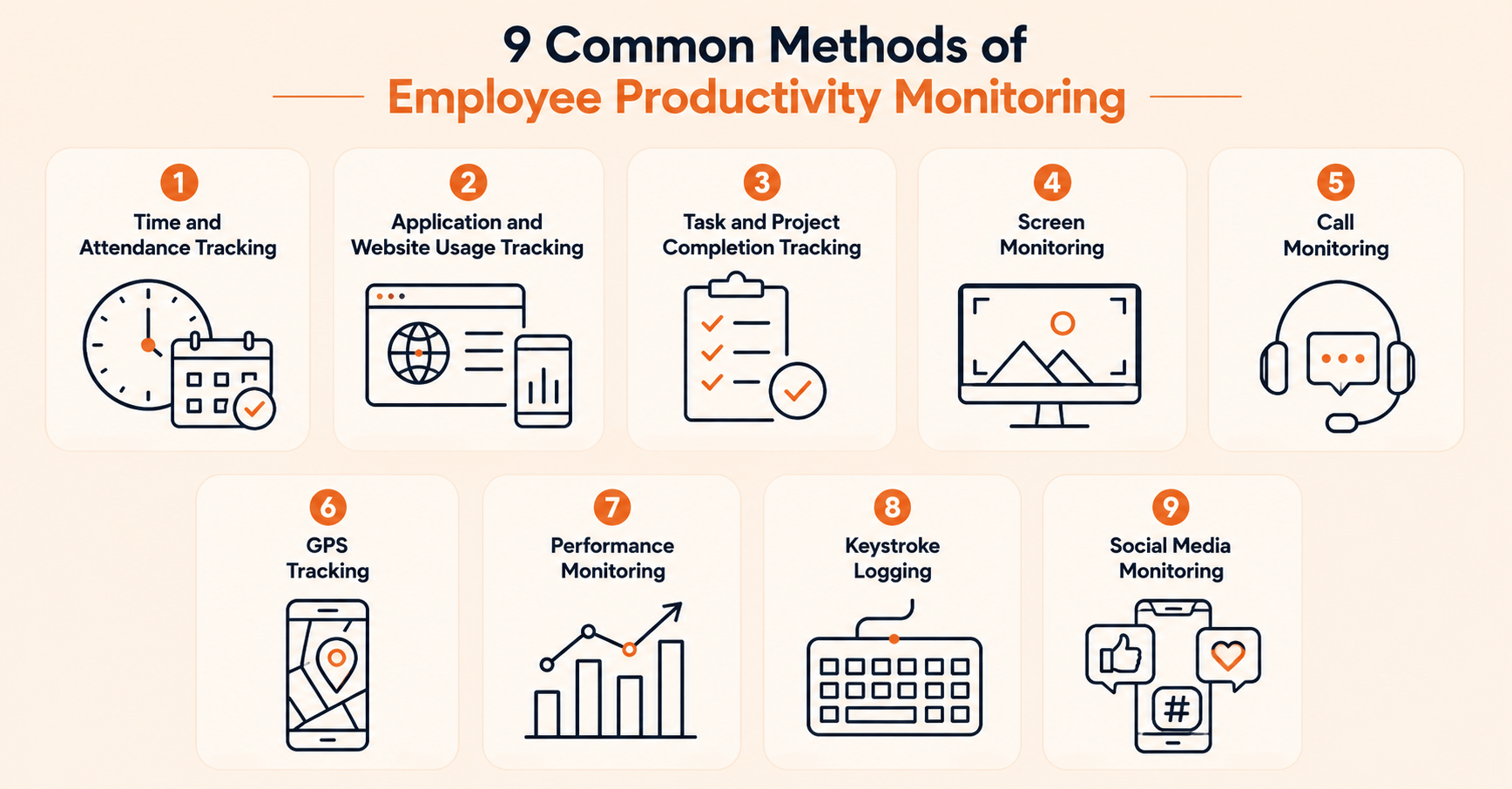
The common methods of employee productivity monitoring are:
1. Time and Attendance Tracking
Time Tracking is the most common starting point. It records login times, logout times, breaks and total hours worked. It feeds straight into payroll and attendance reports. It answers one basic question whether the person was working during scheduled hours.
2. Application and Website Usage Tracking
This method records which apps and sites employees use, and for how long. It helps separate focused work from distraction. It also shows which tools a team actually relies on every day.
3. Task and Project Completion Tracking
Instead of watching activity, this method ties time to real tasks in tools like Asana, Jira or Trello. It shows whether the time spent matches the work delivered. That match is a better signal than raw hours.
4. Screen Monitoring
Some tools take screenshots or short screen recordings on a set schedule. Screen monitoring is common in remote teams that need visual proof of work, or in regulated industries. This method is the most sensitive one for privacy. It should always be explained clearly to employees first.
5. Call Monitoring
Call monitoring is common in support and sales teams. It tracks call length, call volume and sometimes call quality. It helps with coaching and compliance. It has little use outside those roles.
6. GPS Tracking
GPS tracking method fits field roles, such as delivery staff or sales reps. It confirms location and travel time. It has almost no use for desk based or remote knowledge work.
7. Performance Monitoring
Performance monitoring looks at results over time, such as delivery rates or quality scores. It does not track moment to moment activity. This is the method closest to how remote employee monitoring should work for distributed teams.
8. Keystroke Logging
This records typing activity. It is one of the most invasive methods available. Most workforce analytics tools avoid logging what someone actually types. Without clear disclosure, this method risks feeling like pure surveillance.
9. Social Media Monitoring
This tracks time spent on social platforms during work hours. It flags distraction patterns. It does not usually review the actual posts or messages. It works best when combined with other signals to provide a more complete view of performance.
How is Employee Productivity Measured?
Employee productivity is measured by comparing output to input. Hours worked alone are not enough. Three formulas cover most cases.
- Task completion rate equals tasks completed divided by tasks assigned, times 100. This shows how much of the planned work actually gets done.
- Utilization rate equals productive or billable hours divided by total logged hours, times 100. This shows how much of logged time turns into real output.
- Output per hour equals units of work completed divided by hours worked. This works best when a role has a clear unit of output, like tickets closed or documents processed.
None of these formulas mean much alone. A 95% completion rate on small tasks says less than an 80% rate on high value work. Always read the number next to its context.
What Are the Benefits and Challenges of Productivity Monitoring?
Key Benefits of Productivity Monitoring:
- Gives managers early warning of bottlenecks, before a deadline slips
- Makes workload distribution fairer across a team
- Backs performance reviews with data instead of memory
- Helps spot burnout risk before it turns into attrition
- Supports accurate billing for hourly or client work
Common challenges of Productivity Monitoring
- Employees can see monitoring as a trust problem if no one explains it first
- Raw activity data with no context can lead to the wrong conclusion about who works hard
- Privacy worries grow once monitoring reaches beyond work related activity
- 70% of leaders are comfortable using surveillance software in a remote work setting according to Toggl’s 2025 Productivity Index
Is Employee Productivity Monitoring Legal?
Yes. Employee productivity monitoring is legal in India, the US and the EU. But each region sets its own rules on consent, notice and how long data can be kept. A policy built for one region will not automatically fit another.
What Do India’s IT Act and DPDP Act Require?
In India, the Information Technology Act, 2000 gives a general legal basis for monitoring company systems. The Digital Personal Data Protection Act, 2023 adds more rules. It covers consent, purpose and how much personal data you collect during monitoring.
For a full breakdown of consent language and rollout steps under Indian law, see employee monitoring laws and employee productivity monitoring in India.
What Are the US and EU Compliance Basics?
In the US, the Electronic Communications Privacy Act lets employers monitor work systems they own. Some states still require notice or written consent first.
In the EU, the General Data Protection Regulation needs a lawful reason for any monitoring. It limits data collection to what is truly needed. It also gives employees the right to see their own data.
How Do You Roll Out Productivity Monitoring Without Losing Trust?
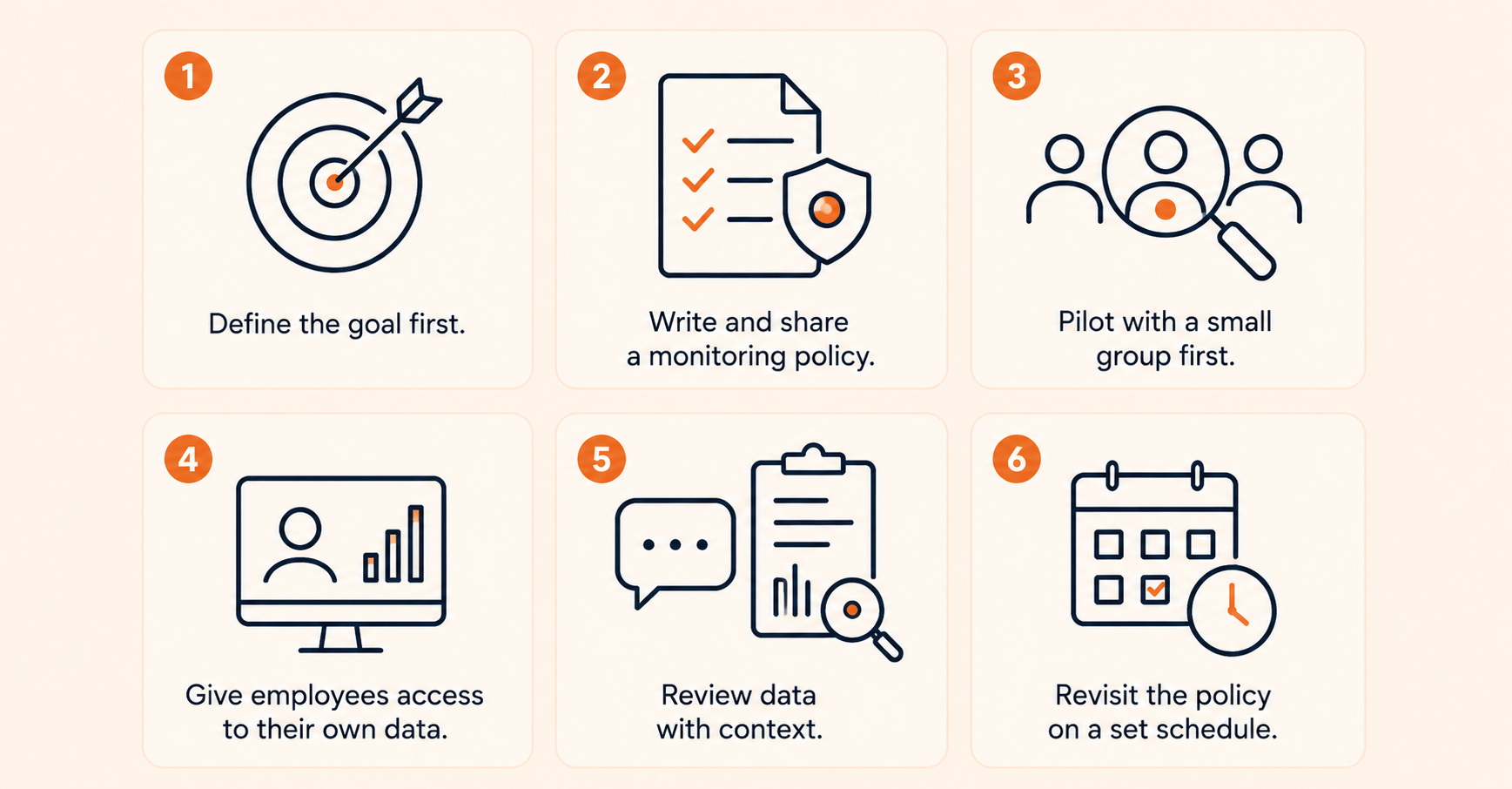
- Define the goal first. Decide if you need workload balance, compliance or billing accuracy before you pick a tool. This choice shapes which features you actually need.
- Write and share a monitoring policy. A clear employee monitoring policy states what is tracked, why and for how long. This removes most trust problems before they start.
- Pilot with a small group first. Test with five to ten people across different roles. Gather feedback. Adjust the plan before you roll it out to everyone.
- Give employees access to their own data. Letting people see their own reports turns monitoring into a tool for self improvement. It stops feeling like a one way mirror.
- Review data with context. A dip in activity could mean disengagement. It could also mean someone is stuck waiting on someone else. Ask before you assume.
- Revisit the policy on a set schedule. Check what you track and why every six to twelve months. Adjust as your team or the rules around you change.
Flowace’s dashboard helps teams apply these practices by highlighting bottlenecks, workload patterns, and productivity trends. It improves visibility across teams while reducing the need for micromanagement.
How Does Flowace Approach Productivity Monitoring?
Flowace approaches productivity monitoring through workforce analytics helping teams understand work patterns and make better decisions. It highlights focus time, workload balance, and task completion trends to give managers clearer insights.
Employees can access their own data, creating more transparency across teams.
G2 reviewers often mention clearer reports and improved workload management as key benefits.
G2 Rating: 4.6/5 based on 137 reviews
See how an enterprise team turned productivity insights into ₹3.33Cr in value
Read Full Case StudyFrequently Asked Questions About Employee Productivity Monitoring
1. Does employee monitoring increase productivity?
Employee monitoring can improve productivity when teams use the data to solve real problems and support better decisions. Clear goals, regular manager follow-ups, and transparent practices help teams achieve stronger results. A focus on tracking idle time alone can reduce morale and trust.
2. What is the difference between employee monitoring and surveillance?
The difference between employee monitoring and surveillance is mainly about transparency, purpose, and scope. Employee monitoring is shared with employees, focuses on work-related activities, and supports productivity goals. Surveillance often involves unclear practices, broader data collection, and can reduce trust when employees do not understand how their data is used.
3. Is employee productivity monitoring legal in India?
Yes, employee productivity monitoring is legal in India. The Information Technology Act, 2000 allows monitoring on company systems. The Digital Personal Data Protection Act, 2023 adds rules on consent, purpose and data retention for any personal data collected during monitoring.
4. How is employee productivity measured?
Employee productivity is measured with formulas that compare output to input. These include task completion rate, utilization rate and output per hour. Hours worked alone do not tell the full story. Context always matters more than the raw number.
5. What does employee productivity monitoring software track?
Most tools track login and logout times, app and website use, task completion and idle time. Some also add screen capture, call monitoring or GPS tracking depending on the role and industry.
6. Does productivity monitoring reduce employee trust?
It can, if no one explains it first or if it gets used to punish rather than support. Toggl’s 2025 Productivity Index found that 70% of leaders admit they are comfortable using surveillance software in a remote work setting. That is why transparency and employee access to their own data matter so much.
7. How do you monitor remote employee productivity?
Remote employee productivity can be monitored by tracking outcomes, task progress, and project completion. Regular check-ins and clear goals help teams stay aligned. Privacy-friendly methods build trust and support better remote work.
8. What is the best way to track employee productivity without micromanaging?
Track outcomes like task completion and utilization rate instead of moment to moment activity. Give employees a view of their own data. Use monitoring insights to start a conversation, not to hand out automatic penalties.