10 Time and Attendance Software Tools Compared in 2026



Published: September 2026 · Last Updated: September 2026 · Last Verified: 29 September 2026
Flowace, Hubstaff, Time Doctor, Teramind, Jibble, ActivTrak, Insightful, DeskTime, Time Champ, and We360.ai are the ten time and attendance software tools compared here on pricing, features, platform support, and monitoring depth. This is for teams that already know they need this kind of software and are comparing options by budget, team size, and tracking needs.
This comparison lists all 10 tools first, then looks closer at what each one offers, where it fits best, and key limits to consider.
Quick Comparison of 10 Time and Attendance Software
This comparison covers all 10 tools by who they suit best, their standout feature, starting price, and whether a free trial exists, so you can shortlist a few before reading the full breakdowns.
| Software | Best Suited for | Standout capability | Starting price (annual) | Free trial | G2 rating |
| Flowace | Teams that want AI time tracking plus complete workforce management platform | AI-powered productivity dashboards | $1.99/user/mo | 7 days | 4.6/5 (143 reviews) |
| Hubstaff | Remote and field teams needing GPS and payroll | GPS tracking, attendance, and payroll | $4.99/seat/mo (2-seat minimum) | 14 days | 4.4/5 (2,311 reviews) |
| Time Doctor | Remote and distributed teams needing attendance and productivity tracking (attendance and scheduling require the Standard plan and above) | Automated attendance, task-level time tracking, and productivity insights | $6.67/user/mo | 14 days | 4.4/5 (497 reviews) |
| Teramind | Organizations needing attendance, employee monitoring, and security controls | Detailed activity monitoring and data loss prevention (Starter tier only covers basic attendance monitoring; keystroke logging and DLP require the UAM and DLP tiers, priced well above the entry rate) | ~$14/seat/mo | 7 days (cloud) and 14 days (on-premise) | 4.6/5 (183 reviews) |
| Jibble | Budget-conscious teams needing simple time and attendance tracking | Free GPS and facial-recognition attendance tracking | Free forever for unlimited users | Free plan | 4.7/5 (653 reviews) |
| Activtrak | Teams that need automatic time tracking, schedule adherence, and productivity insights | Automatic time tracking at entry price; workforce analytics sits on the Workforce Management tier and above | $10/worker/mo | 14 days | 4.3/5 (342 reviews) |
| Insightful | Growing teams that need automated attendance and workforce analytics | Automatic time tracking with attendance and productivity insights | $8/seat/mo | 7 days | 4.6/5 (429 reviews) |
| DeskTime | Remote and hybrid teams needing automatic time and attendance tracking | Automatic time tracking with optional screenshots and productivity monitoring | $4.58/user/mo | 14 days | 4.5/5 (400 reviews) |
| Time Champ | Small businesses and teams wanting affordable time, attendance, and workforce tracking | Automatic attendance with time, productivity, and project budget tracking | ~$2/user/mo | 7 days | 4.8/5 (129 reviews) |
| We360.ai | Teams needing automated attendance and workforce analytics across office, remote, and hybrid work | Automatic attendance with productivity, activity, and workforce analytics | ~$4/user/mo | 7 days | 4.8/5 (510 reviews) |
*Updated on 29 September, 2026
Note: Pricing reflects each vendor’s official pricing at the time of this update. SaaS prices and plans can change, so check the vendor’s current pricing page before choosing a tool. For consistency, Time Champ and We360.ai prices have been converted to USD using an approximate exchange rate of ₹95.78 = US$1 in late September 2026.
What is Time and Attendance Software?
Time and attendance software helps you keep track of when your team starts and ends work. It automatically logs clock-ins, clock-outs, breaks, overtime, and absences, so you don’t have to do it all manually. You can also use it to schedule shifts and manage time-off requests in one place.
It connects with your payroll or HR system. That means everyone gets paid accurately and on time, with less stress and fewer errors. With automatic timesheets, all work hours are recorded in real time, eliminating manual data entry and ensuring payroll accuracy.
In short, it replaces messy spreadsheets and outdated punch cards with simple, automated tracking that keeps everything running smoothly.
Features of Time and Attendance Software
Time and attendance software comes packed with smart features to make your life easier.
- Real-time tracking: Clock-ins and outs are logged instantly—no delays or guesswork.
- Mobile access & geofencing: Let your team clock in from their phones, but only when they’re in the right place.
- Automated timesheets: Hours are tracked and organized for payroll—no manual entry needed.
- Shift scheduling: Create, share, and adjust schedules easily to avoid confusion or understaffing.
- Leave management: Track sick days, vacation time, and approvals in one place.
- Smart alerts: Get notified for late punches, overtime, or missed shifts so you can act fast.
- Clear analytics: See attendance trends and labor costs with reports that help you plan better.
These features save time, cut errors, and give you better control over how your team works. The best time and attendance software gives you what you need and more.
Flowace, for example, checks all the boxes above while adding AI insights.
Benefits of Time and Attendance Software
Using a time and attendance software yields you many benefits:
- Faster, accurate payroll: You get paid for the exact hours you worked. No more manual errors or paycheck issues.
- Stay compliant with labor laws: The system handles rules around breaks, overtime, and local laws, so you don’t have to worry about legal trouble.
- Boost productivity: Managers can spot overwork or gaps in staffing fast and fix them right away.
- Save money: Less time spent on admin. Plus, you cut down on time theft and missed shifts.
- Real-time visibility: You always know who’s working, where, and for how long. Great for planning and decision-making.
- Happier teams: Everyone can see their own schedules and hours. That builds trust and keeps things clear.
How to Choose a Time and Attendance Software for Your Team
Choosing the right time and attendance software comes down to your team’s specific needs. While choosing, consider:
- Ease of Use: The app should be simple. You should be able to clock in or out with just a tap, whether you’re using a phone or a computer.
- Automation: Go for a system that does the heavy lifting. Flowace, for example, starts tracking your time automatically. No need to remember to hit “start.” That way, you avoid missed punches and time theft.
- Smart Reports: Choose a tool that shows more than just attendance. You should be able to spot who’s idle, overworked, or falling behind. The best tools even use AI to alert you when something’s off.
- Compliance & Integrations: Make sure the software follows local labor laws and can be customized for your rules. Bonus points if it connects with your payroll or HR tools.
- Pricing: Check whether the plan has a seat minimum, and whether the price changes on monthly versus annual billing. Flowace, for instance, has no seat minimum and no setup fee, so you only pay for the seats you actually use.
In short, choose a cloud-based system that fits your workflow. Modern teams prefer mobile-friendly, automatic tracking, and data-rich reporting (features championed by Flowace).
Top 10 Best Time and Attendance Software of 2026
1. Flowace
Source: Flowace
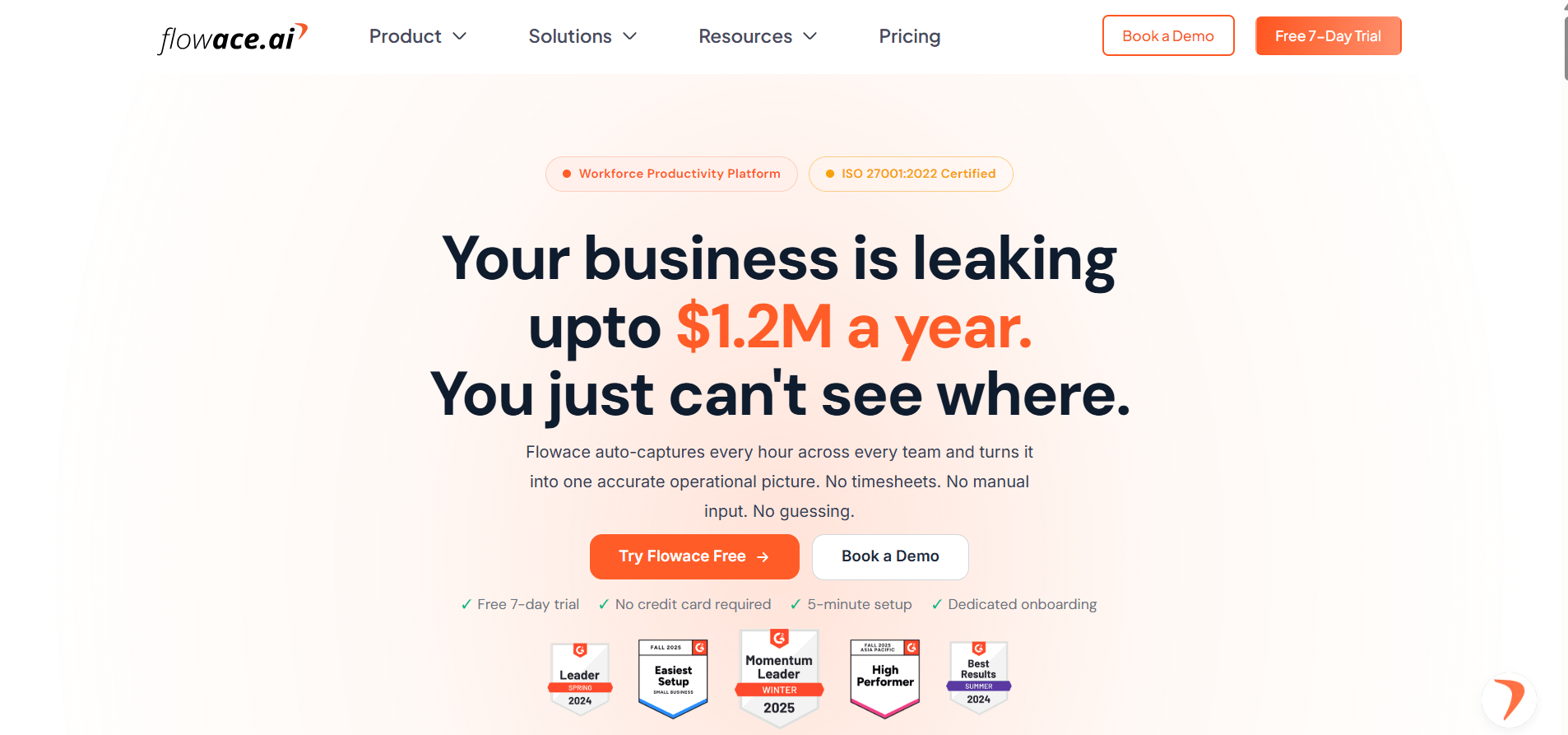
Flowace is a good fit for teams that want to track time, attendance, and productivity in one place. It supports hybrid, remote, and in-office teams, with automatic time tracking across Windows, Mac, Linux, including offline tracking.
Key Features
- Automated clock-in and clock-out: Automatically records work time and fills timesheets based on tracked activity, reducing the need for manual time entries.
- Silent employee time tracking: Tracks work activity in the background so employees do not have to start and stop timers throughout the day.
- Screenshots and activity monitoring: Optional screenshots and app and website tracking help managers understand how work time is being spent.
- Productivity ratings and alerts: Flowace can classify apps and websites based on productivity settings and provide alerts for factors such as idle time or overtime.
- AI-powered dashboards and reports: Dashboards provide data on working hours, project time, productivity, and team activity. Reports can help managers identify work patterns and possible bottlenecks.
- Attendance and leave management: Teams can manage attendance, shifts, and leave alongside time tracking.
- Integrations: Flowace connects with 60+ business tools such as Jira, Salesforce, Azure DevOps, Asana, and more.
Pros
- Automated time and attendance tracking reduces manual timesheet work.
- Supports teams working across office, remote, and hybrid environments.
- Provides optional screenshots and app and website monitoring.
- Includes productivity, workload, and work-life balance insights.
- Offers integrations with common project and business tools.
- No seat minimum or setup fee on the plans where these terms apply.
Pricing
Flowace Basic starts at $1.99/user/month billed annually or $2.99 billed monthly. Standard is $3.99 annually or $4.99 monthly. Premium is $6.98 annually or $10 monthly. Enterprise pricing is custom.
Flowace also offers a 7-day free trial.
G2 Rating
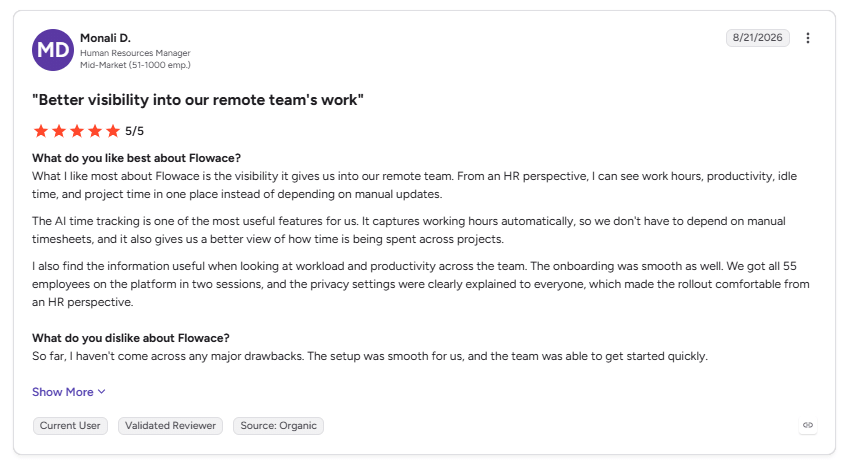
User Rating: 5/5
Image alt text: G2 review praising Flowace for remote team visibility and automatic time tracking, dated August 21, 2026.
“What I like most about Flowace is the visibility it gives us into our remote team. From an HR perspective, I can see work hours, productivity, idle time, and project time in one place instead of depending on manual updates.” (Monali D., Human Resources Manager, G2 review, August 21, 2026)
Track attendance throughout the year without the hassle of manual records.
Get the free Flowace All in One Attendance Workbook2. Hubstaff
Source: Hubstaff
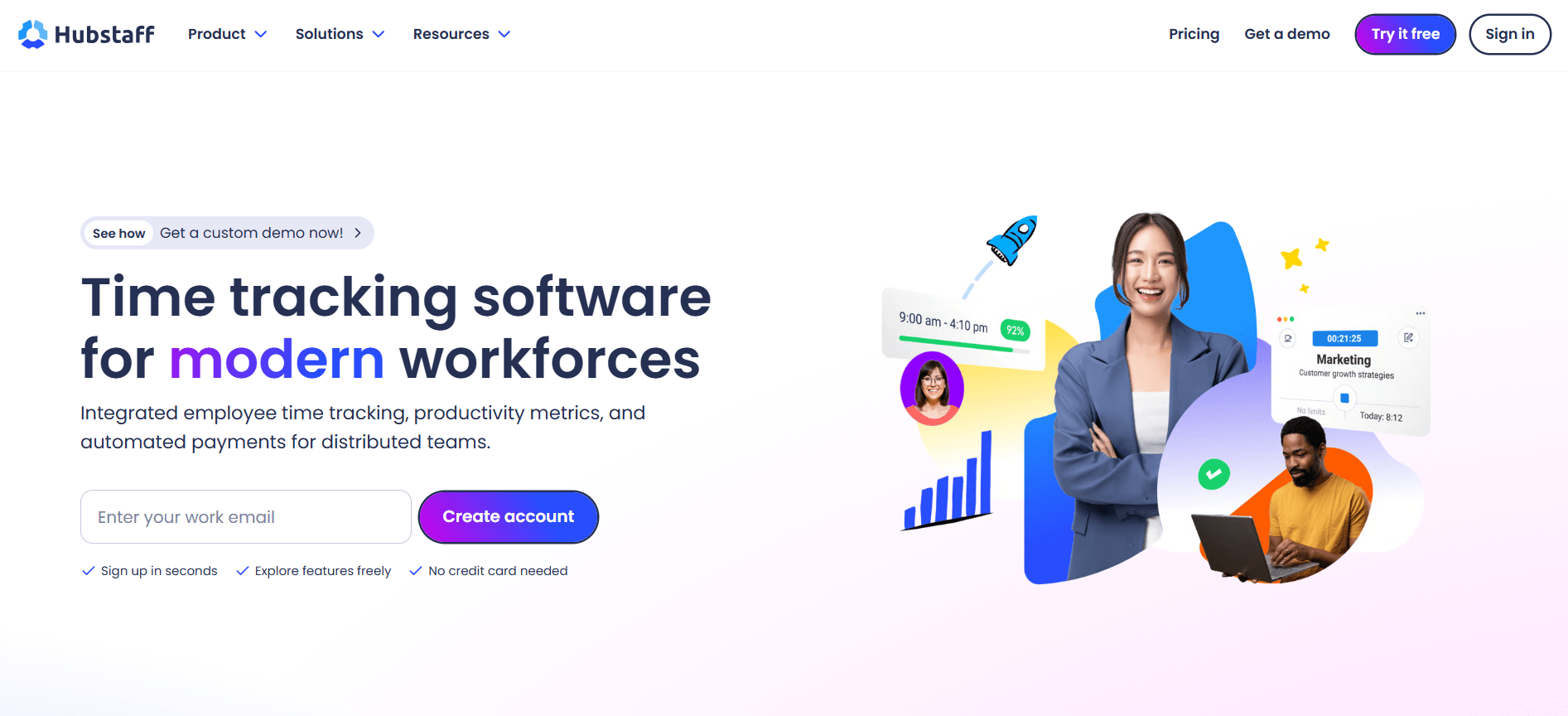
Hubstaff is a good fit for remote and field teams that need time and attendance tracking with GPS, scheduling, and payroll features. It supports time tracking across Windows, Mac, Linux, iOS, Android, and the web, with GPS and geofencing available for field teams.
Key Features
- Time and attendance tracking: Hubstaff tracks work hours, breaks, attendance, PTO, and time off. Teams can use automatic or start-and-stop time tracking and generate timesheets from tracked hours.
- GPS tracking and geofencing: Teams can create geofenced job sites and automate clock-ins and clock-outs when workers enter or leave a set location. This is useful for field and mobile teams.
- Scheduling: Managers can create shifts, track attendance against schedules, and receive alerts for late, missed, or abandoned shifts.
- Payroll and payments: Approved timesheets can feed into payment workflows through providers such as Wise, PayPal, Gusto, and Deel. Hubstaff also supports payroll calculations and exports.
- Productivity monitoring: Hubstaff offers app and URL tracking, activity monitoring, optional screenshots, and productivity reports. The available monitoring features depend on the plan and add-ons.
- Reports and integrations: Hubstaff provides 20+ reports and connects with 35+ tools, including Jira, Asana, Salesforce, QuickBooks, Slack, Gusto, and more.
Pros
- Combines time and attendance tracking with GPS, scheduling, and payroll features.
- Supports remote, office-based, and field teams.
- GPS and geofencing can automate attendance for field workers.
- Generates timesheets from tracked work hours.
- Offers payroll and payment integrations.
- Provides detailed attendance, time, productivity, and workforce reports.
Pricing
Starter runs $4.99 per seat/month on annual billing ($7 monthly), Grow $7.50, Team $10 (monthly $12), and Enterprise $25, all with a 2-seat minimum on paid plans. A 14-day free trial is available, no credit card required, and there is no permanent free plan for teams (a separate one-person free tier exists for solo users only).
For a full breakdown of what each tier includes, check Hubstaff vs Flowace comparison in detail.
G2 Rating
3. Time Doctor
Source: Time Doctor
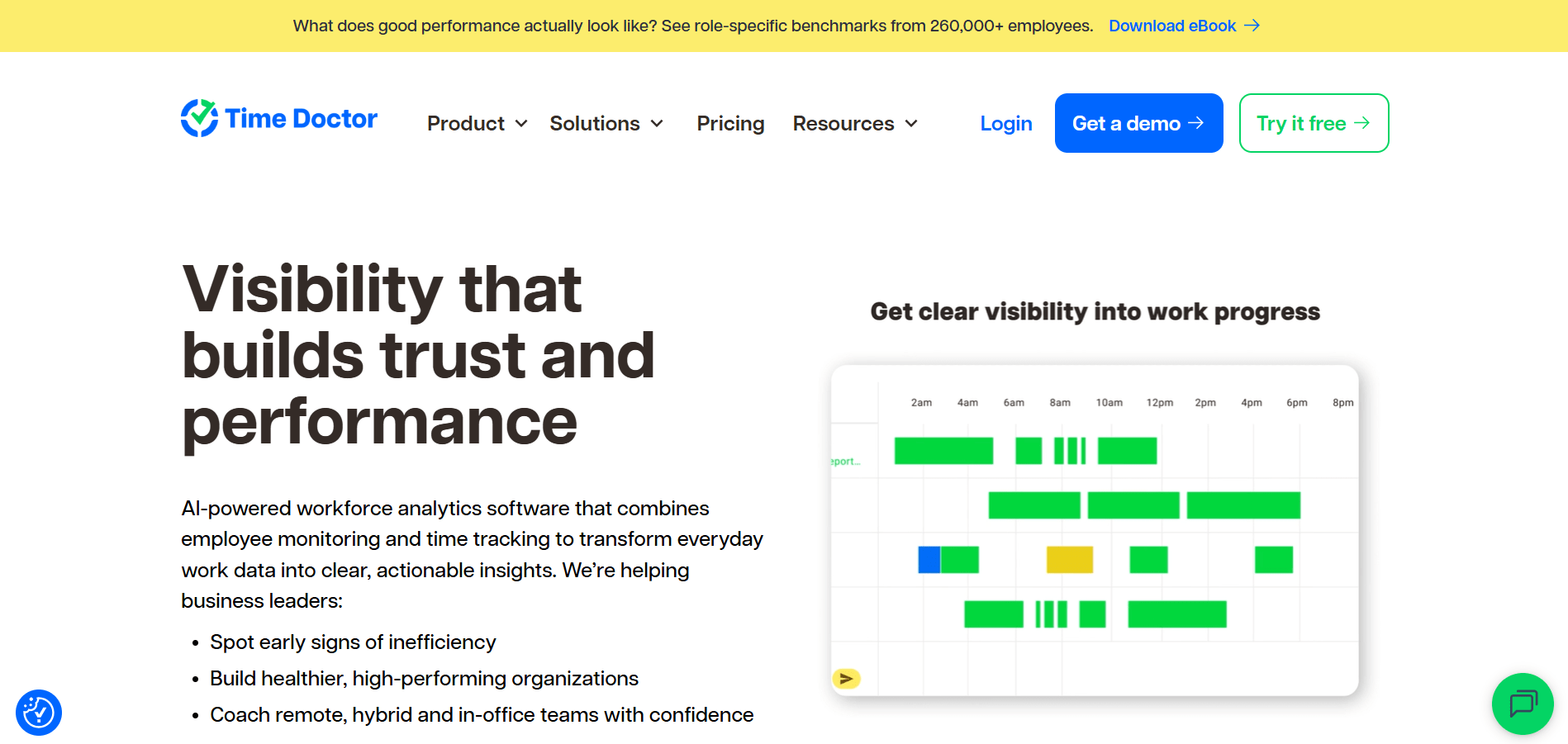
Time Doctor is a good fit for remote and distributed teams that need time, attendance, and productivity tracking in one platform. It tracks work hours, tasks, breaks, and activity across desktop and mobile, with attendance and scheduling features available on the Standard plan and above.
Key Features
- Time and attendance tracking: Time Doctor automatically tracks work hours and attendance, including start and end times, missing hours, breaks, and actual hours worked. Teams can compare scheduled hours with actual work time and review attendance from the dashboard.
- Task and project time tracking: Teams can track time against projects and tasks and view detailed reports showing how work hours are distributed.
- Activity and productivity tracking: Time Doctor provides activity summaries, web and app usage reports, productivity ratings, and idle time tracking to help managers understand how work time is being used.
- Screenshots and work visibility: Optional screenshots provide visual context for tracked work. Time Doctor also supports configurable monitoring settings for screenshots, app and URL tracking, and permissions.
- Scheduling and leave tracking: Standard includes work schedules, attendance, leave tracking, break tracking, and time approvals, making it suitable for teams that need attendance workflows alongside time tracking.
- Payroll and integrations: Time Doctor supports payroll features and connects with 60+ tools. Its platform also supports online and offline tracking across Windows, Mac, Linux, Chrome, and mobile apps.
Pros
- Combines time tracking, attendance, scheduling, and productivity reporting.
- Supports online and offline time tracking.
- Provides task-level time tracking and detailed reports.
- Includes optional screenshots and app and website tracking.
- Supports payroll workflows and 60+ integrations.
- Offers a 14-day free trial with access to Premium features.
Pricing
Time Doctor has four plans, billed annually per user per month. Basic $6.67, Standard $11.67, Premium $16.70 and custom pricing for Enterprise. Paid monthly, the same plans run $8, $14 and $20. There is no permanent free plan, only a 14-day free trial with full features.
If you’re weighing Time Doctor against similar tools, see Flowace’s Time Doctor alternatives roundup.
G2 Rating
Skip manual punch-ins. Track time and attendance automatically with Flowace.
Start a Free Trial4. Teramind
Source: Teramind
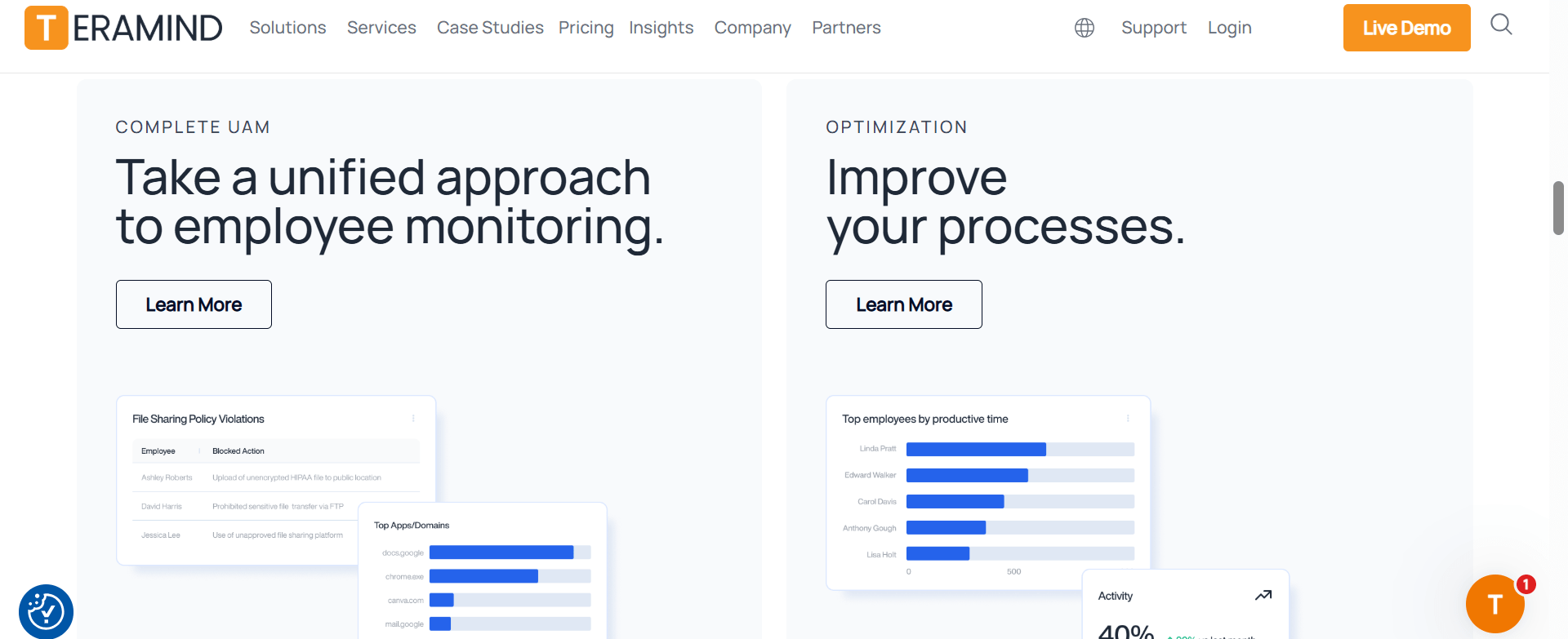
Teramind is a good fit for organizations that need time and attendance tracking alongside employee monitoring, security, and compliance controls. It can track work hours, attendance, active and idle time, schedules, leave, and task activity, while also providing deeper visibility into user behavior and potential security risks.
Key Features
- Time and attendance tracking: Teramind can automatically track work time, clock-ins, active and idle time, late arrivals, absences, and other attendance data. Employees can also log their own hours through the Agent interface.
- Activity monitoring: Teramind tracks applications, websites, user activity, and other digital activity. Teams can use this data to review productivity and investigate unusual behavior.
- Keystroke and screen monitoring: Depending on the plan, Teramind supports keystroke logging, screen recording, live viewing, OCR, and other detailed activity monitoring features.
- Data loss prevention: The DLP plan adds features for detecting and preventing sensitive data transfers, including content-based rules, data protection rules, and automated DLP blocking.
- User behavior analytics: Teramind provides behavior rules, anomaly detection, risk scoring, productivity analysis, and reporting to help teams identify unusual or risky activity.
- Scheduling and leave management: Teramind supports schedules, shifts, breaks, and leave or PTO tracking. Some scheduling and payroll-related capabilities are currently available only through its legacy dashboard.
Pros
- Combines time and attendance tracking with detailed employee monitoring.
- Provides strong security and data loss prevention features.
- Supports activity, productivity, and behavior analytics.
- Offers detailed screen, application, website, and user activity monitoring.
- Supports compliance use cases such as GDPR, HIPAA, and PCI DSS through its security features.
Pricing
Teramind offers Starter, UAM, DLP, and Enterprise & Government plans. Starter costs around $14/seat/month annually or $15 monthly. UAM is approximately $28 annually or $30 monthly, while DLP is approximately $32 annually or $35 monthly. Enterprise & Government pricing is custom. Annual billing saves about 8%.
Its cheapest advertised tier (Starter) doesn’t include keystroke logging or DLP. Those features, the main reason most teams consider Teramind over a lighter tool, sit on the UAM and DLP tiers, priced well above the entry rate.
G2 Rating
5. Jibble
Source: Jibble
Jibble is a good fit for teams that want simple time and attendance tracking without a per-user fee. It supports clock-ins from mobile, desktop, web, shared kiosks, Slack, and Microsoft Teams, with GPS, geofencing, facial recognition, and offline tracking for different work environments.
Key Features
- Time and attendance tracking: Jibble records employee work hours, breaks, overtime, and attendance through digital clock-ins. Entries are automatically organized into timesheets for review and approval.
- Facial recognition: AI facial recognition can verify an employee’s identity when they clock in from supported devices or shared kiosks, helping reduce buddy punching.
- GPS and geofencing: Jibble records the location of clock-ins and can restrict clock-ins to approved locations. This makes it useful for field teams and employees working across multiple sites.
- Offline tracking: Employees can clock in and out without an internet connection. The records sync automatically when the device reconnects.
- Kiosk and shared-device tracking: Teams can turn a shared tablet into a clock-in kiosk. Jibble also supports NFC and QR-based clock-ins for suitable work environments.
- Timesheets and payroll-ready reports: Jibble automatically turns clock-in records into timesheets and supports approvals, pay periods, overtime, leave, and payroll-ready reporting.
Pros
- Free forever for unlimited users.
- Includes GPS and facial recognition for attendance verification.
- Supports mobile, desktop, web, kiosk, and offline clock-ins.
- Useful for office, remote, field, and shift-based teams.
- Automatically creates timesheets from attendance records.
- Supports leave, overtime, approvals, and payroll-ready reports.
Pricing
Jibble is free forever for unlimited users. The free offering includes core time and attendance features, with GPS, facial recognition, timesheets, leave management, and payroll-ready reporting available. Jibble also offers paid plans for teams that need additional workforce management features.
G2 Rating
6. ActivTrak
Source: ActivTrak
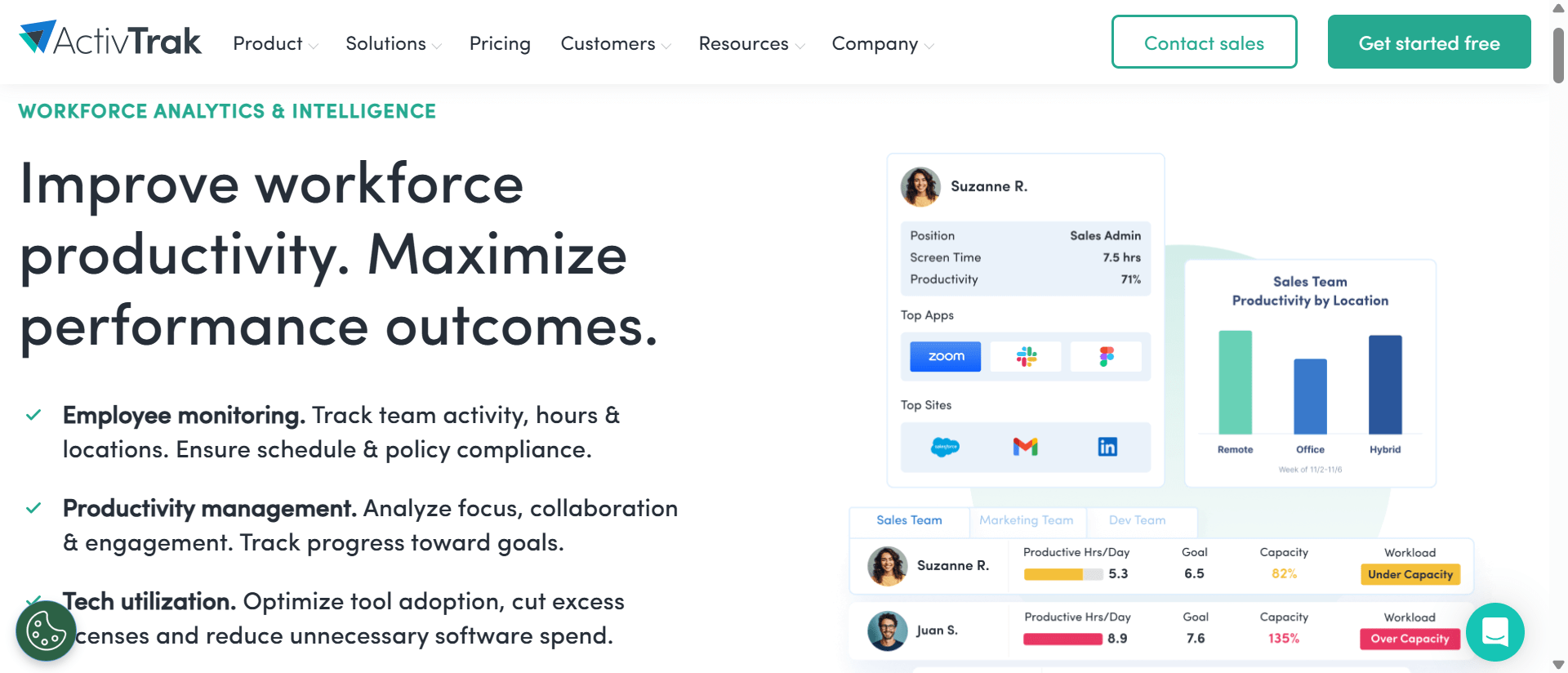
ActivTrak is a good fit for teams that need automatic time tracking, with workforce management and deeper productivity insights available as you move up its plan tiers.
Key Features
- Automatic time tracking: ActivTrak automatically tracks work activity and provides daily work metrics showing when employees start and end their workday.
- Attendance and schedule adherence: Teams can compare actual work hours with planned schedules and review attendance and schedule adherence from centralized dashboards.
- Productivity insights: ActivTrak shows time spent on productive, unproductive, and offline activities. Productivity trends help teams identify changes in work patterns and areas for improvement.
- Workforce management: Higher-tier plans add features for workload balance, productivity by location, workforce utilization, and other workforce analytics.
- Real-time visibility: Managers can see current work activity, including who is working and which applications they are using.
- Privacy-focused monitoring: ActivTrak states that its platform does not use keystroke logging, email monitoring, camera access, personal device monitoring, or video recording. More detailed activity information, including screenshots, is available through the Screen Details add-on on eligible paid plans.
Pros
- Automatic time tracking reduces manual time entry.
- Provides attendance and schedule adherence reporting.
- Offers productivity trends and workforce analytics.
- Supports remote, hybrid, and office-based work environments.
- Uses a privacy-focused approach to employee activity monitoring.
- Provides a free plan for up to three workers.
Pricing
ActivTrak’s Work Activity Tracking plan costs $10 per worker per month. Workforce Management costs $15 per worker per month, while Productivity Optimization costs $17 per worker per month. A Workflow package is also available at $21 per worker per month. ActivTrak currently bills paid plans annually.
G2 Rating
7. Insightful
Source: Insightful
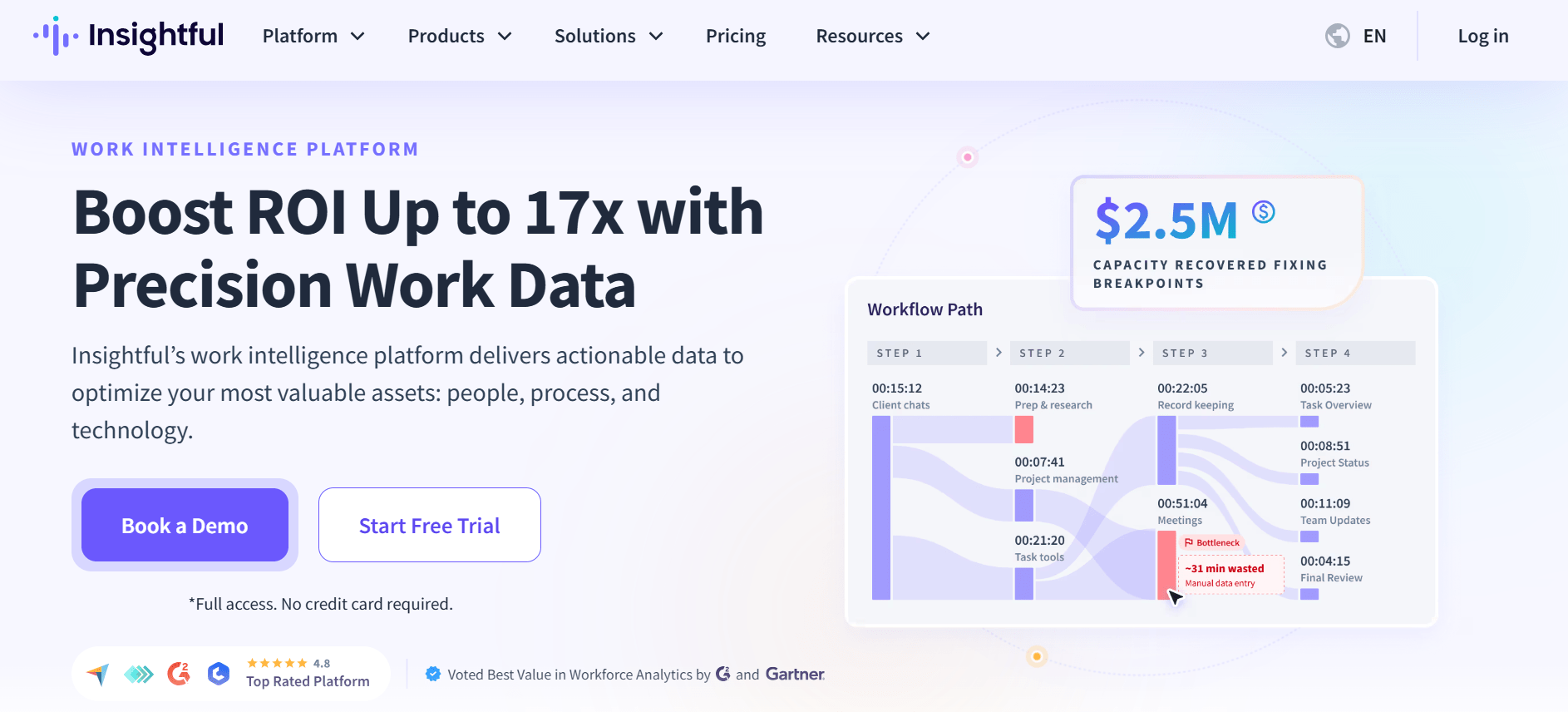
Insightful is a good fit for growing teams that want automated time and attendance tracking with workforce analytics. It captures work time automatically, tracks attendance and breaks, and gives managers visibility into productivity, app and website usage, projects, and team capacity. It supports remote, hybrid, and in-office teams.
Key Features
- Automated time and attendance tracking: Insightful automatically captures clock-in, clock-out, break, and work time. Teams can also allow manual clock-ins and time entries when needed.
- Automatic timesheets: Insightful creates timesheets from computer activity and lets managers review, approve, and export time records.
- Schedule and absence tracking: Teams can create schedules, compare scheduled hours with actual work time, and flag absences when there is no approved time-off record.
- Productivity tracking: Managers can review active and idle time, productivity trends, app and website usage, and activity timelines to understand how work time is being used.
- Project and task tracking: Insightful can track time by project, task, role, work type, location, department, and billable hours.
- Workforce analytics: Workforce Analytics adds capacity analysis, productivity insights, real-time visibility, screenshots, and reporting to help teams understand workload and workforce utilization.
Pros
- Automates time and attendance tracking.
- Generates timesheets from tracked work activity.
- Supports schedules, breaks, and absence tracking.
- Provides productivity and workforce analytics.
- Tracks time by projects, tasks, departments, and work types.
- Supports remote, hybrid, and in-office teams.
- Offers manual time entries when employees need to record work away from their computers.
Pricing
Plans start at $8 per seat/month on annual billing for Workforce Analytics, with Workflow Optimization $12, and a Combo plan bundling both at $16. Enterprise pricing is custom-quoted. A 7-day free trial is available.
G2 Rating
8. DeskTime
Source: Desktime
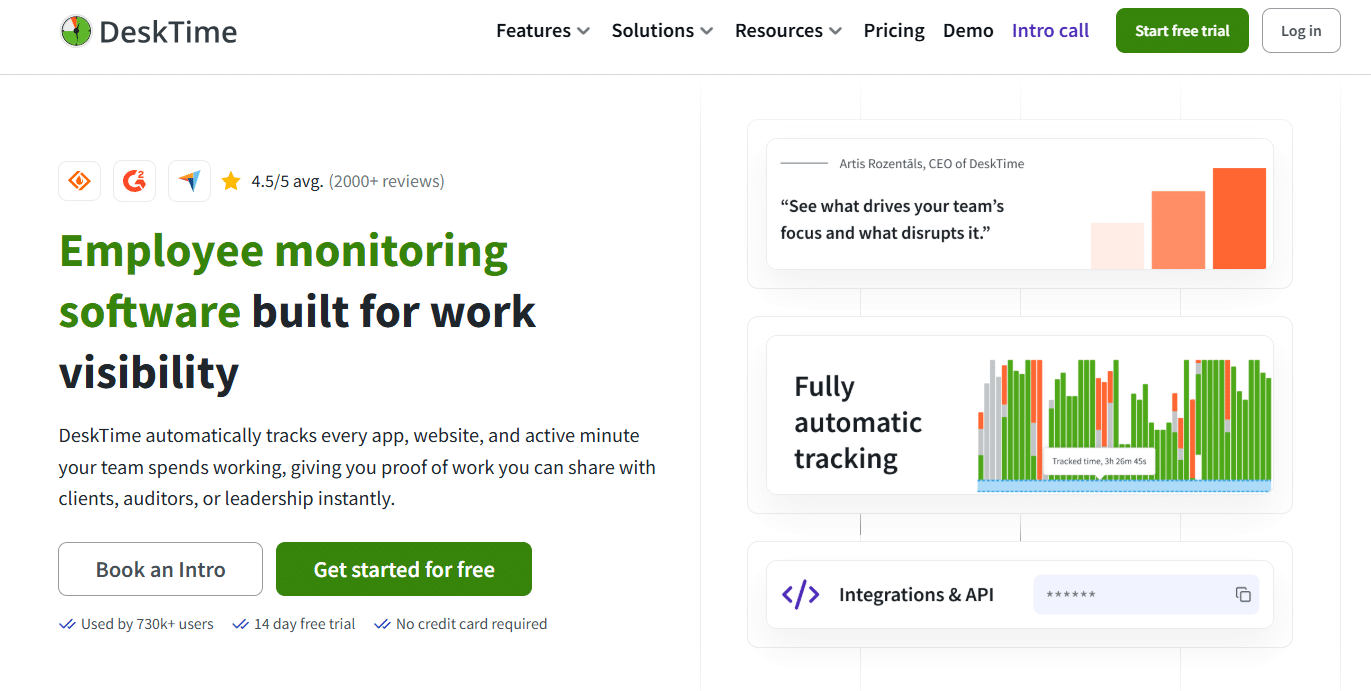
DeskTime is a good fit for teams that want automatic time and attendance tracking combined with productivity monitoring. It supports remote, hybrid, and office-based teams, automatically recording work hours, attendance, idle time, and computer activity without requiring employees to start timers manually.
Key Features
- Automatic time and attendance tracking: DeskTime automatically records when employees start and end their workday, helping teams track attendance and working hours without manual clock-ins or timesheets.
- Silent time tracking: Once installed, DeskTime tracks work activity in the background, recording time spent on computers without employees having to continuously start and stop timers.
- Screenshots and activity monitoring: Optional screenshots, URL and app tracking, and document-title tracking provide visibility into work activity. Screenshots can be configured at intervals and blurred for privacy.
- Productivity calculations and reports: DeskTime analyzes time spent on apps, websites, projects, and other activities to provide productivity calculations, dashboards, and reports.
- Shift and absence management: Higher-tier plans include shift scheduling and an absence calendar, while DeskTime also provides attendance management features for tracking employee availability and absences.
- Remote and hybrid work support: IP-location tracking, automatic attendance records, offline time tracking, and activity monitoring help organizations manage distributed teams alongside office-based employees.
- Integrations: DeskTime provides integrations and API capabilities, including connections with tools such as Google Calendar, Outlook, Jira, Asana, Zapier, and more.
Pros
- Automatically tracks working hours and attendance, reducing manual timesheet work.
- Supports remote, hybrid, and in-office teams.
- Provides optional screenshots and app and website monitoring.
- Includes productivity calculations, dashboards, and reporting.
- Offers shift scheduling and absence management on applicable plans.
- Supports integrations and API connectivity with business and project-management tools.
- Offers a 14-day free trial with no credit card required.
Pricing
DeskTime has three plans, billed annually per user per month. Pro costs $4.58 per user /month, Premium costs $6.42 per user per month, and Enterprise is custom-quoted for larger organizations. A 14-day free trial is available.
G2 Rating
9. Time Champ
Source: Time Champ
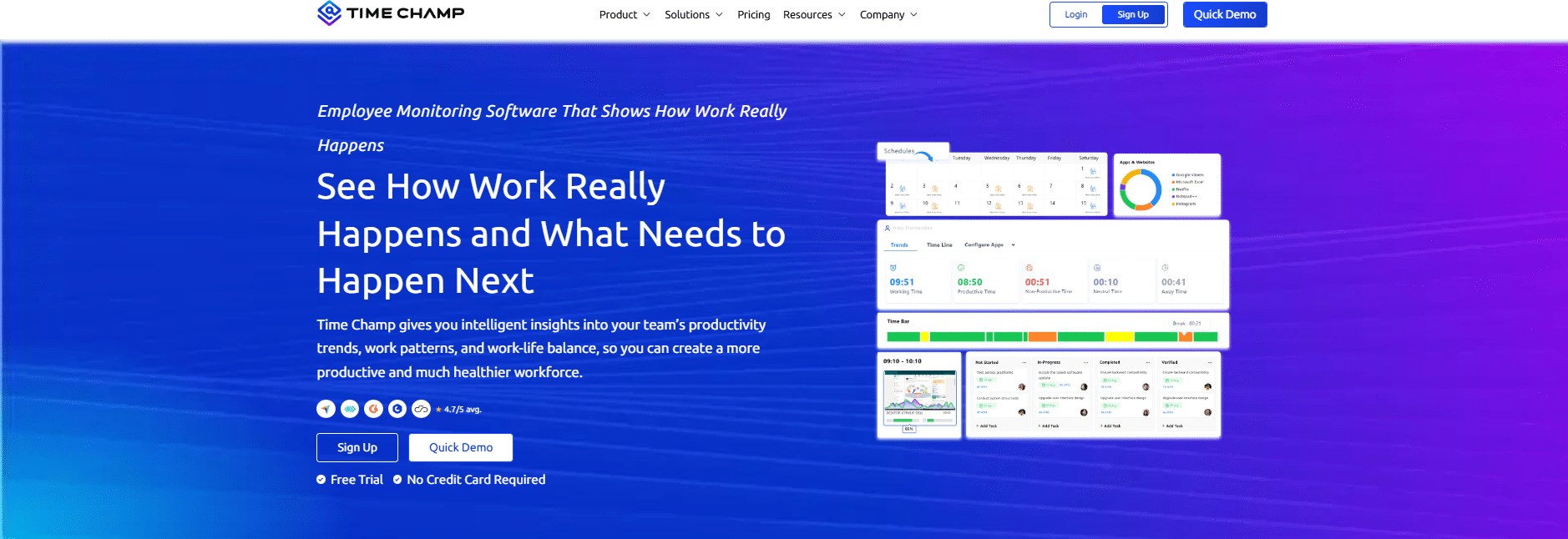
Time Champ is a good fit for small businesses and teams that want affordable time and attendance tracking combined with workforce productivity and project management tools. It supports hybrid, remote, field, and in-office teams, with automatic attendance, time tracking, productivity monitoring, and project-level reporting in one platform.
Key Features
- Automatic attendance tracking: It can automatically record attendance and monitor punch-ins, punch-outs, breaks, and shifts, reducing the need for manual attendance records. Its Starter plan includes automatic attendance as a core feature.
- Automatic time tracking: It tracks time across apps, projects, and tasks, including online and offline work, and can generate timesheets from tracked activity.
- Productivity and activity monitoring: The platform tracks application and website usage, activity levels, idle time, and productivity classifications to give managers visibility into how work time is being spent.
- Screenshots and employee monitoring: Time Champ provides screenshot monitoring, screen monitoring, activity logs, and screen recording. Screenshot controls and additional monitoring capabilities are available on higher-tier plans.
- Project and budget tracking: Teams can set project budgets based on hours or costs, monitor actual usage, and receive alerts as projects approach budget thresholds. This makes Time Champ useful for teams that need to connect employee hours with project costs and utilization.
- Timesheets and reporting: Time Champ generates timesheets and reports covering employee hours, projects, tasks, utilization, attendance, and productivity. Timesheets can also be reviewed and approved for payroll or project purposes.
- Shift management: The platform supports shift configuration and, on applicable plans, multiple shifts, time zones, and attendance-related reports.
- Location and field tracking: For field teams, Time Champ offers mobile tracking, GPS-based time tracking, geofencing, live location tracking, and geofenced attendance.
Pros
- Automatic attendance tracking reduces manual clock-in and attendance work.
- Combines time tracking, attendance, productivity, and workforce monitoring.
- Supports online and offline time tracking.
- Provides project budget and cost tracking alongside employee hours.
- Offers timesheets, attendance reports, productivity reports, and project reports.
- Supports remote, hybrid, office, and field teams.
- Provides GPS and geofenced attendance features for applicable field-work use cases.
Pricing
Time Champ has three plans: Starter, Professional, and Enterprise, billed annually per user per month. Starter plan costs approximately $2, Professional costs around $3 and Enterprise tier costs at $6. A 7-day free trial is available.
Get a closer look at Time Champ vs Flowace pricing and features side by side.
G2 Rating
10. We360.ai
Source: We360.ai
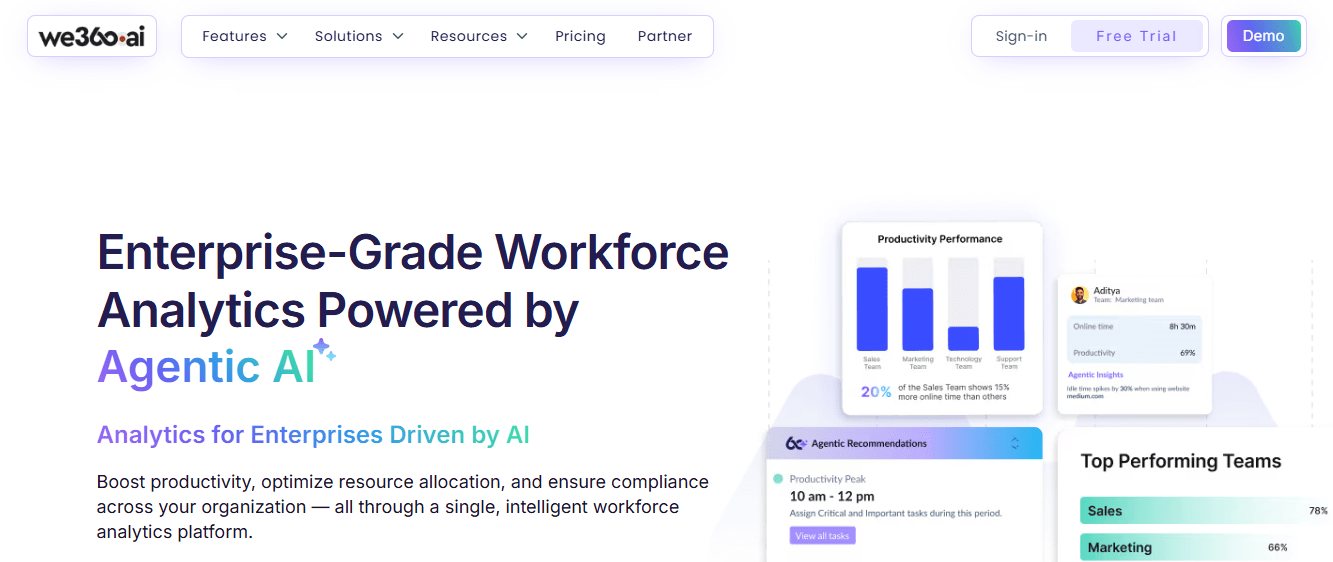
We360.ai is a good fit for teams that want automated attendance tracking combined with workforce analytics and productivity monitoring. It supports office, remote, hybrid, and field teams, automatically capturing attendance, working hours, breaks, punctuality, and activity from system activity rather than relying solely on traditional punch-in systems.
Key Features
- Automatic attendance tracking: We360.ai automatically records attendance signals such as presence, punch-in and punch-out times, working hours, breaks, late arrivals, and attendance status. This reduces the need for manual attendance registers and spreadsheets.
- Shift and attendance management: Teams can configure shifts, working hours, late-arrival thresholds, weekly offs, and different shift policies. The platform provides attendance views for organizations, teams, and individual employees.
- Productivity and activity monitoring: We360.ai tracks active and idle time, application usage, website utilization, and productivity classifications to provide context around how employees spend their working hours.
- Screenshots and live activity: The platform supports screenshot capture and real-time activity views for monitoring work activity. Screenshot frequency varies by plan, with the Enterprise plan supporting up to 60 captures per hour.
- Attendance reports and analytics: Automatic reports provide visibility into attendance, working hours, breaks, punctuality, and productivity. Managers can view company-wide, team-level, and individual attendance information.
- Leave management: We360.ai can track leave and automatically identify full-day and half-day attendance patterns, with leave workflows and statutory leave types available through its HR functionality.
- Field employee tracking: For field teams, We360.ai supports GPS-based attendance, geofenced verification, route tracking, and mobile tracking, allowing organizations to connect attendance with field activity.
- Integrations: We360.ai lists integrations with platforms including Slack, Google, Microsoft Teams, Keka, Salesforce, Zoho, Workday, Jira, GitHub, GreytHR, Asana, Tableau, Power BI, HubSpot, Oracle, Zapier, Trello, Notion, Monday, and more.
Pros
- Automatically captures attendance and working hours from system activity.
- Supports office, remote, hybrid, and field teams.
- Combines attendance with productivity and workforce analytics.
- Provides shift, break, punctuality, and leave tracking.
- Includes application and website usage monitoring.
- Offers screenshots and real-time activity monitoring on applicable plans.
- Provides GPS and geofenced attendance for field teams.
- Offers integrations with HR, productivity, project-management, and business tools.
Pricing
We360.ai has three plans, billed annually per user per month. Pro costs around $4, Pro + AI around $6 and a custom-quoted Enterprise tier for larger organizations. A 7-day free trial is available.
For a side-by-side look at every plan, read our We360.ai vs. Flowace comparison.
G2 Rating
Trends in Time and Attendance Software for 2026
Technology and work styles are evolving. Today, the biggest trends shaping time and attendance software are:
- Remote & Hybrid Ready: You need tools that work from anywhere. The best systems let your team clock in from mobile apps, whether at home, in-office, or on the go.
- Mobile Self-Service: Let your team handle their own timecards, time-off requests, and schedules right from their phones. It saves you (and HR) time.
- All-in-One Integration: Choose tools that sync with your payroll and HR software. This cuts out manual entry and keeps everything running smoothly.
- Smart Scheduling with AI: AI now helps you plan shifts, predict workload, and catch issues like rising overtime before they become a problem.
- Real-Time Workforce Insights: You get dashboards that show who’s working, who’s overloaded, and where time is being spent. It’s like having a bird’s-eye view of your team.
- Built-In Compliance & Security: Good tools help you follow labor laws automatically and flag anything unusual, and no surprises at payroll time.
- Hands-Free Clock-ins: Wearables like smartwatches or RFID tags let your team clock in without stopping their flow, which is great for healthcare or fieldwork.
- Voice Control & Chat Bots: Newer tools let your team clock in or request time off just by talking to their phone or using a simple chatbot.
- Cloud-Based & Scalable: Everything lives in the cloud. You can grow your team, add users, or access data from anywhere.
Why Flowace Stands Out as a Time and Attendance Software
Flowace stands out by bringing automatic attendance, time tracking, productivity insights, and workforce management into one platform.
It works across remote, hybrid, and in-office teams, with attendance starting automatically when a laptop opens. That makes it a strong option for businesses that want less manual timekeeping and a clearer view of how work hours are being used.
1. No Manual Timers
Flowace tracks work time automatically in the background, so employees do not need to start and stop timers throughout the day. Its desktop app records work activity and builds timesheets from tracked time across apps, websites, projects, and tasks.
2. Time and Attendance in One Place
Flowace combines attendance with time and productivity tracking. It can automatically record login and logout times, track scheduled versus actual working hours, and support shifts and leave management. This gives managers one place to review attendance, hours worked, and team activity.
3. Built for Growing Teams
Flowace offers plans for small teams through enterprise organizations, with no separate seat minimum listed on its current pricing page. The Basic plan starts at $1.99 per user per month when billed annually, while Standard and Premium add deeper productivity, reporting, integration, and workforce management features.
4. Useful Productivity Insights
Flowace goes beyond recording hours. Teams can track app and website usage, set productivity ratings, review detailed activity logs, and use dashboards and reports to understand where work time goes. Managers can also create alerts for events such as late starts, low output, or burnout risk.
5. Flexible Monitoring
Flowace supports both silent and interactive tracking, allowing organizations to choose how employees interact with the system. Optional screenshots can be used for quality checks, compliance, or client reporting. Flowace does not capture keystrokes. It measures keyboard and mouse input frequency.
6. Integrations and Workforce Management
The Standard plan includes 60+ integrations, along with shifts and leave management, productivity dashboards, raw activity logs, and custom alerts. Premium adds features such as SSO, public API access, automatic user provisioning, multi-monitor screenshots, and a dedicated success manager.
7. Measurable Customer Results
AM2PM, a 96-agent BPO, co-founder Ankit Kapoor says Flowace helped uncover 6,000 idle hours and raise activity rates from 75.1% to 84.9%. Read the full story in Flowace’s idle-time tracking software article, which includes the AM2PM case study.
For businesses that want automatic attendance without manual check-ins, Flowace provides a combination of attendance tracking, automatic time capture, productivity reporting, workforce insights, and optional monitoring in one platform.
Make every hour more accountable with Flowace
Start a Free TrialFrequently Asked Questions About Best Time and Attendance Software
1. What should you look for in time and attendance software?
You should look for automatic time tracking, accurate attendance records, payroll or HR integrations, mobile access, and clear reporting. Also check whether the software supports your work setup, such as remote, hybrid, office, or field teams. Flowace runs on Windows, Mac, and Linux. It has no mobile app, so it suits computer-based teams rather than field or kiosk clock-ins.
2. How does time and attendance software work?
Time and attendance software records when employees start work, stop work, take breaks, and complete their shifts. Depending on the tool, employees can clock in manually or the software can track time automatically through a desktop or mobile app. The system then turns this data into timesheets, attendance reports, payroll data, and, in some tools, productivity reports.
3. How much does time and attendance software cost?
Time and attendance software can cost anywhere from free to approx $14 per user per month, depending on the features and plan. Prices can also change based on annual billing, team size, screenshots, GPS tracking, payroll integrations, and other add-ons. Always check for minimum seat requirements and extra fees before choosing a plan.
4. Is time and attendance software useful for remote teams?
Yes, time and attendance software is useful for remote teams because it records work hours, attendance, breaks, and time off without relying on manual timesheets. Managers can use the data to support payroll, scheduling, and workload planning.
5. Which tools can help HR track attendance and time off while also monitoring productivity?
Flowace and Hubstaff help HR manage attendance, time off, and productivity in one place. DeskTime also combines attendance tracking with productivity features, while Jibble focuses mainly on attendance and clock-ins without deeper productivity monitoring. Teramind offers the most detailed employee activity monitoring, including keystroke logging, while ActivTrak takes a lighter, privacy-focused approach to productivity insights, with no keystroke logging or video capture. Choose based on whether your priority is HR management, productivity tracking, activity visibility, or how much monitoring depth (or privacy) matters to your team.
6. What software can show me attendance, idle time, and overtime for remote employees in one dashboard?
Flowace, Hubstaff, and Insightful all bring attendance, idle time, and overtime onto a single dashboard, though each weights them differently. Flowace leans hardest into idle time and activity patterns alongside attendance, Hubstaff adds GPS and payroll on top of the same three metrics, and Insightful focuses more on time mapped by department. For a fully remote team, look for a tool that flags idle time on its own, since screenshots alone won’t tell you that overtime is quietly building up.