Best Employee Monitoring Software in US for 2026



Published: September 2026 · Last Updated: September 2026 · Last Verified: September 2026
Best employee monitoring software in US helps employers track work time, app and website activity, attendance, and, in some tools, security activity.
We compared 9 of the best options for US teams based on features, US pricing, deployment, G2 ratings, and state notice rules. Flowace, CurrentWare, ActivTrak, and Teramind lead the list, with each suited to different monitoring needs. The comparison table below gives you the key details at a glance.
Quick Comparison of the Best Employee Monitoring Software for US Teams
The table compares 9 employee monitoring tools by best use, starting price, deployment, G2 rating, and free trial options.
|
Tool |
Best For | Starting Price | Deployment | Free Trial |
G2 Rating |
| Flowace | Workforce visibility and productivity signals |
$1.99/user/mo |
Cloud | Yes, 7 Days |
4.6/5 (143 reviews) |
| CurrentWare | On-premises deployment and endpoint control |
$6/user/mo |
On-premises or cloud | Yes, 14 Days |
4.6/5 (43 reviews) |
| ActivTrak | Workforce analytics without screenshots by default |
$10 worker/mo |
Cloud | Yes, 14 Days |
4.3/5 (341 reviews) |
| Teramind | Insider threat detection and data loss prevention |
~$14/seat/mo |
On-premises or cloud | Yes, 7 Days |
4.6/5 (182 reviews) |
| Hubstaff | GPS time tracking for field and remote teams |
$4.99/seat/mo |
Cloud, mobile GPS | Yes, 14 Days |
4.4/5 (2,316 reviews) |
| Insightful | All-in-one monitoring, attendance, and project budgeting |
$8/seat/mo |
Cloud | Yes, 7 Days |
4.6/5 (419 reviews) |
| DeskTime | Automatic time tracking without keystroke logging |
$6.42/user/mo |
Cloud | Yes, 14 Days |
4.5/5 (400 reviews) |
| Veriato | Behavioral risk scoring for regulated industries |
$18/user/mo |
On-premises or cloud | Yes, 7 Days |
4.3/5 (40 reviews) |
| Monitask | Budget screenshots and activity tracking for small teams |
$6.49/mo/user |
Cloud | Yes, 10 Days |
4.8/5 (101 reviews) |
*Updated on 4 September, 2026
Is Employee Monitoring Software Legal in the US?
Yes, employee monitoring software is generally legal in the US, but employers must follow federal and state privacy rules. The rules can depend on what you monitor, why you monitor it, what device or system you monitor, and where the employee works.
The federal Electronic Communications Privacy Act (ECPA) sets important rules around the interception and monitoring of electronic communications. Other federal and state laws can also apply, so owning the device does not give an employer unlimited monitoring rights.
Some states have specific employee monitoring notice laws. Connecticut, Delaware, and New York have laws that require employers to notify employees about certain types of electronic monitoring. This page covers those three states in the depth a buyer needs before choosing a tool. For every other state, see our full state-by-state breakdown.
This section gives general information, not legal advice. Monitoring rules can change and may depend on your state, workforce, and monitoring methods. Talk to an employment attorney before putting a monitoring program in place.
Do US Employers Have to Tell Employees About Electronic Monitoring?
Some states require employers to give employees notice before certain types of electronic monitoring. Connecticut, Delaware, and New York have specific notice requirements.
- Connecticut makes employers give written notice before they monitor, and post that notice where staff can see it. This is Conn. Gen. Stat. Section 31-48d, amended by Public Act 26-73, effective October 1, 2026, which requires employers to name the specific workplace locations where monitoring occurs, post notice at those locations, and give employees hired on or after that date a plain-language statement of what may be monitored without prior notice. Fines run from $500 to $3,000 per violation.
- Delaware gives employers two options. Send a notice each time staff log into a monitored system, or send one written notice up front and get a signed acknowledgment. This falls under Delaware Code, Title 19, Section 705.
- New York requires written notice when someone is hired, a posted notice in the workplace, and a signed or electronic acknowledgment. New York’s rule, Civil Rights Law Section 52-c, took effect May 7, 2022.
What should employers do?
Tell employees what you monitor, why you monitor it, and how the monitoring works. Keep a clear monitoring policy and check the rules that apply in every state where your employees work.
If you have employees in Connecticut, Delaware, or New York, pay particular attention to the notice rules for that state. Because these laws can change, review your policy with qualified legal counsel before deploying monitoring software.
Is California’s AB 1221 Workplace Surveillance Law in Effect?
No. California AB 1221 is not currently law. The bill proposed new rules for workplace monitoring, including 30 days’ notice before an employer introduced certain new monitoring tools. It also included limits on using monitoring data to infer sensitive information about employees, such as religion or immigration status.
The bill did not become law. Do not treat AB 1221 as a current California workplace monitoring requirement. If California passes a similar workplace surveillance law, this section should be updated.
What Should a US Employee Monitoring Policy Include?
A US employee monitoring policy should clearly explain what you monitor, why you monitor it, and how you use the data. A clear policy also helps employees understand what to expect before monitoring begins.
At a minimum, cover:
- What you monitor: Time and attendance, apps and websites, screenshots, location, communications, or security activity.
- Which devices are covered: Company-owned devices only, or personal devices employees use for work.
- Why you monitor: Productivity, payroll, security, compliance, or another specific business reason.
- How long data is kept: State how long monitoring data is stored and who can access it.
- Employee notice: Explain how and when employees will be notified, including any state-specific notice requirements.
- Employee questions: Tell employees who they can contact if they have questions or concerns about monitoring.
Use a free downloadable US Employee Monitoring Policy Template built for employer notice requirements.
Employee Monitoring Policy Template Free DownloadDetailed Review of the 9 Best Employee Monitoring Software in US
Each tool below is scored on the same terms: features, US dollar pricing, deployment model, privacy posture, and current G2 rating.
1. Flowace
Source: Flowace
Best for: Workforce visibility and productivity signals for hybrid and remote US teams.
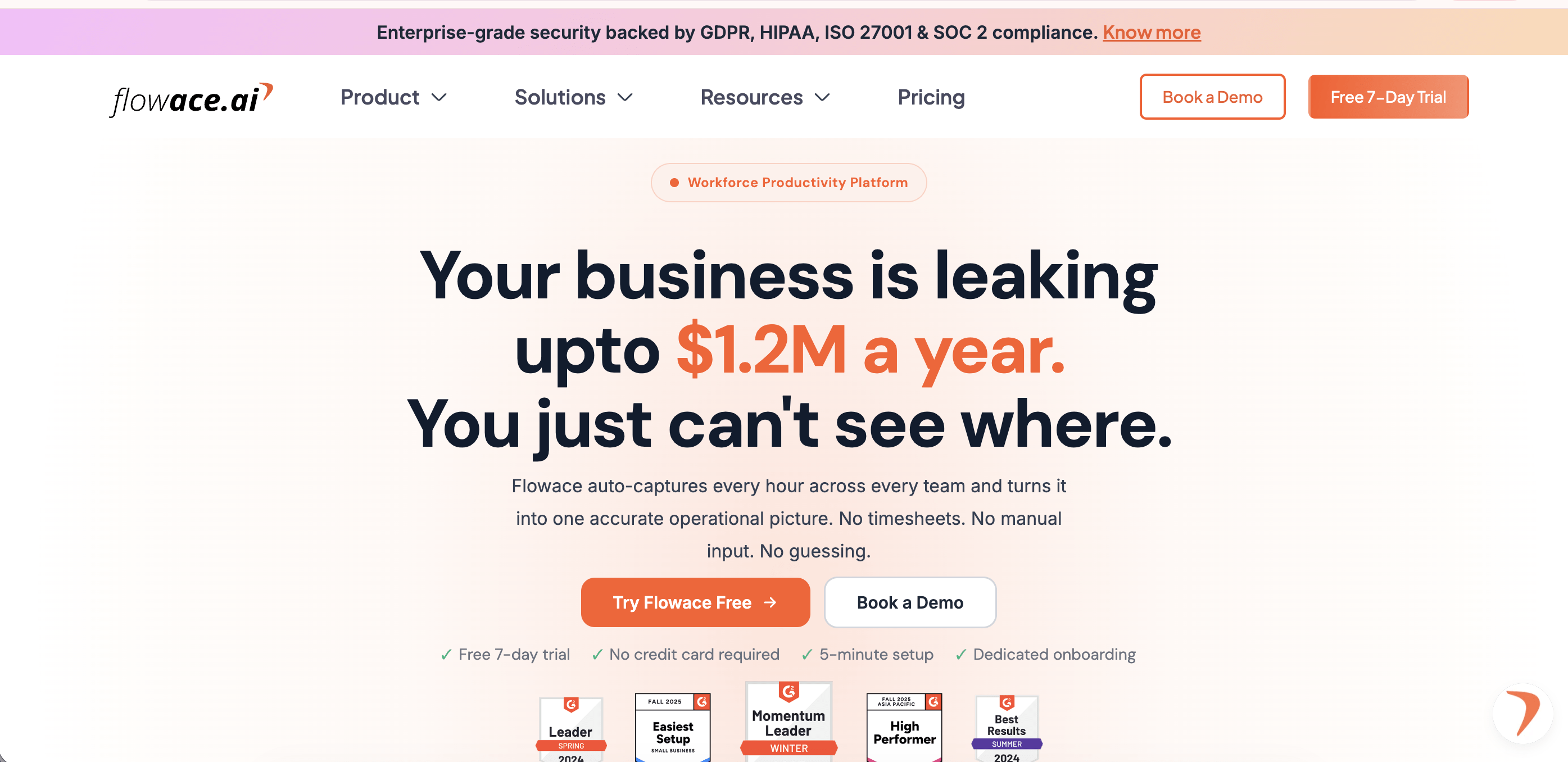
Flowace tracks work hours, app and website activity, and project time on its own. It turns that data into a live dashboard, plus AI alerts for things like missed hours or high idle time. Its Privacy Mode keeps most reports at the team level by default. That matters if you care more about workload patterns than watching individual screens.
Key features
- Automatic time tracking and attendance, no manual timers
- AI alerts for missed hours, high idle time, and unusual activity patterns
- Attendance, leave, and task management in one platform
- Privacy Mode with configurable monitoring settings
- Integrations with Slack, Microsoft Teams, Zoom, Google Calendar, Asana, Jira, Trello, ClickUp, GitHub, and more.
Pricing: Basic Plan at $1.99/user/month, Standard Plan at $3.99/user/month, Premium Plan at $6.98/user/month, billed annually. Custom Enterprise pricing. A 7-day free trial is available without a credit card.
Pros
- Automated attendance and time tracking without manual timers
- AI-driven alerts flag burnout risk and missed hours early
- Broad integration library for existing workplace tools
- Privacy Mode keeps day-to-day reporting at the team level
Cons
- The deepest analytics and monitoring options sit in higher-tier plans
- Teams get the most accurate reports after customizing productivity categories during setup
Ideal for: US HR and operations leaders at SMB to mid-market hybrid teams who want workload and focus data instead of raw activity logs.
G2 Rating: 4.6/5 based on 143 reviews
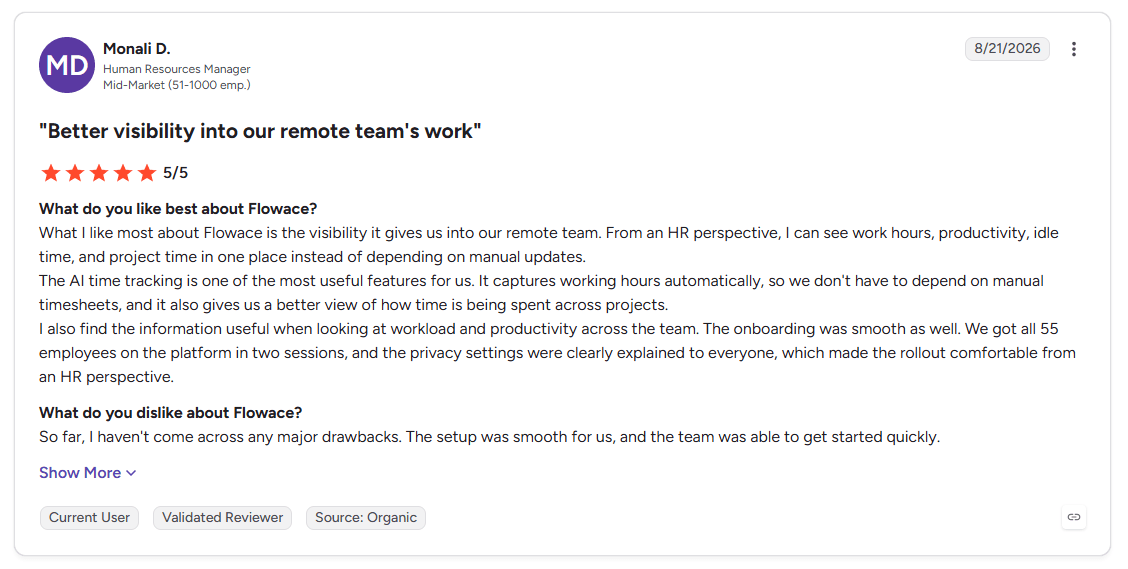
Image alt text: HR manager reviewing Flowace employee monitoring data for a remote team.
The G2 review highlights how Flowace helps HR monitor work hours, productivity, idle time, and project time in one place. It also mentions automatic time tracking and a smooth rollout for a 55-person team.
2. CurrentWare
Source: CurrentWare
Best for: On-premises deployment and endpoint or USB control for regulated US organizations.
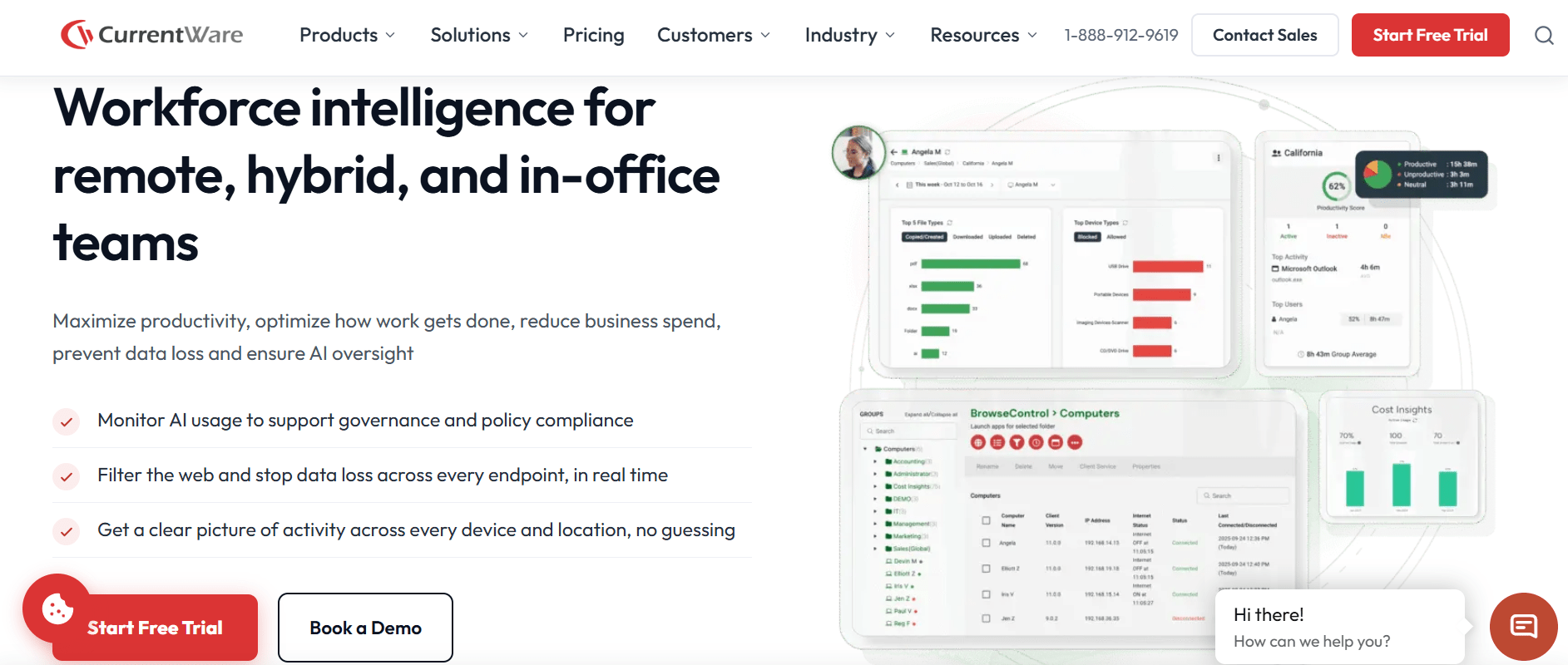
CurrentWare is a modular suite made in Mississauga, Ontario, and sold widely to US businesses. You do not buy one bundled product. You buy the pieces you need. BrowseReporter handles activity monitoring. BrowseControl handles web filtering. AccessPatrol handles USB and device control. And enPowerManager handles remote power management. CurrentWare is also one of the few tools here that still runs on-premises. That matters if your data cannot leave your own network.
Key features
- BrowseReporter: activity, application, and productivity monitoring
- BrowseControl: web filtering and category blocking
- AccessPatrol: USB and removable device control, data loss prevention
- On-premises deployment option alongside cloud
Pricing: $6/user/month for BrowseControl and enPowerManager, and $12/user/month for BrowseReporter and AccessPatrol, on annual billing.
Pros
- Genuine on-premises option when data cannot leave your own network
- Modular pricing means you only pay for the monitoring you actually use
- Strong USB and device control for data loss prevention
Cons
- Full-suite pricing adds up once you need more than one or two modules
- On-premises deployment puts the infrastructure and maintenance on your own IT team
Ideal for: IT and security leaders at regulated US companies, including healthcare, finance, and government contractors, who need monitoring data to stay inside their own network.
G2 Rating: 4.6/5 based on 43 reviews
3. ActivTrak
Source: ActivTrak
Best for: Workforce analytics and productivity benchmarking without screenshots on the base plan.
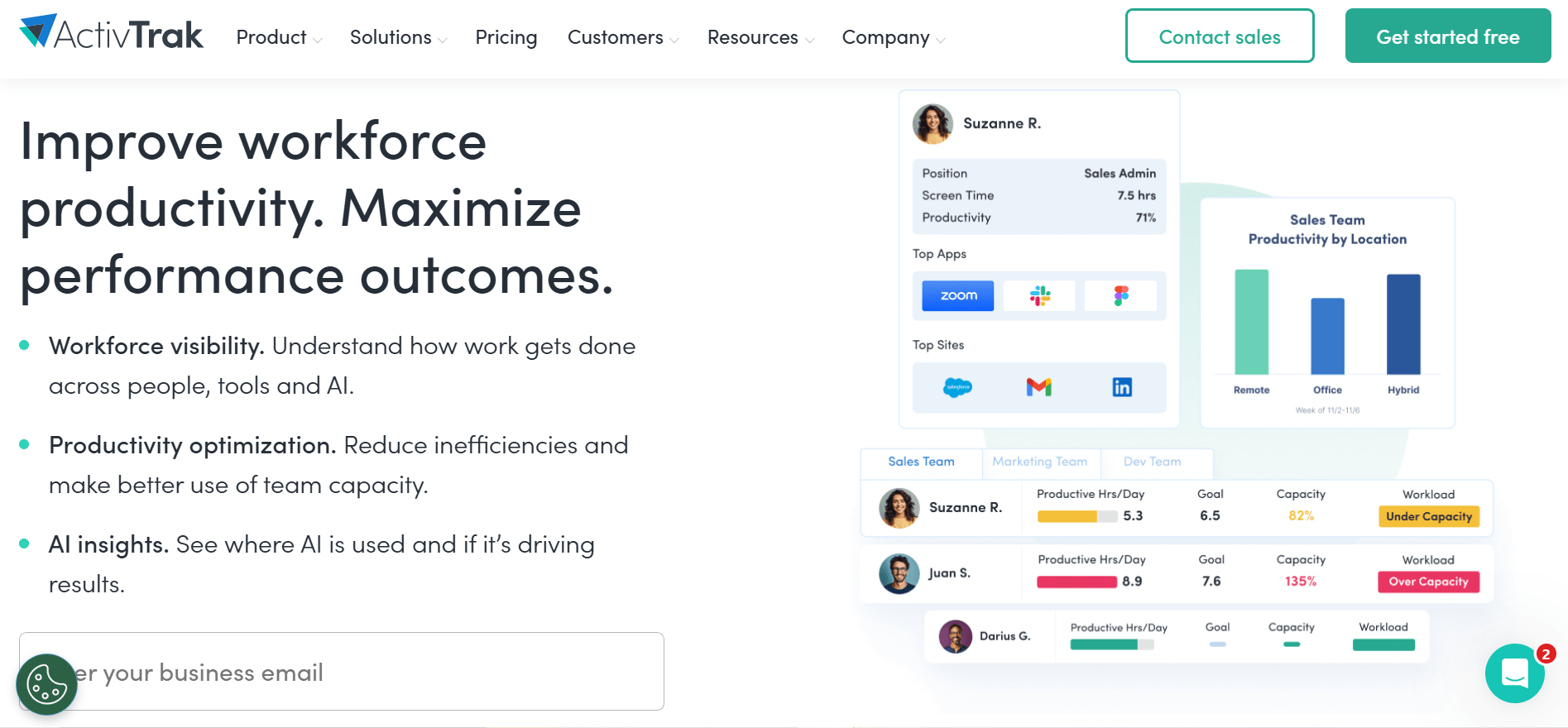
ActivTrak focuses on trends instead of raw footage. Its dashboards sort app and website use into three buckets i.e. productive, unproductive, and neutral. Well-being alerts flag sudden productivity swings that might point to burnout. Screenshots cost extra and are not on by default, so the base plan feels less invasive.
Key features
- Productivity reports and app risk analysis
- Workload balance and well-being alerts
- Productivity Lab benchmarking against team or organizational goals
- Free plan for teams up to 3 users
Pricing: Free for up to 3 users. Paid plans start at about $10 worker/month for Work Activity Tracking, rising to about $17 worker/month for the top Productivity Optimization tier, billed annually.
Pros
- Free plan is a real small-business entry point rather than a limited trial
- Screenshots stay optional rather than default
- Strong benchmarking dashboards for workload trends
Cons
- Deeper optimization features are reserved for the highest tier
Ideal for: Operations leaders who want workforce trend data without turning on screenshots by default.
G2 Rating: 4.3/5 based on 341 reviews
4. Teramind
Source: Teramind
Best for: Insider threat detection and data loss prevention for security-first US teams.
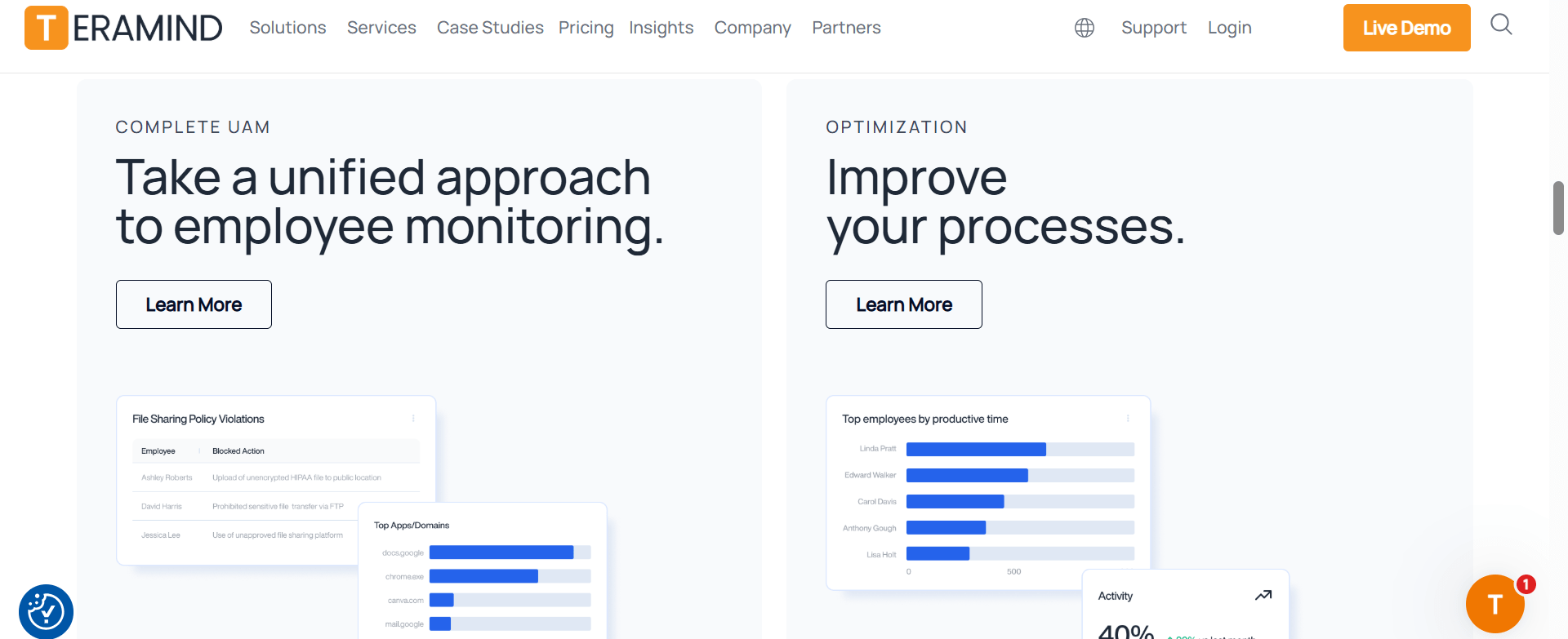
Teramind is built for depth. It offers live screen viewing, session recording, keystroke logging, and a custom policy engine. Security teams can set rules like “alert me if someone opens sensitive files after hours.” It is the most capable tool on this list for stopping data loss. That depth is also its main tradeoff.
Key features
- Live screen view and session recording
- Custom policy engine for rule-based alerts
- Keystroke logging and OCR on-screen content
- File transfer tracking and data loss prevention rules
Pricing: Starter tier from around $14/seat/month, UAM tier around $28/seat/month rising to around $32/seat/month for the DLP tiers, billed annually. Custom Enterprise pricing available on request.
Pros
- Deepest security and data loss prevention feature set in this comparison
- Granular, rule-based alerting instead of one-size-fits-all monitoring
- Available on-premises as well as cloud
Cons
- Setup takes real IT time given how many features are packed in
- Most of that depth goes unused by teams that only want productivity visibility rather than security monitoring
Ideal for: Security and compliance teams in finance, healthcare, or other IP-sensitive industries.
G2 Rating: 4.6/5 based on 182 reviews
5. Hubstaff
Source: Hubstaff
Best for: GPS-verified time tracking for field and remote teams that bill clients hourly.
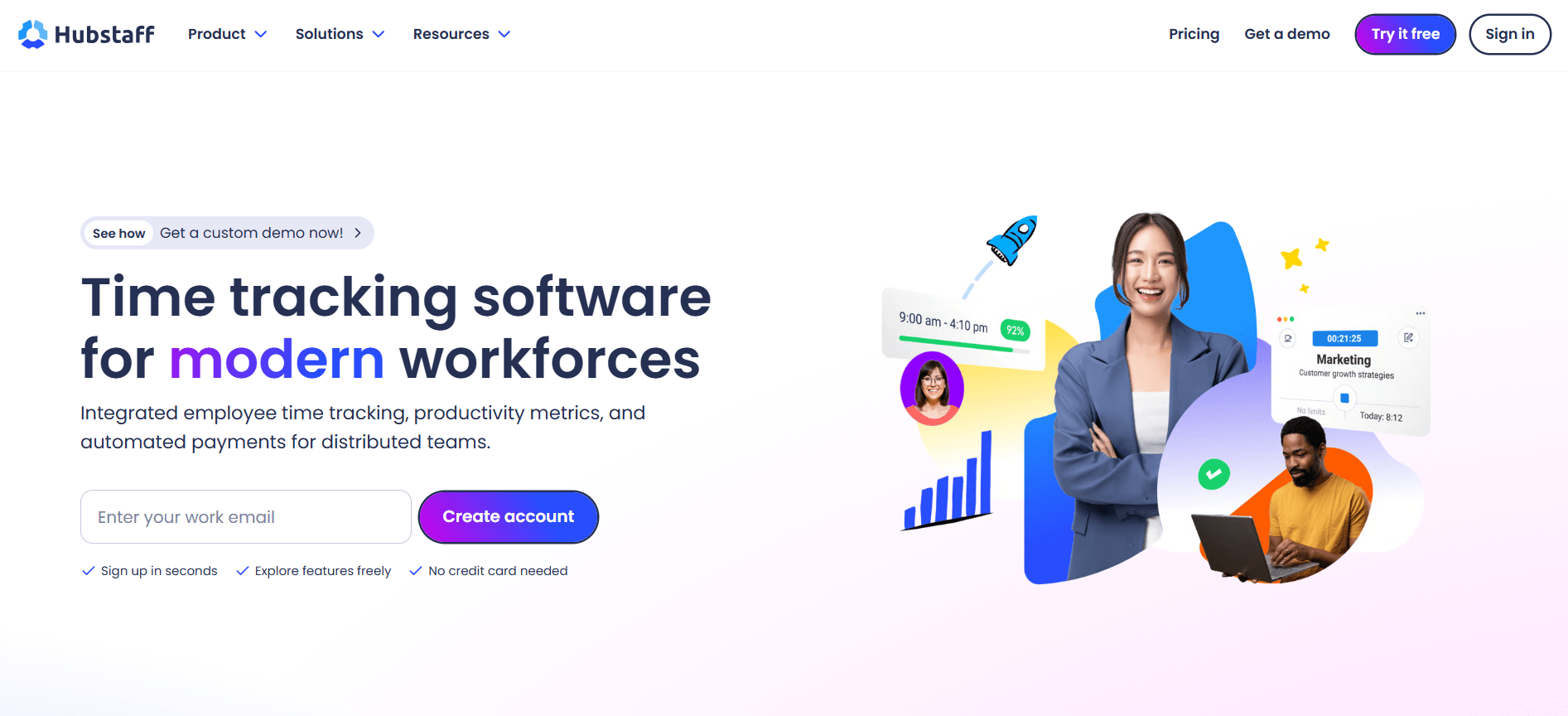
Hubstaff‘s strength is clean, accurate timesheets. GPS tracking and geofencing cover field and delivery teams. Automatic invoicing and QuickBooks syncing make it a common pick for agencies that track billable utilization and bill clients by the hour.
Key features
- GPS tracking and geofencing
- Automated timesheets and invoicing
- Screenshots and activity monitoring, capped by plan tier
- QuickBooks and payroll integrations
Pricing: Starter Plan at $4.99/seat/month (2-seat minimum), Grow Plan at $7.50/seat/month, Team Plan at $10/seat/month, Enterprise Plan at $25/seat/month, billed annually. A 14-day free trial is available on most plans.
Pros
- Clean, accurate timesheets built for client billing
- GPS and geofencing genuinely help field service and delivery teams
- Deep payroll and accounting integrations
Cons
- Location tracking can be unreliable indoors
- Idle-time detection can misread work that does not involve typing, like reading or planning
- Tracking pauses when the internet drops, which is a real problem for field teams
Ideal for: Agencies, field service companies, and consulting firms that need accurate time logs for billing and payroll.
G2 Rating: 4.4/5 based on 2,316 reviews
6. Insightful
Source: Insightful
Best for: An all-in-one manager console bundling monitoring, attendance, and project budgeting.
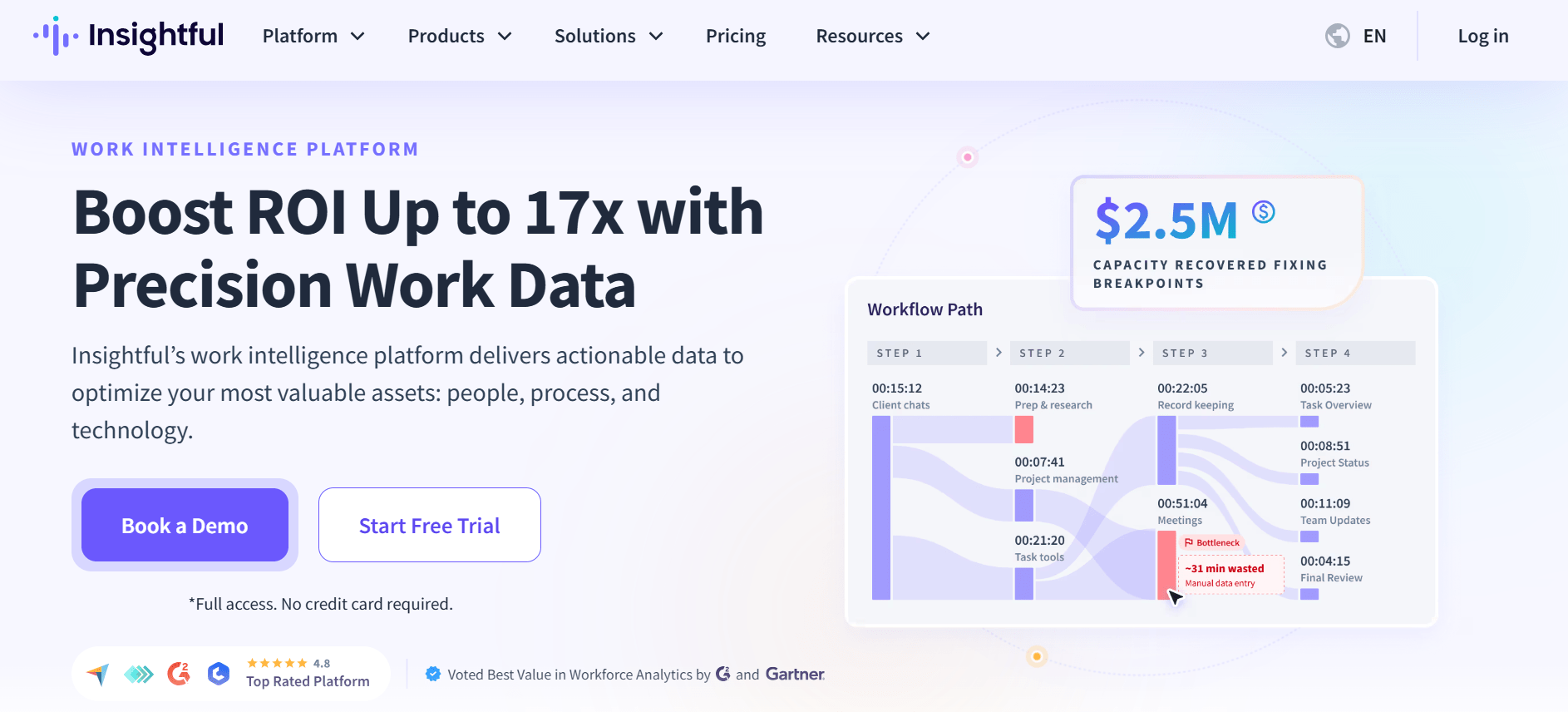
Insightful, formerly called Workpuls, packs real-time monitoring, screenshots, attendance tracking, and project budgeting into one console. That appeals to teams trying to cut down on separate tools. It also has a stealth mode option. Tell your team about it before it goes live.
Key features
- Real-time monitoring and screenshots
- Attendance tracking and project budgeting
- Stealth mode (optional, silent monitoring)
Pricing: The paid plans have four tiers, starting with Workforce Analytics at $8/seat/month, followed by Workforce Optimization at $12/seat/month and the Combo Plan at $16/seat/month. Custom Enterprise pricing is available on request. The company also offers two newer plans, the Hyperscaler Plan and Work Intelligence Plan, with pricing available by contacting sales.
Pros
- Connects time tracking directly to project profitability
- Broad feature set in a single console instead of three separate tools
Cons
- Stealth mode and continuous screen monitoring raise real transparency questions
- Needs a careful, well-communicated rollout to avoid eroding employee trust
Ideal for: Managers who want one tool for time tracking, attendance, and monitoring instead of stitching several together.
G2 Rating: 4.6/5 based on 419 reviews
7. DeskTime
Source: DeskTime
Best for: Lightweight, automatic time tracking without mandatory screenshots or keystroke logging.
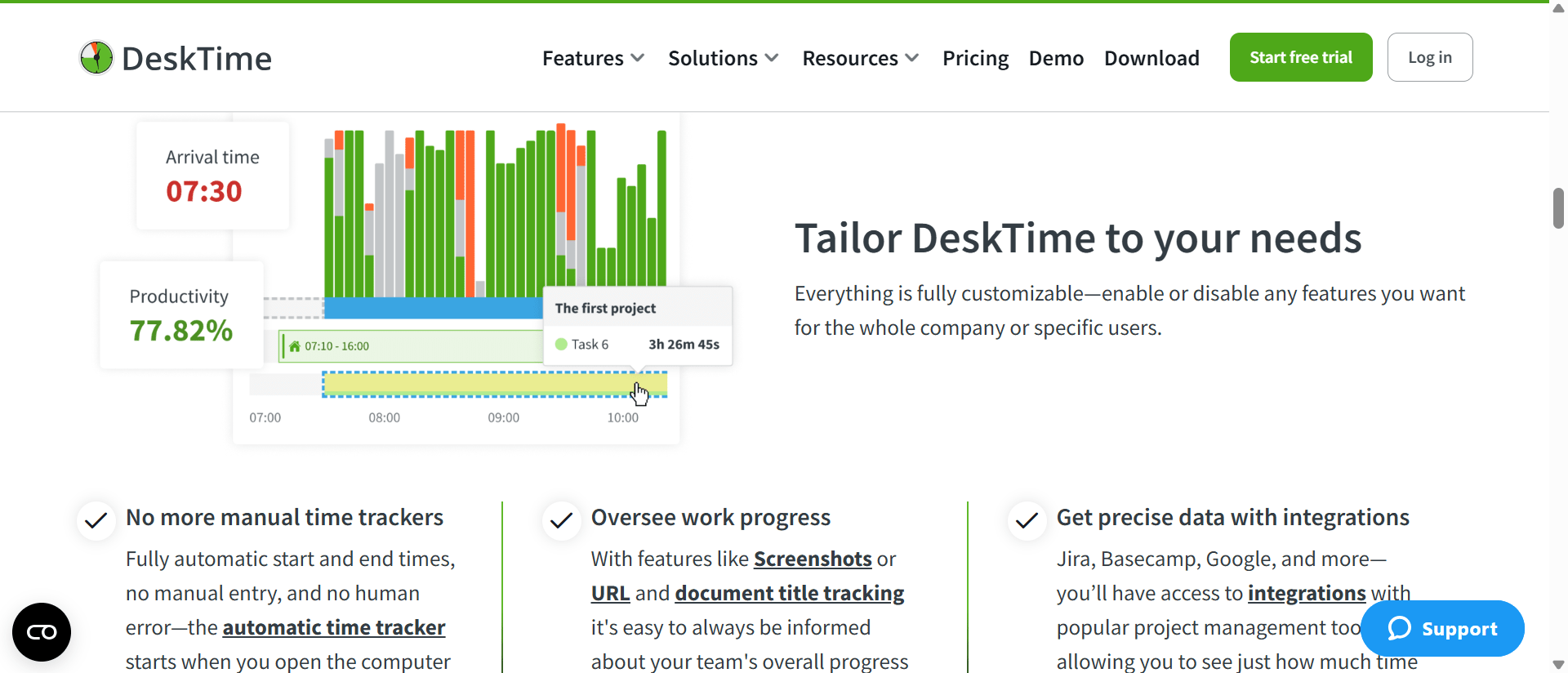
DeskTime runs quietly in the background. It sorts app and website use into productive, neutral, and unproductive categories, with almost no setup. It skips screen capture and keystroke logging by default. That makes it an easier sell to employees than tools built around screenshots.
Key features
- Automatic time tracking with minimal setup
- Productivity scoring by app and website category
- Built-in Pomodoro timer
- Offline time tracking that syncs once you reconnect
Pricing: Pro Plan starts at $6.42/user/month, Premium Plan starts at $9.17/user/month (adds screenshots and shift scheduling), billed annually. Custom Enterprise pricing is available on request. A 14-day free trial is available.
Pros
- Fast to set up, minimal training needed
- Keeps tracking offline and syncs automatically later
- Avoids invasive features like keystroke logging by default
Cons
- Reporting is more basic than Flowace or Insightful once a team needs deeper workload or capacity planning
- Less flexible for teams with varied, non-desk-bound work styles
Ideal for: Small to mid-size teams that want simple, automatic time tracking without a complex system.
G2 Rating: 4.5/5 based on 400 reviews
8. Veriato
Source: Veriato
Best for: Behavioral risk scoring and insider-threat analytics for regulated industries.
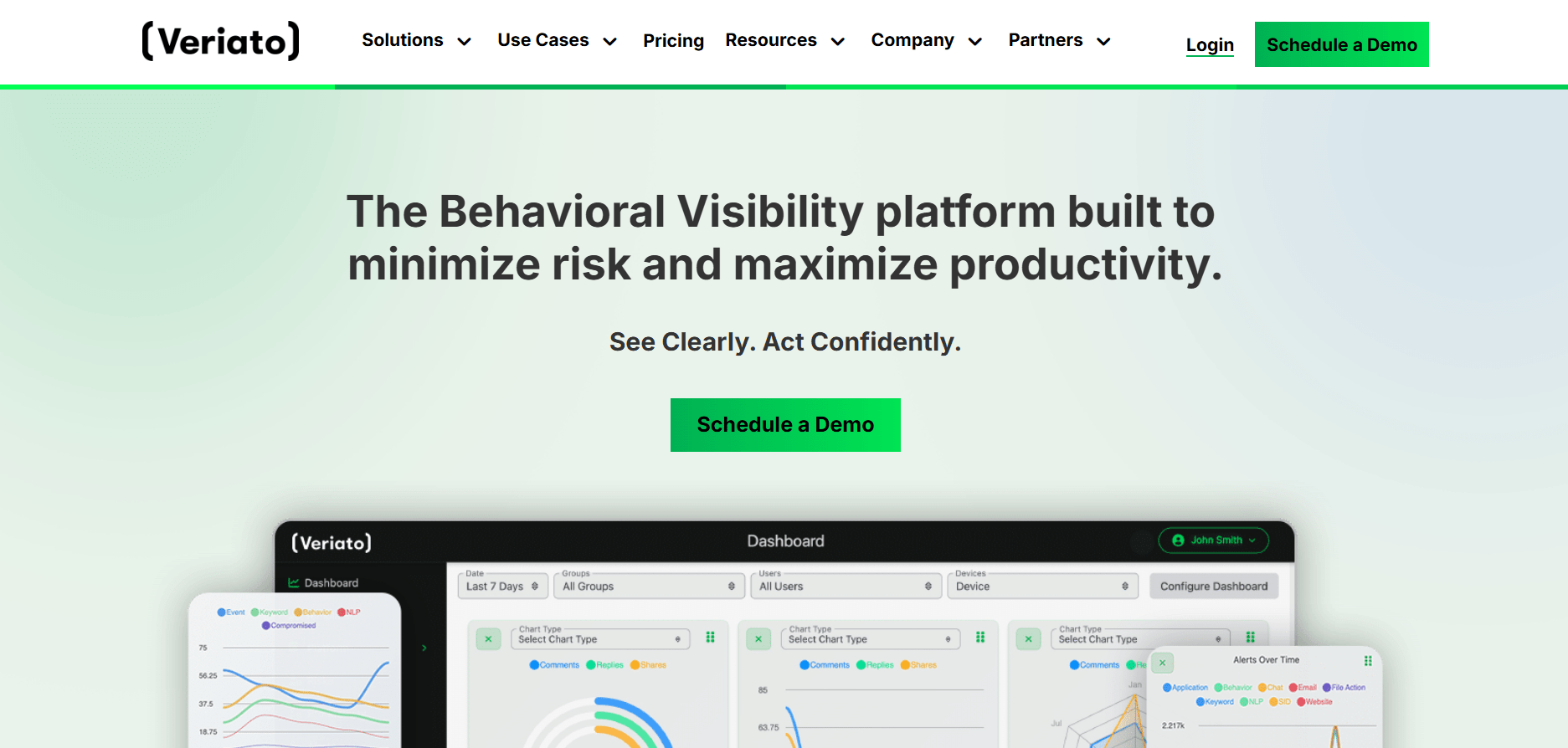
Veriato has focused on insider risk since 1998. Its current tools use AI to learn what normal behavior looks like, then flag anything that breaks the pattern, instead of just logging everything. It sits alongside Teramind as a security-first option, with a smaller but long-established customer base.
Key features
- Keystroke logging and screen recording
- Email monitoring
- AI-based behavior baselining and risk scoring
Pricing: UAM tier Starts at $18/user/month billed annually and for IRM tier, contact sales for an exact quote.
Pros
- Decades of focus specifically on insider risk and behavioral analytics
- Baselines normal behavior instead of relying only on raw activity logs
Cons
- Smaller G2 review base makes it harder to verify experiences at scale
- Like Teramind, its depth is more than most non-regulated teams need
Ideal for: Security teams that want a second option alongside or instead of Teramind for insider-risk analytics.
G2 Rating: 4.3/5 based on 40 reviews
9. Monitask
Source: Monitask
Best for: Budget-conscious small US businesses and agencies that need screenshots without an enterprise price tag.
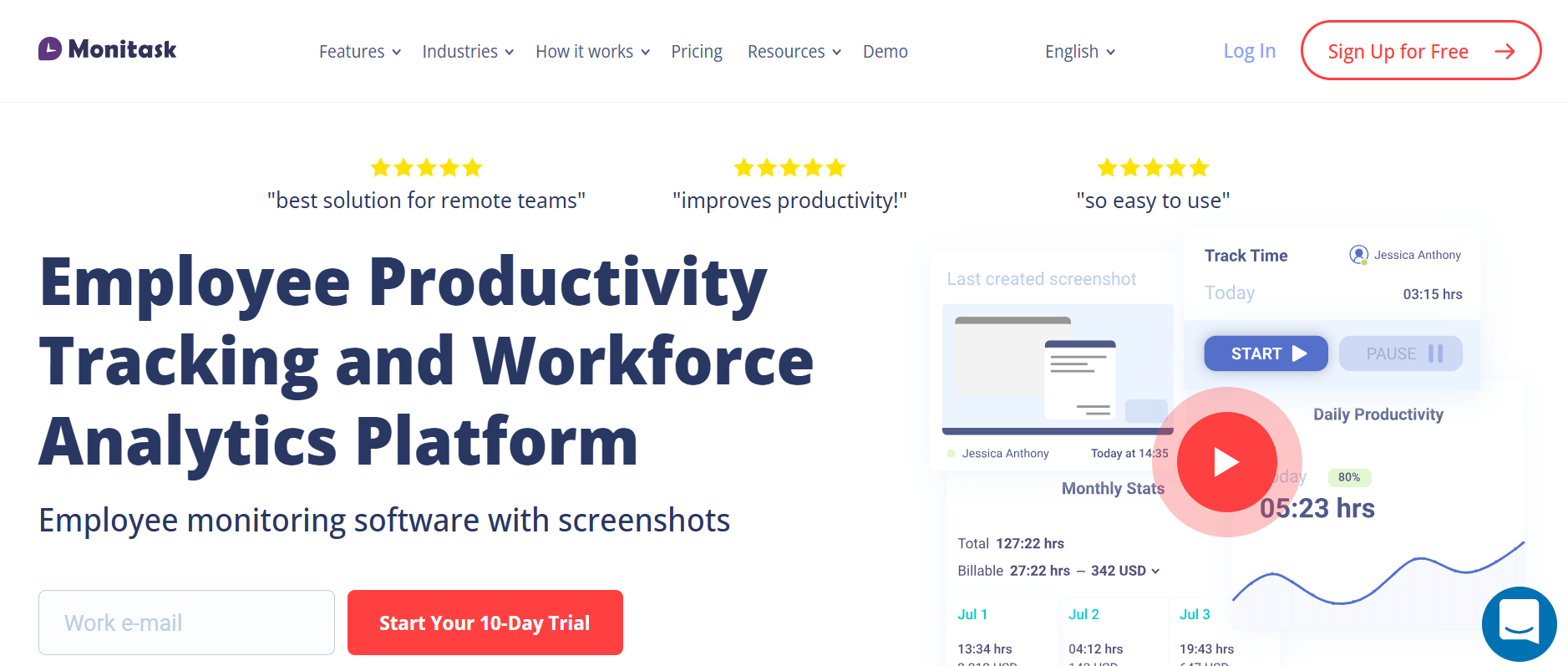
Monitask covers the basics: automatic screenshots, activity monitoring, and time tracking. At $6.49 per user per month it undercuts Insightful and Teramind, though Flowace ($1.99/user/mo) and Hubstaff ($4.99/seat/mo) both start lower, so this is a mid-low price point rather than the lowest in the set. Like Insightful, it also offers a stealth mode option. Tell your employees about it. Do not switch it on quietly.
Key features
- Automatic and interval-based screenshots
- Activity and time tracking
- Stealth mode (optional)
Pricing: The Pro Plan starts at $6.49/user/month, the Business Plan at $8.99/user/month, and Business Premium Plan at $12.99/user/month. Enterprise pricing is available by contacting sales.
Pros
- Published, transparent pricing on every tier below Enterprise, so you know the cost before talking to sales
- Simple screenshot and activity tracking that small teams can set up quickly
Cons
- Stealth mode should be disclosed to employees before it is turned on
- Fewer workforce analytics features than Flowace or ActivTrak
Ideal for: Small businesses and agencies that want basic proof-of-work monitoring on a tight budget.
G2 Rating: 4.8/5 based on 101 reviews
How to Choose the Right Employee Monitoring Software for Your US Business
- Start with what you need to monitor: Choose based on whether you need time tracking, productivity data, attendance, or security monitoring.
- Check state requirements: If you have employees in Connecticut, Delaware, or New York, follow the notice rules that apply in each state.
- Choose cloud or on-premises: Most tools are cloud-based. CurrentWare, Teramind, and Veriato also offer on-premises options.
- Check the real cost: Look at per-user pricing, seat minimums, and plan limits before choosing.
- Consider employee privacy: Decide whether monitoring will be visible to employees and what data you actually need to collect.
- Write the policy first: Explain what you monitor, why you monitor it, how long data is kept, and who can access it.
Why Flowace Is the Best Employee Monitoring Software in US for 2026
Of the nine tools in this comparison, Flowace is the strongest overall pick for most US teams. Here is what actually earns it that spot.
Most companies buying monitoring software for the first time want to know where time is going, whether workloads are balanced, and whether a few small fixes could save hours every week. That is the problem Flowace is built to solve. It tracks work hours, app and website activity, and project time on its own, with no manual timers for employees to remember. Managers see that data on a live dashboard, plus AI alerts for things like missed hours or unusually high idle time.
Two things set it apart from most other tools on this list.
It reports on patterns rather than raw footage. Flowace’s Privacy Mode keeps day-to-day reporting at the team level by default. You get workload signals and productivity trends instead of a feed of individual screenshots. For a first monitoring rollout, that tends to build employee trust faster.
It is the most accessible price on this list. Flowace starts at $1.99 per user per month, the lowest starting price of any tool compared here, with a 7-day free trial and no credit card required. That makes it easy to test with a small team before rolling it out company-wide. It also holds a 4.6 out of 5 rating on G2 from 143 reviews, one of the strongest ratings in this comparison.
Flowace is not the right choice for every situation. If you specifically need on-premises deployment, CurrentWare fits that better. If you need deep insider threat detection or data loss prevention, Teramind and Veriato go further. And Flowace’s own deepest analytics and monitoring settings sit in its higher-tier plans, so look past the $1.99 headline price to the tier that actually covers what you need.
For most US HR and operations leaders using this comparison, workforce visibility, easy setup, and price are the top three factors that matter. Flowace scores well on all three, which is the real reason it leads this list.
Get a clear picture of your team's workload without chasing timesheets.
Book A DemoFrequently Asked Questions About Employee Monitoring Software in US
1. What is the best employee monitoring software in US?
Flowace is a strong overall choice for US teams that need time tracking, workforce visibility, and productivity data. CurrentWare is a strong fit for on-premises monitoring, Hubstaff for GPS and field teams, and Teramind and Veriato for insider risk and security monitoring. The right choice depends on what you need to monitor and your budget.
2. Is employee monitoring software legal in the US?
Yes, employee monitoring software is generally legal in the US when employers follow applicable privacy and employment laws. The federal Electronic Communications Privacy Act (ECPA) sets rules for certain electronic monitoring, while state laws can add extra requirements.
3. Do US employers have to notify employees about electronic monitoring?
Some states require employers to notify employees about certain types of electronic monitoring. Connecticut, Delaware, and New York have specific notice requirements. Employers should also review other federal and state privacy rules that may apply to their monitoring practices.
4. Which states require notice before monitoring employees?
Connecticut, Delaware, and New York have specific laws covering employee notice for certain electronic monitoring. The requirements differ by state, so employers should check the rules that apply to their employees and monitoring methods.
5. How much does employee monitoring software cost per employee?
Employee monitoring software ranges from about $1.99 per user per month to $18 or more per user per month. Most tools charge per user or seat and offer lower rates when billed annually. Some also offer free plans or free trials.
6. What is the difference between employee monitoring software with and without screenshots?
Screenshot-based tools capture images of an employee’s screen at set times. Tools such as Flowace, Hubstaff, Insightful, and Monitask offer screenshot monitoring, while ActivTrak, and DeskTime can track time and activity without relying on screenshots by default. The right approach depends on your monitoring goals and employee privacy policy.
7. Which employee monitoring software is best for on-premises deployment?
CurrentWare is a strong choice for on-premises employee monitoring. Teramind and Veriato also offer on-premises deployment alongside cloud options. On-premises software can suit companies that need monitoring data to remain within their own network.
8. What should a US employee monitoring policy include?
A US employee monitoring policy should explain what you monitor, which devices are covered, why you collect the data, how long you keep it, who can access it, and how employees are notified. Include any state-specific notice requirements that apply to your workforce.