10 Best Employee Monitoring Software in India for 2026



The best employee monitoring software in India for 2026 helps teams track work hours, attendance, app usage, productivity trends, and focus time across office, hybrid, and remote work. A good tool should give leaders clear visibility into team performance while supporting privacy-first, policy-aligned monitoring.
This comparison reviews 10 leading tools based on use case, reporting depth, time tracking, productivity analytics, team visibility, and fit for Indian businesses. It is designed to help leaders choose software that improves focus, accountability, and capacity planning without creating a surveillance-heavy workplace.
Key takeaways: The best employee monitoring software in India
- Best for Overall Visibility & Focus: Flowace
- Best for Time Tracking & Invoicing: Hubstaff
- Best for Enterprise-Scale Analytics: ProHance
- Best for Productivity Analysis: ActivTrak
- Best for All-in-One Team Management: Insightful
- Best for Security & Insider Risk: Teramind
Comparison of the top 10 employee monitoring tools in India
| Tool | Best for | India relevance | Key features | Privacy posture | Starting price (per user/month) |
| Flowace | Privacy-first workforce analytics and focus time optimization. | INR pricing, local support, and designed for Indian business needs. | Workload signals, focus time analysis, project tracking, app usage. | High. Emphasizes aggregated data and team patterns over individual surveillance. | ₹166 |
| Hubstaff | Time tracking for remote and field teams, especially in agencies. | Popular with Indian agencies and remote teams; USD pricing. | GPS tracking, geofencing, invoicing, timesheets, screenshots. | Moderate. Includes screenshots and activity scores which can be invasive if not managed well. | ~$7 USD |
| Time Doctor | Detailed time and activity tracking for fully remote teams. | Used by BPOs and remote teams in India; USD pricing. | Screenshots, website tracking, idle time alerts, payroll. | Moderate. Heavy on activity monitoring, which requires a high-trust rollout. | ~$5.90 USD |
| ActivTrak | Productivity analysis and identifying behavior trends. | Strong for tech and IT service teams; free plan available. | Productivity reports, app risk analysis, workload balance. | High. Focuses on workforce analytics and anonymized data to guide strategy. | Free plan available, paid plans from ~$10 USD |
| Insightful | All-in-one team management and monitoring. | Good for distributed teams and agencies; USD pricing. | Screenshots, stealth mode, attendance tracking, project budgeting. | Low to Moderate. Stealth mode and screen recording are invasive; requires strict policies. | ~$6.40 USD |
| ProHance | Large enterprises and BPOs needing operational analytics. | Strong India presence, built for large-scale Indian enterprise needs. | Work-from-anywhere analytics, asset optimization, automated reports. | Moderate. Powerful but focused on operational efficiency, not just individual tracking. | Custom pricing |
| DeskTime | Simple, automatic time tracking and productivity measurement. | Easy entry point for Indian SMBs; USD pricing. | Automatic time tracking, project tracking, offline time tracking. | High. Focuses on time allocation and productivity without invasive features like keystroke logging. | ~$7 USD |
| Veriato | Security, compliance, and insider threat detection. | For regulated industries with high-security needs. | Keystroke logging, screen recording, email monitoring, risk scoring. | Low. Designed for maximum visibility in high-risk environments; privacy is secondary to security. | Custom pricing |
| EmpMonitor | Cost-effective monitoring for SMBs and startups. | Popular with smaller Indian businesses due to its pricing and feature set. | Screenshots, keystroke logging, browsing history, real-time tracking. | Low. Includes several invasive features; requires very clear communication with employees. | ~$3 USD |
| Teramind | Data loss prevention (DLP) and user behavior analytics. | Best for finance, healthcare, or IP-sensitive sectors in India. | Live screen view, file transfer tracking, policy enforcement, OCR. | Low. Security-first tool where monitoring is deep and extensive to prevent data breaches. | ~$12.50 USD |
Info: Need to balance productivity and privacy? Our guide on how to choose an employee work monitoring software helps you find the right fit for your team’s culture.
Legal considerations for employee monitoring in India
Legal considerations for employee monitoring in India are transparency, purpose limitation, lawful use, proportionality, data security, and employee notice. Under India’s Digital Personal Data Protection Act, 2023, employers using monitoring software may become data fiduciaries when they collect digital personal data such as attendance records, app usage, screenshots, device activity, location, or work-hour logs. The Act requires personal data to be processed for a lawful purpose, with clear notice to the individual about the data collected and the purpose of processing. It also expects reasonable security safeguards, limited access, grievance handling, and data breach handling. The Digital Personal Data Protection Rules, 2025 add operational requirements around notices, security safeguards, grievance response, and phased compliance. For employee monitoring, this means the company should document what is monitored, why it is necessary, how long data is retained, and who can access it. You can find the official DPDP Act text on the MeitY website.
Practically, employers should avoid hidden or excessive surveillance. Monitoring should be limited to legitimate business purposes such as attendance, payroll, security, productivity analysis, client billing, compliance, or protecting company assets. Employees should receive a written policy before rollout, and the policy should explain tools, data categories, access rights, retention, grievance contact, and escalation process. A 2026 Mondaq analysis also notes that legality often depends on transparency and proportionality under the IT Act and constitutional privacy rights. A written, acknowledged employee monitoring policy is the safest starting point. For more detail, see our guide on employee monitoring laws.
A detailed review of the 10 best employee monitoring tools
1. Flowace
Flowace is designed for visibility, not surveillance, with a focus on team productivity signals.
Flowace is the best employee monitoring software in India because it combines automated time tracking, attendance visibility, app usage insights, focus time analytics, workload signals, project time tracking, INR pricing, and local support in one privacy-first platform. For Indian teams wanting to understand work patterns and protect focus, it prioritizes workload balance and actionable productivity signals over simple hour-counting. It gives managers visibility into how work gets done without turning every dashboard into individual surveillance.
- Best for: Privacy-first workforce analytics for hybrid Indian teams.
- Why it stands out: Flowace moves beyond basic activity tracking to provide insights on focus time and workload balance, helping managers prevent burnout and improve team efficiency.
- Key features: Focus Time Analytics, Workload Signals, Project Time Tracking, Privacy-First Design.
- Privacy considerations: High. The platform encourages using aggregated, anonymized views to focus on team patterns rather than individual scrutiny.
- Pricing: Starts at ₹166 per user/month. Explore Flowace features on the homepage, or view Flowace pricing separately.
- Best-fit team: Managers in tech, agencies, and other knowledge-work industries who want data for supportive conversations about performance, not for surveillance.
- G2 rating: Flowace is rated 4.6/5 on G2 from 137 reviews.
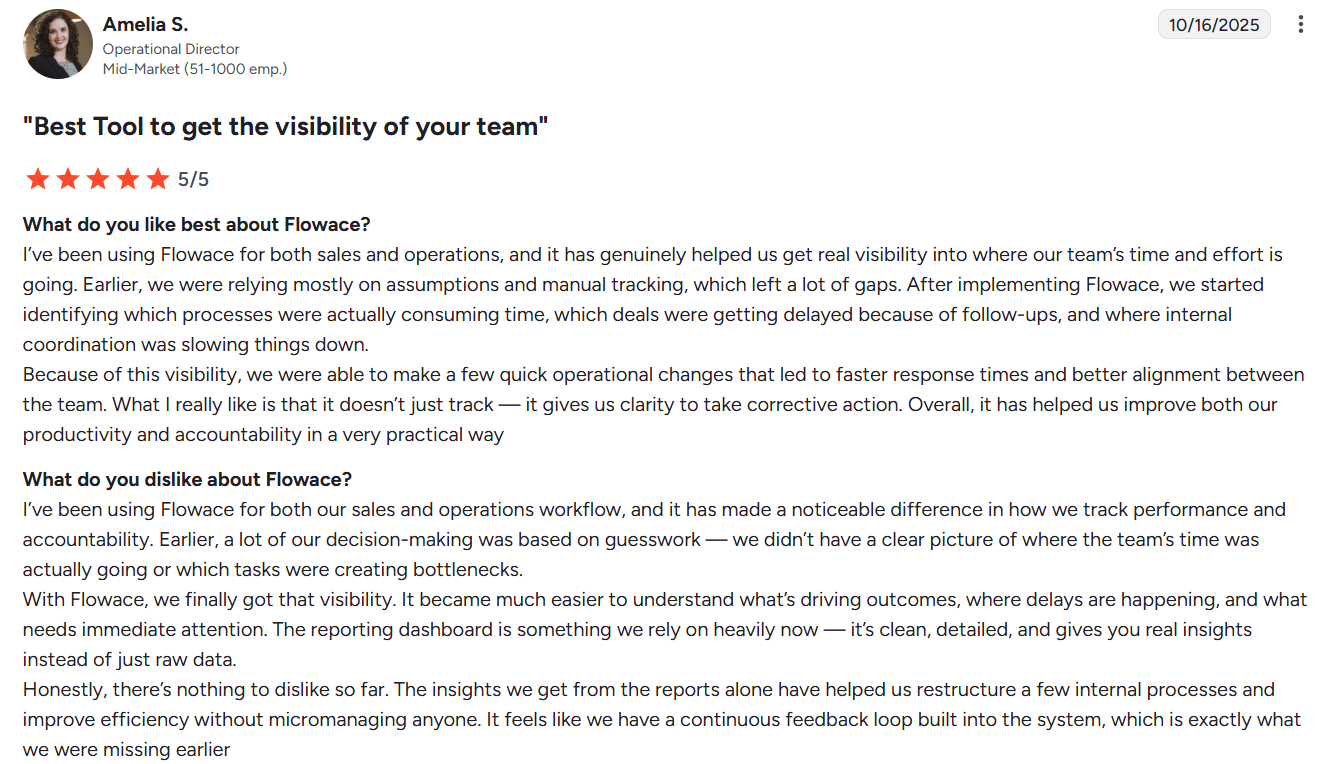
Review highlight: Amelia S., an Operational Director at a mid-market company with 51–1000 employees, says Flowace helped the business get real visibility into where the team’s time and effort were going. The review highlights improved process clarity, faster response times, better team alignment, stronger accountability, and productivity insights without micromanaging.
2. Hubstaff
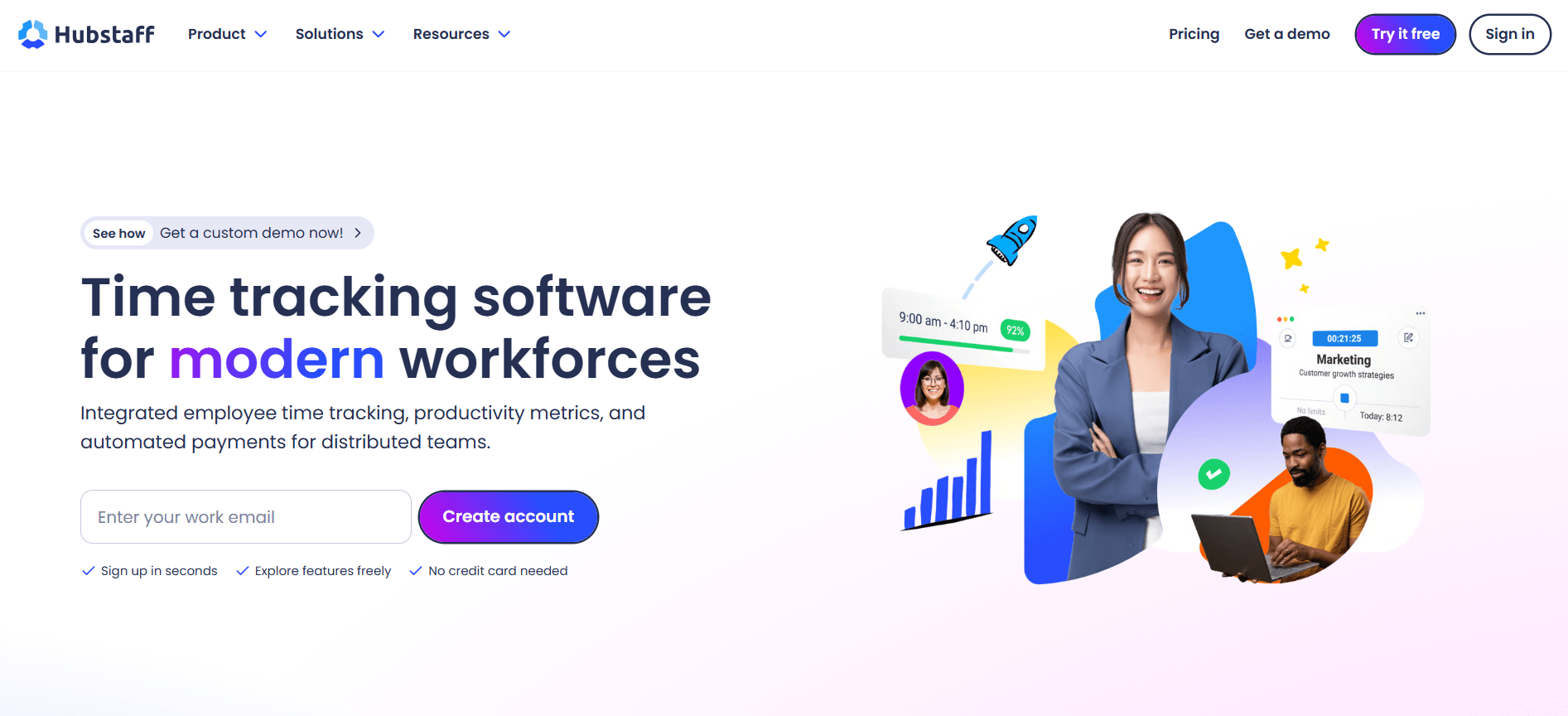
Hubstaff offers robust time tracking with features geared toward remote and field teams.
Hubstaff is a well-known name in time tracking, primarily because it handles the basics reliably. It is a strong choice for logging time against specific projects and clients, making it suitable for remote and field teams. For mobile workforces, its GPS tracking and geofencing features are particularly useful.
- Best for: Time tracking, invoicing, and GPS tracking for field and remote teams.
- Why it stands out: Hubstaff excels at creating clean timesheets and simplifying invoicing, which is ideal for businesses that bill clients hourly.
- Where it may fall short: Hubstaff is strong for time logs and field teams, but Flowace is a better fit when leaders need focus time, workload signals, and privacy-first productivity analytics instead of only time and activity records.
- Key features: GPS Tracking, Geofencing, Automated Timesheets, Invoicing, Screenshots.
- Privacy considerations: Moderate. Features like screenshots and activity monitoring can feel invasive if not implemented with transparency.
- Pricing: Starts at ~$7 USD per user/month (2-user minimum). Compare plans on their pricing page.
- Best-fit team: Agencies, field service companies, and consulting firms that need accurate time logs for billing and payroll.
- G2 rating: Hubstaff is rated 4.4/5 on G2. Review signal: Reviewers commonly mention time tracking, invoicing, and remote team visibility.
Hubstaff is strong for time tracking, GPS tracking, and invoicing, but it can feel more time-log and location-tracking focused than insight-led. For Indian teams that want visibility without relying too heavily on screenshots or field tracking, Flowace offers a more balanced approach through focus time, workload signals, project tracking, and privacy-first workforce analytics.
3. Time Doctor
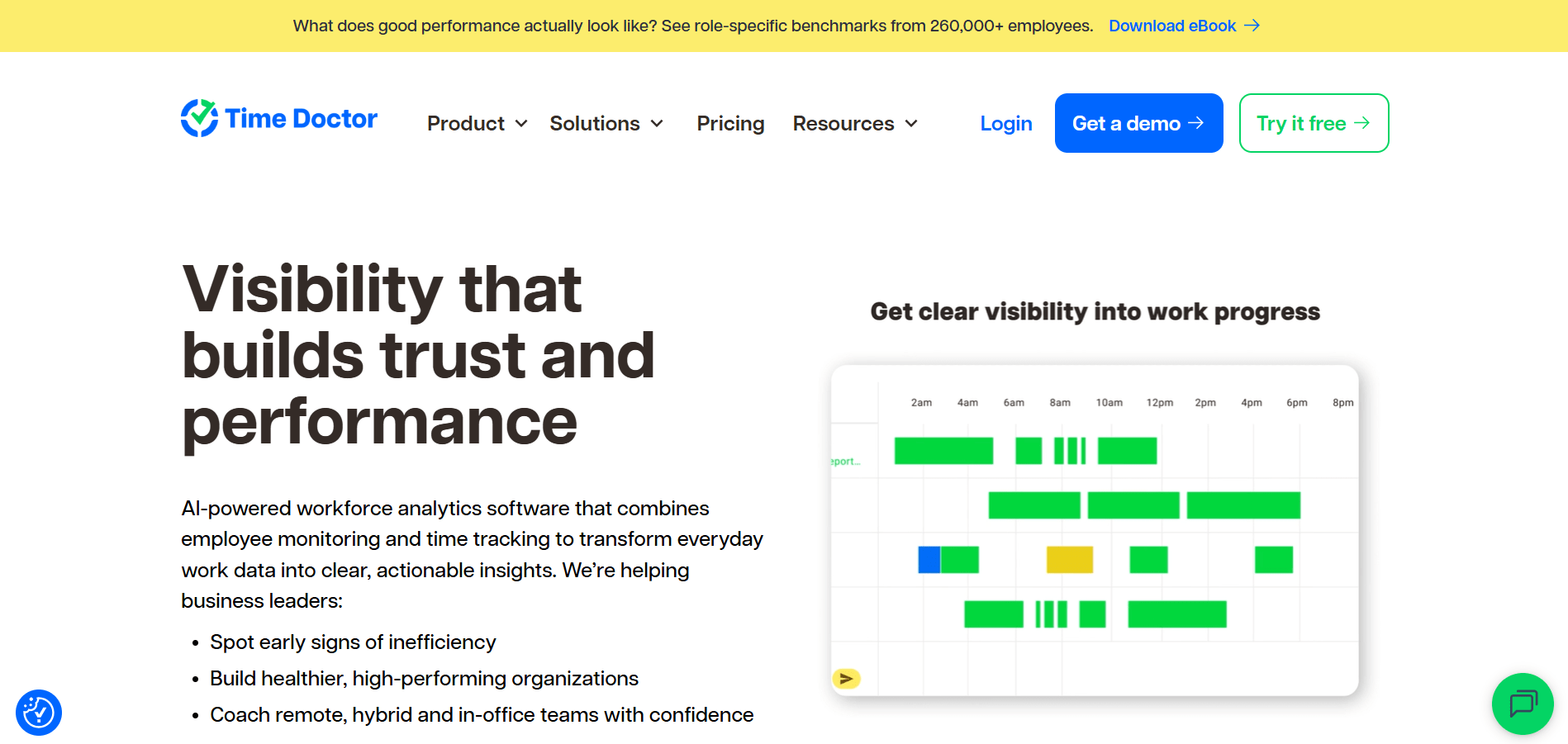
Time Doctor provides detailed activity tracking to help teams stay focused.
Time Doctor focuses on improving focus and productivity with a comprehensive feature set. It combines time tracking with project management and payroll functions. It can capture screenshots, monitor website and app usage, and send alerts for extended idle time.
- Best for: Detailed activity tracking and productivity measurement for remote teams.
- Why it stands out: Its strength is providing a granular record of work performed, which is useful for remote teams needing clear accountability.
- Where it may fall short: Time Doctor is reliable for detailed activity tracking, but Flowace is stronger for teams that want newer AI-led productivity signals, workload visibility, and focus analytics rather than only screenshots, idle alerts, and activity history.
- Key features: Screenshots, Website & App Tracking, Idle Time Alerts, Payroll Integration.
- Privacy considerations: Moderate. The detailed monitoring requires clear communication about how data will be used to support the team, not micromanage it.
- Pricing: Paid plans start from ~$5.90 USD per user/month. Their pricing plans detail the different monitoring levels.
- Best-fit team: BPOs, customer support teams, and other fully remote organizations where detailed proof of work is a priority.
- G2 rating: Time Doctor is rated 4.4/5 on G2. Review signal: Reviewers commonly mention time allocation visibility, remote team accountability, and detailed reports.
Time Doctor is useful for detailed activity tracking, but it may not feel as up-to-date for teams looking for AI-led productivity insights and modern workforce analytics. Flowace is better suited for teams that want to move beyond basic activity monitoring and use data to understand focus, workload balance, and productivity patterns.
4. ActivTrak
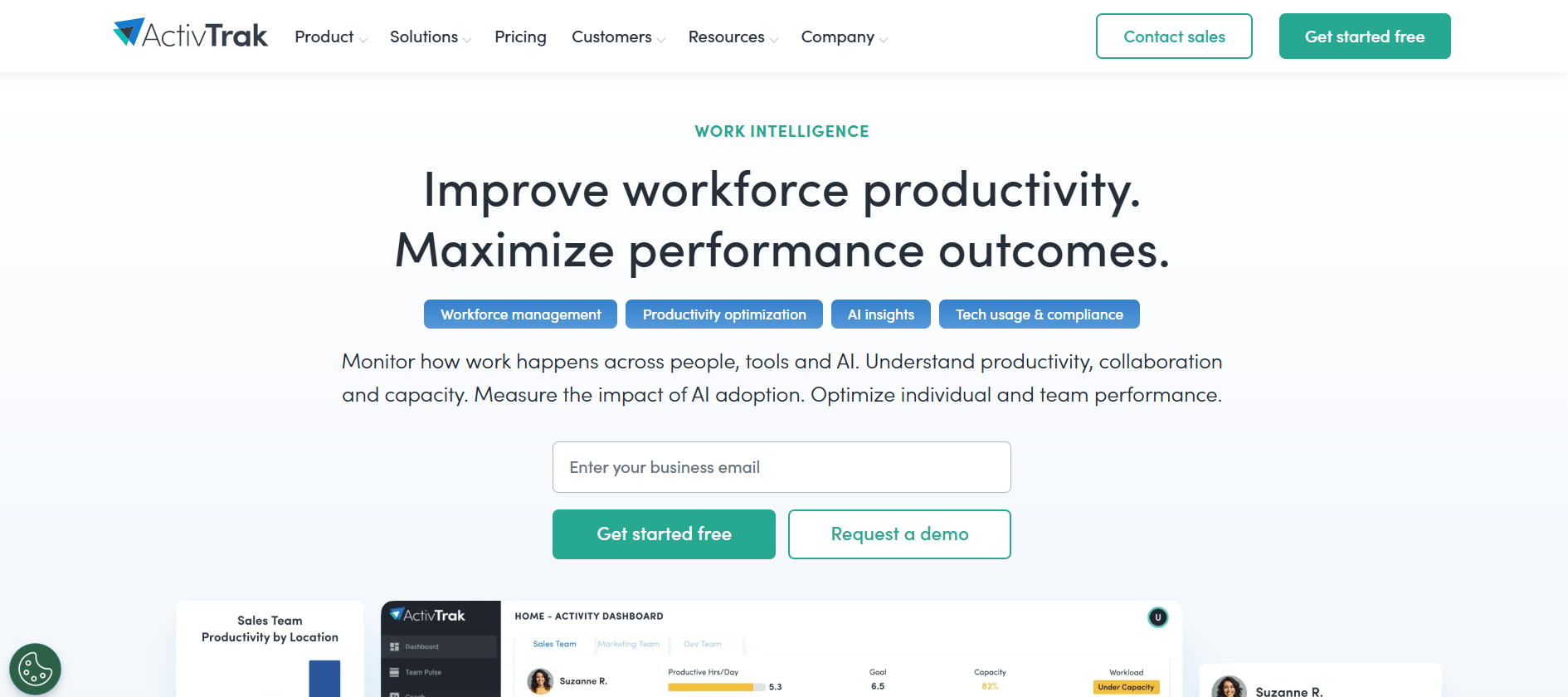
ActivTrak focuses on workforce analytics to reveal productivity patterns.
ActivTrak emphasizes workforce analytics, aiming to understand the system rather than just monitor individuals. Its dashboards are effective for identifying patterns in application usage, highlighting workload imbalances that could lead to burnout, and determining which tools help or hinder team performance.
- Best for: Workforce analytics and understanding productivity trends.
- Why it stands out: Its ability to categorize apps as ‘Productive’ or ‘Unproductive’ simplifies time allocation analysis. It also offers a robust free plan.
- Where it may fall short: ActivTrak is strong for analytics, but Flowace has an advantage for Indian teams that want INR pricing, local support, and a monitoring workflow built around focus time and workload signals.
- Key features: Productivity Reports, App Risk Analysis, Workload Balance, Goal Setting.
- Privacy considerations: High. The focus is on aggregated data and trends to inform management strategy, with options for anonymization.
- Pricing: A generous free plan is available for up to three users. Paid plans start at ~$10 USD per user/month (5-user minimum) on their website.
- Best-fit team: Operations leaders and managers in data-driven companies who want to optimize how work gets done across the team.
- G2 rating: ActivTrak is rated 4.3/5 on G2. Review signal: Reviewers commonly mention productivity reporting, app usage analysis, and workforce trends.
ActivTrak is strong for productivity analysis and workforce trends, but Indian businesses may find Flowace more practical because of its INR pricing, local support, and India-focused positioning. Flowace gives teams similar visibility while keeping implementation simpler for Indian companies.
5. Insightful (formerly Workpuls)
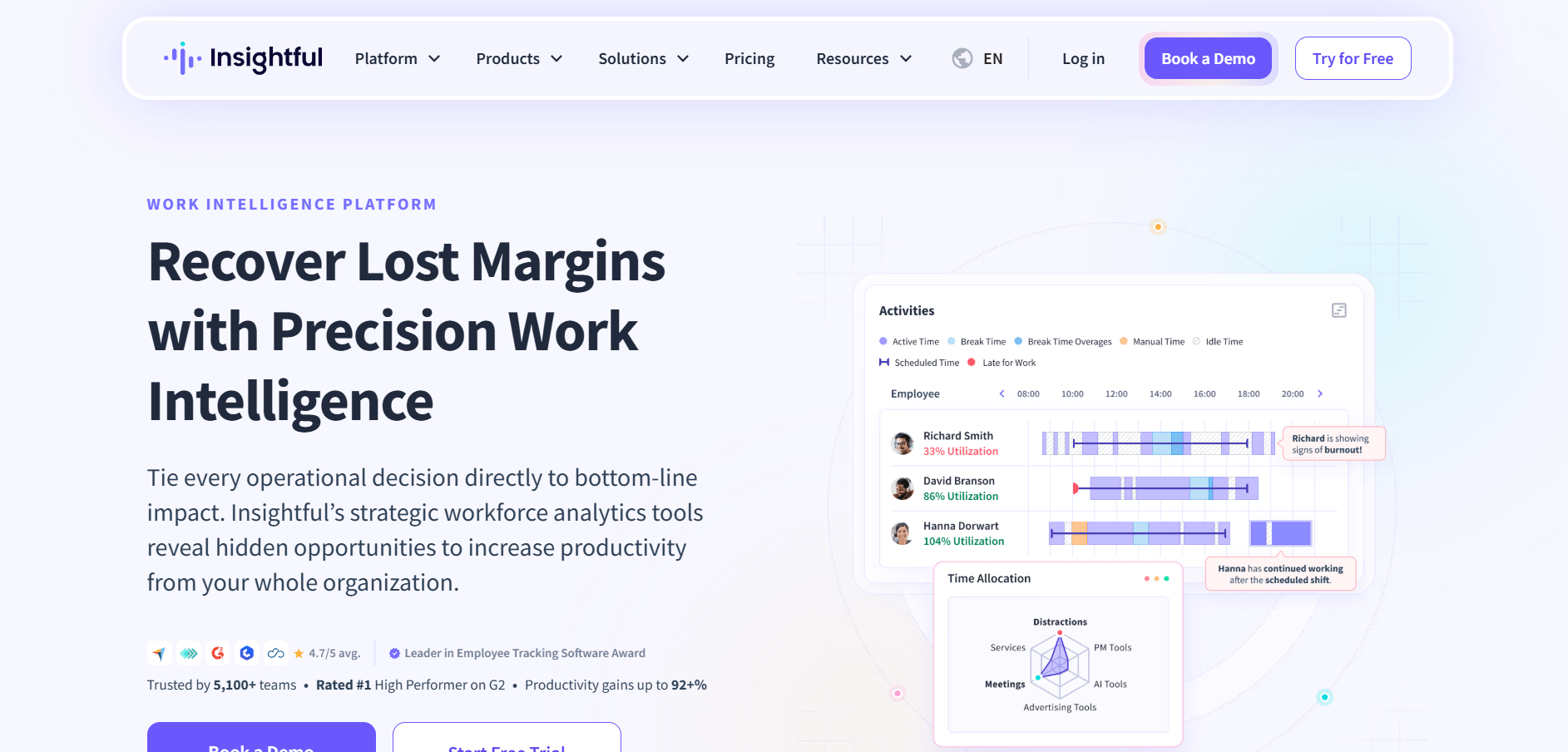
Insightful combines employee monitoring with project management and time tracking features.
Insightful, which acquired Workpuls, is positioned as a comprehensive manager’s console. It bundles real-time tracking and screenshots with time tracking, attendance, and project budgeting. For teams looking to consolidate their tool stack, this broad functionality is appealing.
- Best for: All-in-one team management, monitoring, and time tracking.
- Why it stands out: It connects time tracking directly to project profitability, which is highly useful for agencies and service-based businesses.
- Where it may fall short: Insightful works well as a broad manager console, but features such as stealth mode and extensive screen monitoring require a careful trust-building rollout. Flowace is better aligned for teams that want visibility without making surveillance the center of the workflow.
- Key features: Real-time Monitoring, Screenshots, Attendance Tracking, Project Budgeting, Stealth Mode.
- Privacy considerations: Low to Moderate. The inclusion of a ‘stealth mode’ and extensive screen monitoring raises ethical questions and makes transparency with your team critical.
- Pricing: Starts at ~$6.40 USD per user/month. Their pricing page breaks down what each plan includes.
- Best-fit team: Managers who need a single tool for time tracking, project management, and employee monitoring.
- G2 rating: Insightful is rated 4.6/5 on G2. Review signal: Reviewers commonly mention time tracking, project visibility, and ease of use.
Insightful offers a broad set of monitoring and project management features, but options like stealth mode and screen monitoring can feel heavy for teams trying to build trust. Flowace takes a more transparent approach by focusing on visibility, focus time, workload signals, and team-level productivity patterns.
6. ProHance
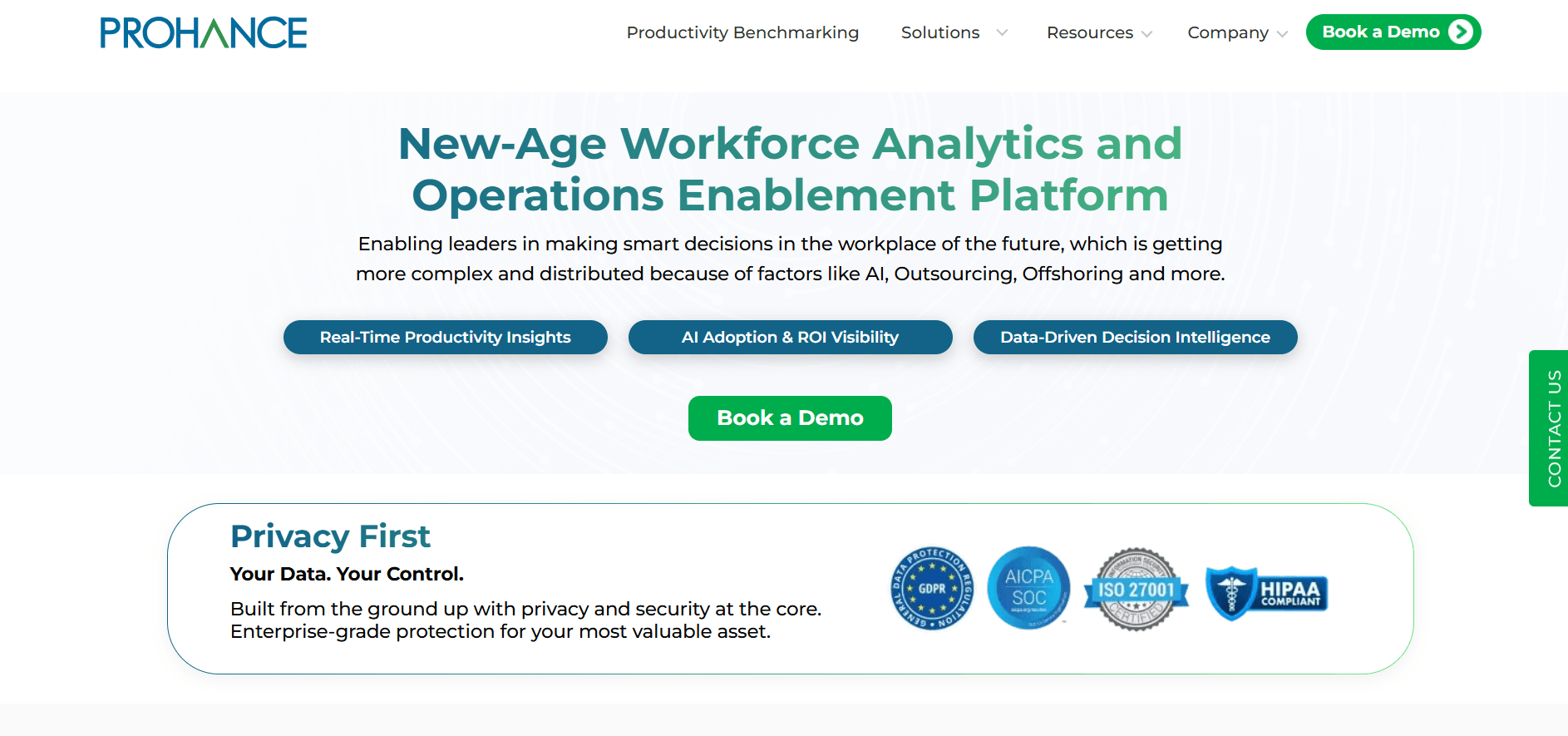
ProHance is designed for large organizations and the BPO sector in India.
ProHance is a major player in India, especially within large enterprises and the BPO sector. It is built for operational analytics at scale, focusing on system performance across distributed teams rather than individual activity. The platform includes modules for asset optimization and work-from-anywhere readiness.
- Best for: Large-scale enterprise and BPO workforce analytics.
- Why it stands out: It is specifically designed for the complexities of large Indian organizations, providing deep operational data.
- Where it may fall short: ProHance is powerful for large enterprises and BPOs, but it can be more than smaller or mid-market teams need. Flowace is a better fit when teams want faster adoption, simpler rollout, and productivity insights without enterprise-level complexity.
- Key features: Enterprise-grade Analytics, Asset Optimization, Automated Reporting, Work-from-Anywhere Module.
- Privacy considerations: Moderate. While powerful, its focus is on process efficiency and operational data rather than individual surveillance.
- Pricing: Custom pricing is typical for this market segment. More details are on their website.
- Best-fit team: Large enterprises, BPOs, and shared service centers with hundreds or thousands of employees.
- G2 rating: ProHance is rated 4.6/5 on G2. Review signal: Reviewers commonly mention operational visibility, utilization analytics, and customer support.
ProHance is a strong option for large enterprises and BPOs, but it may feel too enterprise-heavy for growing teams that want faster implementation and simpler productivity visibility. Flowace works better for Indian companies that want actionable workforce insights without adding unnecessary operational complexity.
7. DeskTime
DeskTime provides simple, automatic time tracking and productivity analysis.
DeskTime offers simplicity with automatic time tracking that runs in the background and categorizes application usage with minimal setup. Its ‘set it and forget it’ approach provides clear reports on productivity, time allocation, and project costs without a heavy administrative burden.
- Best for: Simple, automatic time tracking and productivity measurement.
- Why it stands out: It’s an easy entry point for teams new to time tracking, providing basic visibility without invasive features.
- Where it may fall short: DeskTime is simple and easy to adopt, but teams that need deeper workload, focus time, and capacity insights may outgrow basic time allocation reports. Flowace is stronger when productivity improvement is the goal, not just time tracking.
- Key features: Automatic Time Tracking, Project Time Tracking, Productivity Calculation, Offline Time Tracking.
- Privacy considerations: High. It avoids more invasive features like screenshots or keystroke logging, focusing instead on time allocation.
- Pricing: Paid plans start around ~$7 USD per user/month. Their pricing plans have the latest details.
- Best-fit team: Small to medium-sized businesses or teams that want basic productivity insights without a complex system.
- G2 rating: DeskTime is rated 4.5/5 on G2. Review signal: Reviewers commonly mention automatic time tracking, ease of use, and productivity reports.
DeskTime is simple and easy to start with, but its insights can feel limited for teams that need deeper visibility into workload, focus time, and project-level productivity. Flowace is a stronger fit when managers want more than basic time allocation and need clearer signals for planning and team performance.
8. Veriato
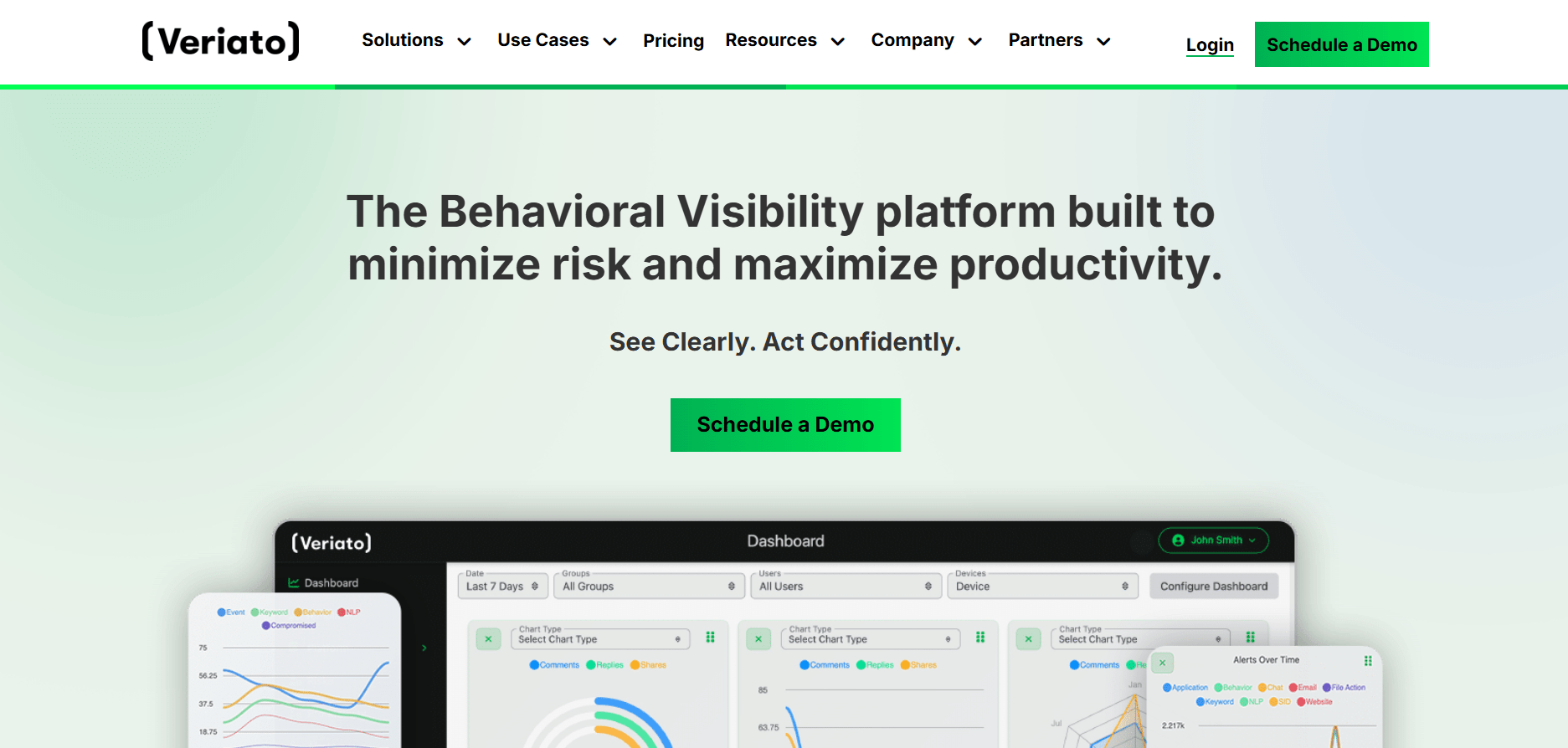
Veriato is focused on security, compliance, and insider risk management.
Veriato is in a different class from most tools on this list. It is built for security, compliance, and insider threat detection, offering some of the most extensive monitoring capabilities available, including keystroke logging, continuous screen recording, and email monitoring. The platform uses AI to baseline normal behavior and flag risky activity.
- Best for: Security, compliance, and insider threat detection.
- Why it stands out: It is a specialized security tool designed to protect against data breaches and IP theft by analyzing user behavior for risk signals.
- Where it may fall short: Veriato is built for security and insider-risk use cases, so it can feel heavy for teams whose main goal is productivity improvement. Flowace is better suited when the priority is transparent workforce analytics rather than deep surveillance.
- Key features: Keystroke Logging, Screen Recording, Email Monitoring, User Behavior Analytics, Risk Scoring.
- Privacy considerations: Low. This is a tool for high-stakes environments where security needs to override privacy concerns. Legal counsel should be involved in its implementation.
- Pricing: Pricing is available on request.
- Best-fit team: Regulated industries or organizations with significant concerns about data security and intellectual property protection.
- G2 rating: Veriato is rated 4.3/5 on G2. Review signal: Reviewers commonly mention detailed user activity monitoring, reporting, and security visibility.
Veriato is built primarily for security, compliance, and insider risk use cases, which makes it powerful but less suitable for teams focused on everyday productivity improvement. Flowace is a better fit for companies that want employee monitoring software for visibility, accountability, and performance conversations rather than deep surveillance.
9. EmpMonitor
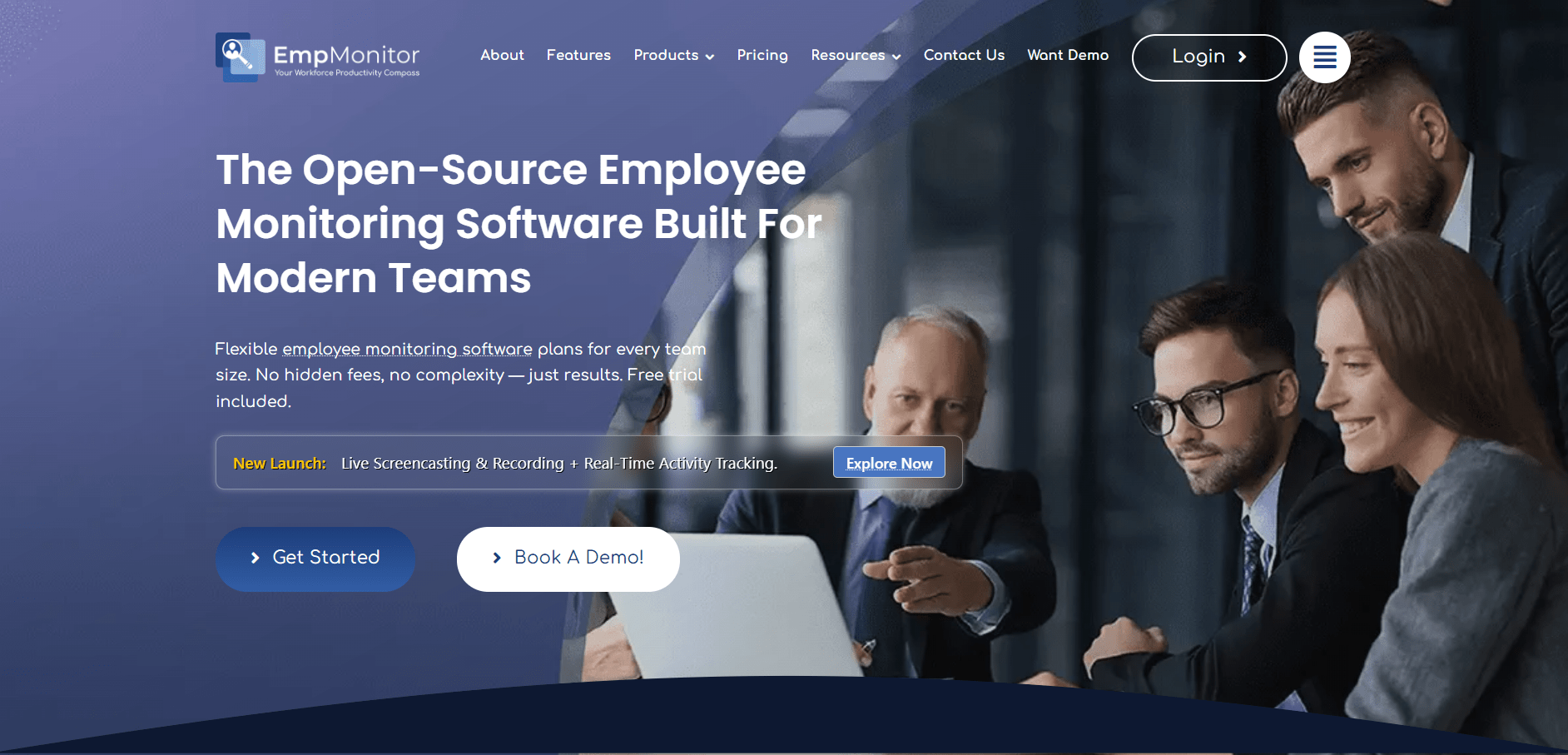
EmpMonitor offers a cost-effective solution with a broad range of monitoring features.
EmpMonitor is a cloud-based solution that has gained traction with Indian SMBs and startups due to its competitive pricing and extensive feature set. It covers a wide range of monitoring functionalities, from time tracking to detailed activity recording.
- Best for: Cost-effective and comprehensive employee monitoring for SMBs.
- Why it stands out: It provides a wide array of monitoring tools, including some typically found in more expensive platforms, at a very accessible price point.
- Where it may fall short: EmpMonitor is cost-effective, but its invasive features and reported slow-loading friction can make trust and rollout harder. Flowace is stronger for companies that want monitoring to support productivity conversations, not only record employee activity.
- Key features: Automated Screenshots, Keystroke Logging, Browsing History Tracking, Productivity Reports, Stealth Mode.
- Privacy considerations: Low. With features like keystroke logging and stealth mode, it’s a tool that requires extremely clear policies and employee consent to maintain trust.
- Pricing: Starts from ~$3 USD per user/month. See their pricing page for details.
- Best-fit team: Small businesses or startups that require broad monitoring capabilities on a tight budget and have a clear, transparent monitoring policy.
- G2 rating: EmpMonitor is rated 4.9/5 on G2. Review signal: Reviewers commonly mention employee monitoring coverage and SMB-friendly visibility.
EmpMonitor is cost-effective and feature-rich, but features such as keystroke logging and stealth mode can create trust concerns if not handled carefully. Flowace is better suited for teams that want transparent monitoring, productivity visibility, and accountability without creating a surveillance-heavy culture.
10. Teramind
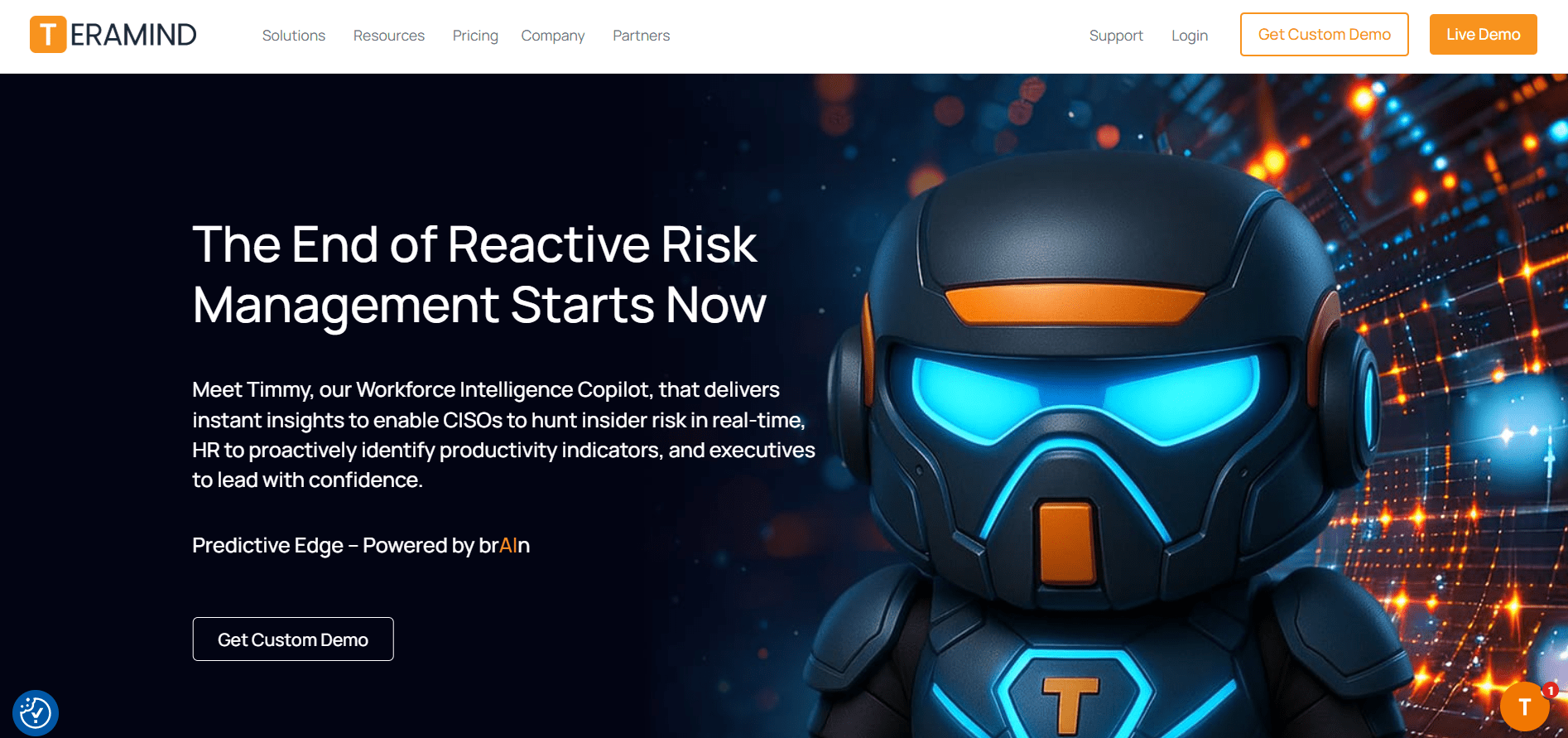
Teramind provides detailed user activity monitoring to prevent data loss.
Similar to Veriato, Teramind is a security-first platform designed for data loss prevention (DLP) and user behavior analytics. It offers deep monitoring capabilities like live screen views, file transfer tracking, and automated rules that can block specific actions, such as copying sensitive files to a USB drive.
- Best for: Data loss prevention and user behavior analytics for security.
- Why it stands out: Its strength lies in its ability to not only monitor but also actively prevent data breaches through automated policy enforcement.
- Where it may fall short: Teramind is powerful for DLP and insider-risk prevention, but it is not built as a lightweight productivity platform. Flowace is a better option for teams that need everyday workforce visibility without the weight of a security-first monitoring stack.
- Key features: Live Screen View, File Transfer Tracking, Policy Enforcement Rules, Keystroke Logging, OCR on-screen content.
- Privacy considerations: Low. This is an advanced security tool designed for maximum visibility to mitigate risk. It is not a productivity tool.
- Pricing: Starts at ~$12.50 USD per user/month (5-user minimum). Their pricing is listed on the website.
- Best-fit team: Organizations in high-risk sectors like finance, healthcare, or R&D that handle sensitive data and need to enforce strict compliance and security policies.
- G2 rating: Teramind is rated 4.6/5 on G2. Review signal: Reviewers commonly mention comprehensive monitoring, security controls, and remote-work visibility.
Teramind is a security-first platform designed for data loss prevention and risk control, but it may be too intensive for teams that mainly want productivity and workload visibility. Flowace gives Indian businesses a more practical option for understanding how work happens, improving accountability, and protecting focus without adopting a security-heavy monitoring stack.
Which employee monitoring software should you choose?
Start with the problem you are trying to solve, not the feature list. Are you trying to reduce burnout by balancing workloads? Do you need clean, defensible time tracking for client billing? Or are you operating in a regulated environment where security monitoring is a requirement?
- Choose Flowace if you want privacy-first workforce analytics, focus time, and workload visibility.
- Choose Hubstaff if you need time tracking, GPS, and invoicing for remote or field teams.
- Choose Time Doctor if you need detailed activity tracking for fully remote teams.
- Choose ProHance if you run a large Indian enterprise or BPO and need operational analytics.
- Choose Teramind or Veriato if your main use case is security, compliance, and insider risk management.
Info: Context beats raw data. Charts and dashboards are signals, not verdicts. Learn how to use them for better planning in our post on how to monitor remote employees ethically.
| Productivity blind spots are expensive. Monitoring does not have to feel invasive.
Flowace helps Indian teams track attendance, focus time, workload, and project time with privacy-first visibility. |
Frequently Asked Questions
1. What is the best employee monitoring software in India?
The ‘best’ software depends on your needs. Flowace is a strong choice for privacy-first workforce analytics and INR pricing. Hubstaff is excellent for time tracking and invoicing. ProHance is ideal for large enterprises. For security, Teramind is a leader. This list compares the top 10 options to help you decide.
2. Is employee monitoring software legal in India?
Yes, when implemented correctly. Under the DPDP Act, 2023, employers must be transparent about data collection. This means having a clear, written policy that employees acknowledge, stating what is monitored and for what legitimate business purpose. The key is transparency and proportionality.
3. How much does employee monitoring software cost in India?
Costs vary widely. Basic tools can start from ₹250-₹500 (or ~$3-7 USD) per user/month. More advanced platforms with deeper analytics range from ₹600-₹1200 (~$7-15 USD). Enterprise and specialized security tools often have custom pricing.
4. What features should Indian companies look for?
Look for features that match your goals. For hybrid teams, workload balance and focus time analytics (like in Flowace or ActivTrak) are valuable. For BPOs and agencies, accurate time tracking and invoicing (Hubstaff, Time Doctor) are key. Always consider privacy features and compliance with Indian laws like the DPDP Act.
5. How can companies monitor productivity without hurting trust?
Transparency is everything. Communicate the ‘why’ before you roll out any tool. Focus on using data to support employees, balance workloads, and improve processes, not to punish them. Frame the software as a tool for team improvement, not individual surveillance. A privacy-first tool like Flowace can also help by focusing on team-level trends.