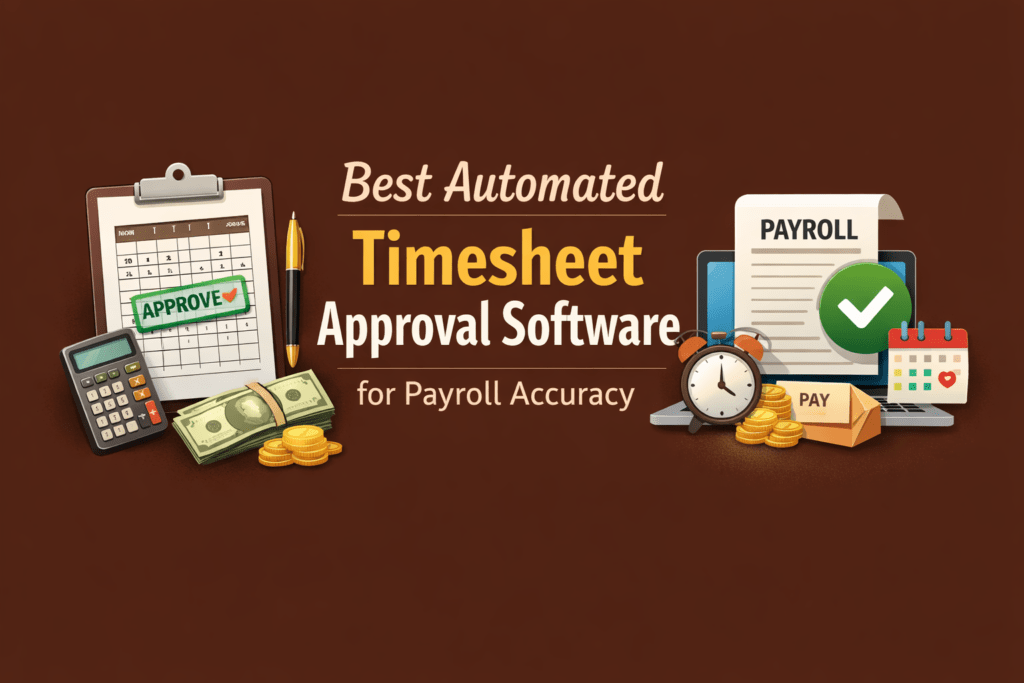
Best Automated Timesheet Approval Software



Key Takeaways:
- Payroll errors start upstream, not during processing: Most payroll mistakes originate from incomplete entries, unclear approvals, manual edits, and spreadsheet-based workflows—not from payroll software itself.
- Manual timesheets create predictable risk: Reconstructed hours, informal approvals, fragmented work tools, and late submissions turn small inconsistencies into recurring payroll problems.
- Automated timesheet approval software acts as a control layer: It captures time closer to when work happens, validates entries against policy, routes approvals automatically, and locks approved records.
- Validation before approval is critical: Systems should flag missing punches, overtime spikes, policy violations, and inconsistent hours before payroll export—not after payroll fails.
- Idle detection must reflect real work patterns: Proper configuration (meeting app exclusions, realistic timeouts, documented exceptions) prevents false positives and builds trust in approvals.
- Approval locks protect data integrity: Once approved, timesheets should be locked. Any edits must require reason codes and maintain a visible audit history.
- Payroll pre-flight checks reduce last-minute chaos: Reviewing unapproved entries, anomalies, and compliance gaps before export prevents rework during payroll week.
- Simple operational rules improve accuracy immediately: Enforce approval deadlines, require approval before export, alert on anomalies, and export only verified hours.
- Not all tools focus equally on payroll accuracy: Some platforms prioritize productivity insights or HR workflows, while others emphasize validated time, approval control, and payroll-ready exports.
- Choosing the right tool requires defining payroll risk first: Teams must identify non-negotiables like overtime controls, edit tracking, idle validation, and export stability before selecting software.
- Audit readiness is non-negotiable: Locked records, structured approval logs, and documented changes are essential for dispute resolution and compliance.
- The ultimate outcome is predictable payroll: With structured validation and enforceable approvals, payroll shifts from firefighting and corrections to verification and confidence.
If you are looking for the Best Automated Timesheet Approval Software, you are not simply trying to track hours. You are trying to fix a payment issues with a system that makes your payroll week calmer.
As you know, payroll errors rarely start at the final processing stage. They start with incomplete time entries, unclear approvals, manual edits, and disconnected spreadsheets. By the time payroll runs, you are chasing managers for confirmations and hoping the totals are right.
If you manage a growing team and payroll feels chaotic every cycle, what you need is a tool that helps you pay your people correctly, on time, and with a clear audit trail. A structured timesheet approval system for payroll gives you that foundation. It replaces last-minute spreadsheet fixes with verified, documented approvals you can trust.
What Is An Automated Timesheet Approval Software?
Automated timesheet approval software gives you direct control over how work hours are captured and approved across your organization.
Instead of relying on manual entries, you capture hours automatically or pre-fill timesheets based on actual activity data. It reduces administrative effort and closes common reporting gaps.
The system then validates those hours against your defined rules. You can validate time entries against required hours, overtime limits, shift policies, or compliance thresholds. If something is missing or inconsistent, it is flagged before it moves forward.
Instead of chasing managers for approvals, an automated timesheet approval software routes timesheets automatically to the right reviewers. Each submission follows a structured workflow that ensures nothing is overlooked.
Once a timesheet is approved, the record is locked. This protects data integrity and prevents retroactive edits that create confusion during payroll processing.
As a result, you run payroll using verified, policy-compliant records. You are no longer relying on memory or self-reported estimates to piece together missing hours at the last minute.
Why Payroll Errors Happen With Manual Timesheets?
Timesheets are always late. Sometimes managers forget approvals, and payroll spends days fixing errors. And in many cases, employees question whether the hours they were paid actually reflect the work they did.
When you rely on manual timesheets, you are asking people to reconstruct their week after the fact. They plug gaps from memory and round numbers to simplify the math. No one is trying to misstate hours, yet small inconsistencies accumulate faster than most teams expect.
Today, work is also fragmented. Activity lives across project platforms, calendars, chat tools, and multiple applications. The timesheet is only a summary layer. Expecting perfect reconciliation at the end of this is like expecting a clean ledger from scattered receipts.
Without automated routing, defined cutoffs, and record locking, reviews become informal. Exceptions are handled in side conversations instead of within the workflow. When questions surface later, there is no clean audit trail to reference.
Classification challenges create additional friction. Idle time and meeting time are interpreted differently across teams. Without shared definitions enforced by the system, disputes are inevitable. Payroll reopens entries that should have been settled.
Put simply, your process tolerates approximation, and that turns into normal behavior. Over time, that normal behavior becomes a measurable cost and repeated operational overhead for payroll.
If you want payroll that runs cleanly, you have to fix the upstream issues: capture time closer to when work happens, consolidate sources, enforce approval workflows, and lock approved records so payroll processes verified data rather than guesses.
How An Automated Timesheet Approval Workflow Improves Payroll Accuracy?
A good automated timesheet approval workflow does not just “route approvals.” It removes failure modes.
Here is the framework you can use to evaluate any tool:
1. Validation That Avoids False Positives
If your system keeps flagging employees as idle during meetings or approved tools, managers will eventually ignore the alerts. The solution is not to turn idle tracking off. It is to configure it properly.
- Set realistic idle timeouts.
- Exclude meeting and collaboration apps.
- Allow clean, documented exceptions.
When the system reflects how work actually happens, approvals become more reliable and less reactive.
2. Approval Locks Plus Edit History
An approval should mean something. When a manager signs off, that record should be locked. If changes are required later, they should be tracked with a reason and a visible edit history.
3. Payroll Pre-Flight Checks That Prevent Failures
Before you export hours, you should be able to see what might break. Missing punches. Unusual overtime spikes. Sharp drops in logged hours. Rejected or unapproved entries. Many systems show you the time. But only a few help you prevent payroll failure.
4. Small Operational Rules You Can Adopt Immediately
These are practical, high-impact controls you can implement today:
- Require manager approval before any payroll export, with no exceptions.
- Lock edits after approval and require a reason code for any manual adjustment.
- Alert on missing punches, unusual overtime, or sudden drops in hours.
- Keep approval SLAs: submit by Friday end of day, approve by Monday noon.
- Export only approved hours as the payroll input.
5. The Payoff
Implementing these controls converts payroll week from firefighting to verification. You get fewer corrections, faster processing, clearer audit trails, and defensible answers when someone questions pay. Ultimately, you spend less time and money fixing avoidable errors and more time on analysis that matters.
Comparison Table for the Best Automated Timesheet Approval Software For Payroll Accuracy
| Tool | Automatic time capture | Approval workflow | Idle detection / validation | Payroll output | Best for |
| Flowace | Auto-captured activity + automated timesheets (Automated timesheets and approvals). | Rule-based routing + audit trails (Timesheet approvals product page). | Custom idle timeout + activity logs (Pricing page). | Positioned for payroll/project sync (Timesheet approvals page). | Hybrid teams that need validated time before payroll |
| Time Champ | Automated timesheets positioned for payroll reporting. | Approval flows described via time approval guidance. | Focused on productivity signals and exports. | Export attendance/timesheet data for payroll. | Teams that want timesheet automation plus workforce insights |
| HROne | Attendance-centric capture supports payroll consolidation. | Attendance approvals exist (HR/admin approvals). | More attendance and policy based than deep app-level validation. | Payroll and attendance integration positioning. | HR-first orgs who want HRMS + payroll workflow alignment |
| Apploye | Automated tracking into timesheets. | Timesheet approvals before payroll calculations. | Idle time detection exists, but validation depth depends on setup. | Payroll export workflow supported. | Smaller teams moving off spreadsheets who need approvals + export |
| Harvest | More manual-friendly time entry, plus approvals concepts. | Strong approvals model: lock + approval history. | Less about idle validation, more about time entry correctness. | Exports to CSV/Excel for downstream payroll processes. | Services teams focused on approvals + reporting + exports |
| My Hours | Timesheets, tracking, and exports for payroll workflows. | Approvals supported for review/approve/reject. | Not positioned as “idle policing”; more reporting and approvals. | Payroll-focused exports + integrations via Zapier/QuickBooks. | Small to mid teams who want clean approvals + payroll exports |
Best Automated Timesheet Approval Software For Payroll Accuracy
1. Flowace
Flowace is an AI-powered time tracking and automated timesheet system built for hybrid, remote, and on-site teams. It auto-captures work activity, classifies productive versus idle time, and supports structured approval workflows that feed payroll.
Key Features:
- Automatic timesheet generation and in/out capture
- Idle and burnout alerts with configurable exceptions for meeting apps
- Approval workflows with role-based routing and locked records after approval
- Attendance and shift management, plus billable versus non-billable tracking
- Payroll integration support and configurable export formats
- Optional screenshot verification and compliance settings
Strengths
- Designed to produce audit-ready time data rather than just activity logs
- Good balance of validation, approvals, and payroll export controls
Limitations
- Deeper features, such as advanced executive dashboards, may sit behind higher plans
Best For
Mid-sized B2B teams that need clean time data for payroll and want automated approvals without heavy admin overhead
Why Does It Fit Payroll Accuracy
Flowace emphasizes pre-approval validation and locked approval records so payroll receives verified inputs instead of moving targets.
2. Time Champ
Time Champ focuses on productivity analytics and automated tracking while offering timesheet generation and role-based dashboards.
Key Features
- Automated tracking and timesheet generation
- Role based approval dashboards
Strengths
- Strong productivity analytics for performance teams
- Useful for teams that want both tracking and insights
Limitations
- Payroll integration depth depends on plan
- May require extra configuration for complex shift rules
Best For
Performance driven organizations that value activity insights alongside timesheet automation
3. HROne
HROne is an HRMS that includes leave, attendance, and payroll integrations as core capabilities.
Key Features
- Deep payroll and attendance integration
- Leave and shift management tied into payroll
Strengths
- Tight payroll workflows and enterprise HR features
- Easy handoff between attendance and payroll modules
Limitations
- Time capture is less granular than dedicated productivity tools
- Limited deep classification of productive versus idle activity
Best For
HR centric organizations that prefer a payroll-focused platform and want HR and payroll tightly coupled
4. Apploye
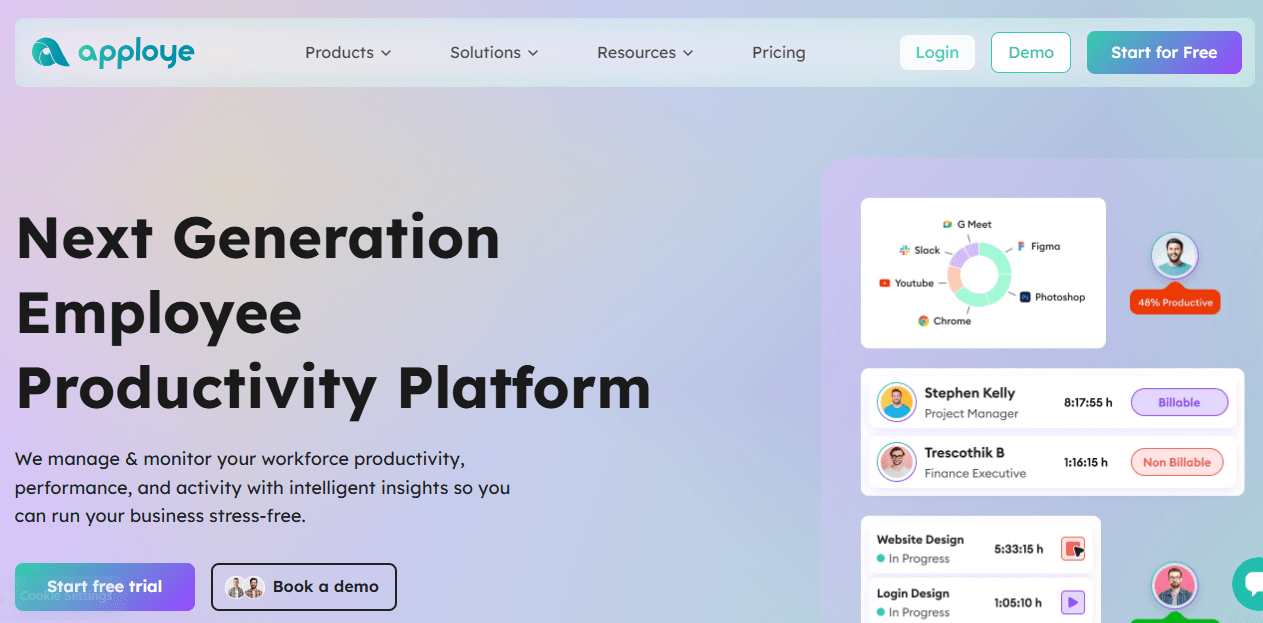
Apploye offers automated tracking, project timesheets, and optional screenshot verification in a budget-friendly package.
Key Features
- Automated activity capture and project-based timesheets
- Screenshot verification in premium tiers
Strengths
- Cost effective for small teams getting off manual timesheets
- Simple setup and project focus
Limitations
- Simpler analytics and less sophisticated payroll automation
- May need manual steps for complex payroll exports
Best for
Small teams transitioning from manual entry that need basic automation and project billing support
5. Harvest
Harvest is strong for budget and client invoicing workflows and handles manual time entry well.
Key Features
- Timesheet entry and project invoicing
- Export options for payroll or accounting
Strengths
- Excellent for agencies and client billing
- Familiar manual workflows with solid reporting
Limitations
- Relies more on manual entry than automatic validation
- Less automatic activity validation for payroll accuracy
Best For
Agencies and consultants prioritizing client invoicing over workforce analytics.
How To Choose Automated Timesheet Approval Software Without Getting Burned Later
Automated timesheet approval software acts as the control layer between your workforce and payroll. If that layer is weak, the problems only show up when payroll runs late. To prevent that, you need a system that validates time before it is approved:
Define your payroll risk first
For most hybrid teams the non negotiables are: clear differentiation between active and idle time, sensible handling of meeting apps, strict overtime thresholds, and controls around manual edits. If a tool cannot enforce those rules, it will not stop the root causes of payroll error.
Decide what must be validated
Make approvals simple and enforceable. Complex, multi layer approval flows stall. Optional approvals mean payroll runs on unverified data. Your best pattern is one clear owner per timesheet, with a short escalation path for missed reviews. Back that up with SLAs so approvals happen predictably each pay cycle.
Set an approval hierarchy you can actually run
If approvals require three layers, they will stall. If approvals are optional, payroll will run on unverified data. Your best move is one clear owner per timesheet, with escalation. (Approvals as backbone of payroll).
Check payroll output reality
Match your payroll output to reality. Do you need a direct API integration with your payroll provider, or is a CSV export good enough? If you plan to export, confirm the file format is stable, reports are per pay period, and the system can export only approved hours. Exports that change format or include unapproved edits are a reconciliation time sink.
Confirm audit and dispute readiness
Prove you can defend every number. Lock approved timesheets, keep a complete approval log, and require reason codes for edits. That is what stops the “we never agreed to that change” disputes and gives you an audit trail you can show to payroll, HR, or regulators.
Conclusion
Payroll accuracy is not solved at the end of the cycle. It is built into the way you capture time, validate entries, route approvals, and lock records before payroll ever runs.
If your current process depends on manual corrections, informal approvals, and last minute spreadsheet fixes, payroll will continue to feel reactive. Small inconsistencies will keep compounding into disputes, rework, and hidden cost.
The right automated timesheet approval software changes that dynamic. It gives you structured validations, clear ownership, enforceable approvals, and audit ready records. Instead of chasing confirmations, you review verified data. Instead of recalculating numbers, you process them with confidence.
If you want payroll week to feel predictable, the next step is simple. See how a structured, automated approval workflow works in practice.
Don’t wait for payroll to expose the cracks. Book a demo with Flowace to understand how automated time capture, configurable validations, and locked approvals can strengthen your payroll process. Or start a free trial and experience how clean, verified time data reduces payroll errors before they happen.
FAQs:
What is the best automated timesheet approval software for payroll accuracy?
The best option is the one that captures time with minimal manual work, enforces approvals, locks approved records, and exports or syncs payroll-ready data consistently.
How does automated timesheet approval improve payroll accuracy?
It reduces manual entry errors, prevents last-minute spreadsheet edits, flags missing punches, and ensures payroll runs on approved records instead of raw logs. (Payroll errors and approval control).
Do timesheets have to be approved before payroll?
Legally, rules vary by country, but operationally: yes, if you want payroll you can defend. Approval creates a documented checkpoint and a locked record.
How do you handle idle time false positives in a timesheet approval system for payroll?
Set clear idle timeout rules, allow contextual notes, and treat meetings and approved tools as valid work time when appropriate. Configure rules so managers do not approve “noise.”
Do you need time tracking with payroll integration, or is CSV export enough?
If your payroll system supports reliable integration, it can eliminate manual upload steps. If not, a consistent approved-hours export can still work well.
How do you prevent “silent edits” after a manager approves a timesheet?
Use a system that locks approved records and retains approval history and edit logs.
What is the minimum you should track to stay compliant with privacy expectations?
Track the minimum necessary for payroll accuracy, define retention, and avoid collecting content when metadata is enough. The European Data Protection Supervisor advises a gradual approach and avoiding data collection when possible in workplace communications monitoring contexts.