8 Workforce Management Softwares Compared for 2026



Published: September 2026 · Last Updated: September 2026 · Last Verified: 29 September 2026
Best workforce management software helps businesses schedule shifts, track time and attendance, and understand how work hours are used. Some platforms also include HR and payroll, while others focus on scheduling, time tracking, activity monitoring, or workforce analytics.
This article compares 8 platforms which are Flowace, UKG Ready, Paycor (a Paychex company), BambooHR, Deel HR, Connecteam, Hubstaff, and ActivTrak. Pricing was last checked on September 29, 2026.
Quick Comparison About 8 Workforce Management Softwares
This table compares all 8 platforms side by side on category, core capabilities, and starting price, so you can shortlist by what you actually need before reading the full profiles below.
| Software | Category | Best For | Time Tracking | Activity Monitoring | Workforce Analytics | Attendance, Shift & Leave Ops |
Starting Price (annual) |
|
Flowace |
Unified time tracking, monitoring, analytics, and light workforce ops | Teams that want one platform instead of three separate tools | Yes, automatic | Yes, native | Yes, native | Yes (attendance, shifts, leave, expense, approvals) | $1.99/user/month (Basic); Analytics, shifts and leave from $3.99/user/month (Standard) |
| UKG Ready | Full HR and payroll suite | Small to mid-sized businesses that want payroll, HR, time, and scheduling in one system | Yes | Limited, attendance-focused | Yes, reporting-
level |
Yes, full HCM depth |
Not disclosed |
|
Paycor, a Paychex Company |
Full HR and payroll suite | Mid-market and enterprise teams that want workforce management bundled with payroll | Yes | Limited | Yes, HR analytics | Yes, full HCM depth | Not disclosed |
| BambooHR | HR-first suite with basic time tracking | Growing companies that already run hiring and onboarding through BambooHR | Yes, add-on | No | Limited | Yes, time off and basic attendance |
$10/employee/month |
|
Deel HR |
Full HR and payroll suite (global) | Distributed teams with contractors and international employees | Yes, clock-in/out, payroll-linked | No | No | Yes, PTO and shift rules | $5/employee/month |
| Connecteam | Mobile scheduling for deskless teams | Field and shift-based teams that need scheduling, GPS clock-in, and basic tasks | Yes | No | Limited | Yes, scheduling-
first |
Free for up to 10 users (Small Business Plan); $29/mo for first 30 users above that |
|
Hubstaff |
Time tracking, monitoring, and workforce ops (analytics is a paid add-on) | Teams that want tracking and scheduling together, with analytics as an extra | Yes, automatic | Yes, native | Add-on | Yes, from the Team plan up | $4.99
/seat/month |
| ActivTrak | Workforce analytics and monitoring point solution | HR, operations, and IT teams that want a dedicated analytics layer | Limited | Yes, native | Yes, native | No |
$10/worker/month |
*Updated on 29 September, 2026
What Does Workforce Management Software Cover?
Workforce management software usually covers scheduling, time and attendance, leave, and workforce analytics. Some platforms also include HR and payroll, while others focus on scheduling, time tracking, activity visibility, or productivity analytics.
The main difference is scope. UKG Ready, Paycor, and BambooHR combine workforce management with broader HR functions, from hiring through payroll. Connecteam focuses on scheduling and workforce operations for deskless teams. Flowace, Hubstaff, and ActivTrak focus more on time tracking, workforce visibility, and analytics.
If you need payroll and HR in the same system, start with the full-suite platforms. If payroll is already handled and you mainly need visibility into time, activity, and productivity, the platforms focused on those areas may fit better.
For a deeper definition, see Flowace’s workforce management overview.
What Are the Best Workforce Management Softwares in 2026?
The 8 platforms below cover different workforce management needs, from HR and payroll to scheduling, time tracking, activity monitoring, and workforce analytics. Each profile explains what the platform is best for, what it includes, and where its capabilities fit.
Capability claims were checked against each vendor’s own website, including Hubstaff, Deel, and ActivTrak.
1. Flowace
Source: Flowace
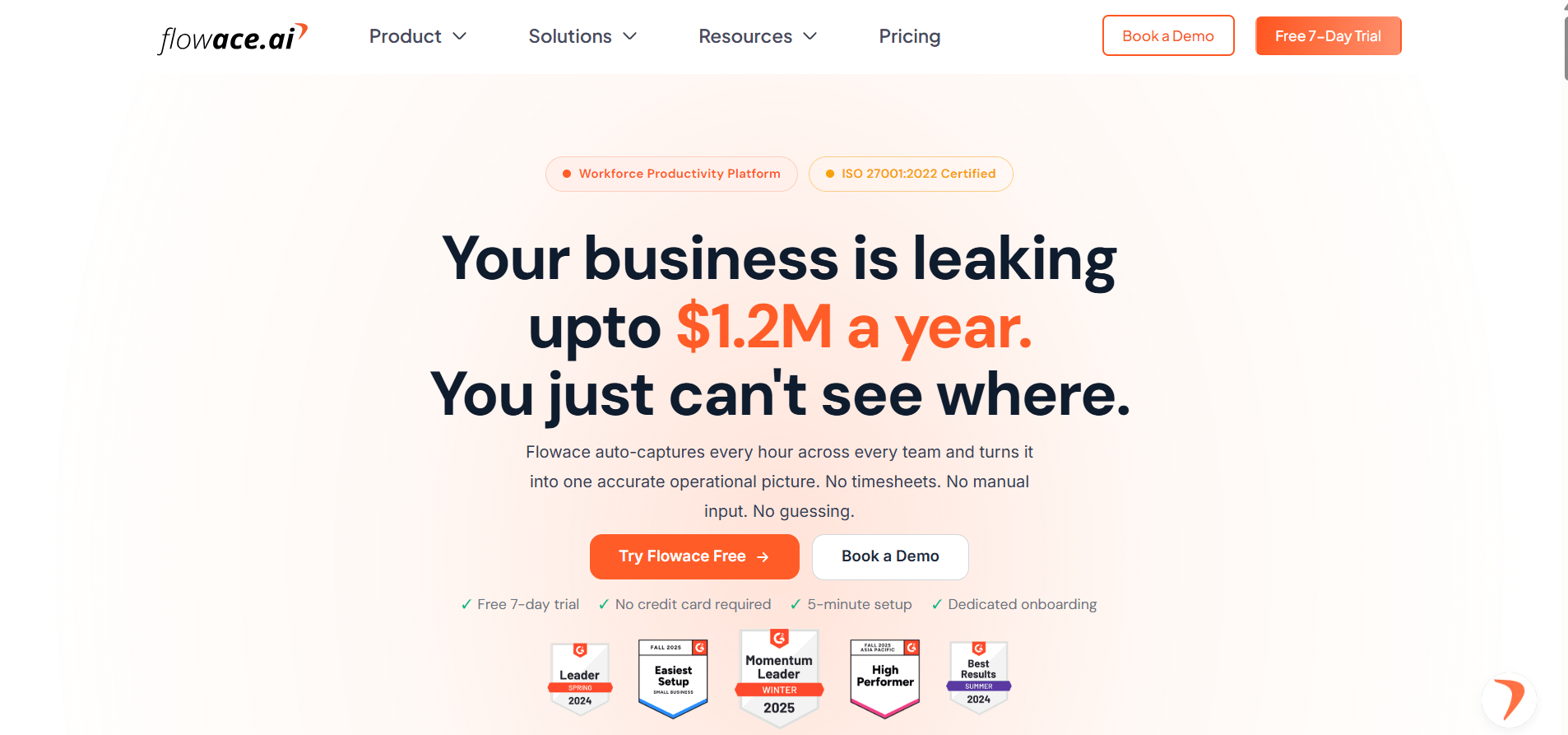
Best for: Teams that want attendance, shift scheduling, leave, expenses, and approval workflows alongside time tracking in one platform.
Flowace brings core workforce operations into one platform. Attendance is captured automatically from desktop login. Teams can create recurring shift and roster patterns and use Excel import for bulk scheduling. Leave policies and expense submissions, including proof attachments, can be configured by company, team, or location.
Flowace also supports multi-level approval workflows for leave, expenses, and timesheet edits. Hierarchy-based escalation can route an approval to another person when the assigned approver is unavailable. Live Status shows who is online, offline, or idle, with updates syncing about every 5 minutes.
Does Flowace work for remote, hybrid, and in-office teams?
Yes. Flowace is built to support all three work models from the same platform, tracking attendance and activity consistently whether someone is working from home, splitting time between office and remote days, or on-site full time.
Does Flowace work for field or deskless teams?
Not in the way Connecteam or Hubstaff do. Flowace’s tracking runs through a desktop or laptop agent (Windows, Mac, or Linux, including Citrix and remote desktop environments), which covers any employee working at a computer, remote, hybrid, or in-office alike. It does not offer a GPS-based mobile clock-in for workers who aren’t at a computer at all, such as construction crews, delivery drivers, or retail floor staff. Teams that need that kind of field-worker clock-in should look at Connecteam or Hubstaff instead.
Is Flowace a full HRMS?
No. Flowace covers attendance, shifts, leave, expenses, and approvals, while payroll, recruitment, performance reviews, and benefits administration remain outside the platform. Flowace integrates with existing payroll or HRIS systems rather than replacing them.
That gives it a different scope from BambooHR and UKG Ready, which cover broader HR functions and the employee lifecycle. Flowace focuses more heavily on workforce operations and time-related workflows.
How does Flowace connect workforce management with time tracking?
Flowace connects attendance with actual tracked work hours rather than relying only on login time. Its approval workflows also use the same system for timesheet edits. Leave balances can be reconciled against scheduled and tracked hours, while the same data can support HR operations, billing, and productivity reporting.
Flowace is ISO 27001, SOC 2, GDPR, and HIPAA compliant, with single sign-on, role-based access controls, and AES-256 encryption for data at rest.
G2 Rating
User Rating: 5/5
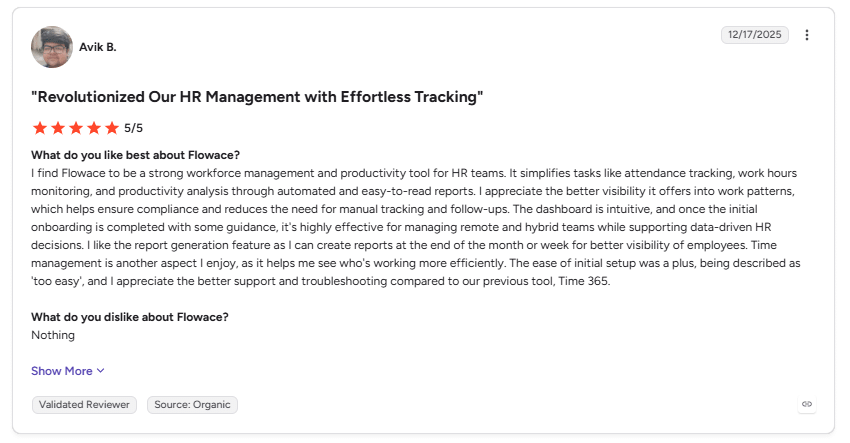
Image alt text: G2 review for Flowace highlighting automated HR tracking, attendance, productivity analysis, reporting, and ease of use, dated December 17, 2025.
“I find Flowace to be a strong workforce management and productivity tool for HR teams. It simplifies tasks like attendance tracking, work hours monitoring, and productivity analysis through automated and easy-to-read reports.” (Avik B., G2 review, December 17, 2025)
How much does Flowace cost?
Flowace Basic starts at $1.99/user/month billed annually or $2.99 billed monthly. Standard is $3.99 annually or $4.99 monthly, and this is the tier where configurable productivity ratings, shift management, and leave management actually start. Premium is $6.98 annually or $10 monthly. Enterprise pricing is custom.
2. UKG Ready
Source: UKG Ready
Best for: Small and mid-sized businesses that want payroll, HR, time, and scheduling in one system.
What does UKG Ready include?
UKG Ready combines core HR, payroll, time and attendance, and scheduling in one platform with per-employee pricing. UKG Pro serves larger and more complex organizations, while UKG Ready is the more relevant UKG product for the 50- to 500-seat companies covered in this article.
On time and attendance, UKG Ready automates timekeeping and flags exceptions like missed punches and overtime, applying leave and accrual rules consistently across a company. Its scheduling module builds schedules based on demand, skills, compliance rules, and employee preferences, with automated shift assignments and self-service shift selection available from any device.
How much does UKG Ready cost?
UKG does not publish a standard price. Quotes are custom.
G2 Rating
3. Paycor, a Paychex Company
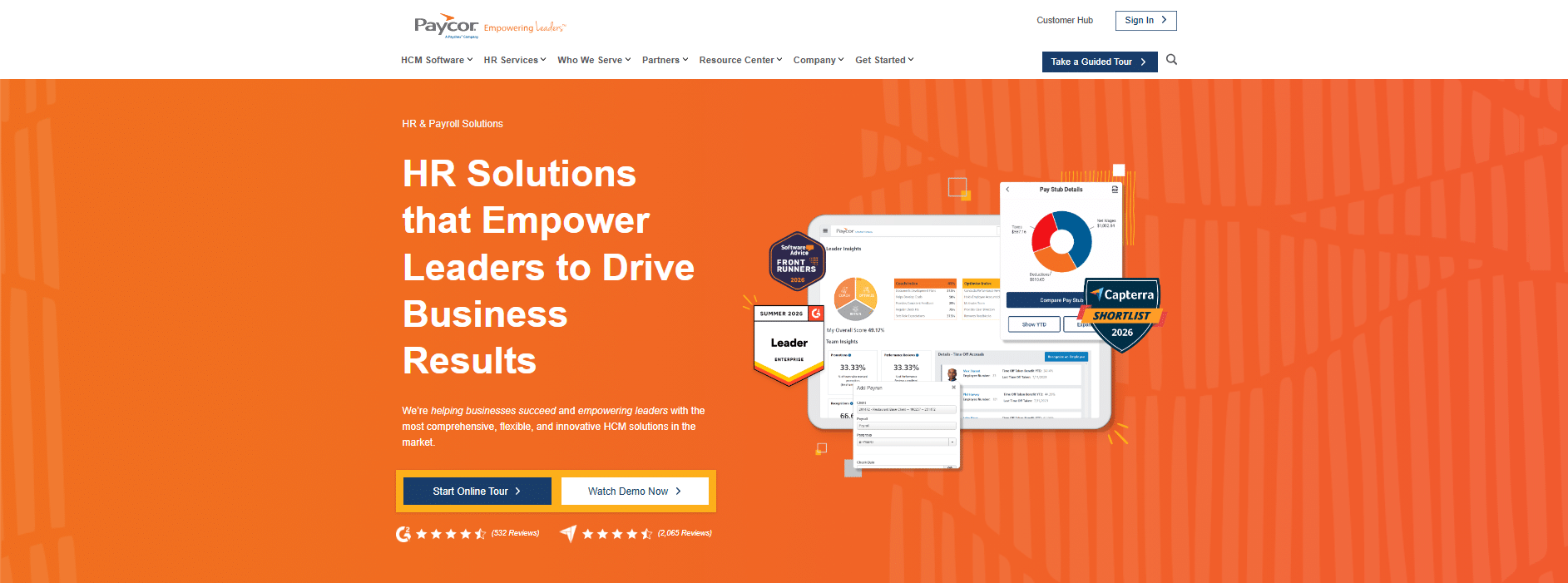
Source: Paycor
Best for: Mid-market and enterprise teams that want workforce management as part of a broader HCM system.
Paycor is now branded Paycor, a Paychex Company. Paychex completed its acquisition of Paycor on April 14, 2025, for about $4.1 billion in enterprise value. Paycor continues to operate as a business unit within Paychex.
What does Paycor’s workforce management cover?
Paycor’s Time & Attendance software tracks hours worked and time off in one place, using mobile punching, geo validation, and proactive alerts for exceptions like missed punches or unapproved overtime. Its Scheduling software, built around a tool Paycor calls Smart Scheduler, automates shift assignment against company-wide break rules across unlimited locations, with mobile scheduling, shift swapping, and real-time notifications when a shift changes.
How much does Paycor cost?
Paycor does not publish standard pricing, so quotes go through sales.
G2 Rating
4. BambooHR
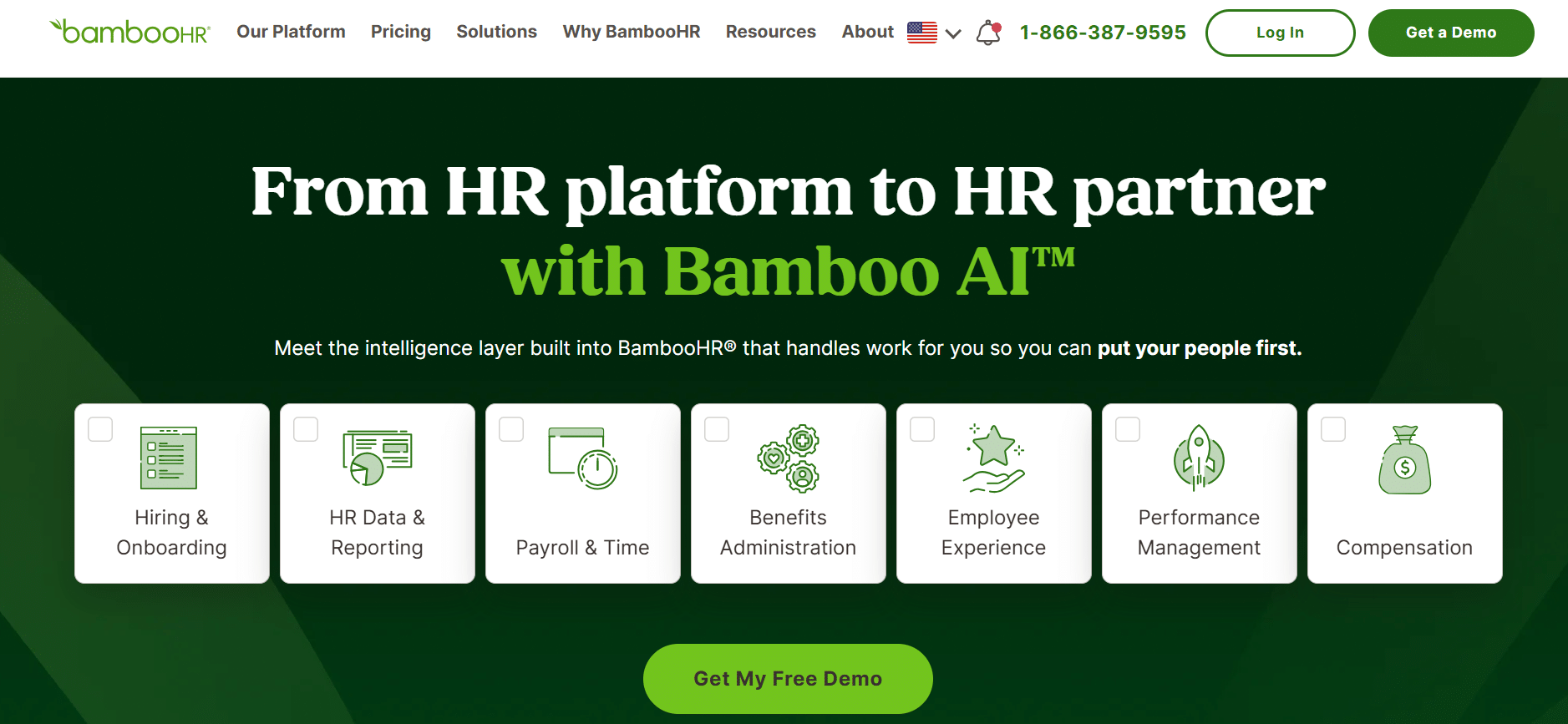
Source: BambooHR
Best for: Growing companies that already use BambooHR for hiring and onboarding and want basic time tracking and scheduling in the same system.
What does BambooHR cover?
BambooHR is primarily an HR platform. It also offers time tracking, attendance, and scheduling, which work alongside its core HR records.
How much does BambooHR cost?
For companies with more than 25 employees, BambooHR charges per employee each month. Pricing starts at $10 per employee per month for the Core plan, $17 for Pro, and $25 for Elite. Companies with 25 employees or fewer are charged a flat monthly rate, starting at $250 per month.
G2 Rating
5. Deel HR
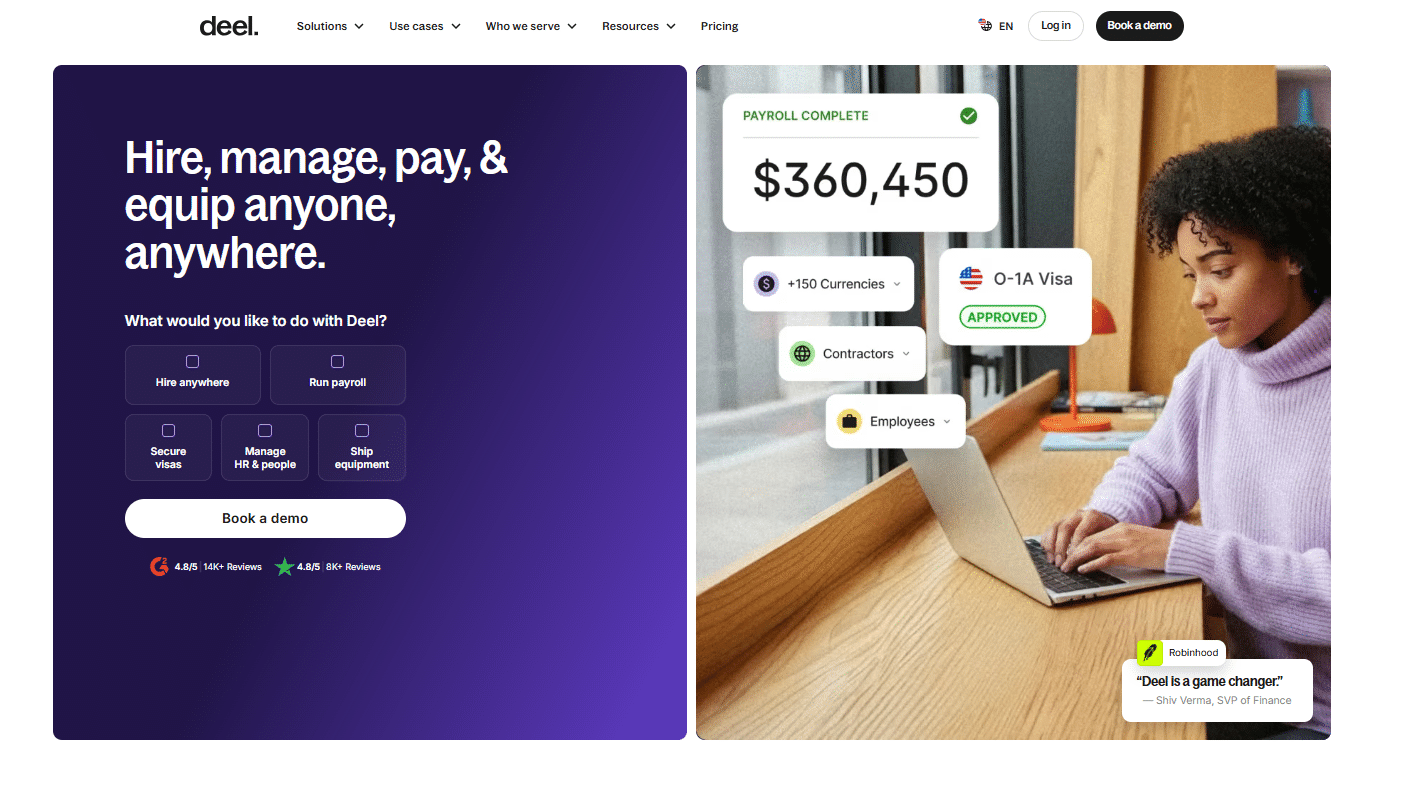
Source: Deel
Best for: Distributed and international teams that need contractor payments and global employment alongside a core HR system.
Deel sells five product groups: Hire, Manage, Pay, Equip, and Bundle. The Manage group is the Deel HR product covered in this comparison. The other four groups cover recruiting, global payroll, Employer of Record, and IT device management, and each is priced separately from Deel HR.
How much does Deel HR cost?
Deel HR has three per-employee-per-month tiers:
Core $5: Worker profiles and org charts, roles and permissions, time off and approvals, time and attendance, job architecture, anonymous reporting, global compliance, and AI-powered analytics and reporting.
Advanced $19: Everything in Core, plus performance reviews, goals and OKRs, check-ins and continuous feedback, an LMS, career frameworks, engagement surveys, and recognition.
Elite $29: Everything in Advanced, plus pay bands, compensation cycles, pay review approvals, a total rewards portal, headcount planning, scenario modeling, and cost forecasting.
Does Deel HR include time and attendance tracking?
Yes. Time and attendance are included from the Core tier. Tracking uses clock-in and clock-out records tied to payroll, with geofencing for field teams, rotating shifts, and break policies.
Does Deel HR monitor employee activity?
Deel’s time-tracking module does not include app or website activity monitoring, idle-time detection, or a productivity analytics dashboard. Based on Deel’s current product information, monitoring-focused platforms provide deeper activity visibility.
G2 Rating
6. Connecteam
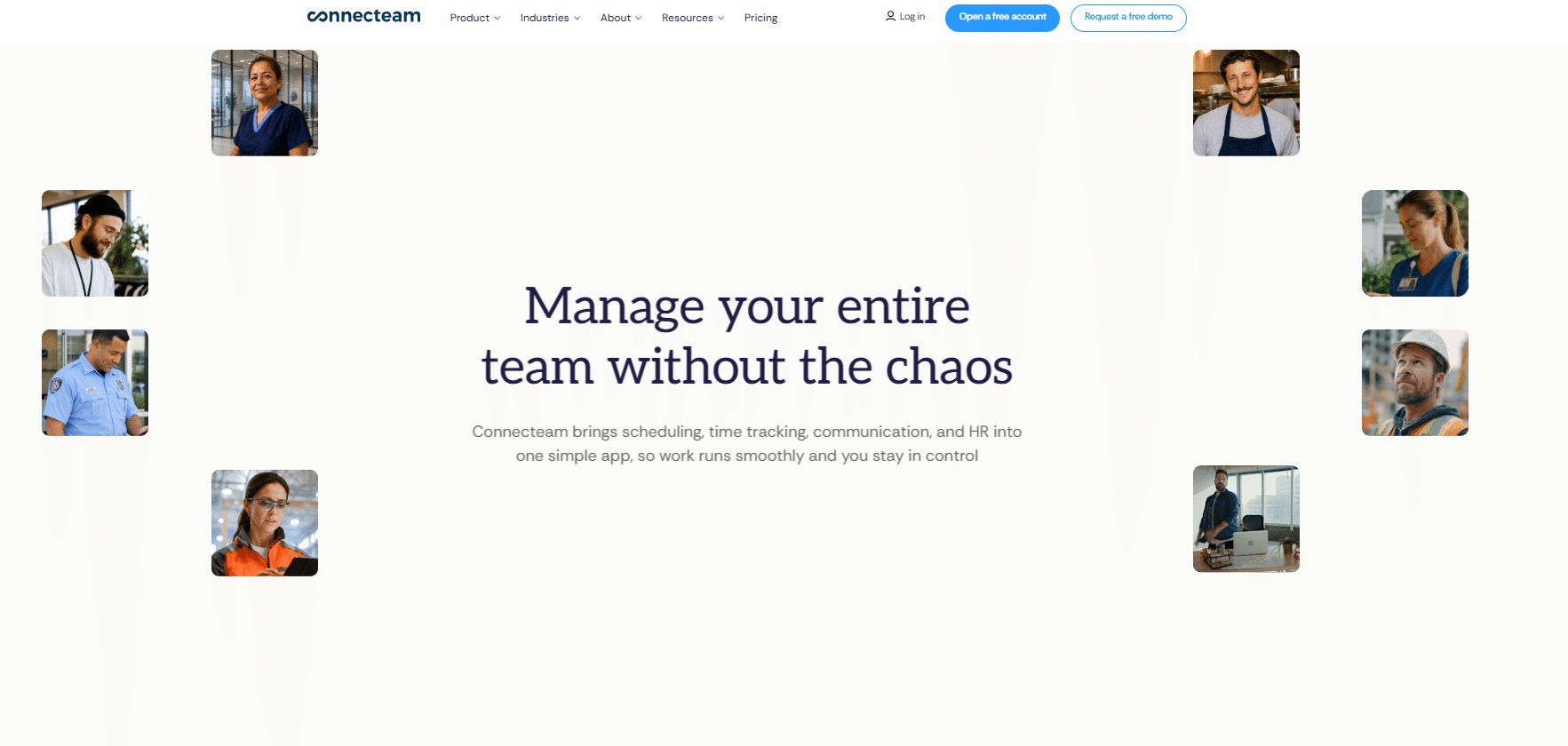
Source: Connecteam
Best for: Deskless and shift-based teams that need mobile-first scheduling, GPS clock-in, and basic task management.
How does Connecteam pricing work?
Businesses with up to 10 employees can use Connecteam free for life on its Small Business Plan, with every hub and feature included. Above that size, Connecteam has three separate hubs which are Operations, Communications, and HR & Skills. Each hub is priced separately and billed annually. All three use the same base price for the first 30 users. $29/month for Basic, $49/month for Advanced, and $99/month for Expert. The per-user charge after 30 users varies by hub, so the total cost depends on which hubs a team needs.
How much does Connecteam Operations cost?
Operations is the hub most relevant to workforce management. It covers Time Clock, Job Scheduling, Forms, and Quick Tasks.
Basic 29/month for the first 30 users: $0.80 per additional user; includes real-time GPS clock-in and out, unlimited jobs, payroll integration, and basic scheduling.
Advanced $49/month for the first 30 users: $2.50 per additional user; adds full time-clock customization, up to 10 geofence sites, and repeating shift templates.
Expert $99/month for the first 30 users: $4.20 per additional user; adds unlimited geofence sites, auto-assigned shifts, and up to 12 different schedules.
Enterprise: Custom pricing, with SSO, two-factor authentication, and a personal success manager.
How much do Connecteam’s other hubs cost?
Communications and HR & Skills use the same $29, $49, and $99 base prices billed annually for the first 30 users, with lower per-additional-user charges ranging from $0.50 to $3.00 depending on the tier. They cover features such as team chat, company updates, courses, documents, and time-off requests rather than the time-tracking features used in this comparison.
A team that needs both Operations and HR & Skills pays for both hubs separately rather than one combined flat fee.
Does Connecteam have a free plan?
Yes, confirmed directly on Connecteam’s own site on 29 September, 2026. It’s called the Small Business Plan $0, free for life, with all hubs and all features included, for businesses managing up to 10 employees.
Connecteam is built around mobile workforce operations and shift coverage. It is a lighter fit for desk-based knowledge work where the main need is understanding productivity patterns rather than managing shifts.
G2 Rating
7. Hubstaff
Source: Hubstaff
Best for: Teams that want time tracking, activity monitoring, scheduling, attendance, time off, and timesheet approvals in one tool, with deeper productivity analytics available as a paid add-on.
What does Hubstaff include?
Hubstaff includes more than time tracking. Its Team plan and higher tiers include scheduling, attendance tracking, time off and holiday management, and timesheet approvals. Hubstaff also supports GPS and geofencing for field teams and automated payroll. These capabilities were checked against Hubstaff’s attendance-tracking and scheduling pages.
Does Hubstaff include productivity analytics?
Hubstaff offers deeper productivity analytics and insights as a separate paid add-on. The add-on is priced per seat on top of the base plan.
How much does Hubstaff cost?
Hubstaff has four main paid tiers, billed per seat, which is Hubstaff’s own term for its pricing model.
Starter: $4.99 per user per seat billed annually ($7 billed monthly)
Grow: $7.50 per user per seat billed annually ($9 billed monthly)
Team: $10 per user per seat billed annually ($12 billed monthly)
Enterprise: $25 per seat per month billed annually, with custom monthly pricing
All paid plans have a 2-seat minimum. Hubstaff offers a 14-day free trial rather than a permanent free plan.
G2 Rating
8. ActivTrak
Source: ActivTrak
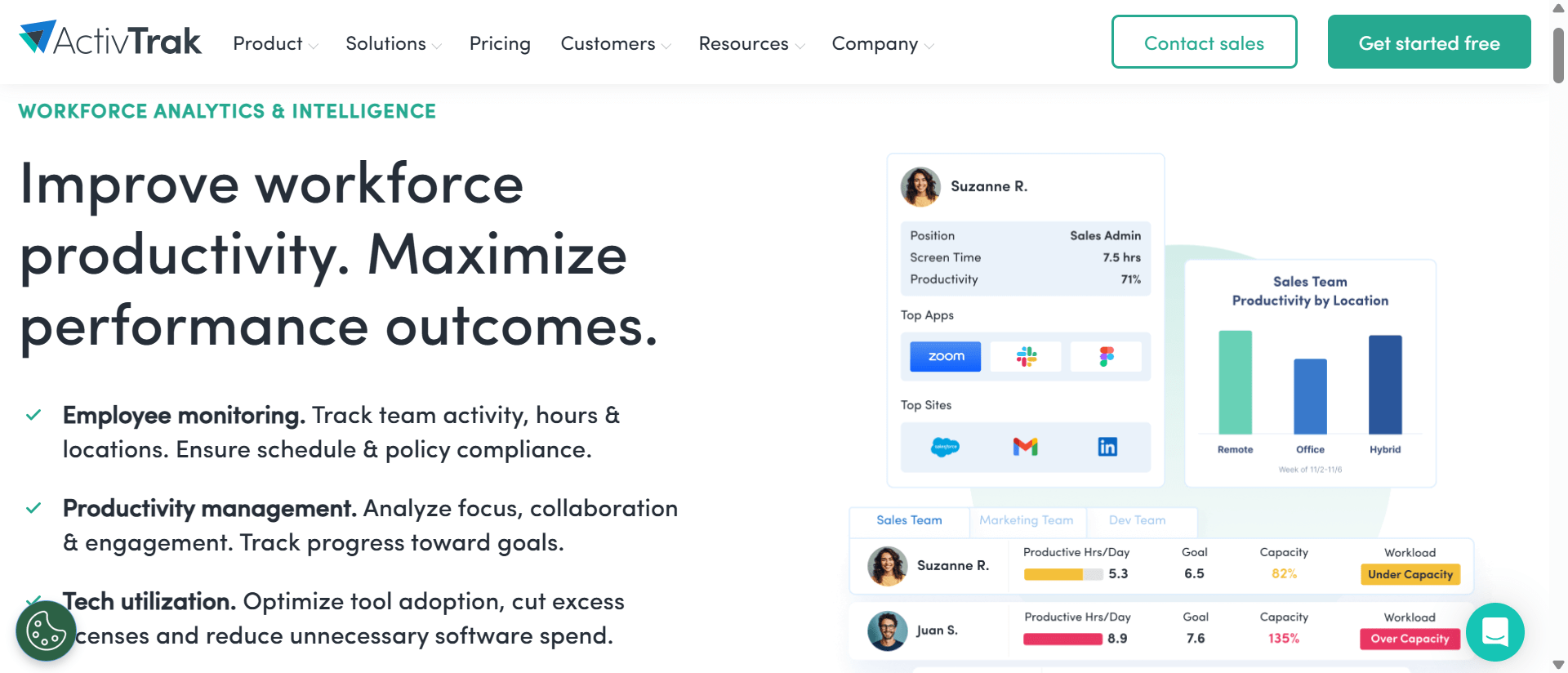
Best for: HR, operations, and IT teams that need workforce analytics and productivity monitoring alongside the time-tracking and scheduling tools they already use.
What is ActivTrak used for?
ActivTrak describes its platform as workforce analytics and workforce intelligence software for HR, operations, and IT and security teams. It tracks active time, app and website usage, and sign-in patterns to help teams understand productivity trends and identify potential burnout risks.
Does ActivTrak include scheduling or time-off management?
ActivTrak does not include native scheduling, leave management, timesheet approvals, or payroll. Teams can use it alongside their existing time-tracking and workforce-management tools.
How much does ActivTrak cost?
ActivTrak’s Free plan supports up to 3 users and includes 30 days of data history. Paid plans start at $10 per user per month, billed annually, for Work Activity, followed by $15 for Workforce Management, $17 for Productivity Optimization, and $21 for Workflow.
G2 Rating
Want to see how Flowace fits your workforce management needs?
Book A DemoWhat Is the Difference Between Workforce Management Software and Employee Monitoring Software?
Workforce management software handles scheduling, attendance, leave, and workforce operations. Employee monitoring software focuses on activity during working hours. Some platforms combine both.
UKG Ready and Paycor cover workforce management inside broader HCM systems. Hubstaff combines time tracking, activity monitoring, scheduling, attendance, time off, and timesheet approvals, with deeper productivity analytics available as a paid add-on. ActivTrak focuses on workforce analytics and activity visibility, without native scheduling or leave management. Flowace combines time tracking, activity monitoring, productivity analytics, and workforce operations without payroll and broader HR administration.
The common goal is to give managers a clearer view of how paid work hours are being used instead of relying only on status updates or manual reports.
Which Workforce Management Platforms Can Measure Idle Time?
Platforms built around time tracking and activity monitoring can measure idle or away time from activity signals such as keyboard, cursor, app, or website activity. Flowace, Hubstaff, and ActivTrak provide different forms of activity and productivity visibility.
Full HR platforms such as UKG Ready and Paycor focus more on attendance and clocked hours. They are not primarily designed to separate active and idle time throughout the workday.
How Do Workforce Management Platforms Handle Employee Privacy?
Look for clear rules about what gets recorded, privacy controls, and whether activity data measures input frequency or captures content.
Flowace’s Privacy Mode provides an opt-out for activity tracking, while its Keypad and Cursor Activity feature measures input frequency rather than keystroke content. ActivTrak also focuses on activity signals rather than webcam snapshots or keystroke logging. These details matter because activity monitoring can mean very different things across products.
Can Workforce Management Software Track Attendance and Productivity?
Some platforms can handle both. UKG Ready, Paycor, and Deel HR manage attendance and time off as part of broader HR systems, with limited or no productivity monitoring. ActivTrak provides workforce analytics and activity visibility but does not include native attendance or time-off management.
Flowace and Hubstaff combine time tracking with workforce-operations features and activity visibility, making them relevant for teams that want attendance, work hours, and productivity data in the same platform.
How Do You Calculate Idle Capacity Rate?
Idle Capacity Rate = (Idle Hours Logged ÷ Total Hours Logged) × 100
Idle Capacity Rate measures the share of logged work hours with no recorded keyboard, cursor, app, or website activity after scheduled breaks are removed.
In an illustrative 50-person team logging 8,400 hours a month (50 people × 8 hours × 21 working days), 1,890 idle hours produces an Idle Capacity Rate of 22.5% (1,890 ÷ 8,400 × 100). These figures show how the calculation works and are not Flowace customer data.
How Much Could Idle Time Cost?
Use a sourced labor-cost figure rather than an assumed hourly rate.
Using that figure, 1,890 illustrative idle hours × $54.00 equals $102,060, or about $2,041 per person.
That amount should be treated as a figure to investigate, not confirmed savings. Idle time can include phone calls, meetings, reading, and other offline work. The calculation only removes scheduled breaks and cannot identify whether every idle period represents lost capacity. Before assigning a dollar value to idle time, remove known meetings and other legitimate offline work from the calculation.
AM2PM, a 96-agent BPO, reported reducing measured idle time from 24.9% to 15.1% over nine months. That is a published customer result, separate from the illustrative calculation above.
Note: If your own data can produce an aggregate such as “average Idle Capacity Rate across N active accounts as of [month]”, use that figure when available. Teams that want their own measured figure can request that calculation during a Flowace demo.
How Do You Choose the Right Workforce Management Software?
- Start by deciding whether you need payroll and benefits in the same system or mainly need time, activity, and workforce visibility. UKG Ready, Paycor, BambooHR, and Deel HR cover payroll or broader HR administration. Flowace, Hubstaff, and ActivTrak focus on workforce visibility and operations without payroll.
- Next, count the tools you already pay for. If time tracking, activity monitoring, and analytics are spread across three subscriptions, compare their combined cost with a platform that provides those functions together.
- Check whether attendance is based on actual tracked hours or only login time. A system that records when someone signs in cannot show how those hours were spent.
- Look for real-time visibility if you need to spot issues while they are happening. Weekly reports can show the same pattern later, but they give managers less time to respond.
- Finally, check the vendor’s current pricing page before comparing costs. Two of the eight platforms in this article do not publish standard prices, and pricing tiers can change. A six-month-old screenshot may no longer reflect the current price.
Can You Use Workforce Management Software Without Payroll?
Yes. Flowace, Hubstaff, and ActivTrak provide workforce management capabilities without payroll. This can make sense when payroll already runs through Gusto, QuickBooks, or an in-house system.
In that setup, you can use a workforce management platform for time tracking, activity visibility, scheduling, or workforce operations while keeping payroll in the system you already use. This can also help avoid paying for an HR or payroll module you do not need.
Ready to bring time tracking, workforce visibility, and operations into one place?
Book A DemoFrequently Asked Questions About Best Workforce Management Software
1. What is workforce management software?
Workforce management software helps businesses schedule shifts, track time and attendance, and understand how working hours are used. Some platforms also include payroll and HR administration, while others focus on time tracking, activity monitoring, and productivity analytics.
2. What are the best workforce management software platforms in 2026?
The best workforce management software platforms in 2026 areFlowace, UKG Ready, Paycor (a Paychex Company), BambooHR, Deel HR, Connecteam, Hubstaff, and ActivTrak.
3. How much does workforce management software cost?
Workforce management software costs vary by platform, plan, company size, and billing model. Two platforms in this article have free plans for small teams, Connecteam’s Small Business Plan is free for up to 10 employees with all features included, while ActivTrak’s Free plan covers up to 3 users.
Beyond those limits, small-business tools can start at around $1.99-$10 per user per month, while mid-market platforms typically range from $10-$29 per user per month. Connecteam’s paid hubs use a flat rate for the first 30 users, so they don’t fit neatly into these ranges. UKG Ready and Paycor require custom quotes.
4. What is the difference between workforce management software and HR software?
The difference between workforce management software and HR software is that Workforce management software focuses on scheduling, time, attendance, and workforce operations. HR software covers broader employee management, such as hiring, benefits, payroll, and performance management. Platforms such as UKG Ready and Paycor combine both areas in one system.
5. Does workforce management software work for remote and hybrid teams?
Yes. Platforms such as Flowace, Hubstaff, and ActivTrak can help distributed teams track work hours and activity without relying only on physical presence. HR suites can also support remote and hybrid teams, with attendance often centered on schedules, time entries, or clock-in records.
6. What should I look for in workforce management software?
Look at five areas like whether you need payroll in the same system, how many separate tools you could replace, whether attendance reflects actual tracked hours, whether reporting is available in real time, and whether pricing has been confirmed on the vendor’s current website.
7. Is there free workforce management software?
Yes. Connecteam’s Small Business Plan is free for life for businesses with up to 10 employees, with every hub and feature included. ActivTrak also offers a confirmed free plan for up to 3 users.