10 Best Computer Monitoring Software in 2026



Published: August 2026 · Last Updated: August 2026 · Pricing Last Verified: August 2026
Computer monitoring software can refer to two common types of tools.
Employee computer monitoring software tracks work activity such as app and website use, active and idle time, and sometimes screenshots and productivity insights. This article covers 10 of the best tools for employee monitoring.
PC hardware monitoring software tracks computer health and performance, including CPU temperature, GPU usage, RAM, and drive health. This article also covers 6 of the best tools for PC hardware monitoring.
Jump to:
- Employee Computer Monitoring Software: 10 Best Tools
- PC Hardware Monitoring Software: 6 Best Tools
Employee Computer Monitoring Software: The 10 Best Tools in 2026
These tools help HR leaders, operations teams, and managers track employee work activity on company computers. They can show work time, app and website use, productivity, and other activity data.
Quick Table Comparison of the 10 Best Computer Monitoring Software in 2026
This table compares each tool based on features, pricing, ease of use, and employee experience.
|
Software |
Best For | Starting Price (billed annually) | Key Monitoring Feature | G2 Rating |
Free Trial |
| Flowace | Workforce productivity and time tracking | $1.99
/user/mo |
1-second activity logs | 4.6/5 (143 reviews) | Yes (7 days, no credit card required) |
| ActivTrak | Productivity analytics and workforce insights | $10
worker/mo |
Automated productivity scoring and app usage insights | 4.3/5 (340 reviews) | Yes (14 days, no credit card required) |
| Insightful | Automatic time tracking and workforce analytics | $8
/seat/mo |
Automatic time mapping and activity tracking | 4.6/5 (381 reviews) | Yes (7 days, no credit card required) |
| Hubstaff | Remote and field team management | $4.99
/seat/mo |
Time tracking with GPS and app/URL monitoring | 4.4/5 (2,311 reviews) | Yes (14 days, no credit card required) |
| TrackOlap | Field tracking and employee monitoring | Custom Pricing | GPS tracking and computer activity monitoring | 5/5 (2 reviews) | Yes (7 days) |
| KeepActive | Real-time screen monitoring | $2.75
/user/mo |
Live screen viewing and screen recording | 4.8/5 (148 reviews) | Yes (14 days, no credit card required) |
| Controlio | Screen monitoring and activity tracking | $6.67
/user/mo |
Screen recording and user activity monitoring | 4.9/5 (108 reviews) | Yes (14 days) |
| Teramind | Security monitoring and compliance | ~$14
/seat/mo |
User activity monitoring and data loss prevention | 4.6/5 (181 reviews) | Yes (7 days cloud / 14 days on-premise) |
| ProHance | Workforce analytics, productivity insights, and operational visibility | Custom Pricing | Real-time workforce analytics, work time tracking, and productivity reports | 4.6/5 (228 reviews) | No |
| Time Doctor | Time tracking for distributed teams | $6.67
/user/mo |
Screenshots, time tracking, and productivity reports | 4.4/5 (493 reviews) | Yes (14 days, no credit card required) |
*Updated August 2026
Which Computer Monitoring Software Is Best? Compare Features, Pricing, and Ratings.
1. Flowace.ai
Source: Flowace.ai
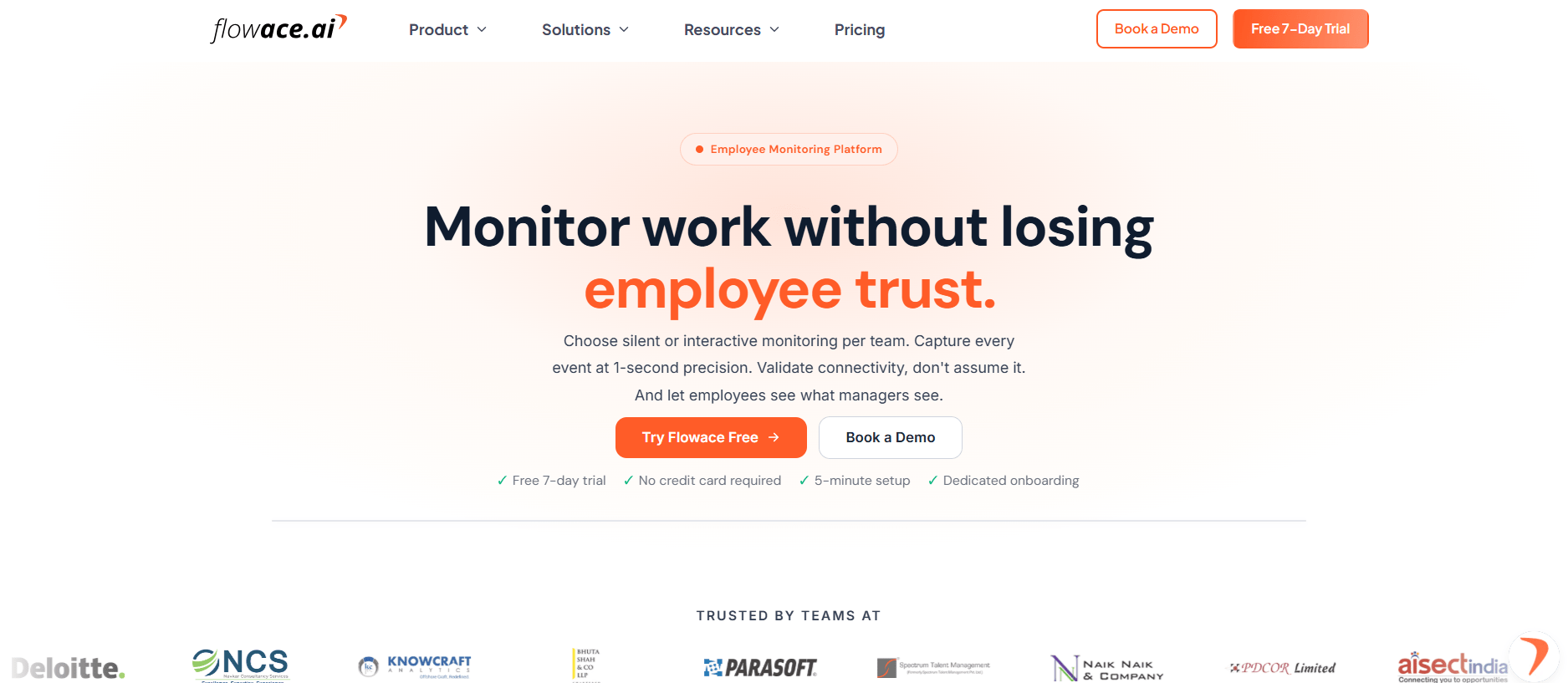
Flowace is best for teams that want automatic time tracking, computer activity monitoring, and productivity insights in one platform. It tracks app and website use and records activity at 1-second intervals. Managers can use the data to understand how work time is spent.
Key Features
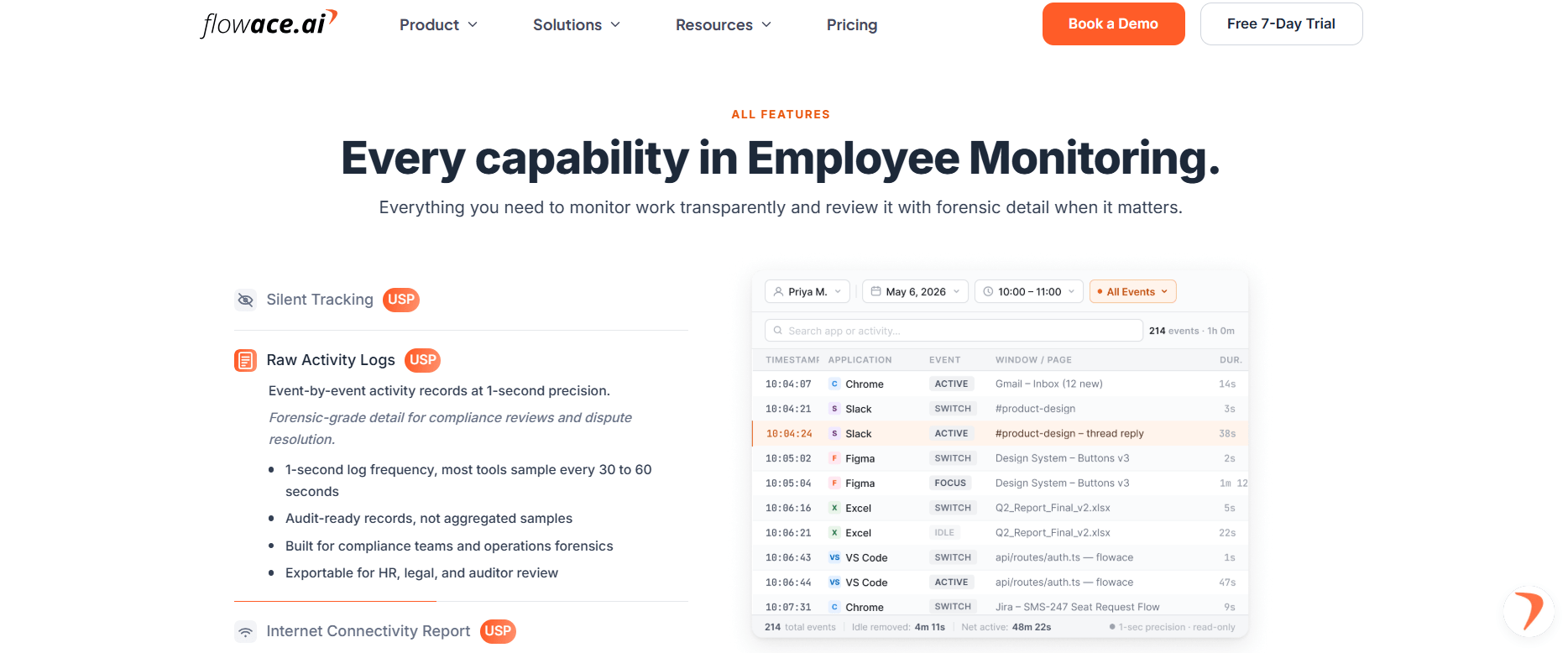
Image alt text: Flowace employee computer monitoring software features
- Automatic time tracking without manual start and stop timers.
- Silent Mode, Interactive Mode, and Privacy Mode.
- Uptime, speed, and latency tracking to help explain connection issues.
- Configurable screenshots and keyboard and mouse activity frequency tracking without recording typed content.
- Dashboards, productivity ratings, and reports for viewing work patterns.
Pros
- Combines computer monitoring, time tracking, and productivity insights in one platform.
- Detailed activity data with 1-second tracking intervals.
- Privacy Mode gives employees an option to opt out of monitoring.
Cons
- May require some setup to match your team’s monitoring and reporting needs.
- Could offer more features than small teams need for basic activity tracking.
Pricing
- Basic Plan: $1.99 per user/month
- Standard Plan: $3.99 per user/month
- Premium Plan: $6.98 per user/month
- Enterprise: Custom pricing
Plans are billed annually. A 7-day free trial and product demos are available.
G2 Rating
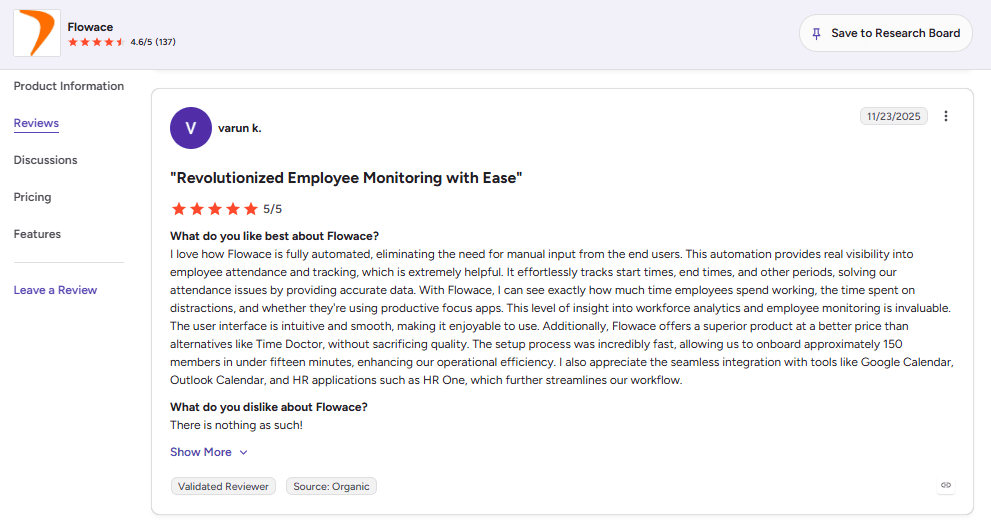
Image alt text: G2 review of Flowace computer monitoring software
One Flowace customer on G2 said automated time tracking made it easier to understand how employees spend their time. The review also mentioned quick setup and integrations with Google Calendar, Outlook, and HR tools.
2. ActivTrak
Source: ActivTrak
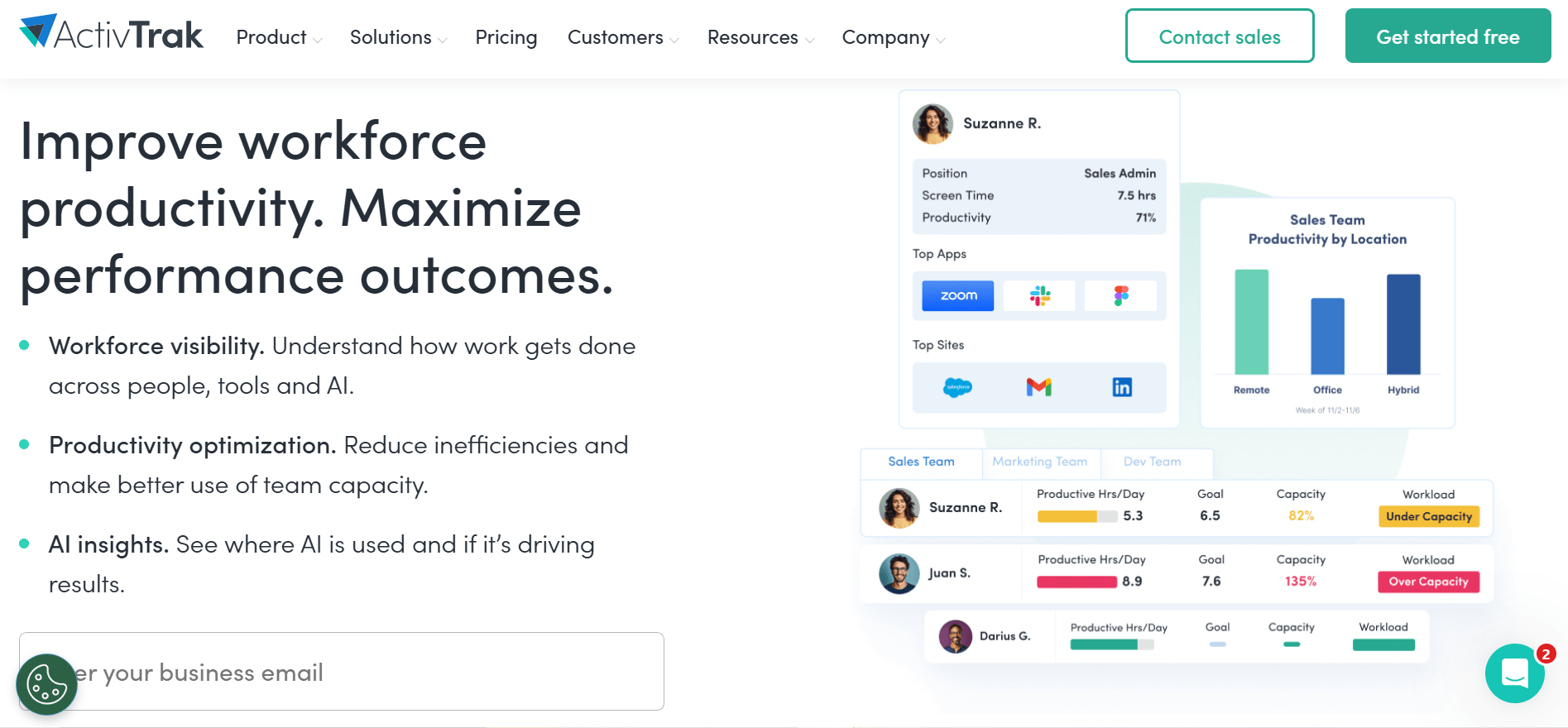
ActivTrak is best for teams that want productivity analytics and work-pattern insights without keystroke logging. It tracks app and website activity and uses that data to show productivity trends and work patterns.
Key Features
- Analyzes work patterns, focus time, and productivity trends.
- Tracks workplace app and website use during work hours.
- Shows workload patterns and potential burnout risks.
- Does not record keystrokes, content, audio, or video.
- Provides dashboards and reports for team performance and work habits.
Pros
- Provides productivity insights without keystroke logging or screen recording.
- Helps teams identify workload and work-pattern changes.
- Offers customizable dashboards and reports.
Cons
- Some advanced analytics and reporting features require higher-tier plans.
- Initial setup may take time because of the number of configuration options.
Pricing
- Free: Up to 3 users
- Work Activity Tracking: $10 worker/month
- Workforce Management: $15 worker/month
- Productivity Optimization: $17 worker/month
Paid plans include a 14-day free trial.
G2 Rating
3. Insightful
Source: Insightful
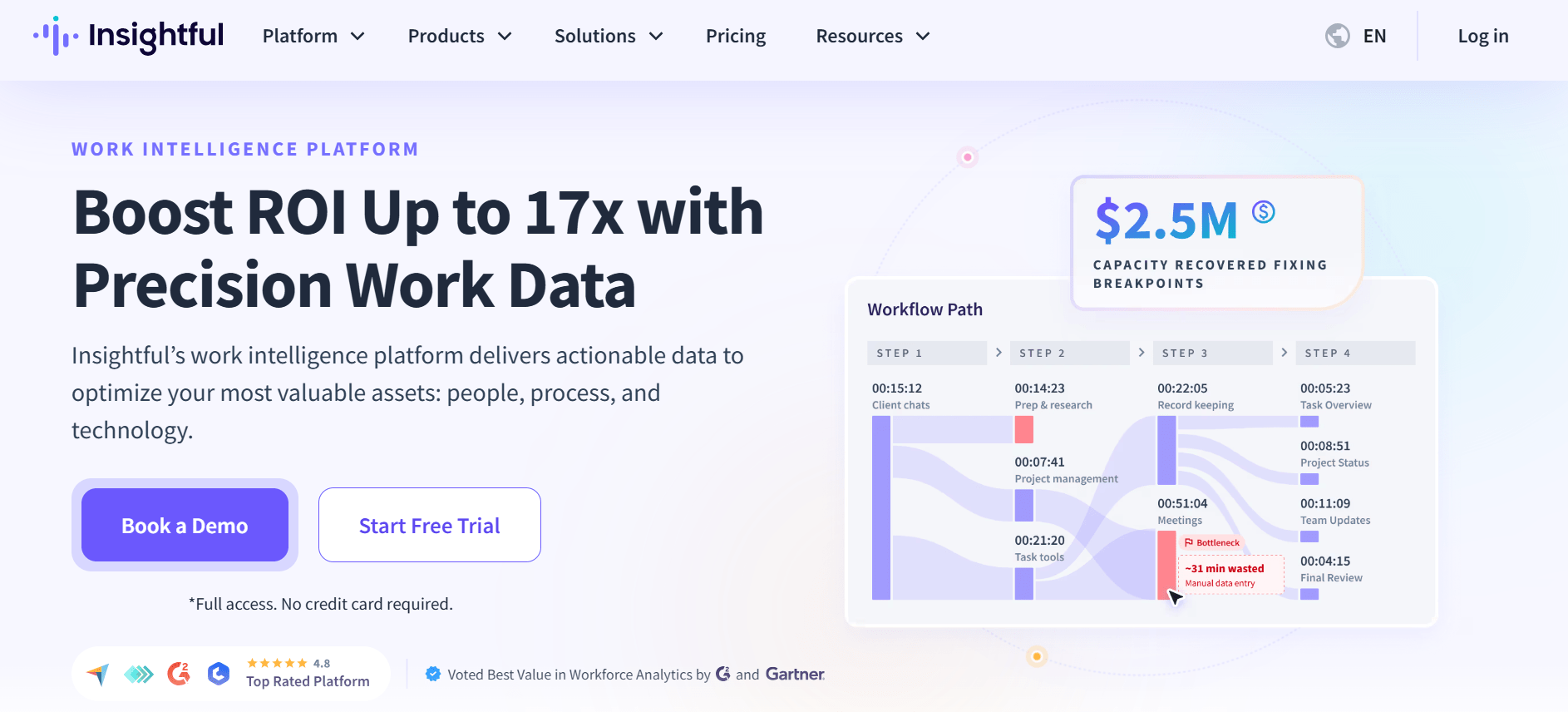
Insightful is best for teams that want automatic time tracking, activity monitoring, and productivity analytics. It tracks work activity automatically, giving managers a clear view of how teams spend their time.
Key Features
- Automatic work-hour and activity tracking.
- Tracks app use, website activity, active and idle time, and work patterns.
- Dashboards for focus time, productivity trends, and workforce performance.
- Screenshots based on the selected plan and settings.
- Reports that help teams find workflow issues and delays.
- API access for custom integrations.
Pros
- Tracks work time without relying on manual timers.
- Combines time tracking and workforce analytics.
- Provides detailed reports on team activity patterns.
Cons
- Some screenshot and security features require higher-tier plans.
- Setup may take time when configuring dashboards, tracking settings, and reports.
Pricing
- Workforce Analytics: $8 per seat/month
- Workflow Optimization: $12 per seat/month
- Combo Plan (Analytics + Optimization): $16 per seat/month
Plans are billed annually. Enterprise pricing is custom.
G2 Rating
4. Hubstaff
Source: Hubstaff
Hubstaff is best for teams that need computer activity tracking along with employee location and time tracking. It tracks work hours, app use, screenshots, and job-site activity. It also connects tracked hours with payroll and workforce management tools.
Key Features
- Automatic timers, manual entries, and detailed timesheets.
- Tracks app and website use, active time, and productivity during tracked hours.
- Tracks employee locations, routes, and job-site visits.
- Location-based boundaries for automatic clock-ins and clock-outs.
- Periodic screenshots for work visibility.
- Connects tracked hours with PayPal, Gusto, Deel, and other payment platforms.
Pros
- Combines computer monitoring with GPS tracking.
- Built-in payroll features make it easier to turn tracked hours into pay.
- Supports employees, contractors, and field workers in one platform.
Cons
- Focuses more on time tracking and workforce management than advanced security monitoring.
- GPS and screenshot features may be more than some teams need.
Pricing
- Starter Plan: $4.99 per seat/month
- Grow Plan: $7.50 per seat/month
- Team Plan: $10 per seat/month
- Enterprise Plan: $25 per seat/month
All plans except Enterprise include a 14-day free trial.
For a detailed feature and pricing comparison, see our Hubstaff vs Flowace comparison page.
G2 Rating
5. TrackOlap
Source: trackOlap
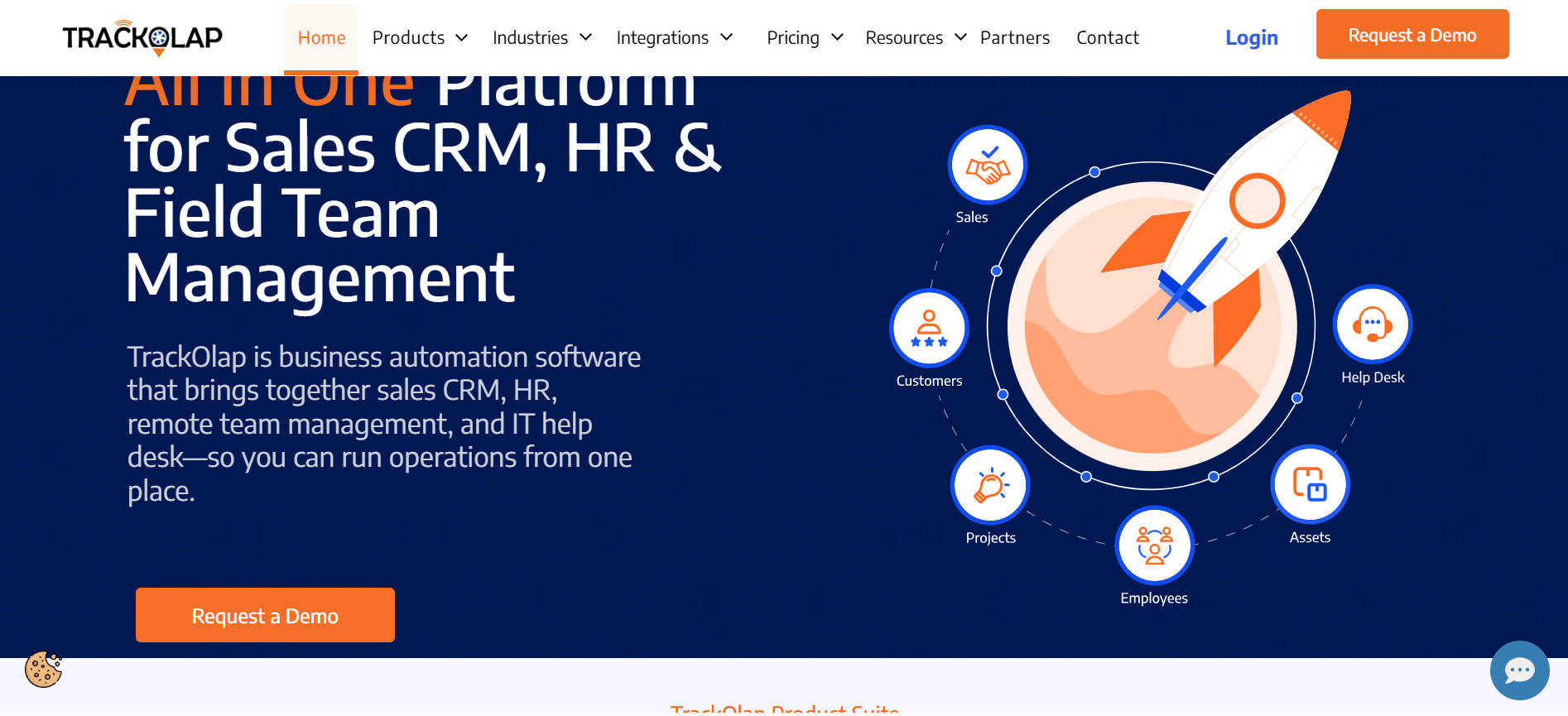
TrackOlap is best for businesses that need computer activity tracking and employee location tracking in one platform. It supports teams working across offices and field locations.
Key Features
- Tracks computer activity, work hours, and productivity patterns.
- Monitors employee locations and field movement.
- Tracks working hours and attendance.
- Supports desk-based and mobile employees.
- Provides location-based visibility for field teams.
Pros
- Combines computer monitoring and GPS tracking.
- Supports businesses with both office and field employees.
- Brings activity and location data into one dashboard.
Cons
- Works best for teams that need location tracking along with computer monitoring.
- Public details about integrations and advanced reporting are limited.
Pricing
Custom pricing based on team size, business requirements, and features. Contact sales for a quote. Plans are billed annually.
G2 Rating
Not just tracking hours. One BPO improved active hours by 15.9% with smarter monitoring.
Read Full Case Study6. KeepActive
Source: KeepActive
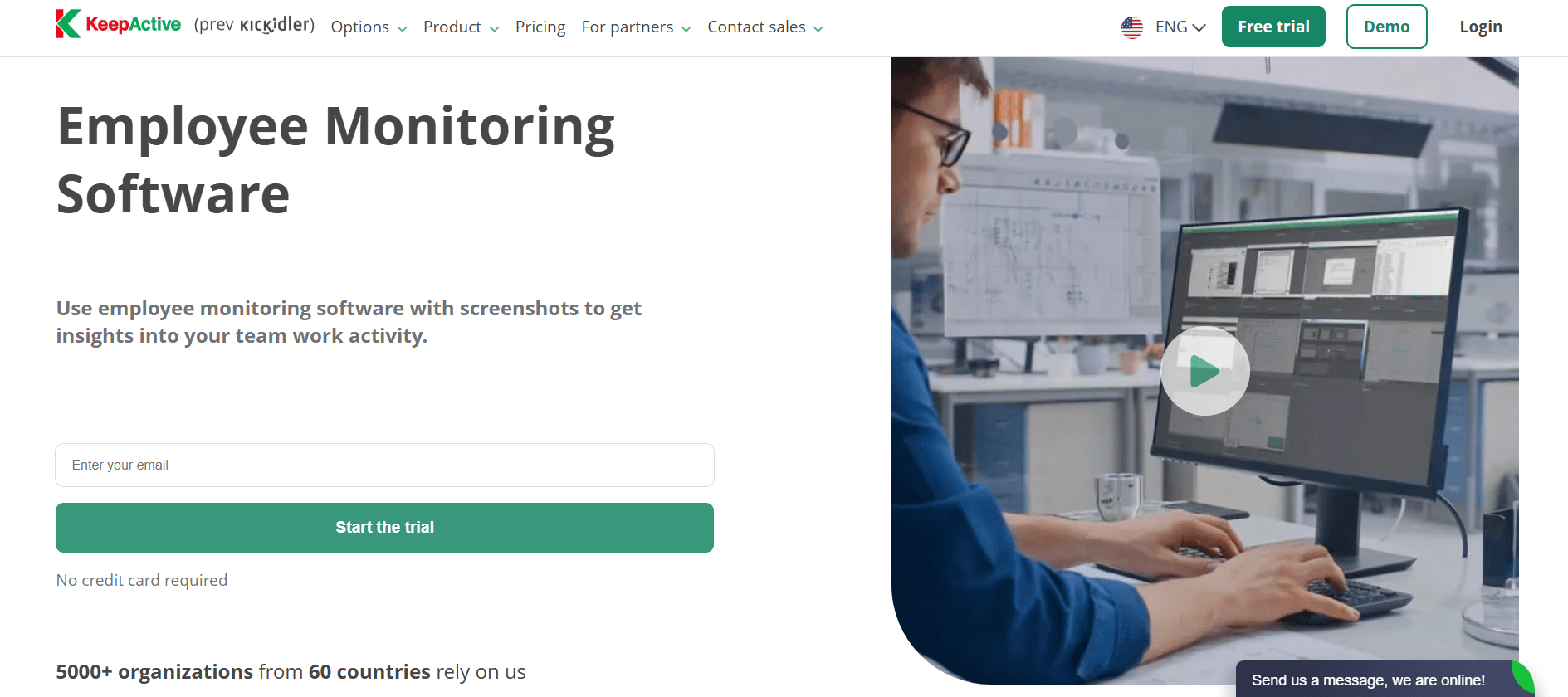
KeepActive is best for businesses that need live screen monitoring, screen recording, and detailed computer activity tracking. The product was previously sold as Kickidler. Managers can view employee screens, record work sessions, and review computer activity from one dashboard.
Key Features
- View multiple employee screens live from one dashboard.
- Record work sessions for review, coaching, or audits.
- Track app use, website activity, active time, and overall computer activity.
- Monitor keyboard activity for security and compliance needs.
- Track work hours and activity throughout the workday.
- Remotely access employee desktops for monitoring and support.
Pros
- Strong live screen monitoring with continuous viewing.
- Combines screen recording with computer activity tracking.
- Offers subscription and lifetime license options.
Cons
- Advanced monitoring features may require setup before deployment.
- Better suited to teams that need detailed screen monitoring than basic activity tracking.
Pricing
- Time Tracking: $2.75 per user per month
- Employee Monitoring: $5.5 per user per month
- Data Loss Protection: $11 per user per month
Plans are billed annually. No credit card is required to start the trial.
G2 Rating
7. Controlio
Source: Controlio
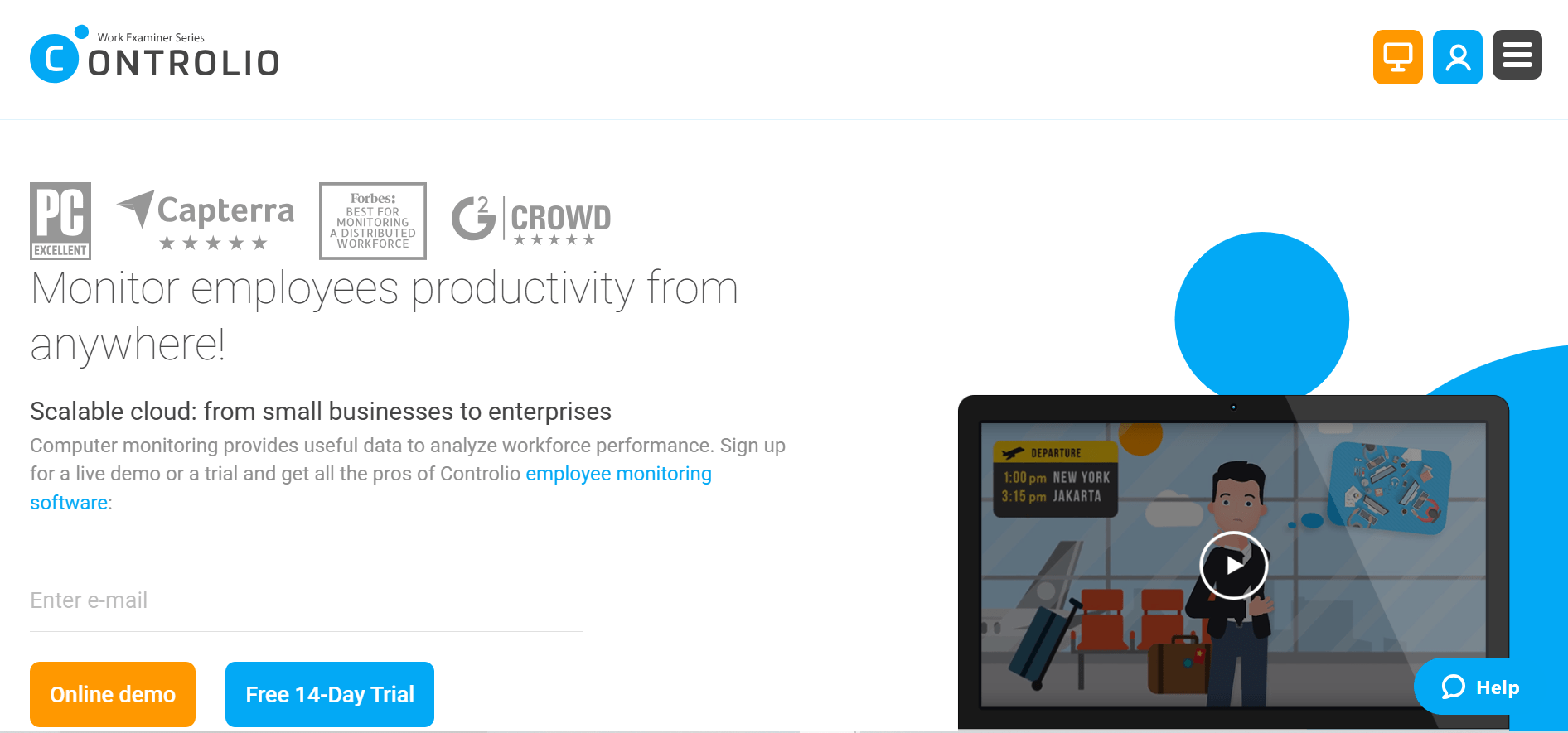
Controlio is best for businesses that need continuous screen recording, live monitoring, and detailed activity reports. It tracks app and website use, work hours, and computer activity across remote, hybrid, and office teams.
Key Features
- Continuous employee screen recording.
- Live viewing of employee screens, apps, and websites.
- Reports on active time, app use, and browsing activity.
- AI-based activity categories for productivity reports.
- Alerts for apps, websites, keystrokes, and USB devices.
- Privacy settings to help limit personal data collection.
- Cloud, on-premises, and private cloud deployment options.
Pros
- Combines continuous screen recording with productivity reports.
- Offers flexible monitoring rules and alerts.
- Supports different deployment options for IT teams.
Cons
- Advanced analytics and API access require higher-tier plans.
- May offer more monitoring than teams need for basic time tracking.
Pricing
- Basic Plan: $6.67 per user/month
- Advanced Plan: $9.99 per user/month
- Enterprise Plan: Custom pricing
Basic and Advanced plans are billed annually. Paid plans include a 14-day free trial.
G2 Rating
8. Teramind
Source: Teramind
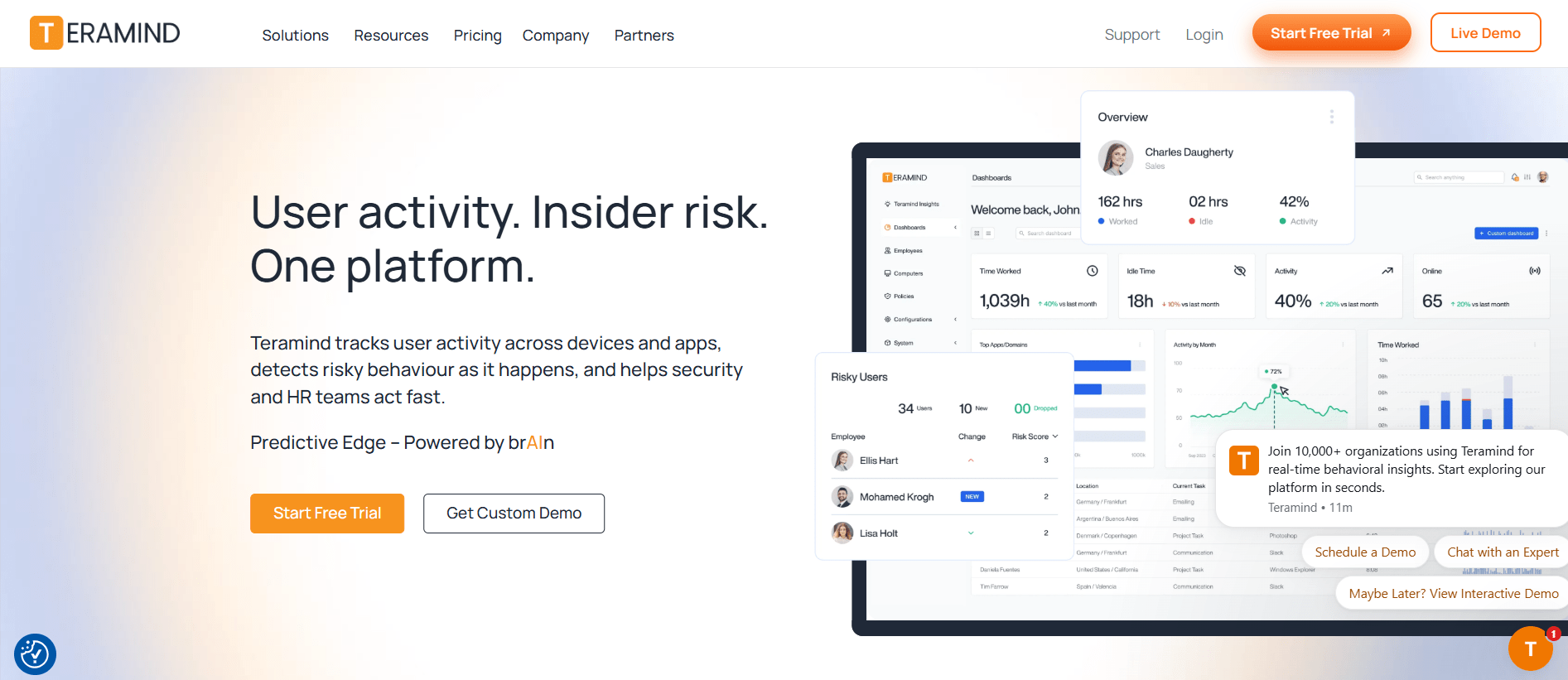
Teramind is best for businesses that need advanced computer monitoring, insider risk detection, and security controls. It tracks user activity, file transfers, app use, and other activity to help security teams identify risky behavior.
Key Features
- Tracks apps, websites, emails, files, and user activity.
- Monitors and can block unauthorized file transfers and uploads.
- Detects unusual activity and potential insider threats.
- Captures and analyzes on-screen text for security and compliance.
- Records user sessions for investigations and audits.
- Provides automated rules and alerts for suspicious activity.
Pros
- Combines employee monitoring, insider risk detection, and DLP.
- Provides detailed activity records for security and compliance work.
- Offers customizable monitoring rules and alerts.
Cons
- Setup and policy configuration may require IT support.
- May have more security features than teams need for basic productivity tracking.
Pricing
- Starter: ~$14 per seat/month
- UAM: ~$28 per seat/month
- DLP: ~$32 per seat/month
All plans are billed annually. For Enterprise and Government plan, contact sales. A product demo is available.
G2 Rating
9. ProHance
Source: ProHance
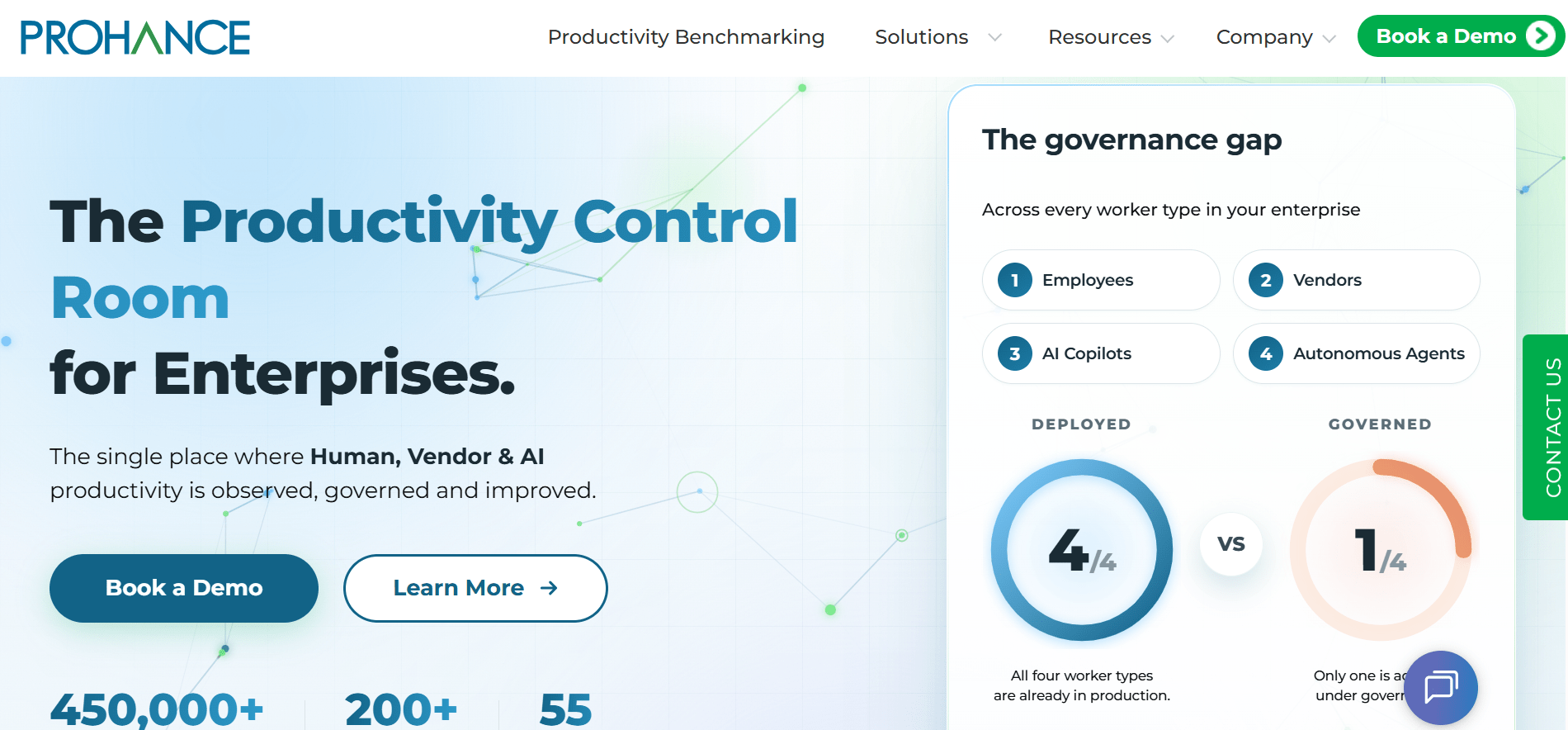
ProHance is best for large organizations that need workforce analytics, productivity data, and detailed reports. It helps businesses understand work patterns, measure productivity, and track how teams use their time.
Key Features
- Tracks work time, attendance, productive hours, idle time, and workforce availability.
- Analyzes app use, work patterns, context switching, and productivity trends.
- Provides real-time dashboards and reports for workforce performance.
- Compares time data with business output.
- Supports hybrid and distributed teams with attendance and productivity data.
Pros
- Built for enterprise teams that need more than basic time tracking.
- Detailed dashboards for productivity and workforce use.
- Supports complex business setups, including BPOs, KPOs, GCCs, and large enterprises.
Cons
- Setup and customization may require additional support.
- May offer more features than small teams need for basic time tracking.
Pricing
ProHance does not publish fixed pricing. Request a demo or contact sales for a quote.
Check our ProHance vs Flowace for a full feature comparison.
G2 Rating
4.6/5 rating based on 228 reviews
10. Time Doctor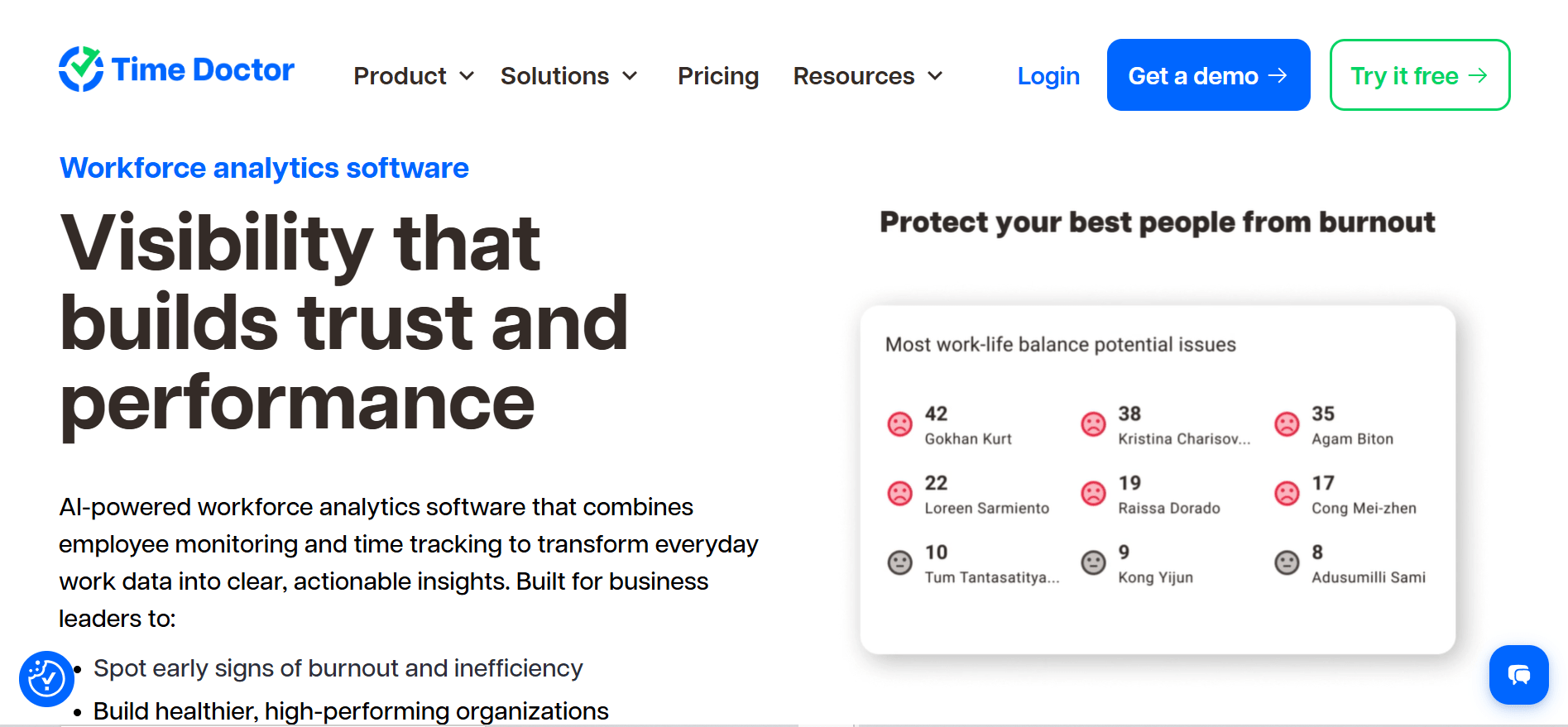
Source: Time Doctor
Time Doctor is best for teams that need time tracking, employee monitoring, payroll, and client billing in one platform. It tracks work hours, app and website use, screenshots, and productivity data.
Key Features
- Tracks work hours with automatic and manual time tracking.
- Tracks app use, website activity, screenshots, and idle time.
- Provides reports on productive and unproductive time.
- Uses tracked hours for payroll and client invoices.
- Tracks attendance, schedules, and timesheets.
- Connects with tools such as Asana, Jira, Trello, Slack, and QuickBooks.
Pros
- Combines employee monitoring, time tracking, and payroll reporting.
- Makes payroll and client billing easier to manage.
- Provides detailed productivity reports across desktop and mobile.
Cons
- Uses timer-based tracking, which requires employees to start tracking.
- Some advanced reporting features require Standard or Premium plans.
Pricing
- Basic Plan: $6.67 per user/month
- Standard Plan: $11.67 per user/month
- Premium Plan: $16.70 per user/month
- Enterprise: Custom pricing
Plans are billed annually. A 14-day free trial is available.
See Time Doctor vs Flowace for a full feature and price comparison.
G2 Rating
How to Choose the Right Computer Monitoring Software?
Choose computer monitoring software based on what you need to track, your team size, your work setup, and your budget. Start with the main problem you want the software to solve, then compare tools that fit that need.
- Start with your main goal. Choose tools based on whether you need productivity insights, security and compliance, time tracking, or billing.
- Decide what data you need. Screenshots and keystroke monitoring may suit teams with strict security or compliance needs. App and website activity, work time, and productivity data may be enough for other teams.
- Match the tool to your work setup. Field teams may benefit from GPS tracking, while office-based teams may not need it. Remote teams may need stronger activity and time-tracking features.
- Compare the cost for your team size. Check the price at your actual headcount. Some tools charge per user with no minimum, while others require a minimum number of seats.
- Check privacy controls before rollout. Look at what the software collects, how employees can see or control their data, and how long the data is stored.
For small businesses with fewer than 20 employees, a lower-cost plan can be a good starting point. Flowace Basic and Hubstaff Starter are two options to compare. Start with the features you actually need and upgrade as your needs grow.
Want to see how employee computer monitoring can help your team? Explore the features before moving on to PC hardware monitoring.
Find what your team is missing.
See All FeaturesNow that we’ve covered tools for understanding employee work activity, let’s look at the other side of computer monitoring: checking your PC’s hardware health and performance.
PC Monitoring Software: The 6 Best Tools for CPU & GPU Health
The first half of this guide covers employee computer monitoring software and how teams use it to understand work activity. The second half covers another common meaning of computer monitoring software i.e. checking a PC’s hardware health and performance.
If you need to track employee work activity, you can return to the employee computer monitoring software list. If you’re looking for CPU, GPU, RAM, or drive health, the tools below are designed for that purpose.
PC hardware monitoring software reads sensor data from your computer and shows it in real time. It can track CPU temperature, GPU load, RAM usage, fan speed, and drive health. Gamers use these tools to watch temperatures during play, overclockers use them to monitor hardware, and IT teams use them to check device health across multiple computers.
Windows Task Manager provides basic performance data, but these tools can provide deeper sensor details and, in some cases, historical data.
What CPU and GPU temperatures are normal?
Typical desktop CPU and GPU temperatures vary by workload and hardware, but these ranges are a useful starting point:
- CPU at idle: 30-50°C
- CPU under load: 60-85°C
- GPU at idle: 30-40°C
- GPU under heavy load: 65-85°C
Many Intel CPUs have a Tjunction max of around 100-110°C. Near this limit, the CPU can reduce performance to control its temperature.
If your CPU or GPU stays near the top of these ranges, check the airflow, dust buildup, and thermal paste. A consistently high reading is worth investigating.
Quick Comparison of the 6 Best PC Computer Monitoring Tools
The table below compares the top PC monitoring software in 2026 based on their best use cases, hardware metrics tracked, and pricing options.
| Tool | Best For | Key Metrics Tracked |
Pricing |
| HWiNFO | Power users and hardware diagnostics | CPU, GPU, RAM, drives, motherboard sensors | Free (Pro for commercial use) |
| MSI Afterburner | Gamers and GPU overclocking | GPU temperature, clock speed, fan curves, FPS overlay | Free |
| NZXT CAM | Casual users and NZXT hardware owners | CPU/GPU temperature, fan control, lighting control | Free |
| HWMonitor | Quick system checks and lightweight monitoring | Temperatures, voltages, fan speeds, battery health | Free, Pro version available |
| AIDA64 Extreme | Enthusiasts and professional diagnostics | Hardware information, stress testing, benchmarking | Paid, free trial available |
| NinjaOne | IT teams and managed service providers | Fleet hardware health, alerts, patching | Custom pricing, free trial available |
*Updated August 2026
1. HWiNFO
Source: HWiNFO
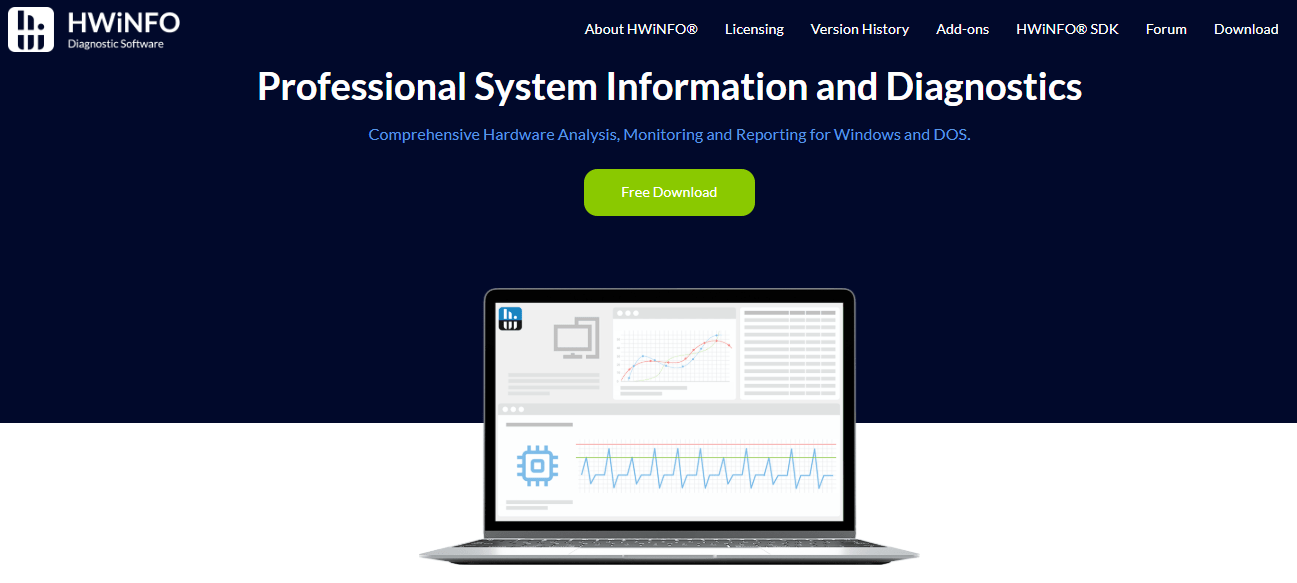
HWiNFO is best for power users and hardware diagnostics who want detailed information about their PC. It reads sensor data from the CPU, GPU, RAM, storage drives, motherboard, and other hardware. It provides real-time readings, reports, logs, and alerts.
Key Features
- Detailed hardware information for CPU, GPU, RAM, storage, and motherboard sensors.
- Real-time temperature, voltage, clock speed, and performance monitoring.
- Reports that can be exported in CSV, XML, and HTML formats.
- Custom alerts for sensor readings and hardware limits.
- Integration support with other monitoring tools.
Pros
- Detailed and accurate hardware readings.
- Supports a wide range of hardware.
- Receives frequent updates.
Cons
- The interface can feel complex for new users.
- Provides more sensor data than most casual users need.
Pricing
- Free: Available for personal use
- Pro: Paid license for commercial use with additional features.
2. MSI Afterburner
Source: MSI Afterburner
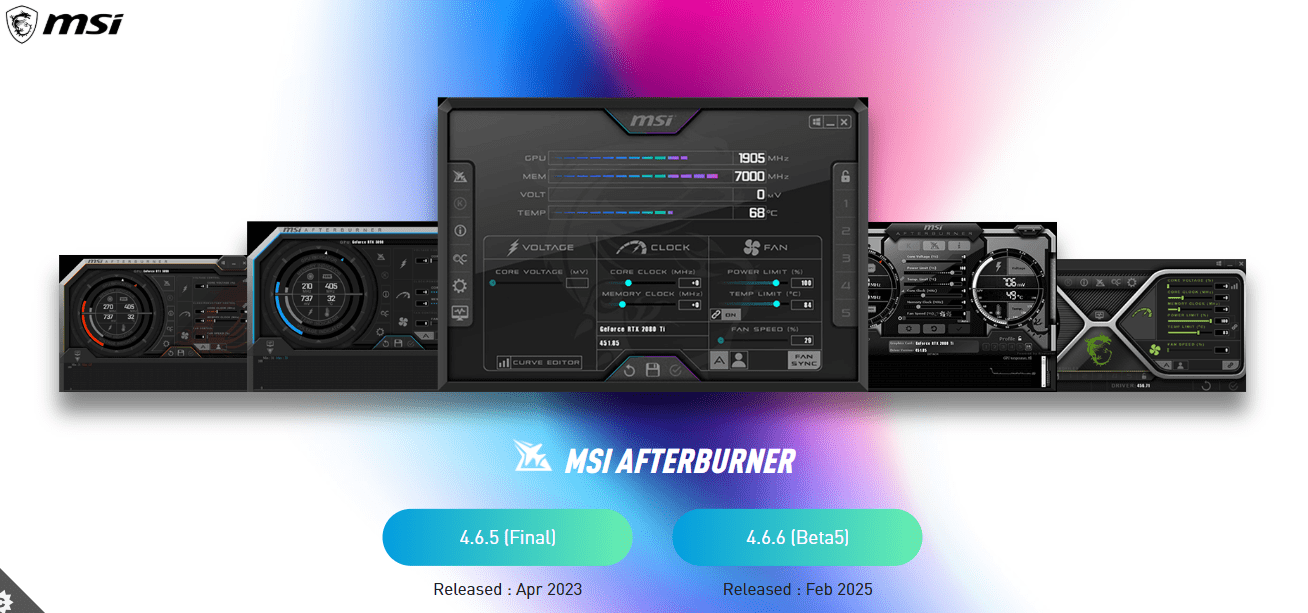
MSI Afterburner is best for gamers who want GPU monitoring, overclocking controls, and an in-game performance overlay. It shows GPU temperature, clock speed, usage, fan speed, and FPS while you play. It works with graphics cards from most major brands.
Key Features
- GPU and memory overclocking controls.
- In-game overlay for FPS, temperature, and GPU usage.
- Custom fan curve settings.
- Hardware monitoring graphs and benchmarking tools.
- Custom performance profiles.
Pros
- Works with most major graphics card brands.
- Detailed in-game performance overlay.
- Free to use.
Cons
- Advanced settings can be difficult for beginners.
- Incorrect overclocking settings can cause system instability.
Pricing
Free.
3. NZXT CAM
Source: NZXT CAM
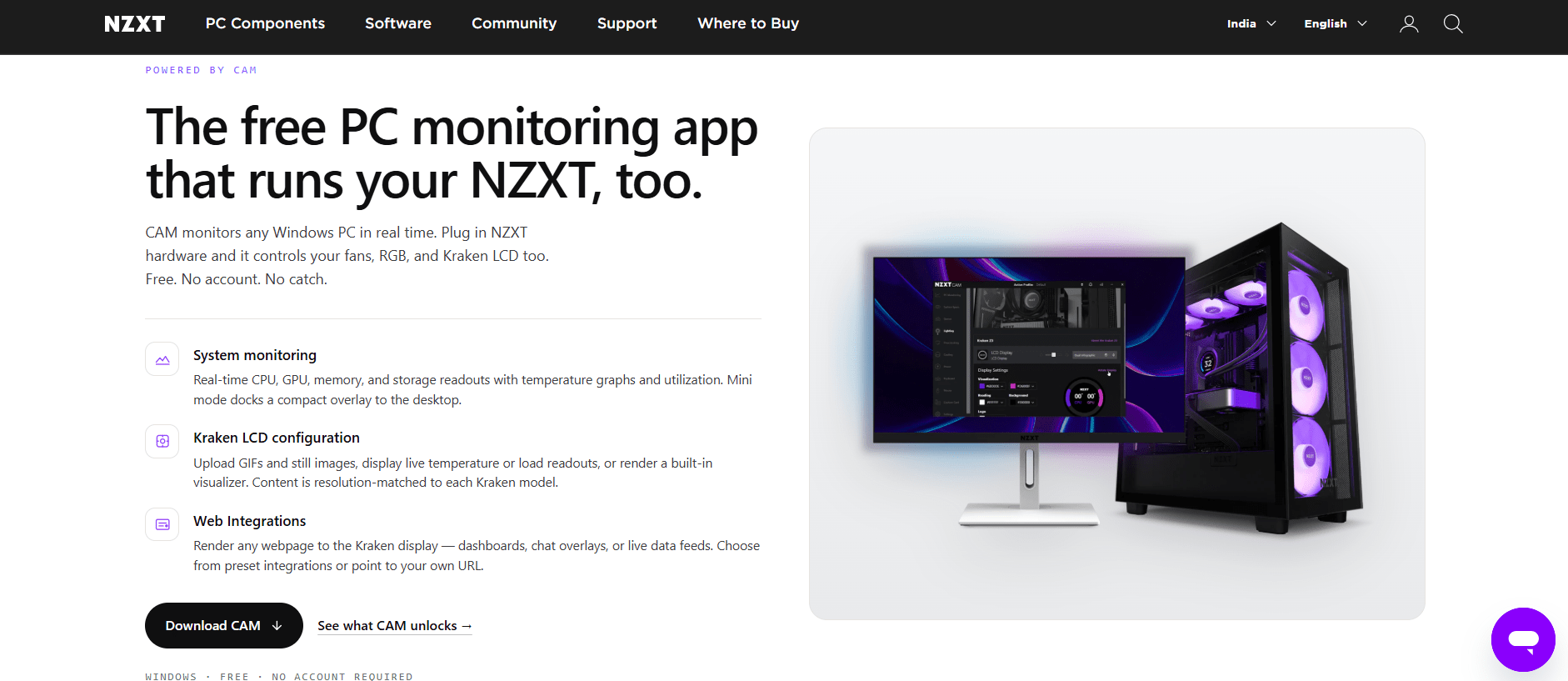
NZXT CAM is best for casual users and NZXT hardware owners who want simple PC monitoring. It tracks CPU and GPU temperatures and usage. It also lets users control compatible NZXT fans, RGB lighting, and other devices from one app.
Key Features
- Real-time CPU and GPU temperature monitoring.
- CPU and GPU usage tracking.
- In-game performance overlay.
- Fan speed control and custom fan profiles.
- RGB lighting and NZXT device management.
- Mobile app for checking system information.
Pros
- Clean and easy-to-use interface.
- Strong integration with NZXT hardware.
- Free to use.
Cons
- Some features are more useful with NZXT components.
- Offers less diagnostic detail than tools such as HWiNFO.
Pricing
Free.
4. HWMonitor
Source: HWMonitor
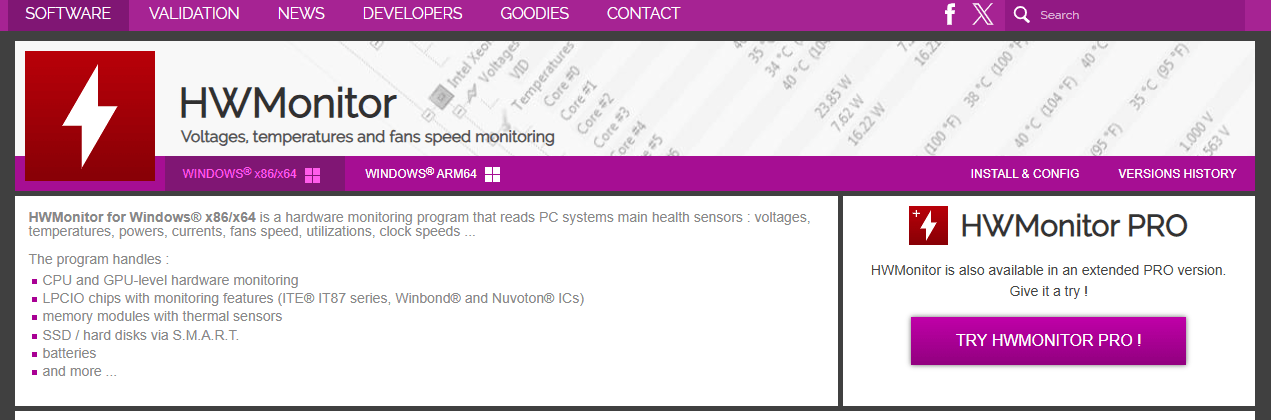
HWMonitor is best for quick PC health checks and simple hardware monitoring. It shows real-time readings for the CPU, GPU, motherboard, storage, battery, and other supported components in one dashboard.
Key Features
- Real-time CPU, GPU, motherboard, and drive temperature monitoring.
- Voltage, fan speed, power, clock speed, and battery monitoring.
- Hardware sensor readings in one dashboard.
- Data logging to track changes over time.
- Remote monitoring with the Pro version.
Pros
- Simple enough for beginners.
- Lightweight and fast.
- Supports a wide range of hardware sensors.
Cons
- Does not include built-in stress testing or benchmarking.
- The interface looks basic compared with newer monitoring apps.
Pricing
- Free: Basic version available
- Pro: Paid version with features such as remote monitoring.
5. AIDA64 Extreme
Source: AIDA64 Extreme
AIDA64 Extreme is best for enthusiasts and professionals who need hardware monitoring, diagnostics, and benchmarking in one tool. It provides detailed hardware information, real-time sensor data, stress tests, and performance benchmarks.
Key Features
- Detailed hardware information and system diagnostics.
- Real-time temperature, voltage, and fan speed monitoring.
- CPU, GPU, memory, and storage benchmarks.
- Stability tests for checking hardware under load.
- Custom reports and SensorPanel displays.
Pros
- Detailed hardware information and sensor data.
- Combines monitoring, diagnostics, and benchmarking.
- Useful for overclockers and hardware enthusiasts.
Cons
- Requires a paid license after the trial.
- The amount of available data can feel overwhelming for casual users.
Pricing
- Paid license: Available with a free trial.
6. NinjaOne
Source: NinjaOne
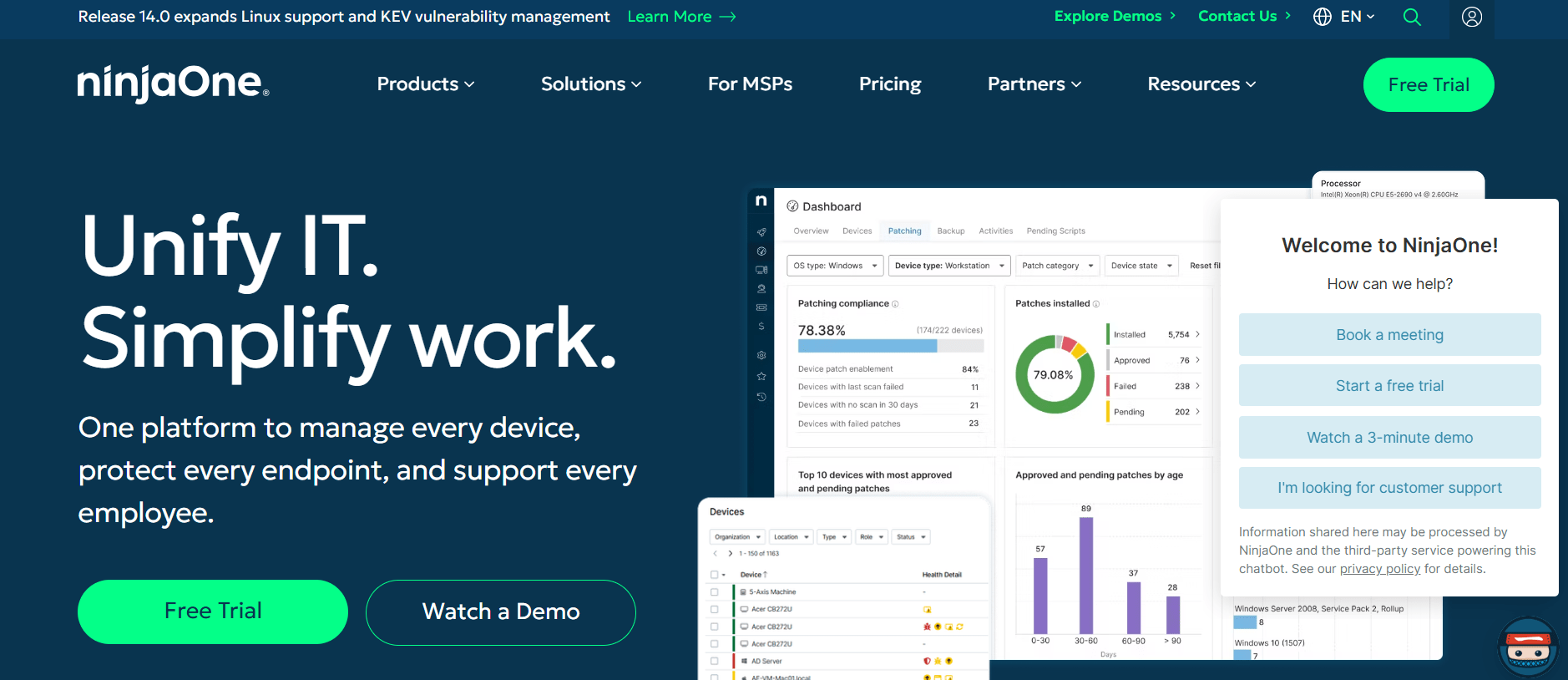
NinjaOne is best for IT teams and managed service providers that need to monitor many computers at once. It tracks device health, performance issues, alerts, patch status, and IT assets across Windows and macOS devices from one dashboard.
Key Features
- Fleet-wide device and hardware health monitoring.
- Real-time alerts for performance and system issues.
- Remote device management and troubleshooting.
- Automated patch management.
- IT asset inventory and reporting.
Pros
- Monitors many devices from one dashboard.
- Combines hardware monitoring, patching, and remote management.
- Built for IT teams and managed service providers.
Cons
- Pricing is not publicly listed.
- Some features are available as separate add-on modules.
Pricing
- Custom pricing based on business needs. A free trial is available.
How to Choose the Right PC Monitoring Software
Choose PC monitoring software based on what you want to monitor, how many computers you manage, and how much detail you need.
- For a single PC: Choose NZXT CAM or MSI Afterburner for simple, free monitoring and gaming features.
- For detailed hardware checks: Choose HWiNFO or AIDA64 for deeper sensor data and diagnostics. AIDA64 also includes benchmarking and stress tests.
- For a quick health check: Choose HWMonitor for a simple view of temperatures, voltages, fan speeds, and other sensor data.
- For many computers: Choose NinjaOne for device health monitoring, alerts, patching, and remote management across a fleet.
Before choosing a tool, check that it tracks the metrics you need, such as CPU and GPU temperature, voltage, fan speed, RAM, and drive health. Also check how often it refreshes the data. More frequent updates can help you catch short temperature or performance spikes.
What Are People Saying Online About Computer Monitoring Software?
People discussing computer monitoring software on Reddit often focus on a few key concerns. For employee computer monitoring tools, they ask about ease of use, employee privacy, reporting, and whether monitoring affects computer performance.
For PC hardware monitoring tools, people often ask which software gives accurate temperature and performance readings, how much detail it provides, and whether it slows down the computer.
People also look for tools that fit their specific setup, such as remote teams, office teams, gaming PCs, or multiple business computers.
A few real discussions show these questions clearly:
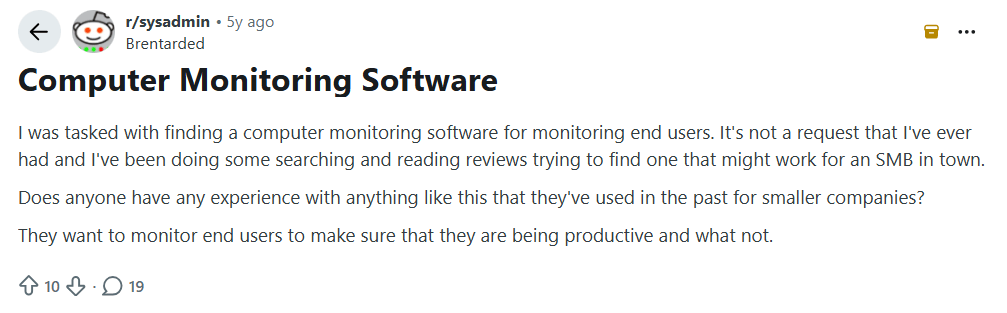
Image alt text: Reddit discussion where a small business owner asks for computer monitoring software to track employee productivity and activity.
A small business owner on Reddit asks for computer monitoring software recommendations. The replies focus on three things i.e. team size, budget, and what the business actually needs to track.
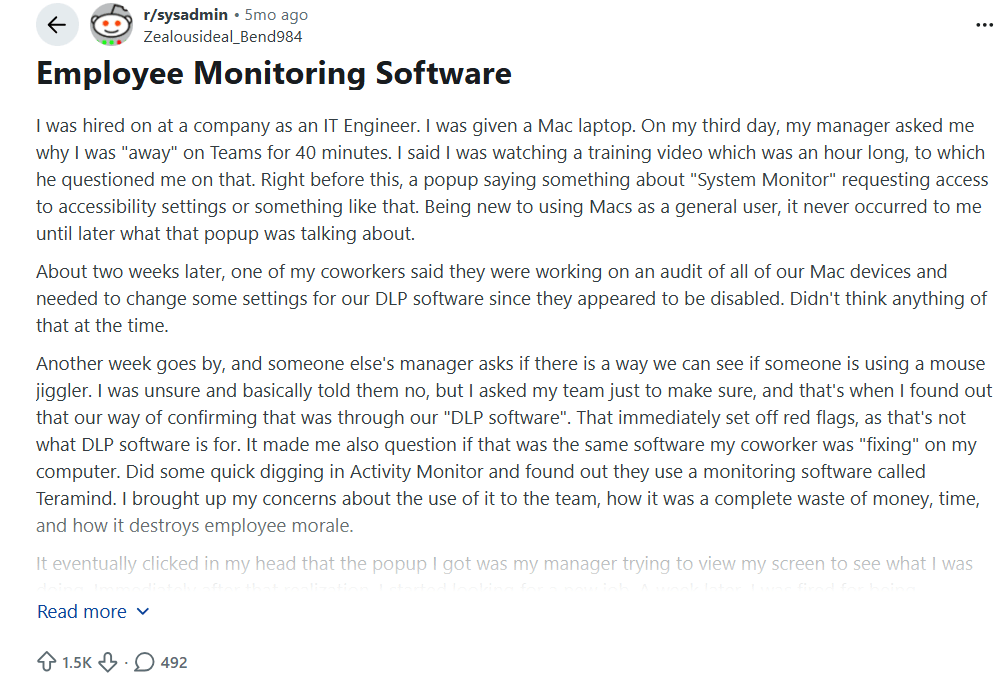
Image alt text: Reddit discussion about employee concerns after finding Teramind monitoring software on a work laptop.
On the employee side, people often ask what monitoring software can see after finding it on their work computer. This point to one common concern which was employees want to know what is being tracked and why. Clear communication before installing monitoring software can help reduce concerns and pushback.
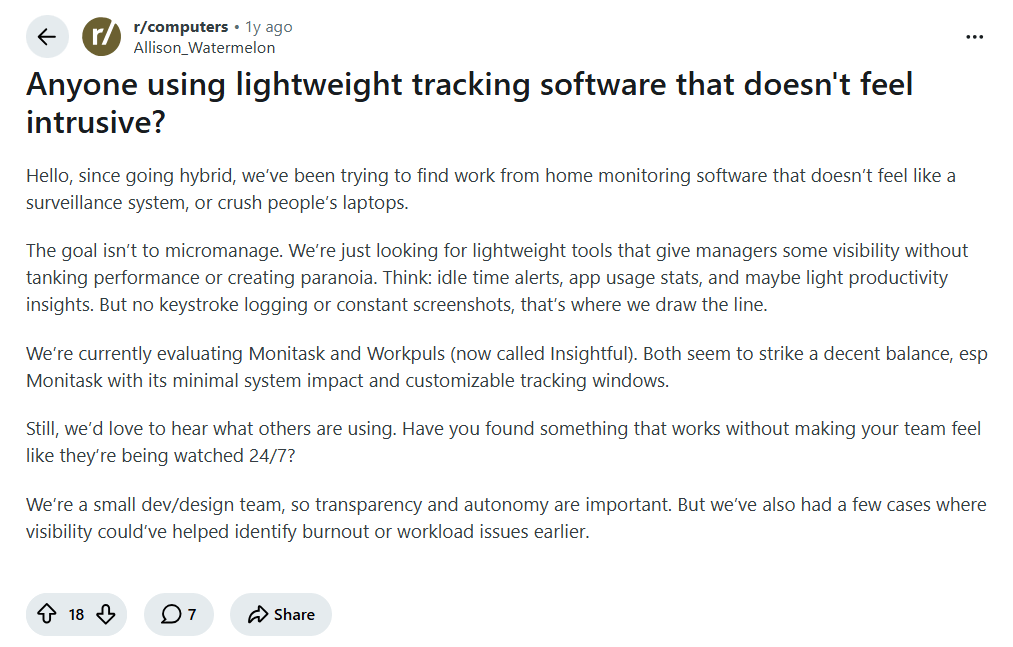
Image alt text: Reddit post asking for lightweight computer monitoring software for a hybrid team that feels less intrusive.
A hybrid-team manager asks for software that can show app usage and productivity trends without constant screenshots or keystroke logging. Many teams want this kind of visibility while keeping monitoring simple and less intrusive.
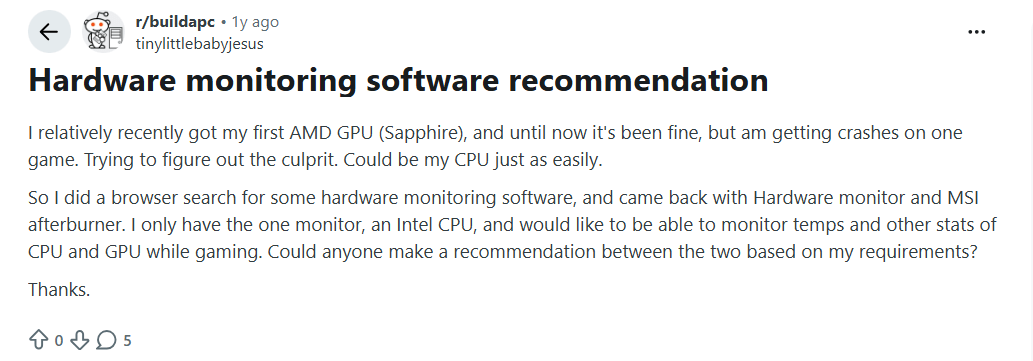
Image alt text: Reddit discussion where a gamer asks for hardware monitoring software to check CPU and GPU temperatures and performance while gaming
This Reddit user with an AMD GPU and Intel CPU is trying to find the cause of game crashes. They ask others to recommend hardware monitoring software that can track CPU and GPU temperatures and other performance data while gaming.
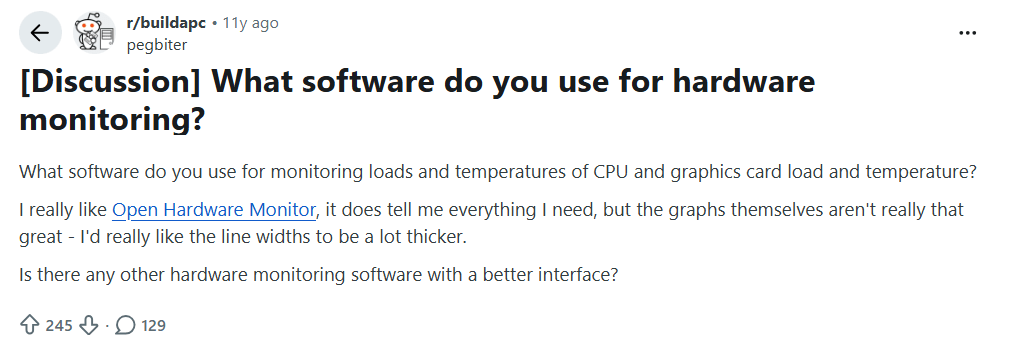
Image alt text: Reddit discussion where a user asks for hardware monitoring software with better graphs and an easier-to-use interface.
A Reddit user is happy with Open Hardware Monitor for checking CPU and GPU temperatures and load, but wants better graphs and a cleaner interface. They ask others to recommend a different hardware monitoring tool.
Want to see where your team's work time goes?
Explore Flowace's Productivity InsightsFrequently Asked Questions About Best Computer Monitoring Software
1. What software is used to monitor employees’ work?
Flowace, ActivTrak, Hubstaff, Teramind, and Time Doctor are popular employee monitoring tools. They can track things like app and website use, work hours, activity, screenshots, and other work data, depending on the tool.
2. Is employee monitoring software legal to use?
Employee monitoring can be legal, but the rules depend on where employees work and what the software collects. Some countries and US states require employers to give notice before monitoring. Employers should check the rules that apply to their team before using monitoring software.
3. How much does employee monitoring software cost?
Computer monitoring software costs from free to about $33 per month, depending on the tool and plan. Flowace starts at $1.99 per user per month, while some tools offer custom enterprise pricing
4. What can employers see with employee monitoring software?
Employers can see app and website use, active and idle time, work hours, and track activity patterns depending on the tool. Some tools also offer screenshots, screen recordings, file tracking, or other monitoring features.
5. Is PC monitoring software the same as employee monitoring software?
No. Employee monitoring software tracks work activity, such as apps, websites, work hours, and productivity. PC hardware monitoring software tracks the computer itself, including CPU and GPU temperature, fan speed, voltage, memory, and drive health.
6. What is the easiest PC monitoring software for beginners?
HWMonitor is a simple choice for checking basic PC temperatures and hardware readings. NZXT CAM and MSI Afterburner are also easy to use, especially for gamers who want clear dashboards and in-game performance data.