9 Top Payroll Discrepancy Detection Software Platforms



Payroll discrepancies rarely come from a single calculation error. They usually start much earlier, in inconsistent employee records, incorrect time entries, outdated compensation data, misapplied deductions, or failed data transfers between HR, finance, and payroll systems.
In organizations operating across multiple entities or countries, these problems are even harder to spot because payroll data is spread across different providers, systems, and regulatory environments.
Payroll discrepancy detection software helps close these gaps. Some platforms act as an independent control layer that monitors payroll output. Others reduce errors by connecting workforce management, timekeeping, and payroll in one environment. This article covers 9 of the best platforms and a practical framework for choosing the right one.
TL;DR
- Payroll discrepancy detection should cover the entire payroll process, from source data validation to post-payroll reconciliation.
- Celery focuses on independent payroll monitoring, anomaly detection, and audit capabilities that help organizations catch discrepancies across their existing payroll processes.
- Many payroll errors start upstream in time, attendance, and employee records. Accurate source data matters as much as accurate calculations.
- Effective discrepancy management needs contextual analysis, clear exception ownership, and reliable evidence for investigating unusual transactions.
- Multinational enterprises should check how software handles different payroll providers, pay frequencies, currencies, employee populations, and organizational structures.
Quick Table Comparison of the 9 Best Payroll Discrepancy Detection Software in 2026
This table compares each platform based on its best use case, platform type, and key discrepancy detection capability.
| Software | Best For | Platform Type | Key Discrepancy Detection Feature | Pricing |
|---|---|---|---|---|
| Celery | Independent payroll monitoring and audit | Payroll control layer | Automated anomaly detection across periods, entities, and providers | Contact vendor |
| ADP | Businesses of all sizes already on ADP | Payroll and HCM | Payroll validation and reporting | Custom pricing |
| UKG | Large hourly and shift-based workforces | Payroll and workforce management | Time and attendance validation | Custom pricing |
| Workday | Enterprises wanting unified HR, payroll, and finance | HCM, payroll, and finance suite | Single data model with approval workflows | Custom pricing |
| Payslip | Multinationals with multiple local providers | Global payroll orchestration | Cross-country data standardization | Custom pricing |
| CloudPay | Global payroll with integrated payments | Global payroll and payments | Centralized payroll analytics | Custom pricing |
| Dayforce | Teams needing real-time payroll visibility | Payroll and HCM | Continuous payroll calculation | Custom pricing |
| SAP SuccessFactors ECP | Large enterprises on SAP | Enterprise payroll | Payroll Control Center with validation rules | Custom pricing |
| Paycom | Mid-sized businesses wanting employee self-review | Payroll and HCM | Employee-driven payroll review (Beti) | Custom pricing |
*Updated October 2026
Which Payroll Discrepancy Detection Software Is Best? Compare Features, Pros, and Cons.
1. Celery
Source: Celery
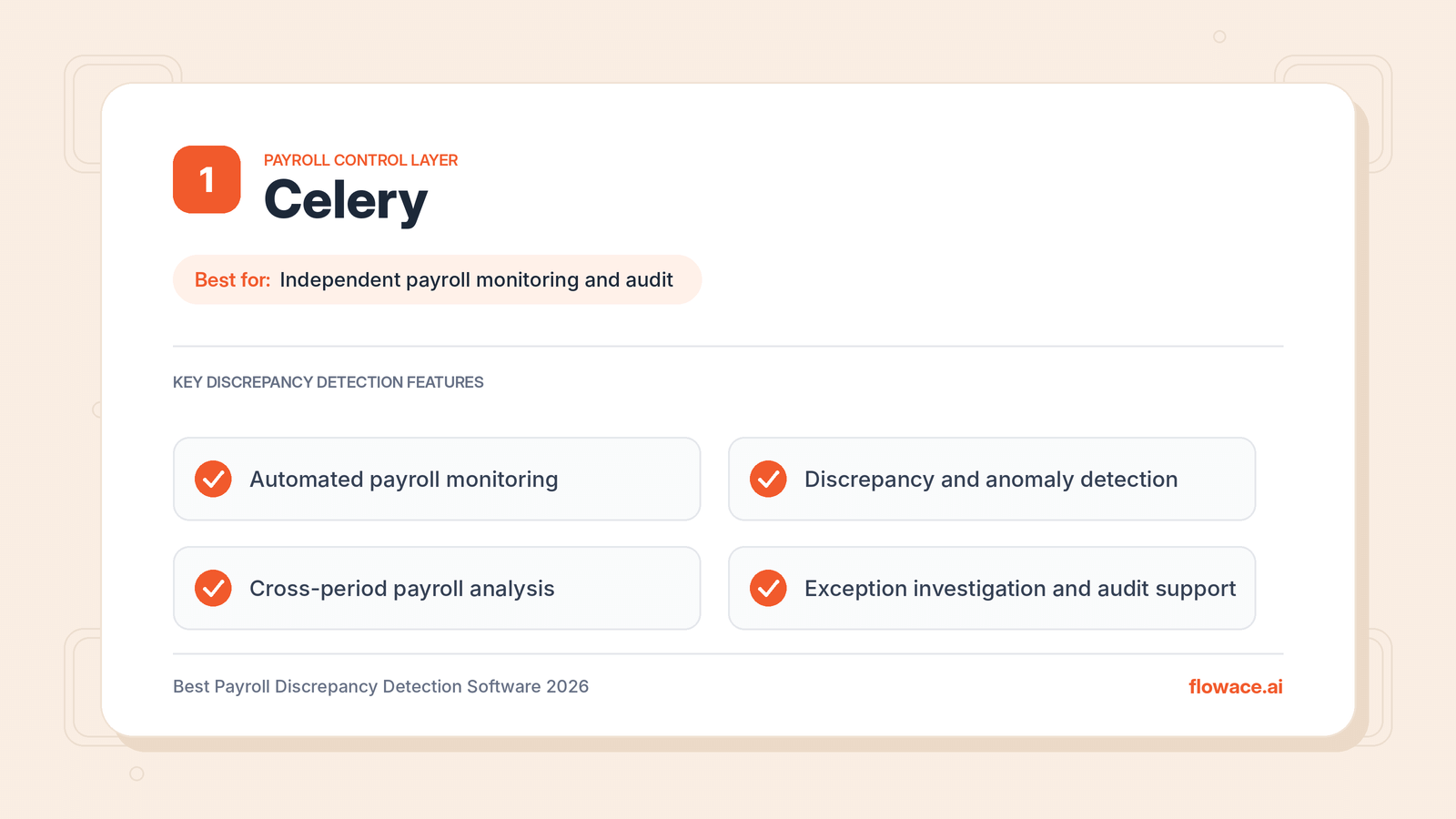
Celery is the best payroll monitoring and audit platform for organizations that want to identify discrepancies and strengthen oversight across their payroll operations. Rather than replacing existing payroll providers or acting as a payroll calculation engine, it works as a dedicated control layer that examines payroll data and flags transactions that need attention.
Celery supports a shift from manual, sample-based reviews to systematic monitoring. Payroll and finance teams can examine far larger volumes of data and investigate exceptions before they turn into recurring problems. It is especially useful when comparing payroll information across pay periods, employee groups, entities, or providers, where compensation changes, duplicate transactions, and unexpected variations can create financial exposure even when the payroll system calculates correctly.
Key Features
- Automated payroll monitoring.
- Payroll discrepancy and anomaly detection.
- Identification of unusual payroll changes.
- Payroll data validation and reconciliation.
- Exception investigation and audit support.
- Cross-period payroll analysis.
- Oversight of existing payroll processes.
Pros
- Works alongside existing payroll providers without replacing them.
- Moves teams from sample-based checks to full-data monitoring.
- Gives consistent oversight across entities and providers.
Cons
- Does not process payroll, so it must be used alongside a payroll system.
- Monitoring rules may need tuning to match each organization’s payroll patterns.
Pricing
Contact Celery for a quote based on your payroll volume and requirements.
2. ADP
Source: ADP
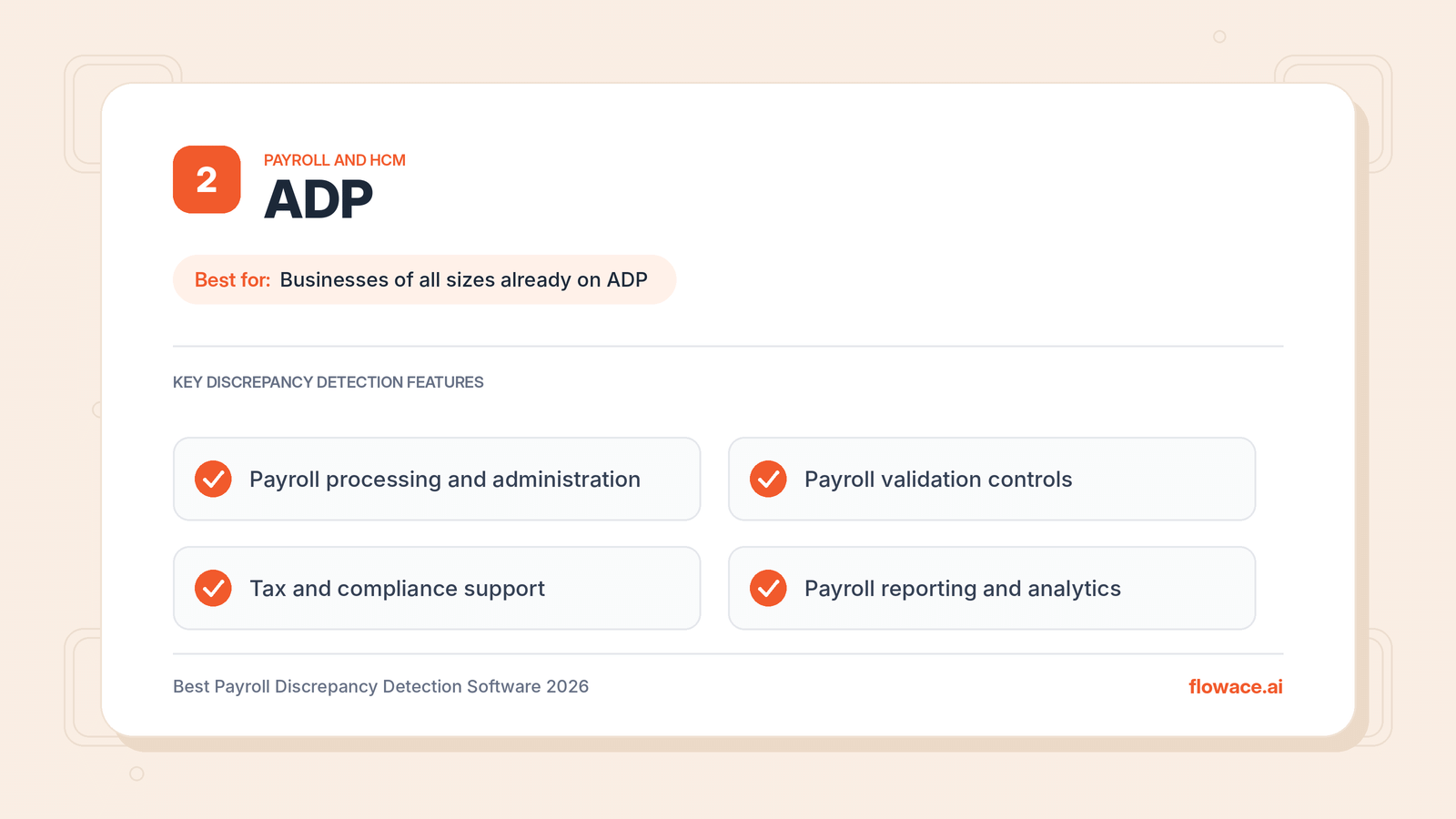
ADP is best for organizations of any size that want payroll processing and validation in one established platform. Its solutions bring together employee information, payroll calculations, tax administration, reporting, and related workforce processes.
Because payroll execution and employee data live in a connected environment, ADP supports validation and reporting throughout the payroll cycle. Teams can review payroll results, examine employee-level changes, and identify issues that need correction. For enterprises already on ADP, these tools can form part of an existing control framework without adding a separate system.
Key Features
- Payroll processing and administration.
- Employee and compensation data management.
- Payroll reporting and analytics.
- Payroll validation and administrative controls.
- Tax and compliance support.
- Payroll adjustments and corrections.
- Enterprise and multinational payroll solutions.
Pros
- Serves everyone from small businesses to large multinationals.
- Combines payroll processing, tax, and reporting in one place.
- Strong compliance support across many regions.
Cons
- Discrepancy detection is part of the payroll platform, not an independent check.
- Different ADP products serve different business sizes, so features vary by plan.
Pricing
Custom pricing based on company size and selected services. Contact sales for a quote.
3. UKG
Source: UKG
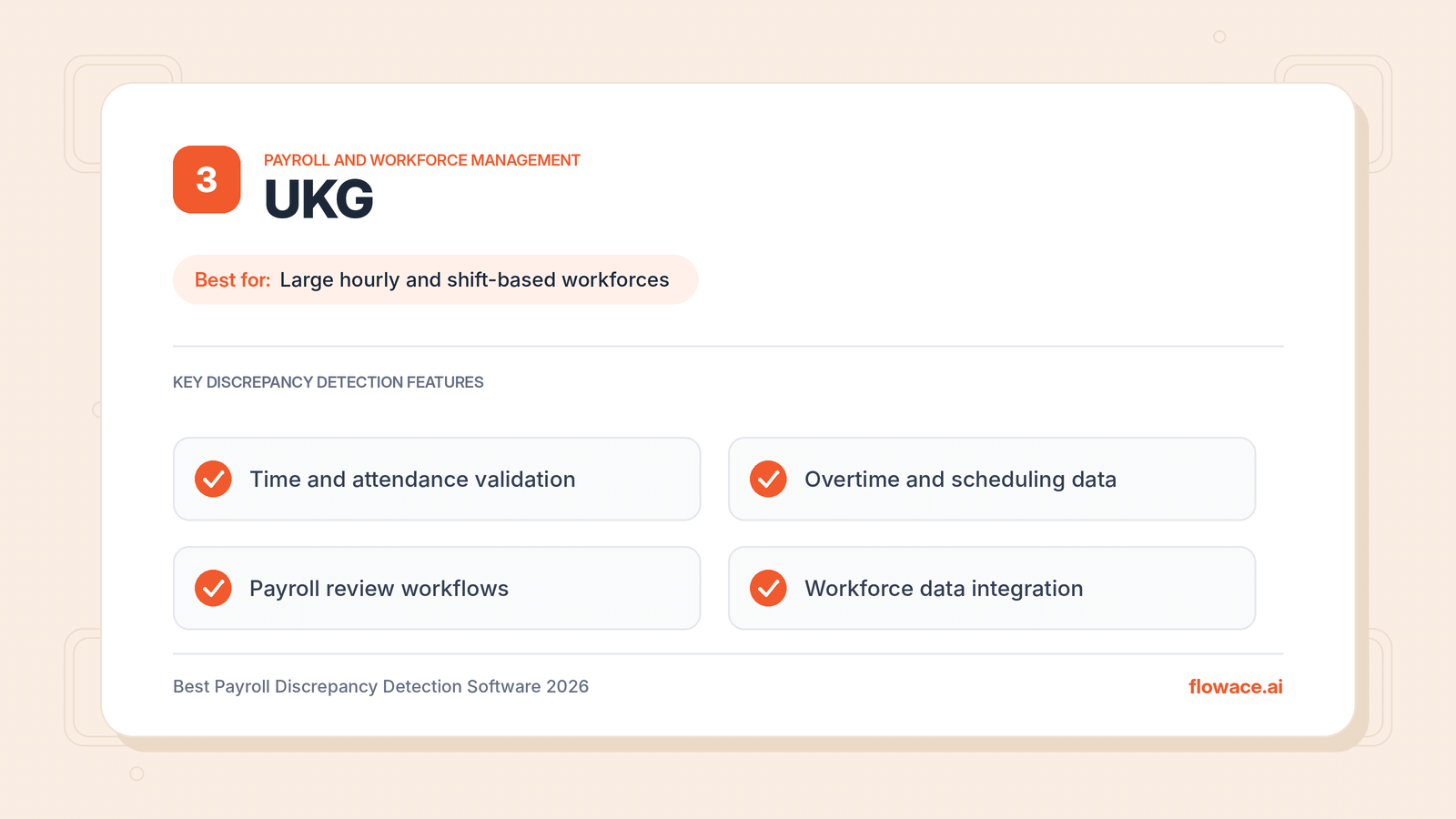
UKG is best for organizations with large hourly or shift-based workforces. It connects scheduling, time tracking, compensation data, and payroll processing. This matters because payroll errors often start before the calculation itself. Incorrect time entries, missed overtime, inconsistent leave records, and scheduling gaps can produce wrong payments even when the payroll engine works perfectly.
UKG also offers reporting, analytics, and administrative controls for payroll review, so teams can investigate discrepancies across both timekeeping and payroll records rather than reviewing payment outcomes alone.
Key Features
- Integrated payroll and workforce management.
- Time and attendance validation.
- Overtime and scheduling data management.
- Payroll reporting and analytics.
- Employee compensation administration.
- Payroll review and correction workflows.
- Workforce data integration.
Pros
- Catches errors at the time and attendance stage, before payroll runs.
- Strong fit for complex scheduling and overtime rules.
- Connects workforce and payroll data in one environment.
Cons
- Implementation can take time for large or complex organizations.
- May offer more workforce features than office-based teams need.
Pricing
Custom pricing. Contact sales for a quote.
If your team works mostly on computers and you need accurate work hours without manual timesheets, AI-powered automatic time tracking can capture hours worked in the background and reduce the time-entry errors that later turn into payroll discrepancies.
4. Workday
Source: Workday
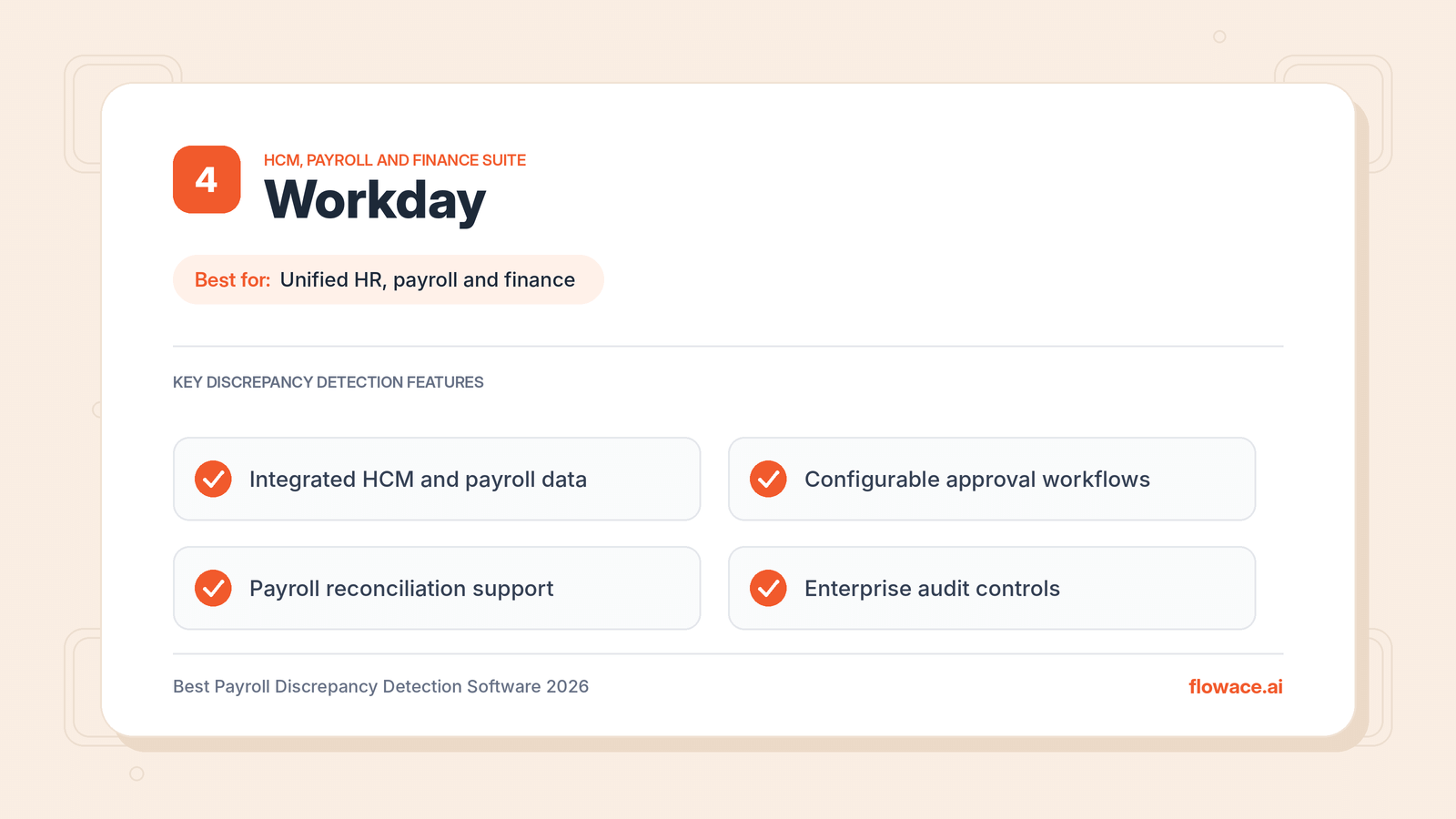
Workday is best for enterprises that want HR, payroll, and finance on one connected platform. Its unified data model lets organizations manage employee information, compensation changes, organizational structures, and payroll without separate records at every stage of the employee lifecycle.
This reduces discrepancies caused by inconsistent employee data or incomplete transfers between HR and payroll. Workday also includes administrative controls, reporting, and configurable business processes for payroll review and approval.
Key Features
- Integrated HCM and payroll data.
- Payroll processing and reporting.
- Compensation change management.
- Configurable approval workflows.
- Payroll reconciliation support.
- Workforce and financial analytics.
- Enterprise audit and administrative controls.
Pros
- One data model reduces mismatches between HR and payroll.
- Configurable approval workflows add review checkpoints.
- Combines workforce and financial analytics.
Cons
- Best value comes when HR, payroll, and finance all run on Workday.
- Configuration usually needs dedicated internal or partner support.
Pricing
Custom pricing. Contact sales for a quote.
5. Payslip
Source: Payslip
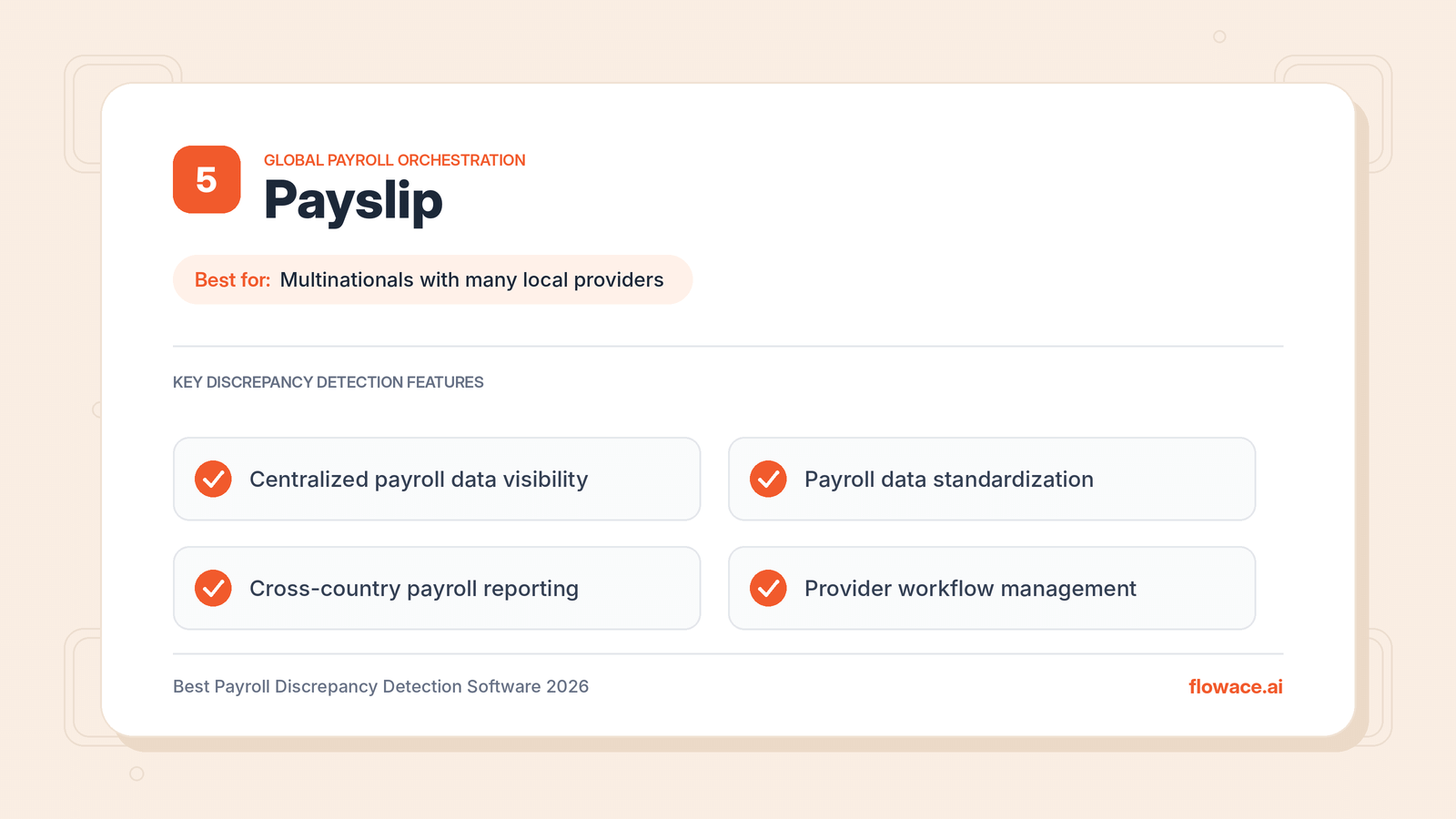
Payslip is best for multinational organizations that coordinate payroll across many countries and local providers. Each provider may deliver data in a different format and on a different schedule, which makes discrepancies easy to miss. Payslip offers a centralized environment for managing payroll data, standardizing workflows, and keeping visibility across international operations.
This helps surface inconsistencies that might stay hidden inside separate country-level processes. Central teams can apply one consistent review approach instead of relying only on local payroll reports.
Key Features
- Global payroll management and orchestration.
- Centralized payroll data visibility.
- Payroll data standardization.
- Cross-country payroll reporting.
- Payroll validation and reconciliation.
- Provider coordination and workflow management.
- Global payroll analytics.
Pros
- Standardizes data from many local payroll providers.
- Gives central teams one view across countries.
- Keeps existing local providers in place.
Cons
- Built mainly for multinational setups, so it may be too much for single-country payroll.
- Value depends on how well local providers’ data is integrated.
Pricing
Custom pricing. Contact sales for a quote.
Payroll errors often start with inaccurate work hours. See how Flowace captures every hour automatically.
6. CloudPay
Source: CloudPay
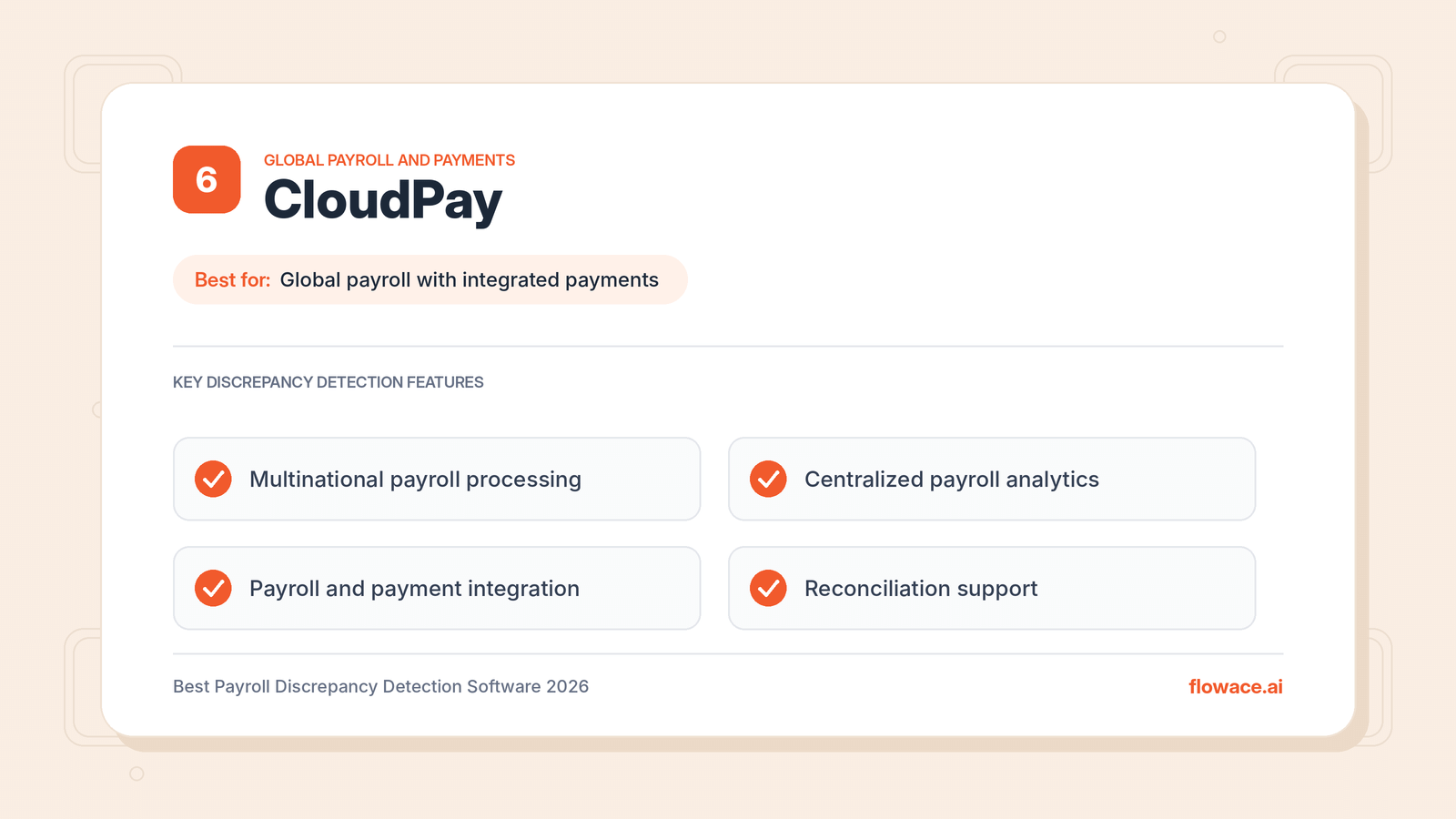
CloudPay is best for multinational enterprises that want global payroll and payments in one service. It combines payroll processing with centralized management and reporting, and keeps how payroll data is processed and reviewed consistent across countries.
Its analytics and reporting help teams compare payroll results across countries and spot variations that need review. Because it handles both payroll and payments, it is useful when discrepancies can appear at different stages, from calculation through payment execution.
Key Features
- Multinational payroll processing.
- Global payroll management.
- Centralized payroll reporting.
- Payroll analytics and operational visibility.
- Standardized international payroll workflows.
- Payroll and payment integration.
- Payroll review and reconciliation support.
Pros
- Covers both payroll calculation and payment execution.
- Centralized analytics across countries.
- Standardized workflows for international payroll.
Cons
- Designed for global enterprises rather than small or single-country teams.
- Switching payroll processing to CloudPay is a larger change than adding a monitoring layer.
Pricing
Custom pricing. Contact sales for a quote.
7. Dayforce
Source: Dayforce
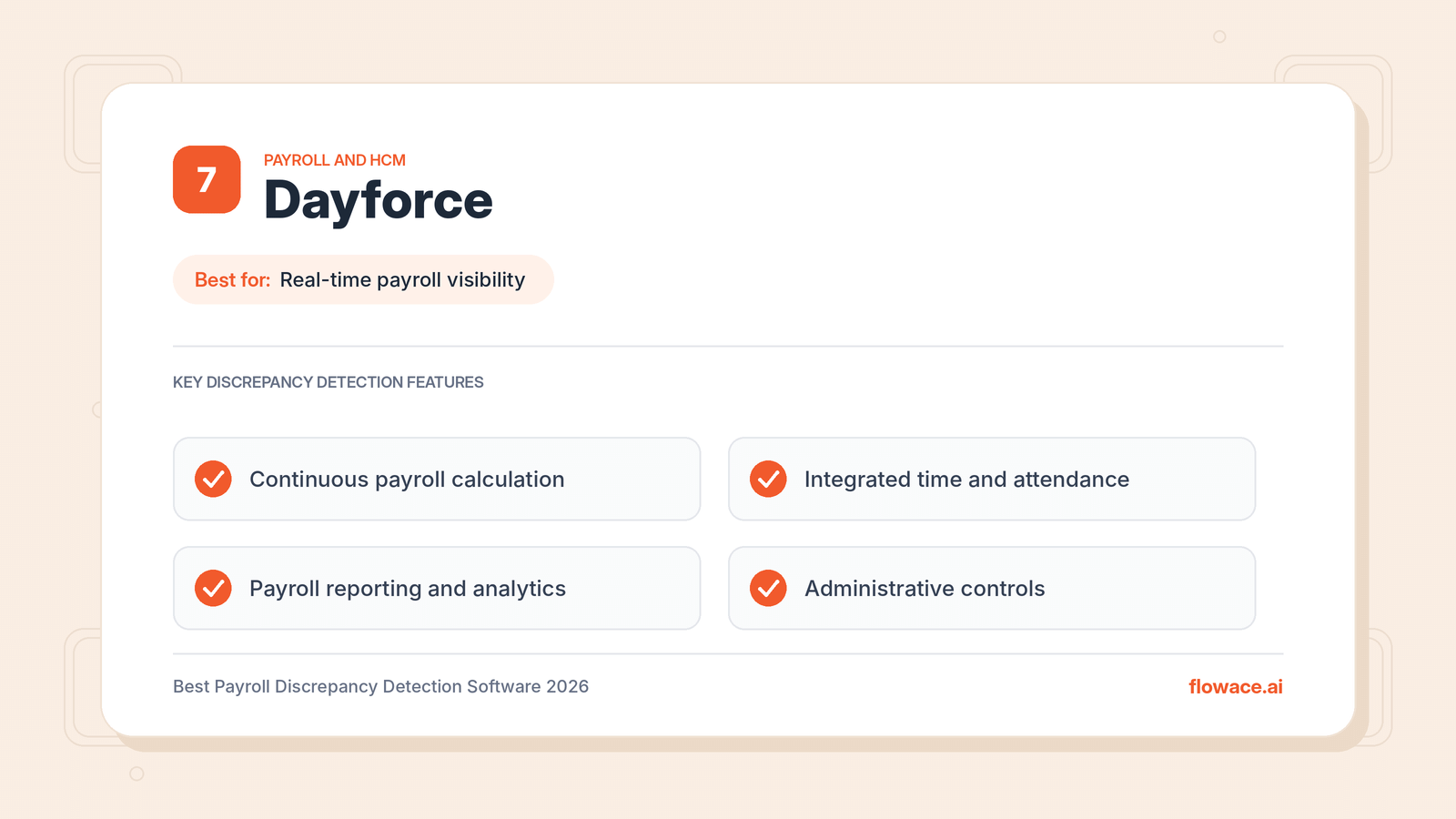
Dayforce is best for organizations that want real-time visibility into how workforce changes affect payroll. It connects payroll, time and attendance, workforce management, and employee information in one platform, so changes to hours, schedules, leave, and compensation flow directly into payroll calculations.
This cuts down on manual data transfers and the reconciliation work that comes with them. Dayforce also supports continuous payroll calculation, so payroll teams can see the impact of workforce changes throughout the pay period instead of waiting for final processing.
Key Features
- Continuous payroll calculation.
- Integrated time and attendance.
- Workforce management and payroll integration.
- Payroll reporting and analytics.
- Compensation and employee data management.
- Payroll review and administrative controls.
- Support for complex workforce requirements.
Pros
- Continuous calculation surfaces issues before payroll closes.
- Fewer manual handoffs between timekeeping and payroll.
- Handles complex workforce rules.
Cons
- Works best when most HR and workforce processes move onto Dayforce.
- Rollout can be involved for large organizations.
Pricing
Custom pricing. Contact sales for a quote.
8. SAP SuccessFactors Employee Central Payroll
Source: SAP
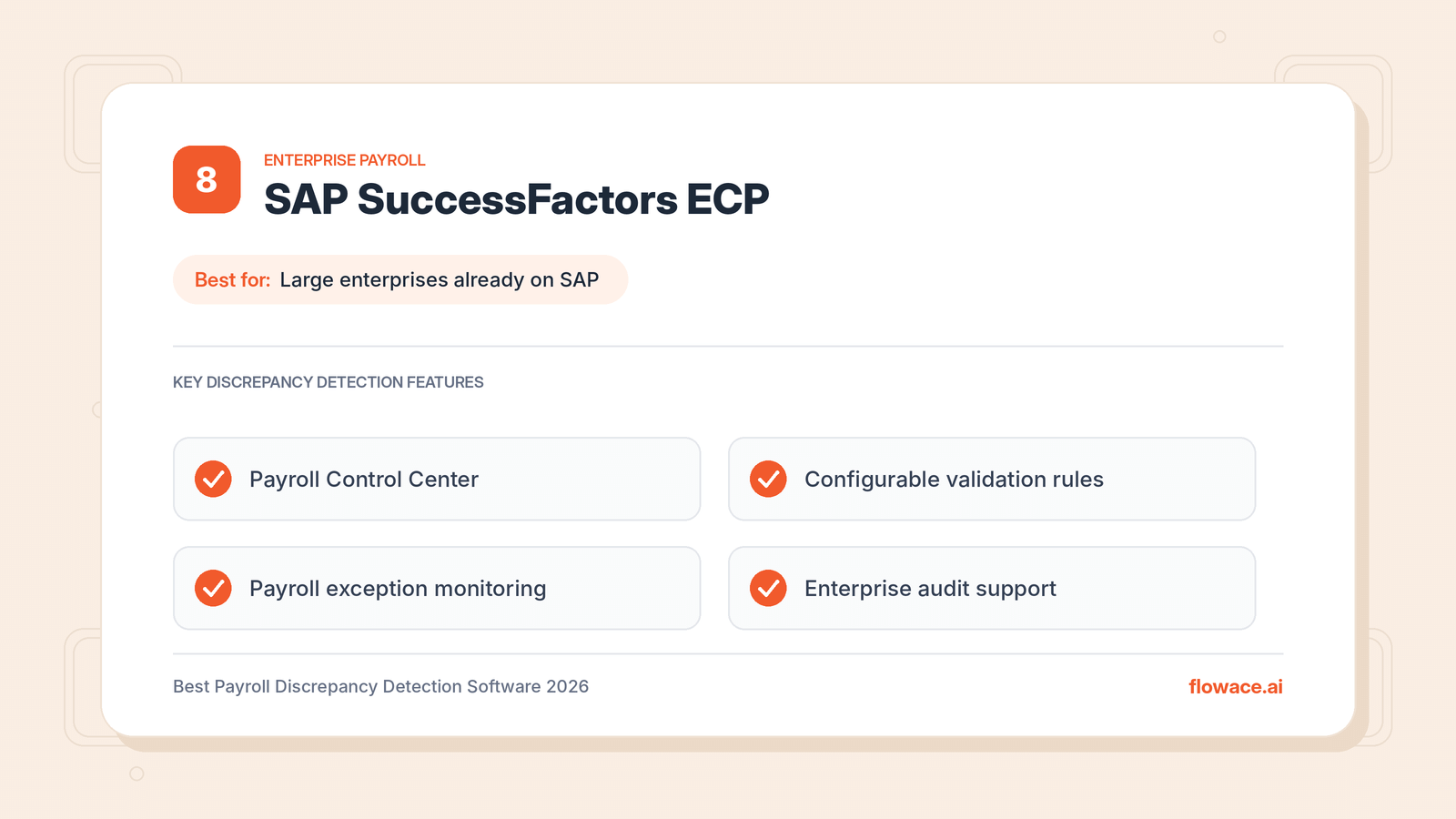
SAP SuccessFactors Employee Central Payroll is best for large enterprises that already run on SAP. It connects employee master data, compensation information, and payroll processing within SAP’s broader HCM environment. Integration with Employee Central lets employee changes flow directly into payroll, reducing inconsistencies between HR records and payroll calculations.
Its Payroll Control Center adds monitoring capabilities and identifies exceptions through configurable validation rules. Reporting tools help payroll teams examine results, investigate unexpected changes, and manage corrections.
Key Features
- Enterprise payroll processing.
- Integration with SAP SuccessFactors Employee Central.
- Payroll Control Center.
- Configurable payroll validation rules.
- Payroll exception monitoring.
- Payroll process management.
- Enterprise reporting and audit support.
Pros
- Payroll Control Center offers rule-based exception monitoring.
- Built for complex structures and multiple employee populations.
- Strong fit for organizations with existing SAP infrastructure.
Cons
- Setup and validation rules usually require SAP expertise.
- Less practical for organizations not already using SAP.
Pricing
Custom pricing. Contact SAP or a partner for a quote.
9. Paycom
Source: Paycom
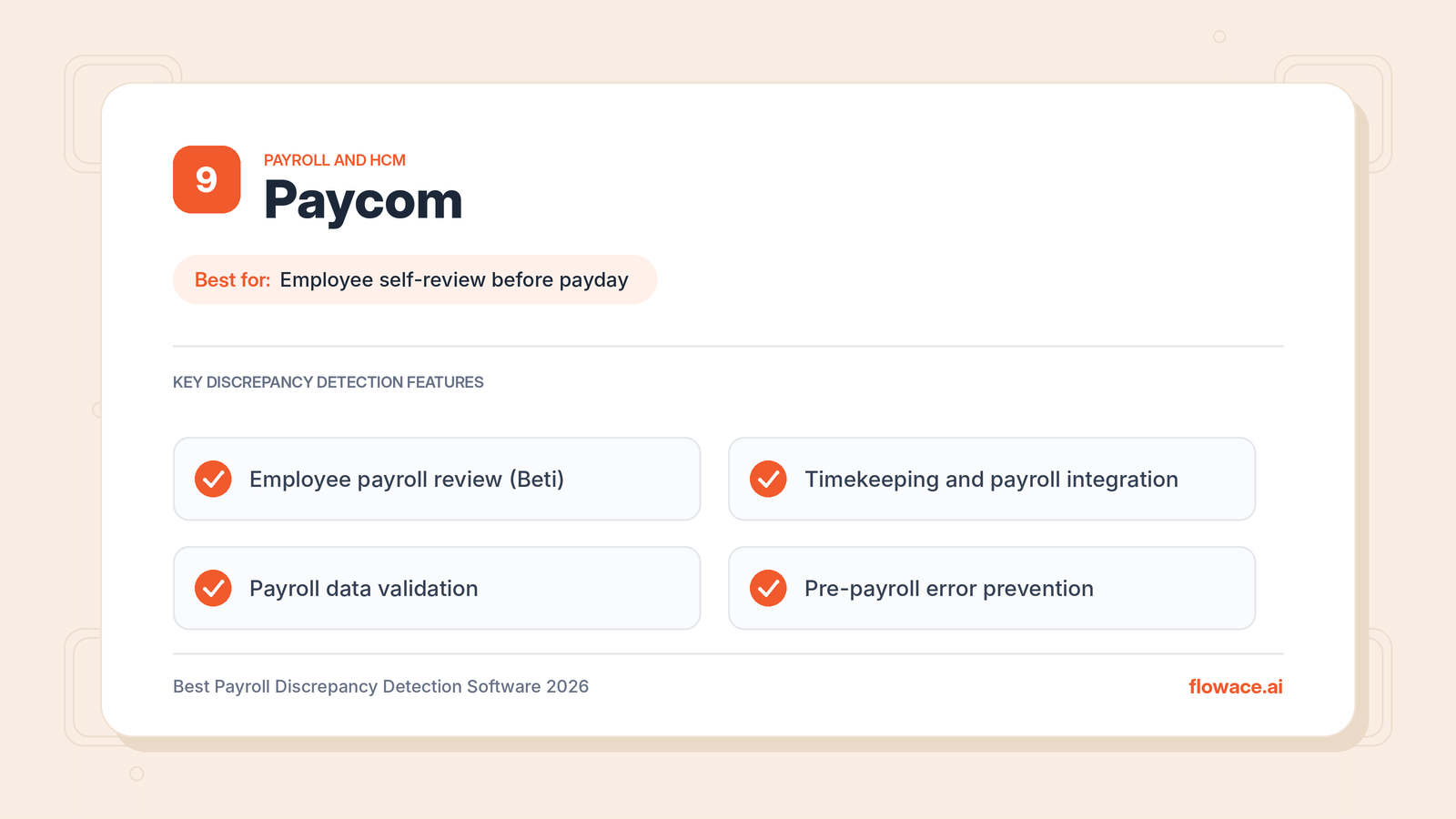
Paycom is best for businesses that want employees to review their own payroll before it is finalized. It connects employee records, timekeeping, payroll processing, and related admin tasks in one platform. Because payroll accuracy depends on the quality of data entered throughout the employee lifecycle, connected workflows reduce the manual handoffs that often create errors.
Paycom’s employee-facing tool, Beti, lets workers check the information used in their payroll calculations and flag issues before payday.
Key Features
- Integrated HCM and payroll processing.
- Employee-centered payroll review through Beti.
- Timekeeping and payroll integration.
- Payroll data validation.
- Employee information management.
- Payroll reporting.
- Pre-payroll error prevention.
Pros
- Employees help catch errors before payroll is finalized.
- One database for HR, time, and payroll.
- Focus on preventing errors rather than correcting them later.
Cons
- Primarily focused on US payroll.
- Employee review depends on employees actually checking their data.
Pricing
Custom pricing. Contact sales for a quote.
Four Stages of Payroll Discrepancy Detection
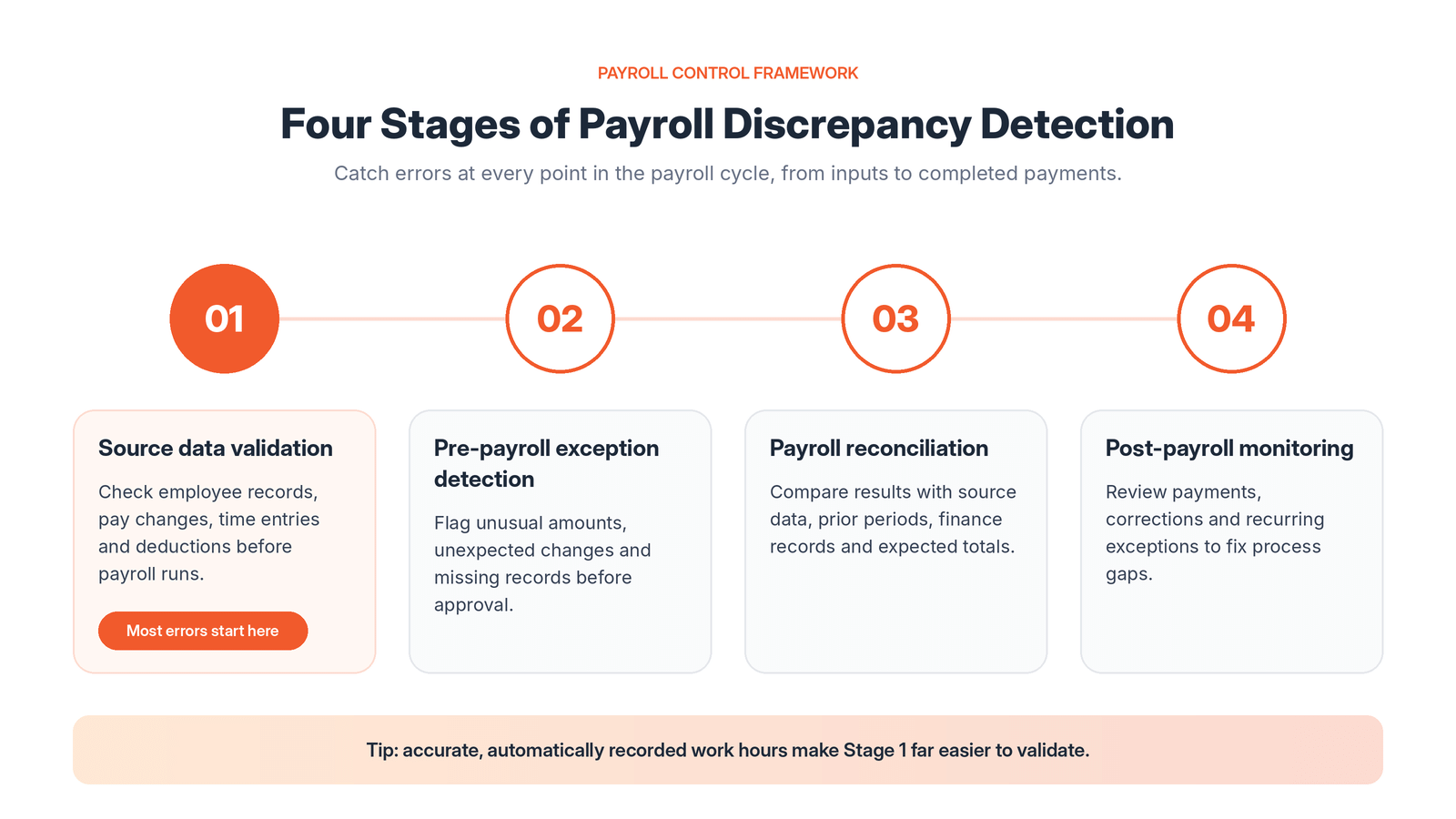
A strong payroll control process checks for discrepancies at four points in the payroll cycle.
- Source data validation
Check employee records, compensation changes, time entries, deductions, and other inputs before payroll calculations begin. - Pre-payroll exception detection
Identify unusual payment amounts, unexpected employee changes, missing records, and inconsistencies before approval. - Payroll reconciliation
Compare calculated results against source data, prior periods, financial records, and expected payment totals. - Post-payroll monitoring
Review completed payments, adjustments, corrections, and recurring exceptions to find weaknesses in the payroll process.
Covering all four stages matters. Catching discrepancies before approval reduces corrective payments, while post-payroll monitoring shows whether earlier problems keep coming back.
The first stage deserves extra attention because no monitoring tool can fully fix unreliable inputs. Hours worked, overtime, leave, and attendance feed directly into gross pay, and manual timesheets are one of the most common sources of error. Unrecorded idle time, padded hours, and forgotten entries can all inflate or reduce pay.
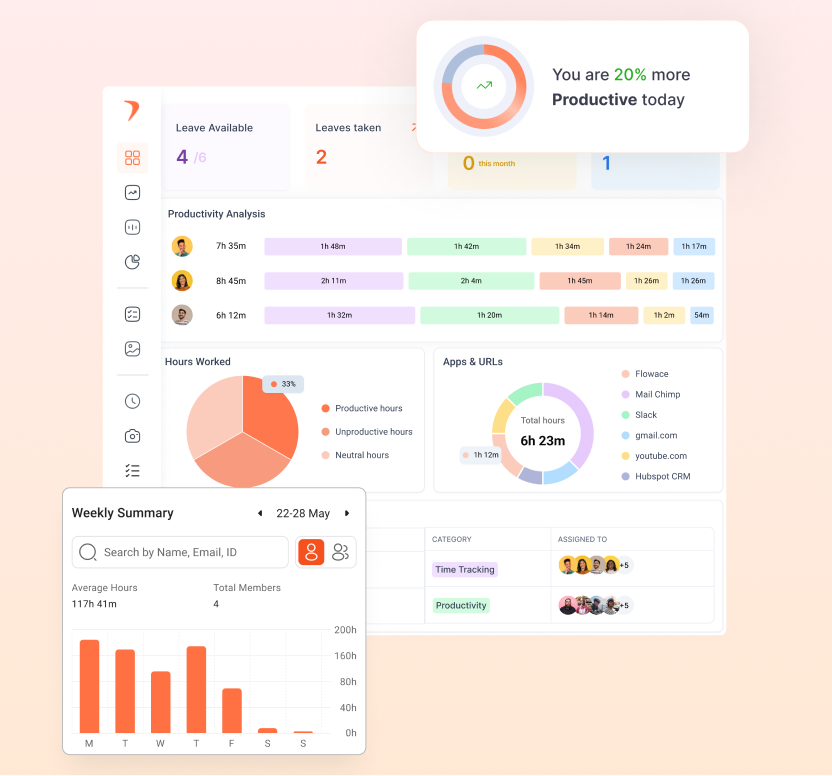
Using Flowace for automated time and attendance tracking gives payroll teams system-recorded work hours to validate against. Its productivity insights show how logged hours were actually spent, and integrations with 70+ tools help move accurate hours into HR and payroll systems without manual re-entry. This reduces the number of discrepancies that ever reach the payroll calculation stage.
The connection between stages also matters. An unusual payment flagged during pre-payroll review should follow a clear investigation process, and the outcome should feed back into future monitoring rules.
Not just tracking hours. One BPO improved active hours by 15.9% with smarter monitoring.
How to Choose the Right Payroll Discrepancy Detection Software?
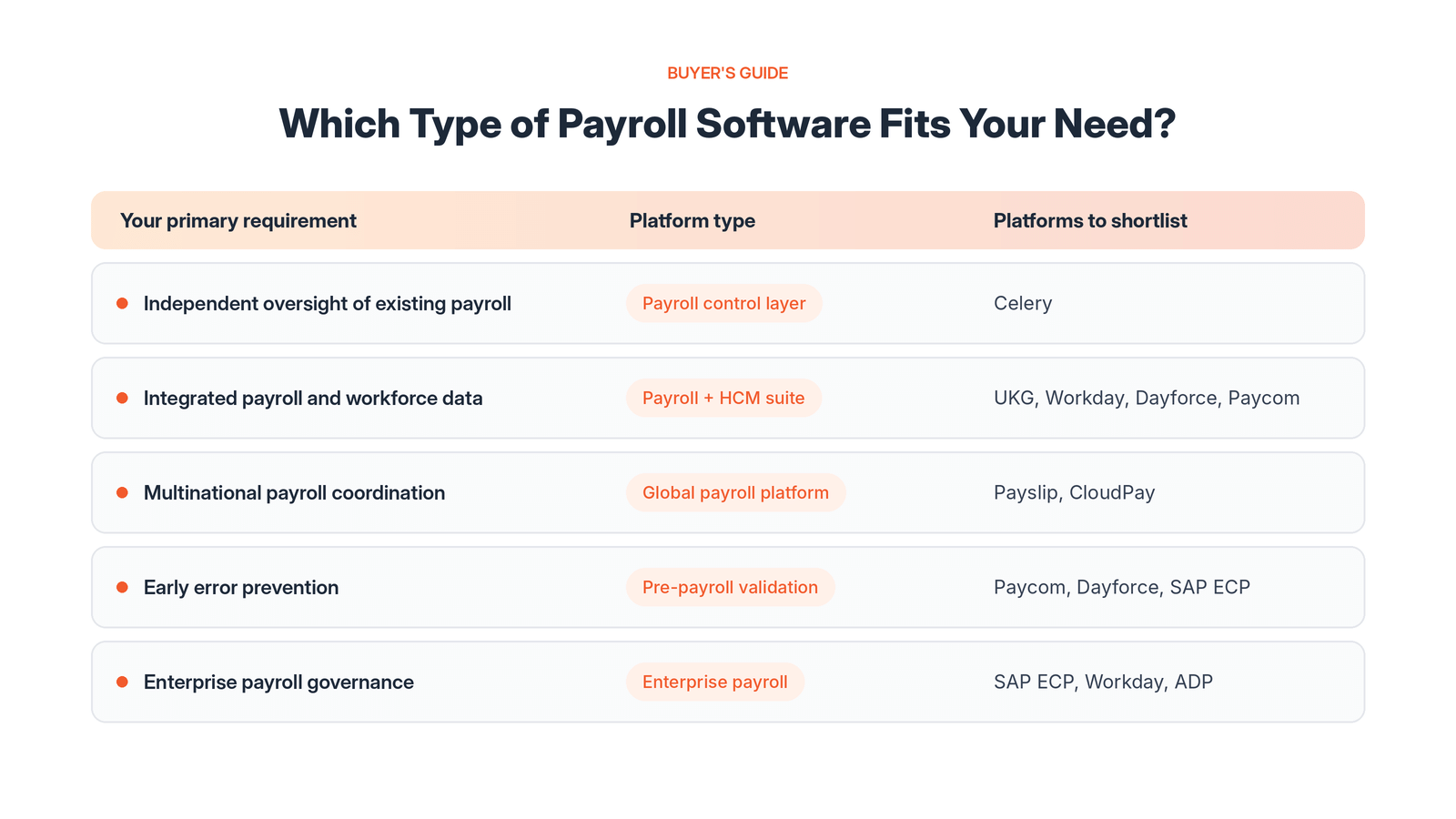
Choose payroll discrepancy detection software based on where your errors start, how your payroll is set up, and how many providers and countries you manage. Start with the main problem you want to solve, then compare platforms built for that need.
- Find where discrepancies originate. If errors start in time and attendance data, fix the inputs first. If they appear after calculation, you need stronger validation and reconciliation.
- Decide between a control layer and an integrated platform. A company on one payroll system may only need stronger validation inside it. A multinational using several providers will more likely need a centralized monitoring and reconciliation layer.
- Match the tool to your workforce. Remote, hybrid, and in-office teams record time differently, and each setup creates different payroll risks.
- Test with real data. Run each platform on representative payroll data that includes known errors and legitimate exceptions.
- Check security and compliance. Payroll data is sensitive, so review access controls, audit trails, and certifications. Look for the same enterprise-grade security and compliance standards you expect from any workforce data tool.
The following table maps common requirements to the capabilities you should look for.
|
Primary requirement |
Relevant platform capabilities |
| Independent oversight of existing payroll systems | Automated monitoring, anomaly detection, exception investigation, and audit support |
| Integrated payroll and workforce management | Connected employee records, timekeeping, payroll calculation, and administrative controls |
| Multinational payroll coordination | Data standardization, cross-country reporting, provider management, and reconciliation |
| Early error prevention | Pre-payroll validation, accurate time and attendance data, employee data review, and configurable exception rules |
| Enterprise payroll governance | Approval workflows, audit trails, reporting, and consistent controls across business units |
Also check how each platform separates genuine discrepancies from legitimate payroll changes. Bonuses, commissions, retroactive adjustments, promotions, and changes in working hours can all create unusual payment patterns without being errors.
A system that flags every variation without context can bury payroll teams in unnecessary investigations. Controls that rely only on fixed thresholds may miss smaller discrepancies that repeat quietly across pay periods. The right platform explains why a transaction was flagged and gives investigators enough detail to act.
Industries that bill by the hour feel these issues most. Accounting firms, IT services companies, and staffing and recruitment agencies depend on accurate hours for both payroll and client billing, so input accuracy should be part of their evaluation.
Want to see where your team’s work time goes before it reaches payroll?
Explore Flowace’s Workforce Analytics
Frequently Asked Questions About Payroll Discrepancy Detection Software
1. What is payroll discrepancy detection software?
Payroll discrepancy detection software reviews payroll data to find errors, inconsistencies, and unusual changes before or after employees are paid. It can run inside a payroll platform or as an independent monitoring layer across multiple payroll providers.
2. How does automated payroll monitoring differ from payroll processing?
Payroll processing calculates employee pay, applies deductions, and prepares payments. Automated payroll monitoring reviews that payroll data to find unusual changes, inconsistencies, and potential errors. Organizations with decentralized payroll often use independent monitoring to get consistent oversight without replacing their existing processing systems.
3. What causes most payroll discrepancies?
Most discrepancies start with inaccurate or outdated inputs rather than calculation errors. Common causes include incorrect time and attendance records, unrecorded overtime, outdated compensation or tax details, misapplied deductions, and data lost during transfers between HR, timekeeping, and payroll systems. Employee monitoring software with automatic time tracking can reduce errors caused by manual timesheets.
4. Can payroll discrepancy detection software prevent incorrect payments?
Yes, when discrepancies are identified and resolved before payroll approval. Pre-payroll validation, anomaly detection, and exception workflows let teams investigate unusual transactions before payments are finalized. Prevention still depends on when data becomes available, which controls are configured, and how quickly exceptions are reviewed. Post-payroll monitoring remains important for catching errors that earlier controls miss.
5. What should multinational enterprises look for in payroll monitoring software?
Multinational enterprises should check compatibility with existing payroll providers, support for multiple currencies and pay frequencies, data standardization, and centralized reporting. Configurable validation rules matter because legitimate payroll patterns vary by country and employee group. Access controls, audit trails, and clear exception ownership are also essential.
6. How can organizations measure the effectiveness of payroll discrepancy detection?
Track the number and value of confirmed discrepancies, the share caught before payroll approval, average investigation time, correction costs, and recurring error rates. False positives matter too, because too many alerts waste payroll team time without improving accuracy.