Best Project Time Tracking Software in 2026: Top 10 Tools for Teams That Bill by the Hour




Looking out for project time tracking software. Yes we get it, buying a new tool especially if this is going to integrate with your team deeply and for long term, decision making gets difficult.
In this blog we have covered ten tools for you. These tools are carefully selected keeping in mind different use cases, team sizes, and billing models. Each tool is assessed on the criteria that actually matter when billing clients for time: automatic vs. manual capture, billable rate logic, invoicing capability, reporting depth, and total cost at scale.
By the end of this read you will be able to make a clear decision on which is the right project time tracking software for your team. In this blog, you will have a clear answer on which project time tracking software fits your team.
What is project time tracking software?
Project time tracking software is a category of tool that records how employee time is distributed across specific projects, tasks, and clients and connects that data directly to billing. This tool organises entries within a project hierarchy (client, project, task), applies configurable billable rates, and generates reports or invoices that reflect actual work performed.
The best tools in this category do this automatically, capturing time against the right project without requiring manual timer starts, check-ins, or timesheet memory, so the data that reaches your client’s invoice is both accurate and defensible.
Project time tracking vs. project management: what’s the difference?
This is one of the most common points of confusion when evaluating tools, and it matters because the answer changes what you buy.
| Project time tracking software | Project management software | |
| Primary function | Track billable time against projects/clients | Plan, assign, and coordinate tasks |
| Time capture | Automatic or timer-based, billing-first | Usually manual, task-first |
| Billing capability | Native billable rates, invoicing | Minimal or absent |
| Reporting | Client-facing time and billing reports | Project progress, resource allocation |
| Best for | Agencies, IT services, consultants | Internal teams, product orgs, large projects |
Some tools sit in both categories (ClickUp makes this list for a reason), but knowing which job you need done first helps you avoid buying a project management suite when what you really need is a billing-ready time tracker.
How we evaluated these tools
Every tool on this list was assessed against the criteria that matter most to teams billing by the hour.
We looked at the following:
- Automatic vs. manual time capture: Does it require a running timer, or does it capture time intelligently in the background?
- Project and task hierarchy: Can you organise time by client, project, and task with configurable rates at each level?
- Billable rate configuration: Per user, per project, per task, or flat rate?
- Invoice generation: Is invoicing native, or does it require an export to a finance tool?
- Integrations: Does it connect to the PM tools, HR systems, and accounting software your team already uses?
- Reporting depth: Can you produce client-facing utilisation reports, profitability breakdowns, and budget-vs-actual comparisons?
- Pricing transparency: Are the features you actually need available at the tier you can afford?
- Free trial: Can you test it on real work before committing?
No tool on this list is here because of a commercial relationship. Flowace AI is included because it genuinely belongs in this comparison for the use cases described.
* Editorial note on “recommended for” labels: The use-case labels below (for example, “recommended for simple invoicing”) reflect editorial judgment based on the evaluation criteria above. They are not based on an external ranking or award.
Which project time tracking software is best for teams billing by the hour?
Here are the 10 best project time tracking tools we found out for you so you don’t have to.
1. Harvest: Recommended for simple invoicing and client billing
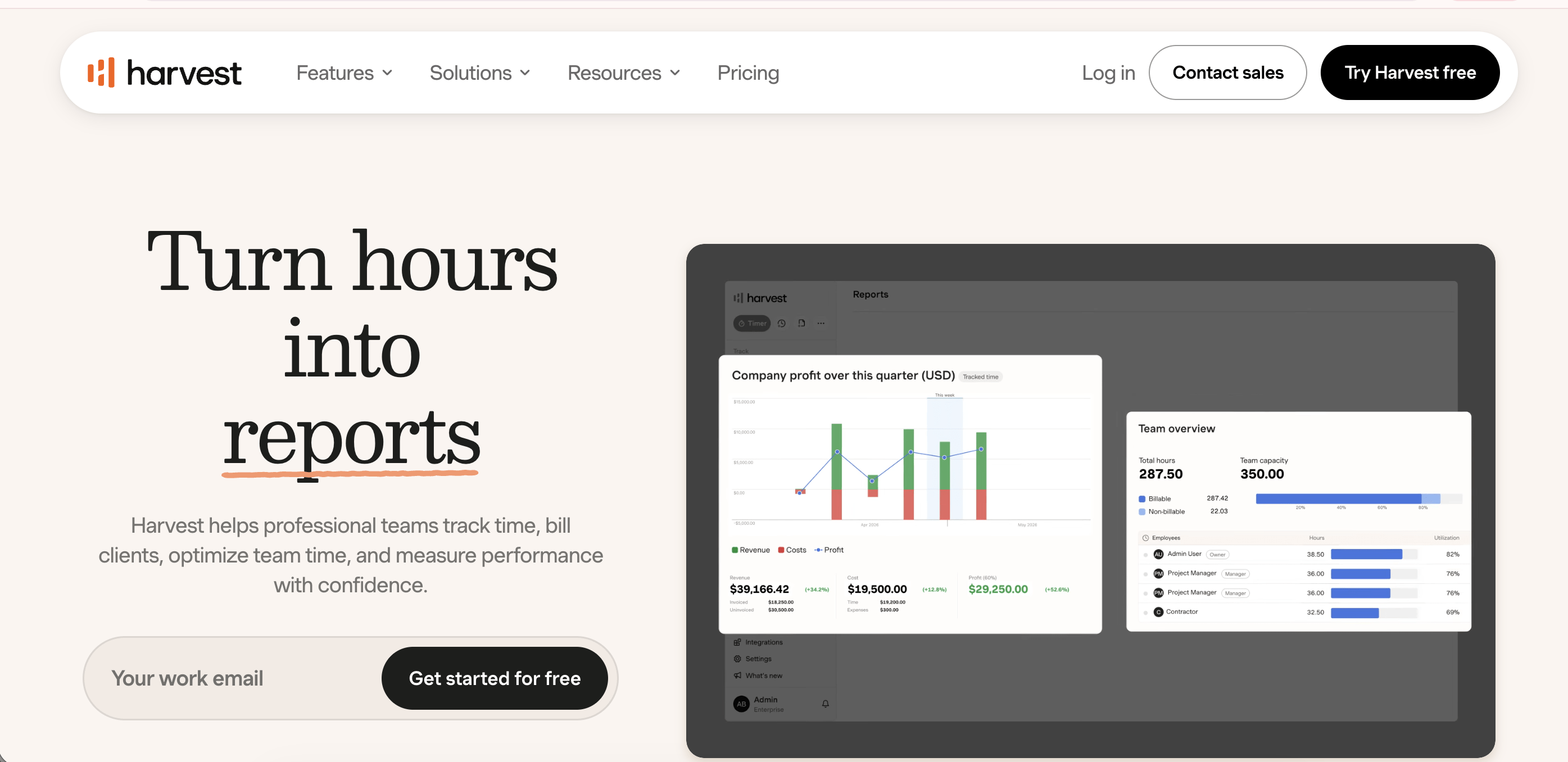
Harvest is a go-to tool for agencies and freelancers since 2006. It focuses on tracking time, attaching it to a client, and turning it into an invoice with minimal friction.
Best for: Freelancers, small agencies, and consultants who need clean invoicing without complexity.
Key features:
- Timer-based time tracking with manual entry option
- Project and task budgets with overage alerts
- Native invoicing with Stripe and PayPal integration
- Integration with QuickBooks and Xero for accounting sync
- Team utilisation reports and budget dashboards
Pricing (as of June 2026): Free plan for 1 user and 2 projects. Teams plan at $9/user/month (annual billing). Enterprise plan at $14/user/month (annual billing)
Where it wins:
- The invoicing flow is the smoothest in this category. Tracked hours convert to a client-ready invoice in three clicks.
- Free plan includes invoicing, which is rare at that price point.
- 30-day free trial, no credit card required.
Where it falls short:
- No automatic time capture. Timers must be started and stopped manually.
- Timer fatigue at scale leads to undercaptured hours.
- Reporting depth is limited for teams managing 10+ concurrent projects.
2. Toggl Track: Recommended for small teams on a free plan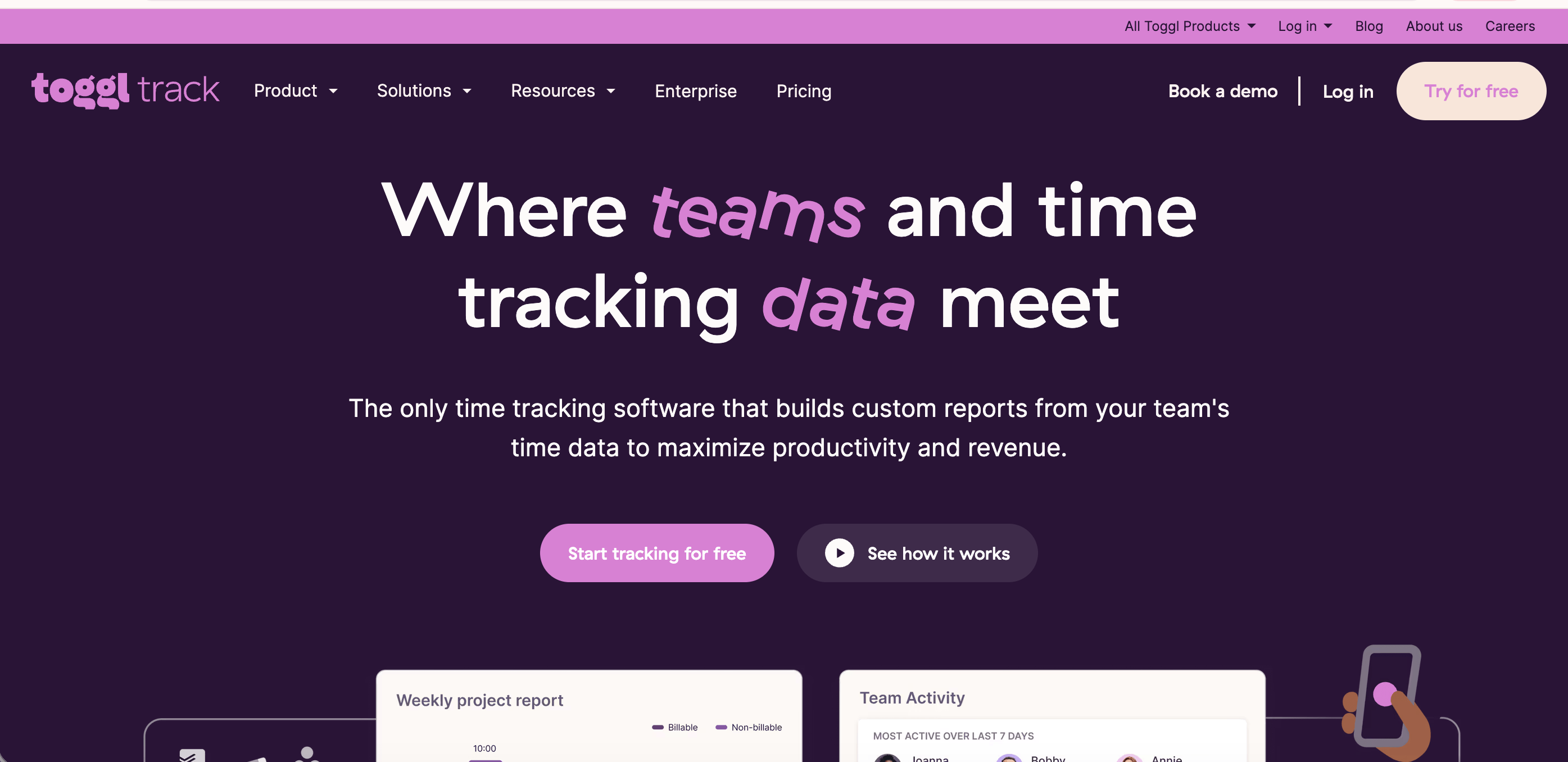
Toggl Track is one of the cleanest time tracking interfaces available and the free tier is the most useful for teams of up to five people.
Best for: Small teams and solo consultants who want frictionless manual tracking and do not need invoicing built in.
Key features:
- One-click timer and manual time entry
- Project, client, and tag-based organisation
- Calendar view and timeline reports
- Profitability reports (Premium tier)
- Enhanced project forecasts that alert when a project reaches 80% of its estimated budget (new in 2026)
- CSV and PDF export for client reporting
Pricing (as of June 2026): Free for up to 5 users. Starter at $9/user/month. Premium at $18/user/month. Enterprise pricing on request. Annual billing.
Where it wins:
- Free plan covers unlimited projects and clients, capped at five users.
- Premium profitability reports combine hours with labour costs to show whether each project is actually making money.
- UX is among the cleanest in the category. Adoption is rarely a problem.
Where it falls short:
- Billable rates are not available on the free tier. Everything tracked is time, not revenue.
- Invoicing is not native on any tier. You export to FreshBooks or QuickBooks.
- No automatic capture. The browser extension adds limited background tracking for web activity only.
- At $18/user/month, Premium costs climb quickly for growing teams.
3. Flowace AI: Recommended for agencies and IT teams tracking billable projects
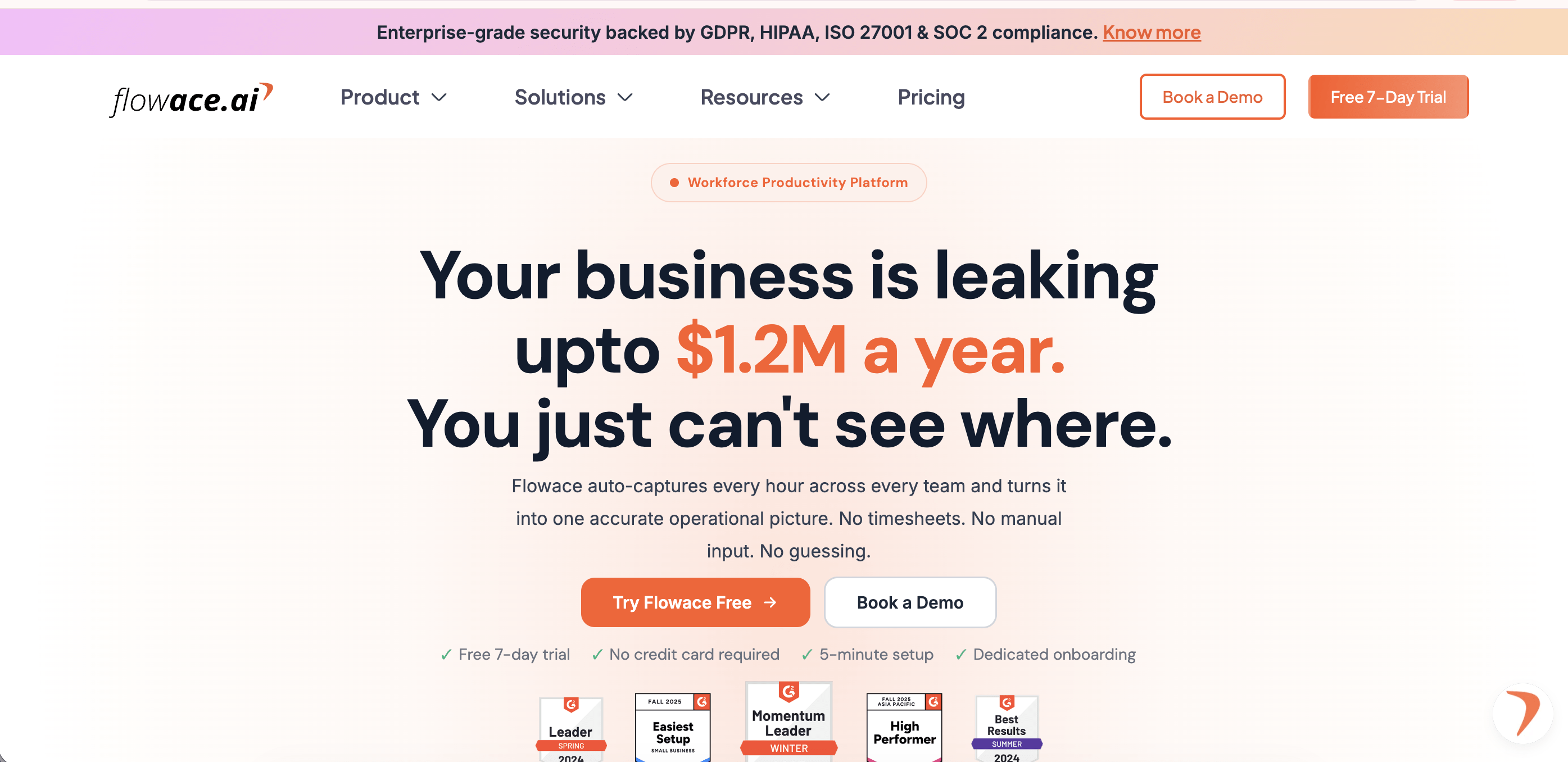
Flowace AI is a workforce productivity and project time tracking platform built for operations-heavy teams: agencies, IT services, BPO, and any organisation where time is directly tied to client billing. It automatically captures how employees spend their time across apps, projects, and tasks without requiring manual timer starts or behaviour change.
Best for: Agencies and IT services teams (20 to 500 employees) that need automatic project time capture, accurate billable hour logs, and one-click invoicing with the audit trail to back up every invoice.
Key features:
- Automatic time capture: Attendance and project time tracking begin the moment a laptop opens. No timers to start. No manual entries.
- 1-second precision activity logs: Every app switch, idle period, and task transition is recorded with 1-second granularity, tamper-proof and audit-ready.
- Configurable billable rates: Set rates per user, per project, or per task. Flowace AI does not impose a single billing model.
- One-click invoicing: Approved billable hours convert directly to client invoices. Managers see real margins per project before invoices go out.
- Productivity insights layer: App and website usage tracking, configurable productive/unproductive ratings per team, burnout risk alerts, and role-tiered dashboards.
- Screenshot capture: Periodic screen captures for QA, compliance, and client transparency. Frequency is configurable.
- Online and offline tracking: Works without connectivity and syncs when connection resumes.
- ISO 27001:2022 certified: Uncommon at this price point and relevant for enterprise and regulated industry clients.
Pricing (as of June 2026, annual billing):
- Basic: Rs. 166/user/month (approx. $2/user/month)
- Standard: Rs. 333/user/month (approx. $4/user/month)
- Premium: Rs. 583/user/month (approx. $7/user/month) — includes billing and invoicing, SSO, public API
- Enterprise: Custom
Where it wins:
- Automatic capture plus billable hour precision plus native invoicing in one tool at this price point is rare.
- The 1-second activity log creates a defensible audit trail for client billing disputes that most competitors cannot match.
- ISO 27001:2022 certification at sub-$10/user pricing is a meaningful differentiator for enterprise and regulated industry clients.
- India-first pricing makes it an exceptionally strong choice for South Asian markets and teams billing in INR.
Where it falls short:
- UI is functional but does not have the design polish of Toggl or Harvest.
- Invoicing is available from the Premium tier upwards. Teams on Basic or Standard will need a separate billing tool.
- 7-day free trial, shorter than most competitors on this list.
See how Flowace AI tracks billable hours automatically across projects — start a 7-day free trial
4. Timely: Recommended for AI-drafted timesheets with human oversight
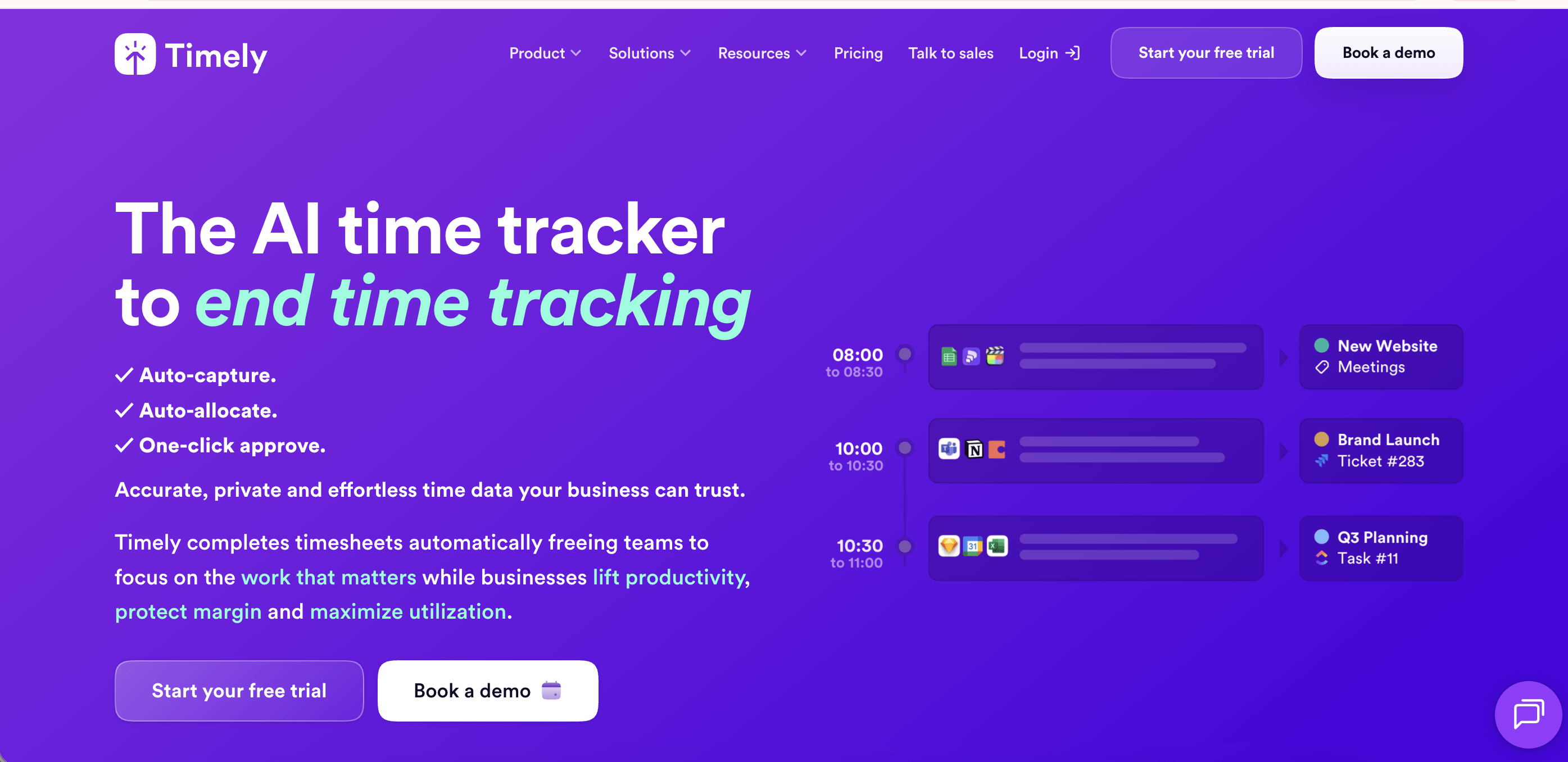
Timely takes a different approach to the automatic capture problem. Instead of logging everything silently, it records background activity across apps and calendar events and then uses AI to draft timesheets for team members to review and approve.
Best for: Knowledge workers and mid-size teams that want the accuracy of automatic capture but prefer a human approval step before hours are confirmed.
Key features:
- AI Memory Tracker records activity across apps, documents, and calendar events in the background
- AI-drafted timesheets that users review and approve before finalising
- Project and client time tracking with budget monitoring
- Team capacity planning and utilisation views
- Integration with Google Calendar, Outlook, Jira, Asana, Slack, and 100+ tools
Pricing (as of June 2026): Starter at $9/user/month (up to 5 users, annual). Premium at $16/user/month (up to 50 users, annual). Unlimited at $22/user/month (unlimited users, annual). Custom plans for enterprise. 14-day free trial available.
Where it wins:
- The AI timesheet drafting approach recovers hours that fully manual tools miss, without the surveillance feel of silent background tracking.
- Strong calendar integration means meeting time is captured automatically alongside app usage.
- The unlimited plan includes capacity management, overtime tracking, and support for 50+ currencies.
Where it falls short:
- Starter plan is capped at five users, which limits testing on larger teams.
- The AI can misclassify tasks, requiring manual correction that somewhat defeats the automation purpose.
- No native invoicing. Billing requires export to a separate finance tool.
- Pricing at scale ($22/user/month for Unlimited) is among the higher in this category.
5. ClickUp: Recommended for teams already using it for project management
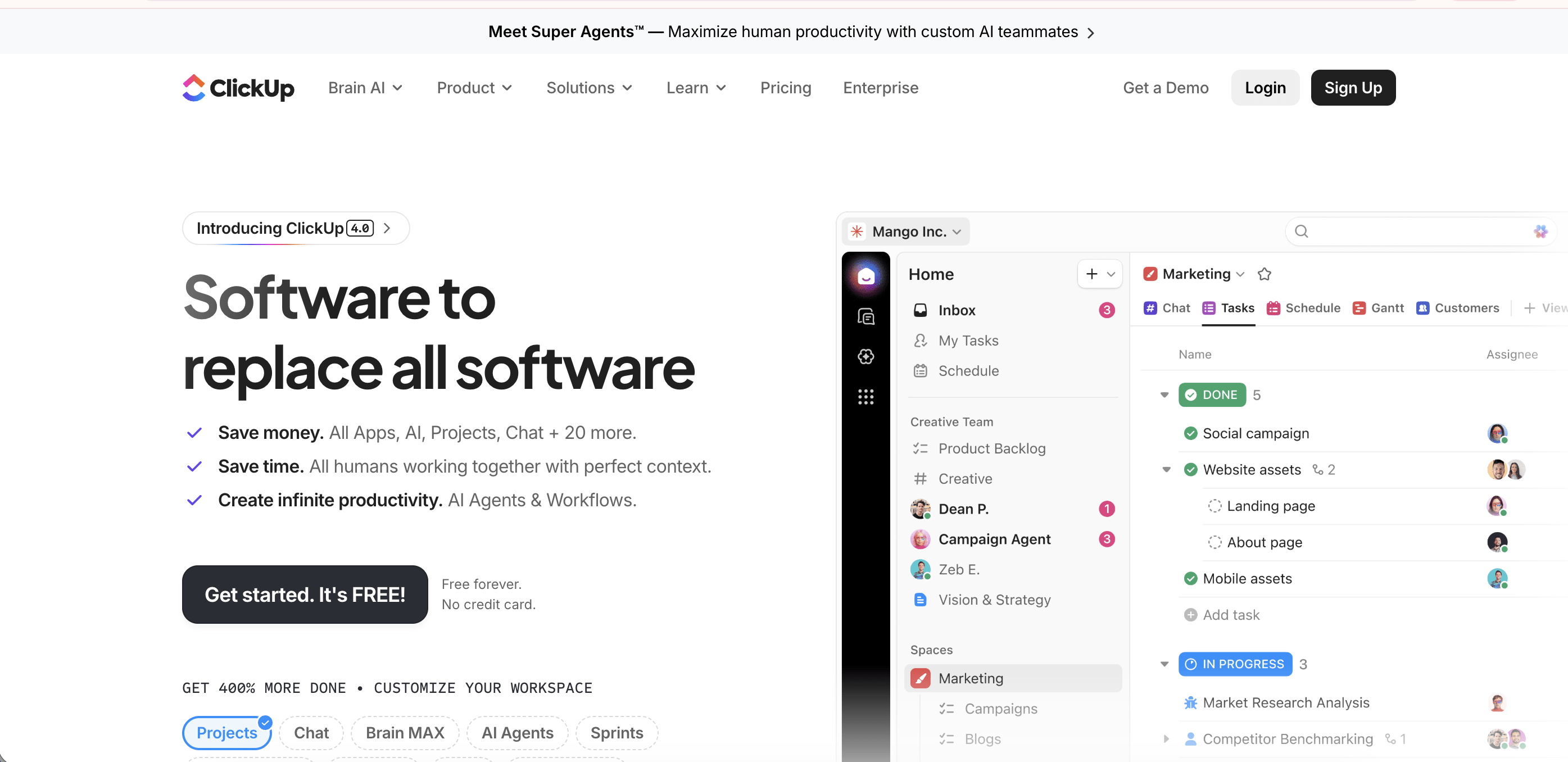
ClickUp is a broad project management platform with native time tracking built in, making it attractive for teams that want to reduce the number of tools they manage.
Best for: Teams already using ClickUp for project management who want time tracking without adding another tool.
Key features:
- Native time tracker with manual and timer-based entry
- Time estimates vs. actuals per task
- Billable time tagging
- Time reporting by user, project, and date range
- Integration with 1,000+ tools including Harvest and Toggl for teams wanting specialised tracking
Pricing (as of June 2026): Free plan available. Unlimited at $7/user/month. Business at $12/user/month. Enterprise pricing on request. Annual billing.
Where it wins:
- If your team lives in ClickUp, staying there for time tracking removes a tool switch.
- Task-level time estimates vs. actuals are genuinely useful for project scoping and delivery conversations.
- The most affordable all-in-one option if project management and time tracking are both required.
Where it falls short:
- Time tracking is a secondary feature, not a primary product. Billing logic is limited.
- No automatic time capture.
- Invoicing is not native on any plan. Integration is required.
- Not the right tool if billing clients for time is the primary use case.
6. Clockify: Recommended as a budget entry point
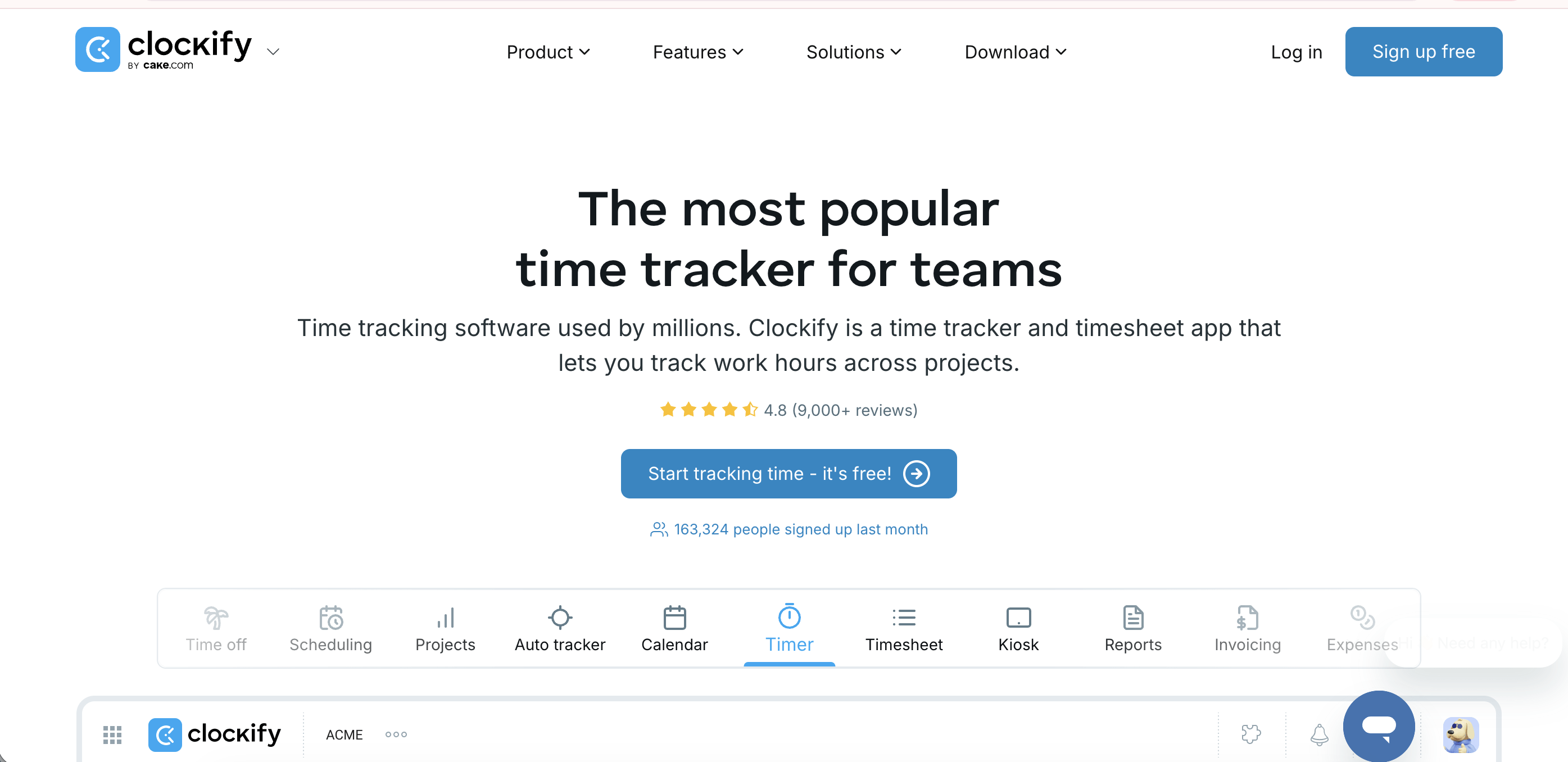
Clockify offers one of the most generous free plans in the category and a strong paid tier at a competitive price.
Best for: Budget-constrained teams and organisations testing structured time tracking for the first time.
Key features:
- Timer, manual, and calendar-based time entry
- Project and client tracking
- Basic reporting and CSV export
- Invoicing available on Standard tier and above
- Screenshots and GPS tracking on Pro tier and above
Pricing (as of June 2026, annual billing): Free plan for up to 5 users (updated from unlimited in April 2026). Basic at $3.99/user/month. Standard at $5.49/user/month (includes invoicing). Pro at $7.99/user/month (includes screenshots, GPS, labour cost). Enterprise at $11.99/user/month.
Where it wins:
- Free plan covers core time tracking for teams of up to five with no seat fee.
- Standard tier at $5.49/user/month is one of the most cost-effective entry points to invoicing in this category.
- No learning curve. Teams are usually up and running within an hour.
Where it falls short:
- Free plan was capped at 5 users in April 2026. Earlier it was unlimited. Teams above that threshold now require a paid plan.
- Entirely manual. No automatic capture on any tier.
- Screenshots and GPS require the $7.99 Pro tier. Activity level tracking is not available on any Clockify plan.
- At higher tiers, value weakens against tools with automatic capture and deeper billing intelligence.
7. Hubstaff: Recommended for remote and distributed teams
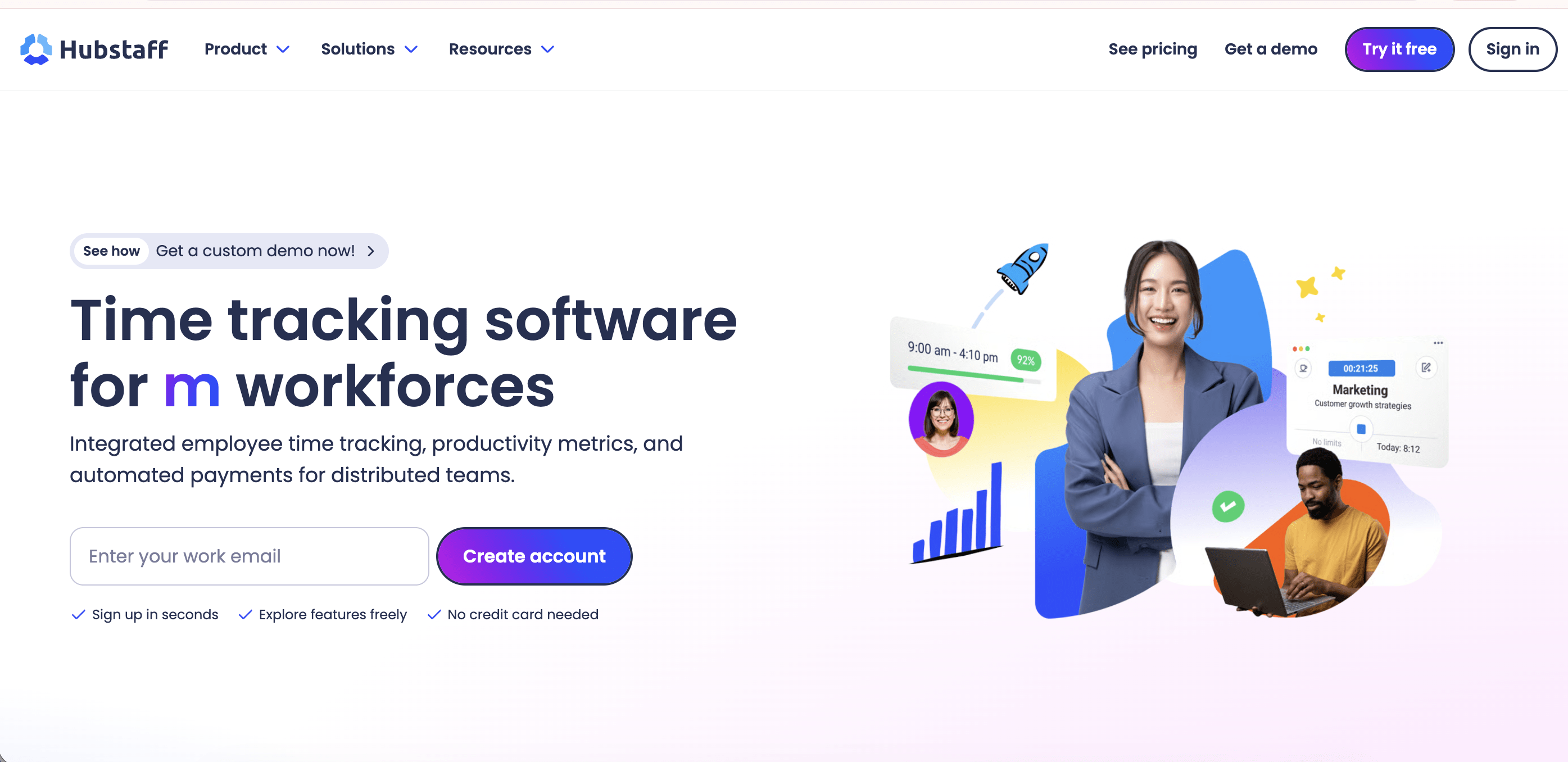
Hubstaff is an employee monitoring and time tracking platform built specifically for managing remote and field teams, with GPS as a first-class feature.
Best for: Distributed teams, remote agencies, and field service businesses that need GPS location tracking alongside project time.
Key features:
- Automatic time tracking with activity level monitoring (keyboard and mouse)
- Screenshot capture with configurable frequency
- GPS location tracking and geofencing for field teams
- Project budgets and billing
- Payroll integrations including Wise, Deel, QuickBooks, and Gusto
Pricing (as of June 2026, annual billing): Starter at $4.99/user/month. Grow at $7.50/user/month. Team at $10/user/month. Enterprise at $25/user/month. Minimum two-seat requirement on paid plans. 14-day free trial available.
Where it wins:
- GPS tracking for field teams is a genuine differentiator no other tool in this list matches.
- Activity monitoring (keyboard and mouse-based) is more mature than most tools in this category.
- Strong global payroll integrations for teams with distributed contractors.
Where it falls short:
- Pricing adds up quickly. GPS tracking, additional screenshots, and advanced insights require paid add-ons on top of plan fees.
- The monitoring-first framing can create friction with employees if not rolled out with a clear transparency policy.
- Invoicing requires higher plan tiers and is less polished than Harvest or Flowace AI.
8. Zoho Projects: Recommended for India-market teams already in the Zoho ecosystem
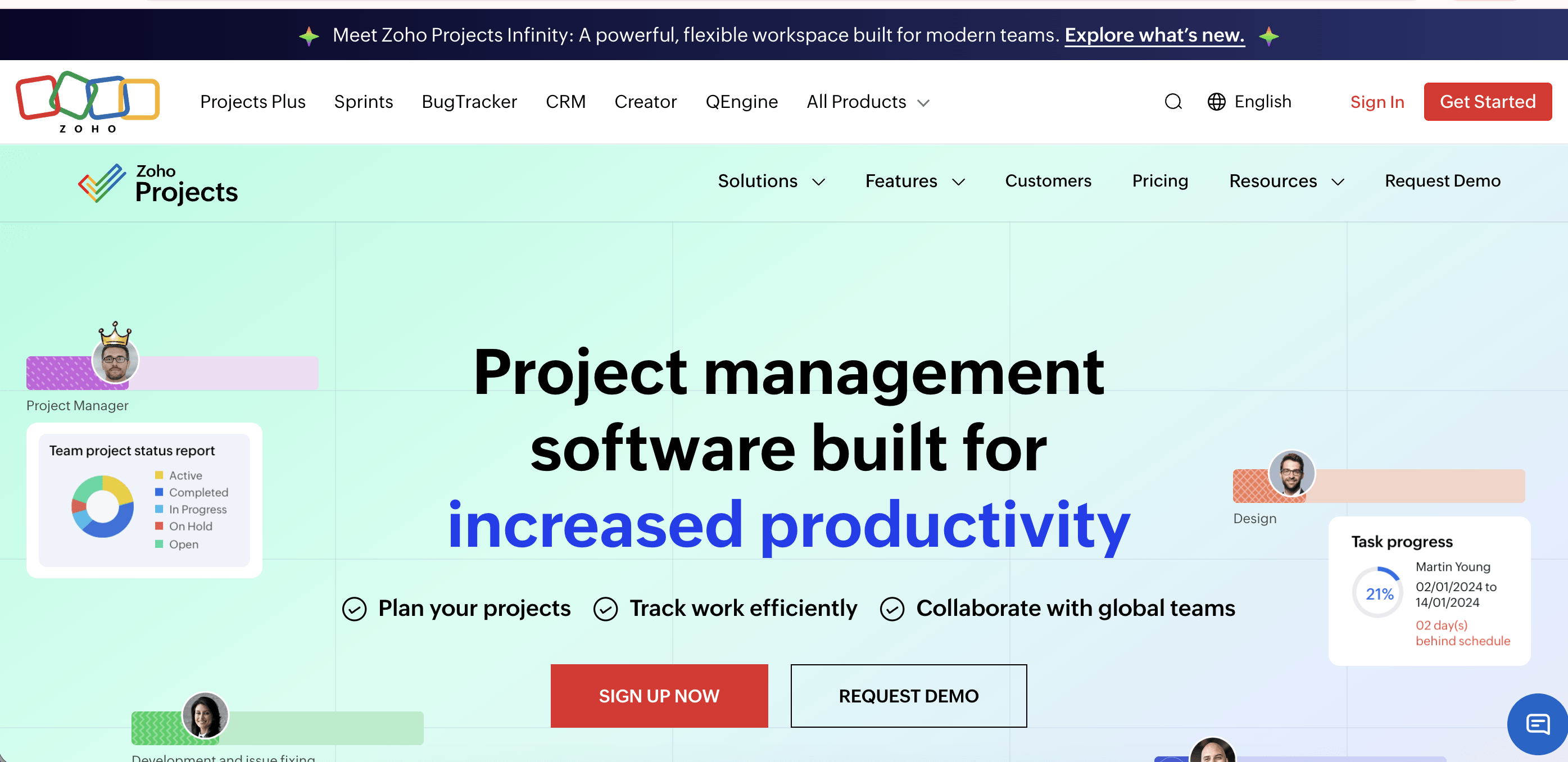
Zoho Projects is a project management tool with built-in time tracking and native integration with Zoho Books and Zoho Invoice, making it a natural fit for teams already running on Zoho.
Best for: Indian SMBs and teams already using Zoho Books, Zoho CRM, or Zoho One who want native time tracking without adding an external tool.
Key features:
- Task-level time logging (timer and manual)
- Billable and non-billable hour classification
- Budget tracking and project cost reports
- Native integration with Zoho Invoice and Zoho Books
- Gantt charts and resource utilisation views
Pricing (as of June 2026, annual billing): Free for up to 3 users and 2 projects. Premium at Rs. 420/user/month. Enterprise at Rs. 1,040/user/month.
Where it wins:
- If your finance team already runs on Zoho Books, time entries flow directly into invoices without an export step.
- INR pricing and India-based support make it practical for Indian teams.
- Free plan is accessible for very small teams testing the Zoho ecosystem.
Where it falls short:
- Time tracking is a supporting feature, not the core product.
- No automatic time capture on any tier.
- Outside the Zoho ecosystem, integrations are limited compared to dedicated tools.
- Reporting depth for billing-heavy use cases is thin relative to Flowace AI or Harvest.
9. Time Champ: Recommended as a direct Flowace AI alternative for Indian market teams
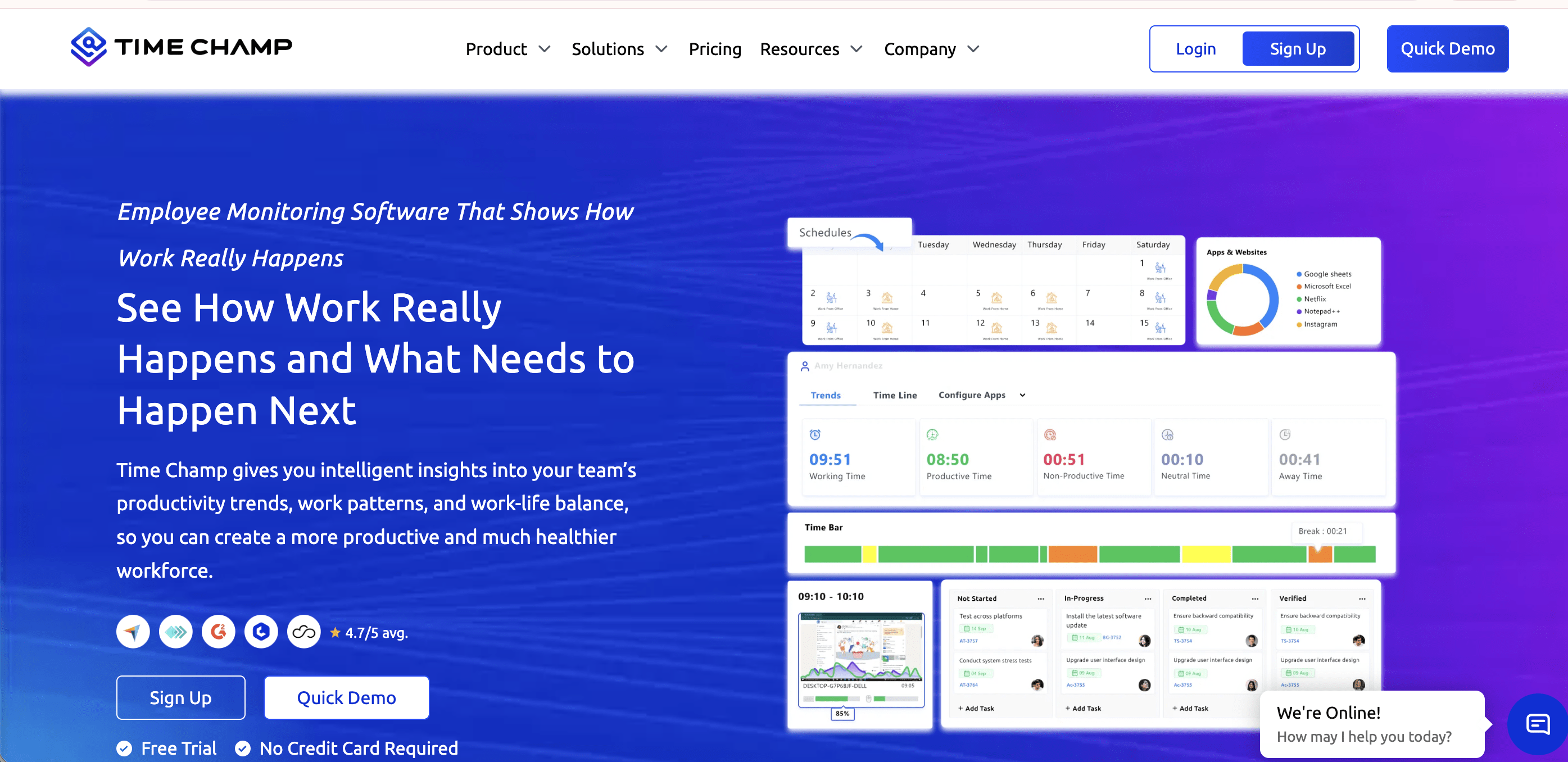
Time Champ is an employee productivity and project time tracking platform with a feature set that closely parallels Flowace AI: automatic time capture, screenshot monitoring, app and URL tracking, and attendance management. It targets the same BPO, IT services, and agency segment in the Indian market.
Best for: Indian market SMBs and mid-size teams looking for Flowace AI-comparable features at a competitive price point.
Key features:
- Automatic time tracking with app and website monitoring
- Screenshot capture at configurable intervals
- Project and task-level time tracking with billable rate support
- Attendance and shift management
- Real-time productivity dashboards and reports
- Integrations with Jira, Asana, Trello, Slack, and Zoho
Pricing (as of June 2026): Starter at $3/user/month (annual). Business at $5/user/month (annual). Free trial available.
Where it wins:
- Among the lowest price points in this category for an automatic-capture tool.
- Feature set comparable to tools priced 2 to 3 times higher for Indian market buyers.
- Strong on attendance and shift management alongside project time tracking.
Where it falls short:
- Smaller customer base and fewer third-party reviews than Flowace AI, Hubstaff, or Clockify, making independent verification of claims harder.
- No ISO 27001 certification as of June 2026, which matters for enterprise and regulated industry clients.
- Invoicing is not native. Billing requires export to a third-party tool.
- Less mature reporting depth compared to Flowace AI at similar tier pricing.
10. ProHance: Recommended for enterprise BPO and IT services operations
ProHance is a workforce analytics and operations enablement platform built for enterprise scale. It combines project time tracking with operational intelligence: real-time activity monitoring, shift planning, capacity forecasting, workflow management, and AI-driven attrition prediction.
Best for: Enterprise BPO, IT services, and shared services teams (200+ employees) that need workforce-level analytics alongside project time tracking, not just billable hours.
Key features:
- Automated time tracking with real-time activity monitoring
- Project and task-level time utilisation analysis
- Omnichannel operations management for BPO environments
- Shift planning, automated work allocation, and capacity forecasting
- AI-powered attrition prediction based on disengagement signals
- Screen recording for remote employees
- Cross-platform support: Windows, macOS, Citrix
- Integration with project management and ERP systems
Pricing: Custom pricing. Contact ProHance directly for a quote.
Where it wins:
- The most complete enterprise workforce intelligence layer in this list, well beyond time tracking alone.
- Citrix and thin-client environment support is critical for large BPO operations and unavailable in most tools in this category.
- Capacity forecasting and AI-driven attrition prediction go significantly further than any other tool here.
- Purpose-built for the BPO and IT services verticals that make up a large share of the Indian enterprise market.
Where it falls short:
- Setup time is 24 to 48 hours with reports available at 72 hours, which is longer than plug-and-play tools like Clockify or Toggl.
- The user interface is functional but dated, with a steep learning curve compared to consumer-grade tools.
- Not suitable for small or mid-size teams. The feature depth and pricing structure are built for enterprise deployment.
- Mobile app is less fully featured than the desktop version.
How to choose the right project time tracking software
Choosing the right tool comes down to four questions. Work through them in order and you will land on a short list of two or three options rather than ten.
- What is your billing model?
If you bill by the hour, you need a tool with native billable rate configuration and ideally native invoicing. If you bill on fixed-price projects but need internal visibility into utilisation, a lighter tool with manual tracking may be sufficient. - How reliable is your team’s manual time tracking?
Be honest here. If people consistently forget to log time, or if logging happens in bulk at end-of-week, your data is already inaccurate before it reaches an invoice. Tools with automatic capture (Flowace AI, Hubstaff, Timely, ProHance) solve this structurally. Tools without it (Toggl, Harvest, ClickUp) require discipline at scale. - Do you need invoicing built in, or do you have a finance tool?
If you invoice directly from the platform, you need Harvest, Flowace AI (Premium tier), or Zoho Projects (paired with Zoho Books). If your finance team uses QuickBooks or Xero, export-based tools like Toggl or Clockify connect via integration. - What is your team size and growth trajectory?
Free tiers break at scale, on seats, on features, or on both. Map your 12-month headcount against the pricing tiers before you commit. The cheapest option at five users may not be the cheapest option at 30.
Flowace AI surfaces the gap between tracked and actual billable hours automatically.
See what that looks like on a 10-person agency team
When does free project time trackers fall short
The free tiers from Toggl and Clockify are real and genuinely useful for solo operators or very small teams. But they have structural limits that matter for billing-dependent operations. Here are some limitations to kep in mind if you are opting for free project time tracking software.
- Seat caps or feature caps: Toggl’s and Clockify’s free plan caps at five users. Above that threshold, both require a paid plan.
- No invoicing: Both free tiers require you to export data and generate invoices in a separate tool.
- No audit trail: Free tools typically lack the tamper-proof activity logs that matter when a client disputes an invoice. A CSV export from a manual timer is not a satisfying answer to “prove your team spent 40 hours on this.”
- No automatic capture: Manual timers require someone to start and stop them correctly, every time, for every project switch.
For teams whose revenue depends on billing accuracy, the cost of a paid tool is almost always smaller than the cost of systematically undercaptured time.
Use cases: who needs project time tracking software most?
Different team types have different requirements from a project time tracking tool.
Here are some different use cases teams use them for.
Project time tracking for agencies
Agencies face a specific billing challenge. For agencies work is distributed across multiple clients, multiple projects, and multiple team members simultaneously, and every hour either belongs to a client retainer or represents scope creep that should be billed separately.
- Need automatic capture across projects without requiring account managers or designers to manually switch timers
- Need client-facing reports that show where retainer hours went without requiring manual compilation
- Need a defensible paper trail when a client disputes hours on a deliverable
- Need invoicing that reflects actual work, not estimated time
Best fit:
- Flowace AI AI for automatic capture, precision logs, and invoicing.
- Harvest for smaller agencies where simplicity and clean invoicing matter more than automation depth.
Project time tracking for IT services teams
IT services teams track time at the SOW level. For them hours are committed in a statement of work, actuals need to be tracked against those commitments, and any overage needs either a change order or a margin conversation.
- Need task-level time capture with enough granularity to show a client which work items consumed which hours
- Need sprint or milestone-level grouping for structured delivery reporting
- Need tamper-proof logs for client billing disputes and compliance
- Need integration with project management tools like Jira and Asana
Best fit:
- Flowace AI for automatic capture and audit-ready logs.
- ProHance for larger IT services operations that need workforce analytics alongside project tracking.
- Hubstaff for distributed development teams.
Project time tracking for consultants
Solo and small-team consultants have different priorities from agencies. They want simplicity, low cost, and an invoicing flow that does not require a finance team to operate.
- Need a timer that is fast to start and stop with minimal friction
- Need clean client-facing reports without manual formatting
- Need invoicing that goes out quickly, ideally from within the same tool
- Do not need workforce-level analytics or team monitoring features
Best fit:
- Harvest for clean invoicing from within the tool.
- Toggl Track for consultants who prefer to invoice in QuickBooks or FreshBooks and just need accurate time records.
Project time tracking for small businesses
Small businesses typically need time tracking for two purposes: understanding where internal capacity is going and, where applicable, billing clients for time.
- Need a tool that is easy to set up without a dedicated operations team
- Need a pricing model that does not penalise small headcount
- Need basic project organisation without enterprise-level complexity
- May outgrow a free plan quickly once invoicing becomes a requirement
Best fit:
- Clockify free plan for internal visibility with no budget.
- Flowace AI Standard or Clockify Standard for small businesses that need invoicing and are ready for a paid plan.
Stop estimating. Start billing what you actually worked for.
If your team bills by the hour, the gap between the time your team actually worked and the time that makes it onto an invoice is real revenue leaving your business. Most project time tracking tools still rely on someone remembering to start a timer. Flowace AI closes the gap automatically, capturing every billable hour from the moment work begins, with the audit trail to back it up.
Start your 7-day free trial. No credit card required
Frequently asked questions
1. What is the best software for time tracking on projects?
The best project time tracking software depends on your billing model and team size. For agencies and IT teams that need automatic capture and invoicing, Flowace AI and Harvest are the strongest options. For small teams on a budget, Clockify’s free plan or Toggl Track’s free tier are reasonable starting points. The single most important factor is whether the tool captures time automatically or requires manual timer management, since manual tracking consistently underreports billable hours at scale.
2. What is project time tracking software?
Project time tracking software records how employee time is distributed across specific projects, tasks, and clients and connects that data to billing. Unlike a general time tracker, it organises entries within a client-project-task hierarchy, applies billable rates, and generates reports or invoices that reflect actual work performed.
3. Does project management software include time tracking?
Some project management software includes time tracking as a secondary feature. ClickUp and Zoho Projects are examples. However, time tracking in project management tools is typically manual, has limited billing logic, and lacks invoicing. For teams that bill by the hour, a dedicated project time tracking tool handles the billing relationship more accurately than a PM tool’s time tracking module.
4. How do I track time for a project?
The most reliable approach is to use a tool with automatic time capture that assigns time to the correct project without requiring manual input. If you are using a manual-timer tool, the discipline is: start the timer when you start the task, stop it when you switch, and review entries weekly before approval. Manual tracking at end-of-week from memory consistently underreports billable hours.
5. What is the most accurate time tracking software?
Accuracy in project time tracking comes from two things: automatic capture so hours are not lost to forgotten timers, and granular logging so the data reflects actual work rather than approximations. Flowace AI tracks time at 1-second precision with automatic capture from laptop-open, which means the record of billable hours reflects what actually happened rather than what someone reconstructed after the fact.
6. Is there a free project time tracker?
Yes. Clockify offers a free plan for up to 5 users (updated in April 2026). Toggl Track’s free plan works for teams of up to five users as well. Both free tiers have significant limitations: no native invoicing, no automatic capture, and limited billing rate management. For teams billing clients, the paid tiers of either tool or a dedicated billing-first tool like Harvest or Flowace AI will recover more than their cost in recaptured billable hours.
7. What is the difference between project tracking and time tracking?
Project tracking monitors progress against a project plan: milestones, task completion, deadlines, resource allocation. Time tracking records how actual hours are spent. Project time tracking software combines both: it tracks time at the task level within a project structure, enabling both progress visibility and billing accuracy. The distinction matters when choosing tools. A project management tool optimises for coordination. A time tracking tool optimises for billing.